Explore the Magiclight AI Album Cover Generator Features
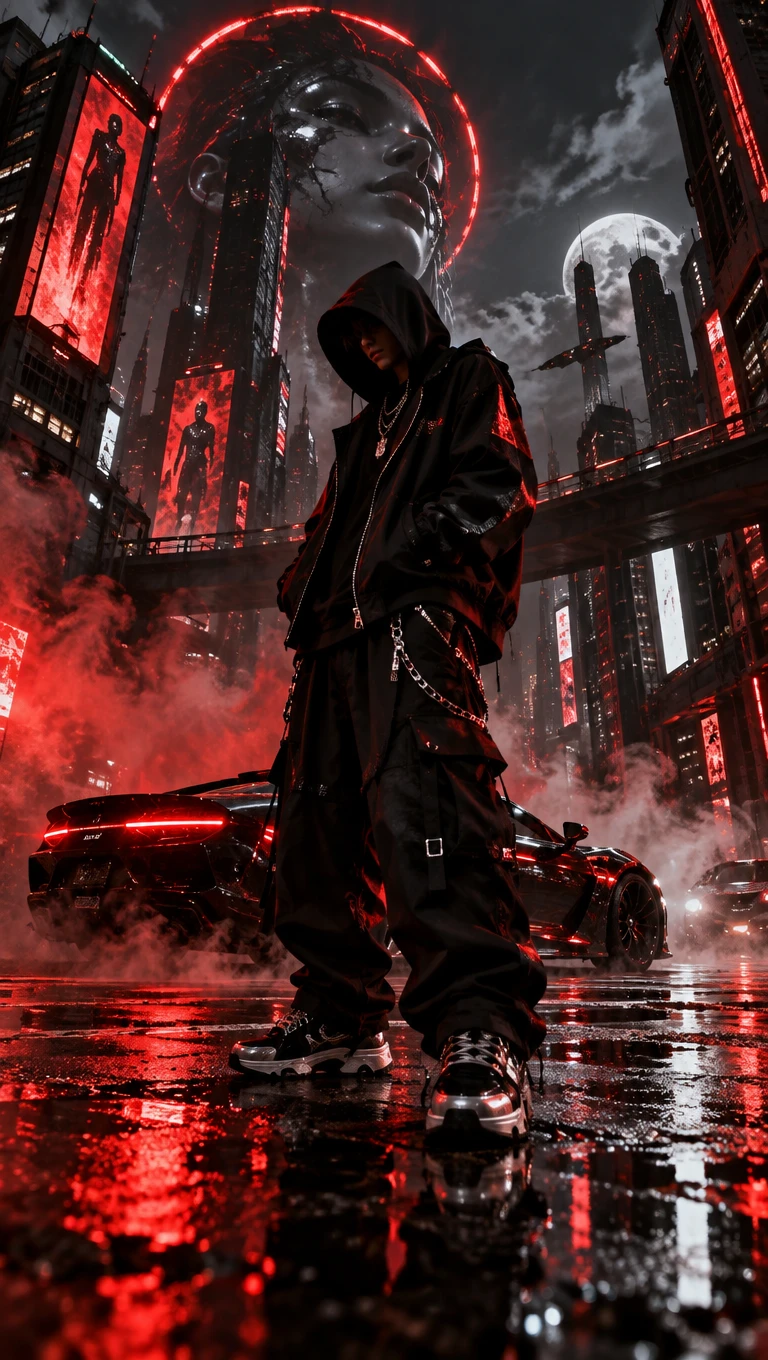
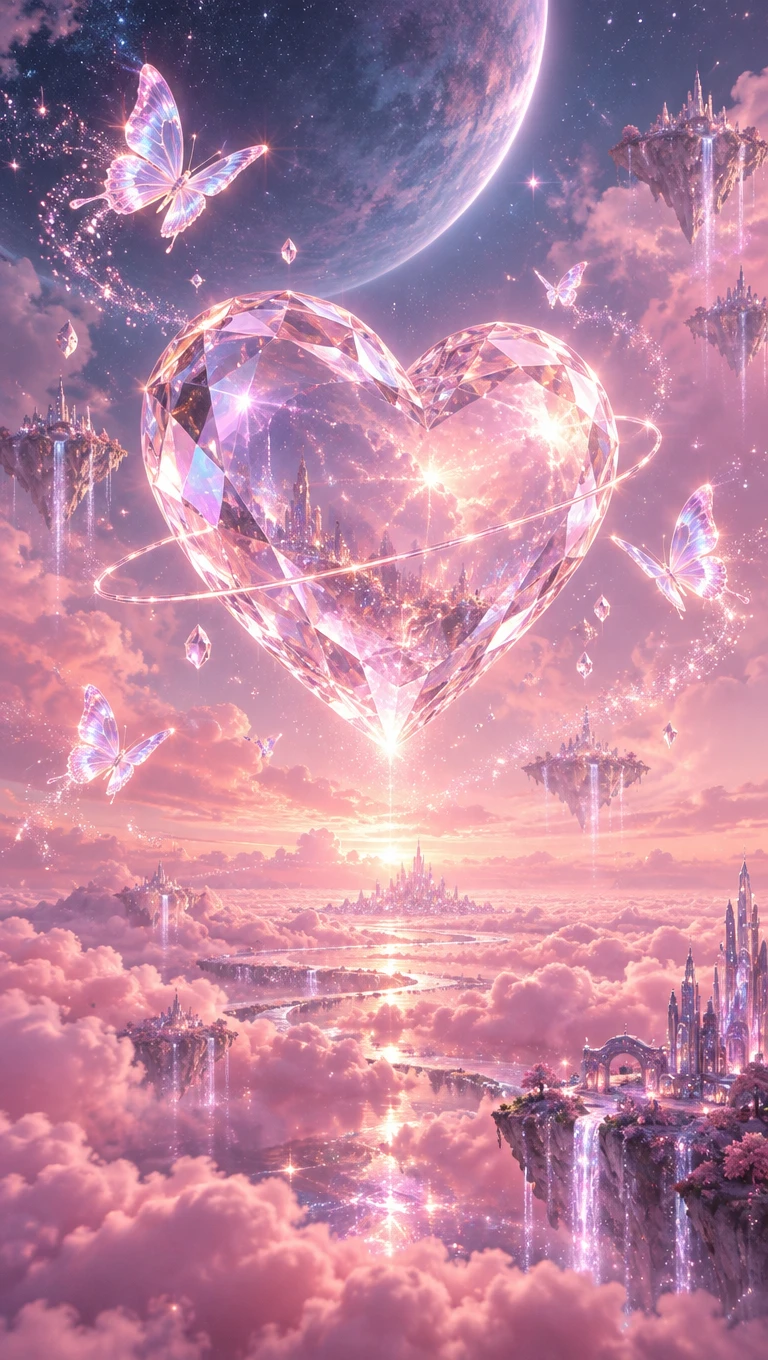
Your album cover should give listeners a sense of your music before they press play. Magiclight AI album cover generator helps you create artwork that suits your release.
Create custom album covers with MagicLight AI. Describe the style, mood, and visual elements you want, then turn your ideas into artwork that matches your music. No design experience needed.
Create an AI Album Cover for Free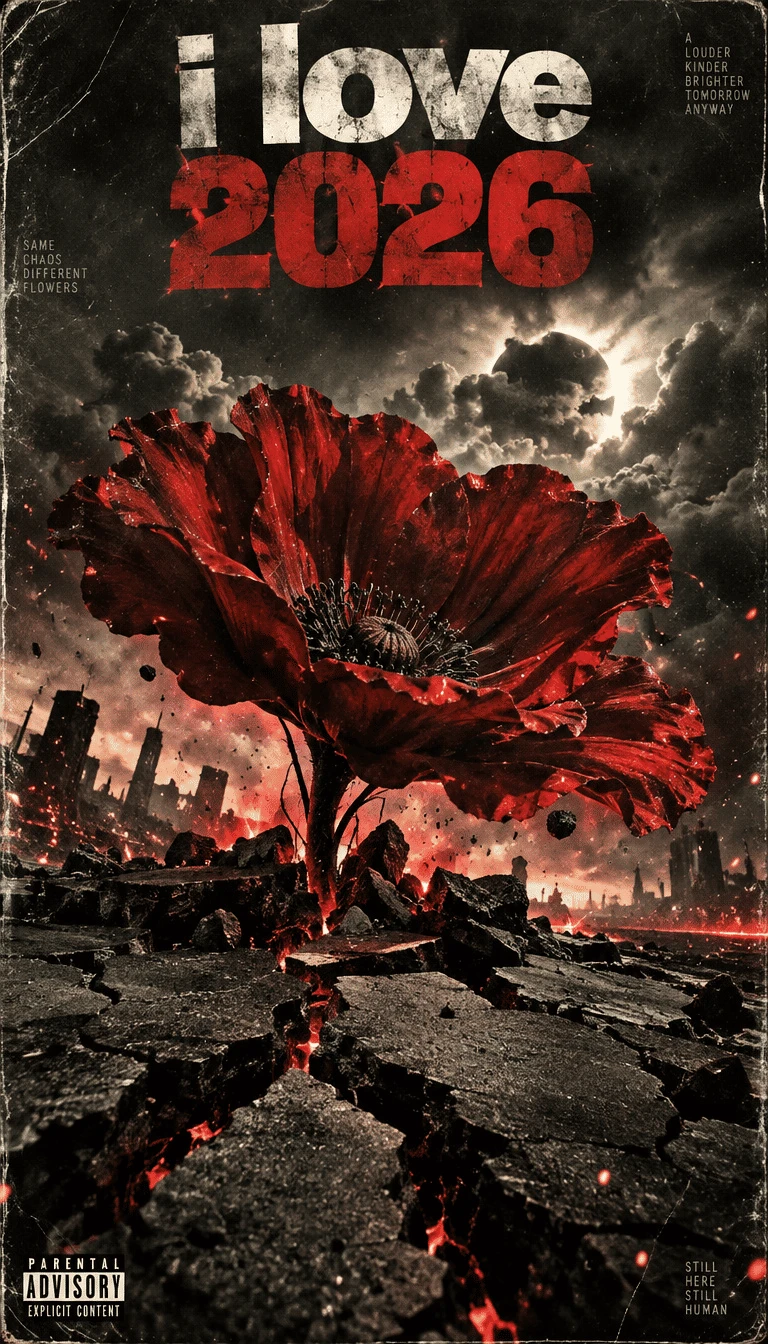
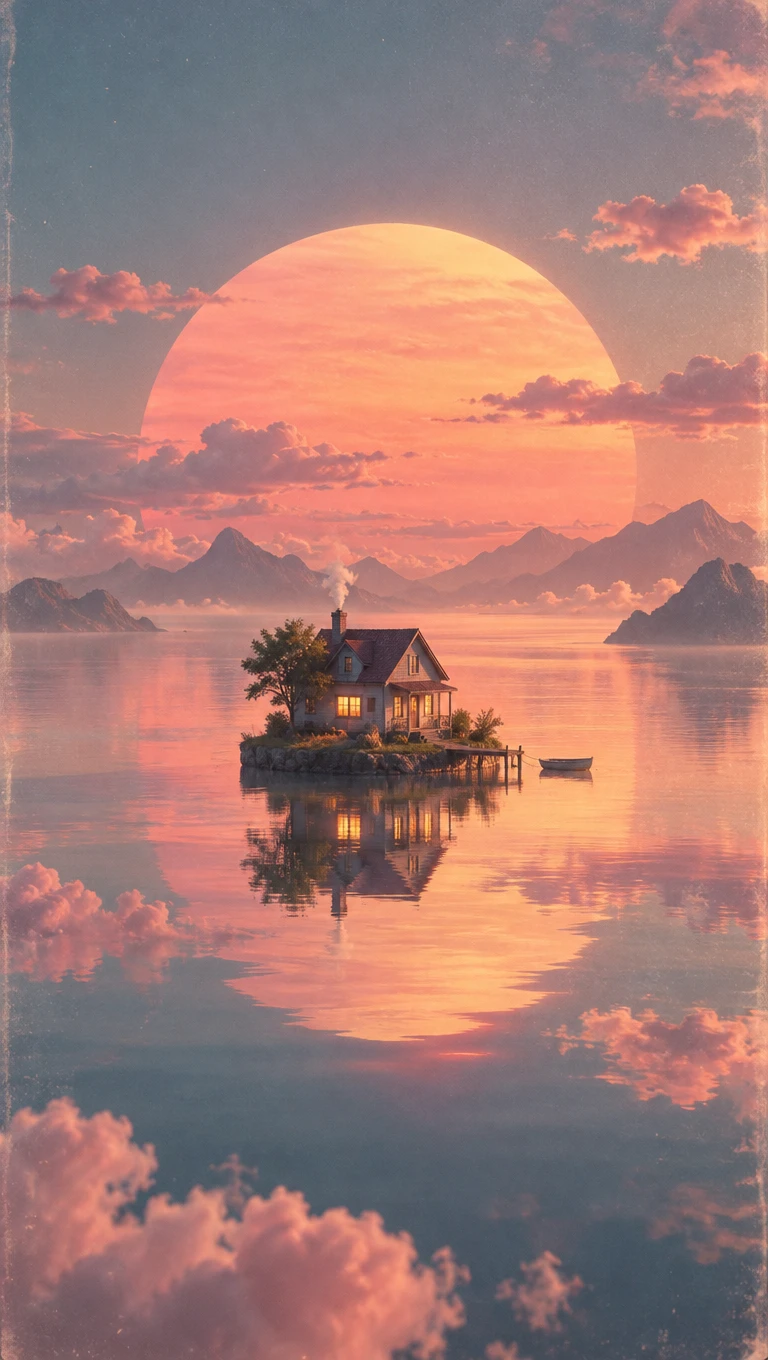
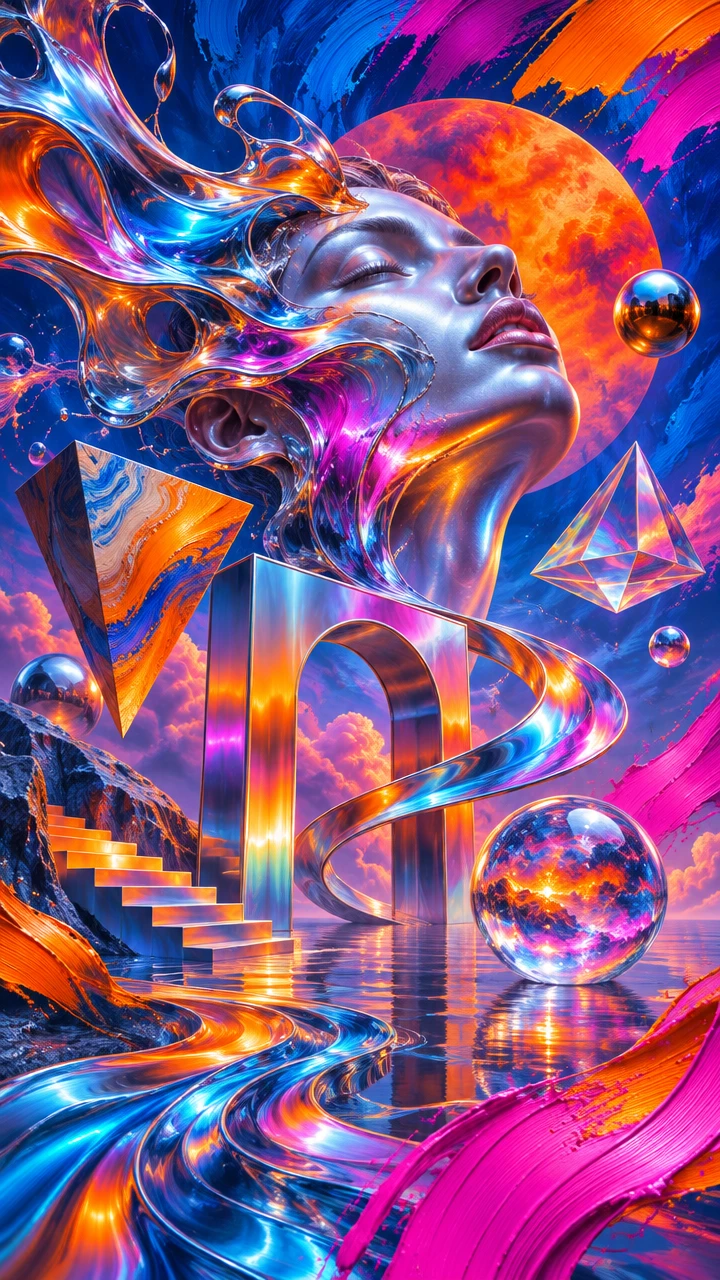
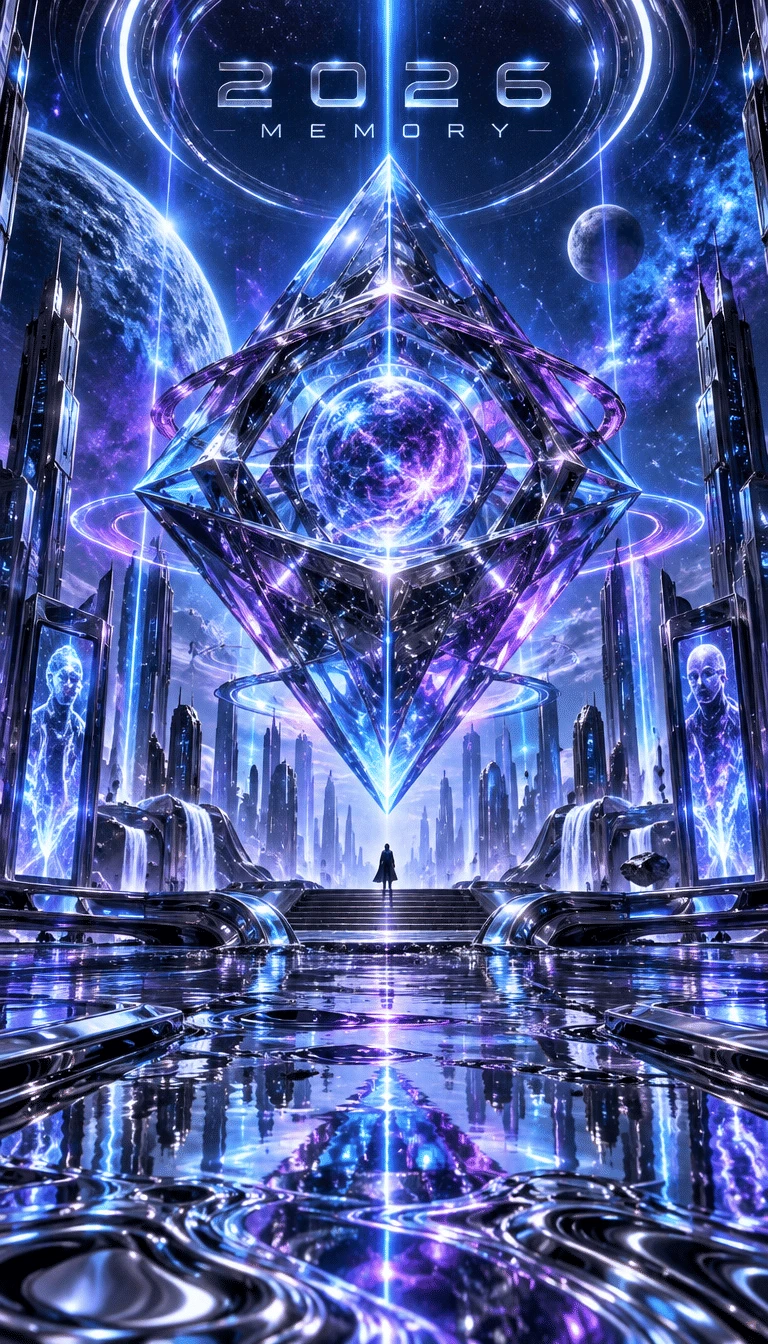
Your album cover should give listeners a sense of your music before they press play. Magiclight AI album cover generator helps you create artwork that suits your release.
Choose the 1:1 ratio to make square artwork for your next single. Magiclight AI helps you create covers that fit the familiar square format used on music streaming platforms.
Describe your album cover in a prompt of 500 characters. Tell Magiclight AI about the scene you picture and the feeling of your song to help it create artwork that suits your music.
Magiclight AI gives you 6 image models to try for your album artwork. Choose GPT Image 2.5 Flare or Seedream 5.0 Pro to see which one suits the look you want for your release.
Use Text to Image to make a cover from your own description. Reference Image to Image lets you work with a band photo and guide the appearance of your next music release.


A personal photo might be all you need to get started. Use the AI album cover generator in Magiclight AI to prepare your next music cover in 4 steps without drawing anything.
Find the Image tab under Toolbox. Text to Image works for a cover based on words alone. If you have a band photo in mind, choose Reference Image to Image and upload it.
Think about what someone should feel when they see your cover. Use the 500 character prompt to describe that feeling through a scene, such as an empty street after midnight.
There are 6 image models to choose from in Magiclight AI. Set the aspect ratio to 1:1 for square album artwork, then decide how many cover variations you want to see.
Select Create Image and check the results. One version might suit your song better than the others. Download your favorite, or change the prompt if the artwork needs another try.
Most streaming platforms require square album artwork. Choose the 1:1 aspect ratio in Magiclight AI and check your distributor's guidelines for the required pixel dimensions.
Yes. Open Reference Image to Image and upload your band photo. You can add 10 reference images to guide the artwork and help Magiclight AI follow the appearance you want.
The AI album cover generator in Magiclight AI turns your description into artwork. Enter a prompt of 500 characters, choose from 6 image models, and generate your cover.
Yes. Visit the Audio tab and select Text to Audio to create music with Suno or Seed 1.0. You can work on your song and its cover artwork within the same Magiclight AI platform.
Magiclight AI accepts JPG, JPEG, PNG and WEBP images for album cover references. Each file can be 20MB, giving you room to use photos from your latest recording session.
Yes. Magiclight AI gives new users starter credits without requiring a credit card. You can try different image models, though the credit cost depends on the model you select.



Give your next single or album a cover that feels right. Create original artwork with Magiclight AI and get your release ready to share.