MagicLight Agent for Detailed Animation Scenes
Enter your story idea and let MagicLight Agent develop the scene descriptions. Use Expand Prompt to add visual details or Smart Write to refine the script before generating your animation.
Create Now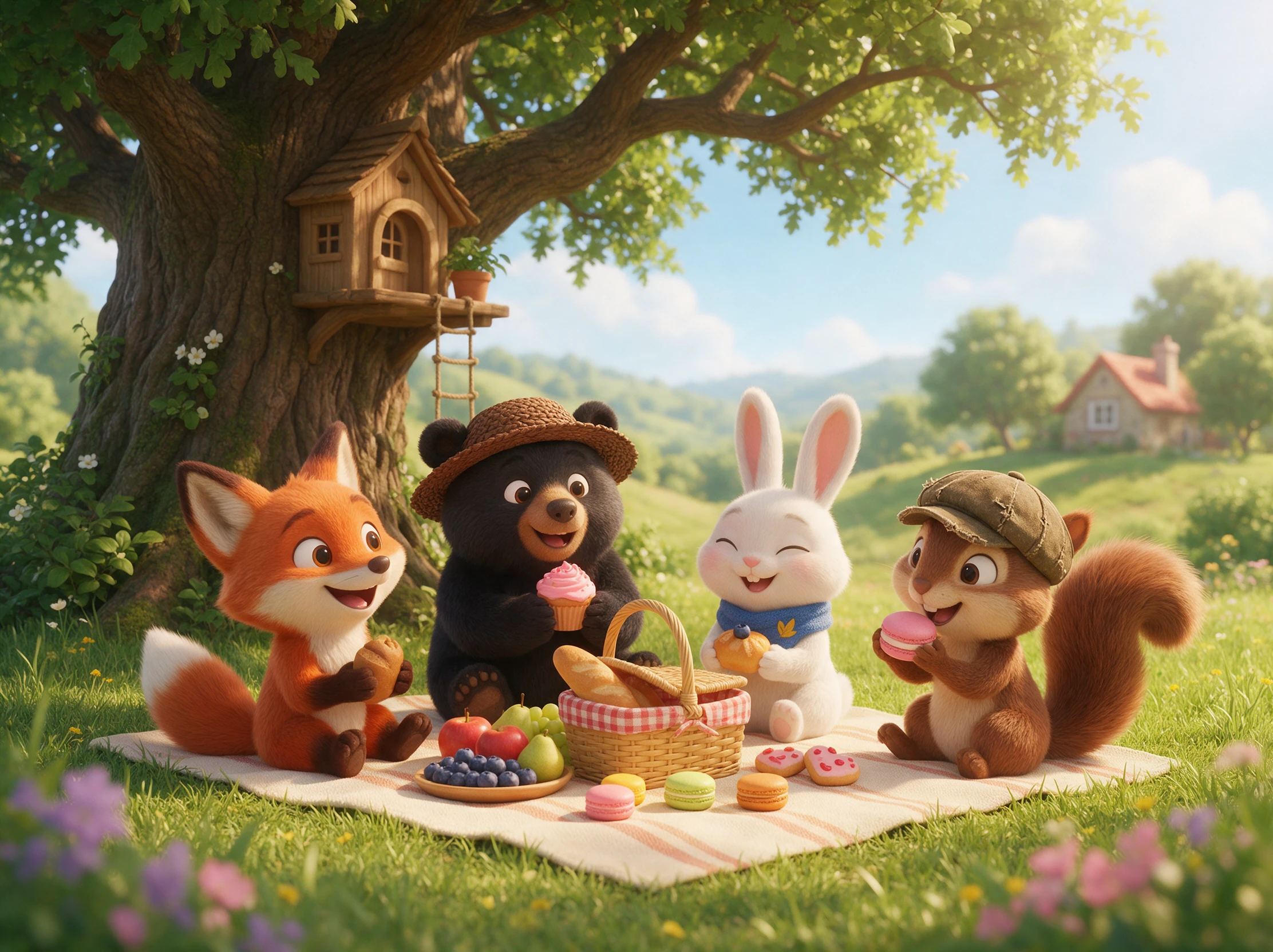

Turn your ideas into animated videos with MagicLight AI. Create engaging stories with customized characters, expressive movements, and colorful scenes. No animation or video editing skills needed.
Create Animation Videos With AI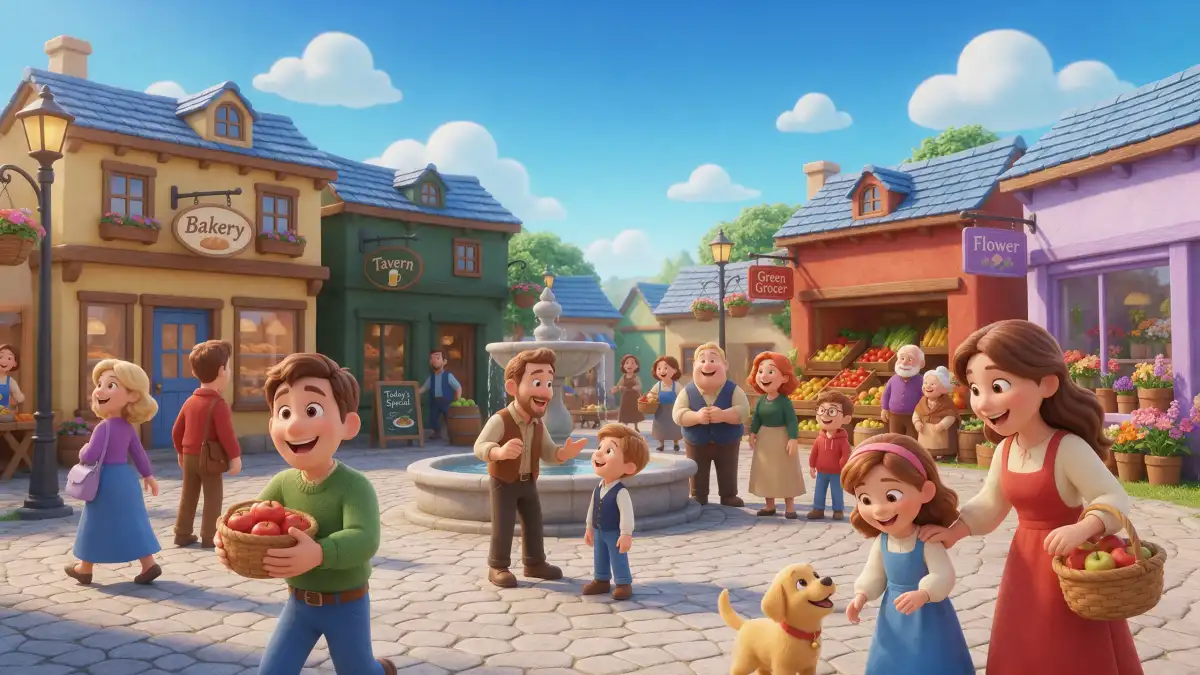










A playful cartoon needs different visuals from a dramatic animated adventure. The Magiclight AI animation video generator helps develop these stories with customizable scenes, character designs, and narration.
Enter your story idea and let MagicLight Agent develop the scene descriptions. Use Expand Prompt to add visual details or Smart Write to refine the script before generating your animation.
Create NowCreate animated videos lasting up to 50 minutes with supported Magiclight AI plans. Develop longer adventures, educational stories, or complete cartoon episodes with multiple characters and connected scenes.
Generate Story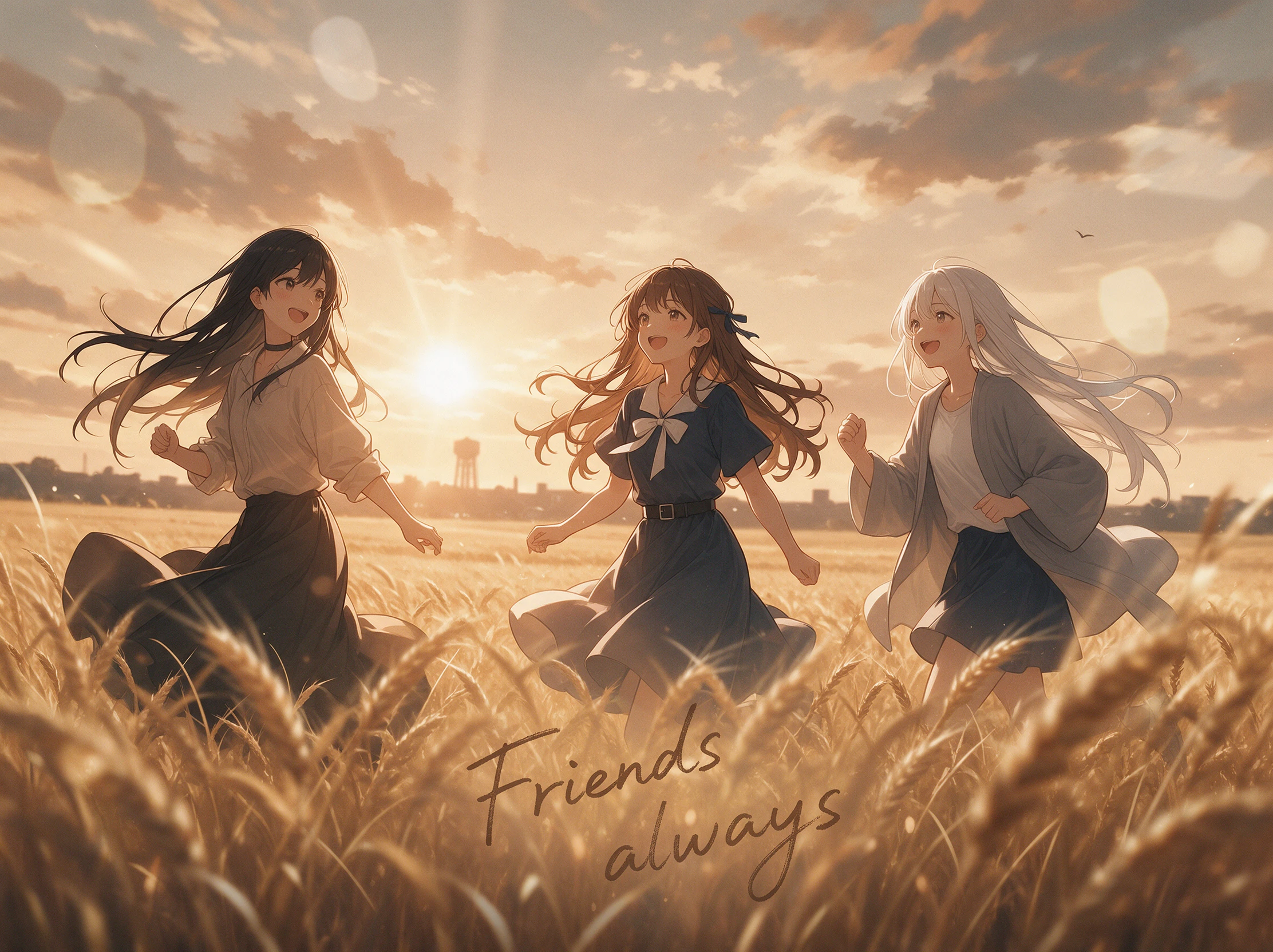
Explore over 52 visual styles in Magiclight AI to match your animated story. Choose Comics for hand-drawn scenes, Picture Books for colorful children's stories, or 3D Cartoon for characters with a rounded appearance.
Generate a Story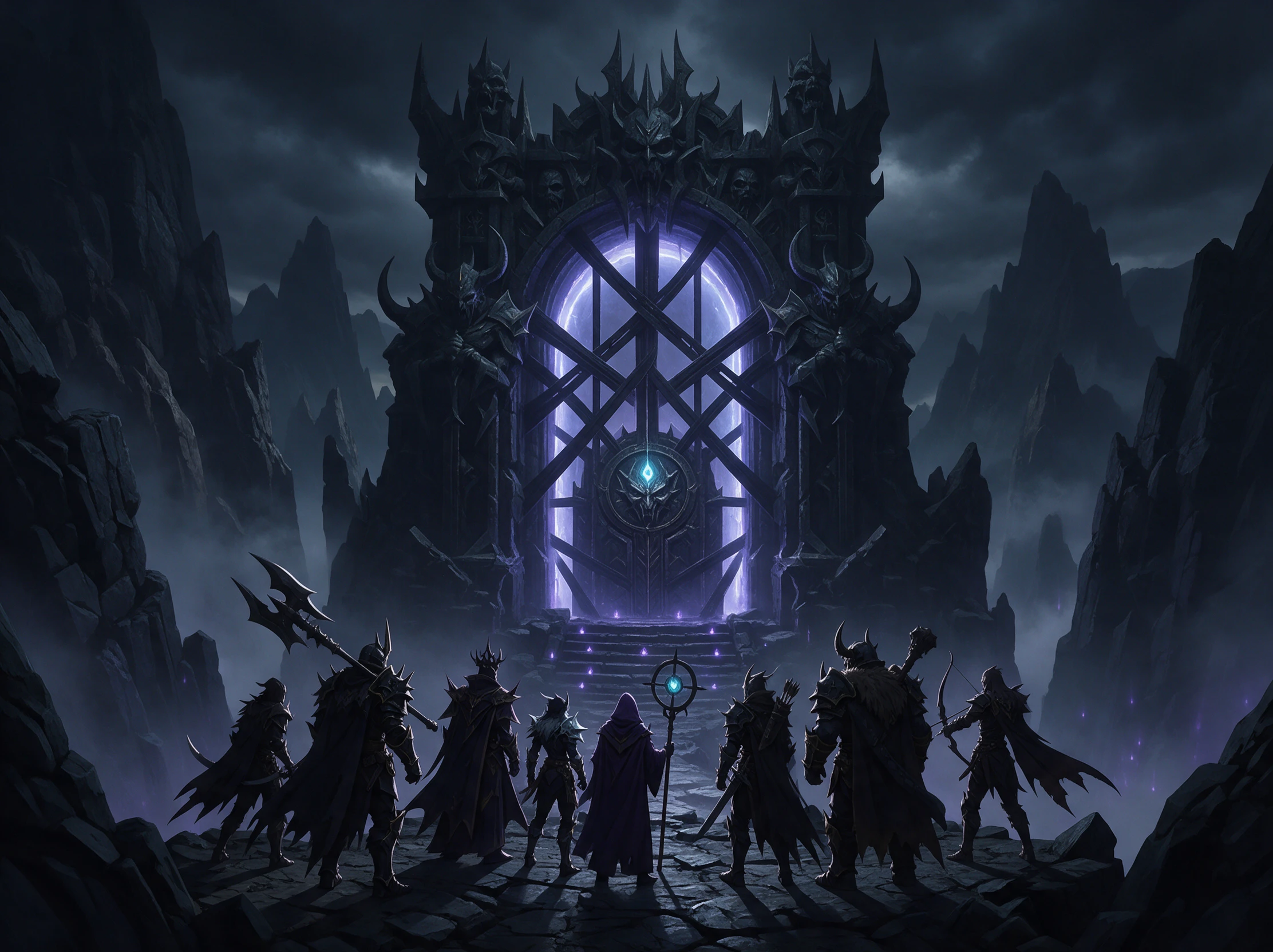
Choose from 37 voice options in Magiclight AI to give your characters distinct personalities. Select a cheerful voice for a cartoon hero or a deeper tone for a villain. Create narration in supported languages.
Start Creating


Turn your story ideas into animated videos with Magiclight AI animation video generator. Describe your plot, customize the characters, and choose your animation. Follow these 4 steps to create your video.
Open Story to Video in Magiclight AI. Describe your animation idea or paste a script of up to 12,000 characters. Let MagicLight Agent develop the storyline and scenes.
Select from 50+ visual styles, such as 3D Cartoon or Comics. Set the video language, aspect ratio, and duration. Choose characters from the Character Library or create new ones.
Open Nano Storyboard to review the generated scenes. Adjust character poses, expressions, and camera angles. Use Animate One for selected scenes or Animate All to animate the entire sequence.
Assign AI voices to your characters and select background music and subtitles. Generate your animated video, review the result, and download the finished MP4.
Teacher
I built a short science lesson with the Picture Book style and narrated it in Spanish across Magiclight AI. The students stayed focused, and the subtitles helped everyone follow along.
YouTuber
I reuse one saved cast in every episode in Magiclight AI and press Animate All first. Then I fix the weak shots with Animate One, and my viewers recognize the faces.
Illustrator
I uploaded 8 of my drawings and Magiclight AI wrote the style for me. I tested it on a few sample prompts before using it for a whole short.
Filmmaker
I turned concept frames into a style and animated a 1-minute test for a client. Showing two versions of the scene made the first meeting easy across Magiclight AI.
Yes, because the styles range from flat looks such as Comic and Picture Book to rounded looks such as 3D Cartoon and 3D Cute. Pick the style before any shot is drawn and test it on a sample prompt first. The Magiclight AI animation video generator always delivers a finished video file.
Only newer styles do because Lip Sync works with styles newer than version 2.0. Version 2.0 styles and older ones do not support it. Pick a current style before you cast characters who speak on camera.
Yes. You can use your AI-generated animation videos for YouTube content, social media posts, and advertising campaigns. Create engaging animated videos to share your ideas, promote your brand, or connect with your audience.
Yes, upload your sketches or illustrations using Reference Image to Image in Magiclight AI. Refine the generated artwork and use Image to Video to add character movements and bring your illustrations to life.
Magiclight AI helps maintain character consistency through its Character Library. Create and save your animated characters to reuse them across different scenes. You can also use Series Mode to develop multiple animated episodes featuring the same cast.



You can start a pilot episode tonight with only a few sentences and a few images. Try the Magiclight AI animation video generator and fix the first draft shot by shot.