








Hero background

Cartoon Movie Creator

Bring your cartoon movie ideas to life with Magiclight AI Cartoon Movie Creator. Enter your story, design the main characters, and choose voices for their dialogue. No design experience needed.

Create a Cartoon Movie for Free
Story Grid 1
Nano Banana
Google VEO 3
Sora 2
Gemini
Hailuo
Kling
Midjourney
Qwen
Seedance
Wan
Nano Banana
Google VEO 3
Sora 2
Gemini
Hailuo
Kling
Midjourney
Qwen
Seedance
Wan

Top Features of theMagiclight AI Cartoon Movie Creator

A cartoon adventure needs expressive characters, engaging dialogue, and scenes that follow the story. Magiclight AI helps bring these elements together in one animated film.

MagicLight Agent for Cartoon Movie Scripts

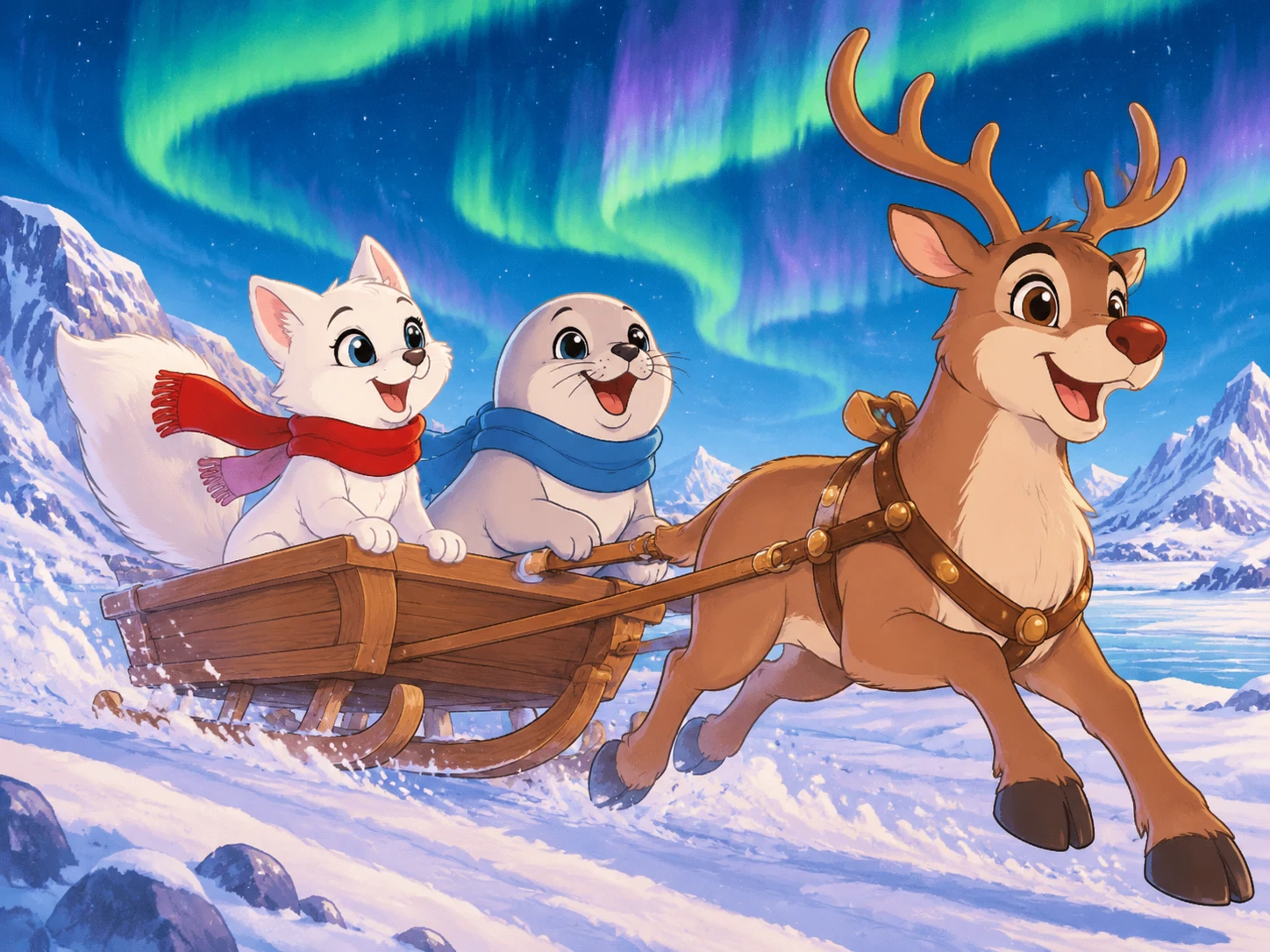
Enter your story or script in Magiclight AI and let MagicLight Agent organize it into scenes. Review the suggested storyline, adjust character interactions, and refine the dialogue before creating your animated movie.

Create a Cartoon Movie for Free
MagicLight Agent for cartoon movie script writing

Up to 50 Minutes for Animated Movies

Create cartoon movies lasting up to 50 minutes with supported Magiclight AI plans. Develop longer adventures, fantasy stories, or family films with multiple scenes and characters without splitting the story into separate videos.

Create a Cartoon Movie for Free
Long animated cartoon movie creation

1,000 Characters for Custom Cartoon Characters

Describe your character's hairstyle, clothing, facial features, and personality in up to 1,000 characters. Save the finished design in Magiclight AI's Character Library to reuse familiar characters across different scenes.

Create a Cartoon Movie for Free

Custom cartoon character prompt generation

37 AI Voices for Cartoon Movie Characters

Choose from 37 voice options in Magiclight AI to give each cartoon character a distinct sound. Preview different voices for heroes, villains, or narrators, and select the ones that suit their roles.

Create a Cartoon Movie for Free

AI voice selection for cartoon characters
Who Can Use the Magiclight AI Cartoon Movie Creator
Turn a picture book into a feature or star the family in a film, and the cartoon movie creator handles it. Magiclight AI helps families, independent creators, teachers, and storytellers bring their movie ideas to life.
Here are some of the use cases for Magiclight AI Cartoon Movie Creator:
Cartoon movie for family movie nights
For Movie Nights
Use 37 AI voices to give the narrator a bedtime-story tone.
Use any of the 16 subtitle styles so every viewer can read along.
Pick a visual style of the 52 options to keep every scene matching.
Indie animator long form cartoon creation
For Indie Animators
Set the duration up to 50 minutes for creating long-form content.
Animate only the chase and the finale using 16 animation models.
Reuse saved characters from your library in every episode.
Cartoon movie school project
For School Projects
Choose any of the 11 narration languages in the Story to Video settings.
Check each scene in the scene breakdown across Nano Storyboard.
Write a 1,000-character character prompt for each group’s hero.
Animated film pitch teaser
For Animated Film Pitches
Set the 16:9 aspect ratio so the teaser fits a pitch deck.
Add Lip Sync to the lead’s close-up so the hero speaks.
Choose a background music track among the 40 options to set the tone.

 How to Use the Magiclight AI Cartoon Movie Creator

Turn your story into an animated film with Magiclight AI cartoon movie creator. Develop your script, customize characters, and bring scenes to life. Follow these 4 steps to create your cartoon movie.

1.

Step 1. Enter Your Cartoon Movie Script

Open Story to Video in Magiclight AI and enter your script of up to 12,000 characters. Alternatively, describe your plot to MagicLight Agent. Choose the video language, visual style, and duration.

2.

Step 2. Create and Customize Your Characters

Select characters from the Character Library or create new ones using descriptions of up to 1,000 characters. Customize their appearance and assign characters to their roles in the story.

3.

Step 3. Review and Edit the Cartoon Scenes

Open Nano Storyboard to review the generated scenes. Adjust character poses, expressions, and camera angles where needed. Check the scene order before proceeding to animation.

4.

Step 4. Add Voices and Generate Your Movie

Assign AI voices to your characters and select background music and subtitles. Generate your cartoon movie, review the finished scenes, and download the video.

What Users Say About the Magiclight AI Cartoon Movie Creator

Rachel Donovan

Rachel Donovan

Parent

We wrote a bedtime adventure together, and my daughter picked the hero’s look. Watching her own story on the TV screen through Magiclight AI kept the whole family glued to the couch.

Marco Bellini

Marco Bellini

Indie Animator

I tested a short pilot first in Magiclight AI, then saved my characters and reused them across episodes. The hero looked the same in every scene, which saved me hours of fixes.

Amara Singh

Amara Singh

Teacher

Each group in my class wrote one act and designed its own character. Reviewing the scene breakdown across Magiclight AI together made it easy to spot mistakes before generating.

Elliot Marsh

Elliot Marsh

Children’s Book Author

I adapted my picture book into a film and kept the same character designs as the pages. The voices and music within Magiclight AI turned it into something I could screen at readings.

FAQs on Cartoon Movie Creator

Is a full 90-minute cartoon movie possible?

Not as one video, since the cartoon movie creator in Magiclight AI creates up to 50 minutes per video on paid plans. So split the story into 2 halves, reuse the same saved characters, and join the files in any editor.

Will every scene of a long film move in Magiclight AI?

Only as far as your plan’s monthly animation time allows. Scenes you leave unanimated stay as still images, so spend the motion on chases, reveals, and the finale, and let quiet conversations rest.

Can a famous cartoon character star in Magiclight AI?

No, Magiclight AI rejects prompts that name copyrighted characters, so invent your own hero instead. Give the character a name, a look, and one quirk, then save it so the same design carries through every scene.

Can I submit my AI-generated film to festivals or sell it?

You can use your AI-generated film for commercial projects and submit it to film festivals. However, each festival has its own rules for AI-generated content, so check the entry requirements before submitting.

What can I make on a Magiclight AI free account?

A 1-minute test, such as a trailer or an opening scene, downloaded with a watermark. Longer films need a paid plan, so use the free test to check your style and characters first.

Can I turn my children's storybook into a cartoon movie?

Yes. Magiclight AI lets you adapt a storybook through Story to Video. Enter your story, create characters based on the illustrations, and choose voices for the dialogue.

Create Your Own Cartoon Film with Magiclight AI

Describe your hero in a few lines and let Magiclight AI cartoon movie creator place them in the story you wrote. Review the scenes, then generate your film.