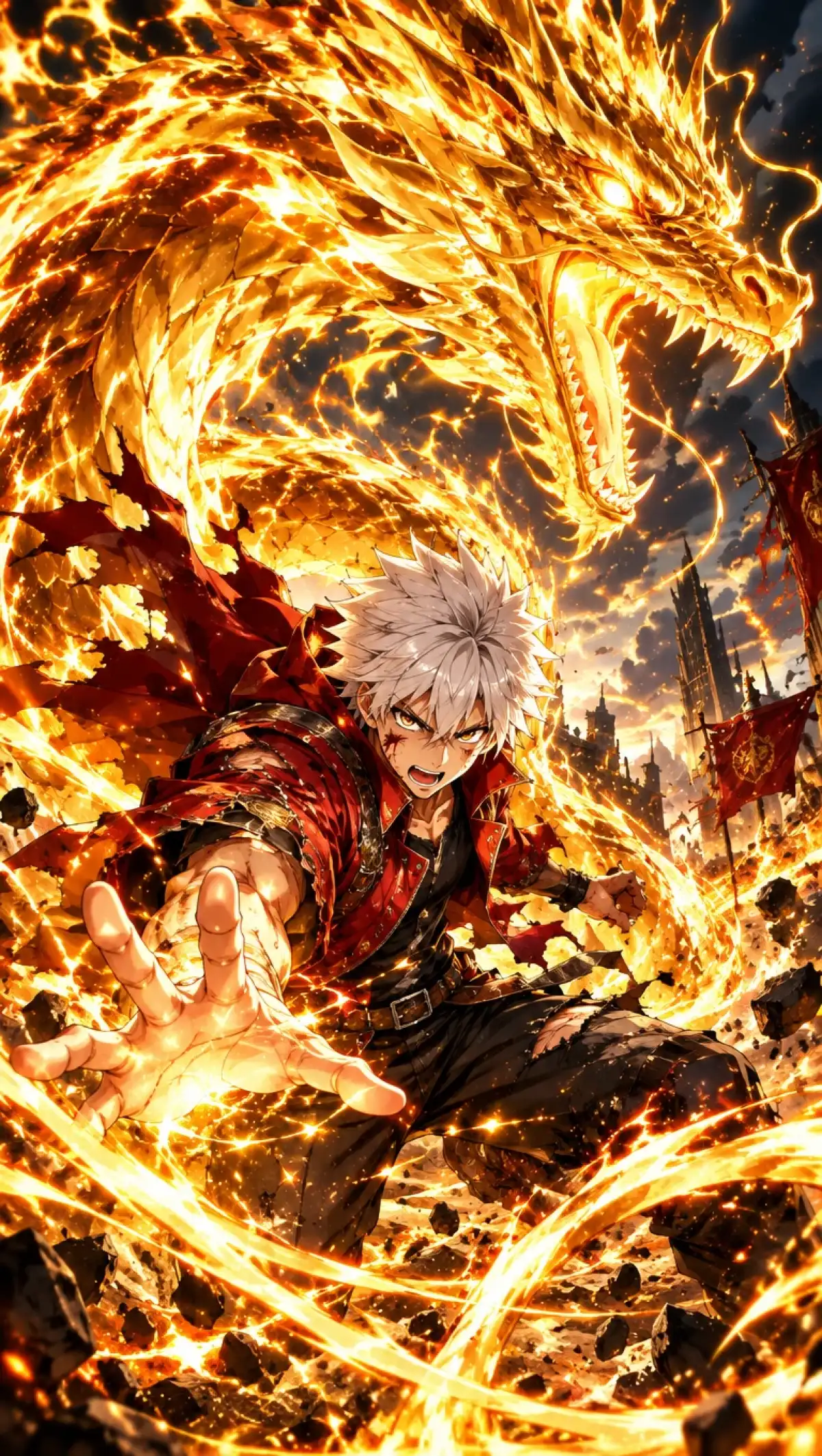
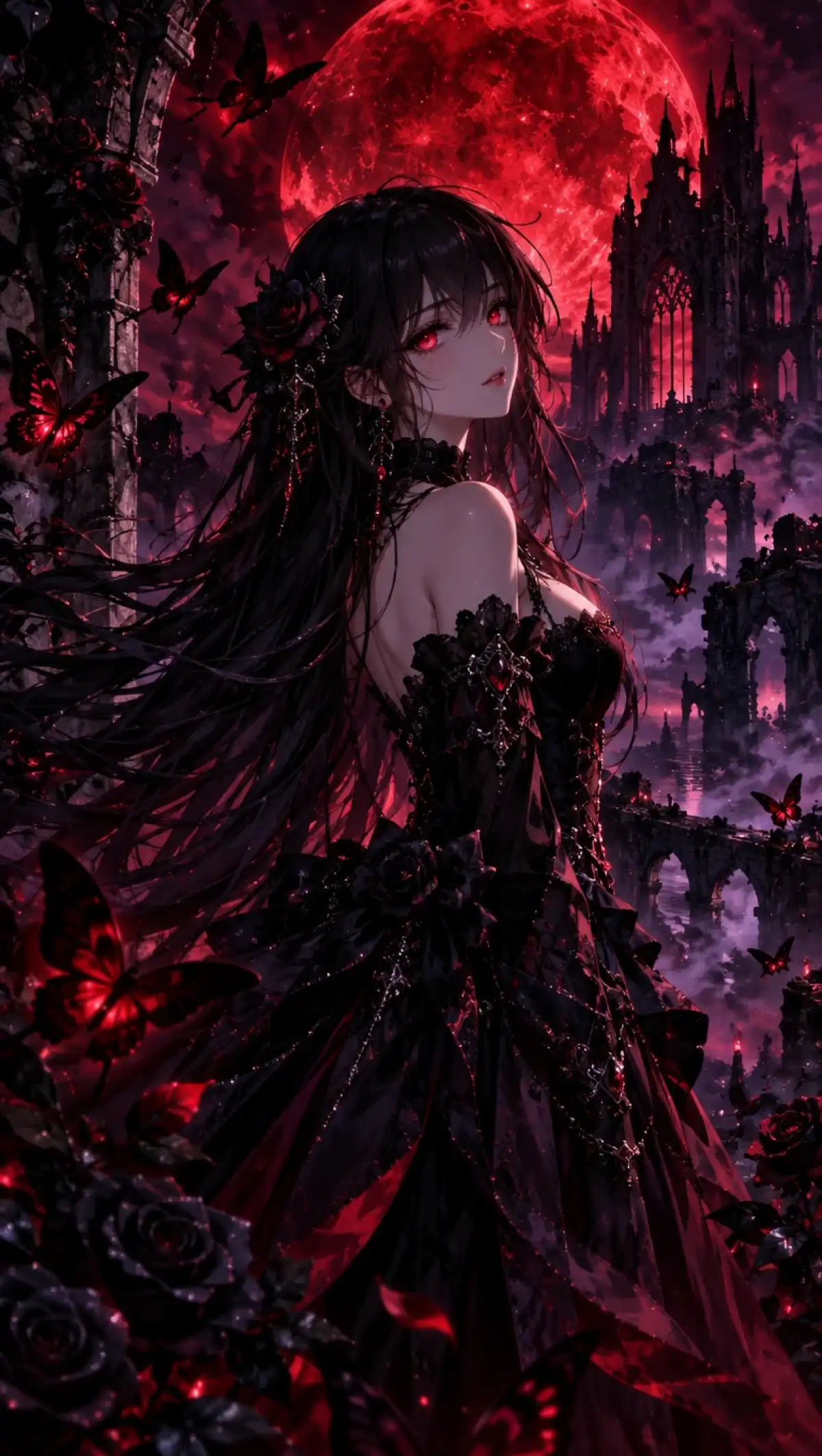
Hero background

AI Anime Art Generator

Turn your ideas and sketches into vibrant anime artwork with Magiclight AI Anime Art Generator. Describe your desired colors, character features, expressions, and artistic style to create eye-catching anime images in seconds. No drawing skills needed.

Create AI Anime Art for Free
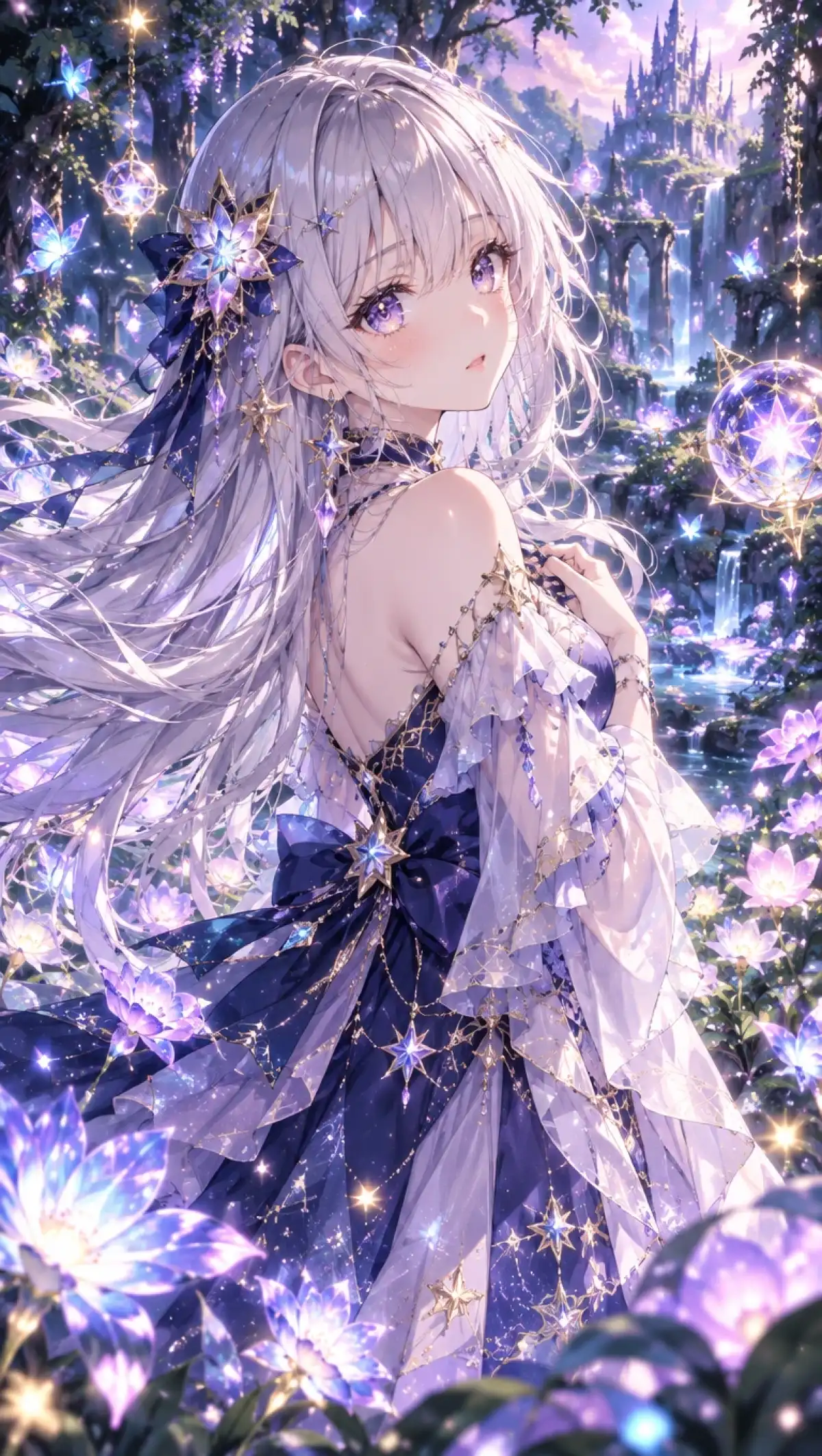
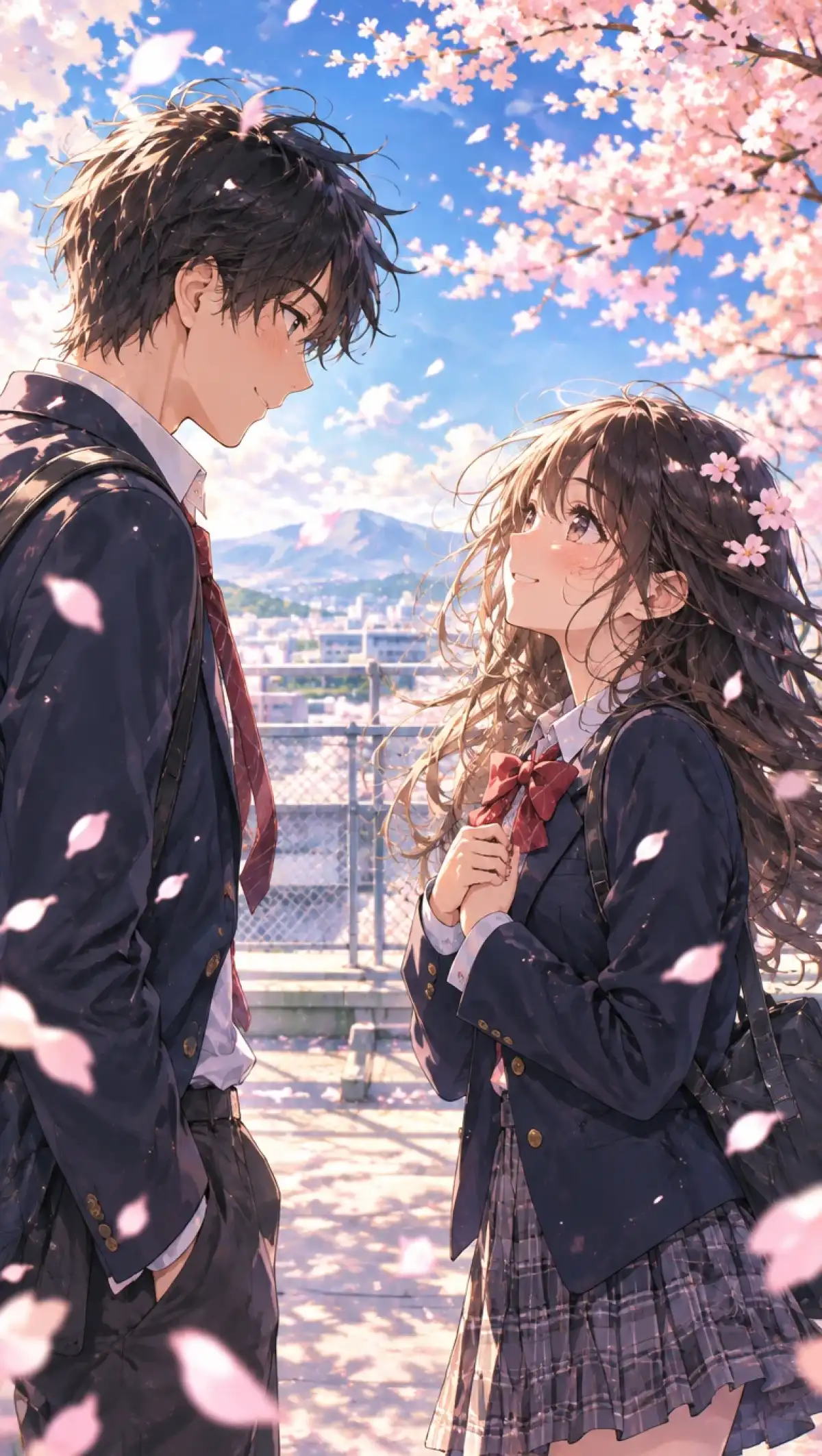
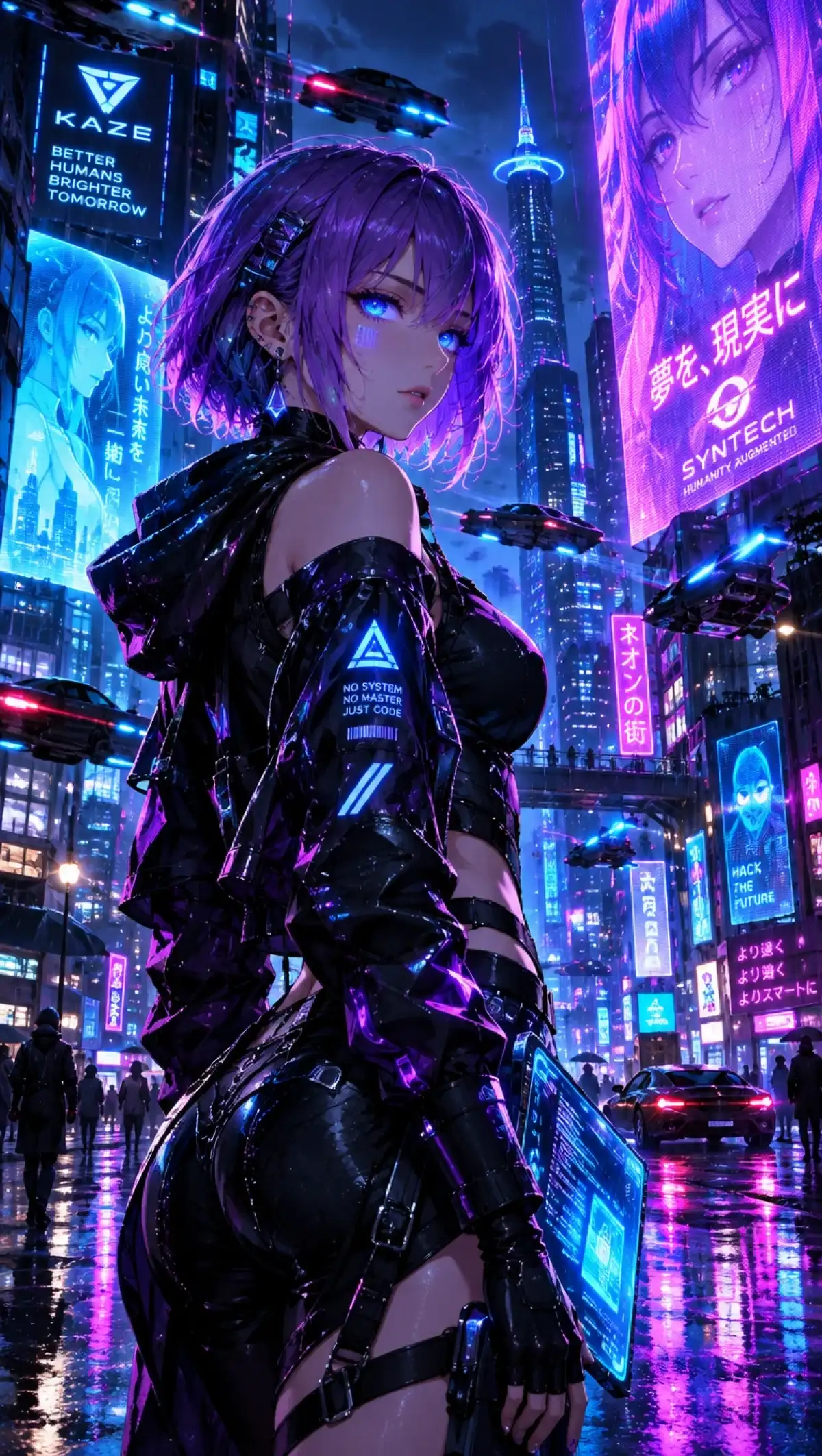
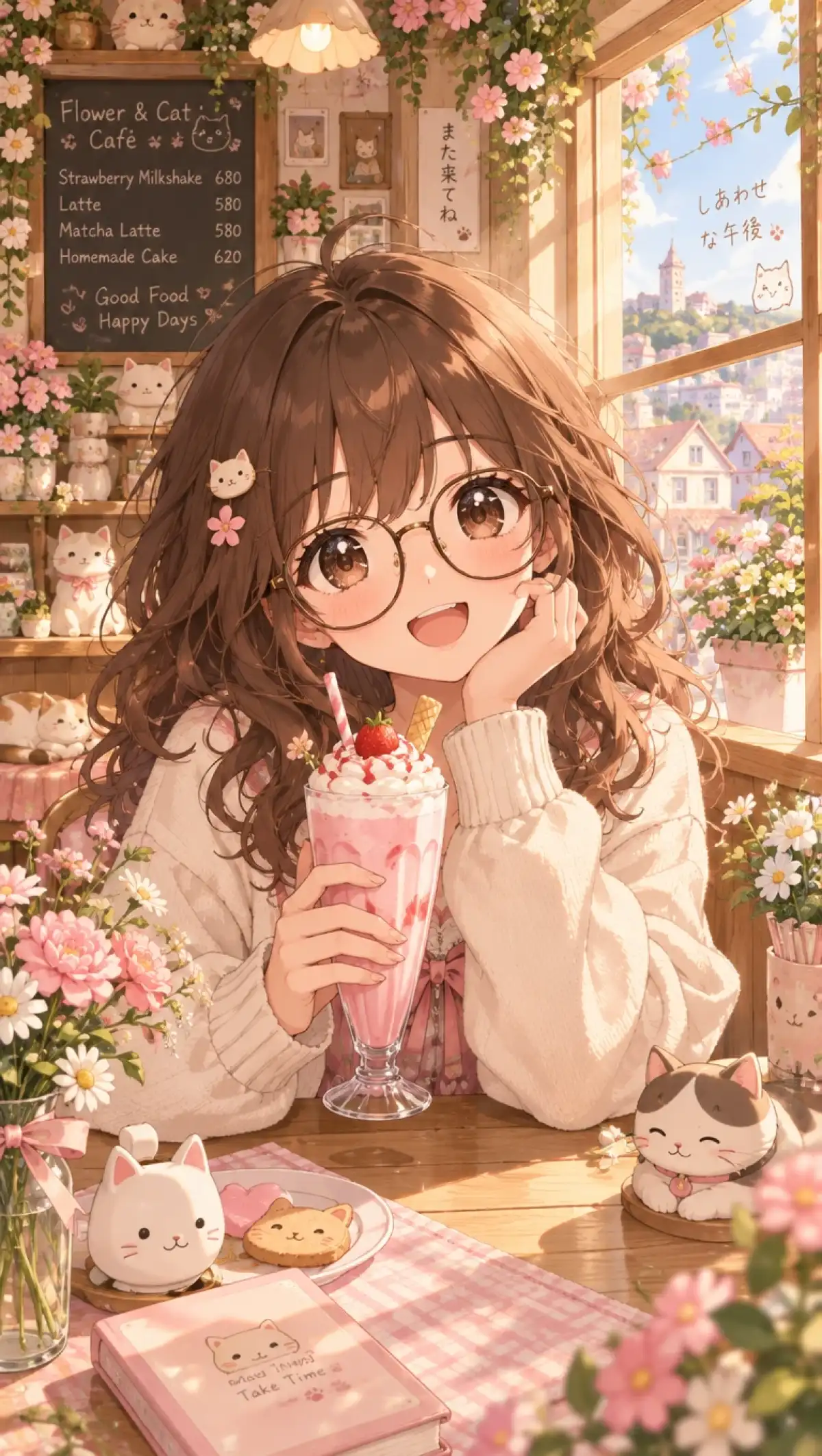
AI Anime Art Generator Preview with Colorful Anime Illustrations
AI Generated Anime Artwork with Detailed Character Designs
Colorful Anime Character Art and Illustration
Anime Sketch Transformed into a Colorful Illustration
Anime Artwork Collection with Different Artistic Finishes
Original AI Anime Character and Scene Illustrations

Explore the Magiclight AI Anime Art Generator Features

An anime character's personality often comes through in their costume and colors. The Magiclight AI anime art generator gives you ways to explore these visual details.

Create AI Anime Art for Free
AI Anime Art Generator Decoration

Up to 10 Reference Images for Anime Designs

Gather color palettes, costume designs, and character sketches for your next anime illustration. Magiclight AI accepts up to 10 reference images to help guide the appearance and artistic direction of your artwork.

Text to Image for Original Anime Characters

Not every anime character begins with a pencil sketch. Describe an adventurous schoolgirl or a mysterious swordsman through Text to Image in Magiclight AI. Give your imagined character an appearance of their own.

10 Image Models for Different Anime Finishes

A manga illustration might need a traditional cel-shaded finish, while a fantasy portrait calls for softer colors. Explore 10 image models in Magiclight AI to find an artistic interpretation that suits your character.

500 Characters for Anime Coloring Details

Describe the colors and shading you want within a 500-character prompt. Mention warm sunset tones for a countryside scene or contrasting shadows for a dramatic character portrait. Give Magiclight AI a clearer artistic direction.

Who Can Use the Magiclight AI Anime Art Generator
A manga artist might want to experiment with a character's costume before finishing a chapter. Magiclight AI anime art generator also helps fans and merchandise designers develop original illustrations.
Manga Artists Coloring Sketches and Designing Anime Characters
For Manga Artists
Give unfinished manga panels color with Reference Image to Image.
Choose a 9:16 aspect ratio for vertical webtoon illustrations.
Add up to 10 reference images to guide character costumes and palettes.
Fan Artists Exploring Different Anime Illustration Styles
For Fan Artists
Explore different anime art finishes across 10 available image models.
Describe character expressions and colors within a 500-character prompt.
Upload original sketches in PNG or JPEG format for anime coloring.
Convention and Merchandise Sellers Creating Anime Stickers and Posters
For Convention and Merch Sellers
Design square 1:1 anime artwork for stickers and collectible badges.
Use Text to Image to develop original characters for merchandise.
Upload reference artwork up to 20MB to guide anime poster designs.
Anime YouTube Creators Designing Video Thumbnails and Channel Banners
For Anime YouTube Channels
Create 16:9 anime illustrations for video thumbnails and channel banners.
Restyle original character artwork through Reference Image to Image.
Generate anime backgrounds by describing fictional locations in text.
Why Choose the Magiclight AI Anime Art Generator
An unfinished manga panel or a simple character sketch can take on a different artistic look. Magiclight AI anime art generator helps you explore those possibilities.
Reference Image to Image for Anime Coloring
Bring an unfinished manga sketch into Reference Image to Image in Magiclight AI. Describe the colors and shading you want while letting the original drawing guide the character's appearance and composition.
Custom Color Palettes for Anime Illustrations
Give a fantasy character pastel-colored clothing or a dramatic scene deeper shadow. Describe your preferred color palette in Magiclight AI to explore different moods without manually recoloring the original artwork.
4 Aspect Ratios for Different Anime Formats
A vertical 9:16 frame suits webtoon illustrations, while 4:3 works well for anime prints. Magiclight AI also offers 1:1 for collectible stickers and 16:9 for wider anime landscapes.
4 Supported Image Formats for Anime References
Magiclight AI accepts JPEG, JPG, PNG, and WEBP reference images. Bring in scanned manga panels or digitally drawn character sketches without converting your artwork to a different supported format.
20MB Uploads for Detailed Anime Artwork
Import detailed character sketches or manga illustrations within the 20MB limit. A clear reference image gives Magiclight AI more visual information about the character's clothing, facial features, and original design.
Different Anime Finishes for Original Artwork
Try traditional cel shading for a nostalgic anime portrait or a painted finish for a fantasy landscape. Magiclight AI lets you describe the artistic treatment that best suits your illustration.

How to Create Anime Art With Magiclight AI

Start with a sketch, a clean line drawing, or a new idea. Magiclight AI anime art generator helps you turn it into finished artwork through 3 simple steps.

1.

Step 1. Choose How to Start Your Anime Artwork

Open the Image tab in Magiclight AI. Select Reference Image to Image when you want to color or restyle existing line art. Choose Text to Image when you want to create original anime artwork from a written idea.

2.

Step 2. Describe the Colors and Artistic Style

Use the 500-character prompt to explain the palette, shading, and overall anime look. Choose an image model that suits your artwork.

3.

Step 3. Generate and Save Your Anime Art

Pick the aspect ratio that fits your artwork, then click Create Image. Review the colors and character details in the result. Refine the prompt if needed before downloading the final image.

FAQs on AI Anime Art Generator

Can it color my own line art?

Yes, choose Reference Image to Image, upload the line art as a JPEG, JPG, PNG, or WEBP (up to 20MB), and describe the shading and palette. Ask to keep your lines unchanged and generate multiple outputs to compare finishes in the Magiclight AI anime art generator.

Will my linework stay exactly the same?

It stays close, but very small lines can shift, so check details like eyes and hands at full size. High-quality scans give the cleanest results.

Do I need the AI Anime Art Generator From Text instead?

Only if you have no art yet, since that page works from words alone. This page also colors your own line art in Reference Image to Image, cleans up sketches, and carries the art into video.

Can I sell anime art made with Magiclight AI?

Yes, prints for sale need a plan that includes commercial use. Check convention and shop rules on AI-assisted art and keep your original line art files.

Can I color fan art of existing anime characters?

No, characters from existing series belong to their creators, and selling fan art of them can break their rights. Create original characters for anything you sell.

Can I test the AI anime art generator for free?

Yes, a new account can color one piece at no cost. Upload one line drawing in Reference Image to Image mode to test it, and upgrade for episodes and more styles.


Finish Your Anime Art Faster With Magiclight AI

Bring in the line art, sketch, or story you want to animate. The AI anime art generator in Magiclight AI brings it to life in color and motion.