
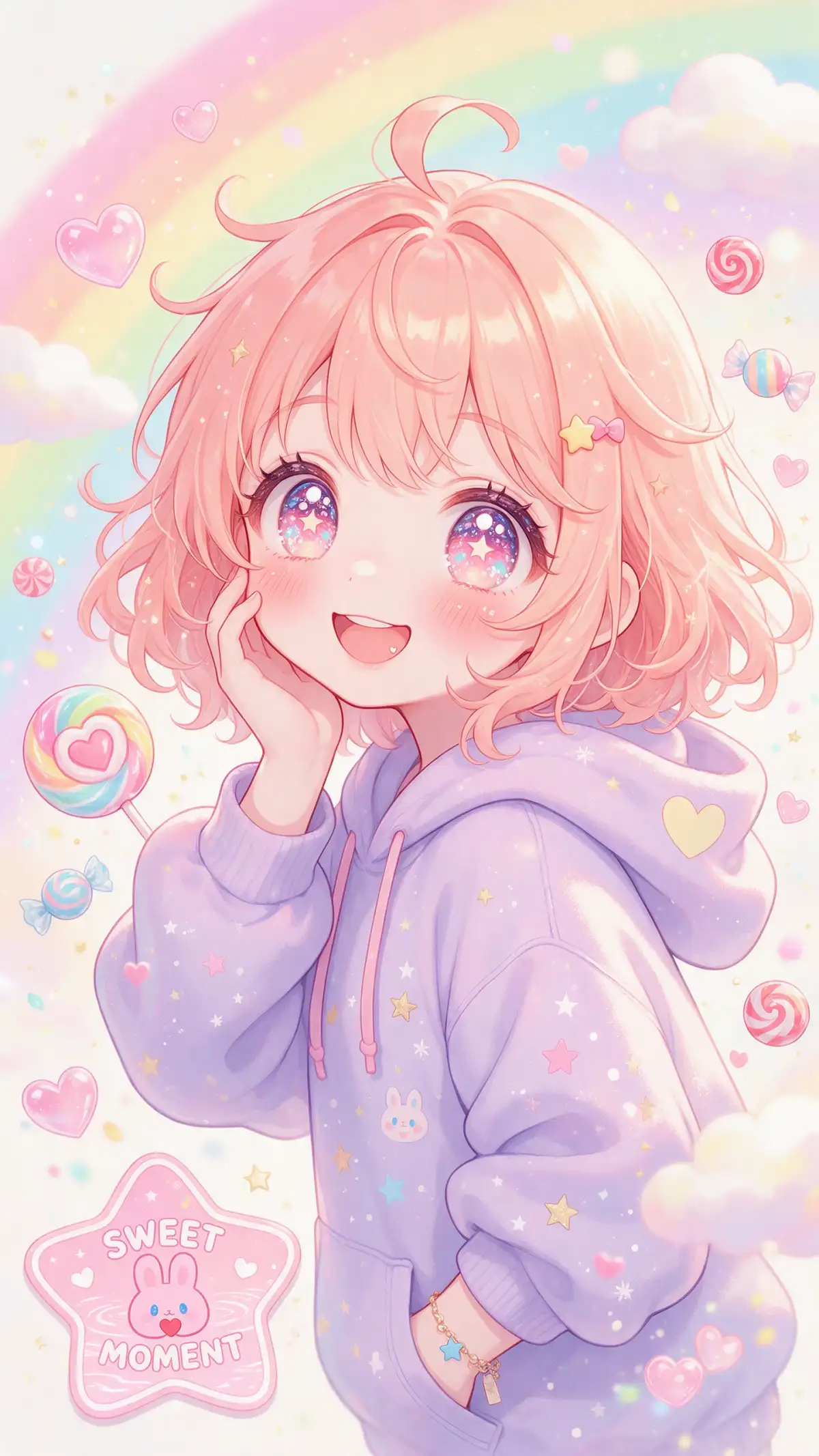
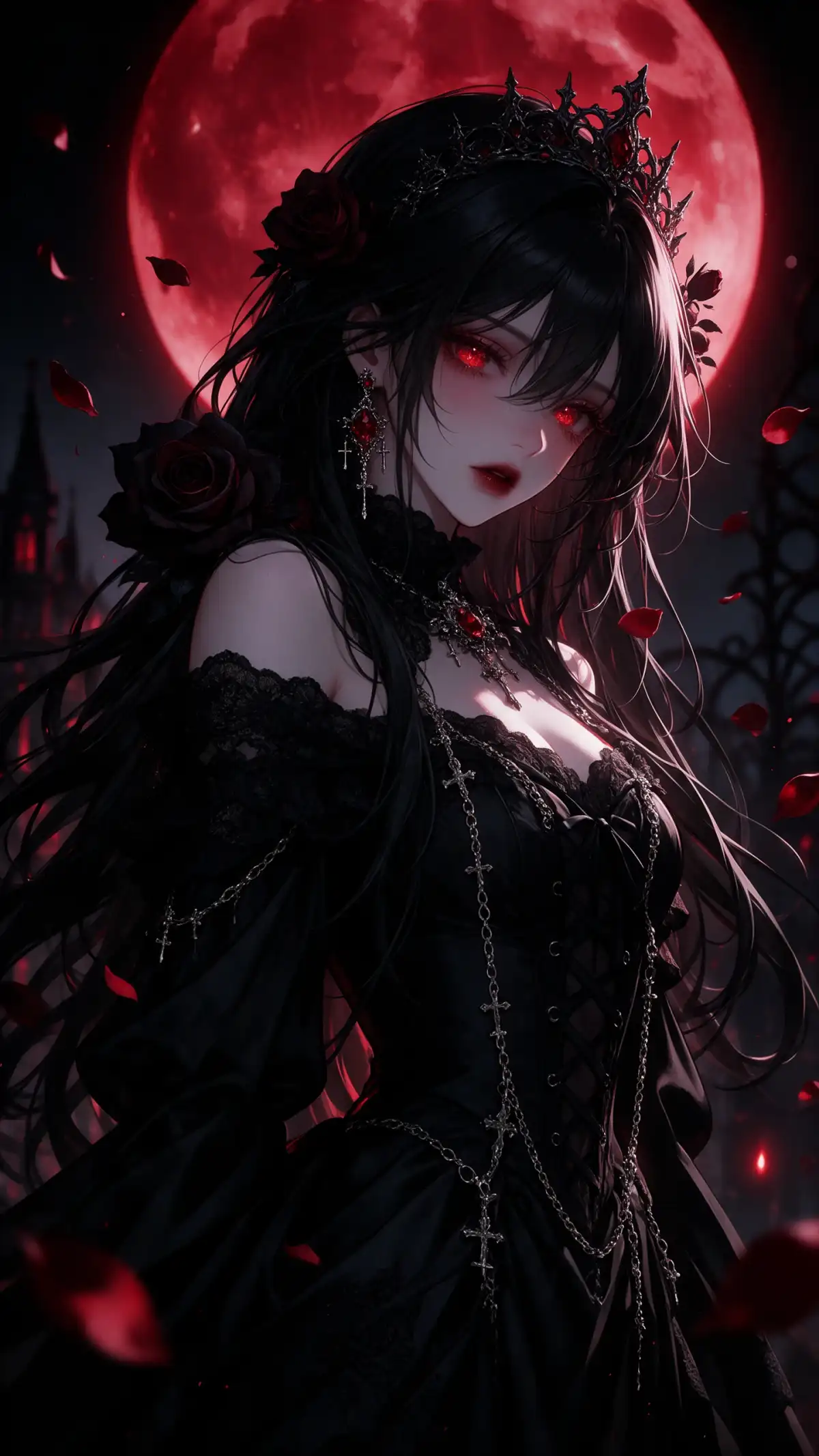
Hero background

Anime Portrait Generator

Ever wondered how you would look as an anime character? Give your favorite selfie a new artistic look with the anime portrait generator in Magiclight AI. No drawing skills needed.

Create an Anime Portrait for Free
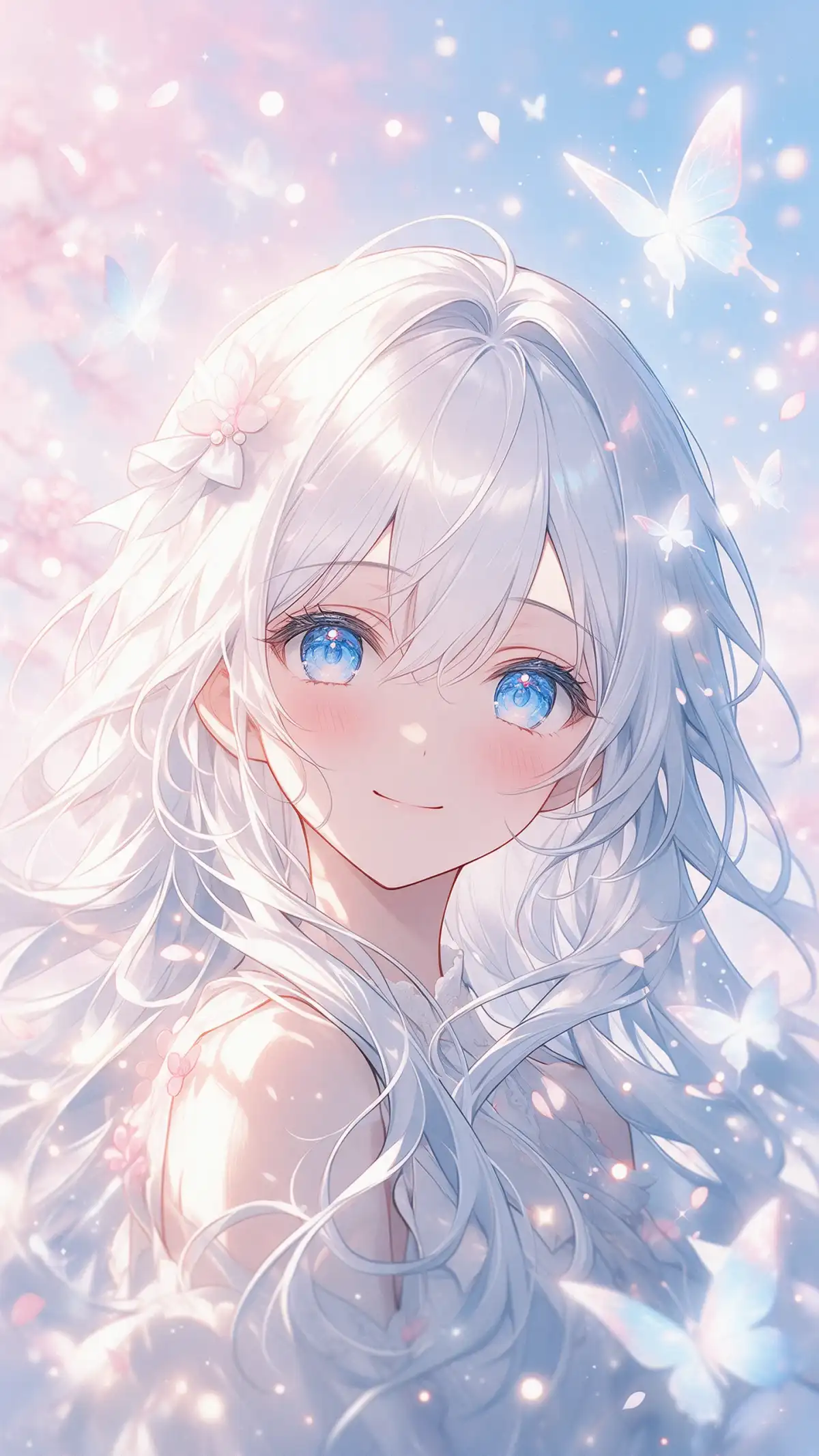
AI Anime Portrait Generator Preview with Expressive Anime Character Art
AI Generated Anime Portraits with Detailed Facial Features
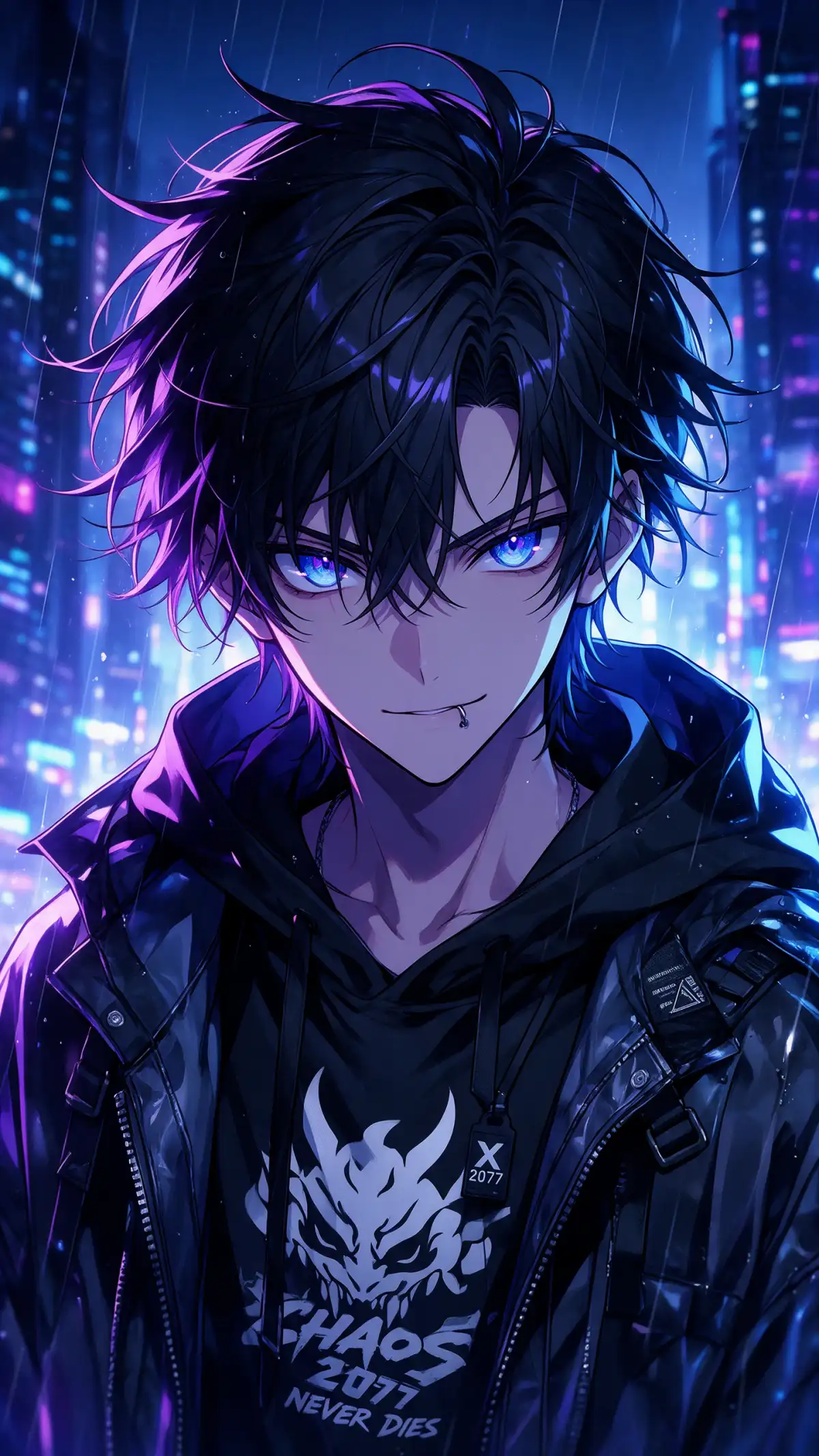
Colorful Anime Avatars and Character Portrait Designs
Photo Transformed into an Expressive Anime Portrait
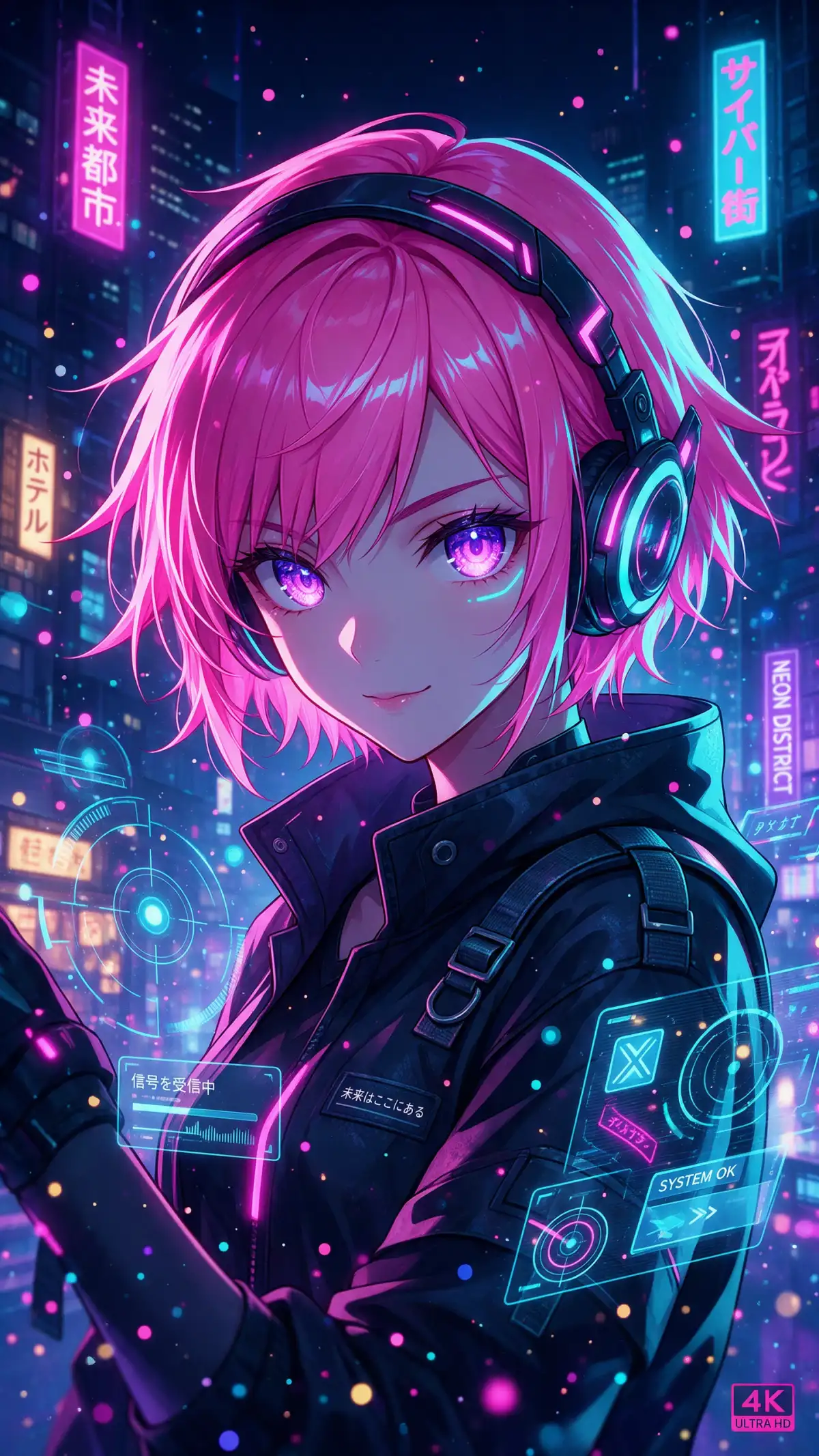
Anime Portrait Collection with Different Expressions and Styles
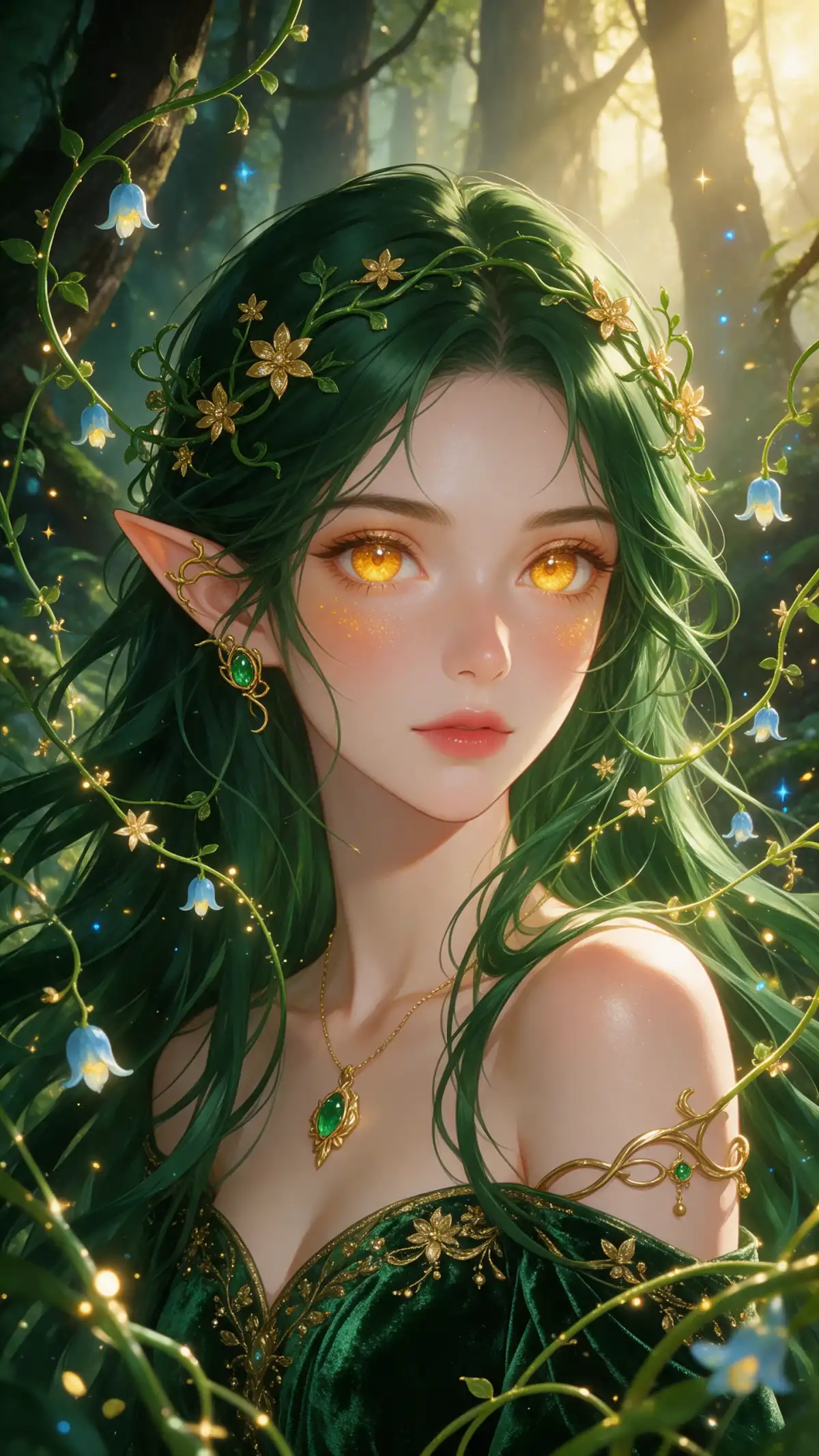
Custom Anime Character and Profile Picture Illustrations

Explore the Magiclight AI Anime Portrait Generator Features

A shy smile or a distinctive hairstyle can give an anime portrait its personality. Magiclight AI anime portrait generator lets you explore these details through photos and written descriptions.

Create an Anime Portrait for Free
Anime Portrait Generator Decorative Illustration

Reference Image to Image for Anime Selfies

Bring a favorite selfie or headshot into Magiclight AI through Reference Image to Image. Describe your preferred anime style while using the original photograph to guide facial features, hairstyle, and accessories.

10 Image Models for Expressive Anime Portraits

Explore 10 image models in Magiclight AI to find a look that suits your portrait. Try a traditional manga appearance with expressive eyes or a softer anime finish with delicate facial shading.

500 Characters for Original Anime Faces

Give an imagined anime character a distinctive appearance using Text to Image. Describe their eye shape, hairstyle, accessories, and expression within 500 characters. Add lighting details to complement the character's personality.

4 Aspect Ratios for Anime Portraits

A square 1:1 portrait suits gaming avatars and social media profiles. Choose 9:16 for a phone wallpaper or 4:3 for a printed couple portrait. Use 16:9 when designing a profile banner.

Who Can Use the Magiclight AI Anime Portrait Generator
A gamer might want a new avatar, while an artist needs inspiration for a character portrait. Magiclight AI anime portrait generator gives both a way to explore original designs.
Gamers Creating Anime Avatars for Gaming Profiles and Discord
For Gamers
Create a square 1:1 anime portrait for gaming profiles and Discord.
Describe your avatar's facial expression within a 500-character prompt.
Explore 10 image models to find a look that suits your gaming identity.
Streamers Designing Original Anime Personas and Streaming Avatars
For Streamers
Design an original anime persona through Text to Image.
Add up to 10 references to guide your avatar's hairstyle and accessories.
Choose a 16:9 aspect ratio for anime portraits on streaming banners.
Couples Turning Favorite Photos into Personalized Anime Portraits
For Couples
Turn a favorite photo into anime art with Reference Image to Image.
Create a 4:3 couple portrait for a personalized printed keepsake.
Describe matching outfits and expressions using the 500-character prompt.
Pet Owners Creating Expressive Anime Portraits of Their Pets
For Pet Owners
Upload a pet photo under 20MB to create an expressive anime portrait.
Explore different anime portrait styles across 10 available image models.
Design a 9:16 anime portrait of your pet for a personalized phone wallpaper.
Why Choose Magiclight AI Anime Portrait Generator
A portrait is only the first picture of your avatar. Magiclight AI also animates it, gives it a voice, and places it in a story, all from the same studio as the anime portrait generator.
Up to 10 Reference Images for Personalized Portraits
Add photos showing your face from different angles to guide your anime portrait. Magiclight AI accepts up to 10 reference images, allowing you to include preferred hairstyles, accessories, and outfit designs.
20MB Uploads for Detailed Portraits
Magiclight AI supports reference image uploads of up to 20MB each. Use a detailed close-up photograph to provide clearer visual information about your facial features, hairstyle, glasses, and other personal details.
4 Supported Formats for Portrait References
Bring your favorite selfies or professional headshots into Magiclight AI in JPEG, JPG, PNG, or WEBP format. You can use existing photographs without converting them into another supported image format.
Personalized Backgrounds for Anime Headshots
Set your anime portrait against a cherry blossom garden or a colorful city skyline. Describe the surroundings and lighting to create a background that complements your character's appearance and personal style.
Custom Expressions for Anime Faces
A cheerful gaming avatar needs a different expression from a mysterious anime villain. Describe a gentle smile, surprised eyes, or a confident gaze in your prompt to give the portrait a distinctive personality.
Image to Video for Animated Anime Portraits
Give your finished anime portrait a gentle smile or flowing hair through Image to Video. Magiclight AI lets you create clips lasting up to 30 seconds, depending on the selected video model.

How to Make an Anime Portrait With Magiclight AI

Give your favorite selfie an anime makeover or imagine an entirely new character. The anime portrait generator in Magiclight AI takes you through 3 simple steps.

1.

Step 1. Start With a Photo or Portrait Idea

Head to the Image tab under Toolbox in Magiclight AI. Choose Reference Image to Image and upload your selfie, or select Text to Image for an imagined anime face.

2.

Step 2. Define Your Anime Portrait's Appearance

Describe the hairstyle, facial expression, outfit, and background within 500 characters. Specify whether you prefer a close-up headshot or a half-body portrait. Pick from 10 available image models.

3.

Step 3. Create and Save Your Anime Portrait

Choose 1:1 for a profile picture or another aspect ratio that suits your portrait. Press Create Image and review the facial details before downloading.

FAQs on Anime Portrait Generator

Should I use the anime generator from photo instead?

Only for full-body images, since the photo tool converts the whole scene. The Magiclight AI anime portrait generator focuses on faces, avatars, and expression sets, so use it when the face is the star.

Can I make an expression set for streaming?

Yes, list the expressions you need in one prompt and raise the number of outputs to get each face. Keep the hair and the outfit the same in every line so the set looks consistent.

Will the anime portrait look like me from Magiclight AI?

It keeps key features like hair color and glasses, and anime styles simplify the rest. Use a clear selfie in Reference Image to Image and try a second model if the result drifts too far.

Can I create an anime portrait of a friend?

Yes, with their permission. Share the portrait with them before you post it, and never use portraits to embarrass anyone.

Can I copy a famous anime character's face?

No, existing anime characters are protected, so you can't use a portrait of one. Create a portrait of yourself or an original character, and original avatars are safe to use.

Is the anime portrait generator free to try?

Yes, a new account can test one anime portrait at no cost. Upload one selfie to test it and upgrade for expression sets and animated avatars.

Create Your Anime Portrait With Magiclight AI

Your profile picture is the first thing people see. Let the Magiclight AI anime portrait generator give it a face with feeling and then make it move.


