Top Features of the Magiclight AI Anime Image Generator
Describe an anime character you love and the world around them. The Magiclight AI anime image generator turns your idea into artwork with the colors and style you have in mind.
Turn your anime ideas into artwork with MagicLight AI. Describe the character, appearance, setting, and style you want, then generate custom anime images in seconds. No drawing skills needed.
Create Anime Images for Free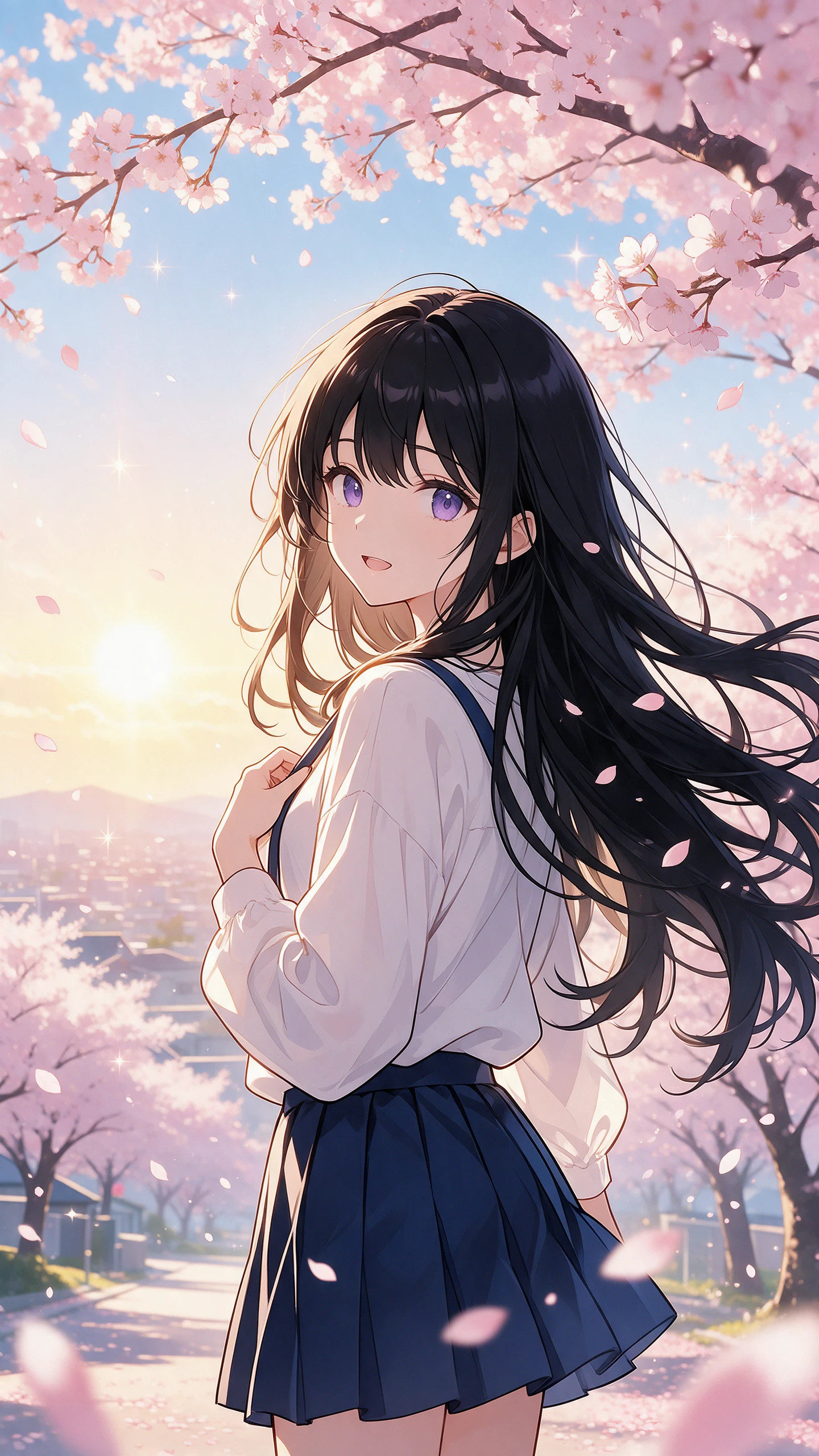
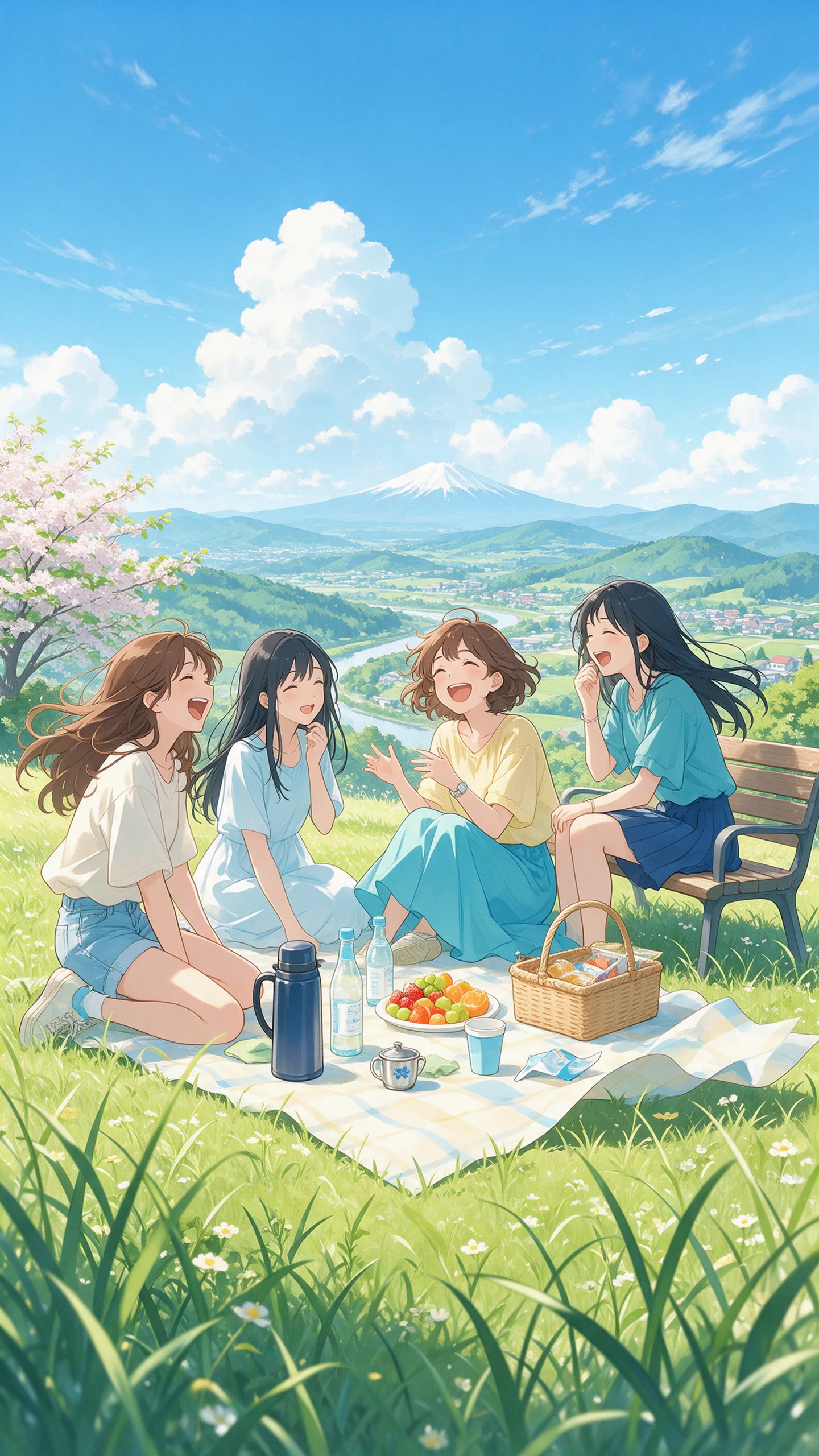
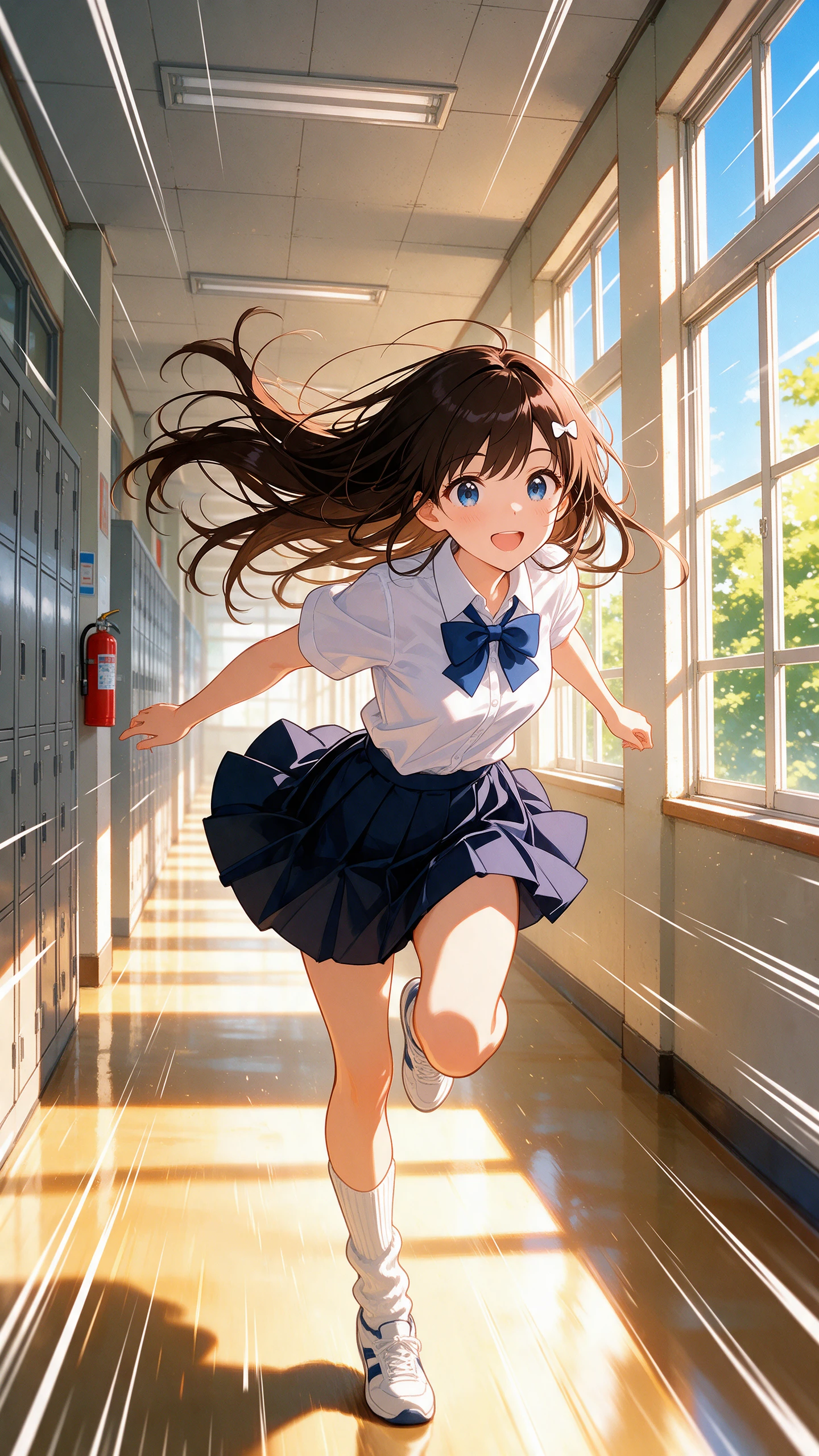
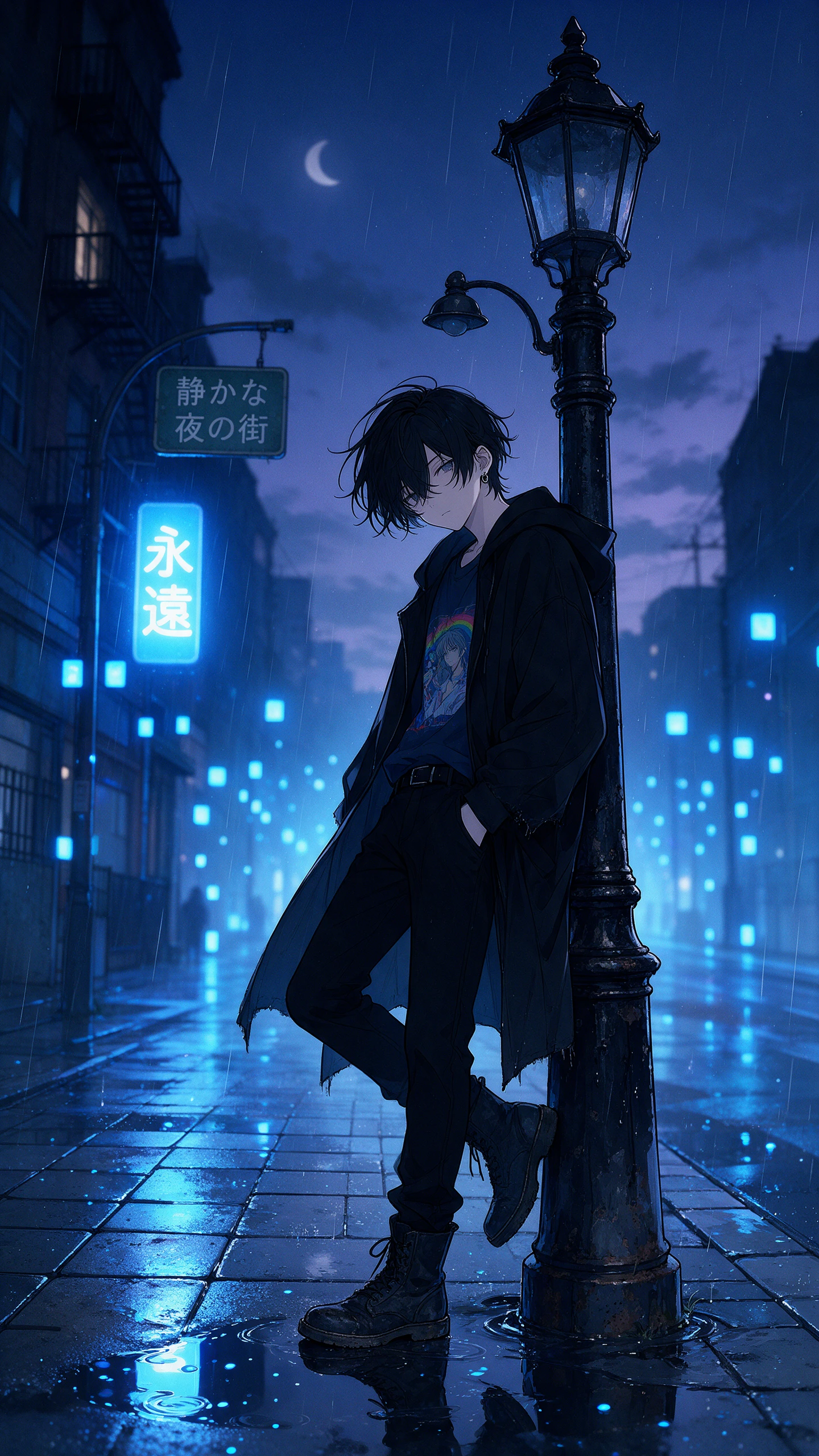
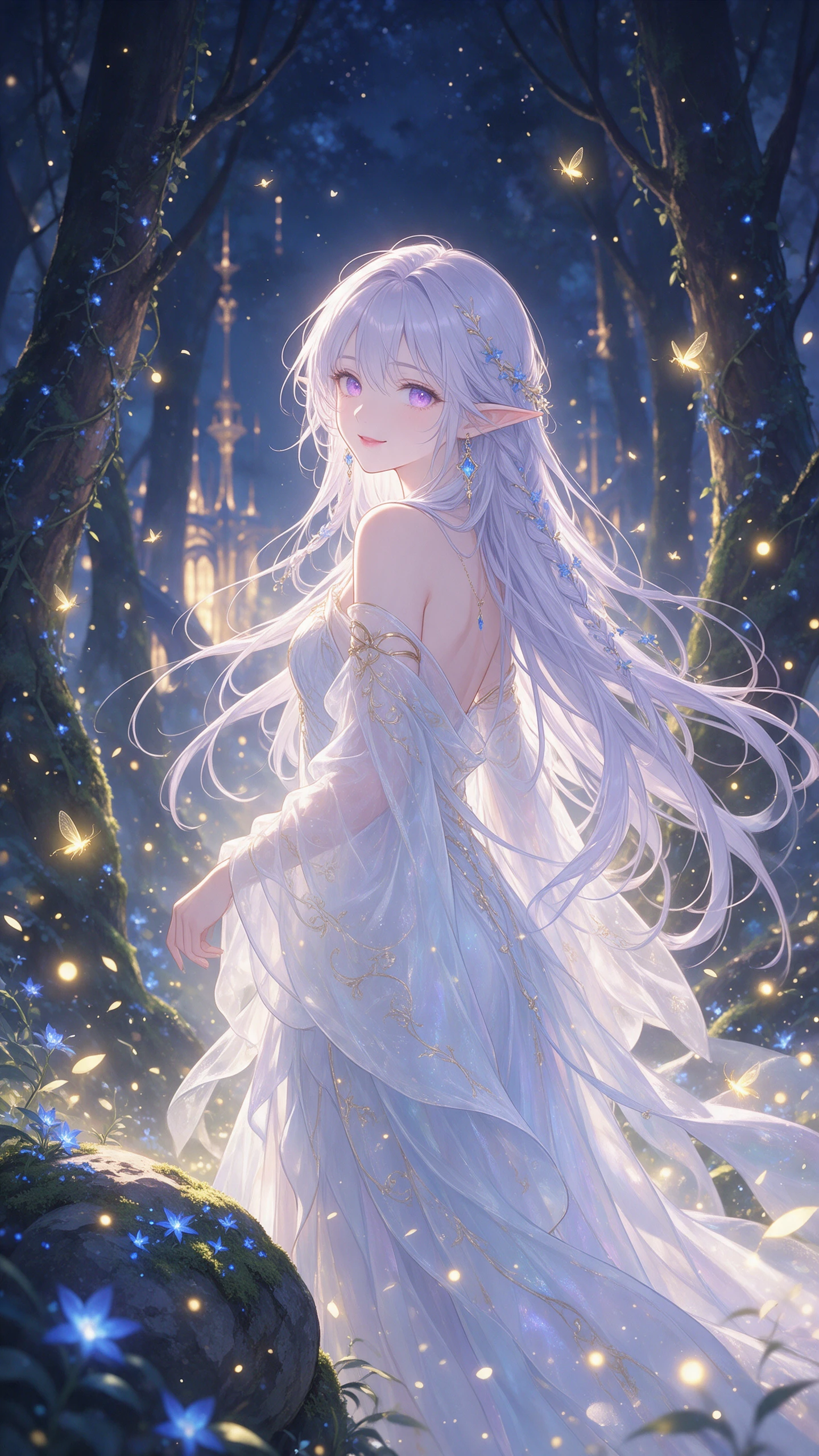
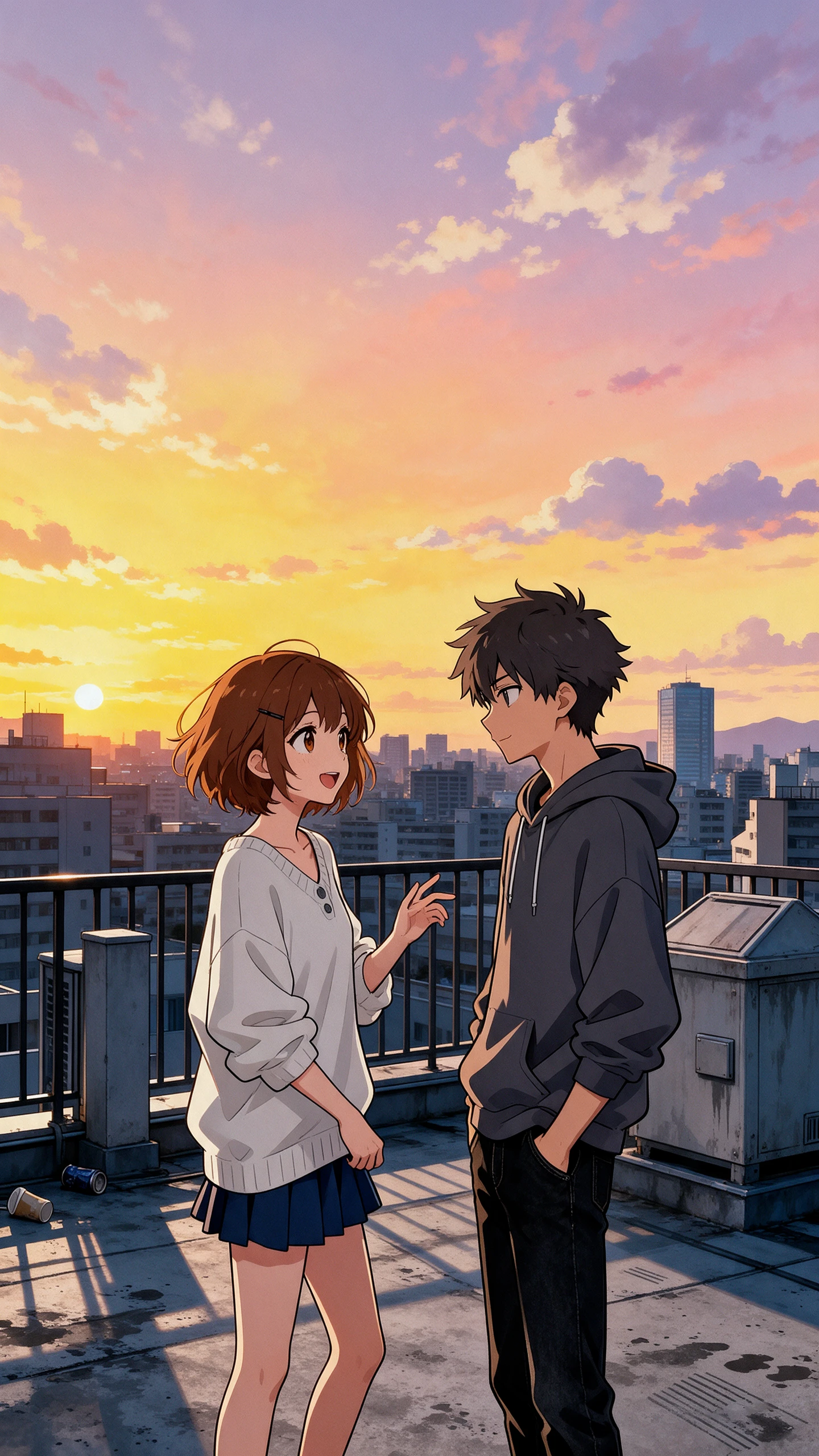
Describe an anime character you love and the world around them. The Magiclight AI anime image generator turns your idea into artwork with the colors and style you have in mind.
Upload a photo you want to turn into anime art. Magiclight AI uses your picture as a reference, letting you try an anime look without losing the main subject of the original photo.
Magiclight AI offers 6 AI image models to try with your anime idea. Choose Nano Banana 2.1 for colorful characters, then test Seedream 5.0 Pro to see how your scene looks with another model.
Your prompt can include the anime character you imagine and the setting around them. Magiclight AI gives you 500 characters to explain the look you want before creating the image.
Magiclight AI has 4 aspect ratios for your anime pictures. Select 9:16 for phone wallpapers and 16:9 for desktop backgrounds. You can also choose 1:1 for an anime profile picture.


With the Magiclight AI anime image generator, you can try your own anime ideas without drawing them. These 4 steps take you from choosing a picture to saving your new artwork.
Go to the Image tab in Magiclight AI. Select Text to Image for a fresh idea, then use Reference Image to Image instead if you want to upload a reference image.
You have 500 characters to explain your anime idea. Mention the character's clothes and facial expression, then describe the place where you want them to appear.
Magiclight AI offers 6 image models for your picture. Pick one that suits your idea, select an aspect ratio and decide how many images you want from the same prompt.
Start the image generation and look through the results. If the character looks different from what you imagined, adjust your description and try again before downloading.
No, an anime generator from a photo changes an existing picture. Magiclight AI anime image generator can create a completely new scene from your written description.
Yes. You can describe your character's appearance and create an image in Magiclight AI. For a saved character profile, you can explore the Anime OC Maker instead.
Famous anime characters may be protected by copyright. You can describe a general anime style and make your own characters without copying someone else's design.
You can make anime wallpapers and pictures for personal posts. If you plan to sell prints or stickers, check your Magiclight AI plan's commercial usage terms first.
Magiclight AI accepts 10 reference images in Reference Image to Image mode. You can use character sketches and photos to guide the appearance of your anime artwork.
Magiclight AI offers 6 image models, including Nano Banana 2.1 and Seedream 5.0 Pro. You can try different models to see which one gives your anime scene the look you prefer.

Your imagination deserves a place on screen. Try the Magiclight AI anime image generator and see your favorite ideas take shape.