Explore the Magiclight AI Anime Art From Text Features
A quiet countryside scene needs a different artistic look from a futuristic anime battle. Magiclight AI anime art generator from text lets you explore both through your descriptions.

Bring your anime ideas to life with the Magiclight AI Anime Art Generator. Describe your favorite characters, scenes, outfits, or artistic styles to create stunning anime images from text prompts in seconds. No drawing skills needed.
Create Anime Art From Text for Free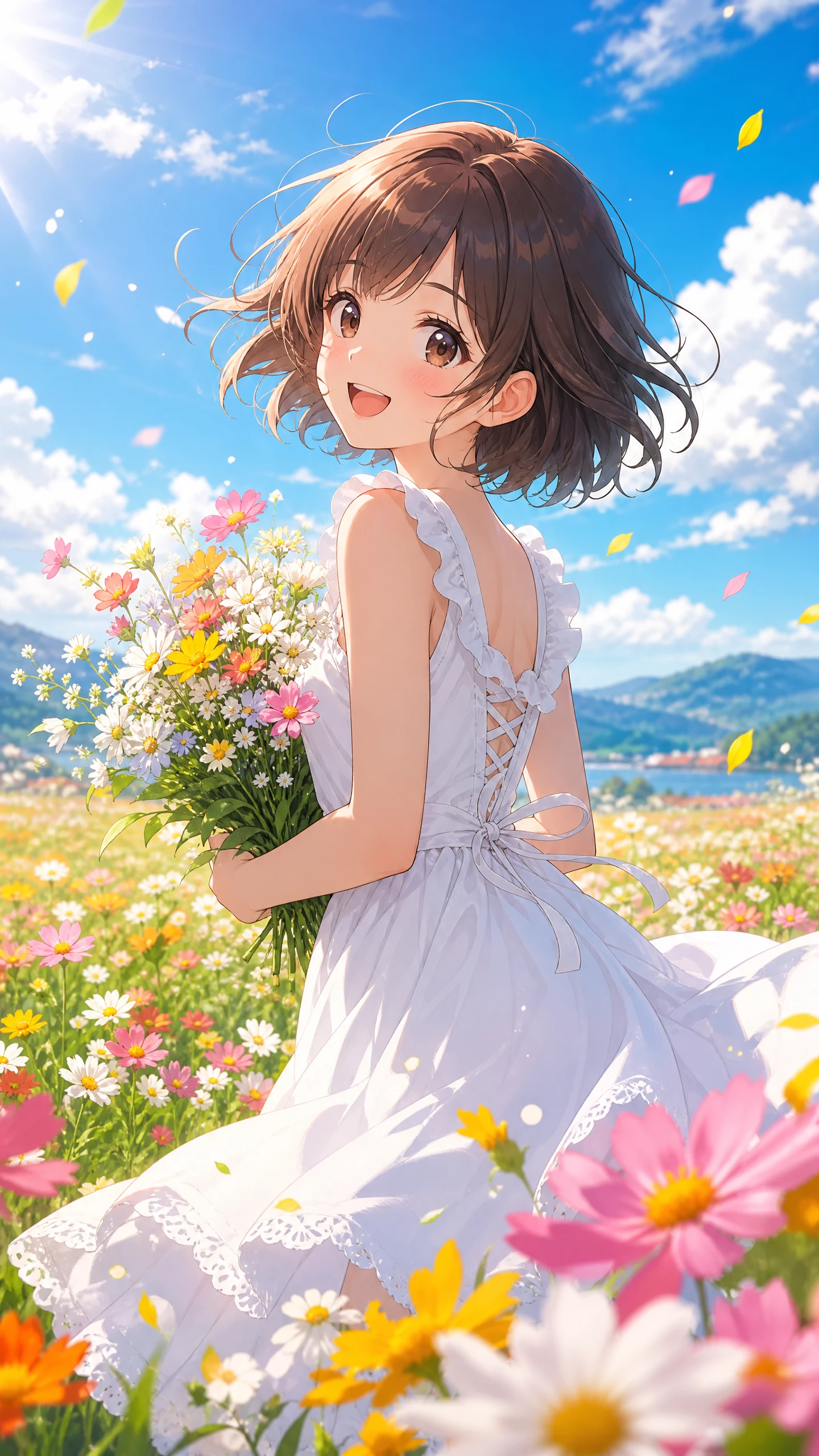
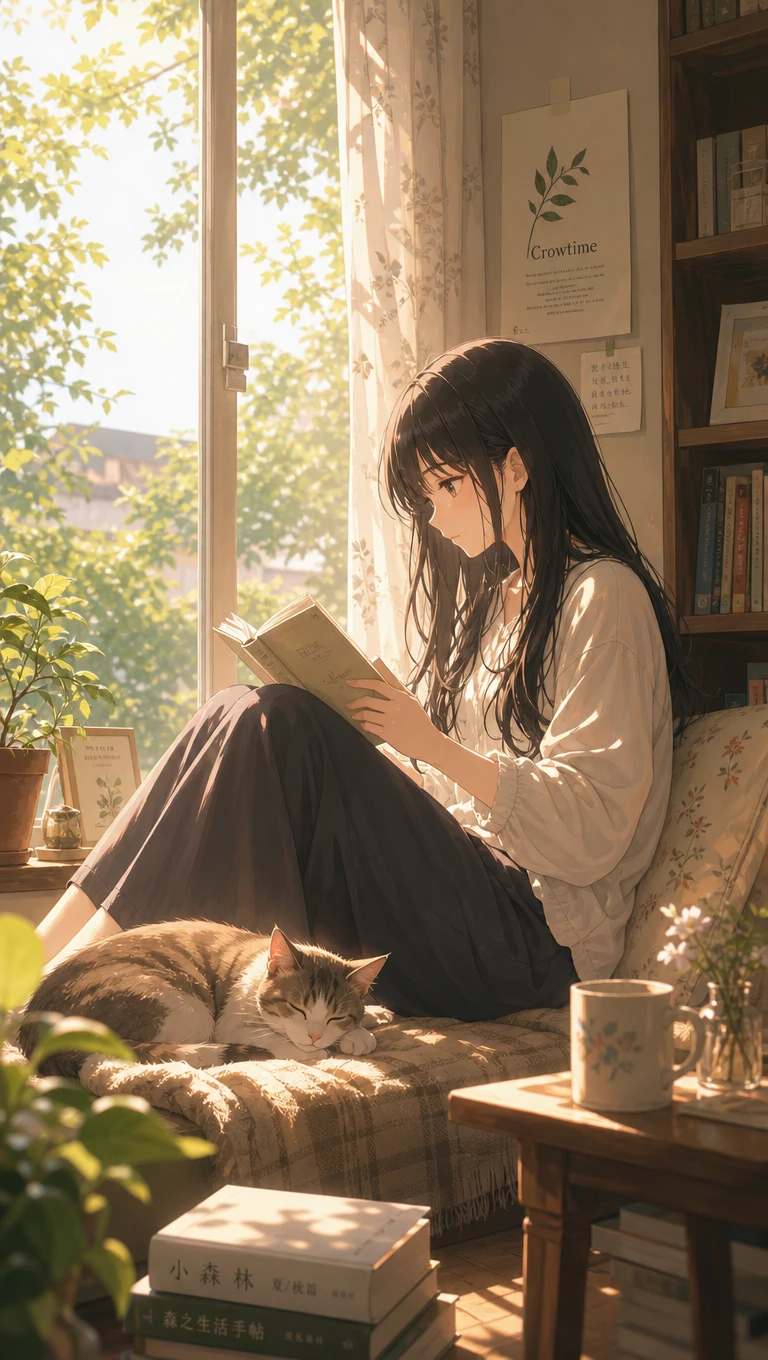
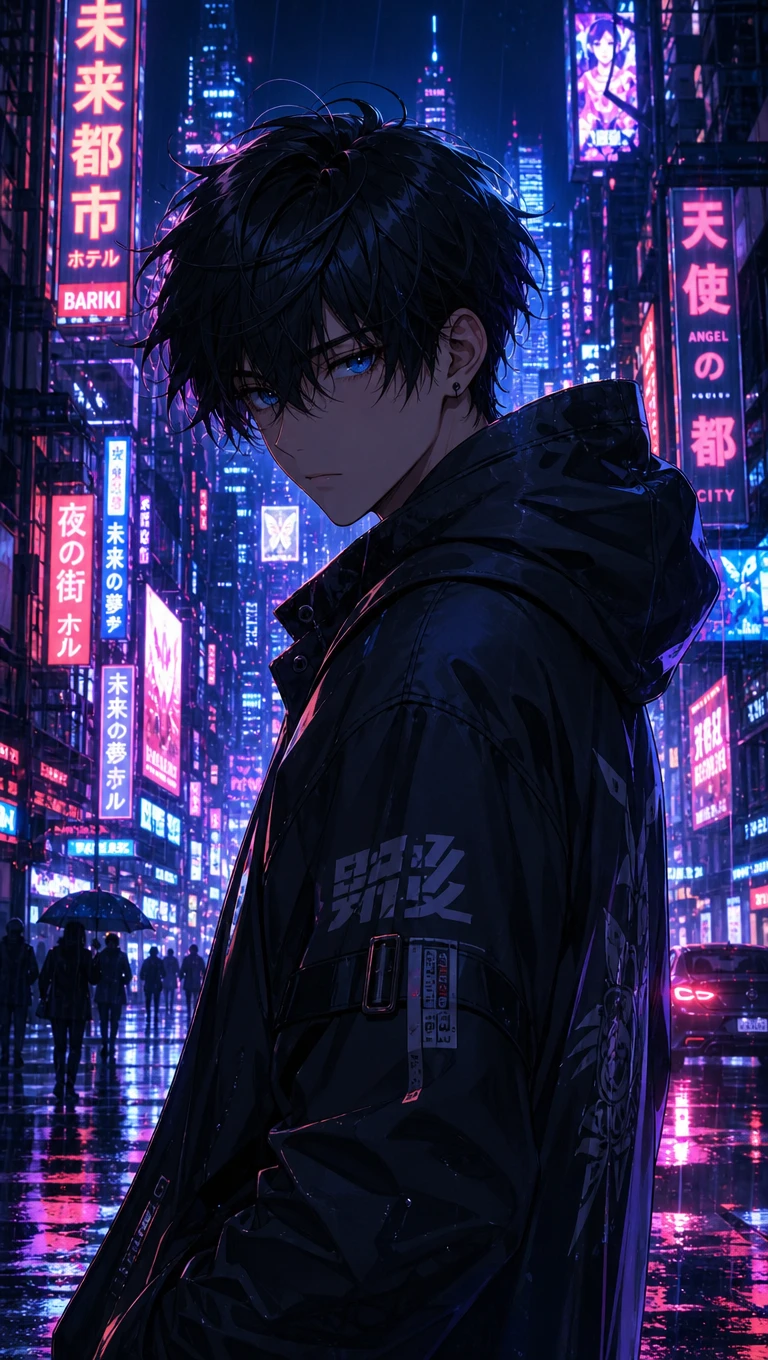
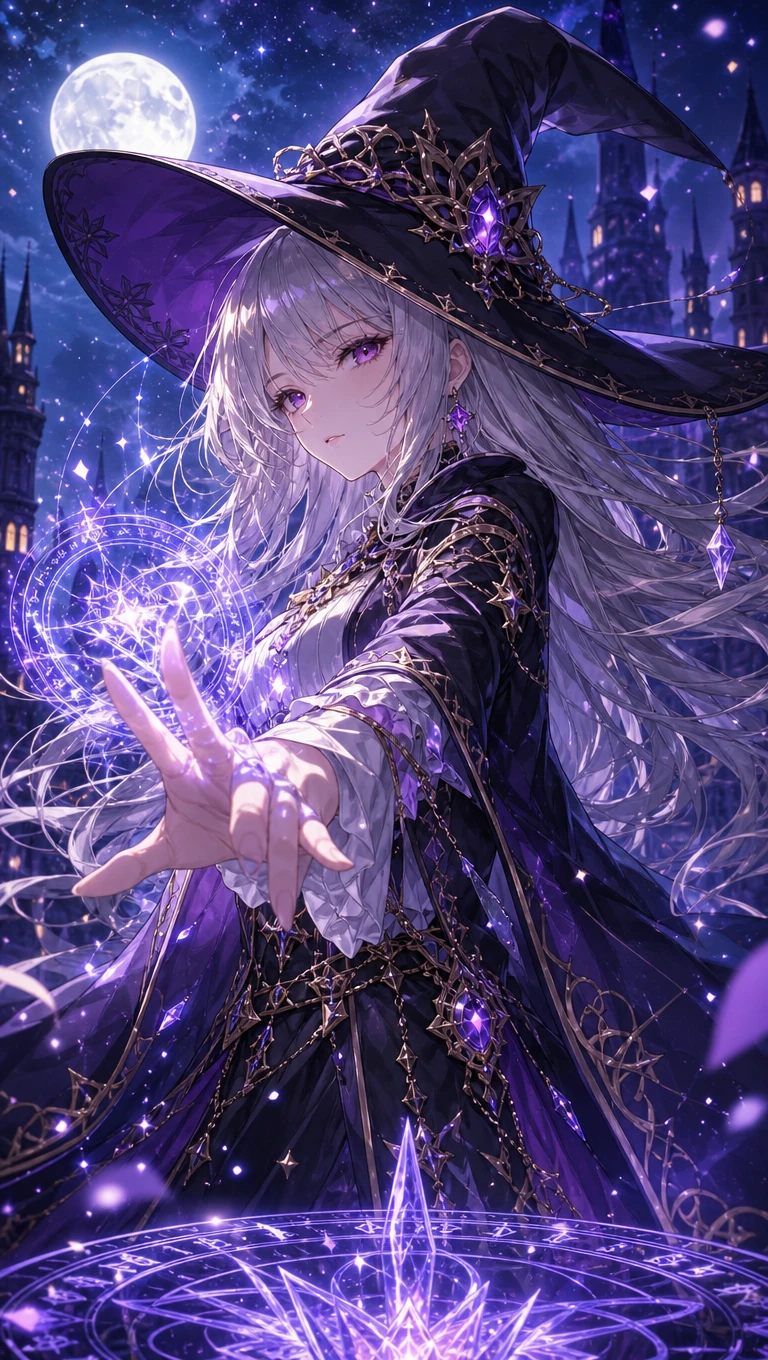
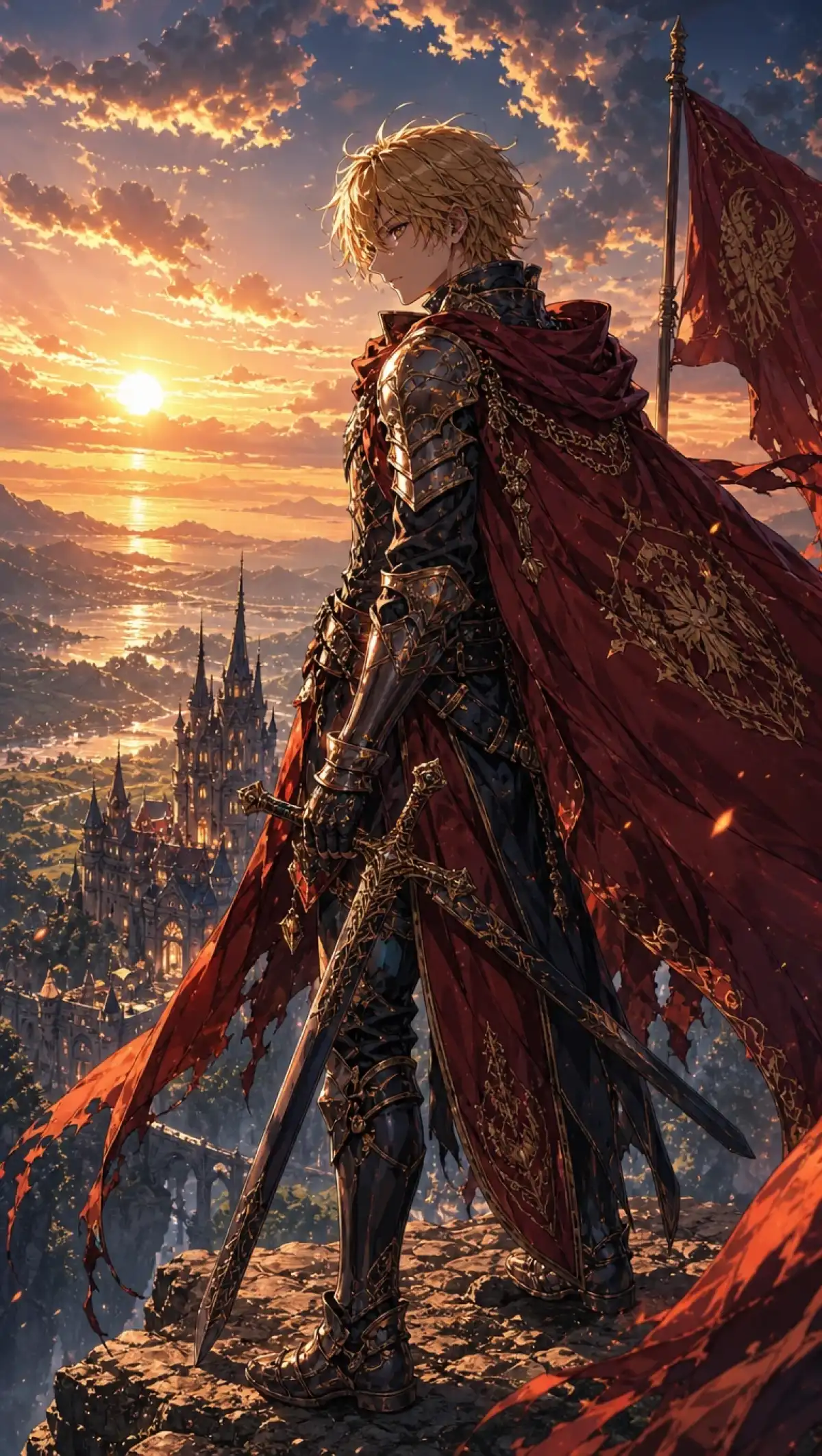
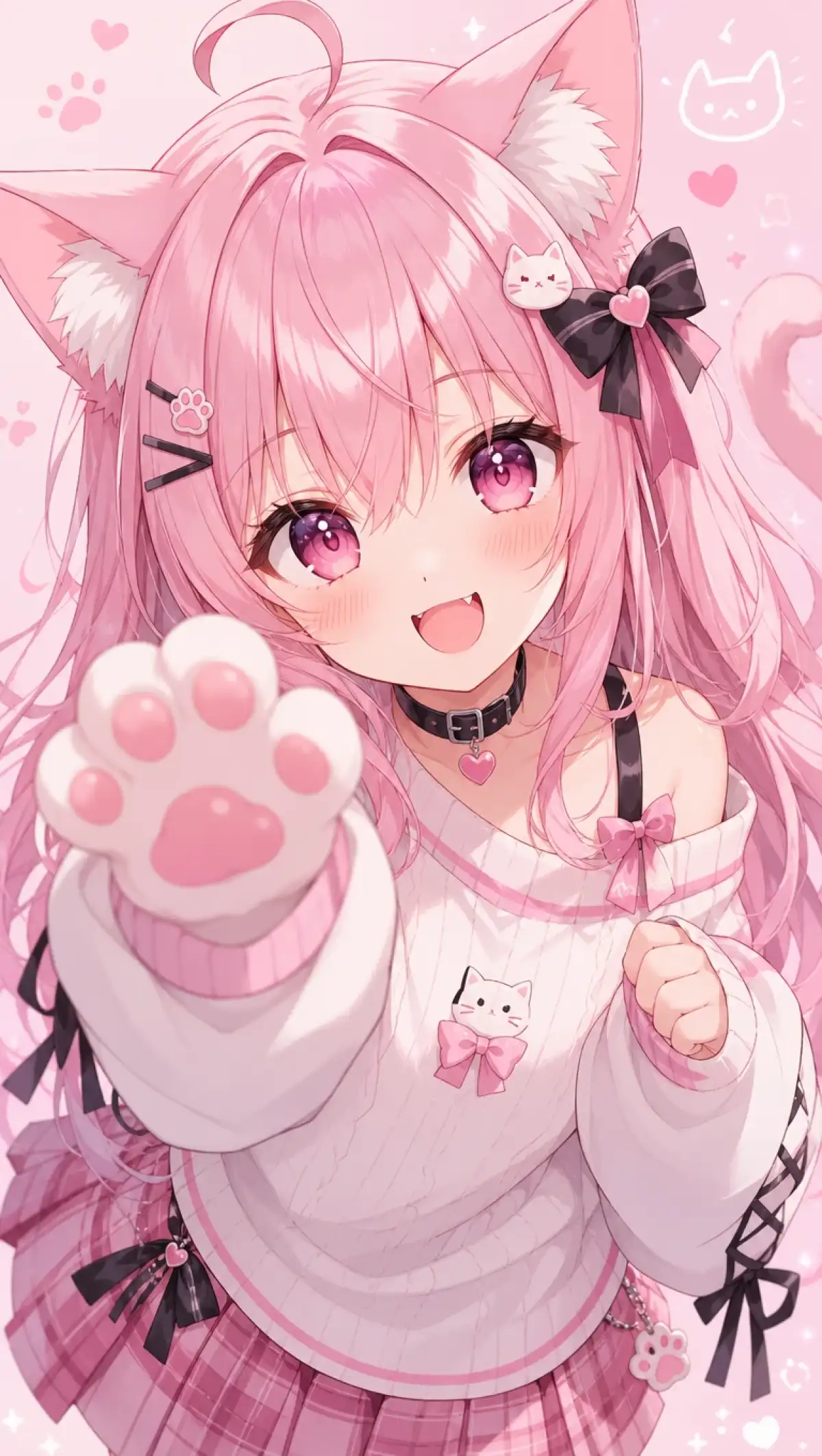
A quiet countryside scene needs a different artistic look from a futuristic anime battle. Magiclight AI anime art generator from text lets you explore both through your descriptions.

Magiclight AI offers 10 image models for your anime artwork. Try Seedream 5.5 or Nano Banana 2.1 to explore different interpretations of a retro anime character or a modern fantasy scene.
Describe your anime character and surroundings within 500 characters in Magiclight AI. Mention a warrior's silver armor or a moonlit forest to give the image model a clearer direction for your artwork.
Imagine a character who lives in a floating city above the clouds. Use Text to Image in Magiclight AI to create the character and setting without uploading any existing artwork.
Choose 16:9 for a cinematic anime landscape or 1:1 for a character avatar. A tall 9:16 frame suits mobile wallpapers, while 4:3 works well for classic anime compositions.


Start with an anime scene you have imagined but never drawn. Magiclight AI anime art generator from text helps turn your description into artwork through 3 simple steps.
Head to Toolbox and open the Image tab in Magiclight AI. Select Text to Image to create anime artwork from scratch or Reference Image to Image when using an existing sketch.
Enter your anime idea within 500 characters. Mention the character's appearance, surroundings, and preferred artistic style. Choose from 10 image models to suit the look you have in mind.
Select from 4 aspect ratios and click Create Image to generate your anime artwork. Review the character details and refine your prompt if needed before downloading the finished image.
No, because the AI anime art generator from text draws the art from your written prompt. A clear and detailed 500-character description matters more than any drawing skill.
Include the character, pose, setting, art era, and camera shot. Add color, mood, and lighting words so the 500-character prompt gives the model enough to follow.
No, the Anime Image Generator focuses on scenes, wallpapers, and key art. This page focuses on prompt writing and anime-era styles in words-only mode.
No, because existing shows, studios, and characters belong to their owners and should not be named. Describe the look you want in general terms and keep original characters for sharing.
Yes, once your subscription covers commercial use and the marketplace allows AI art. Keep your original prompts and image files in case a platform asks for them.
Yes, a new account can try a first anime image at no cost. Write one prompt in Text to Image to test it and upgrade later for more images and models.



Your hero is already clear in your mind. Let the AI anime art generator from text in Magiclight AI put that hero on the page.