Hero background

AI Beard Generator

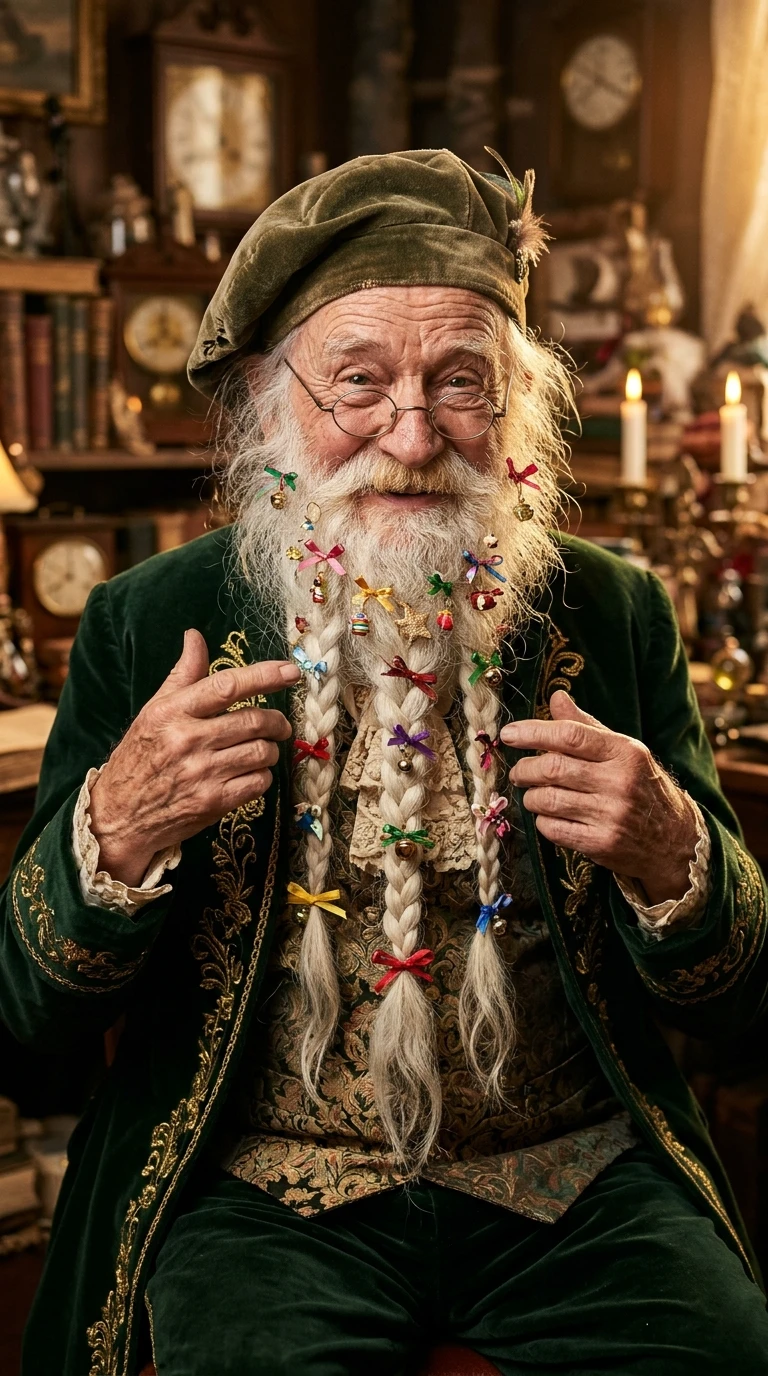
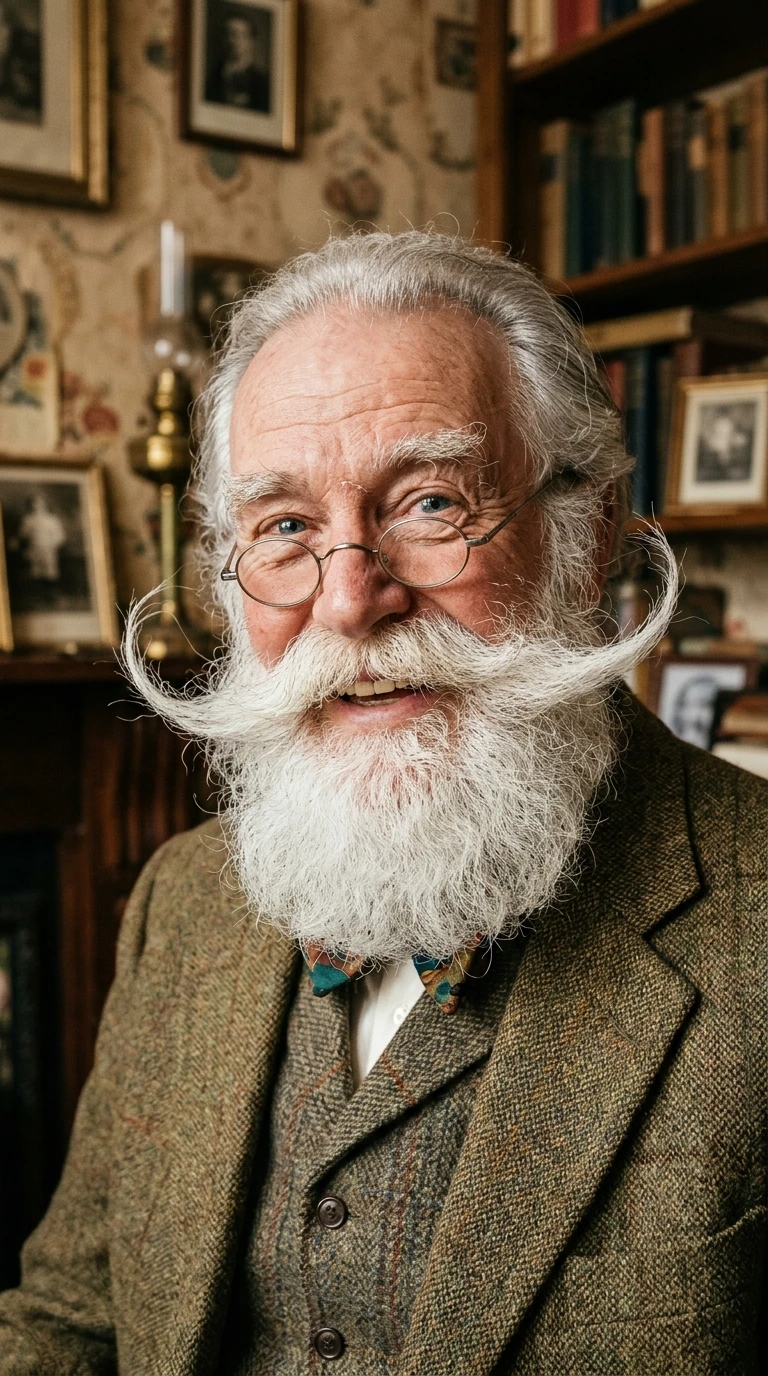
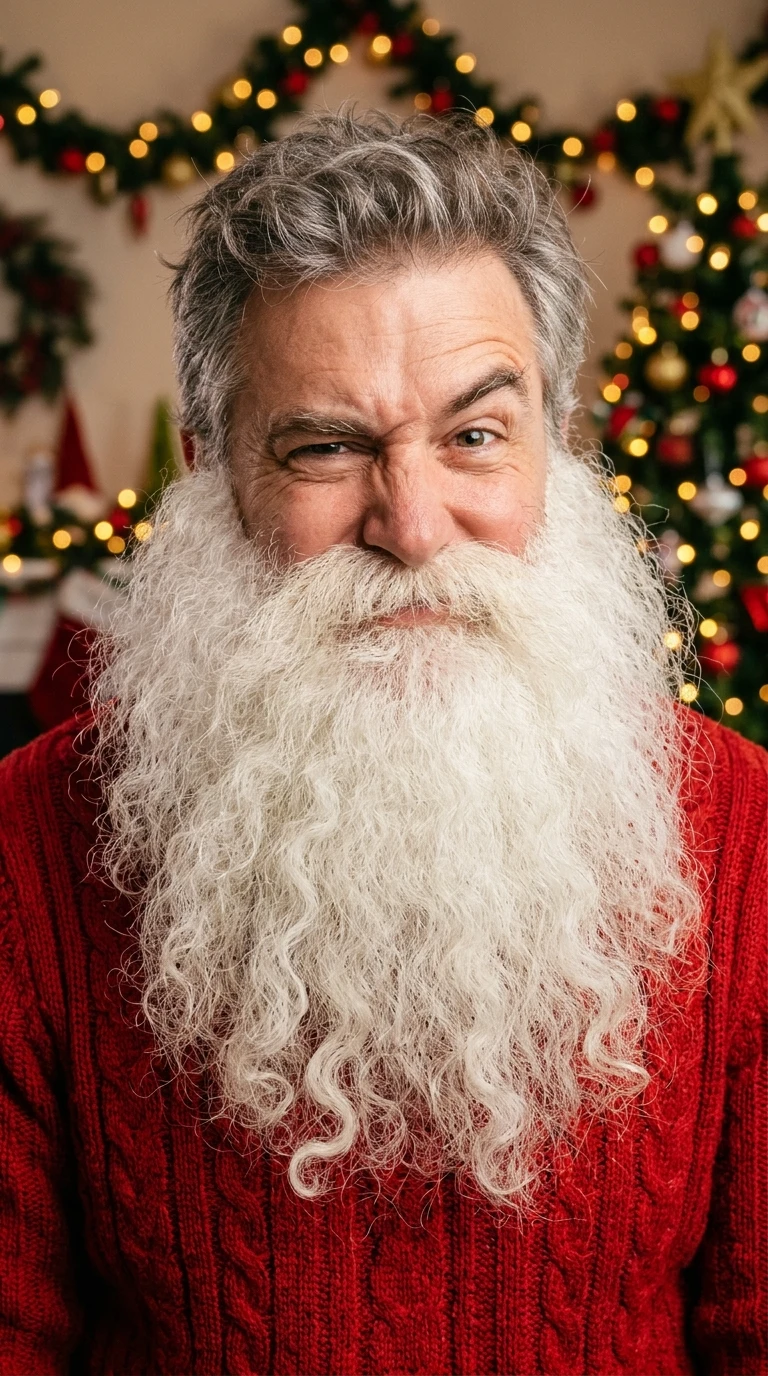
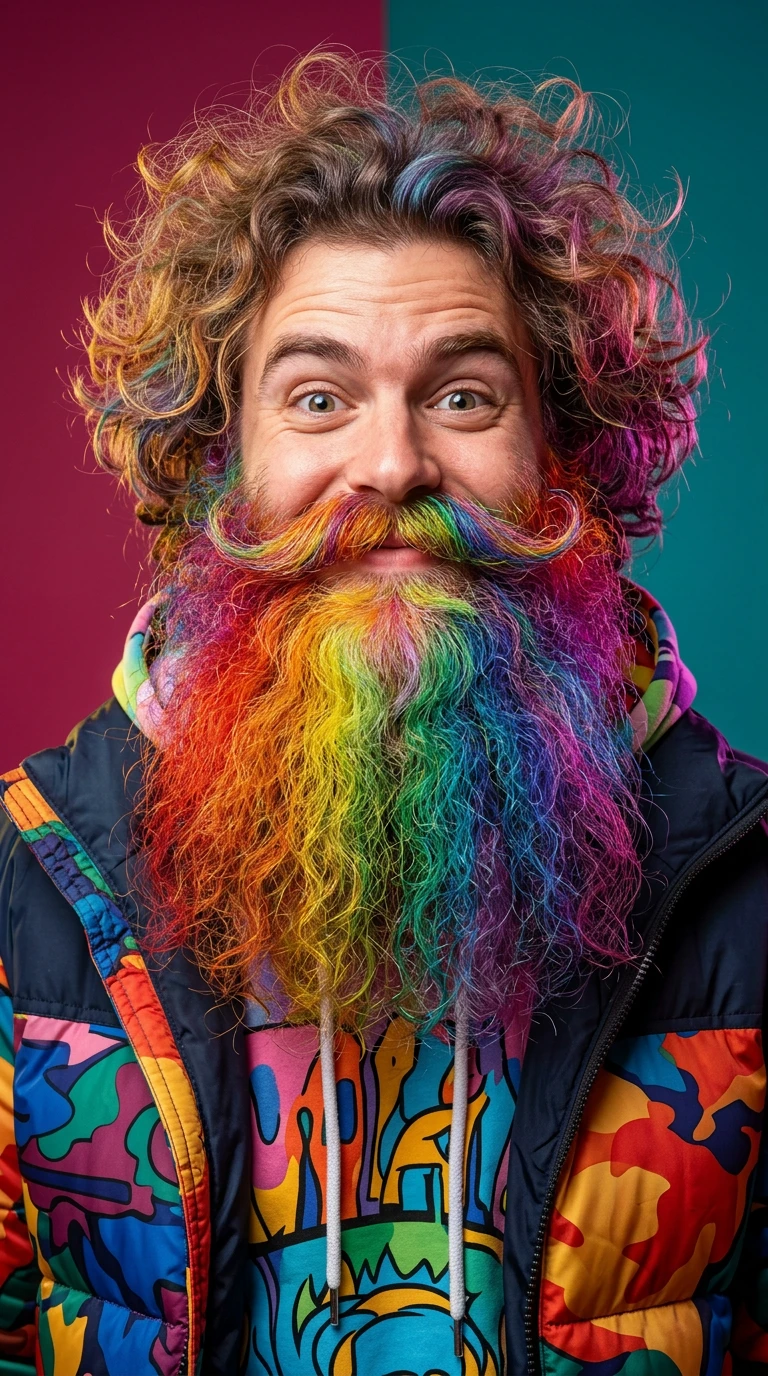
Upload your selfie to Magiclight AI Beard Generator and describe your preferred facial hair style. See your new look without growing a beard. No actual props needed.

Create an AI Beard for Free
AI Beard Generator Short Beard Style Preview
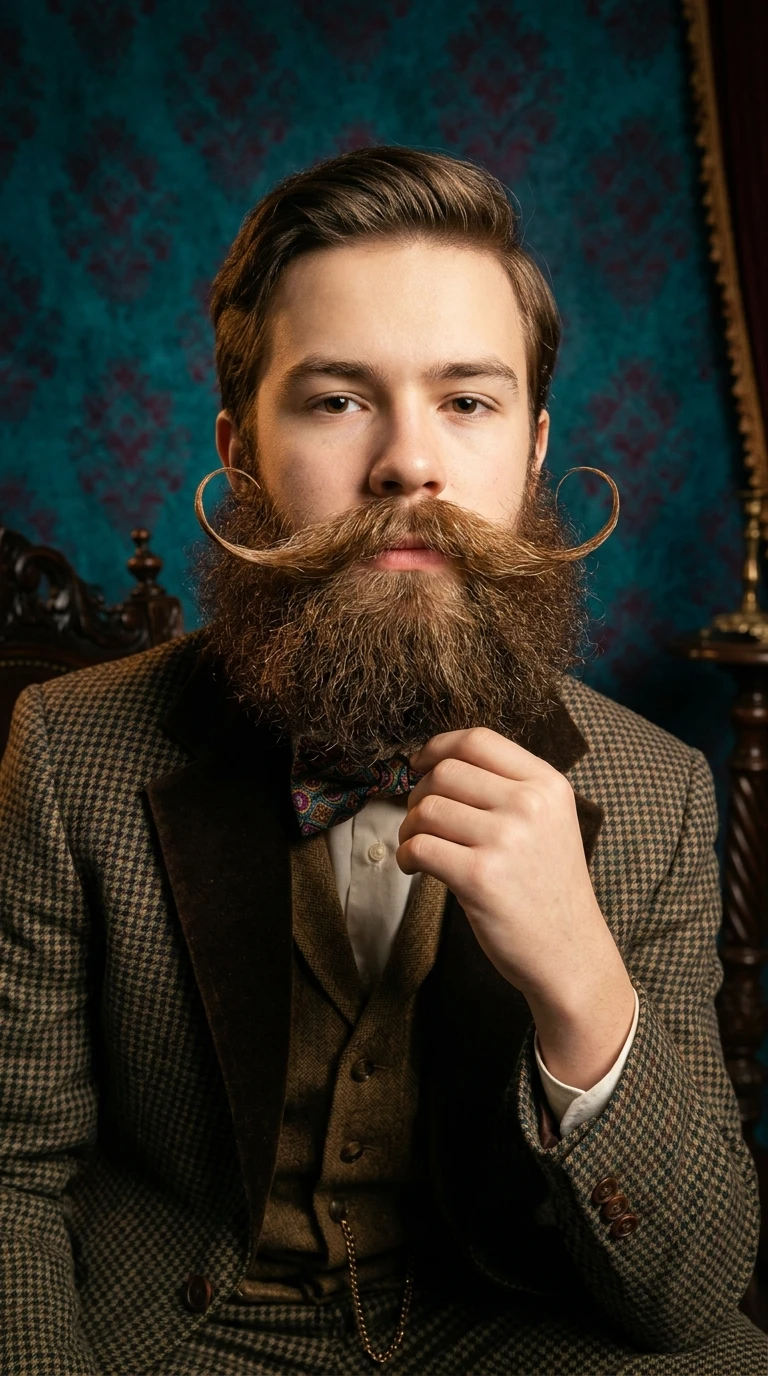
AI Generated Full Beard Portrait
Virtual Beard Style and Facial Hair Preview
AI Beard Style Transformation Example
Different AI Generated Beard Looks
Personalized AI Beard Portrait Example
AI Beard Generator Short Beard Style Preview
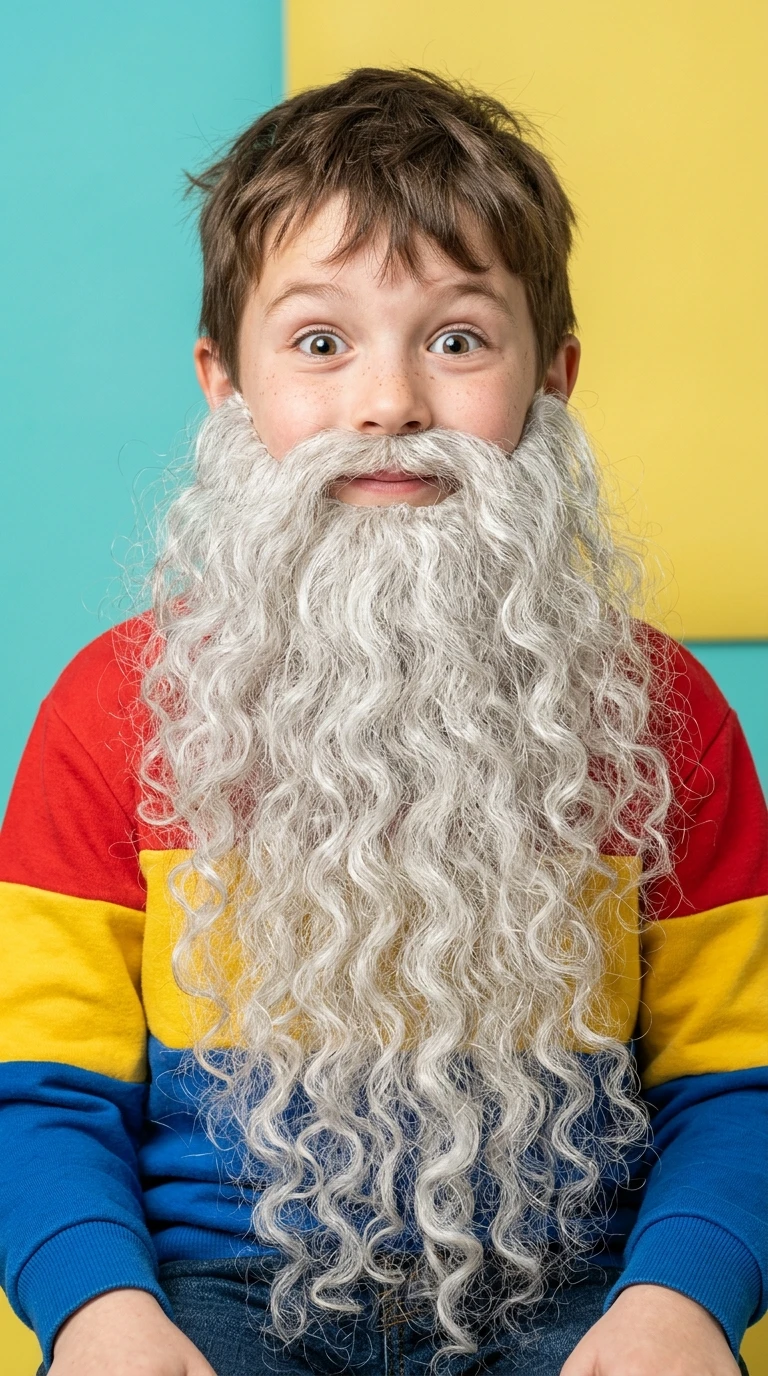
AI Generated Full Beard Portrait
Virtual Beard Style and Facial Hair Preview
AI Beard Style Transformation Example
Different AI Generated Beard Looks
Personalized AI Beard Portrait Example

Explore the Magiclight AI Beard Generator Features

A neatly trimmed goatee gives a different look from a thick, full beard. The Magiclight AI beard generator lets you experiment with facial hair styles while keeping your appearance recognizable.

Generate an AI Beard for Free
AI Beard Generator Decoration

Keep Your Face With Reference Image to Image

Upload a clear selfie to Magiclight AI and select Reference Image to Image. Describe the beard you want to try, such as short stubble or a full beard, while using your original face as a reference.

500 Characters to Describe Your Beard

Explain your preferred facial hair style in a prompt of up to 500 characters. Mention details like a faded beard, sharp cheek lines, dark stubble, or a trimmed mustache to help Magiclight AI generate your desired look.

1:1 Square Format for Beard Photos

Choose the 1:1 aspect ratio in Magiclight AI to generate a square portrait featuring your new beard style. This format suits social media profile pictures and makes comparing different facial hair looks easier.

10 Image Models for Different Beard Looks

Explore 10 AI image models in Magiclight AI to test your preferred facial hair style. Compare results from Seedream 5.0 Pro and Nano Banana 2.1 to see differences in beard texture, shape, and overall appearance.

Who Can Use the Magiclight AI Beard Generator
Magiclight AI beard generator helps you see a new beard on your own face. It's useful for men considering a change and people working with facial hair looks.
Trying New Beard Styles With AI
For New Looks
Experiment with a full beard through Reference Image to Image.
Examine multiple outputs before settling on your favorite beard.
Specify a gray beard shade using the 500 character prompt.
Barbershops Previewing Different Beard Styles
For Barbershops
Present different beard shapes to clients before trimming begins.
Prepare square 1:1 beard previews for your barbershop gallery.
Explore 10 image models to find a suitable facial hair texture.
Actors Previewing AI Generated Beard Looks
For Actors and Performers
Visualize a thicker beard before your next character audition.
Supply 10 reference images to guide your character's beard appearance.
Animate a beard portrait through Frame to Video for a role preview.
Beard Care Brands Creating Promotional Portraits
For Beard Oil Brands
Create 9:16 beard portraits for your brand's social media stories.
Demonstrate trimmer results using different beard shapes on models.
Promote beard care products with images licensed for commercial use.
Why Choose Magiclight AI Beard Generator
A beard can look good in one photo but different from another angle. The Magiclight AI beard generator helps you compare styles, adjust facial hair, and explore new looks.
Create Beard Examples Without a Selfie
Use Magiclight AI Text to Image to create beard examples without uploading a selfie. Describe a short boxed beard or thick goatee on a fictional model for a barbershop style chart.
Choose a Format for Barber Photos
Select the 4:3 aspect ratio for beard portraits in a barbershop style guide. Magiclight AI also supports 9:16 for vertical photos on phone screens and social media stories.
Match a Beard Style From Photos
Upload your selfie alongside photos of a beard style you like. Magiclight AI supports up to 10 reference images to guide the facial hair's length, shape, and texture.
Change a Beard That Looks Too Thick
Your generated beard might look fuller than expected. Upload the result through Reference Image to Image and ask Magiclight AI to reduce the thickness or shorten the facial hair.
Keep Facial Hair Clear With 20MB Photos
Magiclight AI accepts JPG, PNG, and WEBP images up to 20MB each. Upload a well-lit selfie showing your cheeks and jawline to guide the placement of facial hair.
See Your Beard Change in 30 Seconds
Use Frame to Video with your original selfie as the first frame and your new beard portrait as the last. Magiclight AI creates a video showing the change between both looks.

How to Use the Magiclight AI Beard Generator

Try a new facial hair style without touching your real beard. The AI beard generator in Magiclight AI takes you from a simple selfie to a fresh beard preview in 4 steps.

1.

Step 1. Choose Your Image Mode

Enter the Image tab in Magiclight AI and select Reference Image to Image. This mode lets you use your own selfie as the starting point for a new beard portrait.

2.

Step 2. Upload Your Selfie

Add a clear photo that shows your cheeks and jawline. You can also upload a beard style you admire from 10 reference images to help Magiclight AI follow your idea.

3.

Step 3. Describe Your Beard Style

Use the 500-character prompt to explain the beard you want. Choose from 10 image models and select your preferred aspect ratio before generating.

4.

Step 4. Review Your New Beard

Preview the generated portraits and check which beard suits your face. Compare the facial hair with your original selfie before downloading the version you prefer.

FAQs on AI Beard Generator

Will I really be able to grow this beard?

Not every beard you see in a preview will grow naturally. Your genetics affect facial hair growth. A barber can help you choose a style that works with your actual beard.

Is it possible to try different beard colors?

Yes. Magiclight AI beard generator lets you describe the color you want. Try a gray beard to see how it changes your face. You can also test another image model for a different result.

Can I remove my existing beard from a photo?

Yes, upload a photo with your current beard and ask Magiclight AI to remove the facial hair. Check your chin after generating, since the result may change some facial features.

Is it possible to animate my new beard portrait?

Yes, Magiclight AI lets you animate a beard portrait with Image to Video. You can describe a simple head turn to show your facial hair from another angle in a short video.

Am I allowed to edit someone else's beard?

You can try a beard style on another person's photo with their permission. Share the result with them first and avoid presenting the edited portrait as a genuine photograph.

Do side profile photos work for beard previews?

Side profile photos can work, although the beard may look different from what you expected. A clear view of your jaw helps Magiclight AI follow your face shape more closely.


See Your New Beard Before Growing It With Magiclight AI

Try a fresh beard style on your selfie with Magiclight AI. Find a look you like before making any changes.