Hero background

AI Muscle Generator

Want to see yourself with broader shoulders or defined abs? Upload your body photo to Magiclight AI Muscle Generator and describe your preferred physique.

Create an AI Muscle Photo for Free
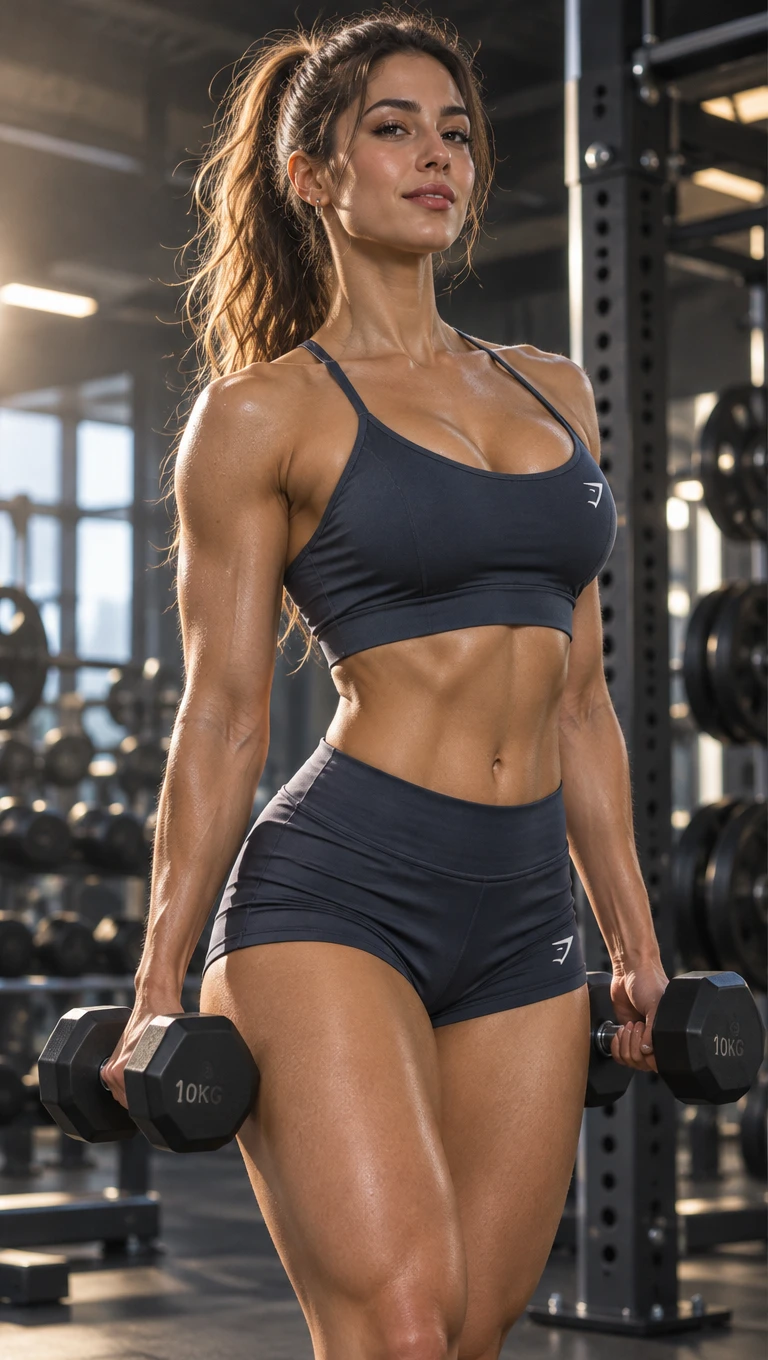
AI Muscle Generator Muscular Body Transformation Preview
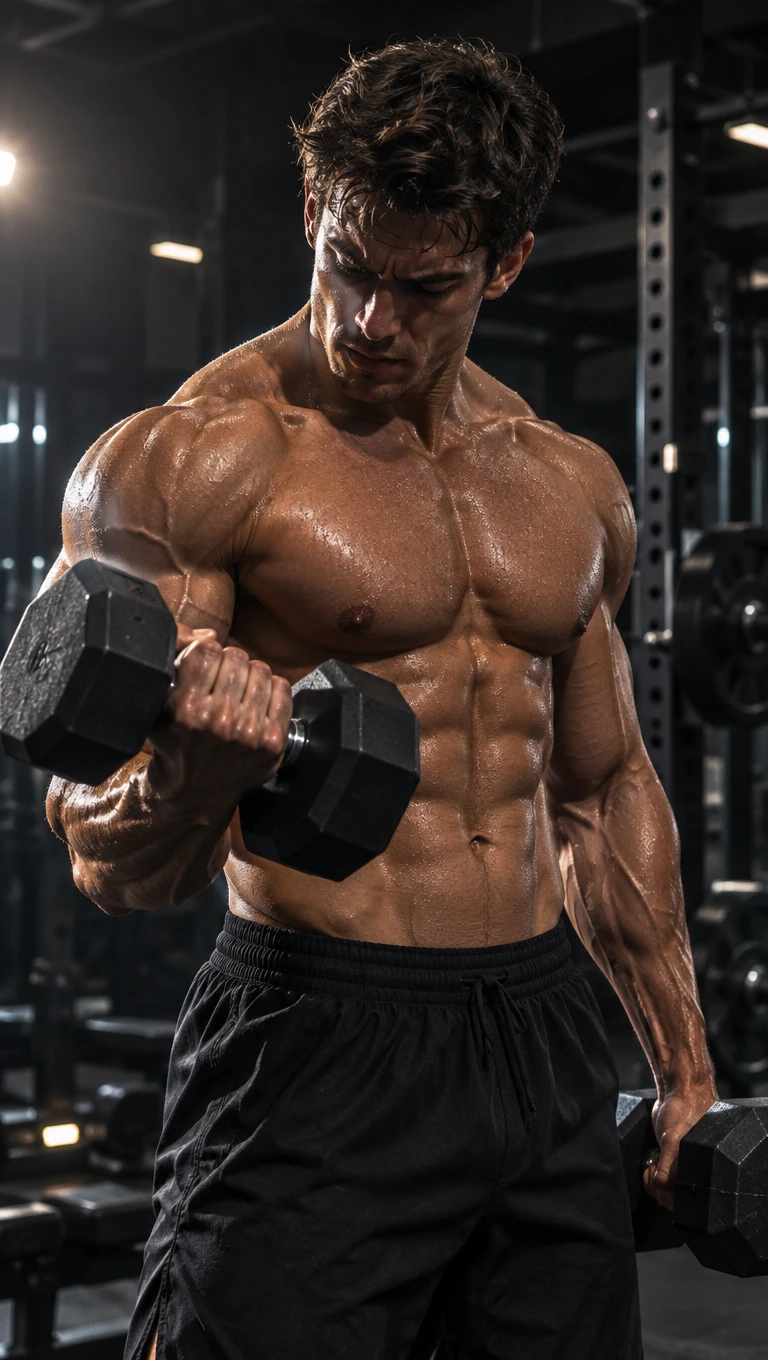
AI Generated Muscular Physique Portrait
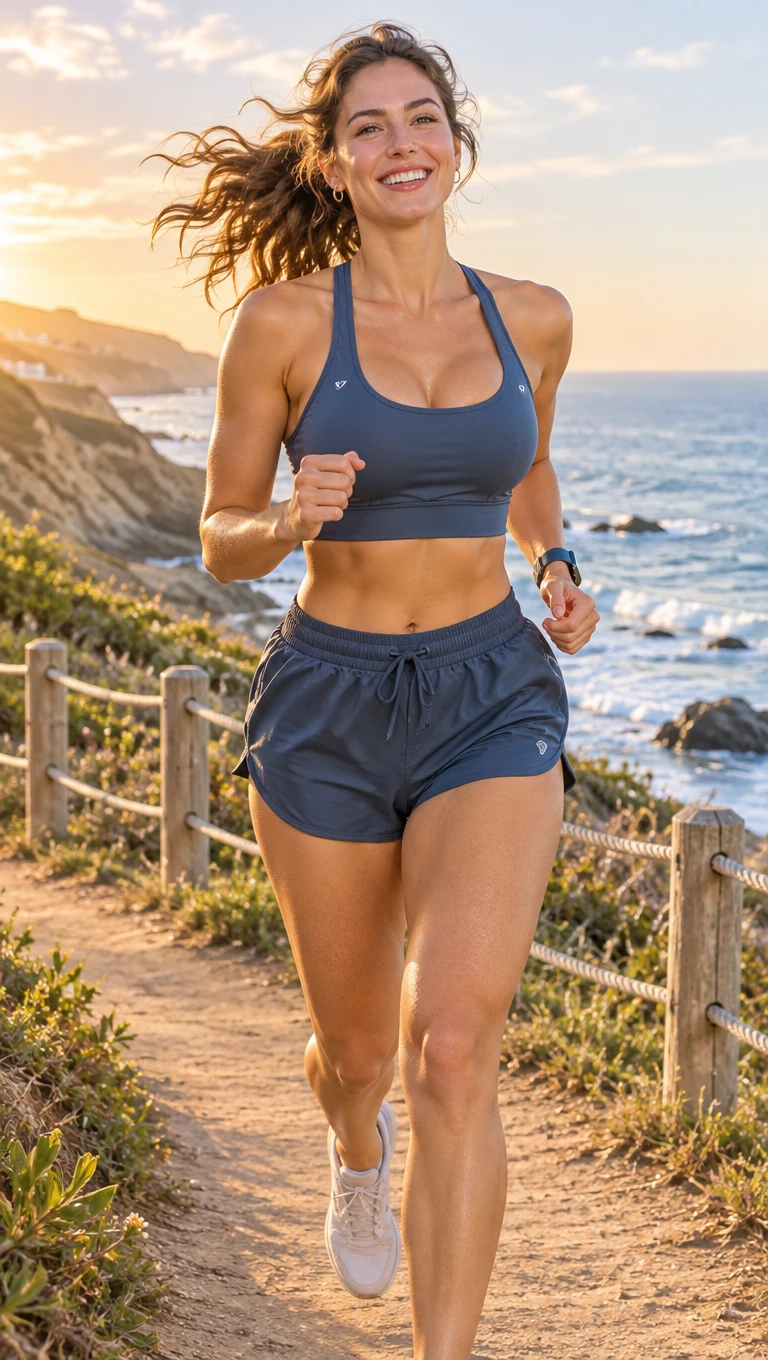
AI Muscle Transformation and Fitness Portrait
AI Muscle Generator Body Transformation Example
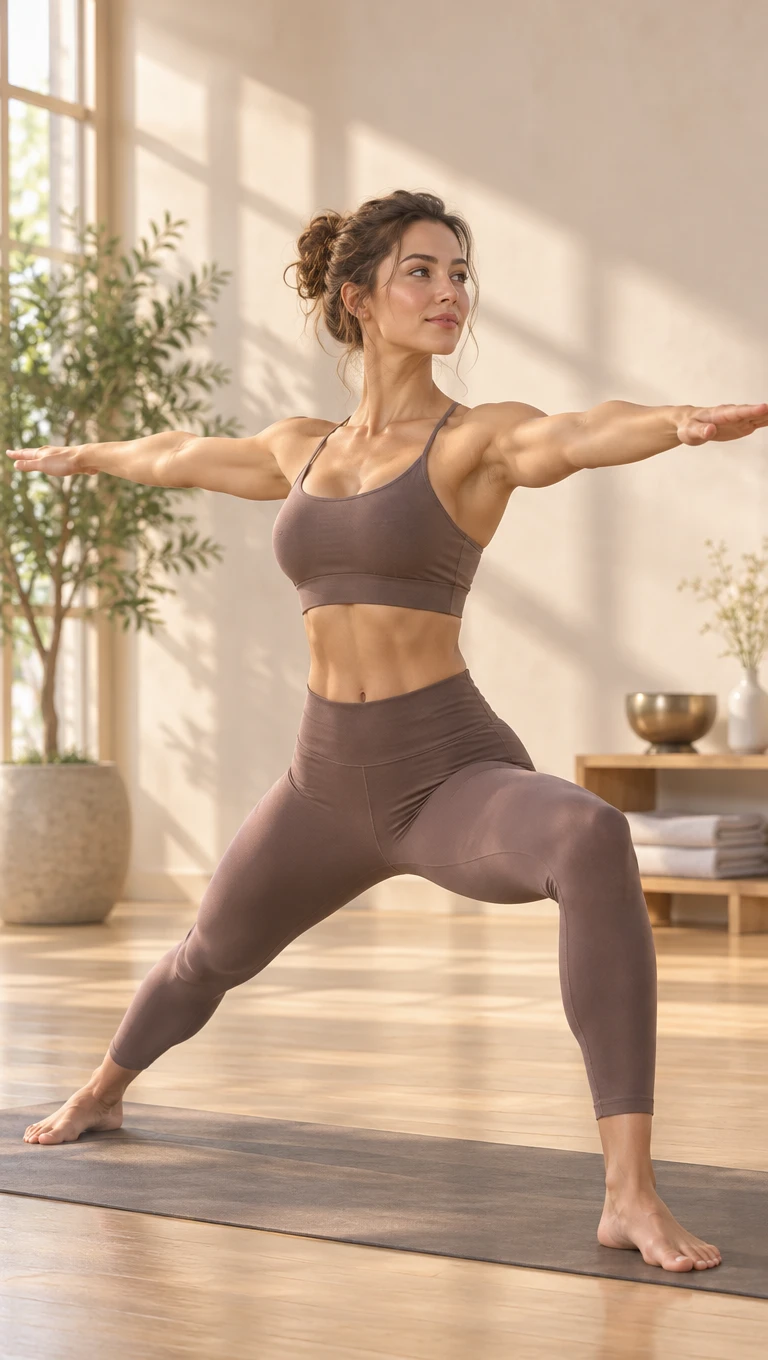
AI Generated Strong and Muscular Body Portrait
Personalized AI Muscle Physique Transformation
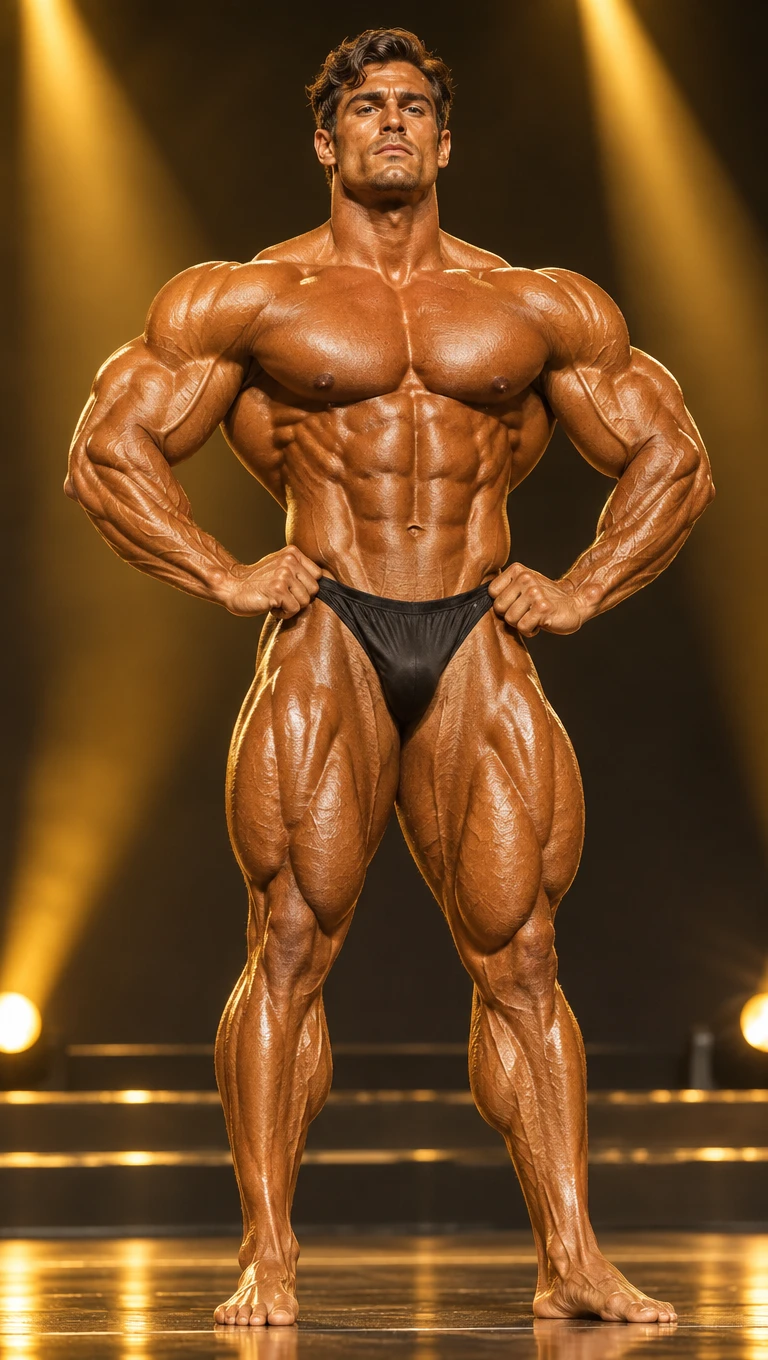
AI Muscle Generator Muscular Body Transformation Preview
AI Generated Muscular Physique Portrait
AI Muscle Transformation and Fitness Portrait
AI Muscle Generator Body Transformation Example
AI Generated Strong and Muscular Body Portrait
Personalized AI Muscle Physique Transformation

Exploring the Features of Magiclight AI Muscle Generator

Start with a body photo that shows the physique you want to change. Magiclight AI muscle generator shows how your chosen muscle style could look in the image.

Create an AI Muscle Photo for Free
AI Muscle Generator Decoration

10 Reference Images for Muscle Styles

Upload up to 10 reference images showing your preferred muscular physique. Add your original body photo alongside fitness pose examples to guide Magiclight AI in creating your new look.

500 Characters to Describe Muscle Changes

Enter up to 500 characters to describe your preferred physique. Mention broader shoulders, defined abs, or stronger arms to guide Magiclight AI while keeping your face as a reference.

Multiple Outputs for Different Physiques

Generate different muscular versions of your body photo with Magiclight AI. Try lean muscle definition, broader shoulders, or a bodybuilder-style physique using different prompts and models to compare the results.

4 Aspect Ratios for Muscle Photos

Choose from 4 aspect ratios in Magiclight AI for your muscular portraits. Use 9:16 for full-body photos, 1:1 for square profile pictures, or 4:3 for wider fitness portraits.

Who Can Use the Magiclight AI Muscle Generator
Fitness fans can test a new look, and artists can create muscular characters. Magiclight AI muscle generator lets you experiment with a stronger appearance without changing your body.
Fitness Fans Exploring AI Muscle Transformations
For Fitness Fans
See a stronger version of yourself using Reference Image to Image.
Compare multiple outputs to find the muscle size you like best.
Make a workout song with Suno to play during your next gym session.
Cosplayers Testing Muscular Looks for Superhero Costumes
For Cosplayers
Try bigger muscles on your photo before wearing a superhero costume.
Add 10 reference images to show the body shape you want to copy.
Check 10 image models to find the right look for your character.
Game Creators Designing Muscular AI Characters
For Game Creators
Design a strong game character using the 500-character prompt.
Make 1:1 muscle portrait for your game's character selection page.
Keep the same muscular hero across different stories using Series.
Storytellers and YouTubers Creating Muscular Hero Videos
For Storytellers and YouTubers
Turn a muscular hero's story into scenes using Story to Video.
Choose 9:16 for tall character images that fit YouTube Shorts.
Give your character a coach's voice using ElevenLabs.
Why Choose the Magiclight AI Muscle Generator
Your muscular portrait can become more than a fitness photo. The Magiclight AI muscle generator offers tools to refine body details, create fictional characters, and bring your images to life.
Add Muscle References in Different File Formats
You can add WEBP, PNG and JPG reference images with a limit of 20MB per file. Upload a clear body photo to help the image model follow the physique you want.
Adjust Muscle Details in Your Generated Photo
Not satisfied with your first result? Upload the generated portrait through Reference Image to Image and request smaller arms, softer abs, or more natural muscle definition without starting over.
Explore 10 Image Models for Muscle Details
Choose from 10 AI image models in Magiclight AI to create muscular portraits. Compare Seedream and Nano Banana models to see differences in muscle definition, skin texture, and lighting.
Change Your Muscular Portrait's Background
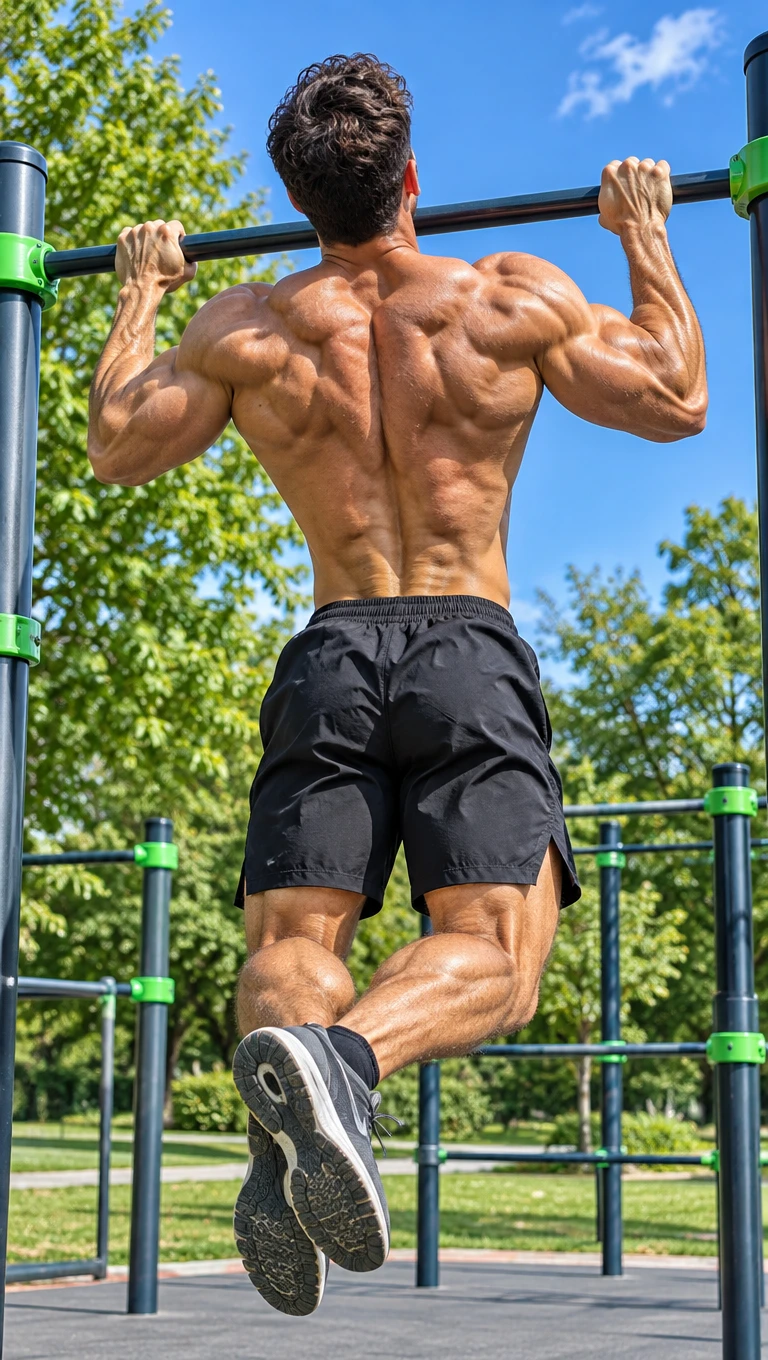
Give your AI muscle photo a different setting using Magiclight AI Reference Image to Image. Request a professional gym, outdoor fitness park, or studio background while keeping your muscular character as the reference.
Create Muscular Characters Without a Photo
Use Magiclight AI Text to Image to generate muscular characters from written descriptions. Picture a fictional bodybuilder, superhero, or athlete without uploading your own body photo.
Turn Your Muscle Photo Into a 30-Second Video
Bring your muscular portrait to life with Magiclight AI Image to Video. Upload the image and describe a gym workout or flexing pose to create an animated fitness scene.

How to Use the AI Muscle Generator in Magiclight AI

Magiclight AI muscle generator starts with a picture of your body. These 4 steps show how to add more muscle to your photo without changing your actual appearance.

1.

Step 1. Start With Your Body Picture

Go to the Image tab in Magiclight AI and select Reference Image to Image. Add a photo showing your body clearly to help the image model follow your original appearance.

2.

Step 2. Explain the Muscle Changes

Write your preferred physique in the 500-character prompt. Mention the muscle areas you want to change and ask Magiclight AI to keep your face and clothing the same.

3.

Step 3. Set Your Image Preferences

Choose from 10 image models, including Seedream 5.0 Pro. Pick an aspect ratio that fits your body photo to generate.

4.

Step 4. Check Your Result

Review the generated result and check the face and body shape before saving the version that matches the physique you wanted.

FAQs on AI Muscle Generator

Can gyms use these images as before and after ads?

Magiclight AI muscle generator creates edited photos, not real fitness results. Gyms should use genuine client photos with permission when advertising actual body transformations.

Is it possible to create a muscular fictional character?

Yes. Magiclight AI lets you create a muscular character through Text to Image. Describe the body shape you want in the prompt without uploading a photo of yourself.

Can I make myself look leaner instead?

Yes. You can ask Magiclight AI for a leaner physique rather than bigger muscles. Mention the body areas you want to change and check that the result still looks natural.

What image formats does Magiclight AI accept?

Magiclight AI accepts JPG, PNG, and WEBP reference images. Each file can be up to 20 MB. Choose a clear body photo that shows the areas where you want to change the muscles.

Am I allowed to edit a friend's body photo?

Yes. You can edit a friend's photo with their permission. Let them see the result before sharing it, and avoid using the image to make misleading claims about their appearance.

How many muscle photo versions can I create?

Magiclight AI lets you select multiple outputs when generating muscle portraits. Try different muscle sizes in separate prompts and compare the results before choosing one.


Picture a Stronger You With Magiclight AI

Give your photo a stronger look with the Magiclight AI muscle generator. Try a new physique without spending months at the gym.