
37 Voices to Fit Every Character's Age
Match each character with one of 37 voices, using the age, gender, accent, and scenario filters. A grumpy old wizard and a cheerful young hero should never share a voice.
Create Now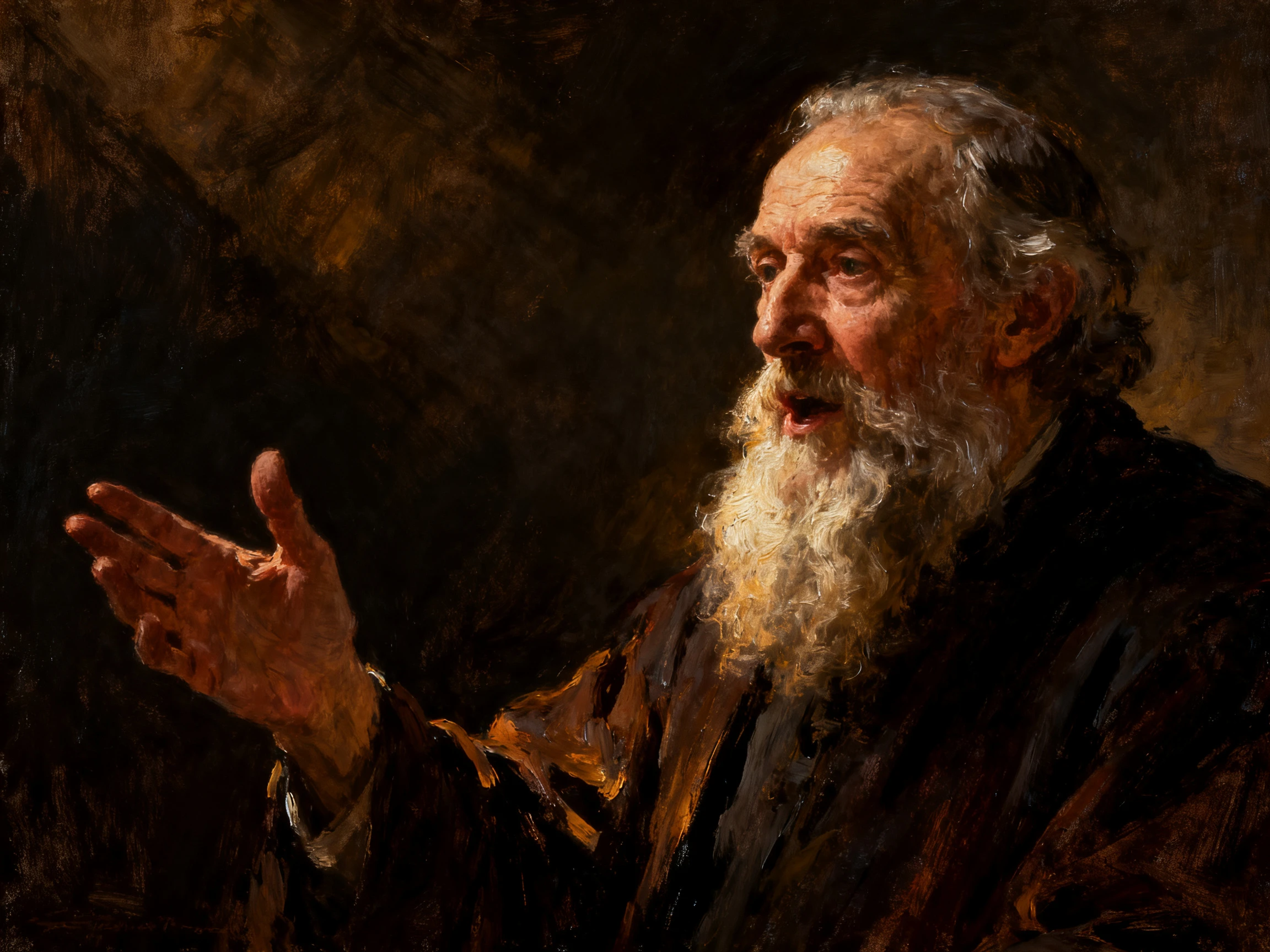

Your characters can speak their lines on screen, not just in an audio file. Magiclight AI voices each line and syncs their lips to it. No recording booth needed.
Create AI Character Voice For Free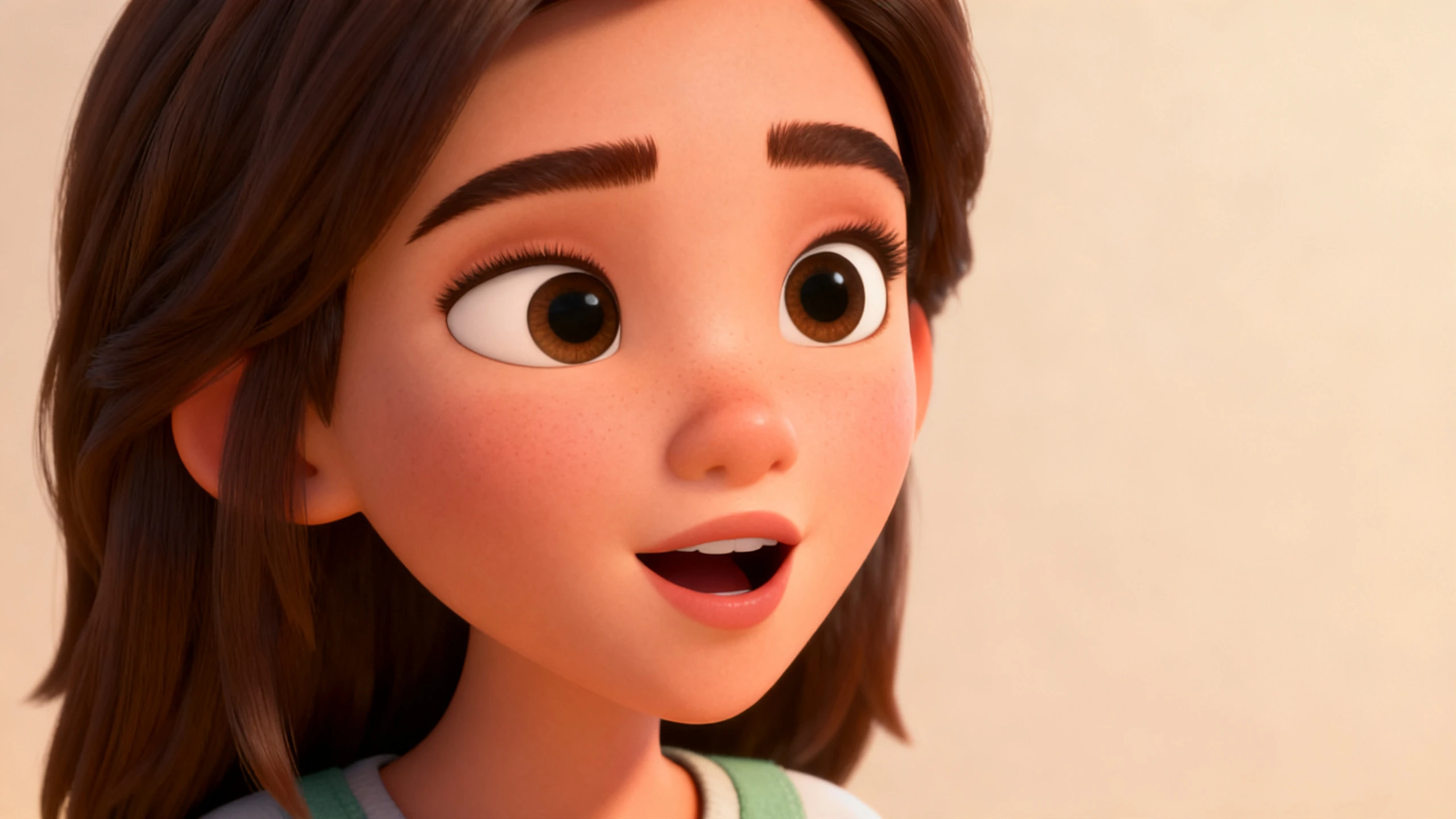










The Magiclight AI character voice generator gives every character a voice that fits and a mouth that moves with it. Pick the voice, set the tone, and choose the language.
Match each character with one of 37 voices, using the age, gender, accent, and scenario filters. A grumpy old wizard and a cheerful young hero should never share a voice.
Create NowRecord about 30 to 60 seconds of clear speech, and Magiclight AI clones your voice for any character you play. Use it only for your own voice or one whose owner agreed.
Create Character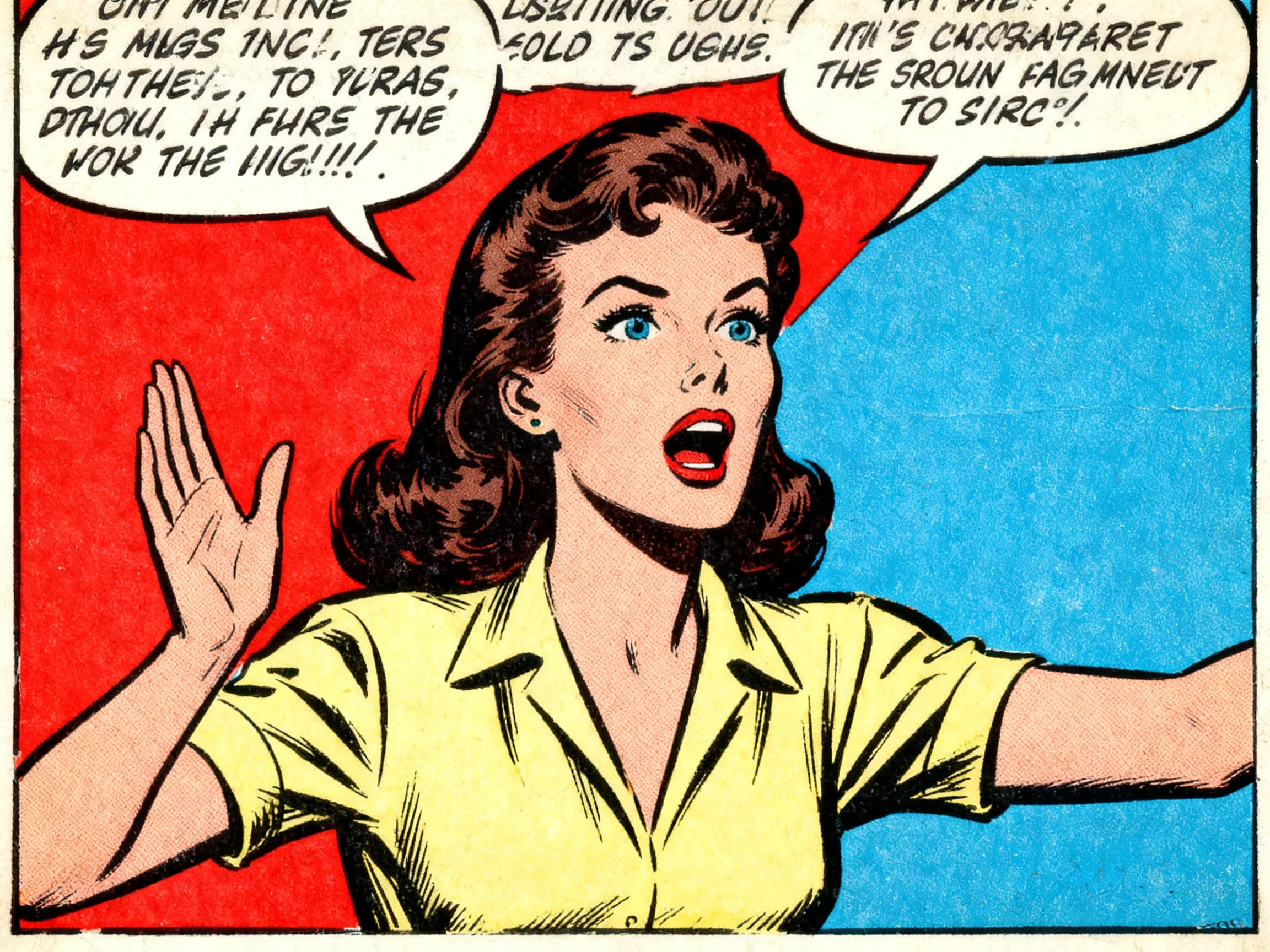
Start from a script with every character's lines, or from a short idea. Magiclight Agent chooses the right format, like an interview or a short drama, and lays out the script with proper voiceovers.
Pick Voice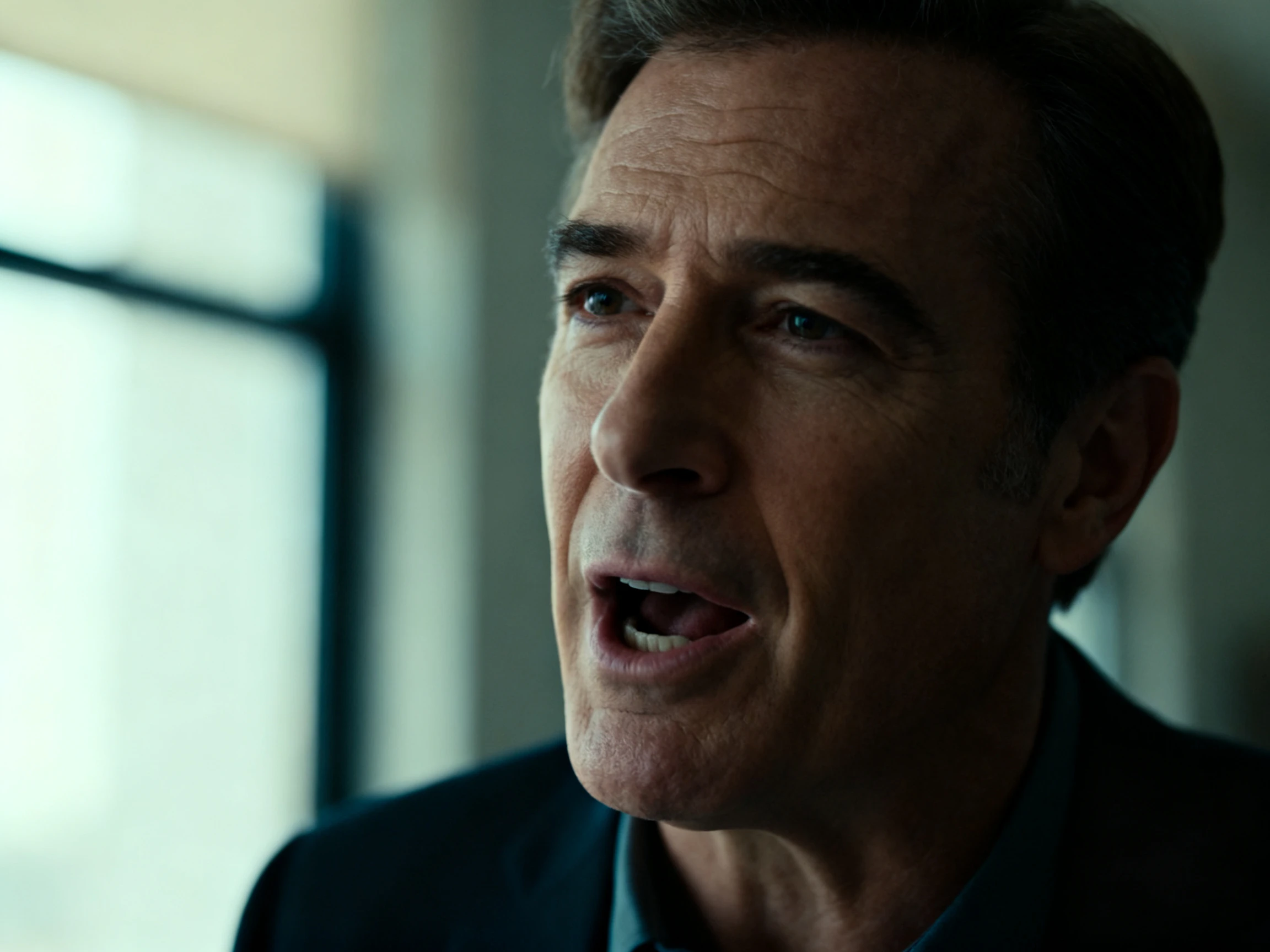
Each character's mouth moves with the words, in any of the 11 supported languages. Make a Spanish version of a scene, and Magiclight AI matches the lip sync to the new line.
Start Creating


Magiclight AI turns a written script into talking characters in 4 steps, using its character voice AI generator. Add the lines, design the cast, check the scenes, and pick the voices.
Paste the script with each character's lines, one speaker per line. Magiclight Agent sets the format, then shows the script so you can check who says what.
Pick a visual style, then design each character from a photo or a written description of up to 1000 characters. Name each one so the voices and lines stay matched.
In Nano Storyboard, review every scene to confirm who is speaking and how they look. Pick a voice for each character from the 37 options or your own clone, then set its tone.
Continue further to add a background music to your voice out of the 40 options. Generate the video, and every line plays with matching lip sync.
YouTuber
I used to export voice files from one app and line them up with mouth shapes by hand. Magiclight AI does both at once, so my characters talk the way I wrote them.
Game Developer
Our trailer had a grumpy blacksmith and a nervous thief, and they needed to sound nothing alike. Magiclight AI gave each one a voice from the filters in minutes.
Tutor
My Spanish lessons use two characters who talk at a café. With Magiclight AI voice generator character, they speak Spanish with matching lips, and my students repeat each line after them.
Brand Manager
We cloned our founder's voice, with his permission, for our mascot. Magiclight AI uses it across all our product videos, so the brand sounds familiar to customers.
Not for animated videos. In Magiclight AI, the same project voices every line and animates the character saying it, so no audio file needs syncing elsewhere.
New accounts get free credits, which make Magiclight AI a free AI character voice generator for a first short video. Paid plans add commercial rights.
Voice cloning in Magiclight AI checks that you are allowed to use the voice, so clone only your own or one you have permission for. Famous character voices belong to their owners.
ElevenLabs is a dedicated voiceover library if you only need audio files. Magiclight AI has 37 voices plus cloning, and each one comes with a character speaking it on screen.
Yes. Magiclight AI lets you set a tone for each character, such as excited, calm, or professional, so the same voice sounds different from scene to scene.
Yes. Save the character with its voice and tone, and Magiclight AI uses both again in your next episode, so viewers hear the same character every time.



Write the first line your character says. The Magiclight AI character voice generator adds a voice, a tone, and lips that move along with every word.