500 Characters for Clothing Changes
Describe your outfit in 500 characters with Magiclight AI. Mention the fabric and fit you want, helping the AI clothes changer follow your idea without changing the original pose.
Create Now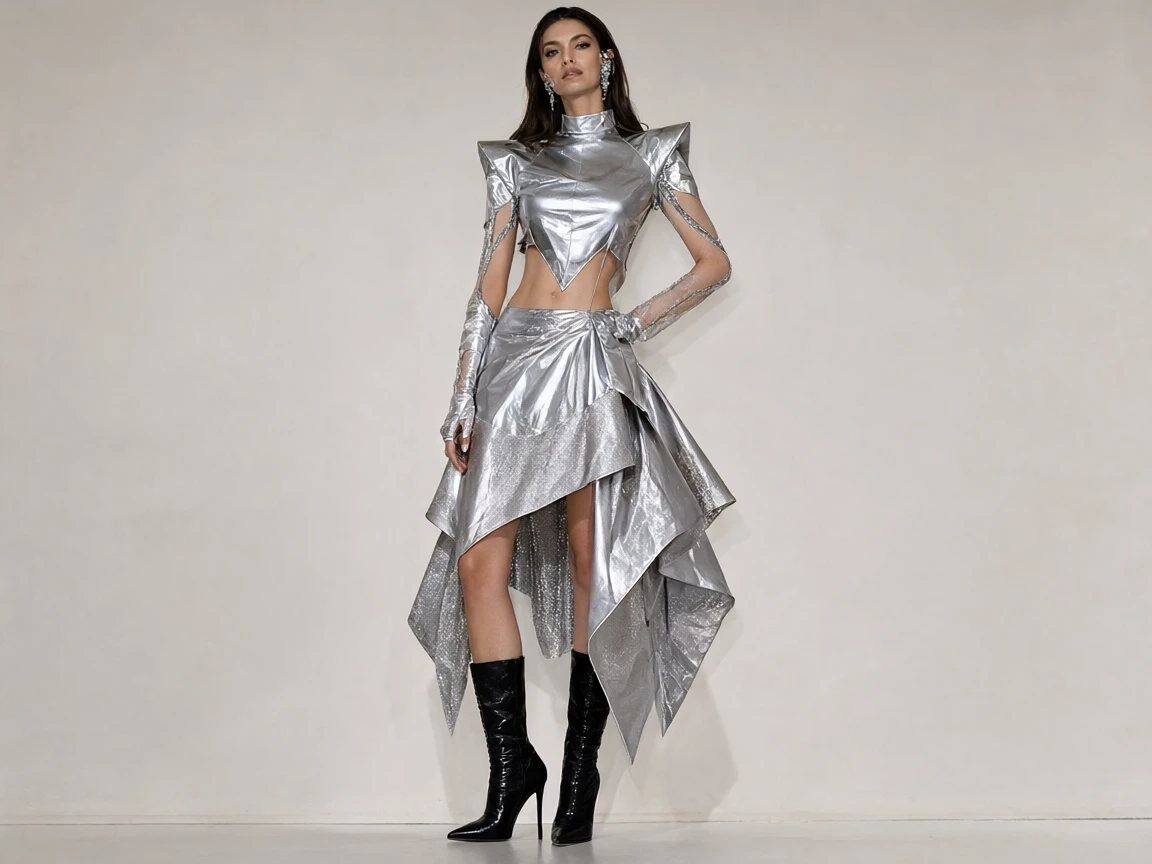

Try different outfits on your photos with MagicLight. Upload a picture, describe the clothes you want, and see your new look while keeping your original pose. No manual selection needed.
Change Clothes in Photos for Free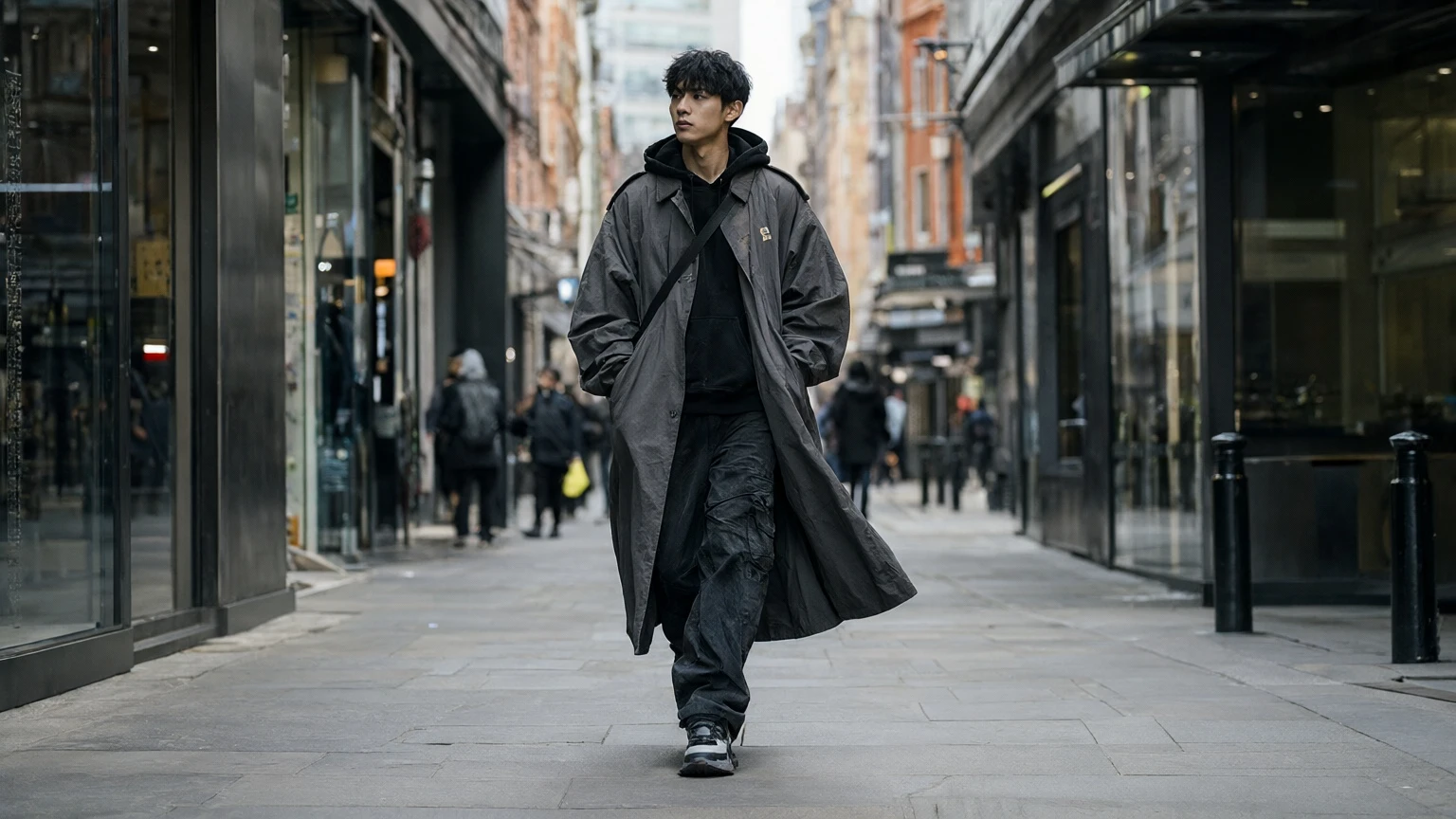










Change the clothes in a photo without losing the moment you captured. Magiclight AI clothes changer lets you describe a new outfit and use your own pictures to guide the result.
Describe your outfit in 500 characters with Magiclight AI. Mention the fabric and fit you want, helping the AI clothes changer follow your idea without changing the original pose.
Create NowAdd 10 reference images to show Magiclight AI the clothes you want. Garment photos help the AI clothes changer follow the shape and color of the outfit you want in your picture.
Create Characters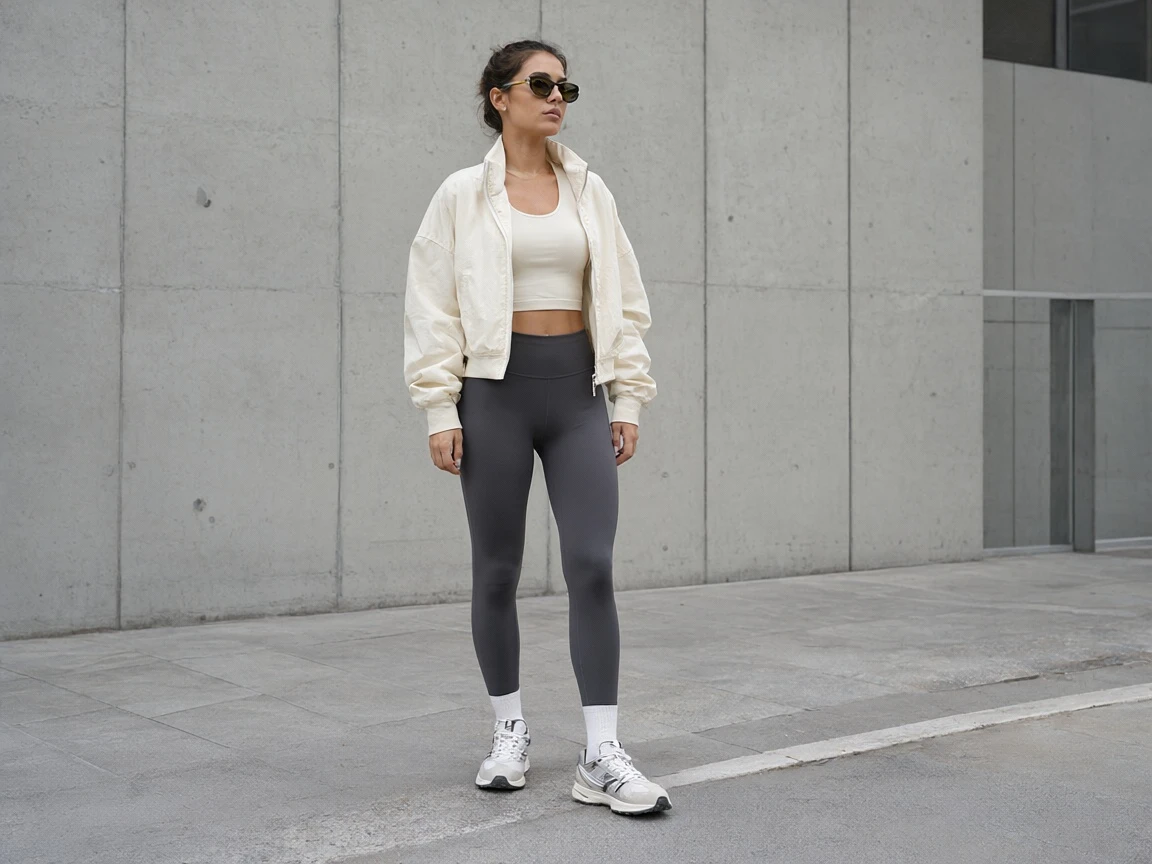
Magiclight AI has 6 image models for changing clothes in photos. Try GPT Image, Nano Banana and Seedream Pro to see how each handles your outfit before choosing the look you like best.
Generate a Video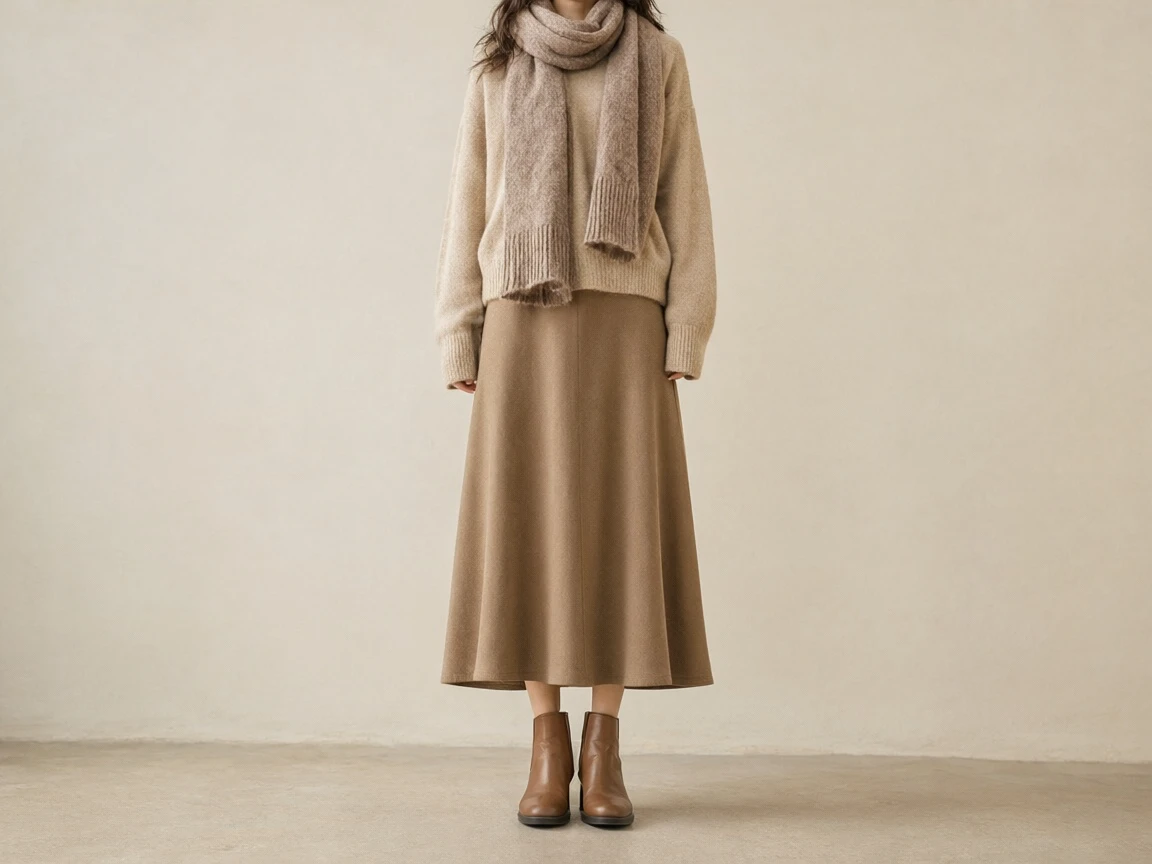
Each run creates 1 image in Magiclight AI and saves it in image history. Return to earlier clothing changes to compare different looks before downloading the photo you like best.
Start Creating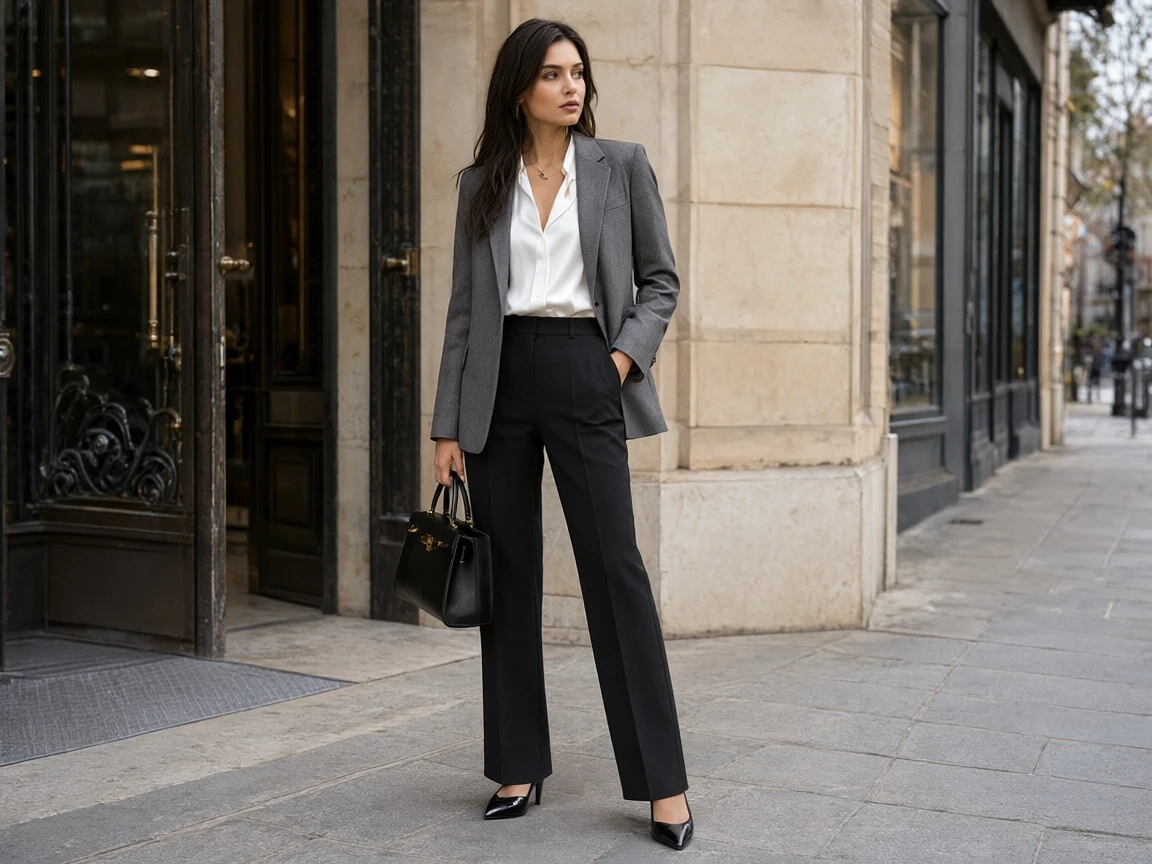


Magiclight AI clothes changer can put a new outfit on someone in your photo. You only need 4 steps to choose the picture and describe the clothing you have in mind.
First, select Reference Image to Image under the Image tab in the Toolbox. Add the person's original photo as Image 1 and the clothing reference as Image 2.
Use the 500-character prompt to explain what the person should wear. Refer to Image 2 for the new clothing and mention what should stay unchanged in Image 1.
Choose from 6 image models and set the picture size. Use 9:16 for a full body photo and 1:1 for a portrait. Pick the format that best shows the new outfit.
Generate the photo and see how the clothes look on the person. If the sleeves seem too long, change your description and try again before saving the result.
Online Store Owner
I wanted to see how our new collection would look on the same model in Magiclight AI. Changing the clothes in an existing photo gave me a useful starting point for product ideas
Marketing Specialist
One of our campaign photos had the right expression but the wrong shirt. I tested a different outfit without arranging another shoot across Magiclight AI just to see how it looked
Illustrator
I had a character drawing that I liked, but the costume needed work. Trying different clothes on the same character in Magiclight AI helped me settle on a look much faster
Fashion Blogger
I often think of outfit combinations when the clothes aren't nearby. Seeing them on my own photo with Magiclight AI helps me decide which looks are worth trying in real life
Yes. Describe the shirt style, color, pattern, or fit you want, and MagicLight AI will help you create a new look in your photo.
Yes. Magiclight AI clothes changer lets you test different outfits using the same original photo. You can compare the results and keep the version you like best.
Yes. Magiclight AI lets you change character outfits through Story to Video using AI Edit. Video to Video is another option for changing clothing in existing footage.
Magiclight AI may reject edits that break its content safety rules, including explicit requests. Always get permission before changing another person's appearance in a photo.
You can ask Magiclight AI to preserve the person's pose when changing clothes. Clear photos help, though the result may still need another attempt if the garment looks unnatural.



Have a shirt you wish you had worn? See how it looks in your existing picture with Magiclight AI. Start creating for free.