








Hero background

AI Kungfu Generator

Upload a photo and turn it into an exciting kung fu video with MagicLight AI. Describe the moves and action scenes you want to create. No martial arts or video editing experience needed.

Create an AI Kungfu Video Now
Kungfu video preview 1
Nano Banana
Google VEO 3
Sora 2
Gemini
Hailuo
Kling
Midjourney
Qwen
Seedance
Wan
Nano Banana
Google VEO 3
Sora 2
Gemini
Hailuo
Kling
Midjourney
Qwen
Seedance
Wan

Top Features of theMagiclight AI Kung Fu Generator

Start with a simple fighting stance and decide which move comes next. Magiclight AI kungfu generator uses your description to guide your character's movements throughout the routine.

Image to Video for Kung Fu Routines

Upload a picture of your fighter through Image to Video in Magiclight AI. Describe a martial arts stance or a dramatic kick to create an animated kung fu clip lasting up to 30 seconds.

Create an AI Kungfu Video Now
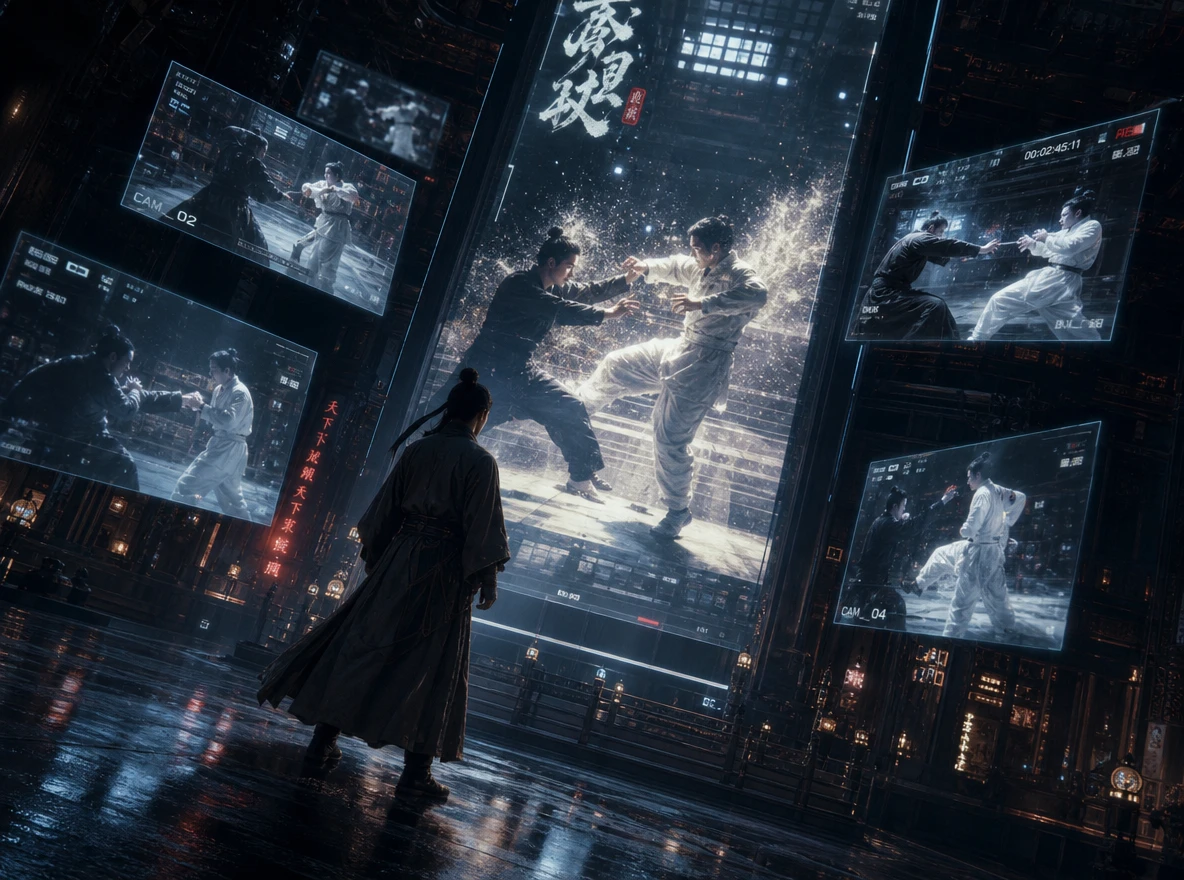
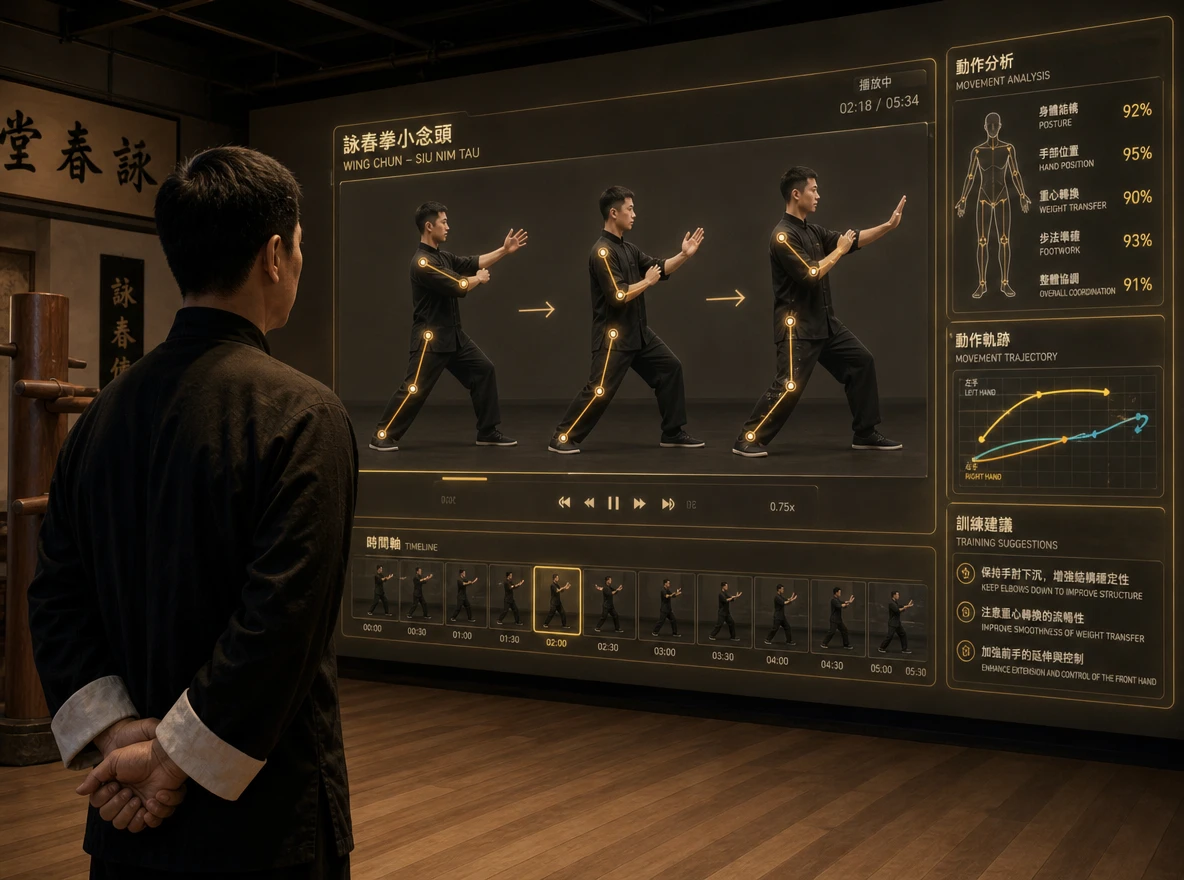
Image to Video for Kung Fu Routines

Motion References for Kung Fu Techniques

Add a recorded martial arts clip through Reference to Video using a supported model. Use the recording to guide your character's movements. Describe how the fighter should perform the routine in your new scene.

Create an AI Kungfu Video Now

Motion References for Kung Fu Techniques

Frame to Video for Martial Arts Movements

Place two pictures of your fighter in different poses into Frame to Video. Magiclight AI creates movement between the opening and closing images. Try it for a dramatic change in stance.

Create an AI Kungfu Video Now

Frame to Video for Martial Arts Movements

10,000 Characters for Detailed Fighting Routines

Describe your fighter's movements within a 10,000-character video prompt. Mention the martial arts style, movement speed, and camera angle. Include the order of actions to give Magiclight AI a clearer direction.

Create an AI Kungfu Video Now
10,000 Characters for Detailed Fighting Routines
Who Can Use the Magiclight AI Kung Fu Generator
Magiclight AI kung fu generator gives martial arts fans a way to bring their ideas to life. From school promotions to game characters, each video can have its own fighting style.
Here are some of the use cases for Magiclight AI Kung Fu Generator:
For Martial Arts Schools
Use Reference to Video to show your instructor's moves in a new clip.
Restyle recorded kung fu lessons through Video to Video for school promos.
Explore 20 AI video models to find a look that suits your dojo classes.
For Personal Clips
For Personal Clips
Upload a clear photo to see yourself performing a new kung fu routine.
Choose a 16:9 frame to showcase martial arts routines on wider screens.
Describe your fighting stance within a 10,000-character video prompt.
For Fight Scenes
For Fight Scenes
Use Frame to Video to connect the opening and closing fighting poses.
Enable Sound Effects to complement the action in your fight scene.
Create clips lasting up to 30 seconds to preview fictional fight scenes.
For Signature Moves
For Signature Moves
Reuse character images through Reference to Video for familiar fighters.
Describe special moves through Text to Video for original game characters.
Export animated martial arts clips in 1080p for game previews.

 How to Use the Magiclight AI Kung Fu Generator

Give your fighter a new martial arts routine with the Magiclight AI kung fu generator. The process takes 4 steps, from choosing your character to saving the finished video.

1.

Step 1. Pick a Mode for Your Kung Fu Scene

Head to the Toolbox and find Video. Reference to Video works with your fighter's picture and motion references. Frame to Video lets you set the first and final poses.

2.

Step 2. Choose Your Fighter and AI Model

Find a suitable model among the 20 AI video options. Add a clear picture of your kung fu character. Seedance models also accept sound references for your martial arts scene.

3.

Step 3. Explain the Fighting Routine

Use the 10,000 character field to tell Magiclight AI how your fighter should move. Include the kung fu style and pick a duration of 30 seconds or less before pressing Create.

4.

Step 4. Review the Moves and Get Your Video

Play the kung fu clip and pay attention to the fighter's hands and feet. Change the motion description if a move looks wrong. Save the video once the routine looks right.

What Users Say About the Magiclight AI Kung Fu Generator

Darren Holt

Martial Arts Instructor

I wanted to show younger students what a kung fu routine could look like as a cartoon. Reference to Video in Magiclight AI helped me create an animated preview of the movements.

Keira Vaughn

Content Creator

I tried turning my own picture into a kung fu fighter through Image to Video in Magiclight AI. It was fun seeing my character perform moves I could never do myself.

Nolan Pierce

Video Editor

I needed a quick preview of a fight sequence before working on the actual footage. Frame to Video in Magiclight AI gave me ideas for the movements between two poses.

Tessa Moreno

Student

My friends and I had an idea for a kung fu video featuring our characters. We explored different video models in Magiclight AI and ended up with a clip we all liked.

FAQs on AI Kungfu Generator

Will the moves look like real kung fu?

Magiclight AI kung fu generator can create movements resembling familiar martial arts techniques. However, fast or complex movements can appear unnatural. Short routines with clearly described actions provide a simpler starting point.

Can my fighter carry a sword or staff?

Yes. Include a sword or staff in your character's reference picture when using Reference to Video. Describe its appearance in Magiclight AI to guide how it looks throughout your fictional martial arts scene.

Is it possible to choose a specific outfit?

Your fighter can wear a traditional kung fu uniform or a fictional costume. Describe the clothing in Magiclight AI or upload a reference picture showing the outfit you have in mind.

What locations can I use for kung fu scenes?

A temple courtyard or a quiet mountain path can work well for your scene. You can also try a modern city rooftop for a different setting in your martial arts video.

Does Magiclight AI support different fighting styles?

You can describe movements inspired by Shaolin kung fu, Wing Chun, or Tai Chi in your prompt. Mention the movement speed and body posture to guide the appearance of your fictional routine.

How long can my kung fu video be?

Magiclight AI supports video clips lasting up to 30 seconds, depending on the selected model. Create a short martial arts routine or focus on a single movement for your animated character.

Create AI Kungfu Content With Magiclight AI

Give your favorite fighter a signature move or an entirely new martial arts routine. Explore your next action scene with the Magiclight AI kungfu generator.