








Hero background

AI Manga Animator

Bring your manga panels to life with Magiclight AI. Upload your artwork and turn still images into animated videos with dynamic movements and scenes. No animation or editing skills needed.

Create Manga Animations for Free
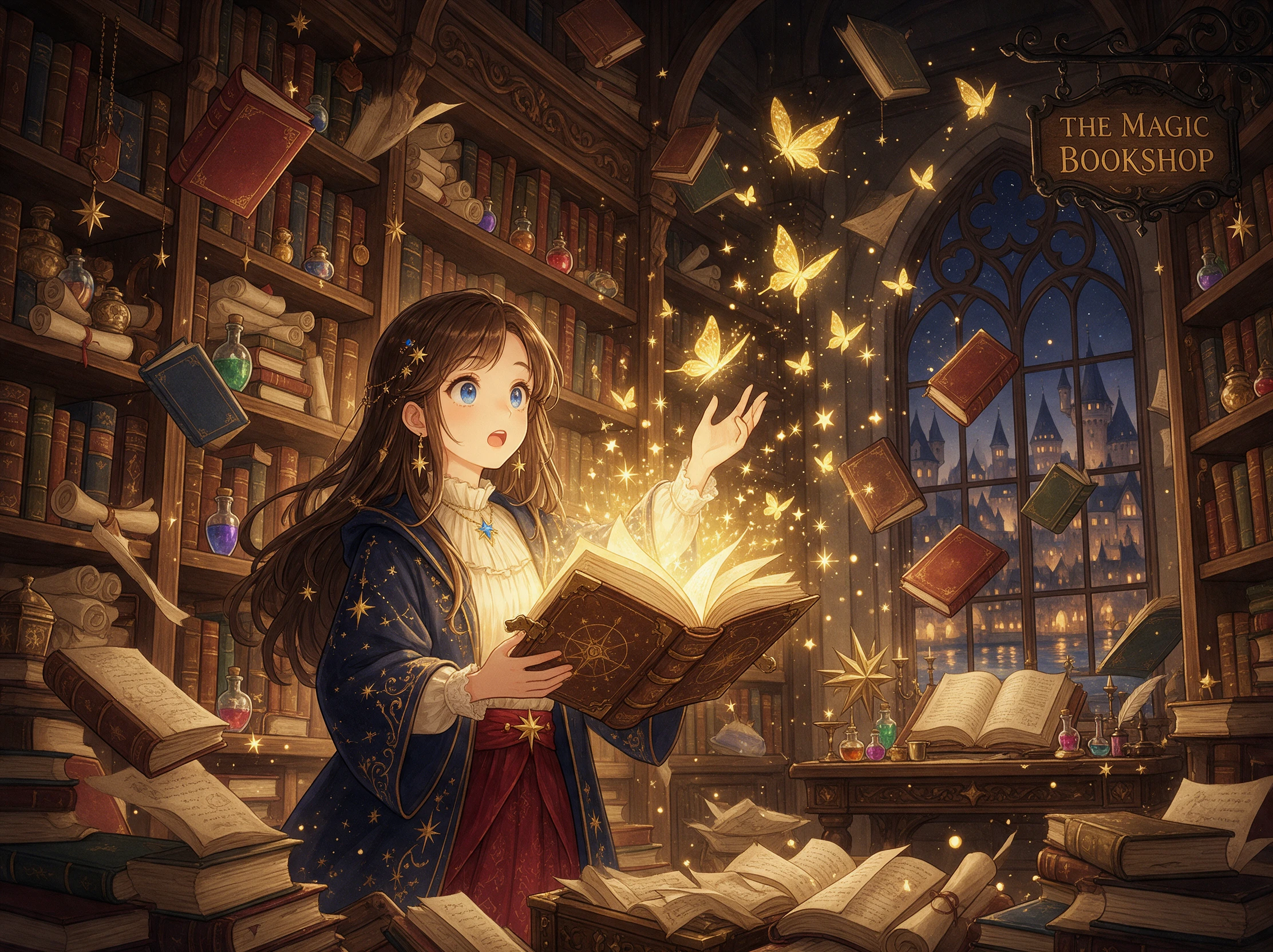
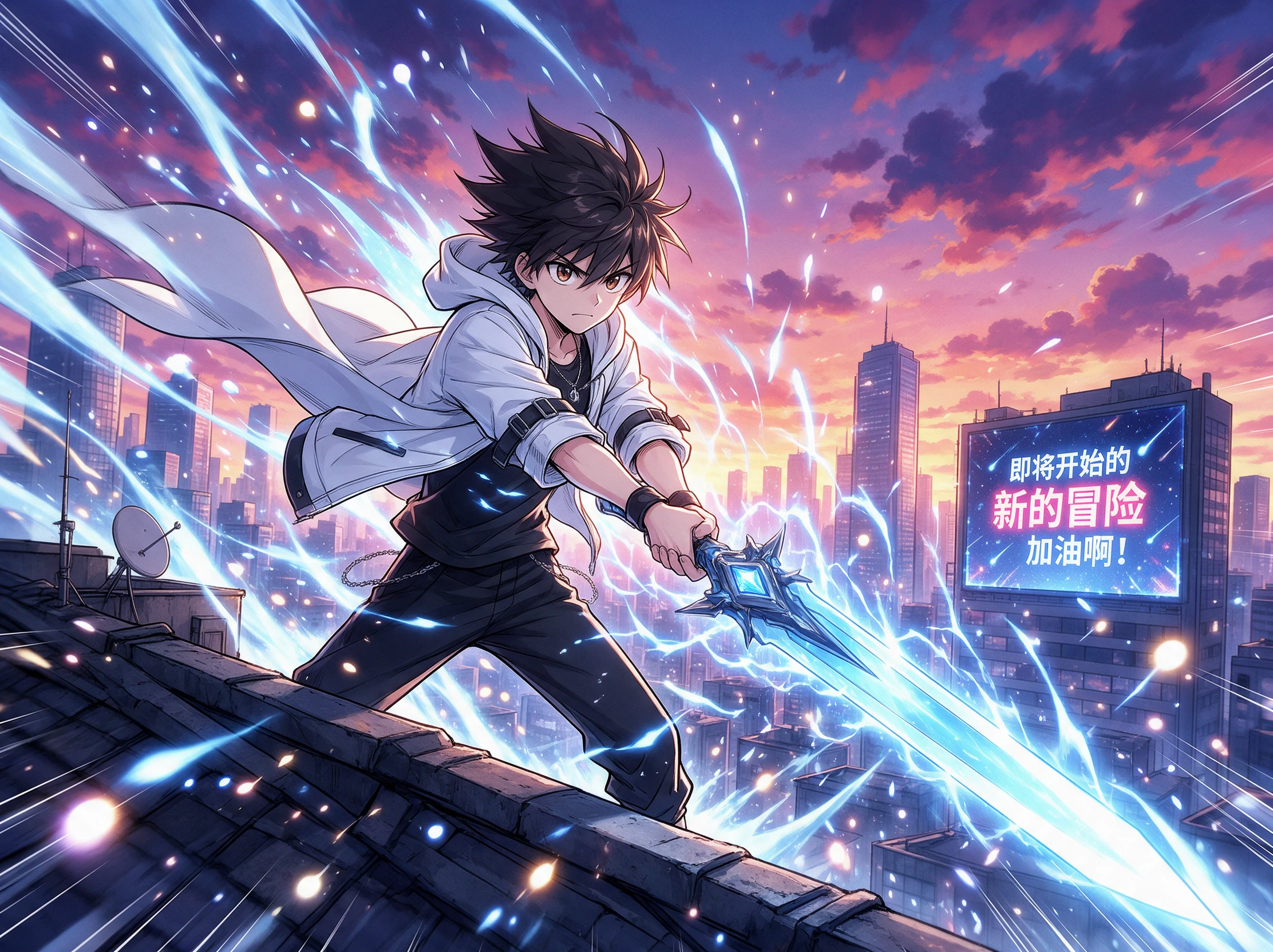
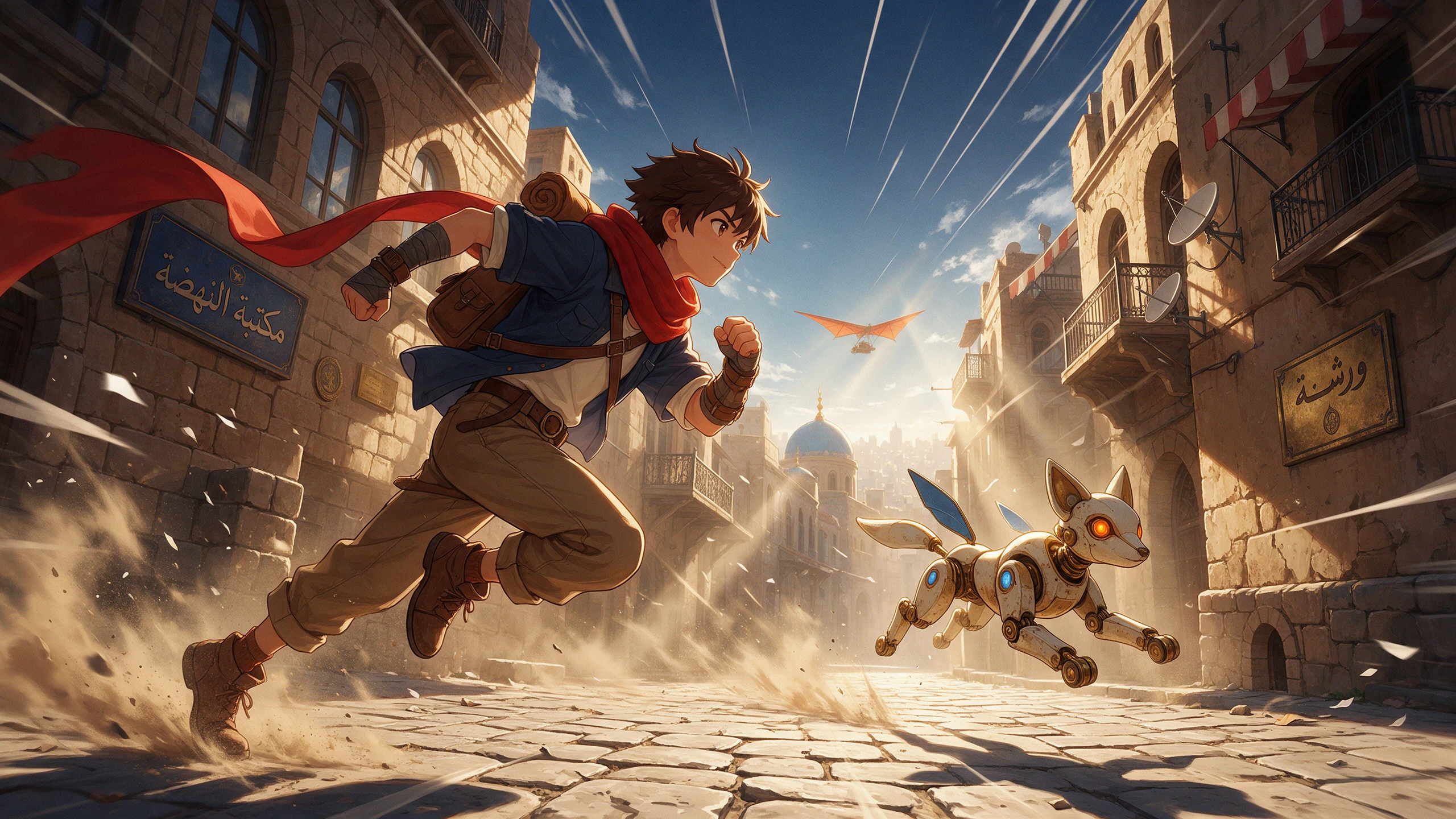
AI manga animation video preview
Nano Banana
Google VEO 3
Sora 2
Gemini
Hailuo
Kling
Midjourney
Qwen
Seedance
Wan
Nano Banana
Google VEO 3
Sora 2
Gemini
Hailuo
Kling
Midjourney
Qwen
Seedance
Wan

Top Features of the Magiclight AI Manga Animator

Give every manga panel a stronger sense of movement with an AI manga animator. Control camera direction, preserve ink details, add sound, and keep your cast visually consistent.

Right-to-Left Pans With 1500 Characters

Set a right-to-left camera move in Magiclight AI to follow the natural reading direction of manga in 1500 characters. Add the pan at the end of your prompt, then pair it with a tilt or zoom to guide attention across the panel.

Create Now
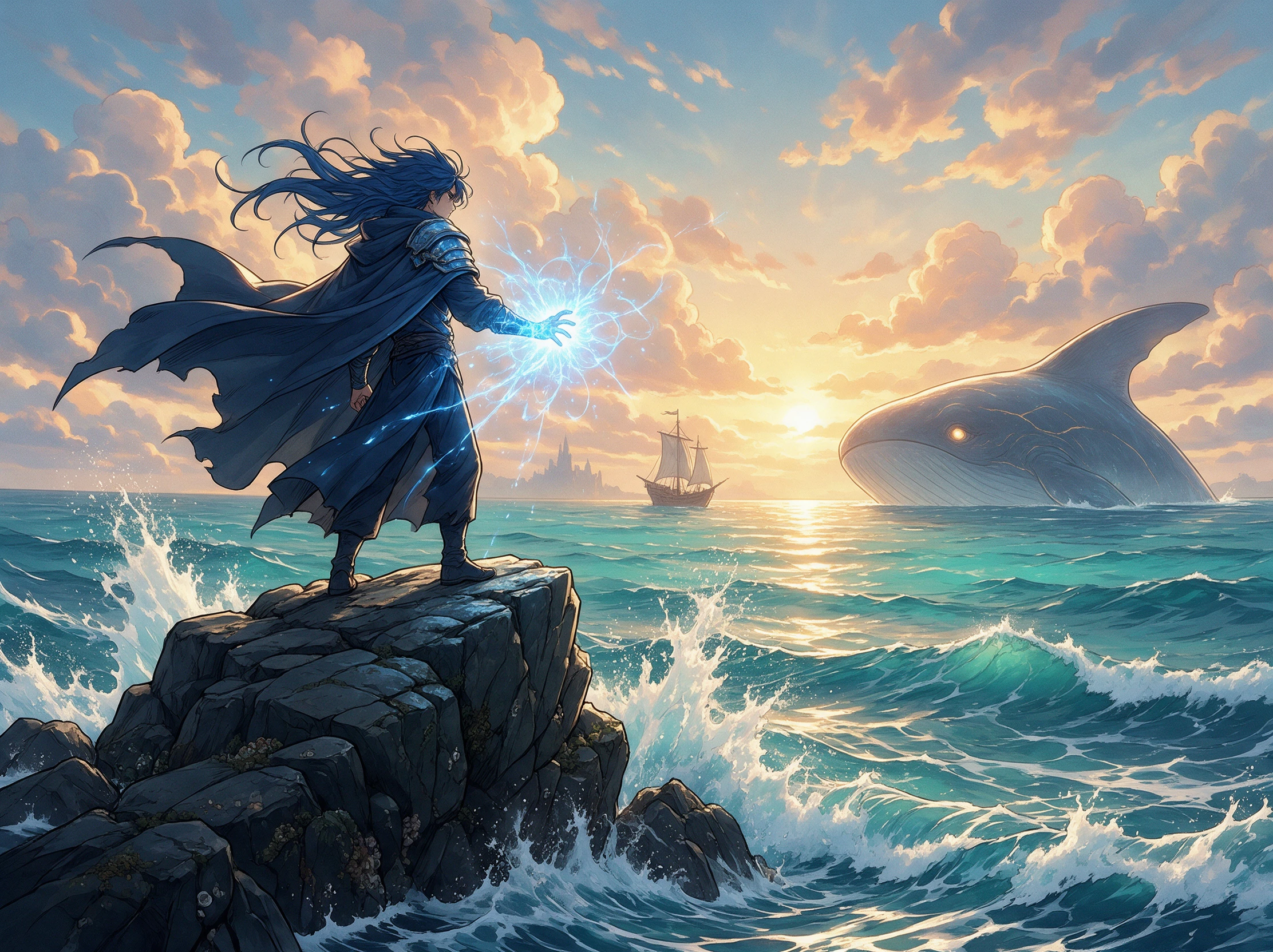
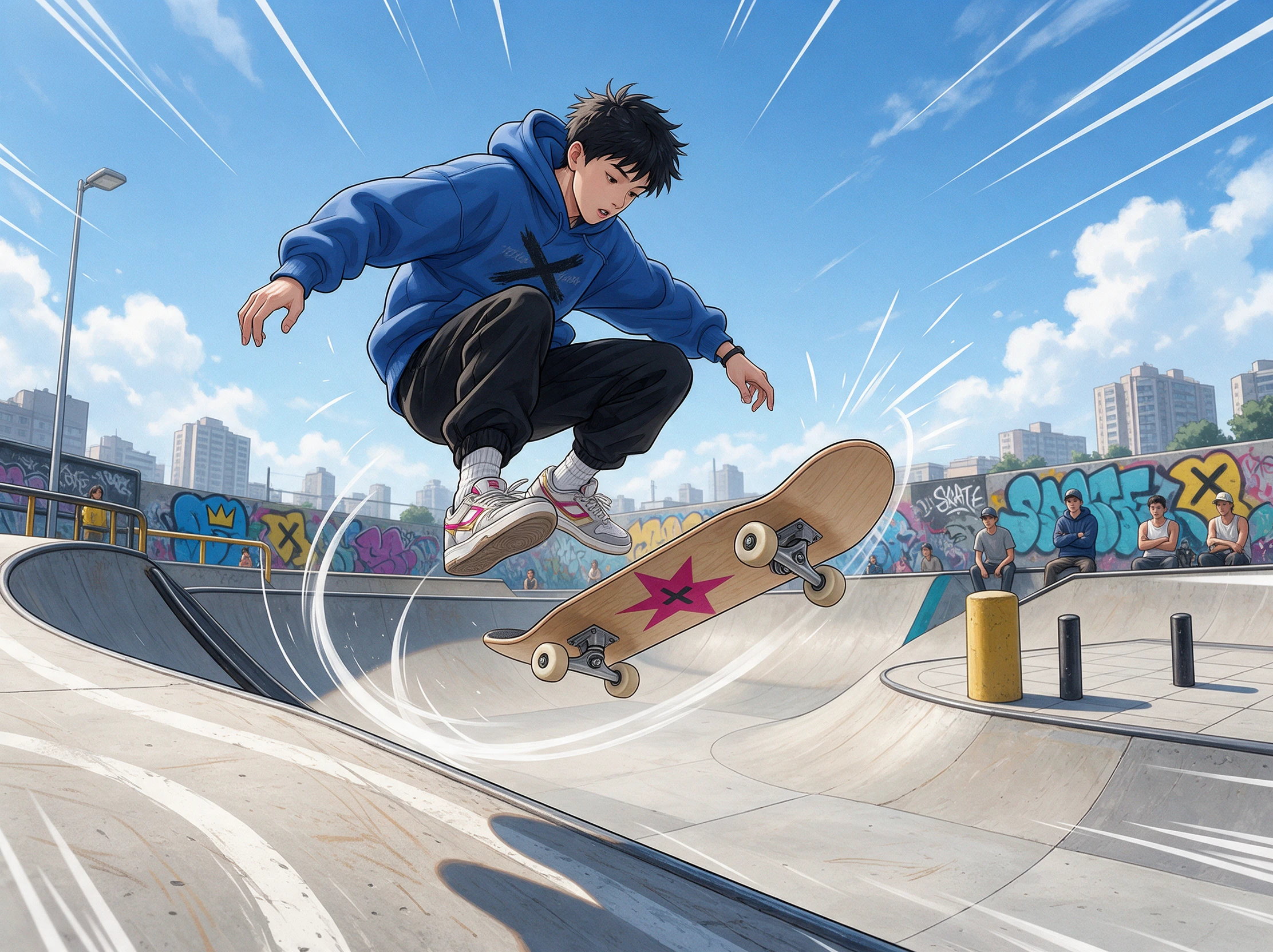
Right-to-left camera pan across a manga panel

1080p Keeps Thin Lines and Hatching Crisp

Magiclight AI preserves manga detail in 1080p on supported models such as Veo 3.1 Lite or Happy Horse 1.0. Fine hatching, sharp ink lines, and small facial details stay clearer during fast action.

Create Characters
Detailed manga ink lines and hatching in 1080p

30 Seconds of Sound for Lettered Effects

Turn lettered impact effects into audible moments with sound effects in Magiclight AI. An explosion marked “BOOM” can gain matching audio, with supported manga clips running for up to 30 seconds at a time.

Generate a Video
Manga action scene with sound effects

Up to 5 Reference Images for Steady Faces

Keep your hero recognizable from shot to shot by adding up to 5 reference images on supported models. Use clear views of the face, hair, outfit, or accessories to reduce unwanted changes between scenes.

Start Creating
Consistent manga character reference images
Who Can Use the Magiclight AI Manga Animator
Put finished panels into motion without redrawing the artwork. The AI manga animator uses image-to-video tools to animate fights, conversations, webtoons, and promos.
Here are some of the ways you can use the Magiclight AI manga animator:
Animated manga action panels
For Action Panels
Try 20 video models when a fight panel needs energetic character movement.
Give complex attacks more direction with a prompt of up to 1500 characters.
Use a 5-second duration for a quick punch, slash, or single impact moment
Animated manga dialogue panels
For Dialogue Panels
Upload one manga panel as the source image before animating the conversation.
Call uploaded assets inside the prompt for clearer instructions.
Generate at 1080p resolution setting at particular video models.
Animated vertical webtoon scene
For Webtoon Animations
Create videos of 30 seconds when turning a vertical panel into a moving scene.
Upload source artwork up to 10MB to start the image-to-video generation.
Keep the original aspect ratio when the tall panel needs its webtoon framing.
Animated manga promotional cover
For Animated Promos
Create animated cover promos with a 500-character image generation prompt.
Add audio samples as inputs in specific video model for better direction.
Explore around 20 video models when your cover needs a different motion style.

 How to Use the Magiclight AI Manga Animator

Clean the text out of speech bubbles first, since lettering can warp in motion. Upload, action, sound, and an ink check are the 4 steps you work through in the AI manga animator.

1.

Step 1. Upload a Clean, Cropped Panel

Open Image to Video and upload one JPG or PNG manga panel under 10MB. Pick a frame with sharp lines and a clear subject so Magiclight AI has a clean starting image.

2.

Step 2. Write the Action and Camera Path

Use the 1500-character prompt box to explain what moves and what stays still. Add one main action, then finish with the exact pan, zoom, or camera direction you want.

3.

Step 3. Choose a Model and Create the Clip

Pick the video model that fits your manga scene and adjust the available settings. For action that needs audio, turn on Sound Effects before creating the clip.

4.

Step 4. Compare the Ink to Your Original

Preview the clip beside your original panel and check faces, hands, lines, and colors. Once the artwork looks right, download your manga video in selected resolution.

What Users Say About the Magiclight AI Manga Animator

Mika Tanaka

Manga Artist

Magiclight AI lets me test motion on finished panels without redrawing every frame. I can direct sword swings and camera movement while keeping the original manga style recognizable.

Ethan Cole

Webcomic Artist

For my vertical comic, I use Magiclight AI to see how still panels could move on screen. Camera directions help me turn key moments into short animated previews.

Naomi Reed

Self-Published Author

Animating my illustrated book promos feels much simpler with Magiclight AI. I can start from existing artwork, add motion instructions, and create clips for upcoming releases.

Lucas Moreno

Illustrator

My artwork stays at the center when I work with Magiclight AI. I upload a finished illustration, describe the movement I want, and quickly explore how it feels in motion.

FAQs on AI Manga Animator

Can I animate pages from a published series?

Not without permission from whoever owns the series. Published manga belongs to its creator and publisher, so use Magiclight AI on your own pages or on licensed work.

Will black-and-white art stay black and white?

Yes, when the prompt asks for it. Certain video models add color on their own, so write “keep it black and white” in Magiclight AI, and use Re-edit if a tint still shows up.

What happens to text inside manga speech bubbles?

Lettering can blur or warp once a panel moves, since video models redraw each frame. Let Magiclight AI lip sync speak the line, and add the text back in an editor.

Why do screentones shimmer in the AI manga clip?

Fine dot patterns are hard to hold still across frames. Upload a sharp scan near the 10MB limit and keep the motion gentle, giving Magiclight AI a better shot at steady shading.

Will one manga clip pan across a whole page?

It can, but smaller panels may lose detail. For better control, animate individual panels with the Magiclight AI manga animator, then arrange the finished clips in their intended sequence.

6. Can Magiclight AI animate a manga character from one image?

Yes. Upload a clear manga panel to Magiclight AI and describe the movement you want, such as blinking, turning, walking, or swinging a sword,

Animate Your Manga With Magiclight AI

One finished panel is enough to get started. Add your motion idea, and the AI manga animator turns the artwork into a video you can share.