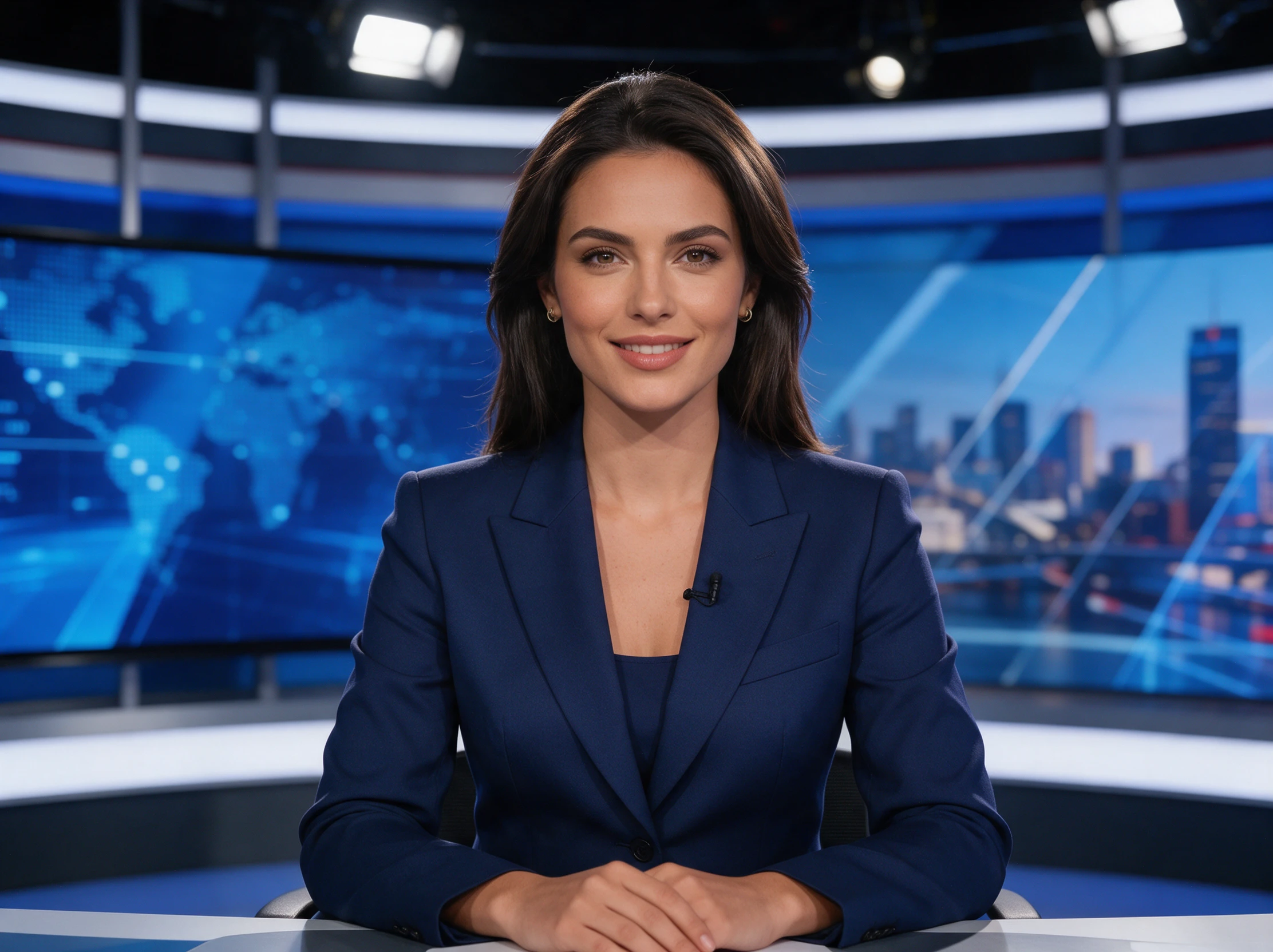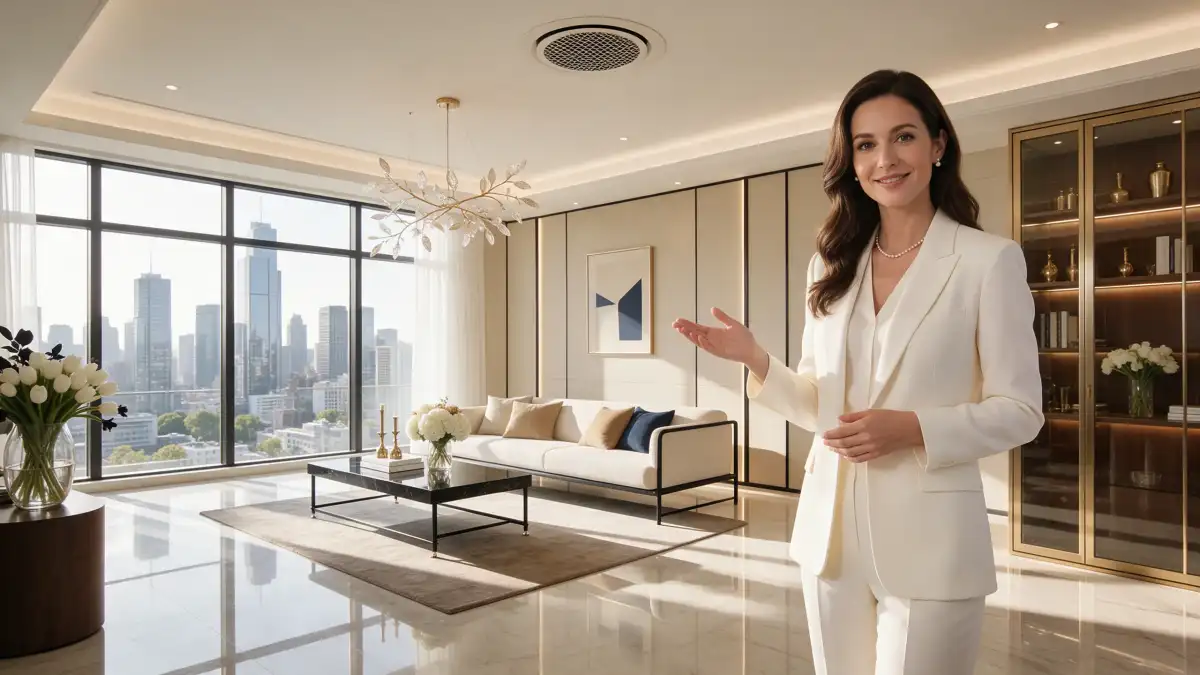









Hero background

AI Presenter Generator

Create virtual presenters with MagicLight. Customize their appearance, choose a voice, and add your script to create presenter-led videos. No filming or on-camera experience needed.

Create an AI Presenter for Free
AI presenter video preview
Nano Banana
Google VEO 3
Sora 2
Gemini
Hailuo
Kling
Midjourney
Qwen
Seedance
Wan
Nano Banana
Google VEO 3
Sora 2
Gemini
Hailuo
Kling
Midjourney
Qwen
Seedance
Wan

Top Features of the Magiclight AI Presenter

A training video needs a clear speaker, while an announcement calls for a more engaging host. Magiclight AI lets you create virtual presenters with custom appearances, voices, and scripts.

1,000 Characters to Describe Your AI Presenter

Describe your host's hairstyle, outfit, and facial features in up to 1,000 characters. You can also choose an existing character from Magiclight AI's Character Library to guide your presenter's appearance.

Create Now
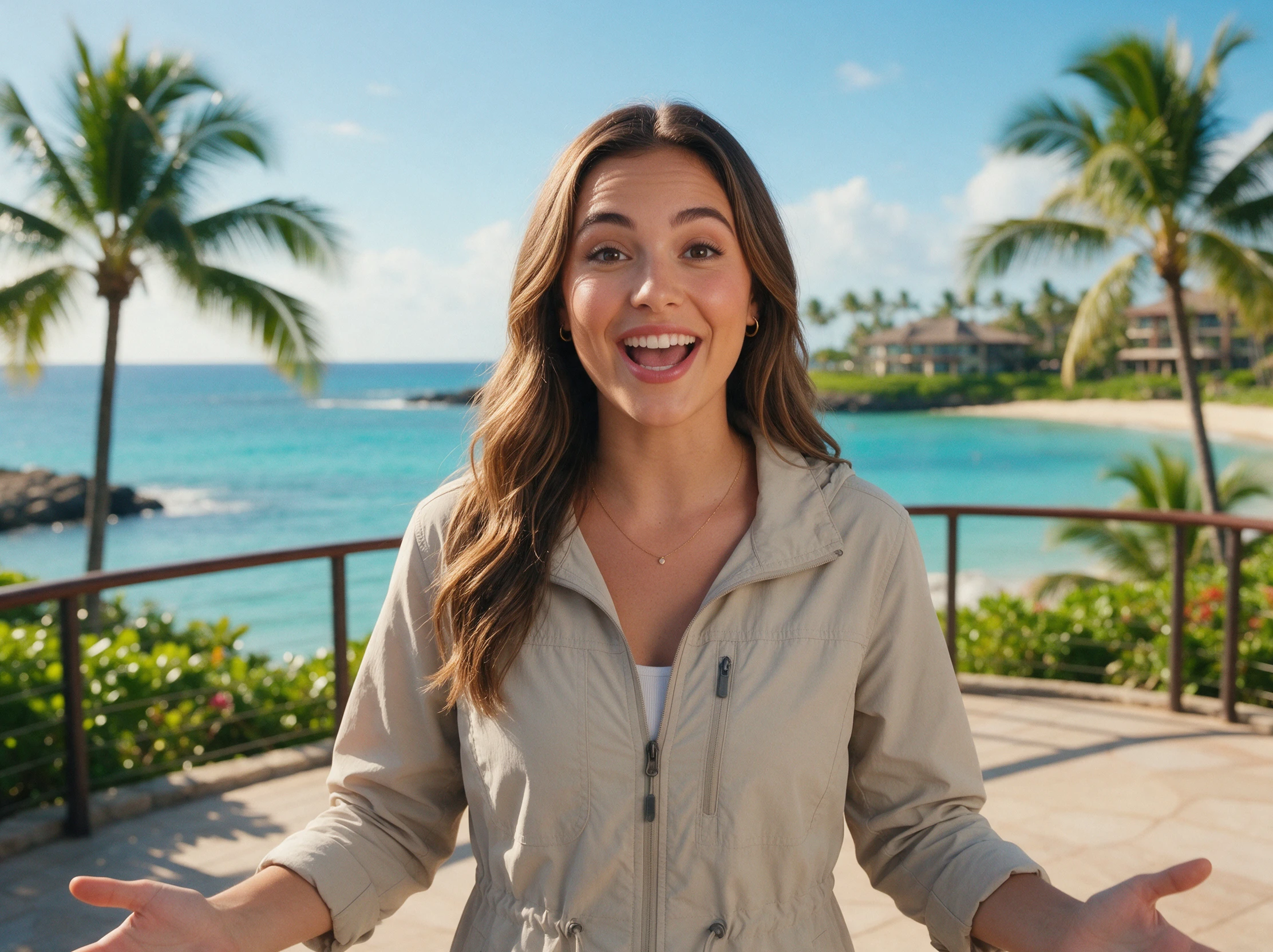
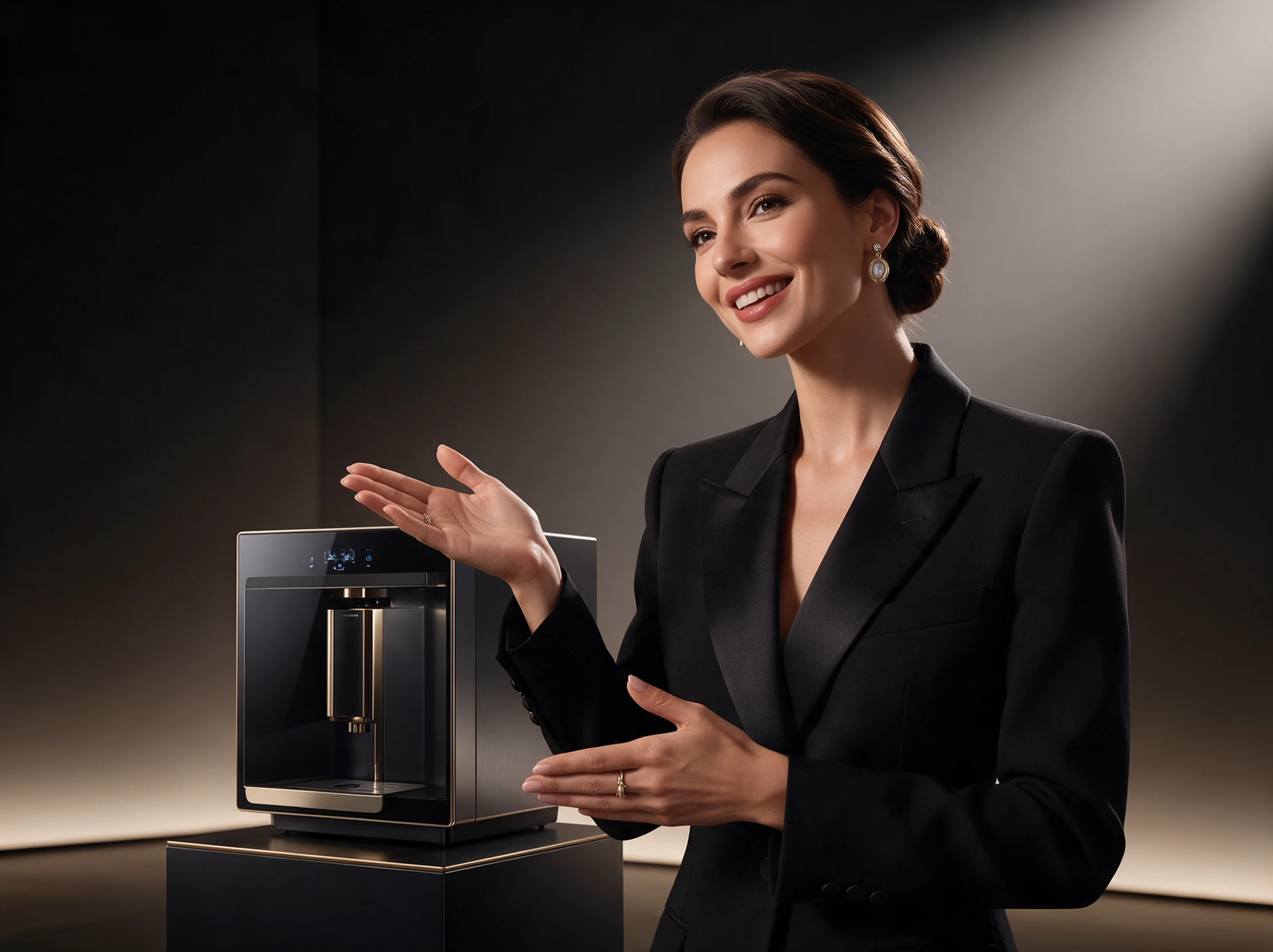
Custom AI presenter appearance and character design

12,000 Characters for Presenter Scripts

Write a script of up to 12,000 characters in Magiclight AI's story-creation workflow. Include introductions, explanations, and closing remarks to develop detailed videos featuring your AI presenter.

Create Characters
Long-form scripts for AI presenter videos

37 AI Voices for Different Presenter Styles

Explore 37 voice options in Magiclight AI for your virtual host. Compare voices by age, gender, accent, or use case, and preview the available choices before selecting one for your video.

Generate a Video
AI voices for different virtual presenter styles

Voice Emotion Cloning for Personalized Presenters

Use Magiclight AI's Voice Emotion feature to create a custom voice from your own recordings. Add different emotional tones to give your AI presenter a more expressive delivery across videos.

Start Creating
Personalized AI presenter voice emotion and cloning
Who Can Use the Magiclight AI Presenter
From a weekly roundup to a Spanish product launch, the Magiclight AI presenter handles the talking. Pick the group that matches your video.
Here are some ways to use your AI presenter:
AI presenter for weekly channel updates
For Weekly Channel Updates
Reuse a presenter look every week and keep each update under 10 minutes.
Post in 16:9 to the channel and export a 9:16 version for Shorts.
Improve the presenter script for more conviction with the 16 story models
AI presenter host and guest Q&A videos
For Host-and-Guest Q&A
Cast a second character as the guest and give each one a separate voice.
Pick 2 voices that differ in age or accent so the host and guest sound distinct.
Give questions and answers their own scenes with 1 speaker per shot.
AI presenter for product walkthrough videos
For Product Walkthroughs
Upload a pose photo of 1 person pointing to cue the gesture in a scene.
Model a winning demo’s format with Video Clone before you script yours.
Run the walkthrough in ad campaigns once a paid plan is active.
AI presenter for multilingual global announcements
For Global Announcements
Remake the video in 1 of 11 languages, and the voiceover switches too.
Choose among 16 subtitle styles so translated names stay readable.
Lower the voiceover speed for viewers who are hearing a second language.

 How to Use the Magiclight AI Presenter

Skim your script for lines that two people say together since lip sync needs one face per shot. In Magiclight AI, 4 steps take the AI presenter from script to video.

1.

Step 1. Start an Interview Video Project

Choose Interview Video under Channel Topic or ask MagicLight AI Agent to set it up. Paste a script of up to 12,000 characters for a video of up to 10 minutes.

2.

Step 2. Set the Look, Language, and Shape

Pick one visual style and set the Video Language from 11 options. Select landscape or portrait, then select a presenter in the Character Library or write one in a prompt.

3.

Step 3. Adjust Frames in Storyboards

Continue onto the Nano storyboard to adjust each generated frame to the requirement. Make changes in the poses and expressions using the 50+ available options. Try several voices and assign one to the presenter.

4.

Step 4. Assign the Subtitles and Generate

Continue to choose a proper subtitle style out of the 16 options. Then generate and review the video before you download it in your selected resolution.

What Users Say About the Magiclight AI Presenter

Ethan Parker

YouTuber

I wrote the presenter’s look once and reused it for every weekly update. The Magiclight interview video kept each episode under 10 minutes, and the 9:16 cut went straight to Shorts.

Sofia Marino

Marketing Manager

I uploaded a pose photo of someone pointing at a chart, and the presenter copied the gesture. Subtitle styles in Magiclight AI kept the product names readable in every scene.

Brian Foster

Small Business Owner

I remade our welcome clip in Spanish by changing the language in Magiclight AI. The same presenter's face stayed on screen, and I slowed the voice a little for new customers.

Angela Brooks

High School Teacher

I cast a second character as a guest across Magiclight AI with a different voice for a Q&A lesson. Each answer got its own scene, so one speaker appeared in every shot.

FAQs on AI Presenter

Could the presenter be made to look like me?

It can be on a paid plan. Magiclight AI presenter creates custom characters from your photos and starts with a clear front-facing shot of your face. 2D styles do not take photo uploads, so pick a style that does.

Why can't my presenter join an Explainer video?

The Explainer channel does not support characters, so a project with a presenter cannot switch to it. Use Interview Video for up to 10 minutes or Story to Video when a host appears.

Can the presenter point at my slides or screen recording?

Not directly; scenes in Magiclight AI are generated, so your slides and recordings cannot go in the frame. Edit them in afterward and cut between them and the presenter. Upload Storyboard copies a gesture but not screen content.

Does lip sync work on a free account?

No, Lip sync is a member feature in Magiclight AI. A free account can still have the presenter’s voice read over each scene in videos up to 1 minute with a watermark.

Which formats allow the longest presenter videos?

Interview Video can easily run up to 10 minutes. Projects in Story to Video can reach 50 minutes on the Standard plan and above, so pick the format by your runtime.

6. Can I use the same AI presenter in multiple videos?

Yes. Magiclight AI lets you save your custom presenter in the Character Library and reuse it in future projects. Select the saved character when creating a new video to maintain a familiar appearance.

Create Your New AI Host with Magiclight AI

Paste your next script into the Interview Video and cast a host from the Character Library. Your Magiclight AI presenter reads it on screen and returns for every episode.