Hero background

Birthday Card Generator

Create personalized birthday cards with MagicLight AI. Add your message, describe the design you want, and generate a unique card in seconds. No design or editing skills needed.

Create a Birthday Card for Free
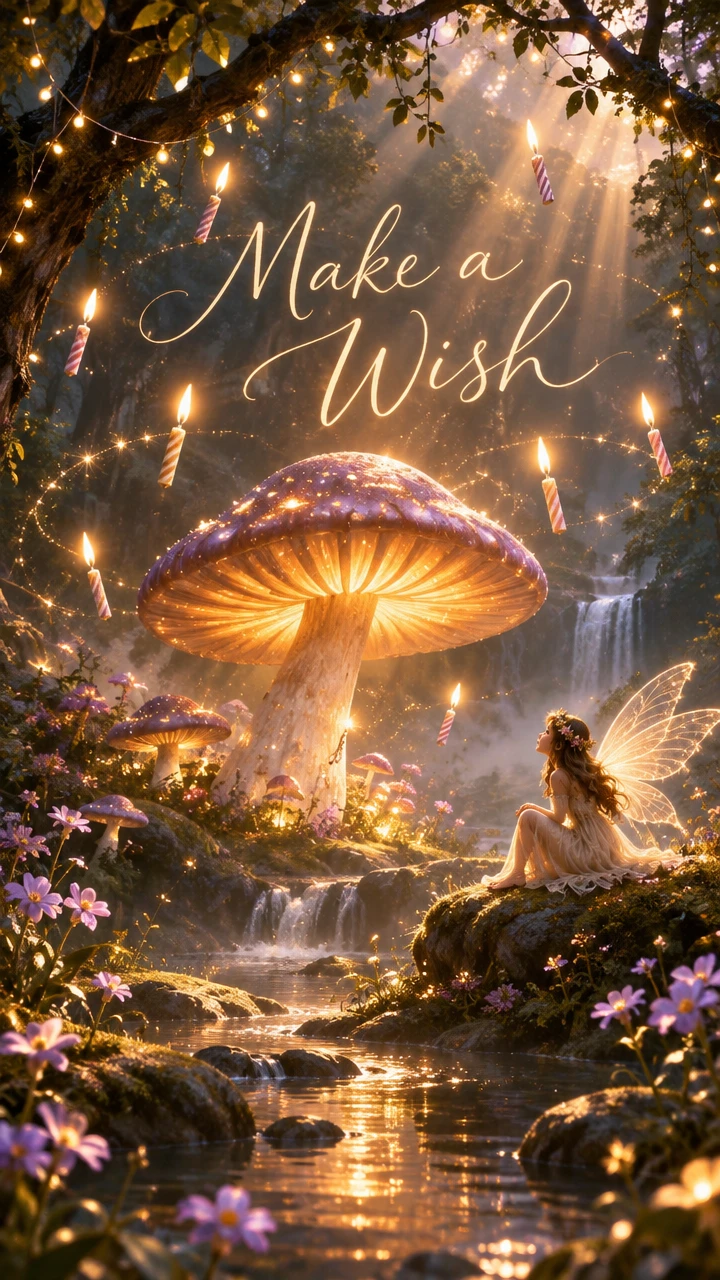
AI custom birthday card with personalized design
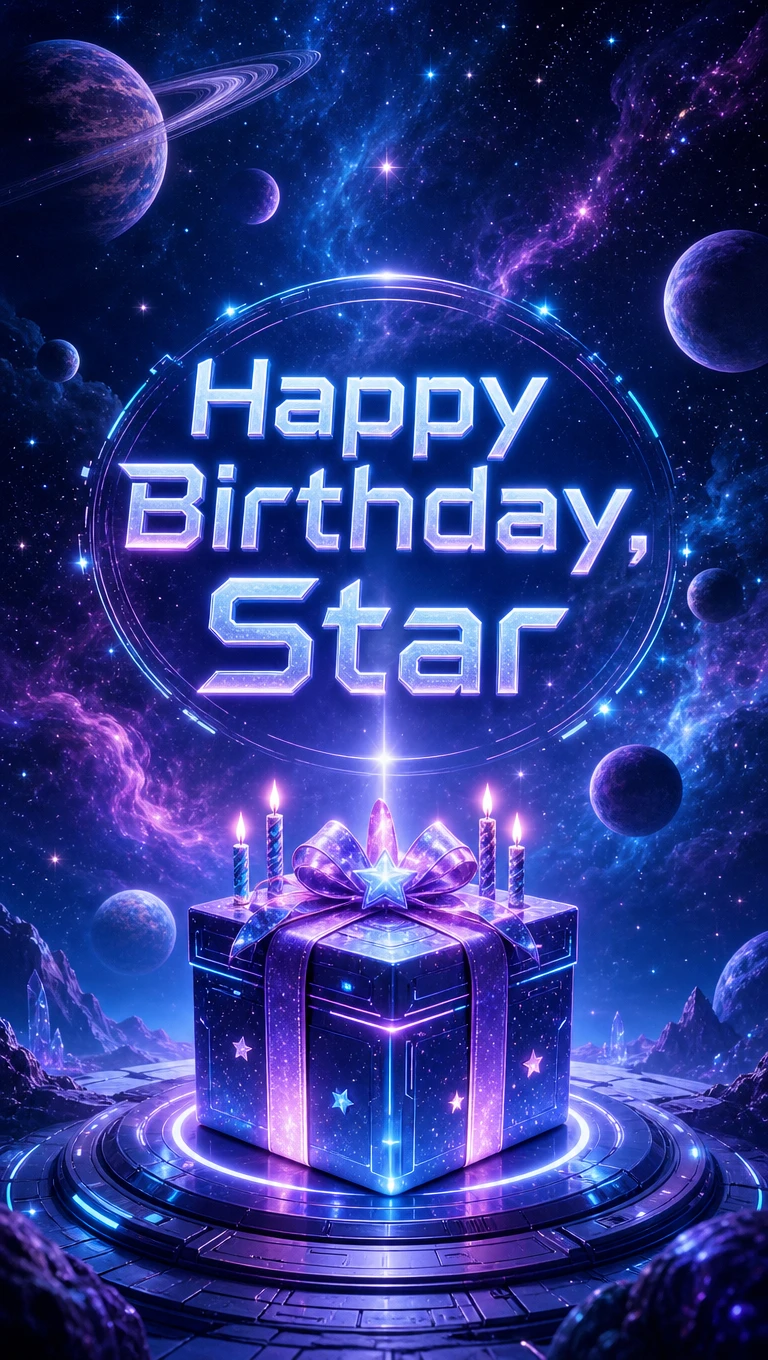
Printable birthday card template made by AI
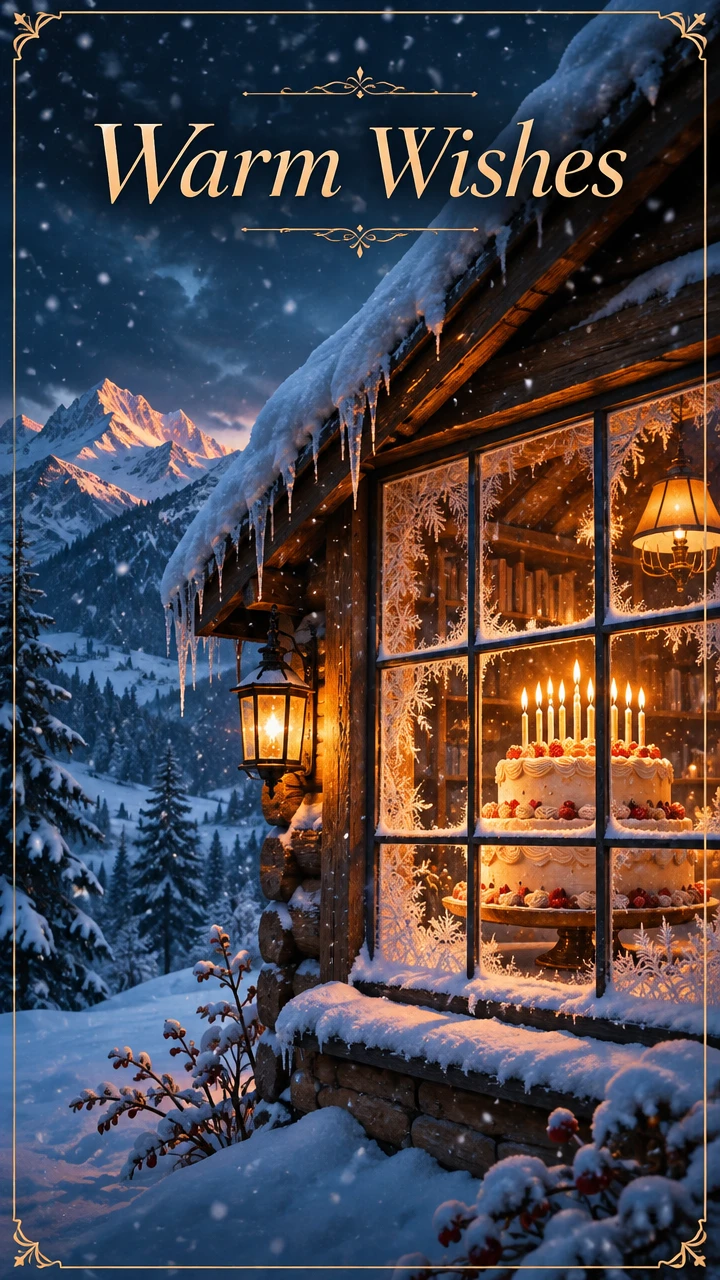
Personalized birthday greeting card
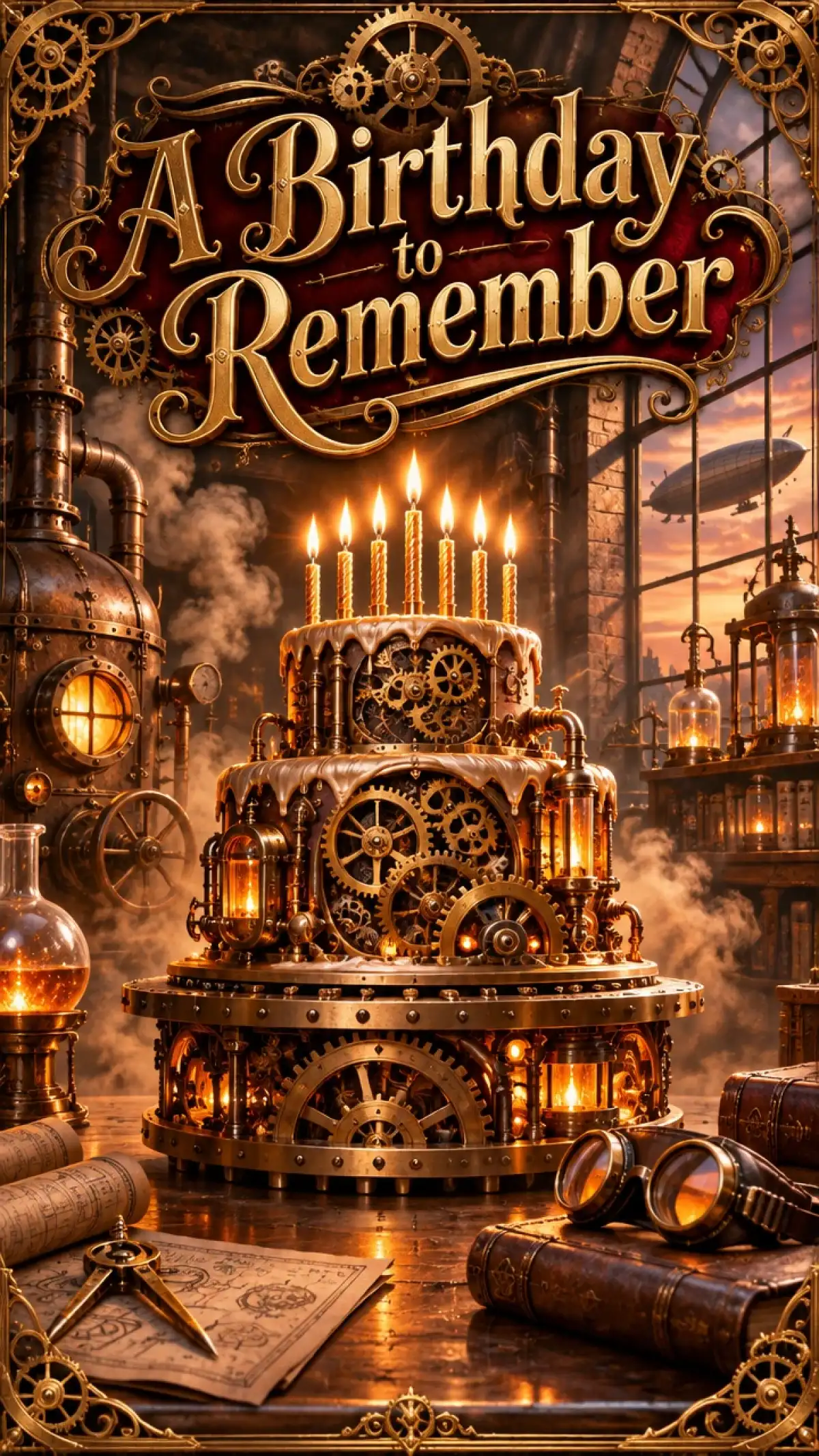
Digital birthday card design example
Birthday card example 2
Birthday card example 3
Birthday card example 4
Birthday card example 5
AI custom birthday card with personalized design
Printable birthday card template made by AI
Personalized birthday greeting card
Digital birthday card design example
Birthday card example 2
Birthday card example 3
Birthday card example 4
Birthday card example 5

Top Features of the Magiclight AI Birthday Card Generator

A birthday card feels best when it is made for one person. The Magiclight AI birthday card generator starts with a photo and a few words about the party.
Create a Birthday Card for Free
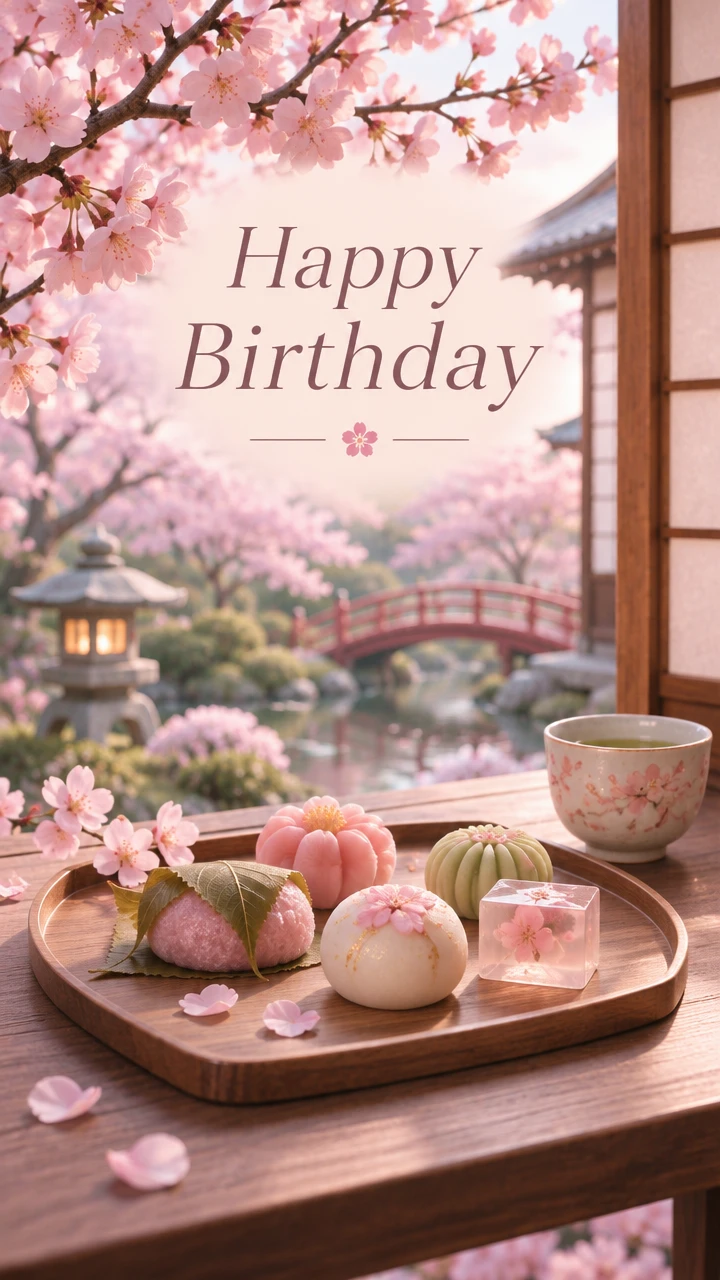
Birthday card decoration

3 Reference Formats Up to 20MB

Upload JPG, PNG, or WEBP photos as image references in Magiclight AI. A full-size phone picture works as it is, allowing each file to be up to 20MB, so you can maintain the original style.

6 AI Models to Compare for One Card

Run the same prompt on GPT Image 2.5 Flare and then on Nano Banana 2.1. Each model gives the birthday card its own look. Pick the style that suits the birthday person.

Easy Audio Creation for Birthday Song

Describe a short song in the Audio tab with a name and a music style in Magiclight AI. Suno and Seed 1.0 both make music from a description, which can be aligned with the card.

4:3 Frame for Printed Cards

Pick the 4:3 frame out of the 4 aspect ratio options before you create the image. The shape suits a card printed on home card stock. Leave room in the prompt for a message inside.

Who Can Use the Magiclight AI Birthday Card Generator
Everyone has a birthday worth celebrating. Families, friends, teachers, and office teams use the birthday card generator in Magiclight AI for cards that feel made for one person.
For Families
For Families
Use Reference Image to Image to start a card from a child’s photo.
Add the family pet as a reference image out of the 10 available options.
Pick 4:3 output ratio for a card you print on home card stock.
For Friends
For Friends
Write an inside birthday joke into the 500-character prompt.
Try the Audio tab to create a short birthday song using Suno model
Draft the birthday card idea on the Magiclight iPhone app for ease.
For Teachers
For Teachers
Use Text to Image to make a class card with no photo needed.
Compare between 6 different AI image models to find the best result.
Animate the birthday card using the 20 AI video models.
For Office Teams
For Office Teams
Upload a brand reference file up to 20MB for company colors.
Add a team logo as a JPG, PNG, or WEBP reference.
Select any of the 4 modes offered in image animation for diversity.
Why Choose
Magiclight AI Birthday Card Generator
Paper is only one way to say happy birthday. Magiclight AI birthday card generator adds music and motion to a card made for one person.
Up to 10 Photo References for Personalized Cards
Bring favorite memories together using up to 10 reference images in Magiclight AI. Upload photos of the birthday person, family members, pets, or memorable places.
Text to Image for Imaginary Parties
Describe the whole party in words when you have no photo. A dinosaur birthday on the moon needs no source file. Press Create Image when the idea is ready.
Image to Video for a Moving Card
Move the finished card into Image to Video in the same account. The clip adds motion to the design with the help of 20 AI video models.
3 Unique Frame Shapes for Print and Phone
Pick 4:3 for a birthday card you print at home. Choose 9:16 for a message on a phone or 1:1 for a social post. Set the frame before you create the image.
500 Characters for the Party Theme
Name the theme, the colors, and the age in a 500-character prompt. Add a hobby such as space or soccer. Small details make the card feel personal.
Create a Birthday Surprise With Frame to Video
Turn 2 birthday card designs into an animated greeting using Magiclight AI's Frame to Video feature. Set a closed gift box as the starting frame and a birthday message as the ending frame.

How to Make a Birthday Card with Magiclight AI

Making a card for someone takes 3 steps in Magiclight AI. Add a photo and a theme, and the birthday card generator creates a design made for one person.

1.

Step 1. Add Photos of the Birthday Star

Select the Image tab in the Toolbox, then switch to Reference Image to Image. Add a photo of the birthday person plus a pet or a favorite place as JPG, PNG, or WEBP files.

2.

Step 2. Describe the Party Theme

Write the theme and the colors, the age, and a hobby in up to 500 characters. Leave space for a greeting if you plan to add text later in a card app.

3.

Step 3. Pick the Shape and Create

Choose 4:3 for printing or 9:16 for phones or 1:1 for posts. Press Create Image and download the card. Add your message in a card app before you print.

FAQs on Birthday Card Generator

Can I add the person's name to the card?

You can ask for a short name in the prompt, but lettering varies by model. Check the spelling in each result. For an exact greeting, add the text in a design or card app after you download the image.

Can I print the birthday card at home?

Yes, set the 4:3 frame before you create the card and download the image. Print it on card stock at home or at a local print shop. Leave room in the prompt for a message inside.

Can I use photos of the birthday person?

Yes, as long as the person agrees. Upload JPG, PNG, or WEBP photos of them or their pet or a favorite place. Up to 9 references can guide one card in the reference mode.

Can I add a birthday song?

The Audio tab in the Magiclight AI birthday card generator makes a short song from a text description. Choose Suno or Seed 1.0 and name the birthday person and a music style. Send the song with the card.

Can I send the card as a video?

Yes, move the finished card into Image to Video in the same account. The clip adds motion such as floating balloons or flickering candles. Send it as a digital surprise in a message.

Is the birthday card generator free to try?

New accounts receive starter credits to try the tool. Use them to make one card before you decide on a plan. The Create Image button shows the cost of the selected model before you run it.


Create Worthwhile Wishes With Magiclight AI

Birthday wishes are better with a photo and a theme. Try the birthday card generator in Magiclight AI and send a card made for one person.