Explore Magiclight AI Acrylic Video Generator Features
Thick brushstrokes can give an ordinary street scene a distinctive artistic look. Magiclight Acrylic AI video generator helps you develop painted characters and colorful stories.

Turn your ideas into animated acrylic-style videos with MagicLight. Create colorful painted scenes with bold brushstrokes and artistic details. No painting or animation skills needed.
Create Acrylic Videos For Free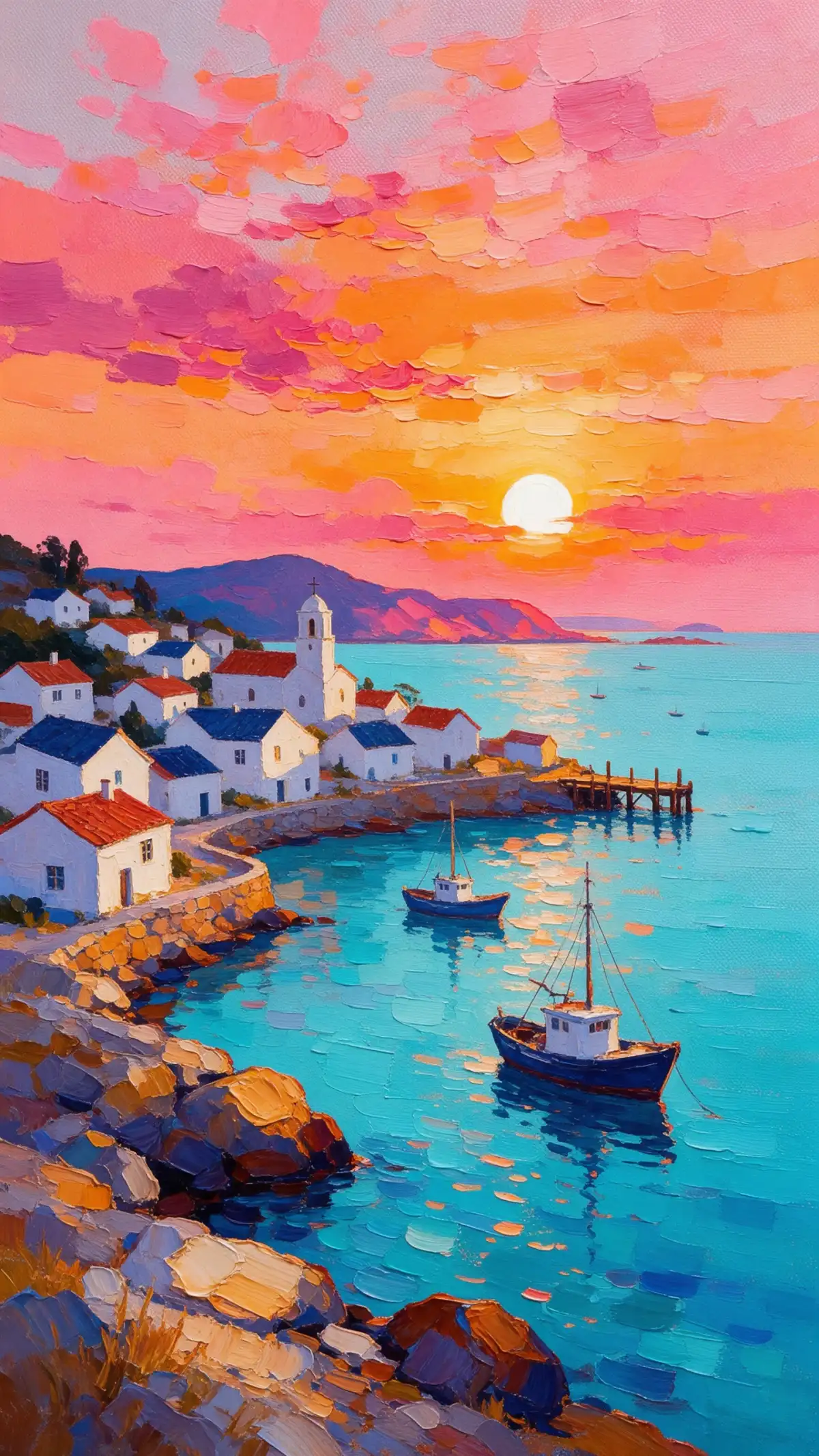
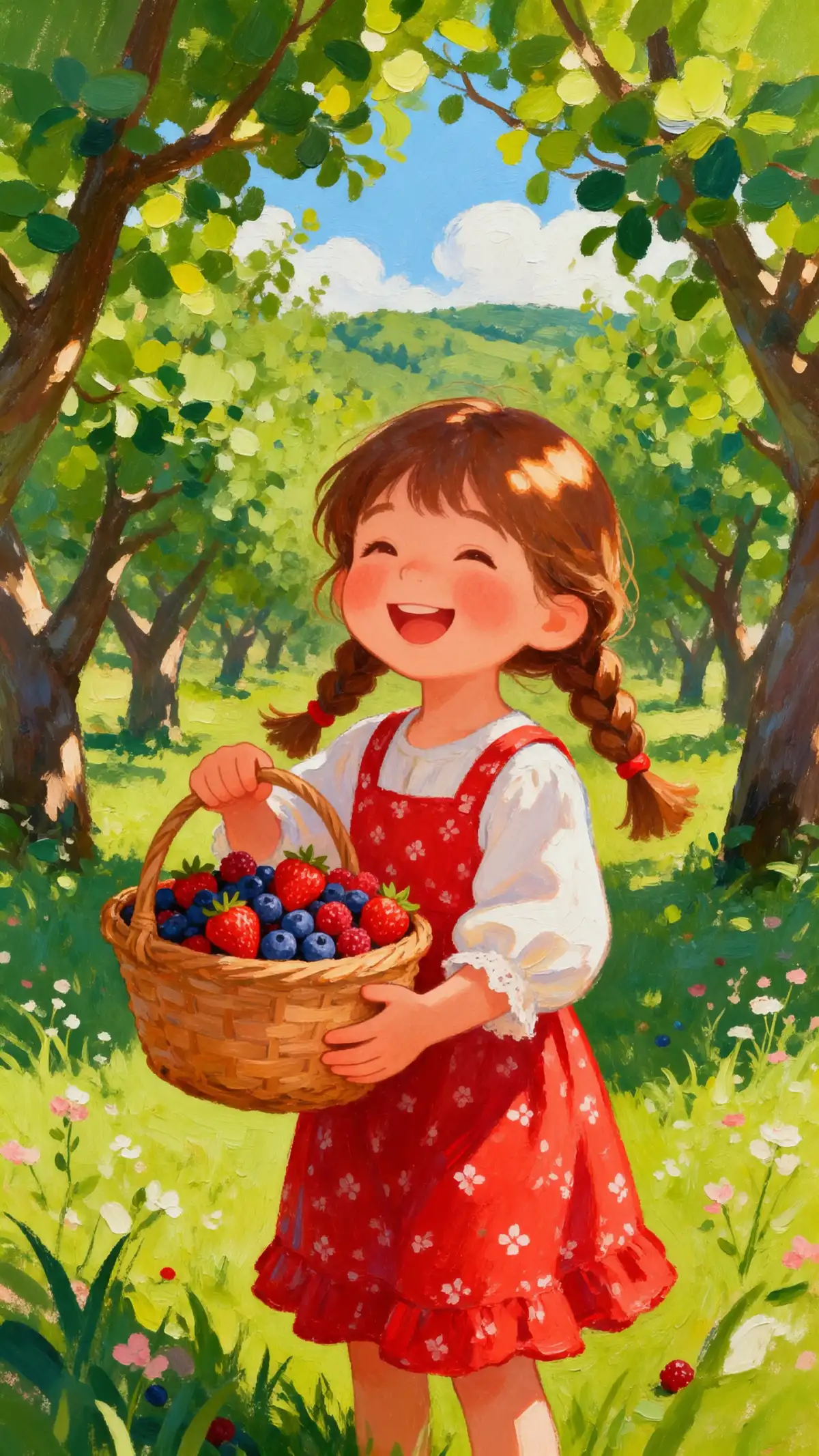
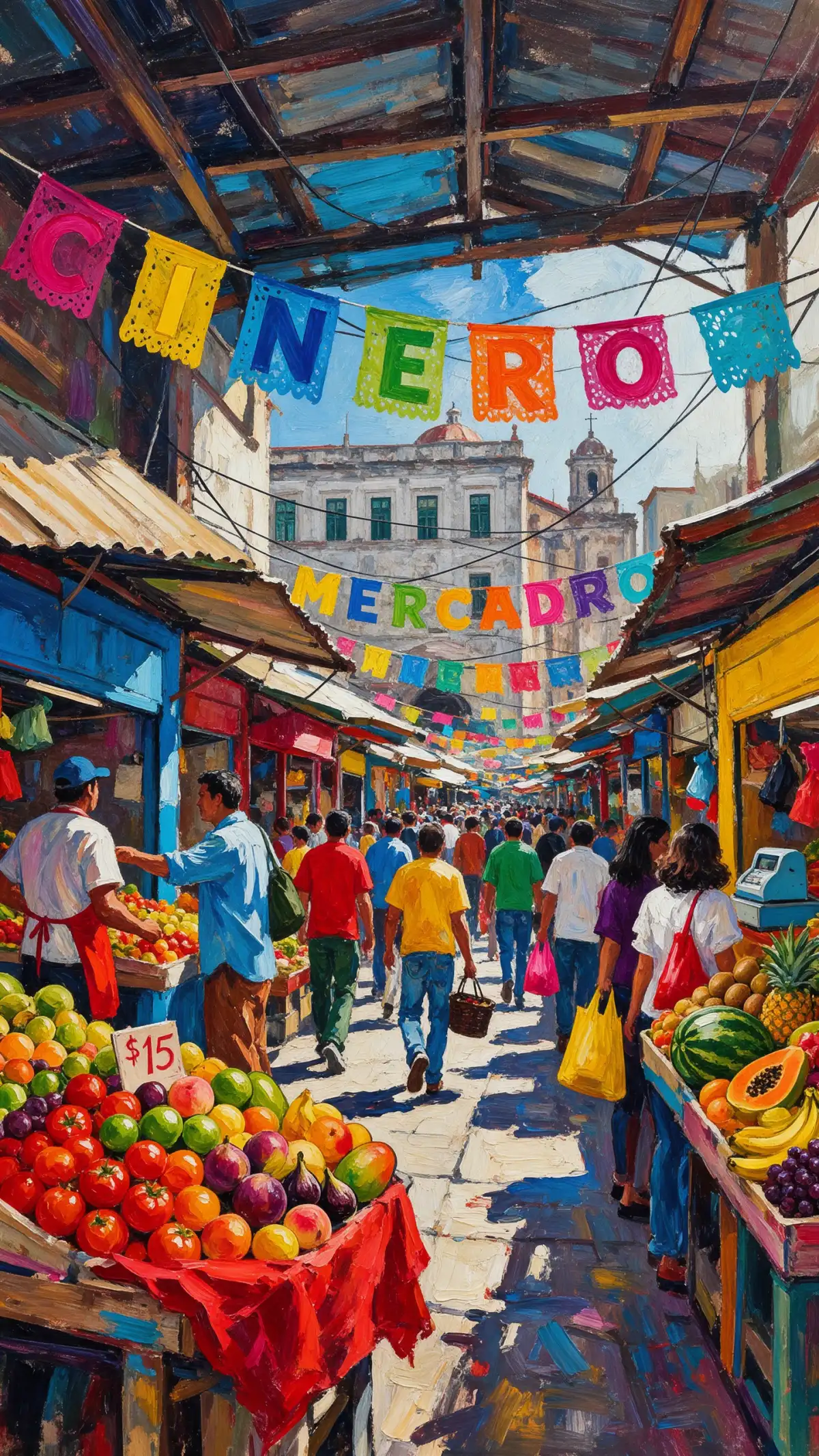
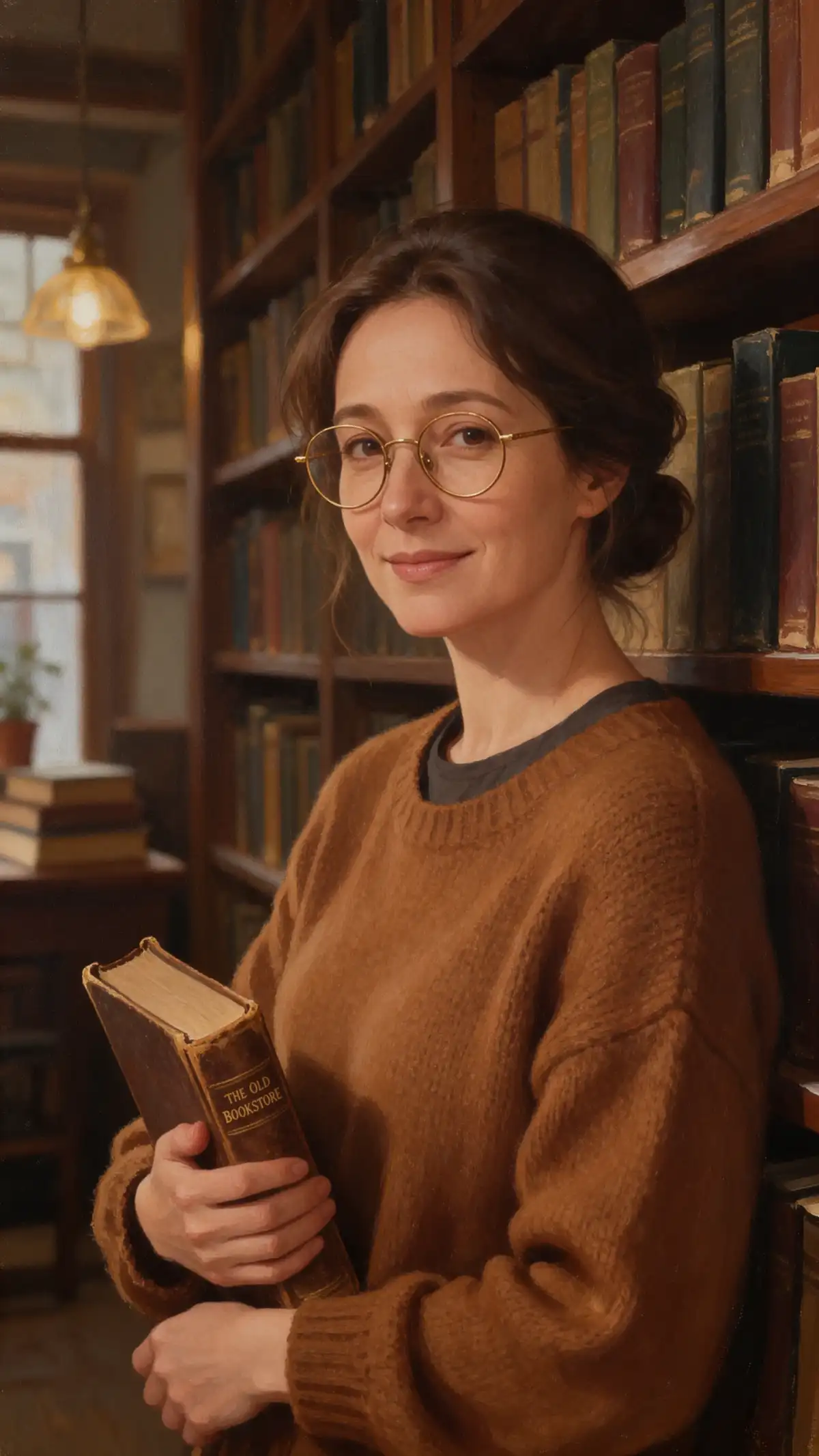
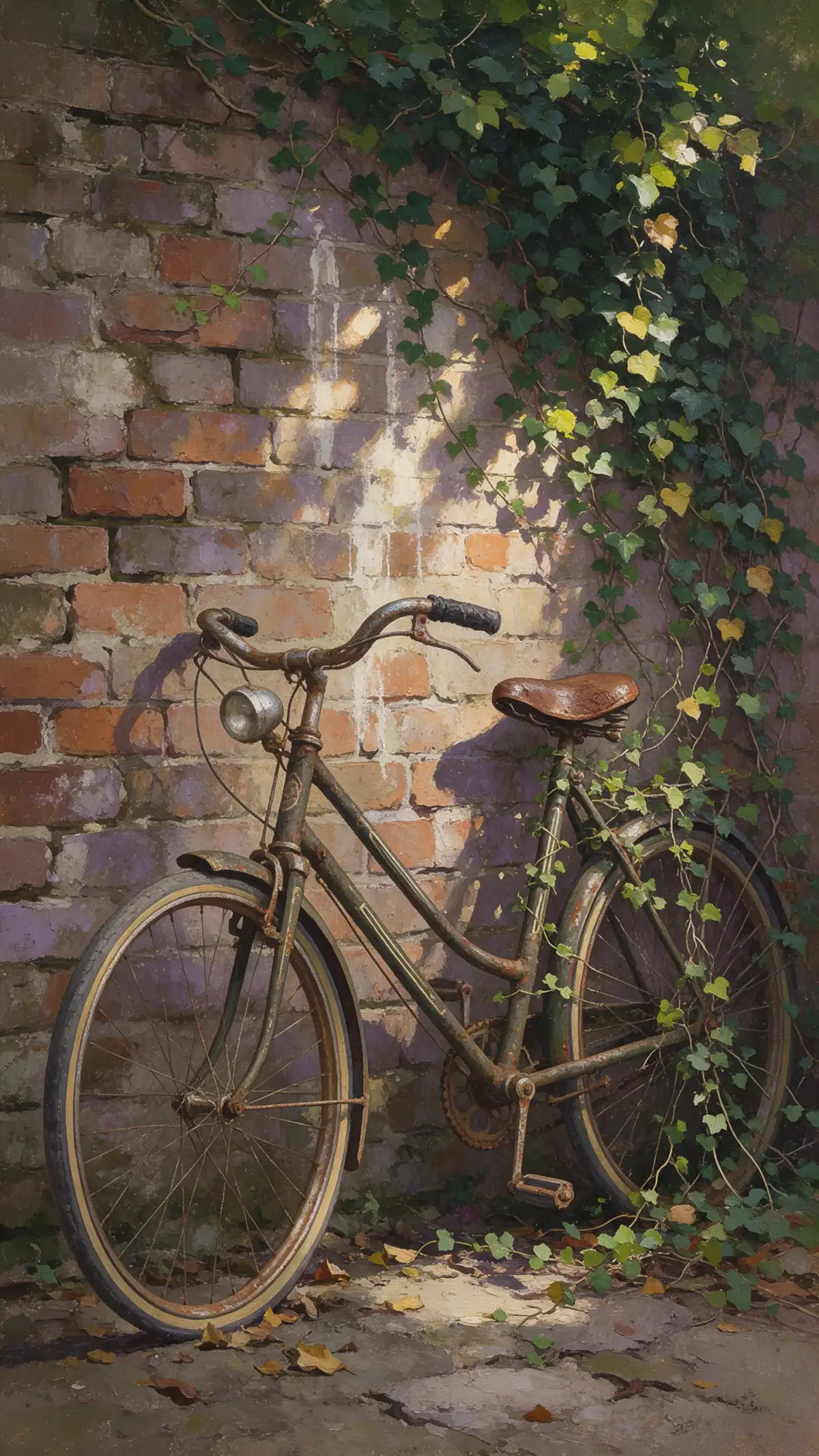
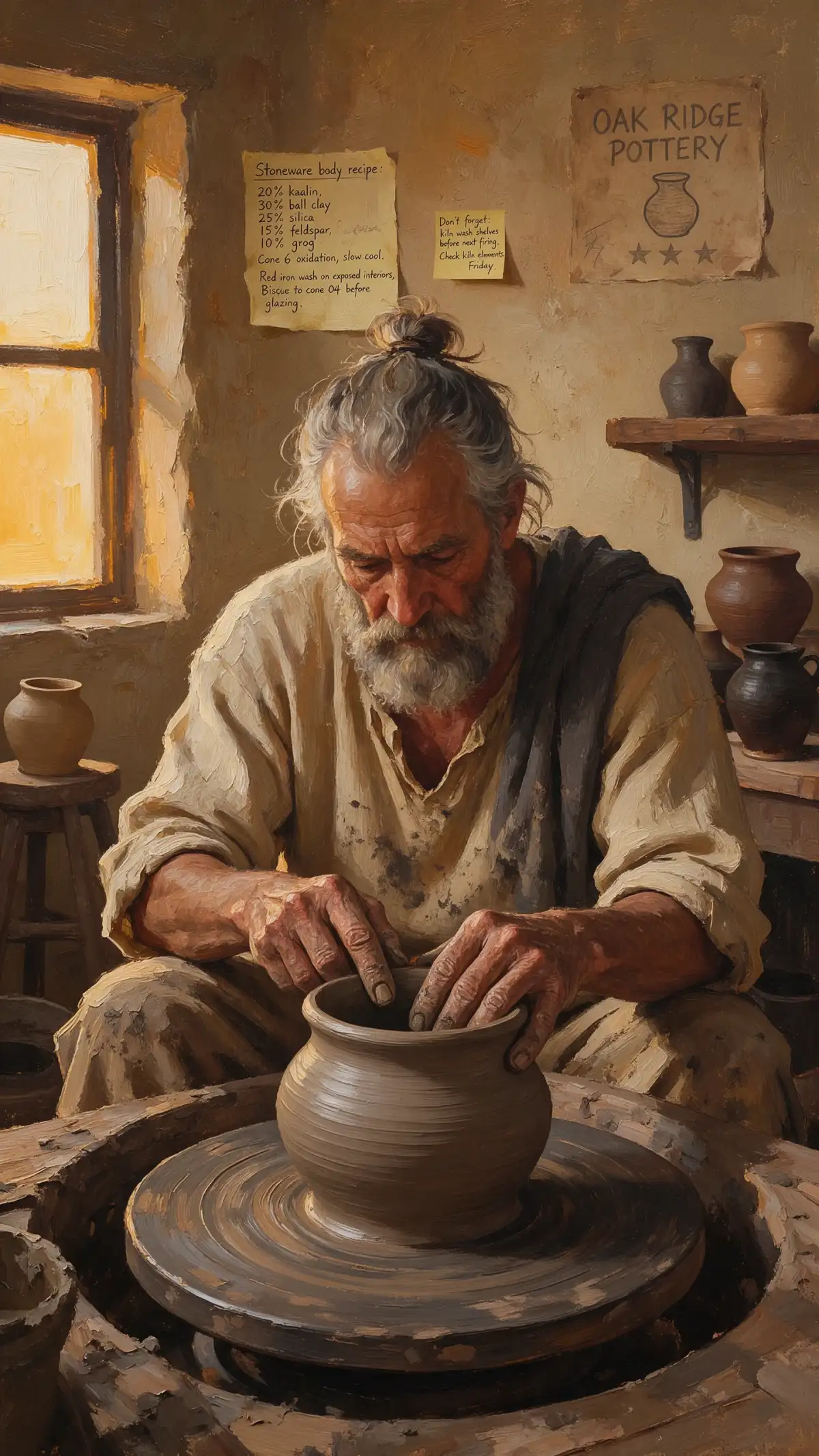
Thick brushstrokes can give an ordinary street scene a distinctive artistic look. Magiclight Acrylic AI video generator helps you develop painted characters and colorful stories.

Share an idea about a seaside village or a busy city market with MagicLight Agent. It helps develop your script and arrange the scenes. Review the story before creating its painted visuals.
Describe your character's appearance within 1,000 characters in Magiclight AI. Mention a painter's colorful apron or a musician's worn-out jacket. Save your finished characters in the Character Library for future stories.
Review your painted scenes in Nano Storyboard before moving ahead with animation. Adjust character poses, facial expressions, and camera angles to suit the story. Give each scene an appearance that complements its mood.
A peaceful countryside tale needs a different approach from a dramatic city adventure. Explore 16 story models in Magiclight AI to develop your script. Choose a storytelling approach that suits your acrylic video.


Think of a story that would look beautiful with bold colors and visible brushstrokes. The Acrylic AI video generator in Magiclight AI brings it into motion through 4 simple steps.
Open Story to Video in Magiclight AI and enter your idea within 12,000 characters. Select from 16 story models and choose a suitable niche through MagicLight Agent.
Choose an acrylic visual style that suits your story. Describe each character within 1,000 characters, including their clothing and facial features. Select suggested characters or bring in saved ones.
Open Nano Storyboard to review how your painted scenes look. Adjust character poses, expressions, or camera angles where needed. Choose from 16 animation models to bring your acrylic artwork into motion.
Find a suitable narrator among 37 voice options in Magiclight AI. Add background music and select a subtitle style that complements your story. Generate your acrylic video and download the finished version.
Acrylic-inspired artwork often features bright colors, defined shapes, and visible brushstrokes. Watercolor typically has transparent washes, while oil painting can feature rich textures and blended colors. Each offers a different artistic appearance.
Magiclight AI supports painted stories lasting up to 50 minutes. Choose a shorter duration for an artistic greeting or develop a longer story featuring multiple characters and painted scenes.
Yes. Use Voice Cloning in Magiclight AI to give your painted story a personal touch. Your own voice can make family memories, studio stories, or artistic documentaries feel more familiar.
Save your painted characters in the Character Library in Magiclight AI. Reuse them in future stories to help maintain familiar facial features, clothing, and colors across different acrylic video projects.
You can create painted travel stories, gallery introductions, art class previews, and animated family memories. Magiclight AI also lets you develop fictional adventures featuring colorful characters and acrylic-inspired surroundings.
Yes. You can try Magiclight AI Acrylic AI video generator for free. Start with a favorite memory or an imagined scene and explore how it looks as an animated painting.



A street corner or a studio morning can become a painted story this week. Write it down and let the Magiclight Acrylic AI video generator animate it.