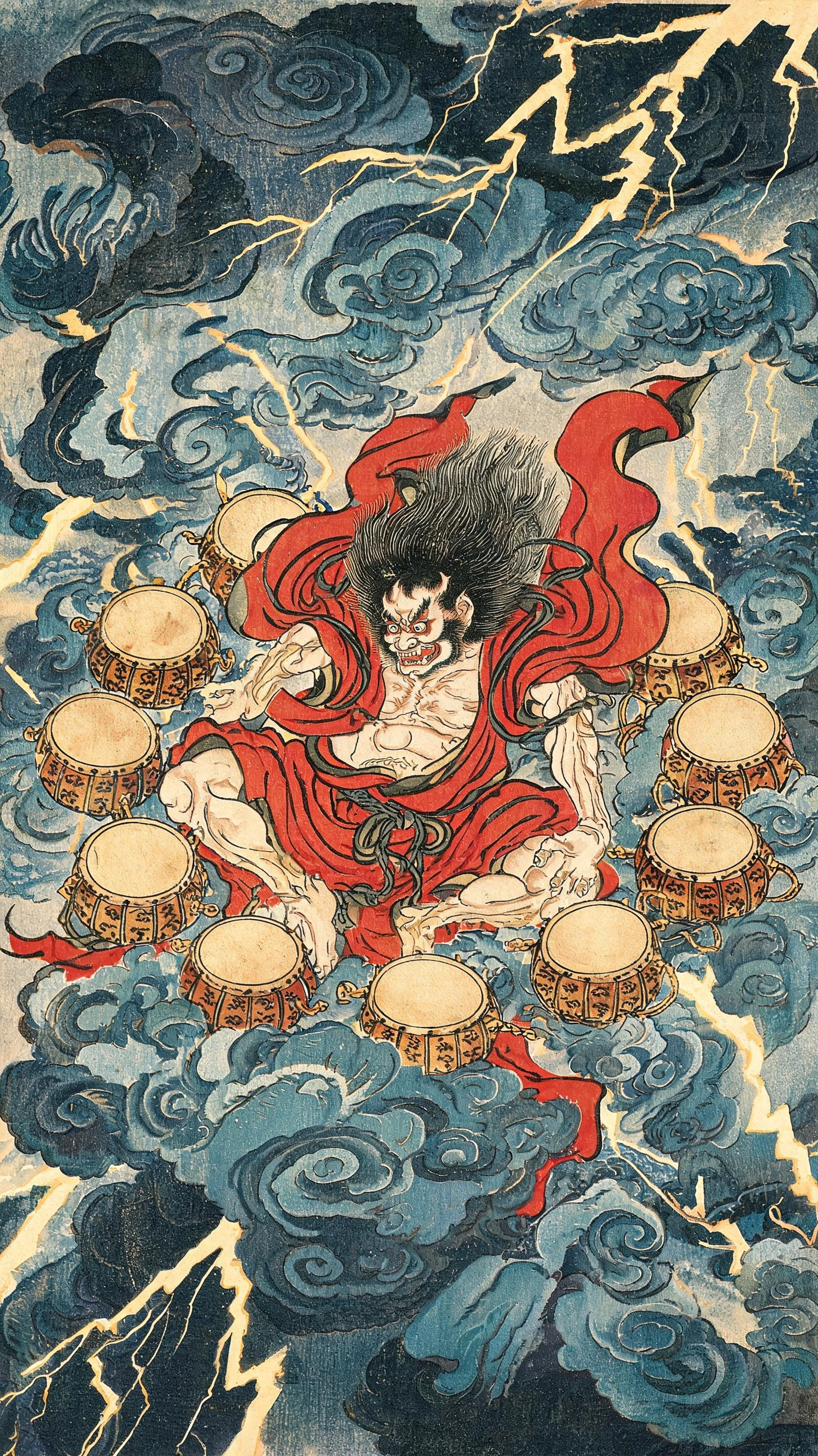
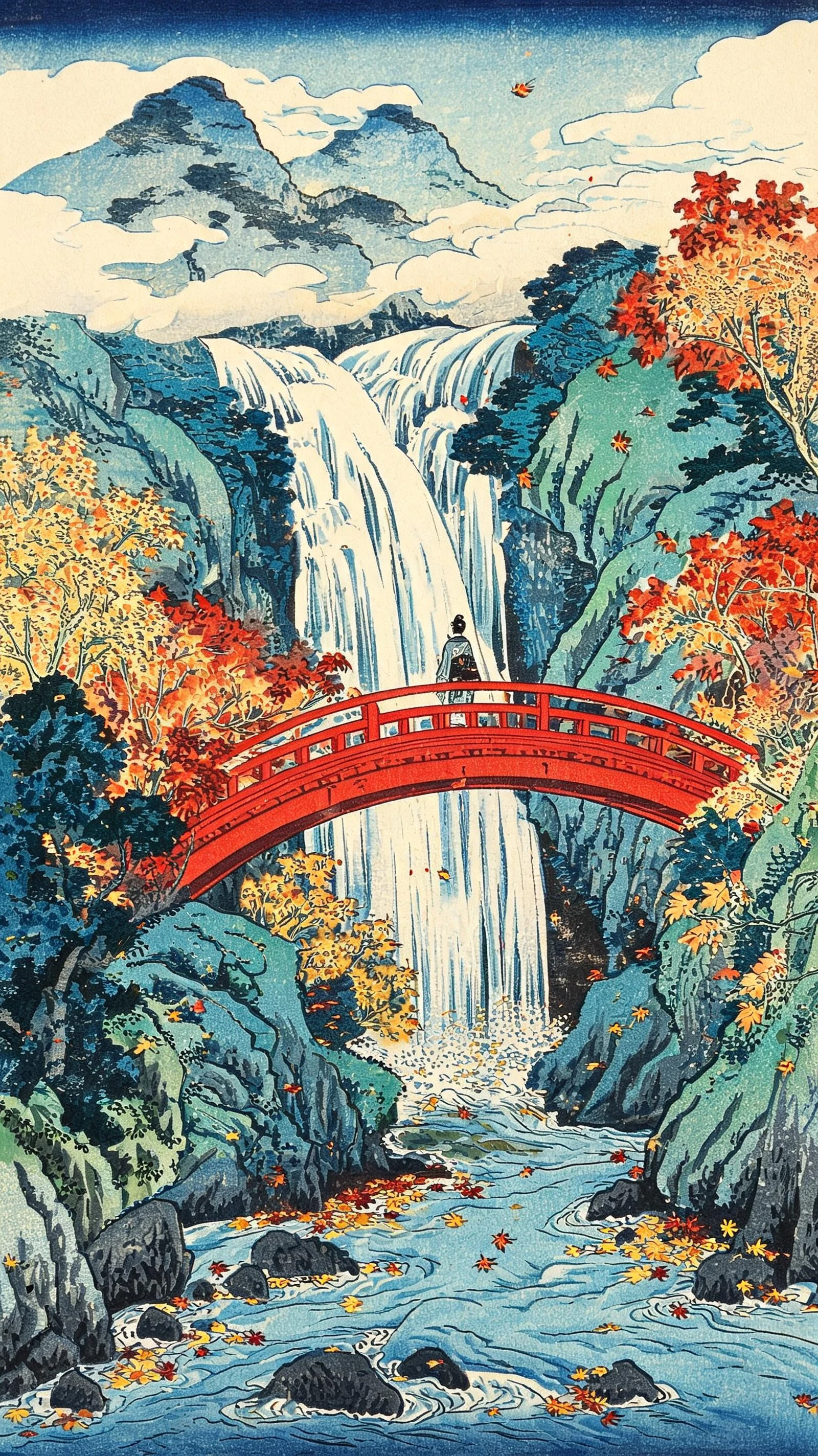
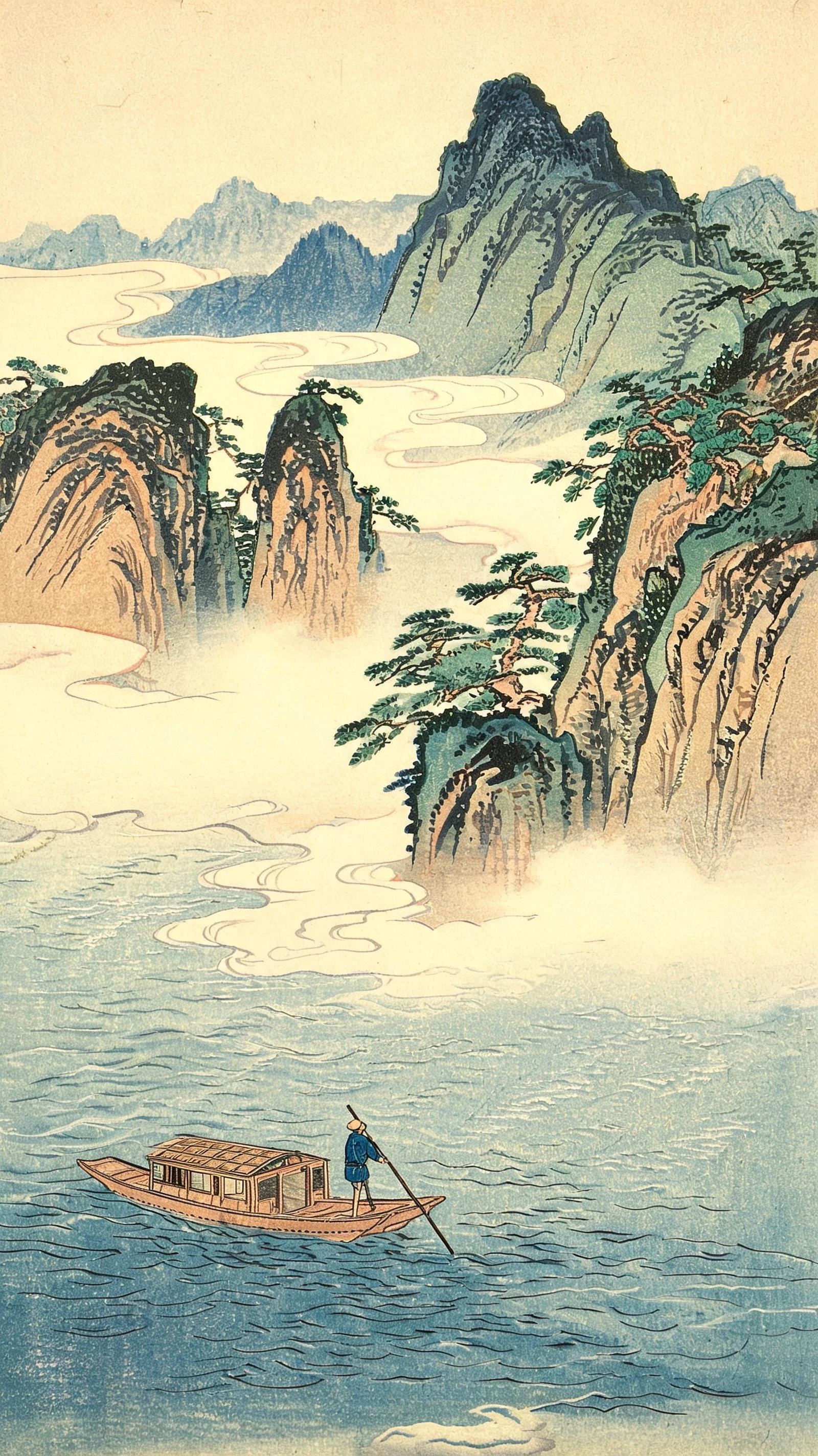
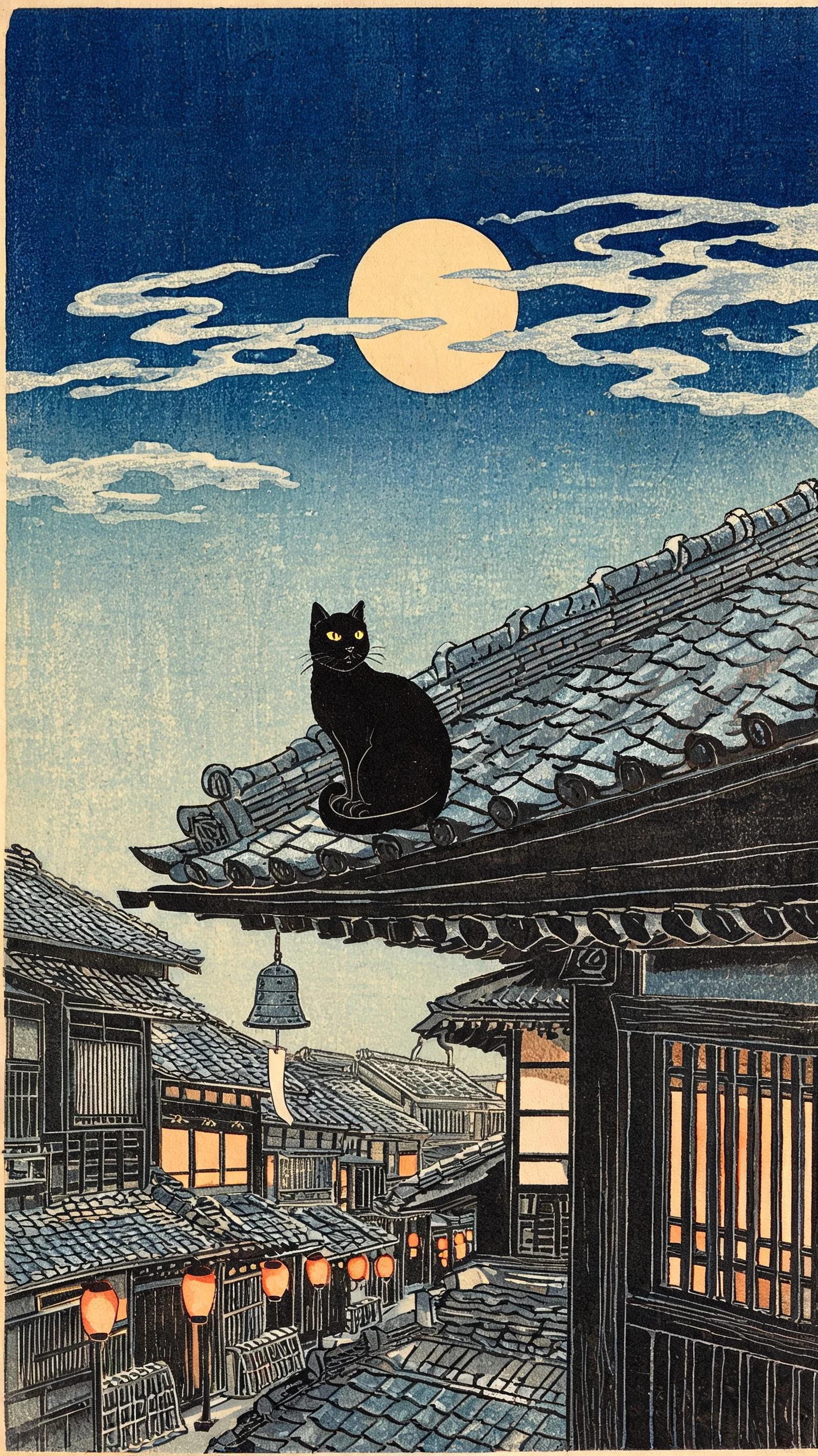
Hero background

Ukiyo-E AI Video Generator Create Japanese Art Videos

Turn your ideas or images into Ukiyo-e videos with Magiclight AI. Bring old Japan to life with bold outlines, flat colors, and traditional woodblock textures. No editing skills required.

Create Ukiyo-E Videos for Free
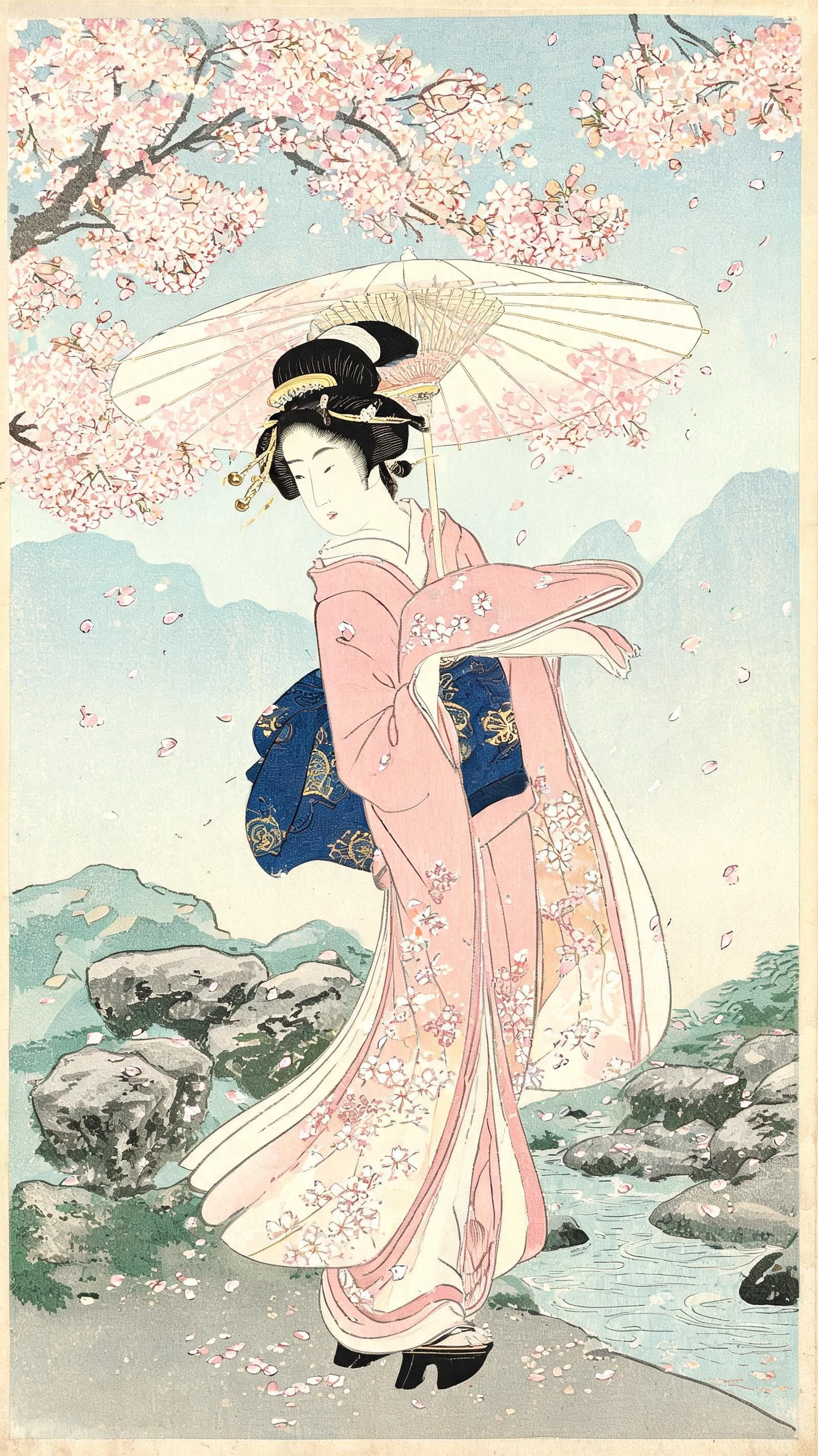
Ukiyo-e Japanese woodblock art video
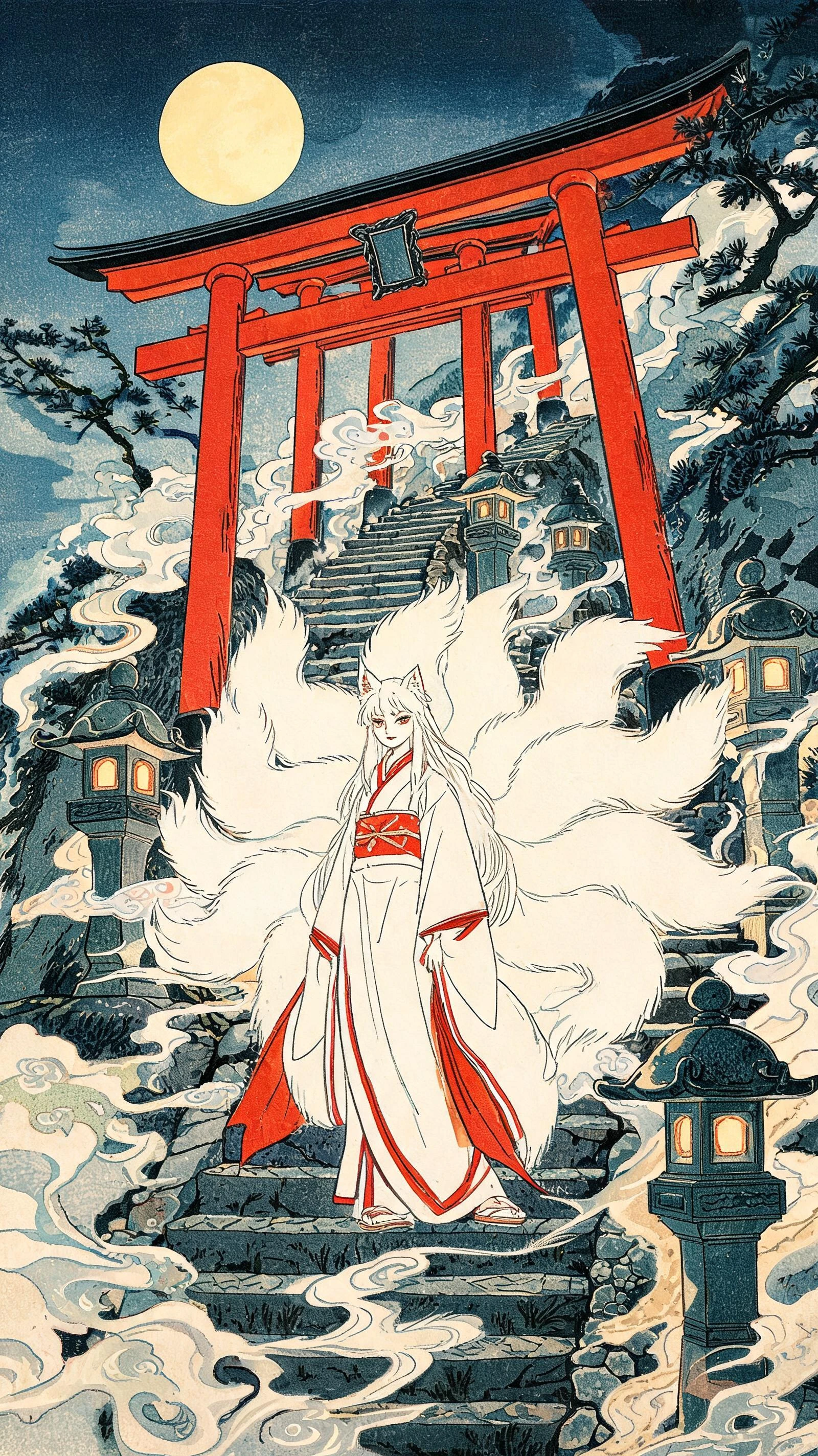
Traditional Japanese Ukiyo-e inspired animated scene
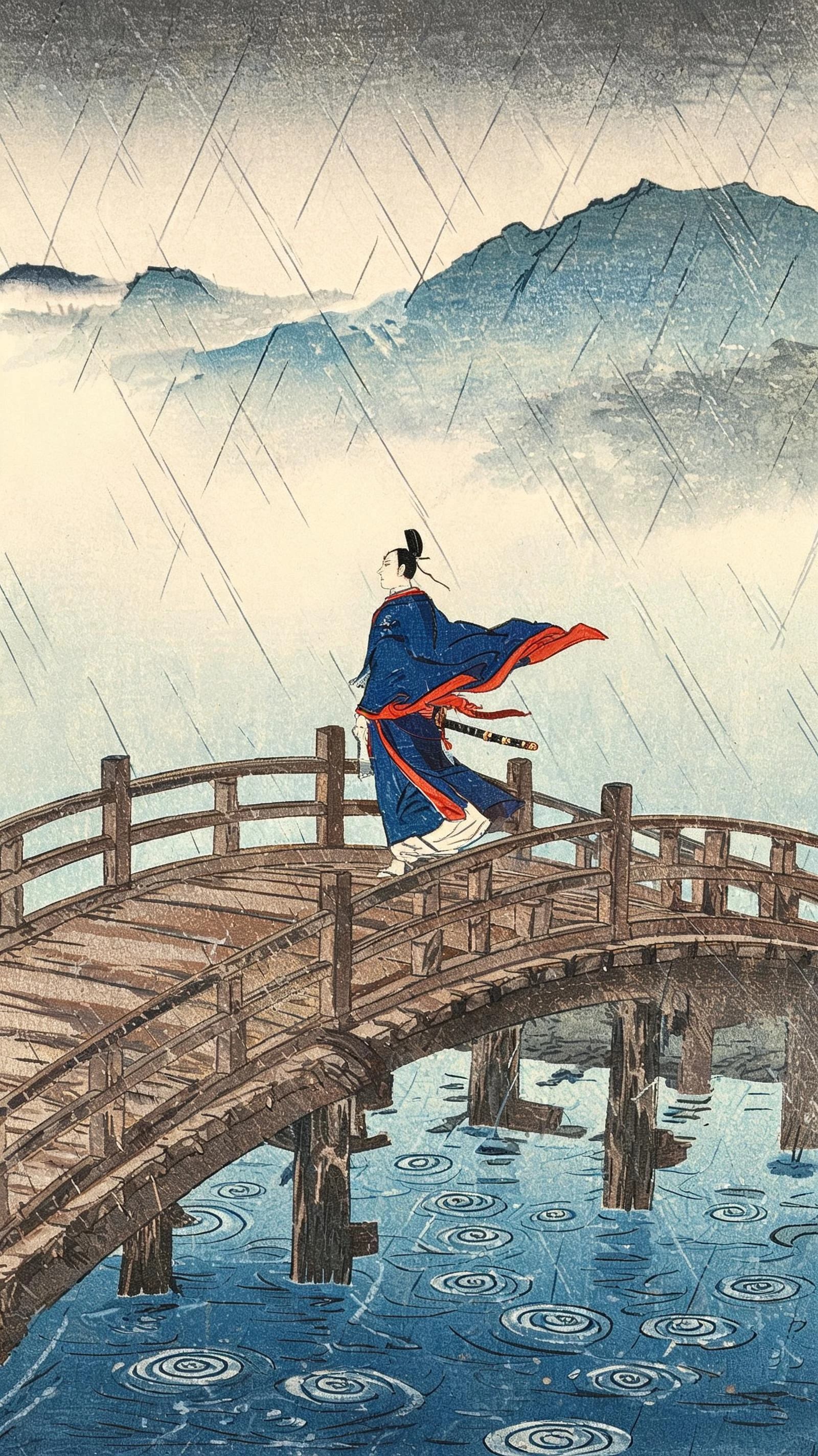
Japanese woodblock inspired video scene
AI-generated story video preview
Ukiyo-e Japanese woodblock art video
Traditional Japanese Ukiyo-e inspired animated scene
Japanese woodblock inspired video scene
AI-generated story video preview

Top Features of Magiclight AI Ukiyo-e Video Generator

Ukiyo-e gives your story the look of traditional Japanese prints. Magiclight AI turns your idea into a video with painted scenes and characters.

Generate a Ukiyo-e Video Now
Decorative 3D element

MagicLight Agent for Japanese Folktales

Share an original idea with MagicLight Agent. It develops your concept into a story with scenes that give each important moment a clear place in your Ukiyo-e video.

14 Story Models for Different Tales

Choose from 14 story models to find a direction for your video. Try a different approach for a folktale and an original adventure, then select the version that suits your idea.

37 Voices for Japanese Stories

Magiclight AI offers 37 voice options for your Ukiyo-e video. Pick a calm narrator for an old folktale or a stronger voice for an adventure, then choose the one that suits your story best.

Keep Your Characters Consistent

Create one character for your story and use the same look in every scene. A samurai, traveler, and villager stays easy to recognize as each setting changes throughout your videos.

Who Can Use the Magiclight AI Ukiyo-e Video Generator
Ukiyo-e videos can work for more than old Japanese legends. Magiclight AI helps creators use the Ukiyo-e look for cultural stories, food videos, tattoo ideas, and trips across Japan.
Explore what you can create with Magiclight AI:
Japanese history storytelling
For History Storytellers
Follow a samurai from his first battle to his final journey across Japan.
Give a longer legend room to unfold with a script of 12000 characters.
Show an Edo market through the eyes of a merchant walking home at dusk.
Japanese business and food storytelling
For Japanese Businesses
Serve the story behind a signature dish as a short woodblock style video.
Set a tea ceremony to music with 40 background tracks to choose from.
Use MagicLight Agent to plan the order of scenes for a restaurant video.
Japanese-inspired tattoo concept creation
For Tattoo Creators
Sketch out a koi and dragon character with a 1000 character description.
Compare over 52 visual styles before settling on a look for your concept.
Preview how a sleeve idea could unfold through several connected scenes.
Japanese travel storytelling
For Travel Teams
Take viewers from a Tokyo street to Mount Fuji in one continuous story.
Create a detailed Japan itinerary into a video that can reach 50 minutes.
Introduce a seasonal tour through temples and cherry blossoms.
Why Choose Magiclight AI Ukiyo-e Video Generator
An Ukiyo-e video can tell a quick tale and follow a much longer journey. Magiclight AI gives you more ways to shape the final result around your story.
Let Longer Tales Play Out
Give a detailed legend the space it needs with a 12,000 character script. Magiclight AI can carry that story through a video lasting as long as 50 minutes.
Keep Every Spoken Line Easy to Follow
Magiclight AI gives you 16 subtitle styles for your video. Select one that keeps the narration clear without taking too much space over the artwork.
Give Each Scene a Background Sound
Set the mood with any of the 40 background music options in Magiclight AI. A quiet scene can stay gentle while a festival gets a livelier track.
Set the Tone Before the Video Starts
Your finished video can use one of 21 cover templates in Magiclight AI. Pick a cover that gives viewers a first taste of the story waiting inside.
Find a Look That Fits Your Tale
More than 52 visual styles give the artwork a different feel. Try a new look when you want your sea legend and Edo scene to stand apart.
Take the Same Idea in Another Direction
Different story models can give one tale a new mood. Magiclight AI can make a gentle festival story feel very different from a darker ghost legend.

How to Make an Ukiyo-e Video With Magiclight AI 

Making an Ukiyo-e video starts with your story. Magiclight AI takes it from the first script to the finished video in 4 clear steps.

1.

Start With the Tale You Want to Tell

Paste your story into Magiclight AI with a limit of 12,000 characters. MagicLight Agent reads the draft and works out its direction. Review the result before going further.

2.

Pick a Look For Your Story

Find a suitable look among more than 50 visual options. For the main figure, use a character already suggested by Magiclight AI and make a new one that better fits your tale.

3.

See How the Story Looks Scene by Scene

Nano Storyboard lays out the full story before animation begins. Change any scene that feels off. MagicLight Agent can then animate the approved scenes and put the video together.

4.

Finish With a Sound and Captions

Give the story its sound with 40 background options. You can also choose from 16 subtitle styles for the spoken lines. Once these choices are set, generate your final video.

FAQs on Ukiyo-e AI Video Generator

What is Ukiyo-e?

Ukiyo-e is a Japanese woodblock art style from the Edo period. An Ukiyo-e video keeps its flat colors and fine lines while bringing a printed scene naturally into motion.

Can I copy a famous Ukiyo-e print exactly?

No. Magiclight AI makes original ukiyo-e scenes inspired by Japanese woodblock art. Describe your own setting and figures instead of copying any print too.

How does Ukiyo-e differ from other printmaking styles?

Printmaking can cover many carved or printed art styles from different places. Ukiyo-e focuses on the distinct look of Japanese prints made during the Edo period in old Japan.

Does Magiclight AI support Japanese narration?

Magiclight AI supports Japanese narration, along with 10 other languages. You can add English subtitles when the video is meant for people watching outside of Japan too.

Can restaurants or tea brands use Ukiyo-e videos?

Yes. A restaurant or tea brand can use this style to tell a food story or show where a product began. Commercial projects like these also require a paid Magiclight AI plan.

What kinds of stories work well with Ukiyo-e?

Stories about folklore and everyday life can work well in this style. A clear setting gives each scene its direction while keeping the Japanese print look fully intact.


Create Ukiyo-e Art Style Videos With Magiclight AI

Choose a legend or landscape. Magiclight AI turns your idea into a moving Ukiyo-e story inspired by Japanese woodblock art.