Flexible Video Duration for Talking Pet Videos
Create talking pet videos with a duration that fits the dialogue. Keep the message concise so your pet has enough time to deliver it naturally.
Create Now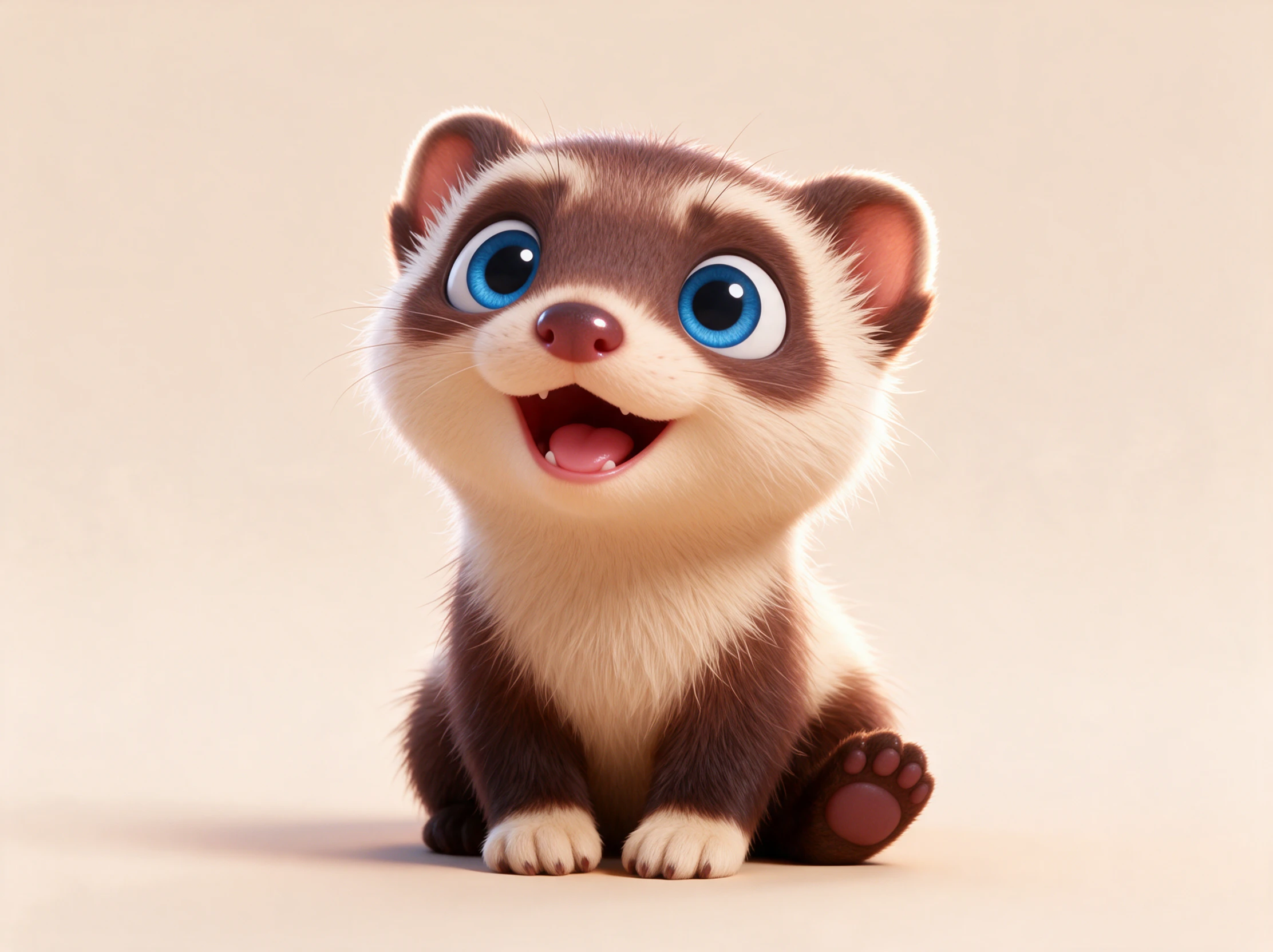

Bring your pets to life with MagicLight. Upload a clear photo of your dog or cat, add the dialogue and expressions you want, and turn it into a talking pet video. No animation skills needed.
Create a Talking Pet AI Video for Free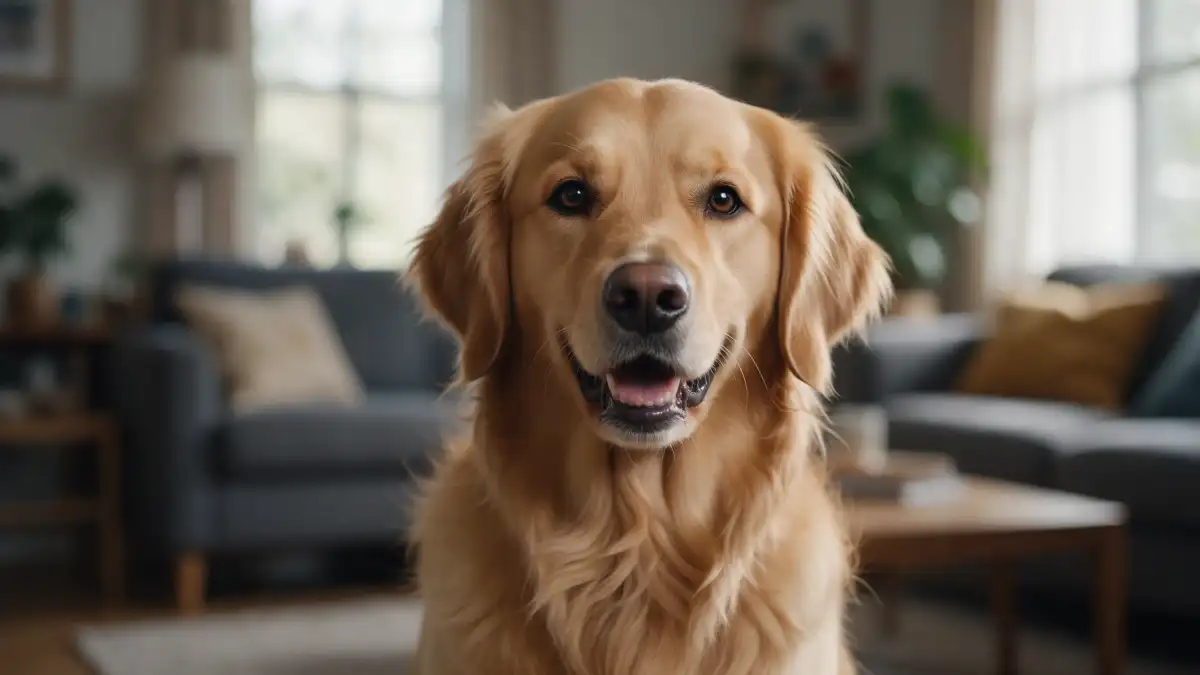










A talking puppy can deliver a funny birthday message, while a cat can share a playful greeting. Magiclight AI talking pet AI brings these ideas to life with animated pet photos and sound.
Create talking pet videos with a duration that fits the dialogue. Keep the message concise so your pet has enough time to deliver it naturally.
Create NowEnable Sound Effects with a supported Veo model to generate audio alongside your pet animation. Describe a short spoken line, playful bark, or meow to guide the sound in your video.
Generate Story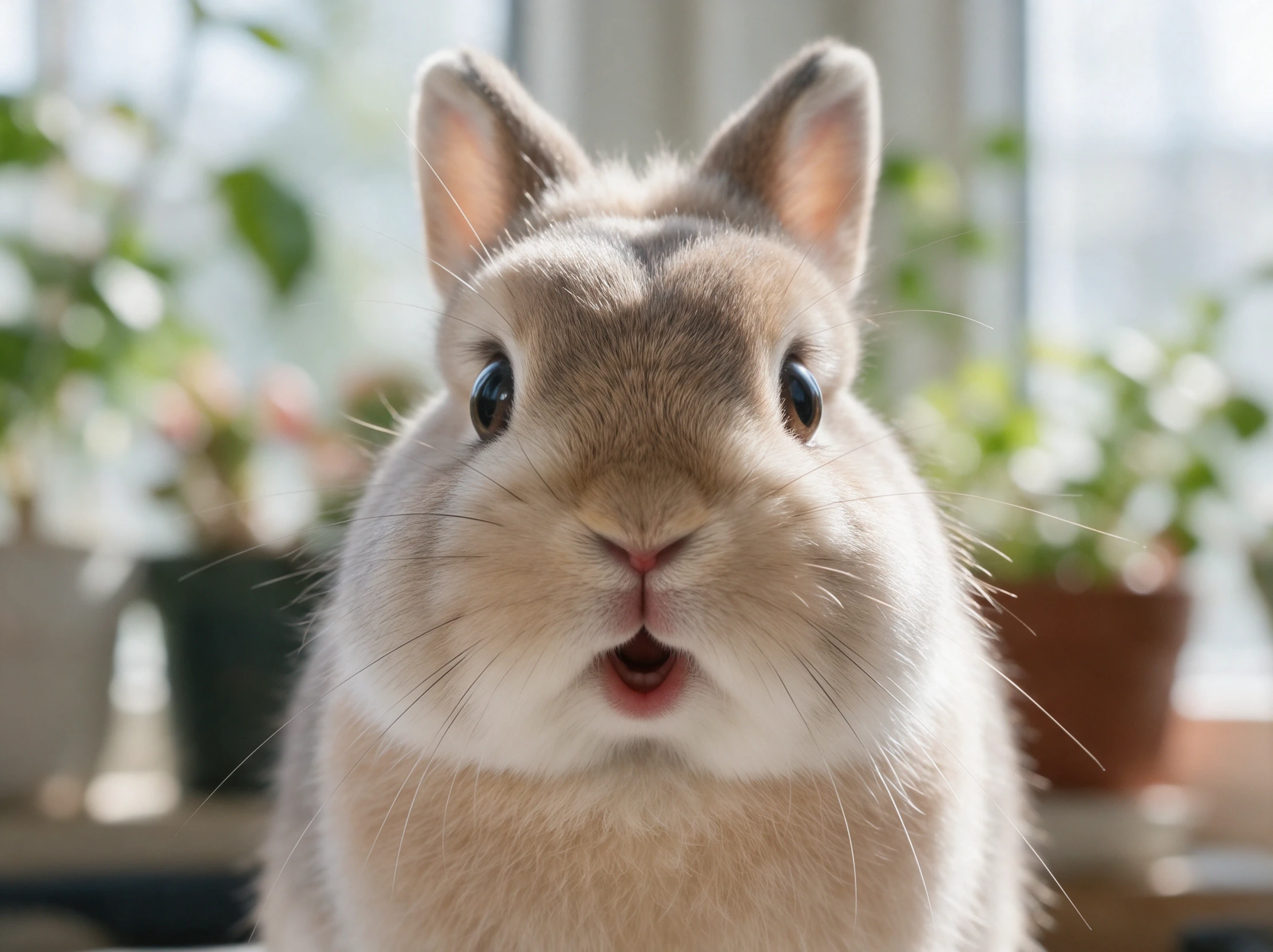
Upload your pet's picture as the starting frame in Magiclight AI Frame to Video. Choose a clear, front-facing photo to help the model follow your pet's facial features while generating movement.
Generate a Story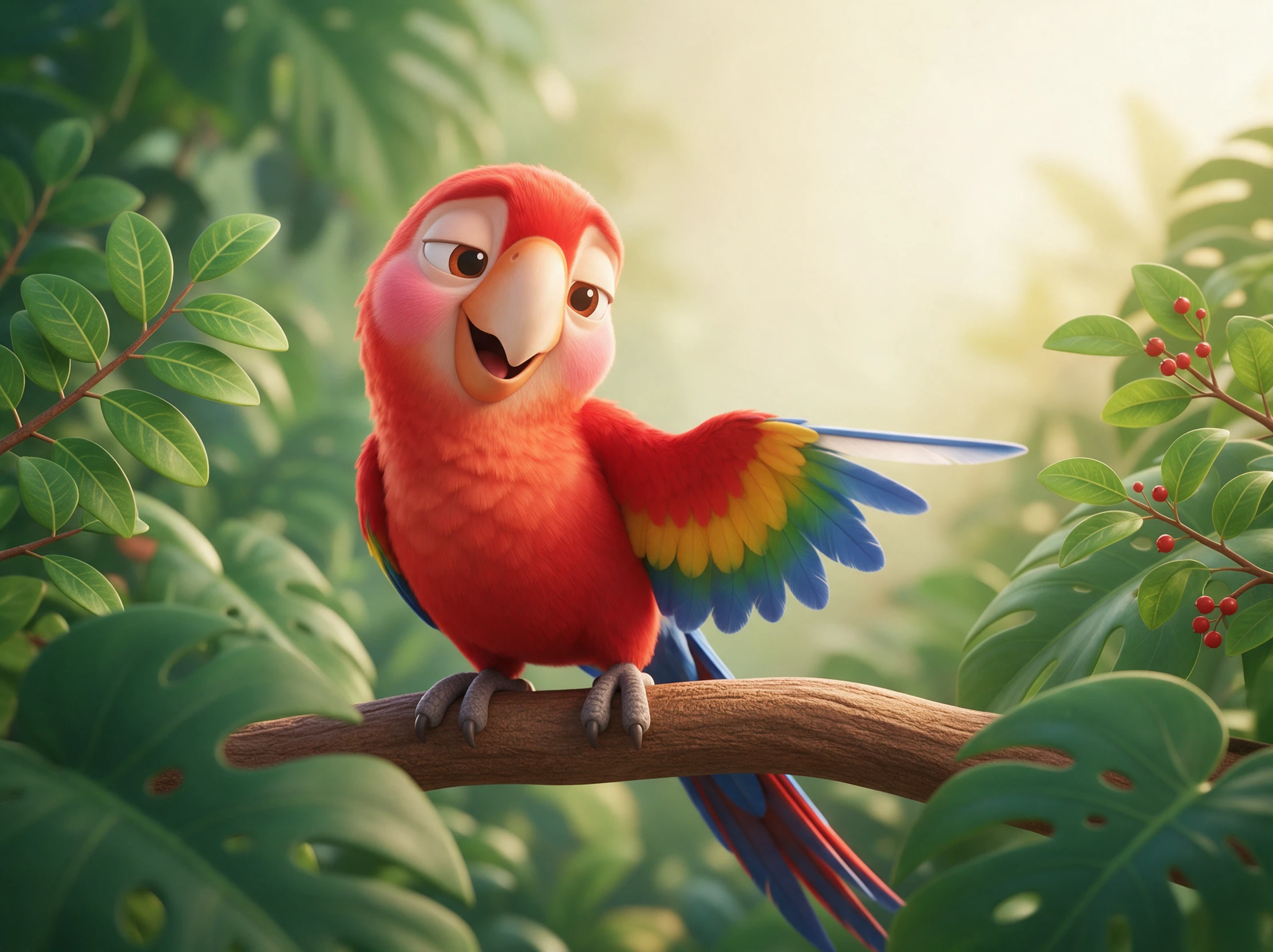
Choose 1080p on supported models to create clearer talking pet animations. Upload a JPG or PNG photo under 10MB, with each side at least 300 pixels, to provide a clear starting image.
Start Creating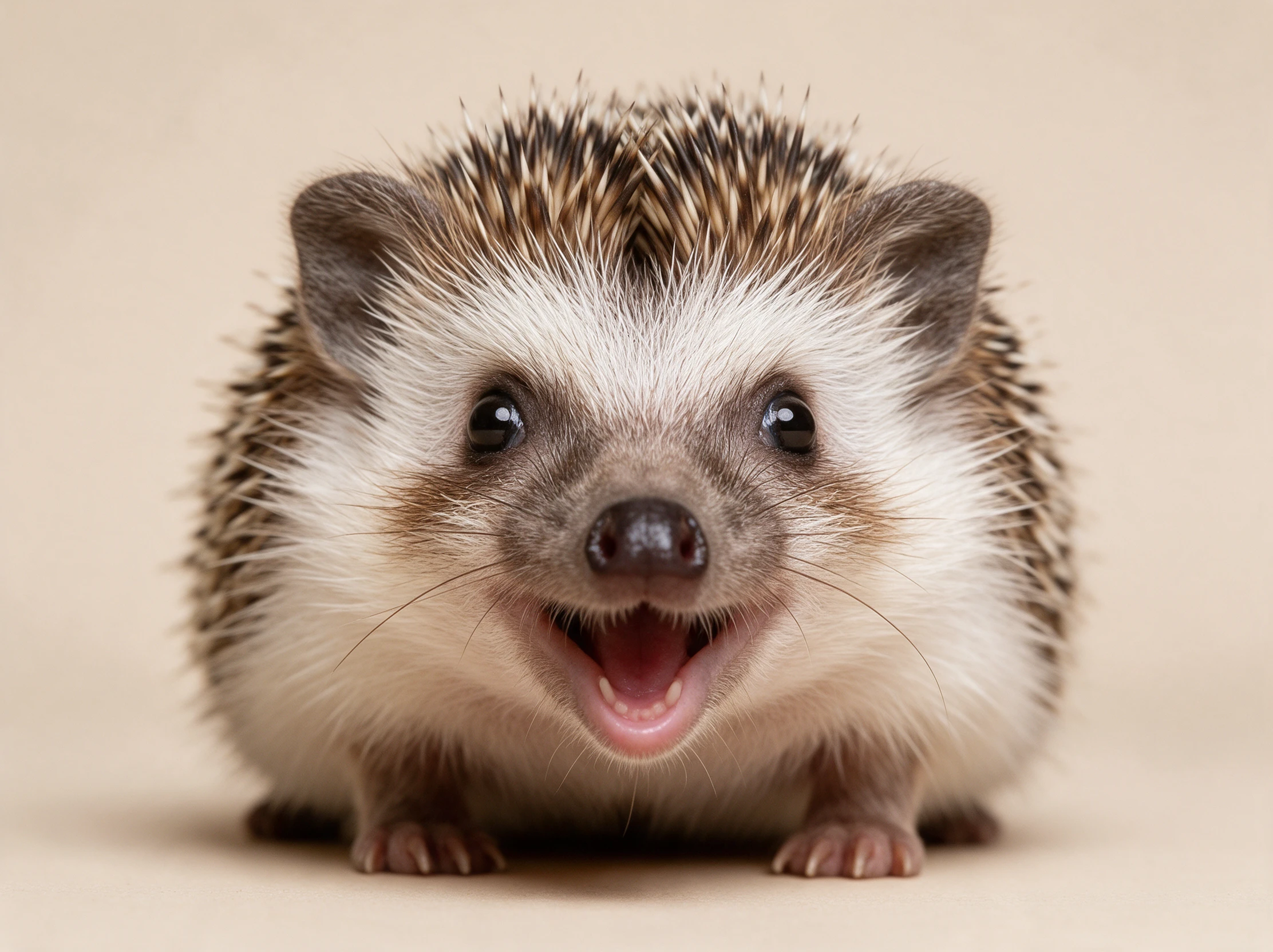


Give your pet a voice with Magiclight AI talking pet AI. Upload a clear photo, describe what your pet should say, and choose the video settings. Follow these 4 steps to create your clip.
Start with Magiclight AI and access the Toolbox. Go for the Video section and choose the Frame to Video mode. Continue looking for a Veo model that supports sound generation.
Add a clear, front-facing pet photo as the starting frame. Keep the face visible and well-lit so Magiclight AI can use its features as a reference.
Enter a prompt describing your pet’s facial expressions, movements, and spoken line. Put the dialogue in quotation marks across the 1500-character prompt and enable Sound Effects.
Choose a supported duration and resolution and click Create Video. Review the results and select Re-edit if you are looking for clearer video.
Dog Owner
My beagle always makes the funniest face at bath time. I used Magiclight AI to turn his photo into a talking video with a grumpy voice. The result made our family laugh.
Content Creator
A talking cat seemed like a fun idea for my next social media post. Magiclight AI helped me animate my cat's photo with a funny line. The short clip was perfect for sharing with my followers.
Pet Groomer
One of my clients has a poodle with a very expressive face. I created a talking pet video with Magiclight AI announcing pickup time and shared it with the owner.
Social Media Manager
Our pet brand needed a playful way to introduce a new dog toy. We used Magiclight AI to create a talking dog video mentioning the product. It gave our promotional content a more entertaining angle.
Not on Veo, because it invents its own voice. Use Reference to Video instead and upload your WAV or MP3 recording as Audio 1 on Seedance 2.0. The mouth won’t always match.
Make sure Sound Effects is on with a Veo model, since other models lack the switch. Put the words in quotes and keep the line within 8 seconds. Then click Re-edit with a shorter line earlier in the prompt.
Close enough for a joke, not a documentary. A front-facing close-up at 1080p gives the mouth the most detail. Skip side angles and toys in the mouth.
No, Veo models reject content involving minors. Use a pet-only photo, or choose another model and record the line separately.
No, Veo is for members only, and Sound Effects adds to the price of each clip. You see the full cost before you click Create Video.



Reward the pet who sat still for the photo with a speaking part. Write its first line this week with Magiclight AI, and your talking pet AI clip is ready in 8 seconds or less.