Hero background

Thanksgiving Photo Generator

Create festive Thanksgiving photos with MagicLight AI. Describe an autumn scene or upload a photo to create your own Thanksgiving images. No photography skills needed.

Create a Thanksgiving Photo for Free
Thanksgiving Photo Generator
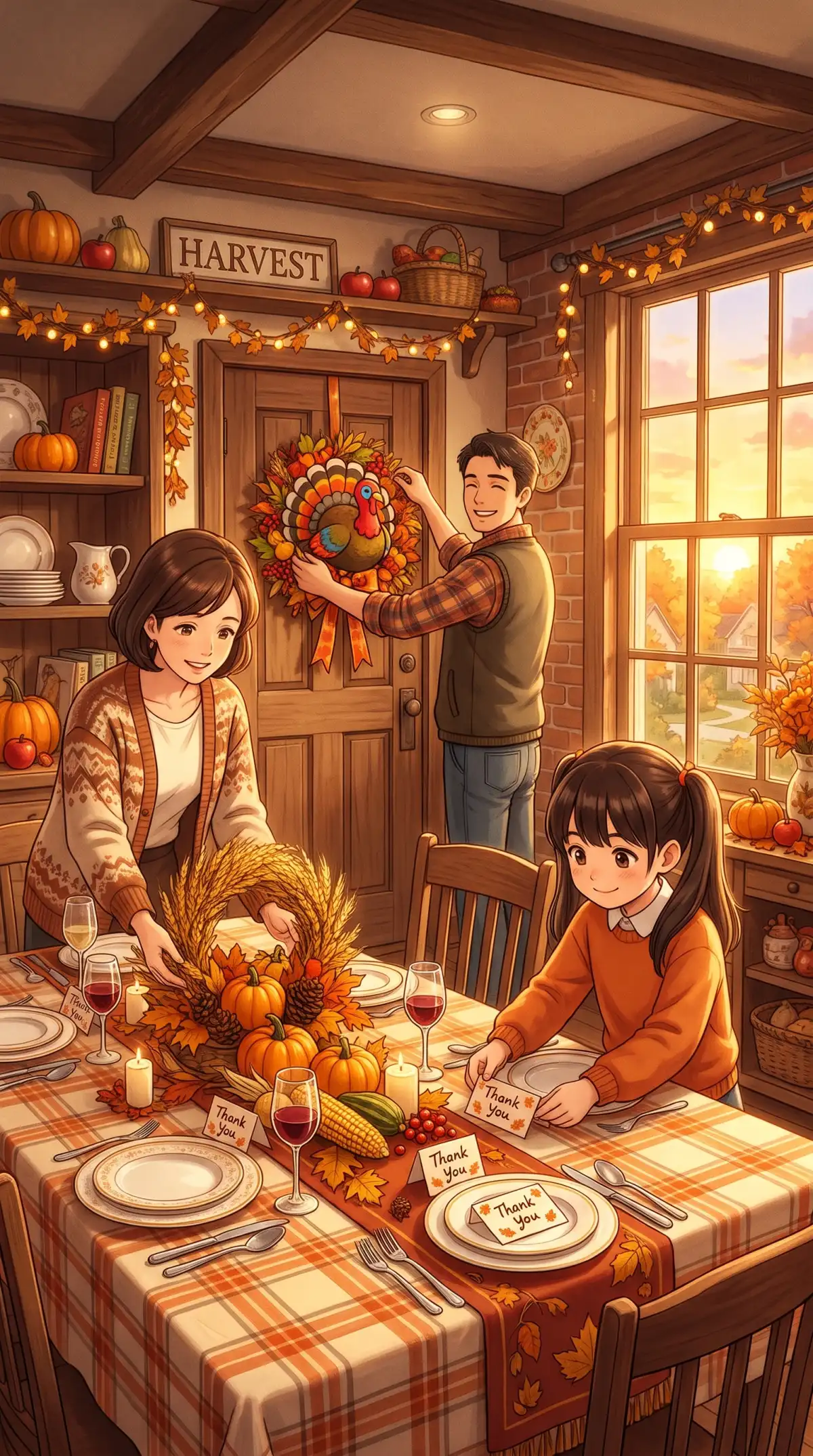
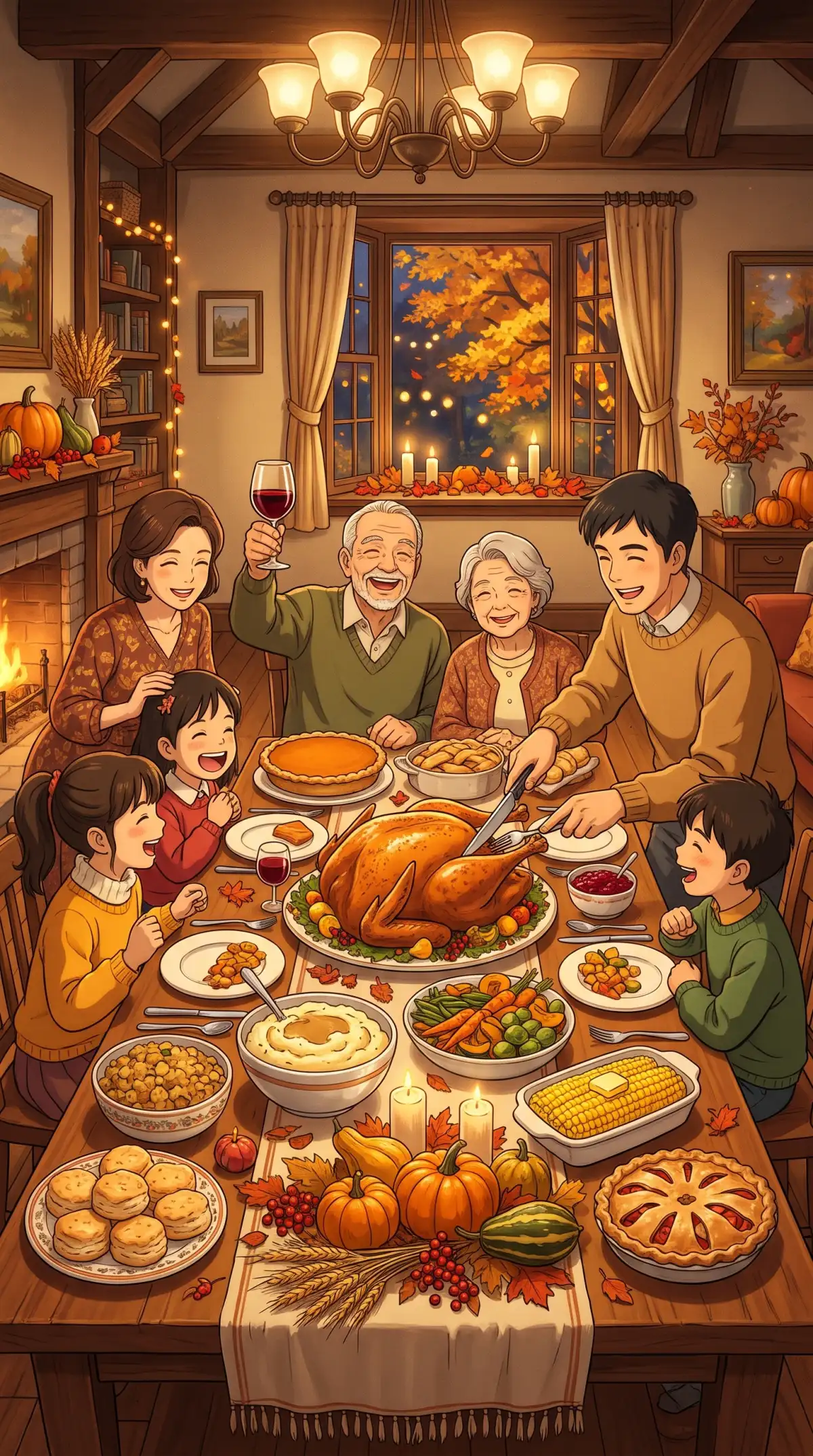
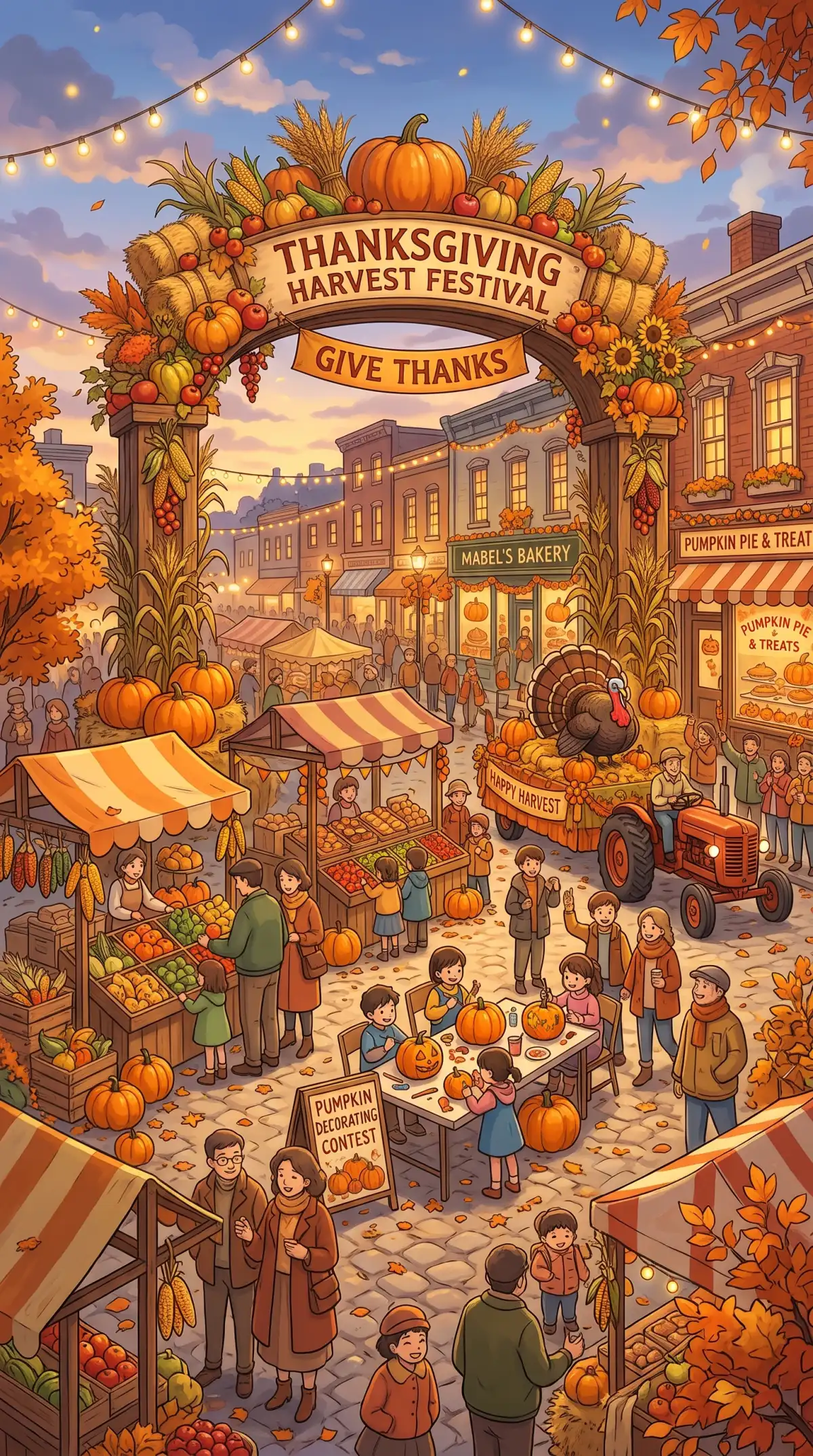
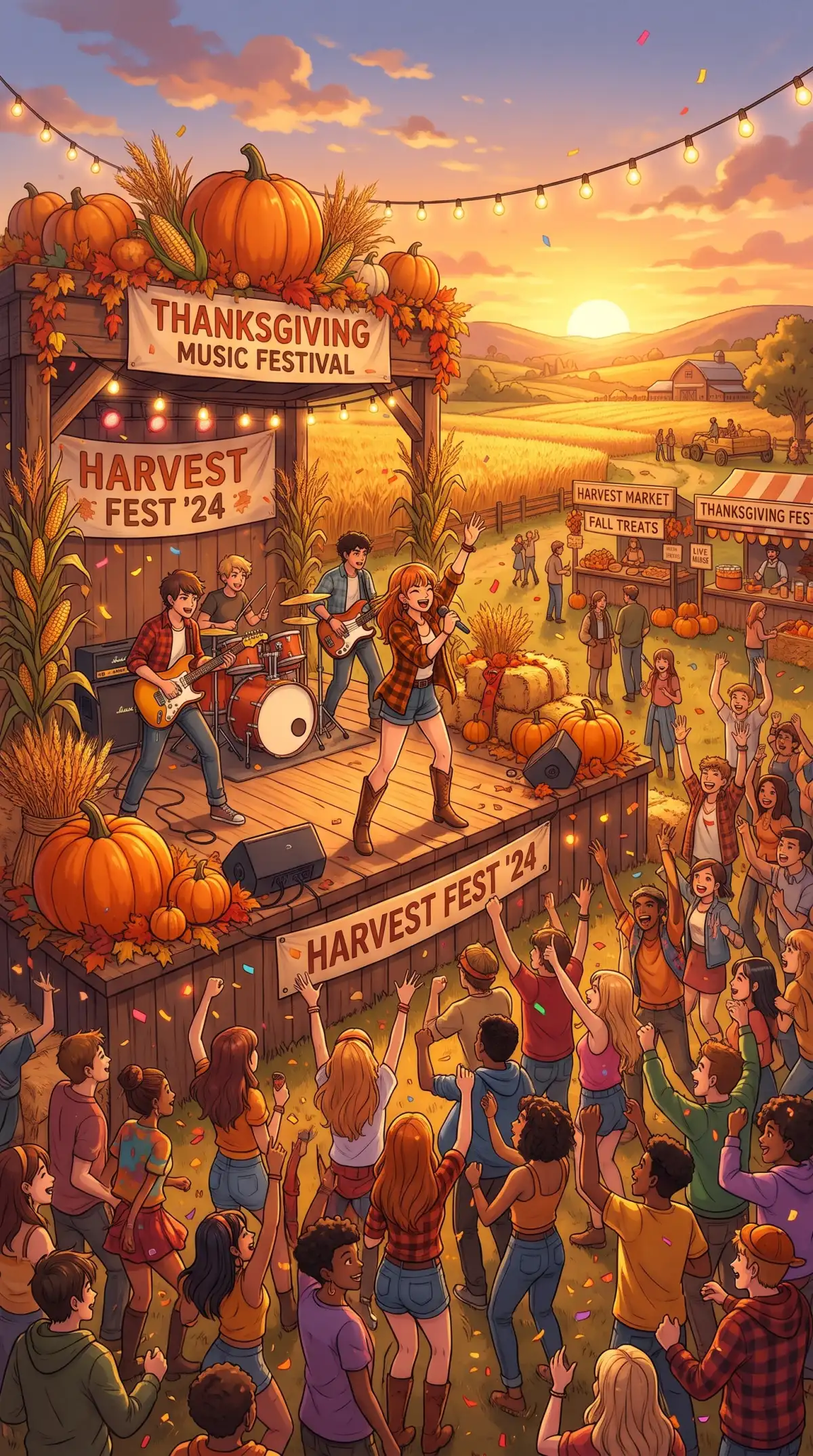
Thanksgiving Photo Examples
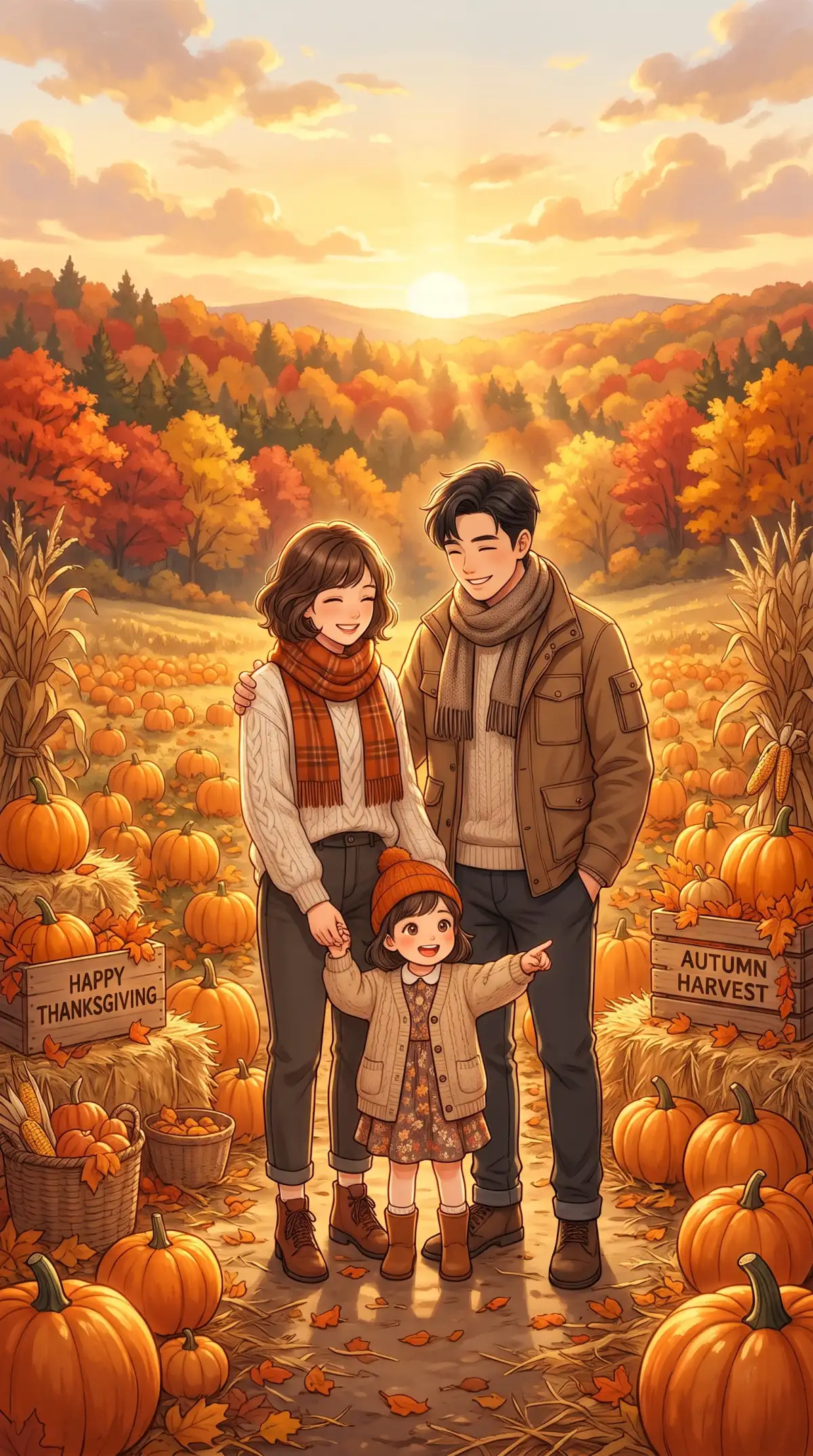
AI Generated Thanksgiving Photos
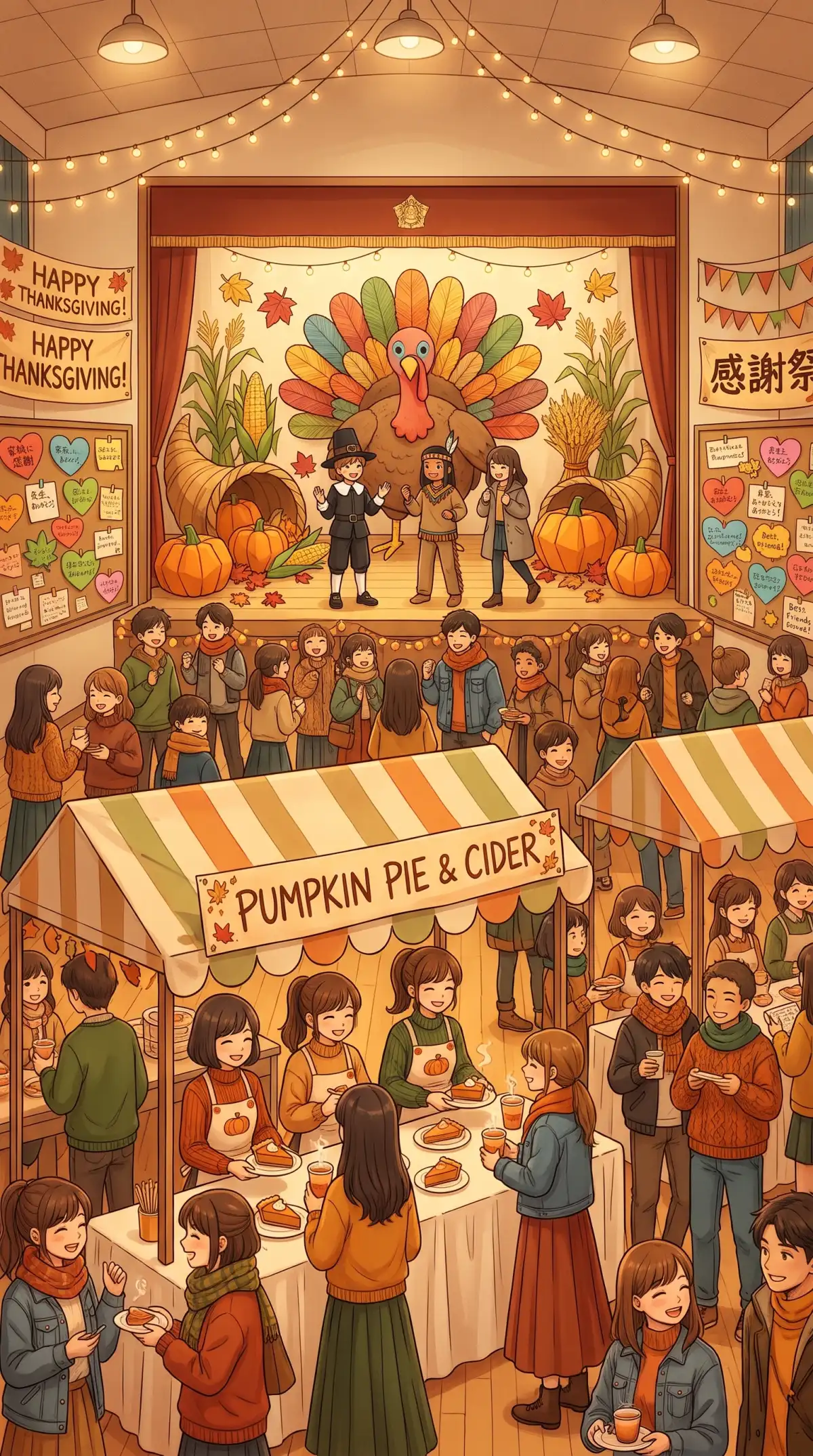
Custom Thanksgiving Photo Designs
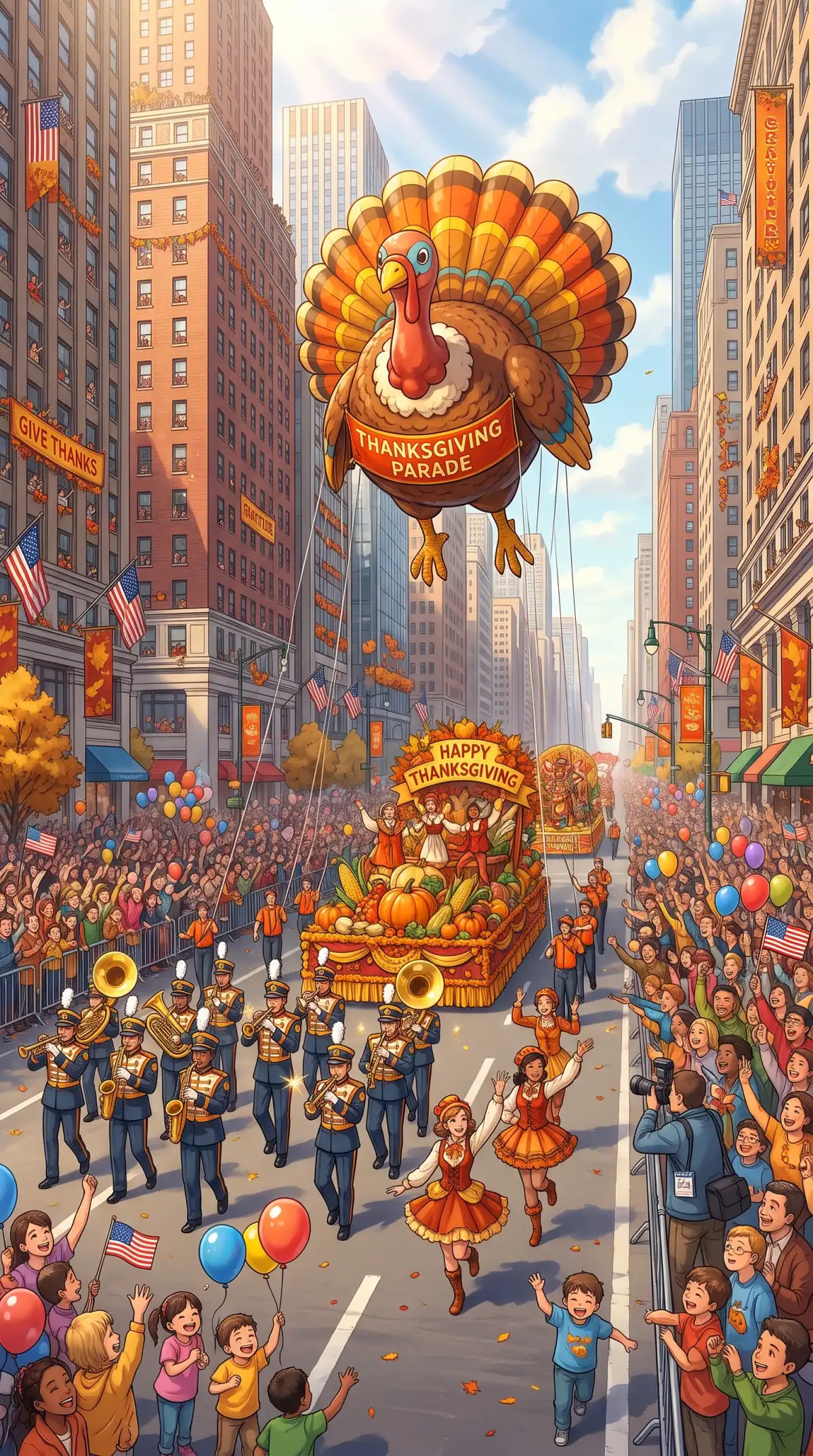
Thanksgiving Photo Samples
Thanksgiving Photo Ideas
AI Generated Thanksgiving Visuals
Thanksgiving Image Creation Ideas
Thanksgiving Photo Generator
Thanksgiving Photo Examples
AI Generated Thanksgiving Photos
Custom Thanksgiving Photo Designs
Thanksgiving Photo Samples
Thanksgiving Photo Ideas
AI Generated Thanksgiving Visuals
Thanksgiving Image Creation Ideas

Top Features of Magiclight AI Thanksgiving Photo Generator

Thanksgiving photo generator in Magiclight AI gives you control over how your holiday picture looks. You can work with familiar faces and adjust the setting to suit your idea.
Create a Thanksgiving Photo for Free
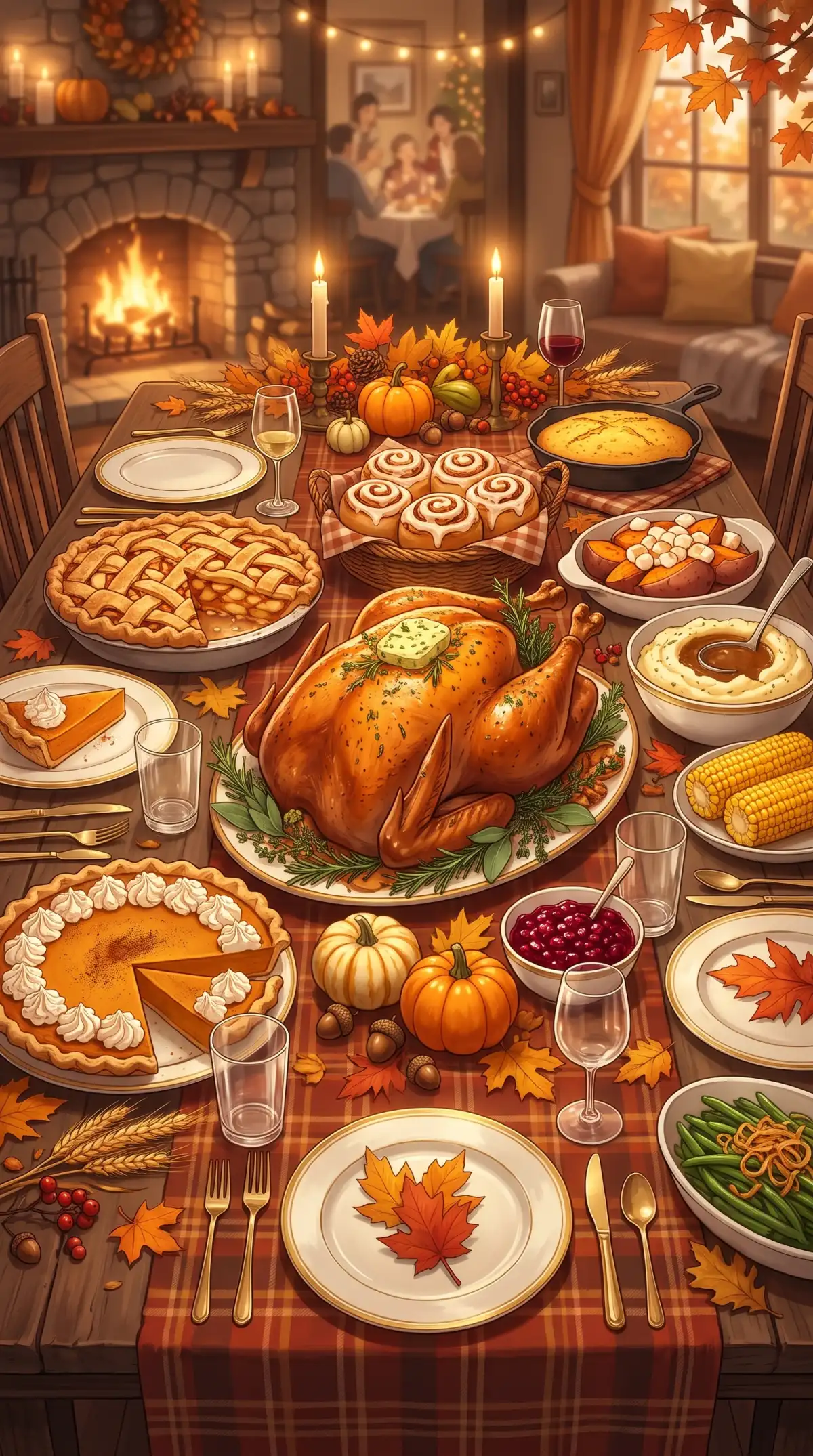
Thanksgiving Photo Generator Features

Reference Photos for Family Portraits

Add a photo of your family as a reference for your Thanksgiving picture. Magiclight AI uses the uploaded image to guide the appearance of familiar faces in your new holiday scene.

1:1 Square Format for Holiday Pictures

Select the 1:1 ratio when you want a square Thanksgiving picture for a family album cover. Magiclight AI gives your holiday image a format that works well for social media posts.

500 Characters to Describe Your Scene

Magiclight AI gives you 500 characters to explain how your Thanksgiving picture should look. Mention the table setting and the autumn light you want to see in the scene.

6 Image Models for Thanksgiving Photos

Try 6 image models in Magiclight AI to see different versions of your Thanksgiving scene. Seedream 5.0 Pro and Nano Banana are among the options for your holiday photo.

Who Can Use the Magiclight AI Thanksgiving Photo Generator
From family albums to restaurant menus, the Thanksgiving photo generator has plenty of uses. Magiclight AI helps you create pictures that suit your plans for the holiday.
Thanksgiving Photo Generator for Families Living Apart
For Families Living Apart
Upload 10 reference images to bring distant relatives into one scene.
Create a Thanksgiving family portrait from your prompt with Text to Image.
Select the 1:1 ratio for a square Thanksgiving family album picture.
Thanksgiving Photo Generator for Food Bloggers
For Food Bloggers
Describe your Thanksgiving food scene within 500 characters.
Try 6 image models to find a look that suits your holiday recipes.
Generate multiple outputs to compare different Thanksgiving table looks.
Thanksgiving Photo Generator for Restaurants and Caterers
For Restaurants and Caterers
Show your Thanksgiving menu dishes against a warm autumn backdrop.
Upload dining room photos as references for your holiday promotions.
Pick the 9:16 ratio for tall Thanksgiving images on social media.
Thanksgiving Photo Generator for Portrait Photographers
For Portrait Photographers
Preview Thanksgiving portrait settings before your client arrives.
Use Reference Image to Image to test seasonal portrait backgrounds.
Create multiple versions of a scene to show clients their options.
Why Choose Magiclight AI Thanksgiving Photo Generator
Your Thanksgiving pictures might end up on a family card or a restaurant menu. The Thanksgiving photo generator in Magiclight AI gives you more control over how each image looks.
4 Aspect Ratios for Thanksgiving Photos
Magiclight AI gives you 4 aspect ratios for your holiday pictures. Select 4:3 for a Thanksgiving card, 1:1 for a square family photo, 9:16 for Stories or 16:9 for a wider image.
Upload Photos as Large as 20MB
Magiclight AI accepts JPEG, WEBP, PNG, and JPG images with a 20MB file size limit. Add a clear family picture or food photo as a reference for your Thanksgiving scene.
Add 10 Reference Images to Your Scene
Upload 10 reference images of family members or Thanksgiving decorations to Magiclight AI. Your photos help guide the appearance of the people and objects you want in the picture.
Make Changes to Your Thanksgiving Pictures
Your Thanksgiving picture might need a different table setting after the first result. Upload it again to Magiclight AI and describe the changes you want to see.
Create Thanksgiving Scenes From Text
Describe a Thanksgiving dinner scene in Text to Image without uploading photos. Magiclight AI creates a holiday picture from your prompt for greeting cards or restaurant menus.
Turn Thanksgiving Photos Into 30 Second Videos
Give your Thanksgiving picture some movement with Image to Video in Magiclight AI. Select from 20 video models and create a clip lasting 30 seconds to share with family.

 How to Make a Thanksgiving Photo With Magiclight AI

Thanksgiving photo generator tools in Magiclight AI let you decide what appears in your picture. These 4 steps cover everything from adding a reference photo to saving the result.

1.

Add Your Reference Photo

Select the Image tab in Magiclight AI Toolbox and upload a reference image of your Thanksgiving meal. You can add more photos if you want certain people or objects included.

2.

Write Your Thanksgiving Prompt

Enter your idea within the 500 character prompt limit. Describe the Thanksgiving setting you want, such as a family dinner near the fireplace with warm afternoon light.

3.

Select Your Image Settings

Magiclight AI offers 6 image models for your Thanksgiving photo. Pick the one you prefer, choose a picture size, then decide how many versions you want to create.

4.

Create and Download Your Photo

Then, press Create Image to generate your Thanksgiving picture. Look through the results and check how your scene turned out. Save your favorite image once you are happy with it.

FAQs on Thanksgiving Photo Generator

Can I combine family members from separate photos?

Yes. Magiclight AI accepts 10 reference images for your Thanksgiving scene. Add clear photos of your relatives to help the tool capture their familiar appearances.

How do I animate my Thanksgiving photo?

Magiclight AI offers Image to Video to turn your holiday picture into a short clip. Select from 20 video models and create an animation lasting 30 seconds.

Will my family's faces look natural?

The Thanksgiving photo generator in Magiclight AI follows your reference images to recreate familiar faces. Clear photos can help improve the likeness in your results.

Is permission needed to upload someone else's photo?

Get permission before uploading pictures of other people to Magiclight AI. This is especially important when you plan to share the finished Thanksgiving image publicly.

Can Thanksgiving pictures be printed on greeting cards?

Yes. Magiclight AI offers a 4:3 aspect ratio for holiday cards. Check the image quality and your printing service's resolution requirements before placing an order.

Does the Thanksgiving photo generator offer free credits?

New Magiclight AI accounts receive free credits without requiring a payment card. You can check the credit cost of your selected image model before generating a photo.


Create a Thanksgiving Scene With Magiclight AI

Picture the perfect holiday gathering and let Magiclight AI Thanksgiving photo generator bring your idea to life.