Top Features of Magiclight AI Wall Art Generator
A bedroom print needs a different feel from artwork above the dining table. The Magiclight AI wall art generator lets you try different colors and picture sizes to suit each room.

Design personalized wall art with Magiclight AI Wall Art Generator. Describe your favorite colors, artistic style, or room theme to create beautiful artwork for your home. No painting or design experience needed.
Create Wall Art for Free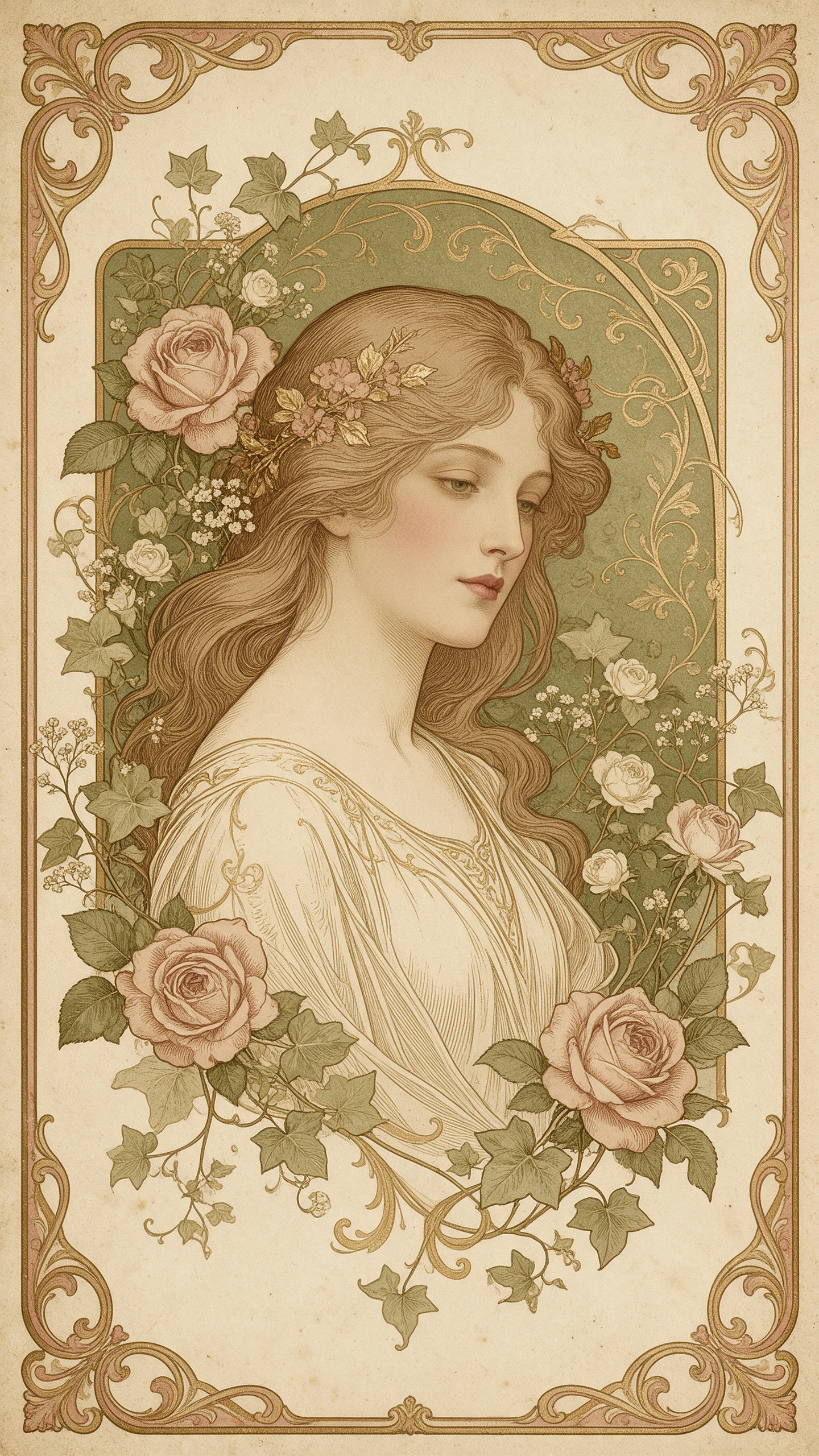
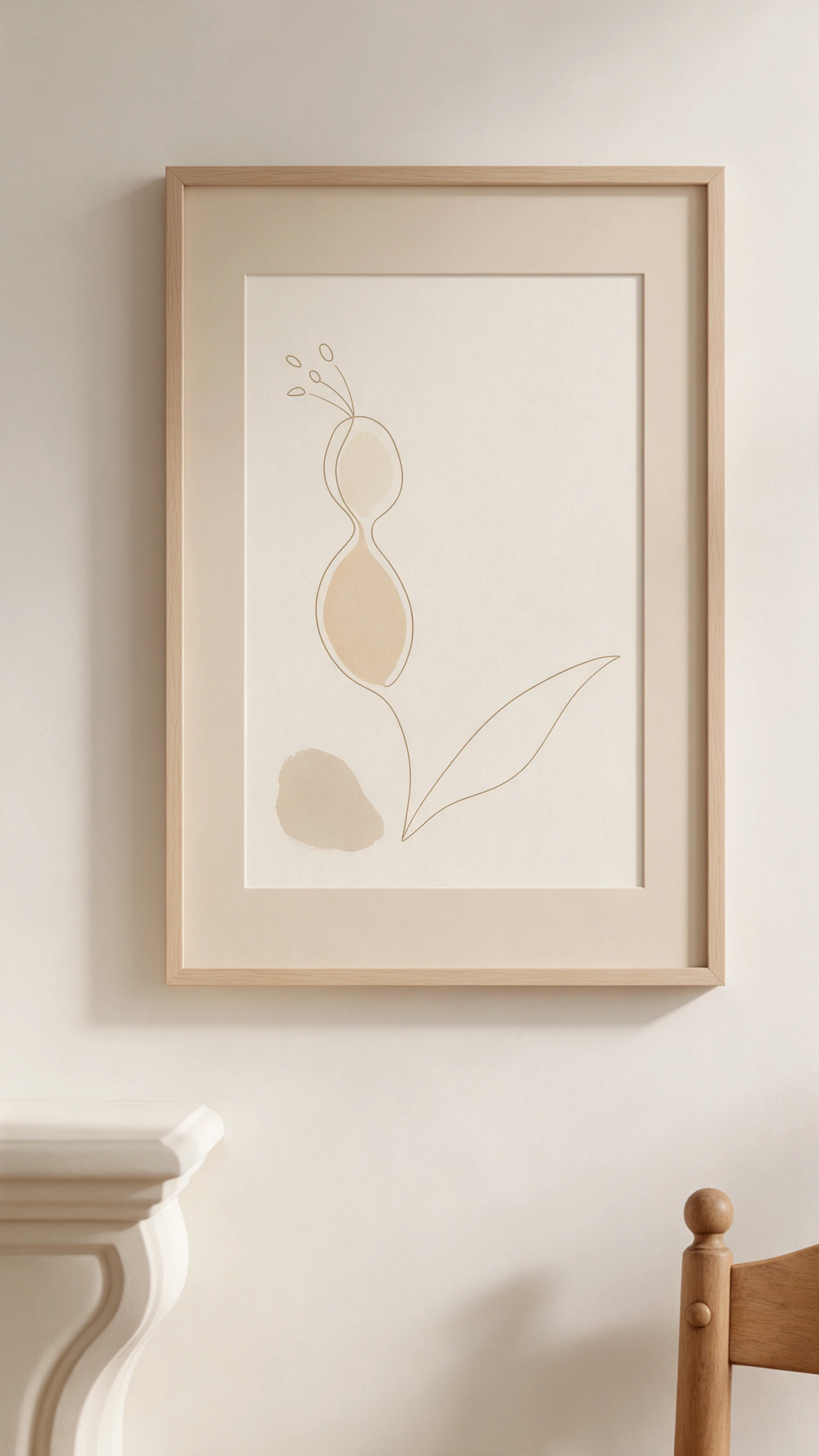
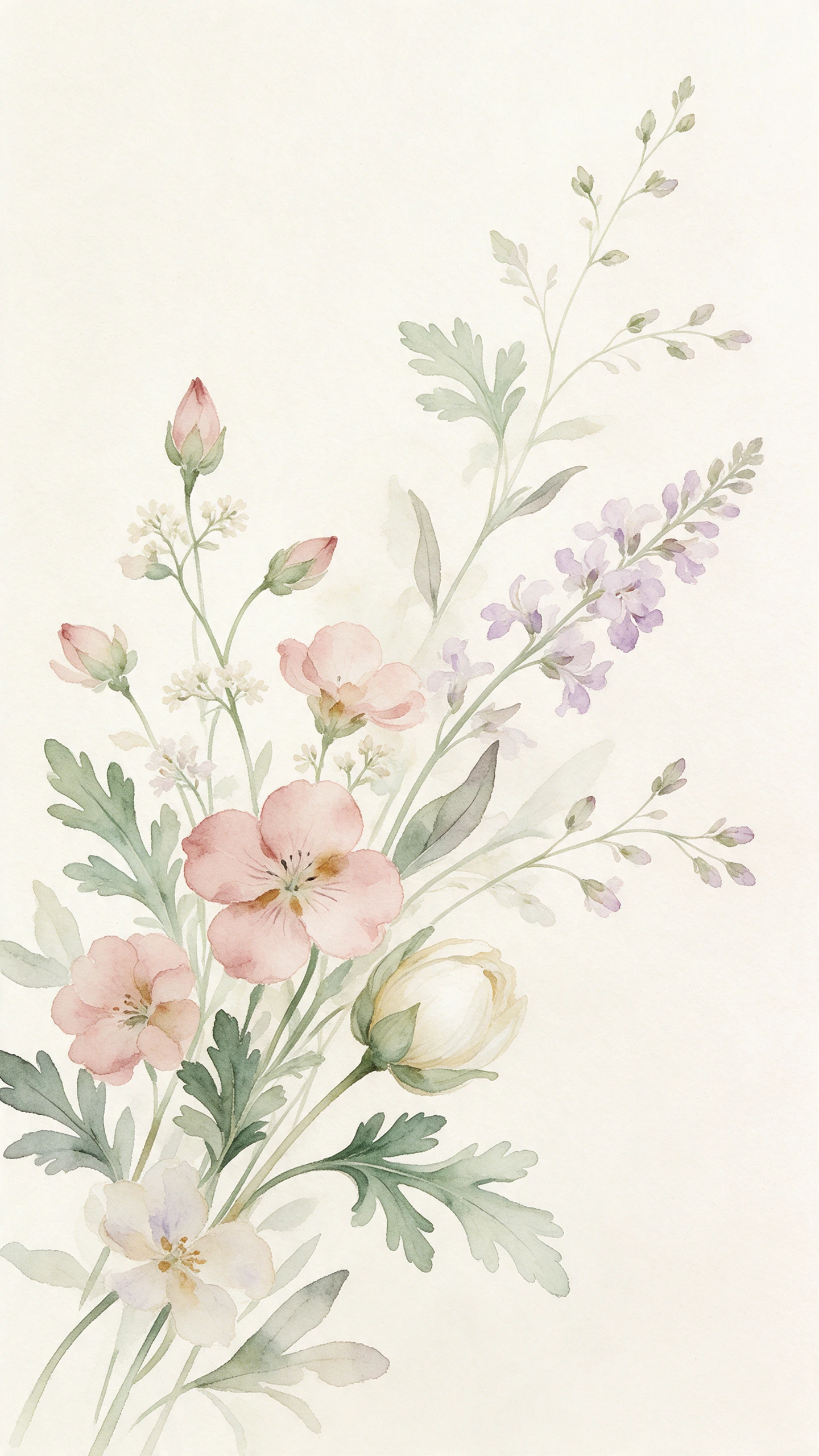
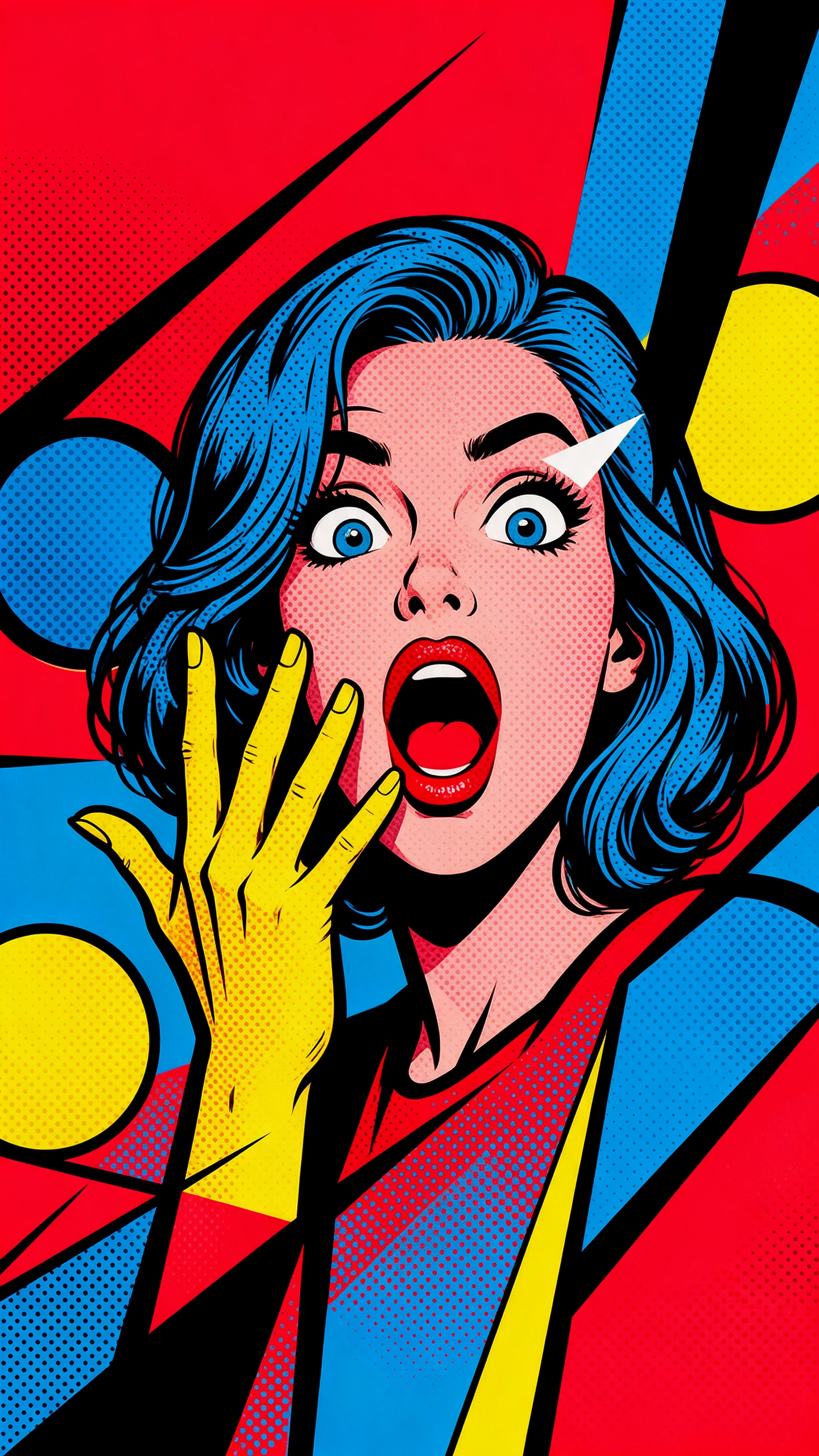
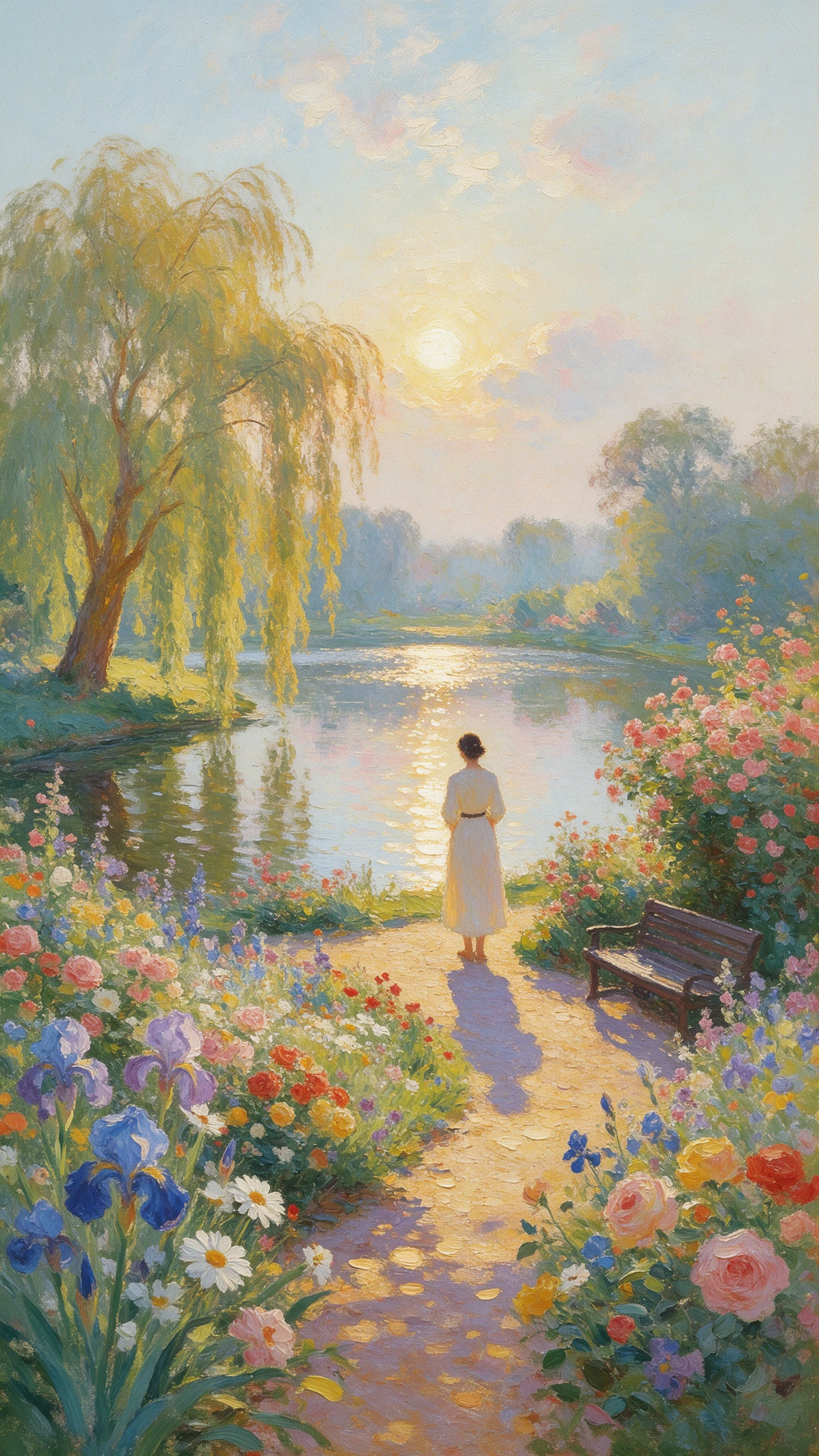
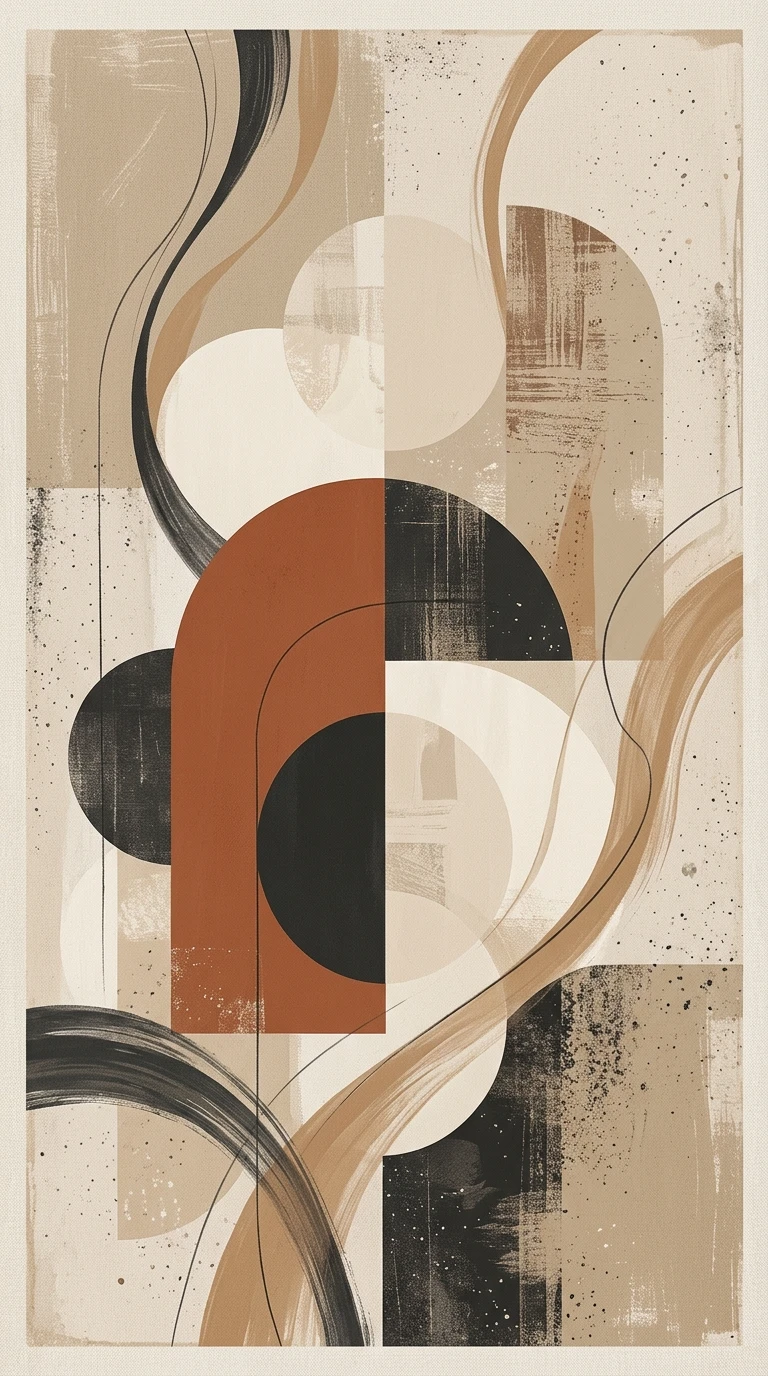
A bedroom print needs a different feel from artwork above the dining table. The Magiclight AI wall art generator lets you try different colors and picture sizes to suit each room.

Upload a photo of your living room using Reference Image to Image in Magiclight AI. Use your furniture colors, curtains, or existing decor as visual references to generate artwork that complements your room's overall style.
Choose from 4 aspect ratios to fit your artwork into different spaces. Use 4:3 for framed landscape prints, 9:16 for tall hallway art, 1:1 for square wall pieces, or 16:9 for wide artwork above your sofa.
Explain your preferred artwork in a prompt of up to 500 characters. Include details like peaceful mountain landscapes, soft green tones, minimalist patterns, or watercolor flowers to create a design that matches your room's atmosphere.
Experiment with 10 image models in Magiclight AI to create your preferred wall art. Try Seedream 5.5 for a soft landscape or GPT Image 2.6 Sunburst for colorful abstract designs. Compare the results to find your favorite.


You don't need to visit a gallery to find something for your empty wall. Magiclight AI wall art generator helps you make your own artwork in just 4 steps.
Go to the Image tab in Magiclight AI and select Reference Image to Image. Upload a reference image of your room to guide the artwork. You can also use Text to Image without a photo.
Use the 500 character prompt to describe the picture you want for your wall. Mention a subject such as a mountain landscape and choose colors that complement your furniture.
Magiclight AI offers 10 image models for your wall art. Select one that suits your preferred style and pick a frame ratio such as 1:1 for square prints.
Create the image, look through the results, and choose the picture that suits your room best. Download your favorite design for printing and framing.
Yes, but check the image quality before printing. Magiclight AI does not specify a print resolution, so ask your print shop whether a larger canvas needs upscaling.
Upload a photo of your room through Reference Image to Image. You can also add fabric samples and describe the main colors in your prompt to guide the artwork.
Yes, the Magiclight AI wall art generator lets you reuse a finished print as a reference. Request another design with similar colors to create a matching gallery wall.
Yes, Magiclight AI has an Image to Video feature that turns your artwork into moving scenes. You can create 30-second clips with gentle movement for a digital display.
You can describe the colors and mood you admire without copying protected artwork. For prints you plan to sell, check that your design respects copyright and other rights.
Magiclight AI offers sign-up credits for new users to try image generation. You can test a wall art idea before choosing a paid plan for additional creations.



Create artwork that feels right at home with the Magiclight AI wall art generator. Describe your favorite style and try it free today.