Keep Every Word of Your Script
Select Basic Script in Magiclight Agent if you have already finished writing your story. The Agent divides your text into scenes without changing the words you want people to hear.
Turn Text into Videos for Free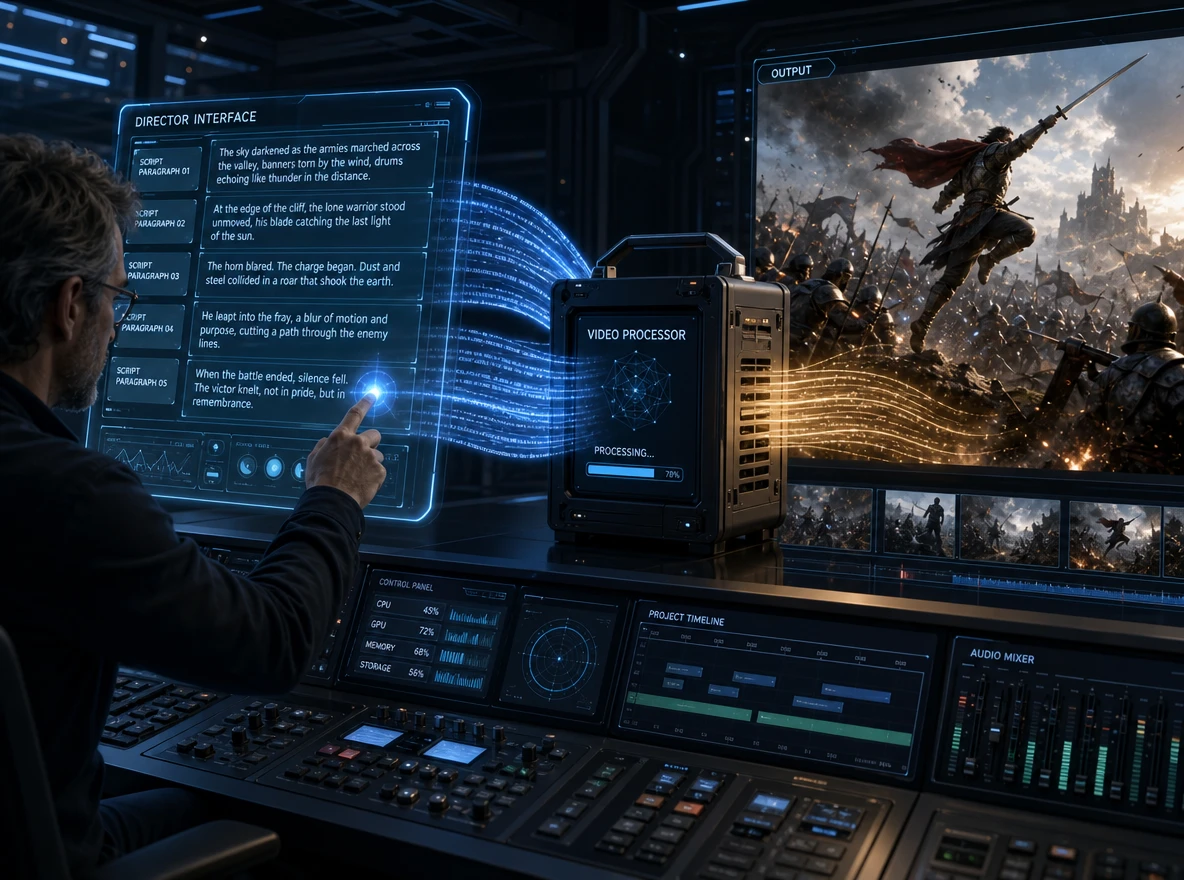

Turn written ideas into videos with MagicLight. Add your text, generate a voiceover, and create scenes that bring your words to life. No recording equipment needed.
Turn Text into Videos for Free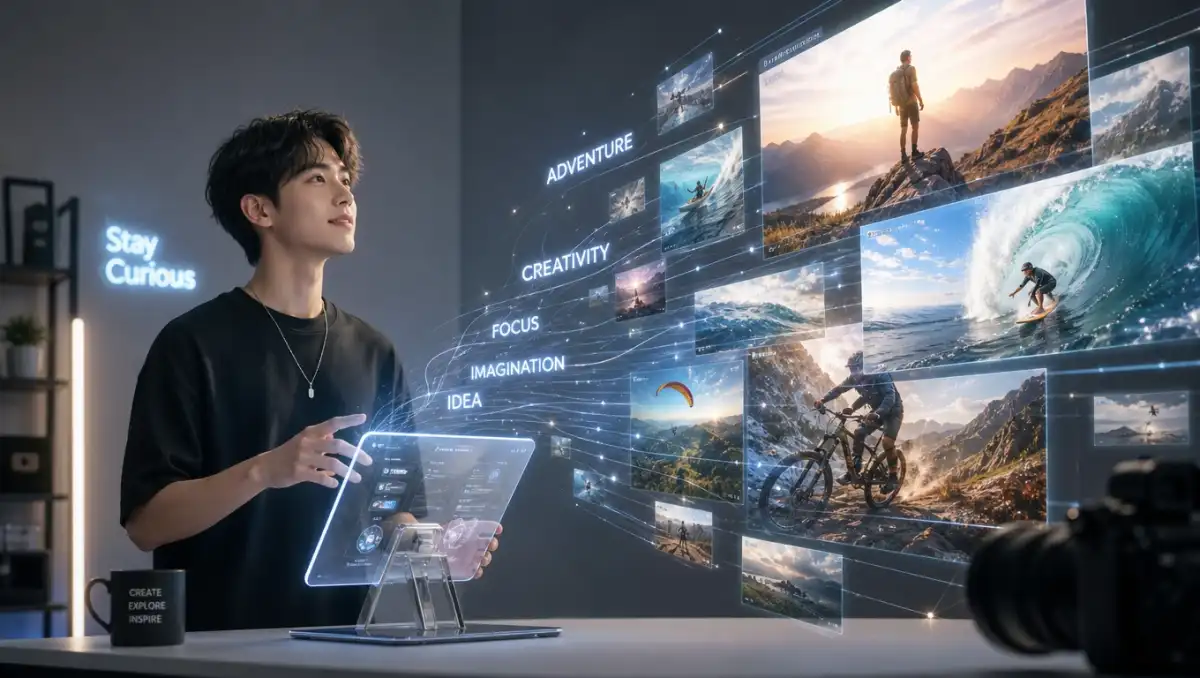










Take a passage from your favorite piece of writing and give it a visual setting. The words to video AI feature in Magiclight AI lets you decide how that passage should sound.
Select Basic Script in Magiclight Agent if you have already finished writing your story. The Agent divides your text into scenes without changing the words you want people to hear.
Turn Text into Videos for FreeMagiclight AI gives you 12,000 characters to enter your original text. You can turn a lengthy story or a complete speech into a narrated video lasting as long as 50 minutes.
Turn Text into Videos for Free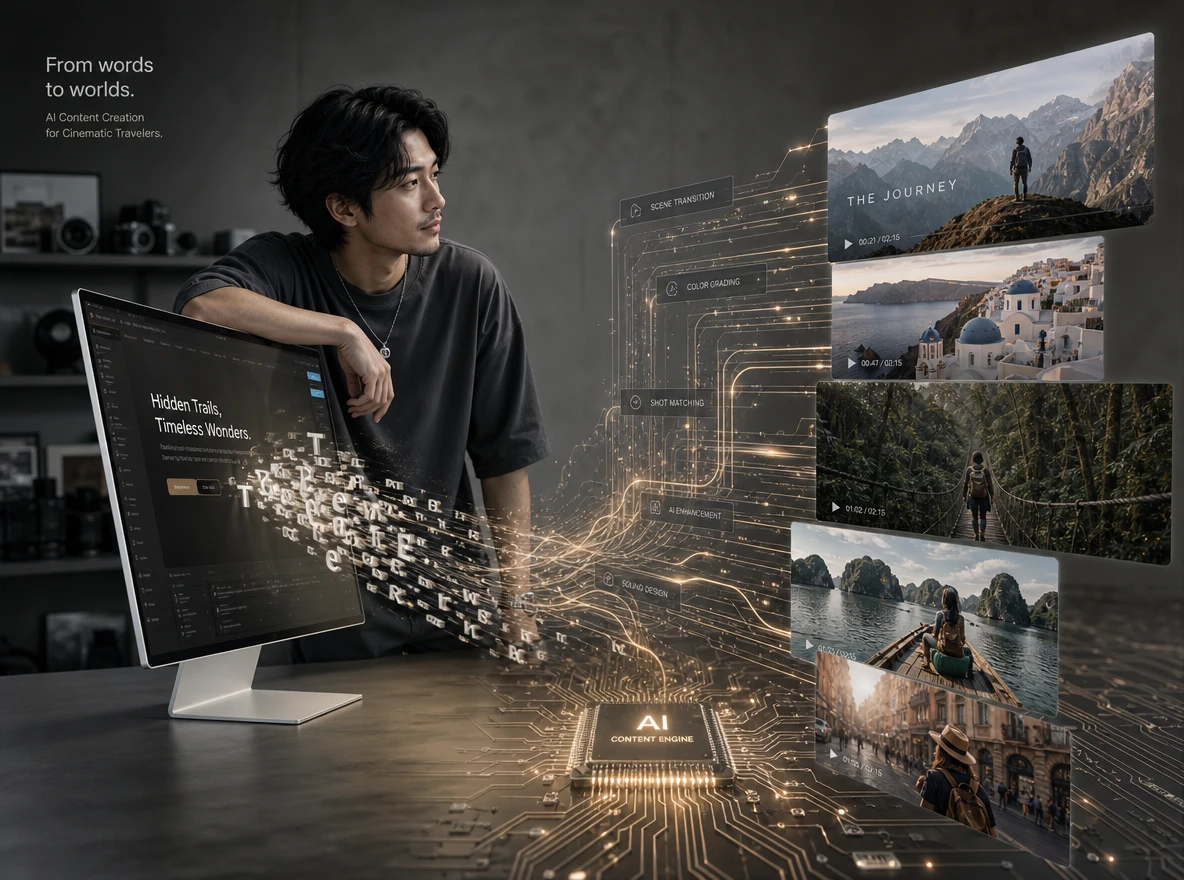
A bedtime story might sound better with a gentle voice than a fast narrator. Magiclight AI offers 37 voices across 11 languages and lets you adjust the speed of the reading.
Turn Text into Videos for Free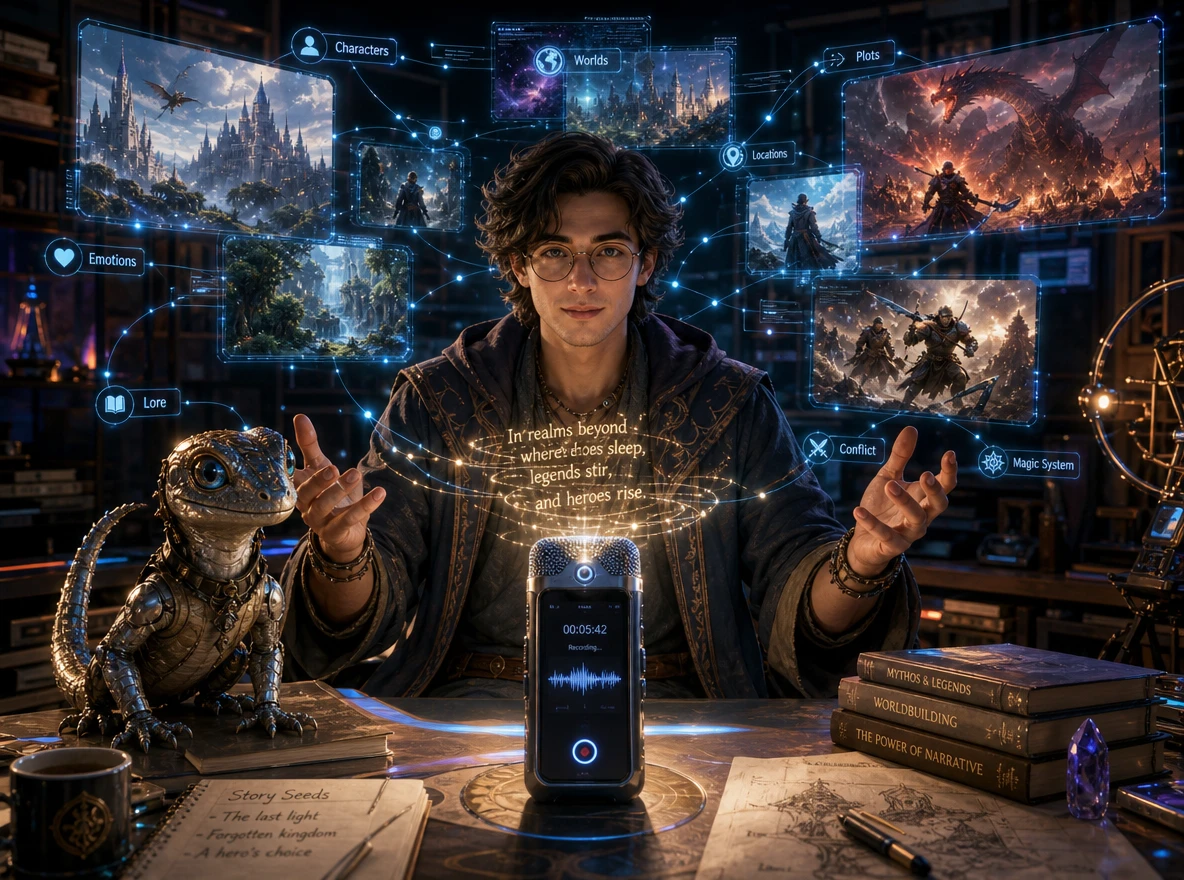
You can read your original text even when they watch the video without sound. Choose from 16 subtitle styles to suit the look of a short poem or a longer narrated story.
Turn Text into Videos for Free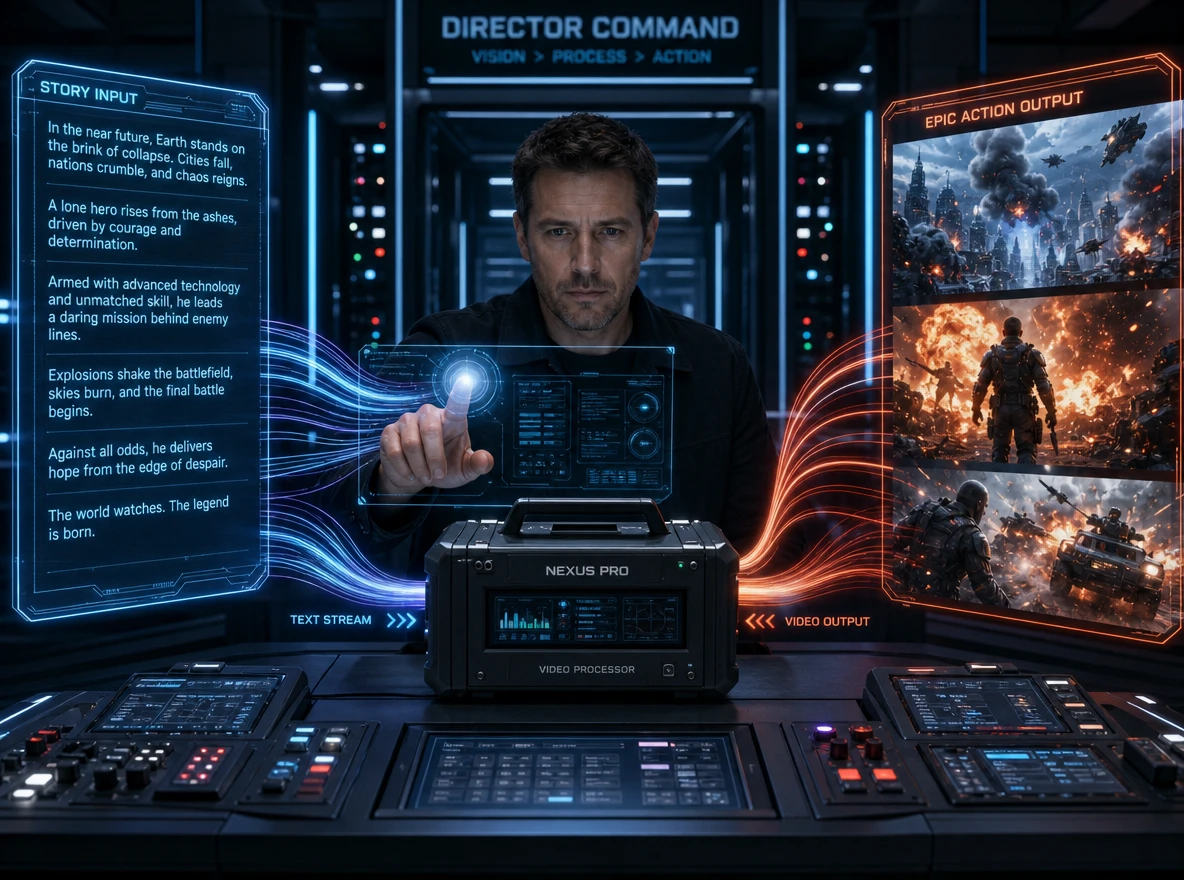


Find a piece of writing you would love to hear narrated over matching scenes. With words to video AI in Magiclight AI, you can turn that text into a video by following these 4 steps.
Start a Video project in Magiclight AI. Paste your written text within 12,000 characters, select from 16 story models and choose a channel niche through Magiclight Agent.
Give your story a visual style that suits its subject. For any people mentioned in your text, create characters with a description of 1,000 characters or pick existing ones.
Nano Storyboard shows how each passage of your writing appears on screen. Review the pictures alongside your original text and animate the scenes through Magiclight Agent.
Choose a narrator whose voice suits the mood of your writing. Adjust the reading speed and add subtitles if needed, then generate your video and download the finished MP4.
Poet
I was nervous about recording myself reading my poems. Magiclight AI gave me a way to share them through video without losing the original wording I had worked hard on.
Blogger
Some of my older articles barely get any visitors now. I've started turning them into narrated videos across Magiclight AI for social media, which gives me something new to post without writing another article.
Teacher
My students sometimes struggle to stay focused during longer readings. I tried presenting a short story through animated scenes with narration within Magiclight, and it gave us something interesting to discuss.
Public Speaker
I wanted to share a speech with people who couldn't attend the event. The Basic Script option in Magiclight AI was particularly useful because I didn't want any changes to what I'd written.
A single sentence can be enough to get started with an AI video generator. Describe the main idea of your story and review the expanded script before turning it into a video.
Basic Script in Magiclight AI uses Auto duration to determine the video length from your text. Shorten a few passages if you want a quicker reading without changing the main message.
The words to video AI feature in Magiclight AI supports voice cloning for members. Submit a clear recording in WAV, MP3 or M4A format that lasts no longer than 300 seconds.
Poems and personal stories work particularly well because they often describe scenes people can picture. You can also turn educational articles into videos for visual learners.
Subtitles are worth including because many people watch videos with their sound turned off. They also help viewers follow unfamiliar words and understand the narrator more easily.



Take a favorite story you've written and turn it into a narrated video with Magiclight AI. Let people experience your writing beyond the printed page.