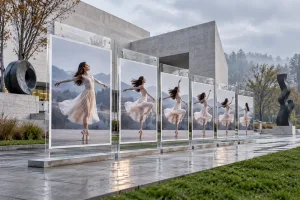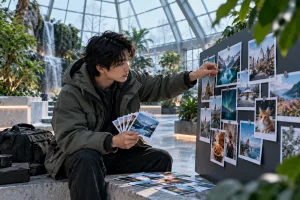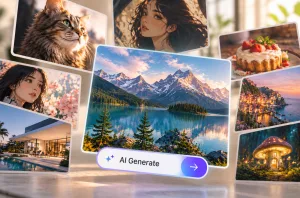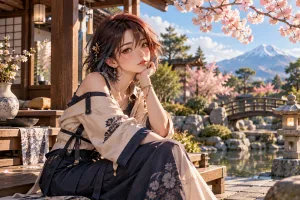
シンプルなアイデアだけでは、求めるテイストや雰囲気が伝わらず、ありきたりな画像になりがちです。効果的なAI画像プロンプトには、被写体、背景、色、スタイル、重要なディテールを盛り込みます。制作物の目的に合った画像を生成するには、プロジェクトに応じて指示の内容を変えることが大切です。
SNSの投稿には目を引く文字が必要なこともあれば、写真のアイデアにはレンズやカメラアングルの指定が役立つこともあります。MagicLight AIなら、こうしたプロンプトのアイデアを、完成度の高い画像や魅力的なアニメーションクリップにできます。この記事では、SNS、マーケティング、アート、写真、物語づくりに役立つプロンプトのアイデアを20個紹介します。
パート1:さまざまな制作ニーズに応えるAI画像プロンプト20選
画像生成用のAIプロンプトでは、被写体、場面、スタイル、光、構図、動きを説明します。どのプロンプトもシンプルな構成になっているので、クリエイティブなアイデアを言葉にして画像化しやすくなります。
SNS・コンテンツ制作
SNS用の画像では、ひと目で伝わる明確な被写体が重要です。これらのプロンプトでは、カルーセル投稿、サムネイル、ポッドキャストのカバー、通常の投稿などのレイアウトを指定できます。AIで魅力的なSNSコンテンツを作るためのプロンプトを見ていきましょう。
- ハウツー投稿のカルーセル表紙
A flat illustration of a woman arranging sticky notes beneath the headline “5 Planning Habits” in bold rounded letters. Pastel palette, clean shapes, and a square 1:1 frame.
- YouTubeサムネイルの背景
A dark home office lit by one glowing monitor, with the right half left empty for a face cutout. Cinematic contrast, teal and orange tones, and a wide 16:9 frame.
- 朝のルーティンを表現するフラットレイ
An overhead flat lay of a matcha latte, an open journal, and a lavender sprig on rumpled white linen. Soft window light, calm neutral tones, and a vertical 9:16 frame for Stories.
- ポッドキャストのカバーアート
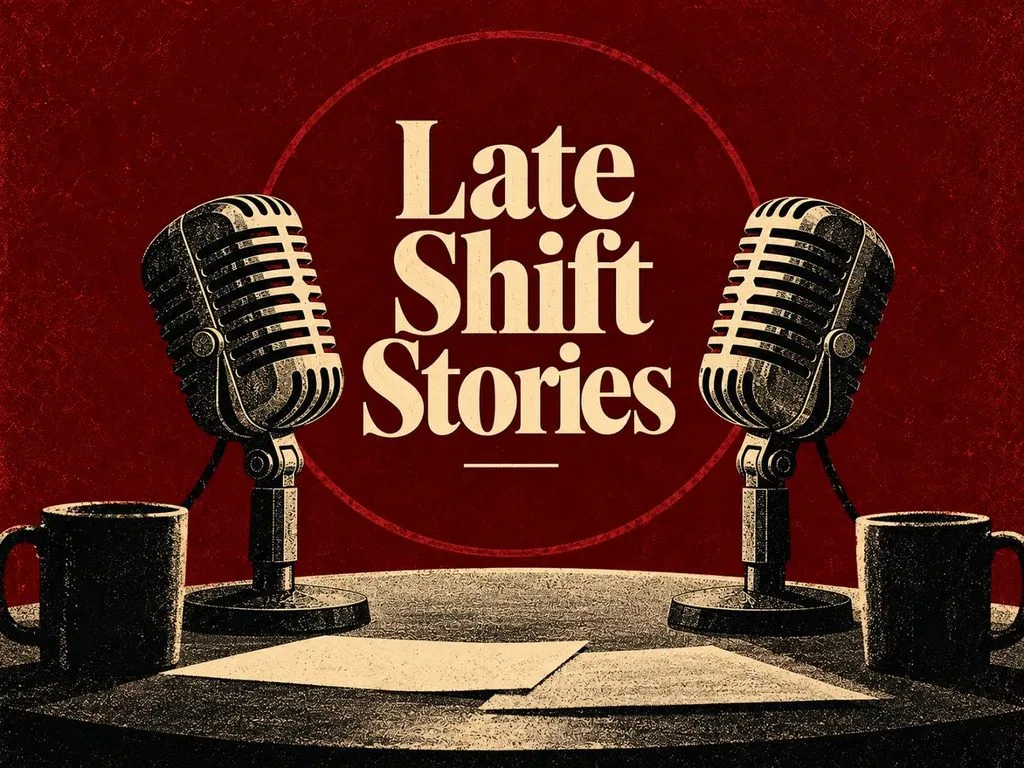
Podcast cover art with two vintage microphones facing each other in deep burgundy, titled “Late Shift Stories” in cream serif. Grainy risograph texture, bold simple shapes, centered symmetrical composition, vintage editorial poster style, and a 4:3 landscape frame.
マーケティング・EC
マーケティング用の画像では、ブランドらしさがひと目で伝わるようにしながら、商品をわかりやすく見せることが大切です。AI画像プロンプトには、商品の素材、背景、小物、色、アングルなどを指定できます。マーケティングやECの商品ビジュアルに使えるプロンプトを4つ紹介します。
- スニーカーのヒーローショット
A white running sneaker floating above a concrete plinth, with fine dust frozen mid-air beneath it. Hard rim light from behind, a charcoal gradient backdrop, and a square 1:1 frame.
- キャンドルのあるくつろぎの暮らし
A soy candle burning on a walnut side table beside stacked paperbacks and a knitted throw. Late afternoon sun through linen curtains, warm amber tones, and shallow depth of field.
- SaaSランディングページのヒーロービジュアル
Vector art of a remote team gathered around a giant floating dashboard of charts and chat bubbles. Friendly rounded characters, an indigo and coral palette, and a wide 16:9 frame.
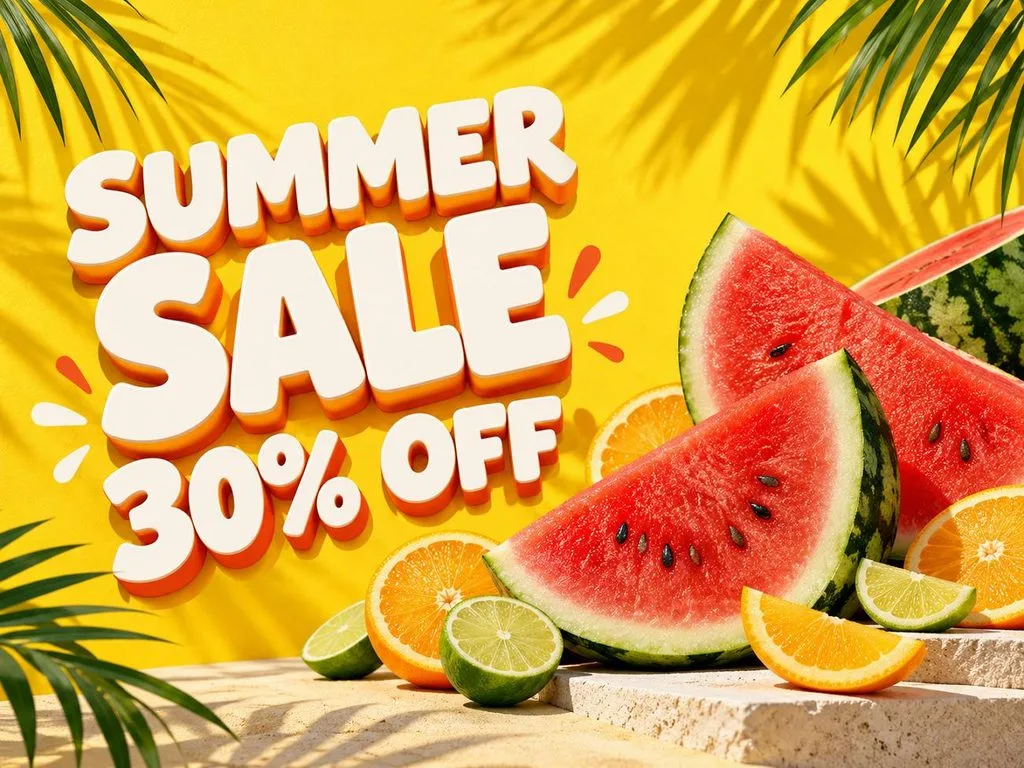
- 季節のセールバナー
A summer sale banner with sliced watermelon, citrus wheels, and palm shadows on sunny yellow. Chunky white letters on the left read “SUMMER SALE 30% OFF” in a playful 3D style.
アート・イラスト
アート用のプロンプトでは、画材、質感、道具、色、スタイルなどを指定して、創造的なイラストを表現できます。画像用のAIプロンプトには、版画、ペーパークラフト、油絵などの技法も取り入れられます。次のプロンプトは、独特の質感やスタイル、芸術的なディテールを持つ、手作り感のある作品づくりに役立ちます。
- 現代都市を覆う浮世絵の大波
An ukiyo-e woodblock print of a towering wave curling over a modern skyline of glass towers. Indigo and cream palette, fine carved line work, and visible paper grain.
- キツネのステンドグラス
A stained glass window of a red fox curled among autumn ferns, framed by thick black lead lines. Sunlight pours through the jewel-toned panes and scatters color across a stone floor.
- 切り絵を重ねた森
A layered paper-cut scene of a misty pine forest with a tiny cabin, built from twelve stacked sheets. Soft shadows between the layers and a deep green to pale mint gradient.
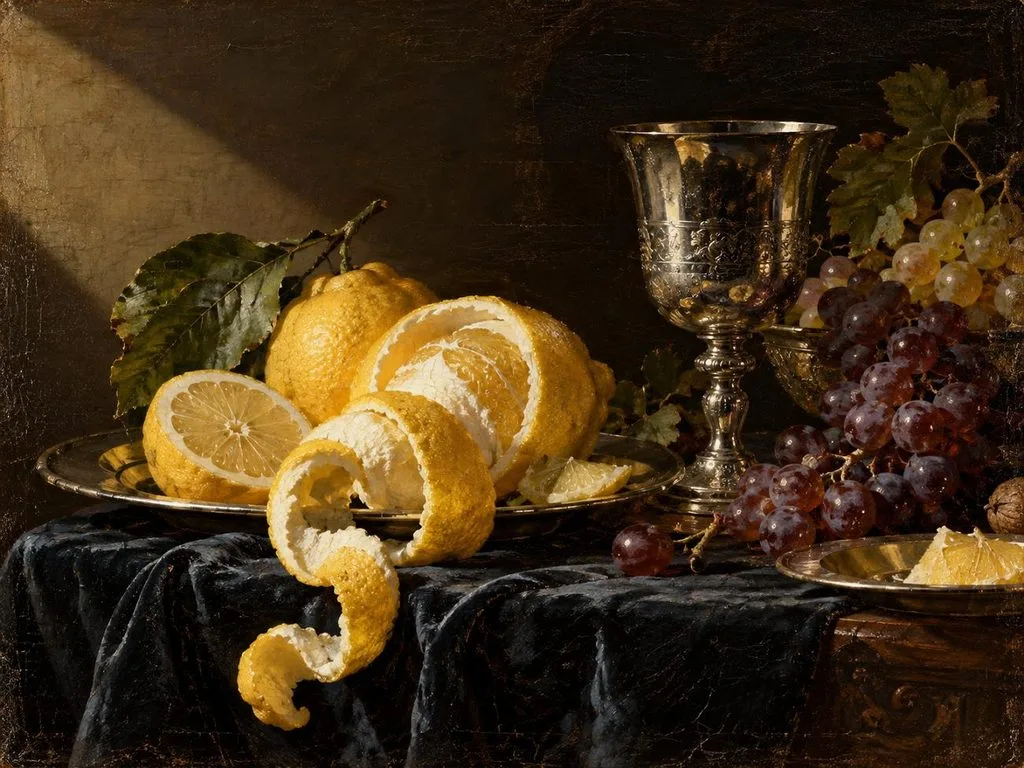
- オランダ黄金時代の静物画
A Dutch Golden Age oil painting of peeled lemons, a silver goblet, and grapes on dark cloth. Dramatic side light, rich glazes, and visible brushwork on aged canvas.
写真・ポートレート
写真用のプロンプトには、カメラの設定、レンズ、アングル、背景、自然な見た目のディテールなどを盛り込めます。これらのAI写真プロンプトでは、撮影用語を使い、シーンに合った設定でリアルなポートレートなどを生成します。AIツールでリアルな写真やポートレートを作るためのプロンプトを4つ見ていきましょう。
- ビジネス用プロフィール写真
A real photograph of a smiling woman in her forties wearing a navy blazer, framed chest-up in a bright office. Soft window light, 70mm lens at f/2.8, and natural skin texture.
- 市場の旅行写真
A documentary photo of a Marrakech spice stall at midday, with pyramids of saffron, paprika, and cumin up front. Harsh overhead sun, deep shadows, and a 35mm street photography look.
- 自然のディテールを捉えるマクロ写真
A macro photograph of a ladybug climbing a dew-covered blade of grass, each droplet reflecting the sunrise. Extreme close-up, 100mm macro lens, creamy blurred background, and a square 1:1 frame.
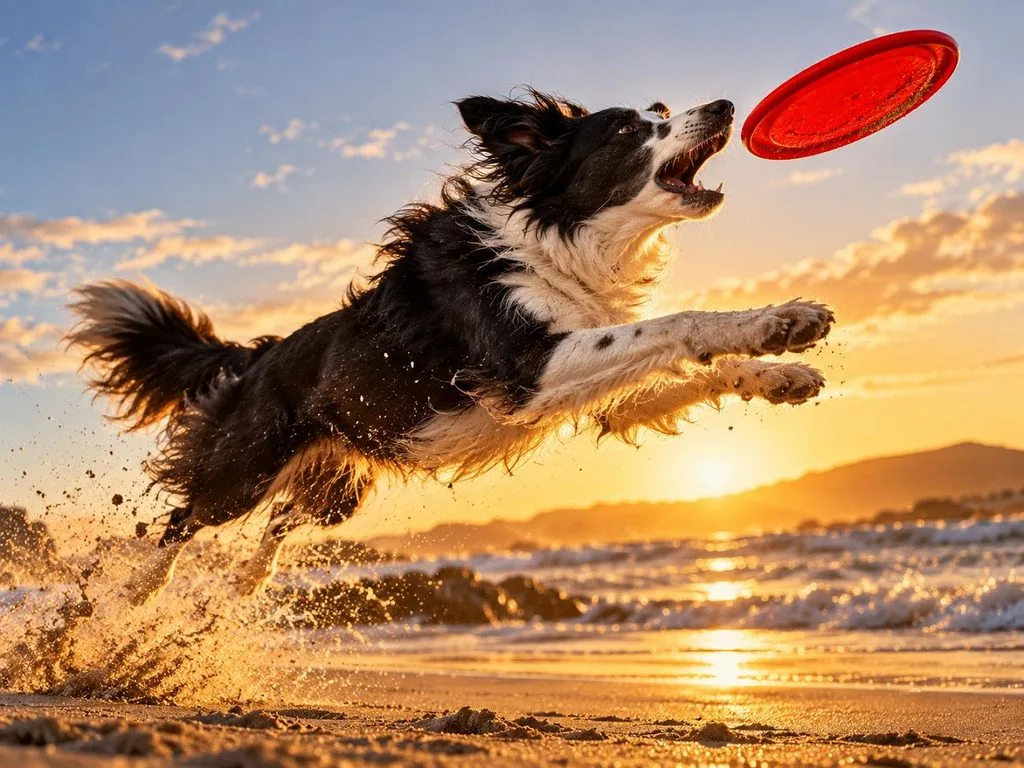
- 動きのあるペットのポートレート
An action photo of a border collie leaping for a red frisbee on a windswept beach, sand spraying from its paws. Fast 1/2000-second shutter, low angle, and golden hour backlight.
物語づくり・ゲーム・教育
物語やゲーム、授業には、内容をすばやく理解できるビジュアルが必要です。キャラクターやラベル、統一感のあるスタイルを指定すれば、AI画像プロンプトをさまざまな制作に活用できます。ここでは、 物語づくりやゲーム、教育コンテンツに使えるプロンプトを4つ紹介します。
- 子ども向け絵本の1ページ
A colored-pencil illustration of a hedgehog mail carrier delivering letters through a rainy village of mushroom houses. Warm lamplit windows, soft textures, and a gentle bedtime-story mood.
- 名称ラベル付きの科学図解
A textbook cross-section of a volcano labeled “Magma Chamber,” “Vent,” and “Crater” in a simple sans-serif font. Flat illustration style, warm earth tones, and a white background.
- ソーラーパンク都市のコンセプトアート
Concept art of a solarpunk city where trams glide between towers wrapped in vertical gardens and wind turbines. Bright morning light, lush greens, painterly detail, and a cinematic 16:9 frame.
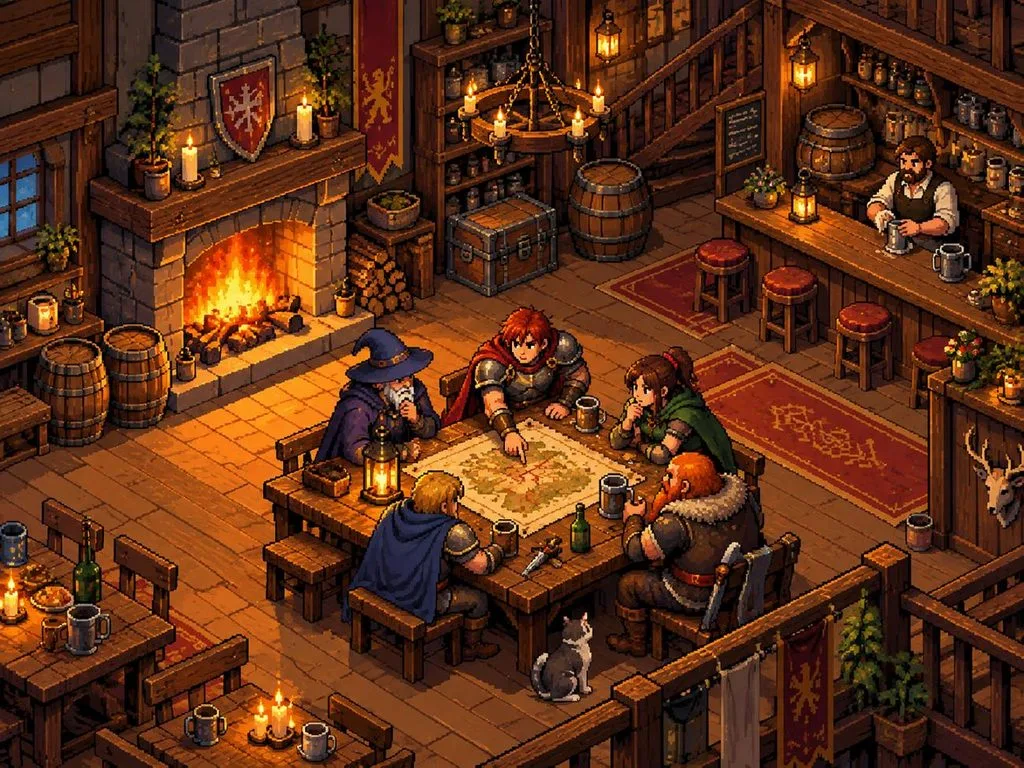
- ピクセルアートのゲームシーン
A 16-bit pixel art tavern with a crackling fireplace, wooden barrels, and adventurers gathered around a map. Limited retro palette, three-quarter top-down view, and sharp, clean pixel edges.
パート2:AI画像プロンプトを画像にするおすすめの方法
適切な画像生成ツールを選ぶことで、さまざまな制作プロジェクトでAI画像プロンプトからよりよい結果を得られます。 MagicLight AI には、 Nano Banana 2 やGPT Image 2を含む5種類の画像モデルが用意されています。500文字のプロンプトを入力でき、生成の参考として最大10枚の参照画像をアップロードできます。
これらの機能を使うことで、求めるスタイル、キャラクター、ディテール、表現の方向性に合った画像を作成できます。 Image to Video を使えば、生成した画像を最大30秒の動画にできます。20種類の動画モデルに対応しているので、シンプルな画像にも細部までこだわった動きを付けられます。
MagicLight AIでAI画像プロンプトから画像を生成する方法
MagicLight AIでは、画像用のAIプロンプトを簡単に入力し、調整しながら試せます。この AI画像生成 ツールでビジュアルを手軽に作るには、次の手順に沿って操作してください。
ステップ1:AI画像生成ツールを開く
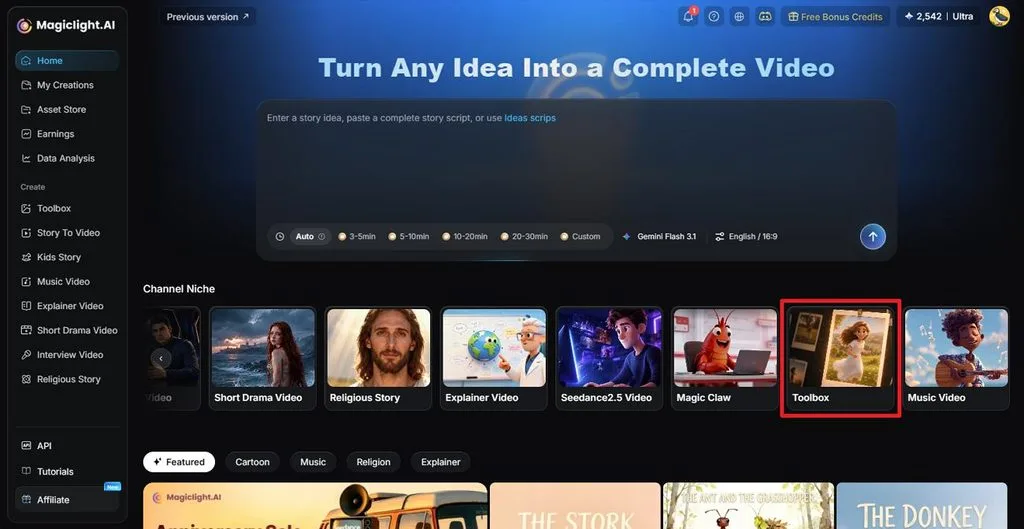
MagicLight AIにアクセスしたら、メインのワークスペースで Toolbox を選択します。画像作成機能を利用できる画面が開きます。
ステップ2:プロンプトから画像を生成する
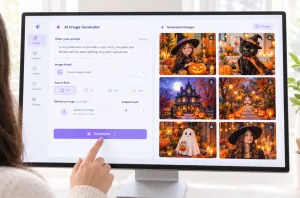
まず、 Image タブを選び、プロンプト欄にAI画像プロンプトを入力します。キャラクター、オブジェクト、ビジュアルスタイルを指定したい場合は、参照画像をアップロードします。次に、 Image Modelを選択し、 Outputsで生成枚数を指定して、 Aspect Ratio をプロジェクトに合う比率に設定します。 Create をクリックして画像を生成します。
画像ファイル名:image-prompt-generation-settings-panel.jpg
画像の代替テキスト:モデル、出力枚数、アスペクト比の設定オプション
ステップ3:結果を確認してダウンロードする
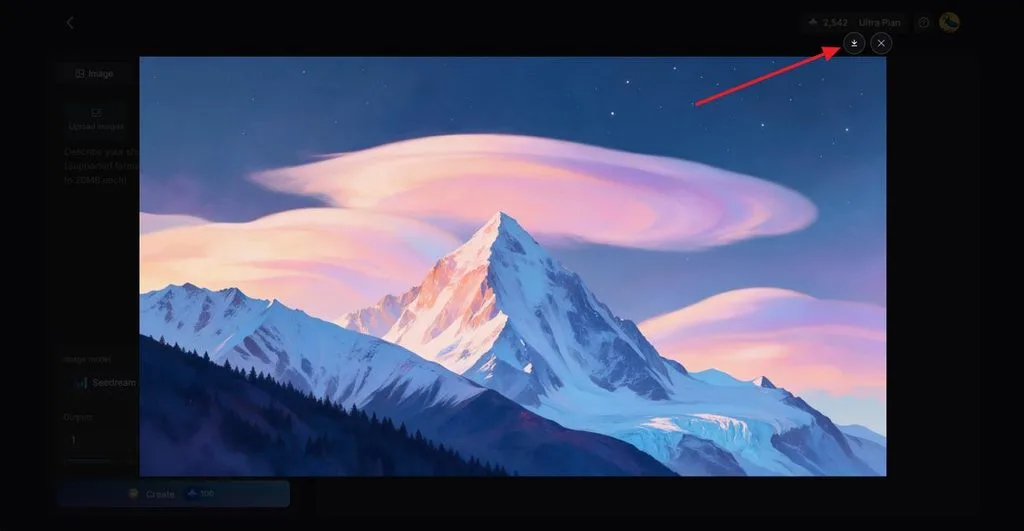
生成された画像がプロンプトの内容に合っているか確認します。必要に応じてプロンプトを調整し、別のバージョンを生成してください。仕上がりが決まったら、 Download アイコンをクリックして保存します。また、お気に入りのキャラクター画像を参照画像にして AIキャラクターを作成し 、そのキャラクターを使った動画を制作することもできます。
まとめ
AI画像プロンプトでは、被写体、場面、構図、表現上のディテールを指定します。目的に合ったビジュアルを作るには、制作物に応じてプロンプトに盛り込む情報を変えることが大切です。SNSの投稿、マーケティング画像、アート、写真、物語など、どの分野でも、プロンプトを工夫することで表現の幅が広がります。MagicLight AIなら、こうしたクリエイティブなアイデアを画像にでき、お気に入りの仕上がりに動きを付けることもできます。
よくある質問
- AI画像プロンプトとは何ですか?
画像プロンプトとは、作りたい画像を文章で説明する指示のことです。被写体、場面、スタイル、光、色、雰囲気、構図などを指定できます。ツールによっては参照画像にも対応しており、キャラクター、商品、スタイル、外見などの方向性を伝えられます。
- 効果的なAI画像プロンプトはどう書けばよいですか?
画像用のAIプロンプトは、まず主な被写体、動き、場面を明確に書くと効果的です。そこにスタイル、色、光、雰囲気、背景、希望する構図など、役立つ情報を加えます。説明はわかりやすく簡潔にし、仕上がりを調整するときは個々の要素を変えていくと、狙いどおりの結果に近づけやすくなります。
- AI画像プロンプトにはどのような言葉を使うと効果的ですか?
具体的でわかりやすい言葉を使うと、画像生成ツールに作りたい画像が正確に伝わりやすくなります。AI画像プロンプトには、「golden hour(ゴールデンアワー)」や「cinematic lighting(映画のような照明)」といった表現を使えます。色、カメラアングル、アートスタイル、雰囲気を具体的に指定すると、表現をより細かくコントロールできます。
- AI画像は無料で作れますか?
無料で画像を作成できるツールもありますが、制限はツールごとに異なります。無料プランでは、ダウンロード、商用利用、生成回数などが制限される場合があります。MagicLight AIでは新規登録時にクレジットが付与されるため、カード情報を入力せずに画像作成を始められます。