Explore the Features of Gemini AI Image Generator
Keep working on the same picture as your idea changes. Add a person, switch the setting, or fix small details along the way with the Gemini AI image generator in one chat.

Give Gemini an idea or a photo, then tell it what you want changed. Swap the background, replace an object, or add another image. Get 2K results, with no editing skills required.
Try Gemini AI Image Generator For Free
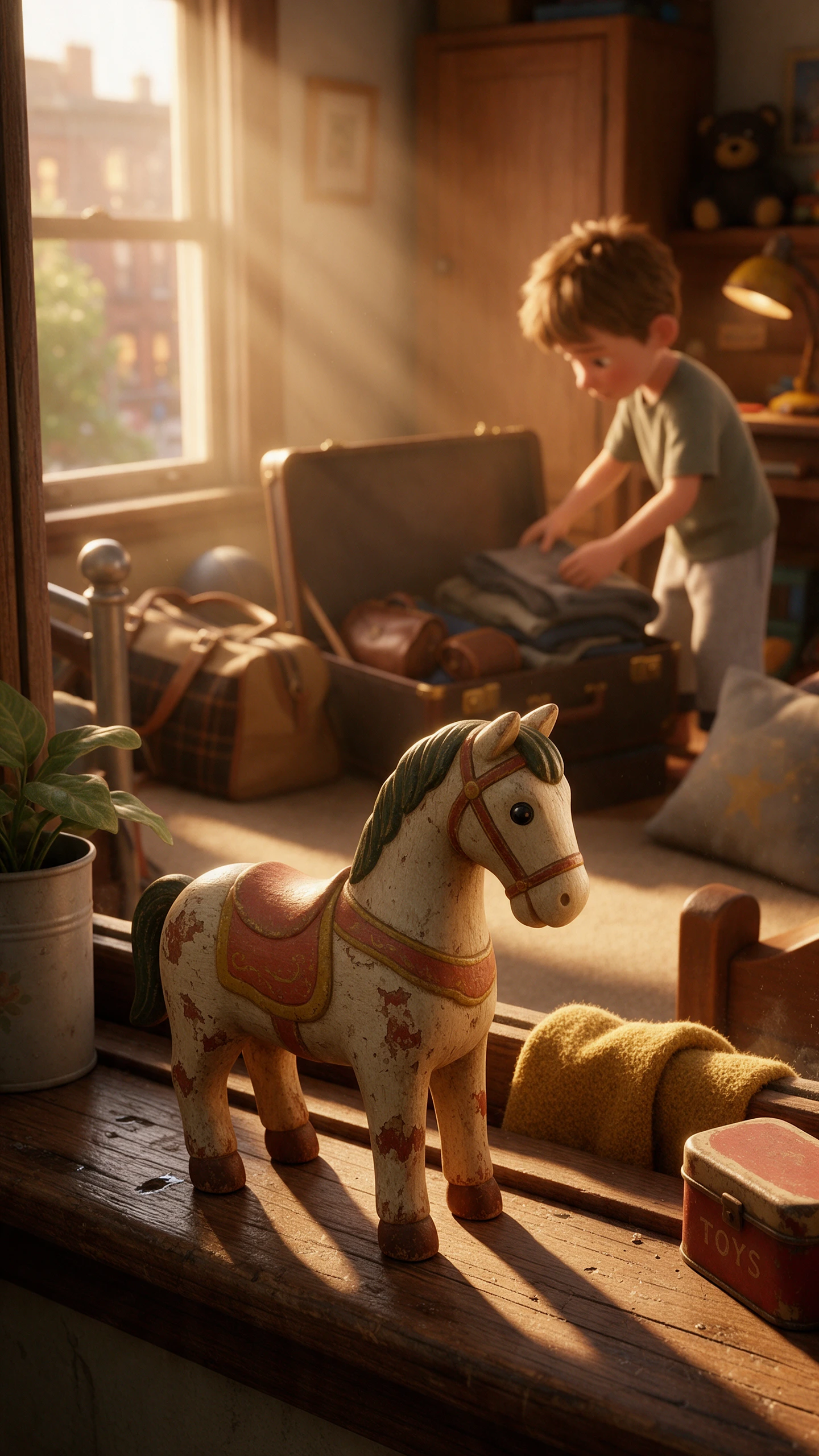
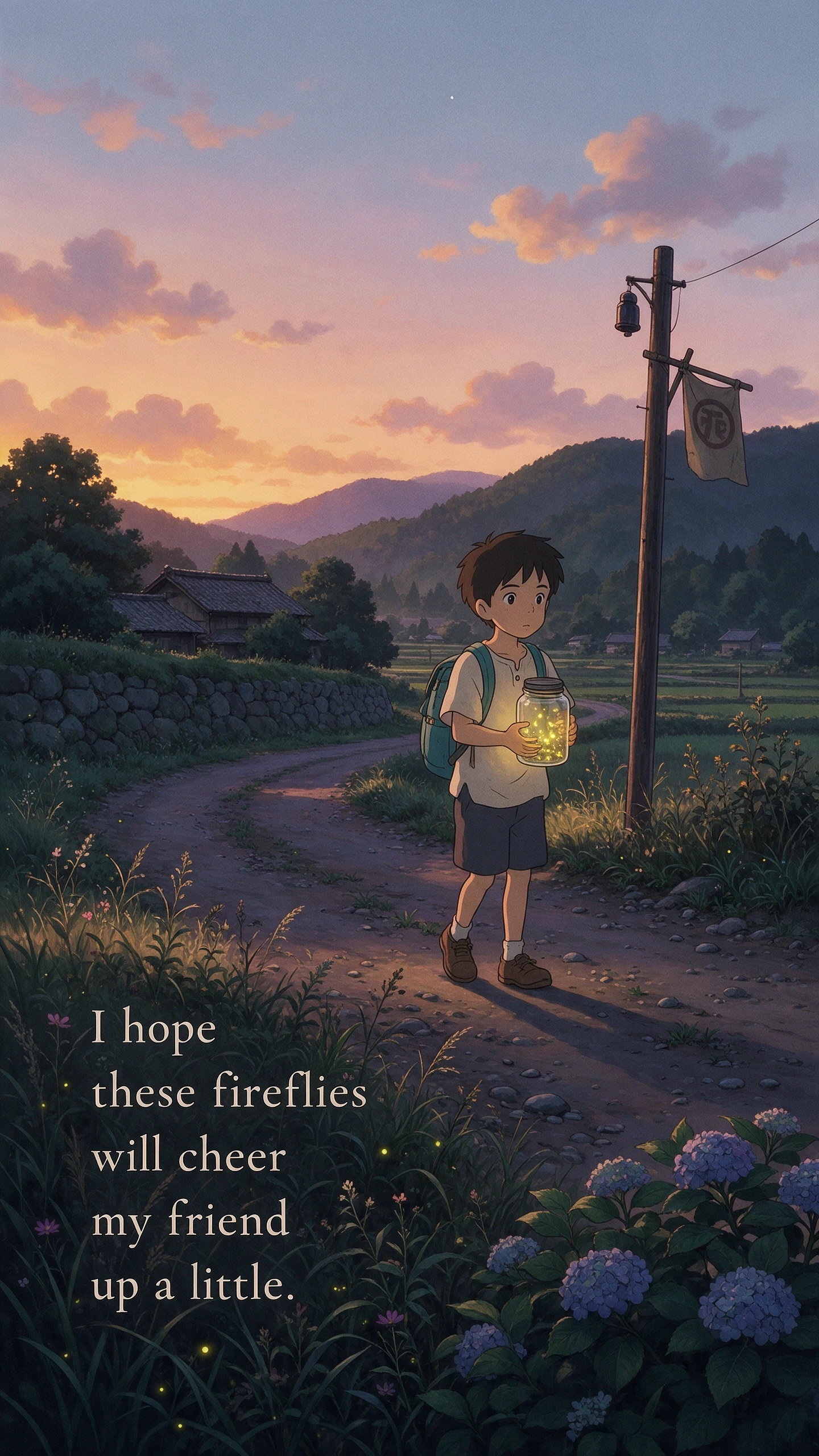

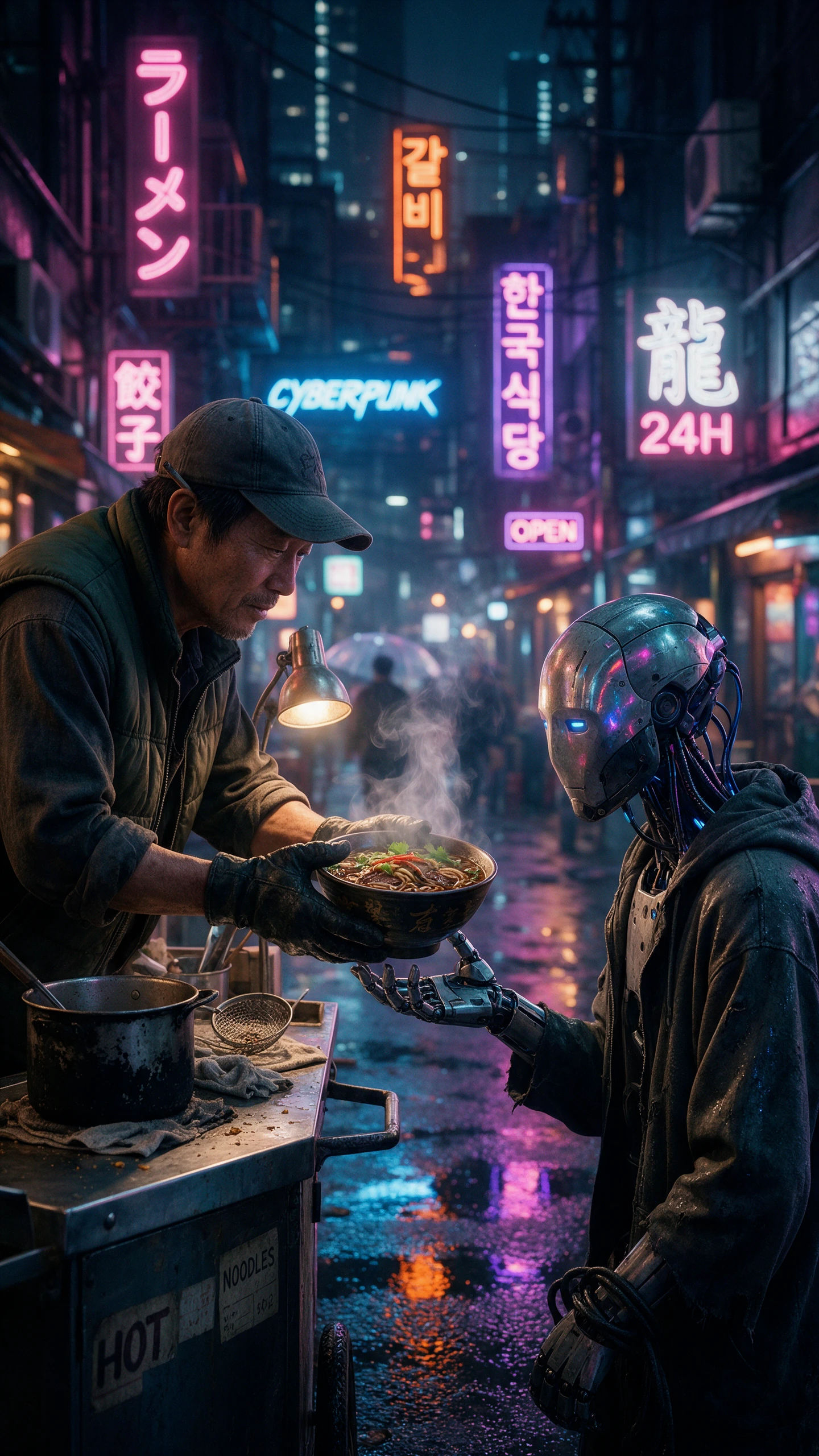

Keep working on the same picture as your idea changes. Add a person, switch the setting, or fix small details along the way with the Gemini AI image generator in one chat.
You can make and edit images with Nano Banana 2 without a Google AI plan. Paid subscribers can use Redo with Pro when an image needs more detail. Nano Banana Pro also brings stronger text handling, world knowledge, consistency, and finer control. Paid plans support 2K image downloads.
Drop in a photo and say what needs fixing. You might replace the background, remove an object, add something new, or use several reference images to create a fresh result. There is no need to mark out areas by hand or learn a separate photo editor before making everyday changes.
Posters, labels, diagrams, and infographics often need words that people can actually read. Nano Banana 2 is designed for reliable text rendering and can use real-world knowledge and information from web search. That also helps when turning notes or factual information into visual explanations.
A familiar face or character does not have to change completely every time you try a new scene. Google highlights subject consistency as a strength of Nano Banana 2, while Nano Banana Pro offers higher consistency when more control is needed. Paid users can also download finished images at 2K resolution.
Start with the free tools and move up when you need more room. For creators, the Gemini AI image generator brings easy access, wider Google reach, and clear labels to each image.
Creators can use Gemini to explore different visual styles, from realistic photography to illustrations and digital artwork. By describing a preferred aesthetic, color palette, or artistic direction, users can develop visuals that suit their creative goals. This flexibility helps produce images for different audiences and projects.
Try Gemini AI Image Generator For Free
Gemini helps creators visualize ideas before committing to a final design. Users can describe a product concept, room arrangement, or campaign theme to see how it could look. This makes it easier to explore creative directions, communicate ideas, and plan visual projects.
Try Gemini AI Image Generator For Free
Gemini adds an invisible SynthID watermark to AI-generated and edited media, along with Content Credentials for provenance. You can also upload a file to Gemini and ask whether Google AI created or edited it. A visible watermark may appear too, depending on the user’s watermark settings and region.
Try Gemini AI Image Generator For Free
The right choice depends on what happens after the first image. See how editing, paid extras, and AI labels differ when the Gemini AI image generator meets its main rivals.
| Platform | Image Models | Image Editing Features | Reference Image Support | Best For |
|---|---|---|---|---|
| Gemini | Nano Banana 2 and 2.1 | Prompt-based editing and image blending | Up to 14 reference images | Infographics and creative image editing |
| MagicLight AI | 5 image models | AI editing and image enhancement | Multiple images, 20MB each | AI image creation and creative editing |
| ChatGPT | ChatGPT Images 2.5 | Selection tool and prompt-based editing | Multiple image uploads | Conversational image creation |
| Bing Image Creator | 2 MAI Image models | Upload and prompt-based editing | Image uploads | Quick AI images and social graphics |
| Adobe Firefly | Firefly Image 5 and partner models | Generative Fill, Expand, and Prompt to Edit | Reference image uploads | Professional graphics and design |
A photo does not need much work to feel completely new. Give the Gemini AI image generator your idea, then shape the result through 4 simple steps in the same conversation.
Go to Gemini on the web or open the mobile app, then sign in with your Google account. Start a new chat and describe the image you want to create, or choose the image option now.
Explain the picture you want, including details like the setting, lighting, style, or text. To edit an existing image, upload your photo, and tell Gemini exactly what to change.
If something looks off, keep the same chat going. Ask Gemini to change the background, replace an object, or adjust another detail. Paid users can also choose Redo with Pro here.
Check the image before saving it, especially small details and generated text. Ask Gemini for another change if needed, then download the version you want with SynthID built in.
Content Creator
I turned a plain family photo into a holiday card without opening an editor. Gemini AI handled the new setting while keeping the people easy to recognize.
Small Business Owner
Editing feels more like a conversation now. I tell the Gemini AI image generator what looks wrong, ask for a change, and keep working from the same photo.
Marketing Specialist
I gave Gemini AI my notes for a campaign and got a clear infographic I could actually use. The text came through well, and the layout needed only a few changes.
Illustrator
My character used to look different with every new scene. With Gemini AI, I can keep the same face and overall look while trying new settings, poses, and ideas.
Yes. The Gemini AI image generator runs on Nano Banana 2 for free accounts, with limits. Google AI plans unlock Nano Banana 2.1, higher limits, and Redo with Pro.
Nano Banana is Google’s name for the image models inside Gemini. Nano Banana 2 is the free model, Nano Banana 2.1 is the newest upgrade, and Nano Banana Pro handles redos on paid plans.
Gemini lists 2K output for both its free and paid image models. Developers working through the Gemini API can request 1K, 2K, or 4K images from Nano Banana 2.1.
Yes. Google lists image generation in the Gemini app as 18+, and availability can vary. It works in every language and country where the Gemini app itself is offered.
Upload it to the Gemini app and ask whether Google AI generated it. Gemini checks for SynthID, the invisible watermark Google adds to its images alongside the visible mark.
Yes. Developers can call the Nano Banana models through the Gemini API and Google AI Studio. Pricing is set per image and rises with the resolution you request.



Turn a simple idea into the image you pictured. With the Gemini AI image generator, you can create, adjust, and save your result without switching between different tools.