Top Features of Magiclight AI Nano Banana Image Generator
Your next image starts with a simple idea. The Nano Banana image generator in Magiclight AI gives you several ways to guide the result before you generate it.
Start with a photo or describe an image you want to create. Magiclight AI uses Nano Banana to turn your ideas into visuals that match your preferred look. No editing experience needed.
Try Nano Banana For Free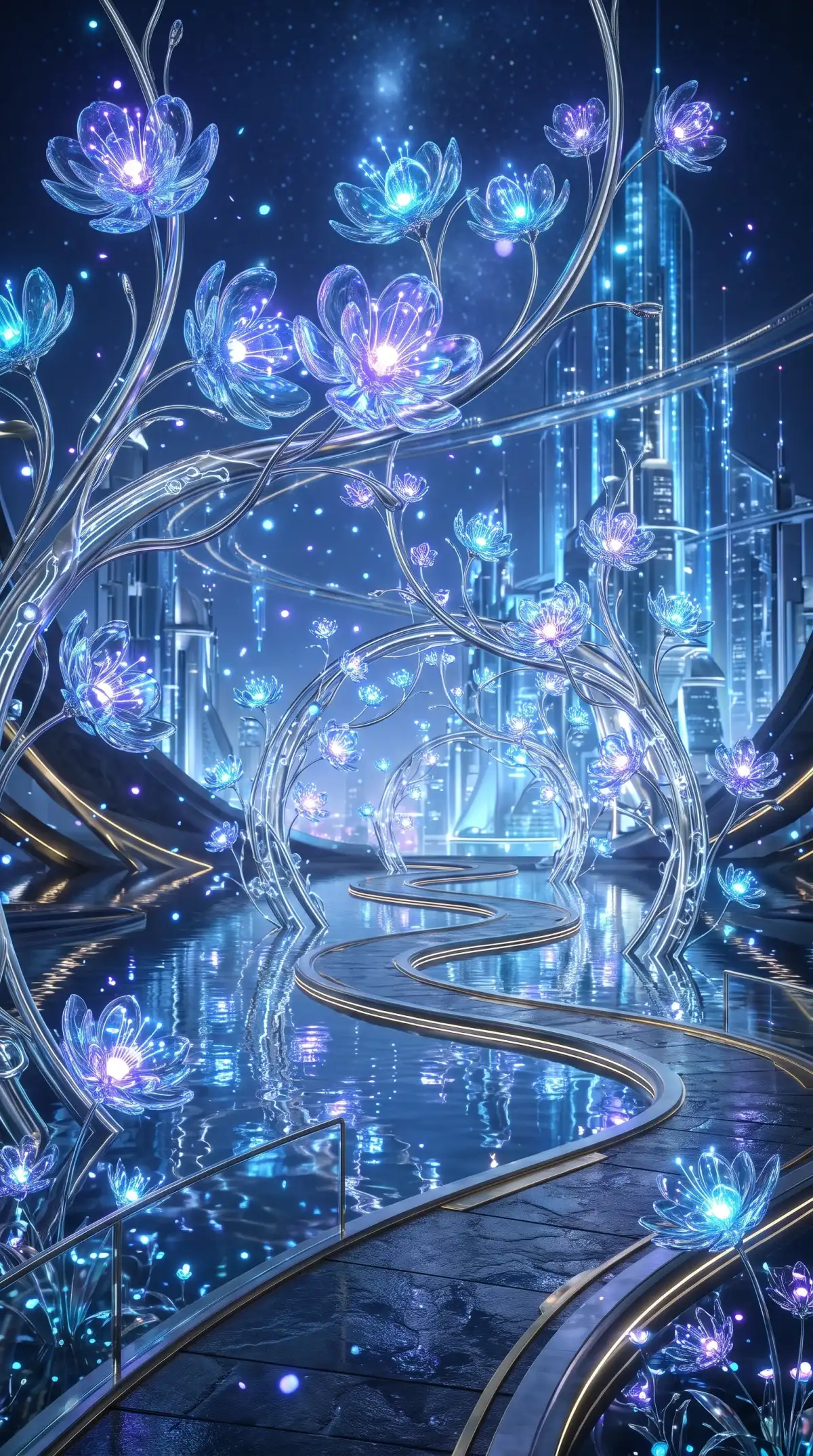
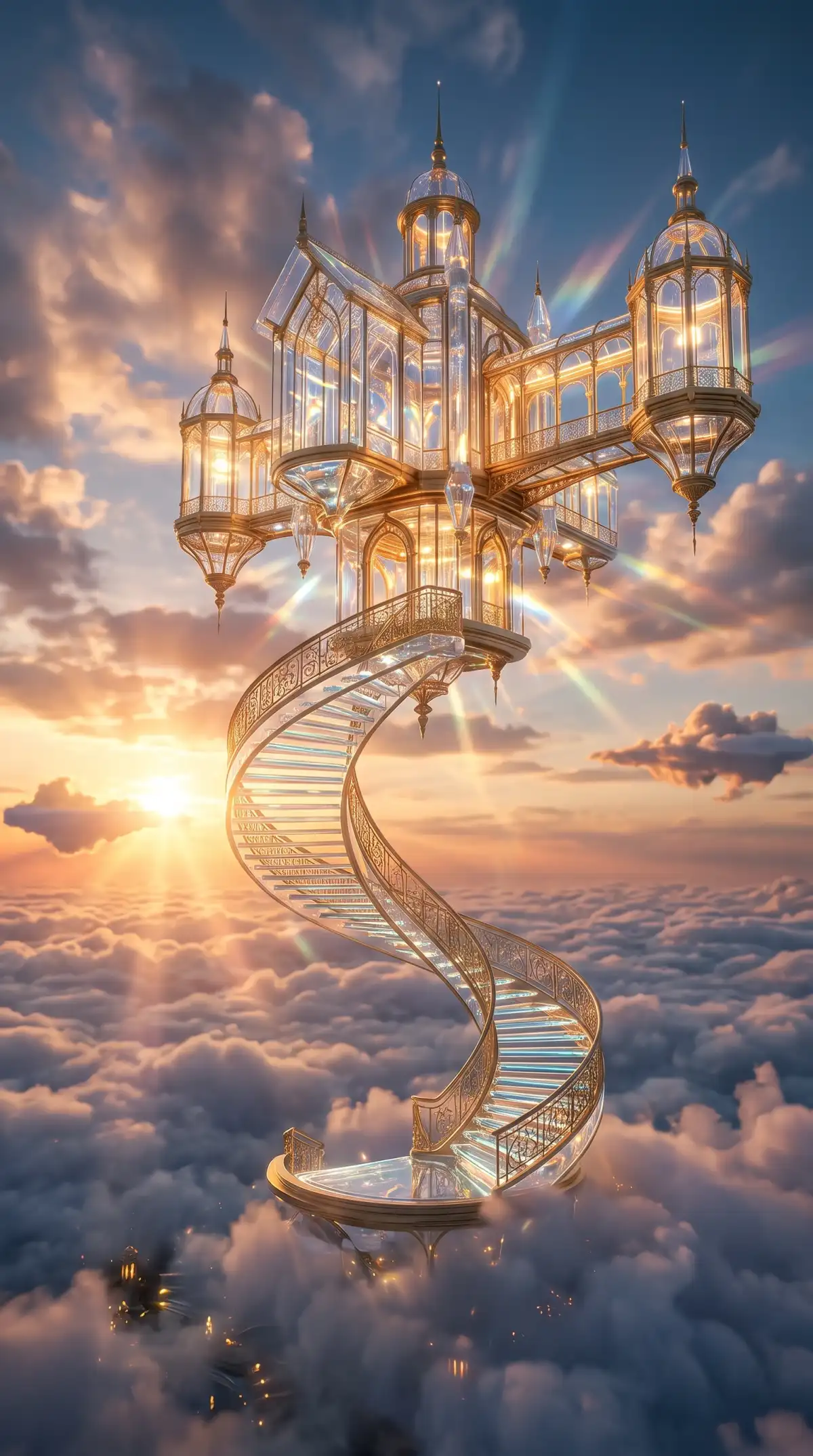
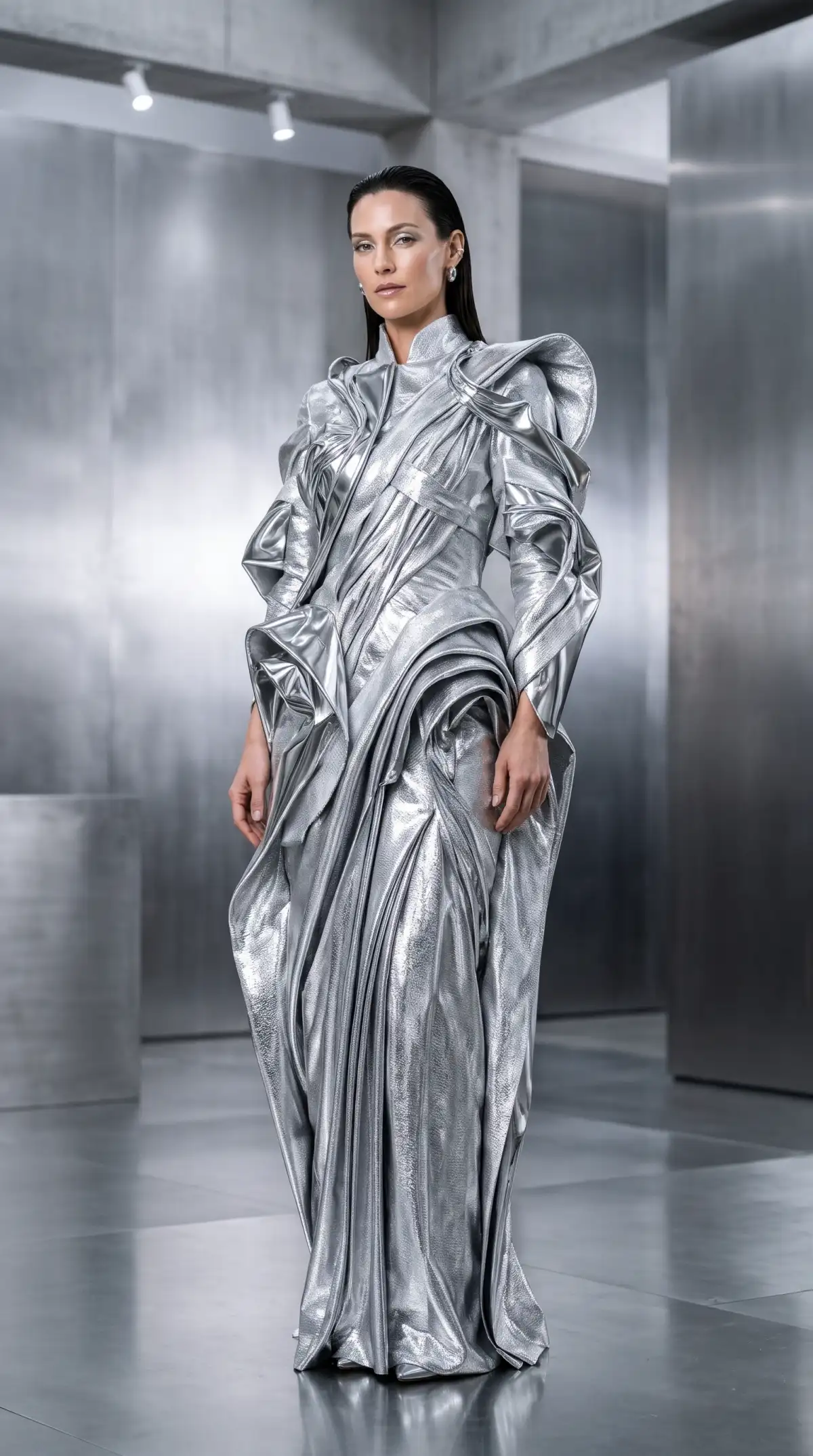
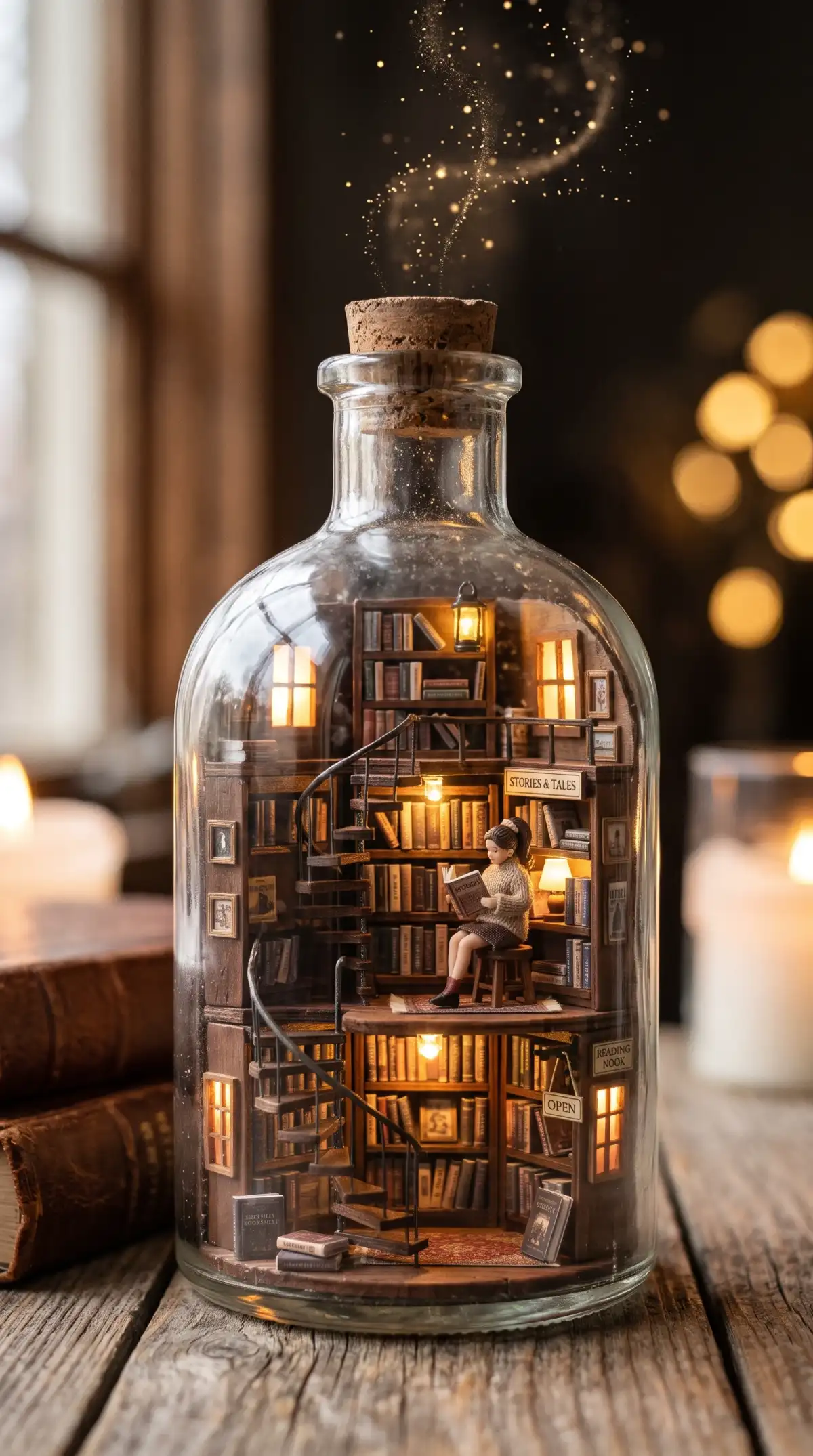
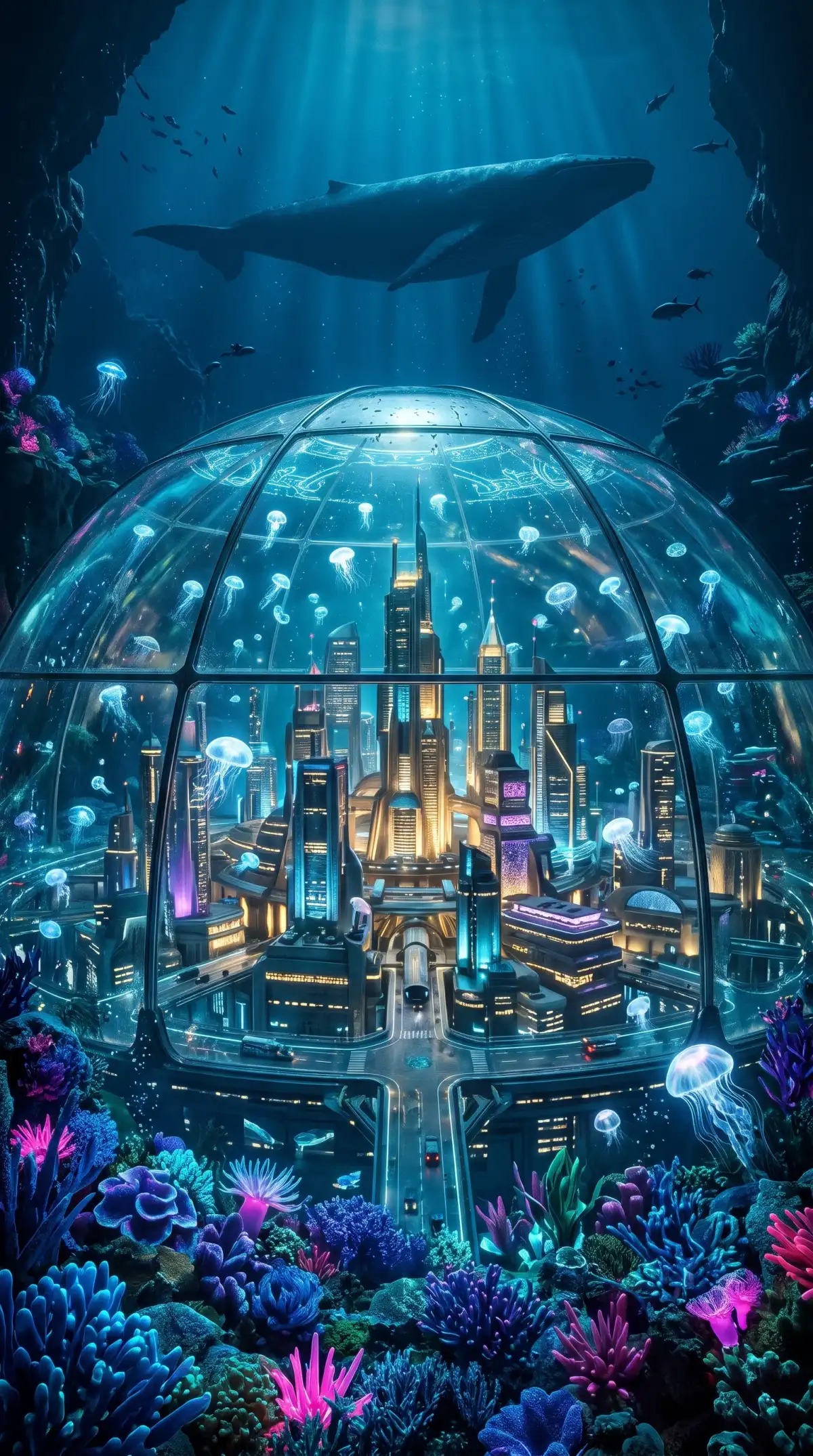
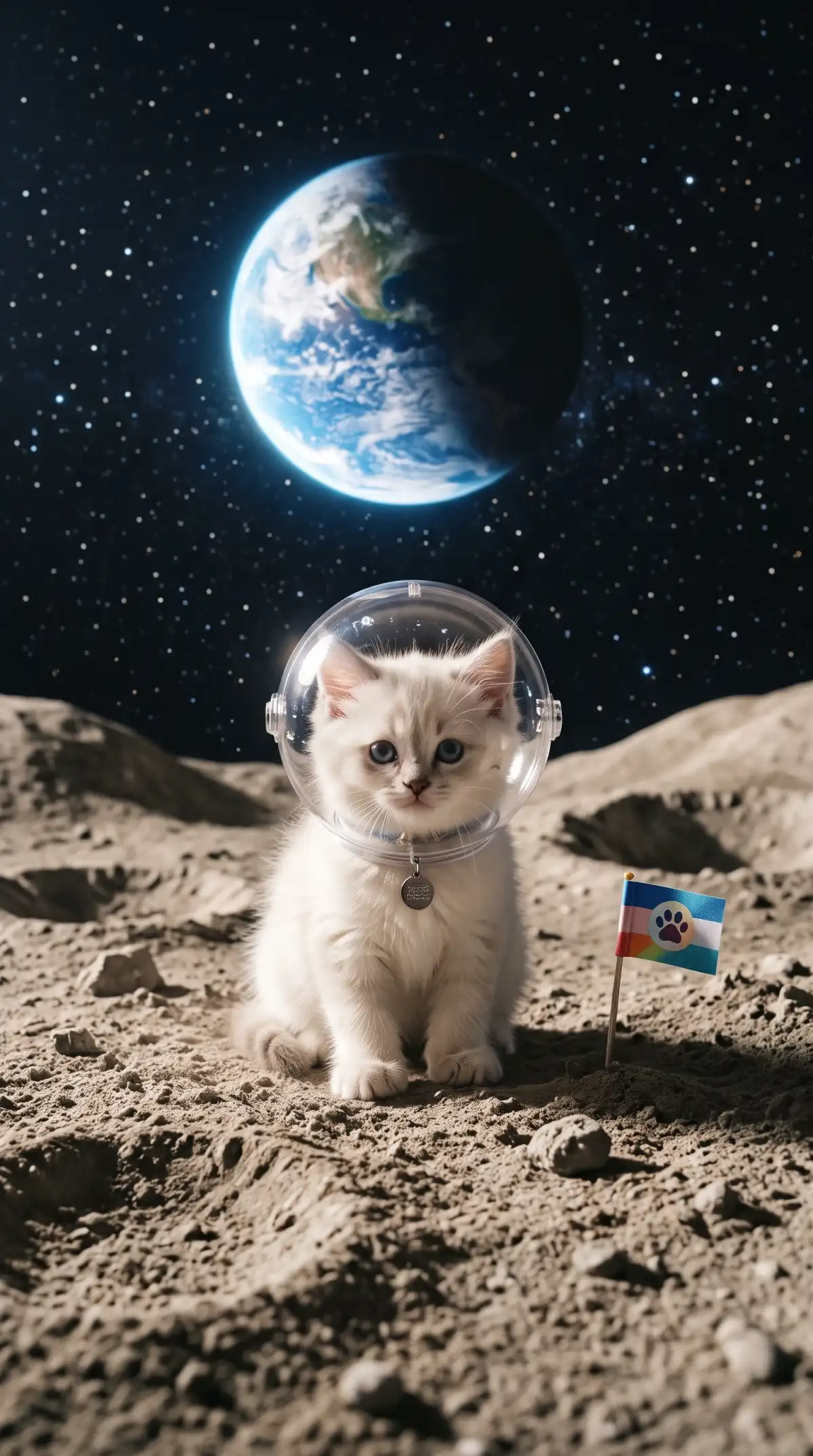
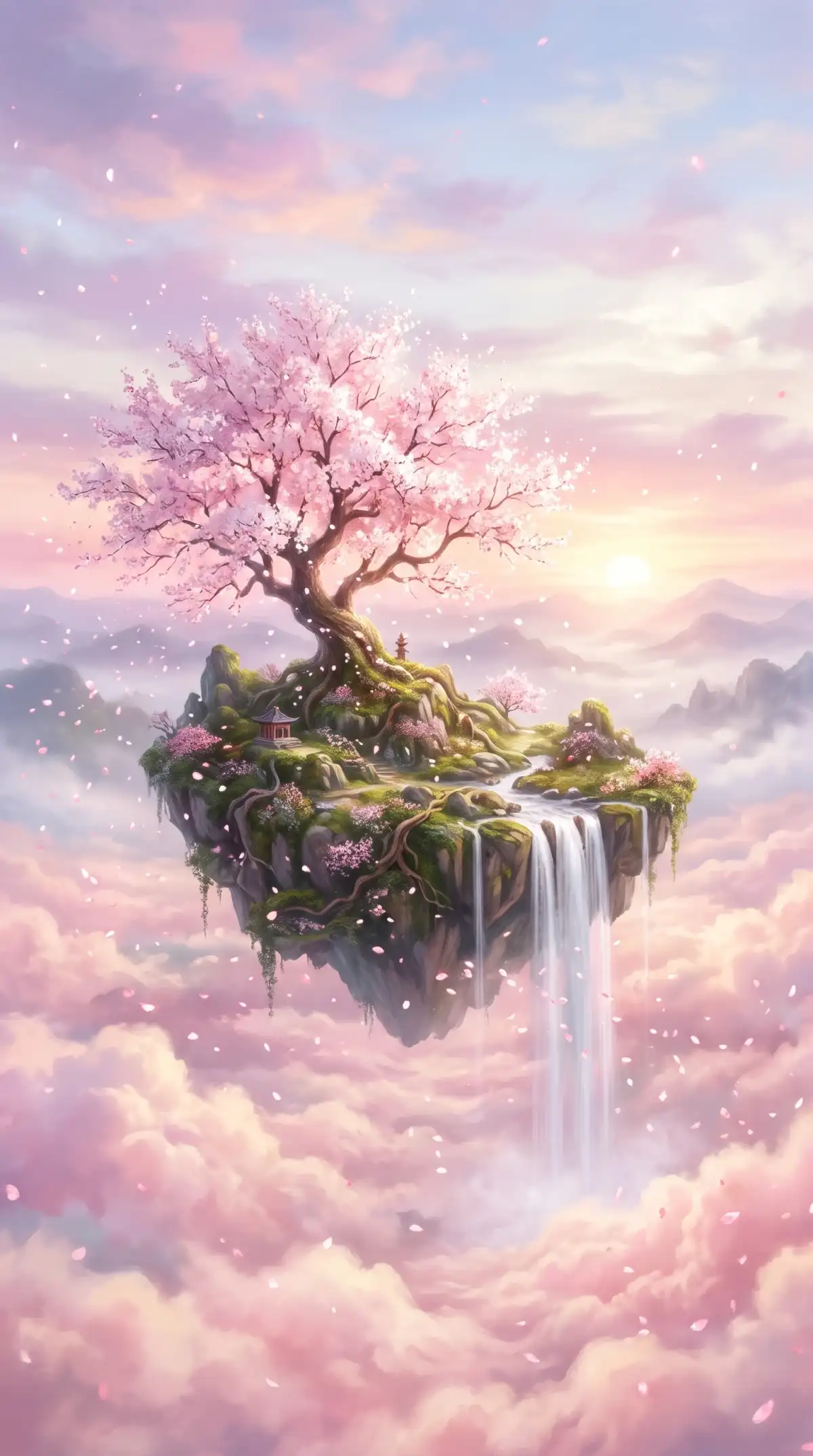
Your next image starts with a simple idea. The Nano Banana image generator in Magiclight AI gives you several ways to guide the result before you generate it.
Magiclight AI provides 6 image models within its Toolbox for different creative needs. Choose Nano Banana 2 or Nano Banana 2.1 from the available model menu. Each option lets you generate images from prompts within the same image workspace.
Choose from 4 aspect ratios to match the image you want to create. A square format works well for portraits or posts on social media platforms. Wider layouts give landscapes or banners more room within your chosen image frame.
Text to Image creates new pictures directly from the description you provide there. Reference Image to Image uses an uploaded photo to guide your next creation. Both tools help you explore fresh ideas without needing advanced image editing skills.
Write up to 500 characters to explain what your image should show clearly. Mention the subject and setting to give the model useful visual direction first. You can also describe colors or mood to shape the finished image further.
Create images that match your ideas with the Nano Banana image generator in Magiclight AI. Add your favorite photos as references or explore what you can make with your results.
Give your generated images motion with Magiclight AI's image-to-video feature. Choose from 20 AI video models to explore different styles of animated scenes. Create videos up to 30 seconds long using your favorite AI-generated images.
Try Nano Banana For Free
Upload your own photos to guide the appearance of your next generated image. Magiclight AI accepts JPG, PNG, or WEBP reference files up to 20MB each. Use portraits or personal photos to create something closer to your original vision.
Try Nano Banana For Free
Add up to 10 reference images when creating pictures with Magiclight AI tools. Include photos that show your preferred subject or the style you want reproduced. These references help guide the final image toward the appearance you have imagined.
Try Nano Banana For Free
From simple photo changes to original artwork, the Nano Banana image generator serves different creative needs. See how Magiclight AI compares with other available platforms:
| Platform | Access | How Images Are Edited | Image Output | Best For |
|---|---|---|---|---|
| Magiclight AI | Nano Banana 2 and 2.1 in the Image Toolbox | Text prompts and reference images | Generated images, with optional image-to-video tools | Creators making artwork or social visuals |
| Gemini | Nano Banana 2, with Pro regeneration for eligible subscribers | Conversational prompts and uploaded photos | Generated images available to save | Everyday image creation and photo editing |
| Google Flow | Nano Banana 2 as the default image model | Prompt-based image creation and refinement | Images that can also guide video generation | Visual concepts and cinematic planning |
| Adobe Firefly | Nano Banana Pro and Nano Banana 2 as partner models | Prompt edits and image references | Generated images in Firefly and supported Adobe workflows | Designers and creative professionals |
| Higgsfield | Basic Nano Banana models | Prompt-based creation and editing tools | Generated images for creative projects | Social media creators and marketers |
Creating an image starts with choosing the right approach. Nano Banana image generator in Magiclight AI lets you work from descriptions or photos through 4 simple steps.
First, enter the Image section inside Toolbox. Select Text to Image to create artwork from a description. For an existing photo, use Reference Image to Image and upload your picture.
Enter your idea in the prompt field using up to 500 characters. Describe the main subject and the setting you have in mind. Include the visual mood you want the generated image to capture.
Magiclight AI provides 6 image models, including Nano Banana options. Choose your preferred model and select an aspect ratio that suits your image. Set the number of images you want to generate.
Click Create Image to see how your idea turns out. Review the results and choose the image that matches your vision. Download your favorite or revise the prompt to try a different result.
Digital Artist
Magiclight AI's Nano Banana helped me turn a simple portrait into colorful artwork. The final image kept the facial features I wanted without losing the creative style.
Content Creator
A reference photo gave Nano Banana in Magiclight AI a clear starting point. I changed the background to a sunset beach and kept the person looking familiar.
Graphic Designer
The 500 character prompt in Magiclight AI gave me enough room to describe my poster idea. Nano Banana captured the colors and atmosphere I wanted in the final image.
Social Media Designer
Nano Banana 2 was useful for trying different image ideas in Magiclight AI. I switched to Nano Banana 2.1 for my final artwork and liked the sharper text in the result.
Nano Banana image generator in Magiclight AI includes Nano Banana 2 and 2.1 among its 6 image models. You can select either option from the Toolbox Image tab.
Nano Banana 2 suits quick image drafts with lower credit usage. Nano Banana 2.1 focuses on improved visual quality and more accurate text, making it useful for final artwork.
No. You can access Nano Banana directly through your Magiclight AI account. Choose the model inside Toolbox and generate images without opening Gemini or Google AI Studio.
Magiclight AI supports up to 10 reference images for image generation. You can upload JPG, PNG or WEBP files up to 20MB each to help guide the appearance of your artwork.
Yes. Select Text to Image in the Magiclight AI Toolbox and describe your idea in up to 500 characters. The model generates an image based on your written description.
Yes. Magiclight AI lets you animate generated images using its image-to-video tools. Choose from 20 AI video models and create clips up to 30 seconds long.

Transform your ideas into original artwork or give existing photos a fresh look. Magiclight AI makes image creation simple with Nano Banana.