Hero background

AI B-Roll Generator Free

Magiclight AI B-roll generator turns simple ideas into cinematic B-roll to help creators, educators, marketers, and filmmakers add polished cutaway clips without heavy editing.

Generate B-Roll Now
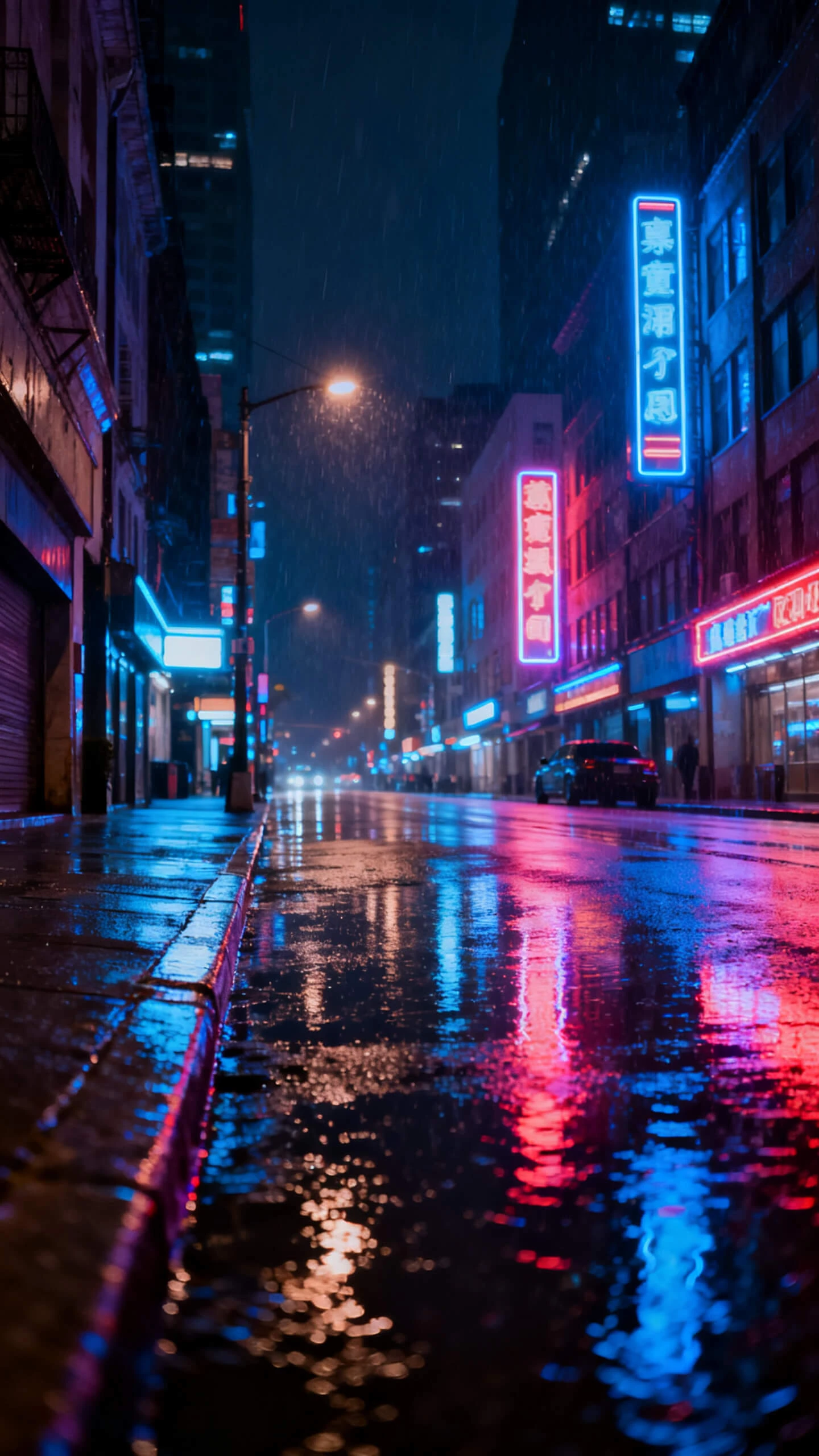
ai b-roll generator free Cinematic
ai b-roll generator free Photorealistic
ai b-roll generator Ghibli Style
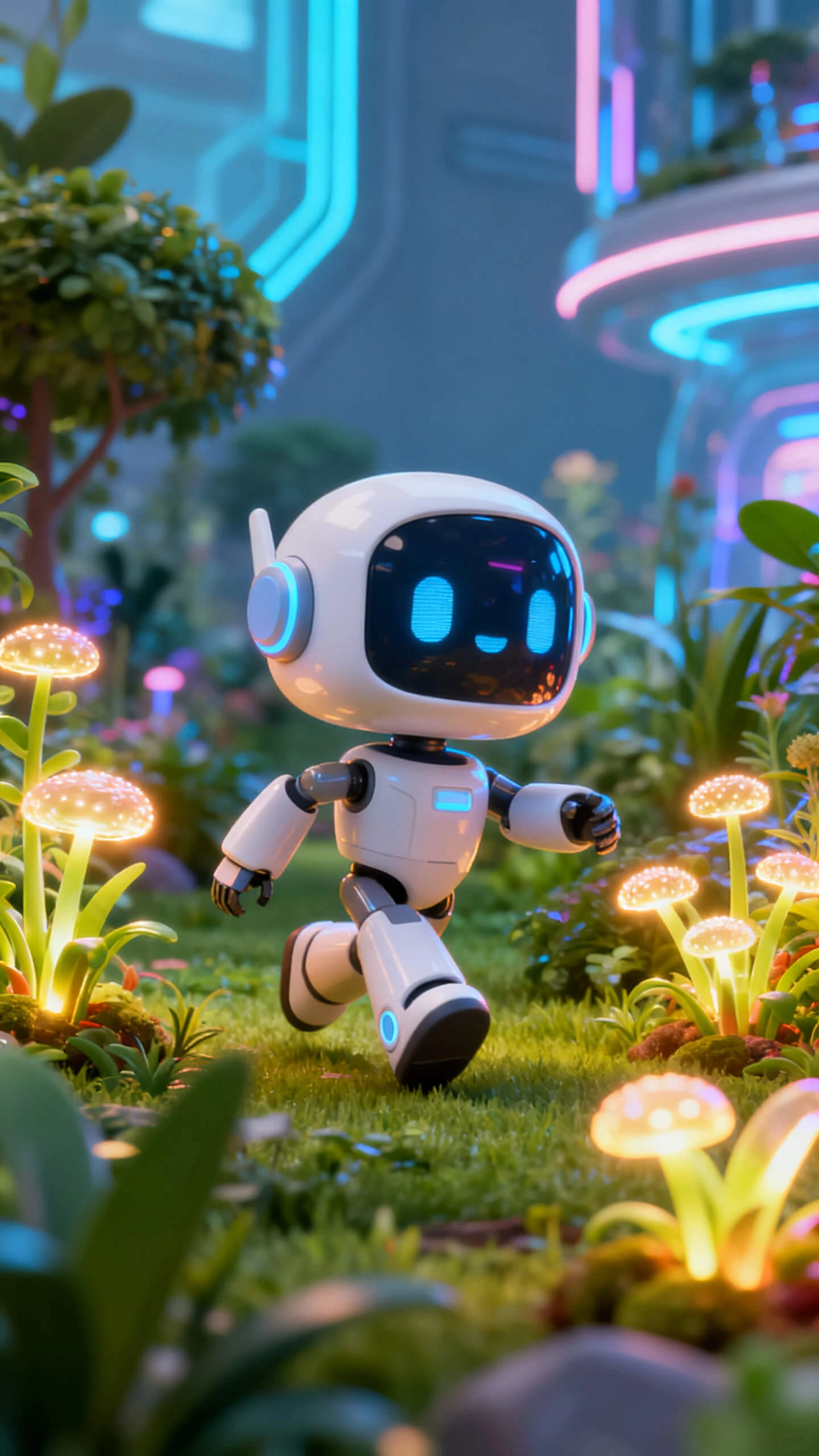
ai b-roll generator Pixar
free ai b-roll generator Vector
ai b-roll generator Surreal
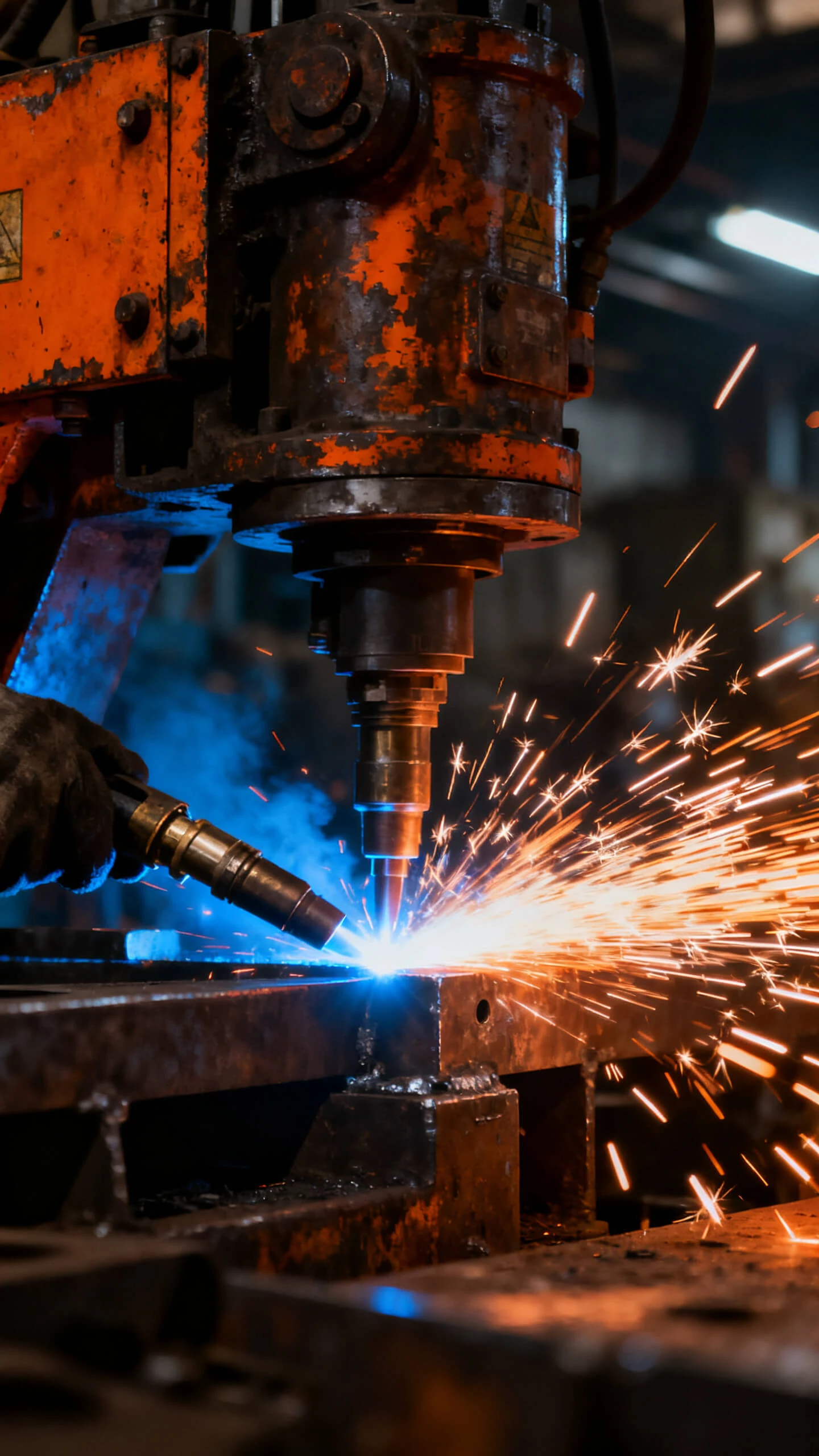
ai b-roll generator Industrial
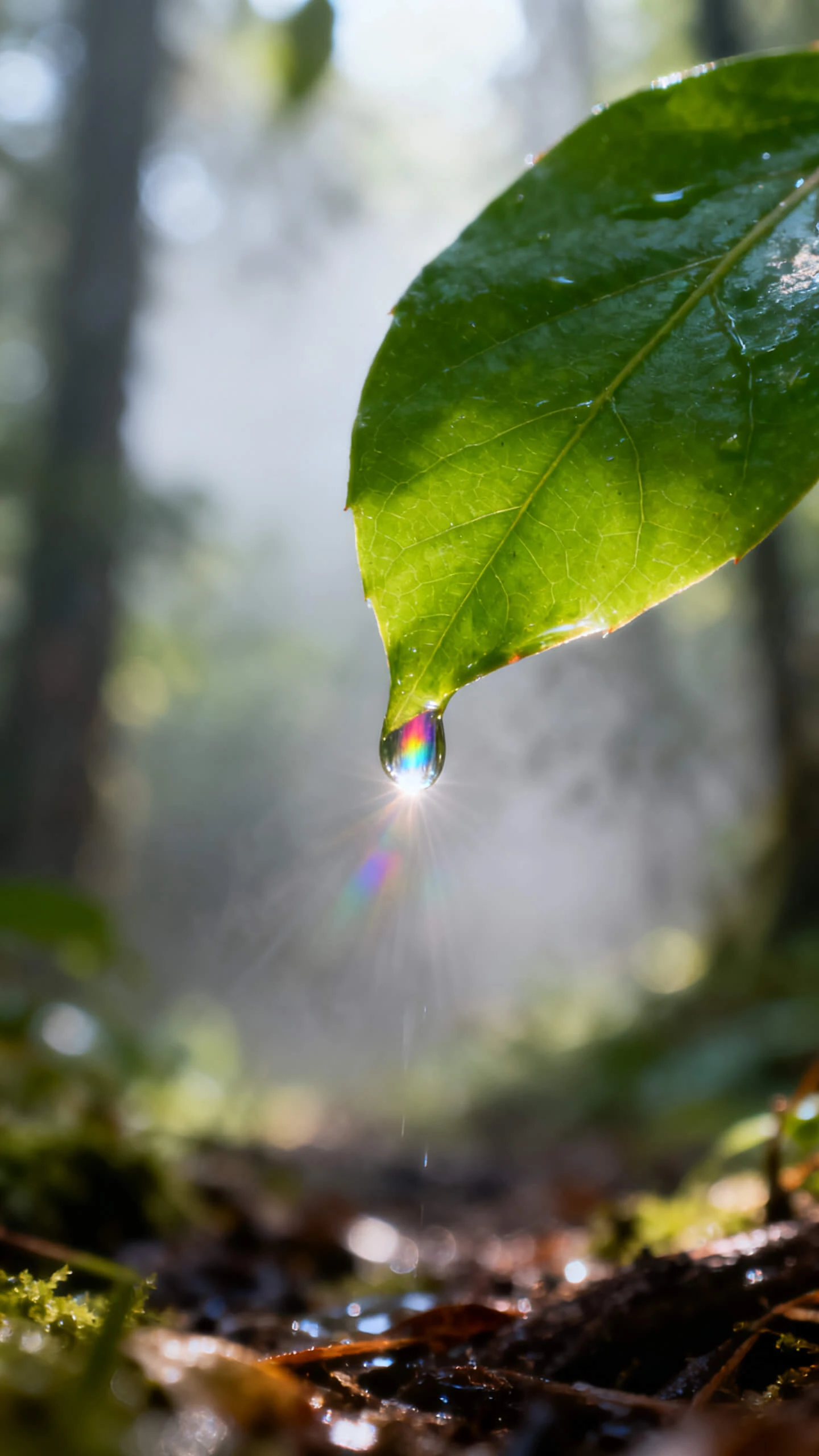
ai b-roll generator Nature Documentary
ai b-roll generator free Cinematic
ai b-roll generator free Photorealistic
ai b-roll generator Ghibli Style
ai b-roll generator Pixar
free ai b-roll generator Vector
ai b-roll generator Surreal
ai b-roll generator Industrial
ai b-roll generator Nature Documentary
ai b-roll generator free Cinematic
ai b-roll generator free Photorealistic
ai b-roll generator Ghibli Style
ai b-roll generator Pixar
free ai b-roll generator Vector
ai b-roll generator Surreal
ai b-roll generator Industrial
ai b-roll generator Nature Documentary

Explore Features of Magiclight AI's AI B Roll Generator

Extra footage should support the story, not slow the edit. With Magiclight AI, prompts and images become short b-roll clips with motion, style, and export settings already prepared.

Explore the video generator
3D decoration

Generate B-Roll Motion Styles

Use 19 video models, including Seedance 2.0, Kling 3.0, and Veo 3.1, to create b-roll movement that fits the pace, mood, and scene purpose.

Match Main Footage Styles

Choose cinematic, realistic, flat art, Ghibli, Pixar-style, or other visuals. Magiclight AI keeps the chosen look steady across every generated clip.

Animate Reference Images Quickly

Upload a reference image, add a prompt up to 1500 characters, and create a 10 or 15-second b-roll clip from the visual direction you provide.

Export Short Clips for Editing

Generate 10 or 15-second clips in 720p that can drop into a timeline, lesson, campaign, or social video without trimming or format conversion.

Who Gets the Most Out of a Free AI B-Roll Generator Online
Different projects need different supporting footage. Magiclight AI B roll generator helps creators build scene coverage for videos without searching stock libraries first.
YouTubers and Video Creators
For YouTubers and Video Creators
Cover jump cuts with generated b-roll that fits your topic.
Add visual variety to talking-head videos without extra filming.
Match the clip style to your channel or episode mood.
Documentary and Film Makers
For Documentary and Film Makers
Create scene-setting footage when location shoots are not possible.
Generate period, nature, city, or concept visuals from a prompt.
Use motion models to support each scene’s pacing and tone.
Marketing and Ad Teams
For Marketing and Ad Teams
Produce lifestyle b-roll for product campaigns and social ads.
Keep campaign visuals aligned with a consistent style setting.
Build original support footage without searching stock libraries.
Educators and Explainer Creators
For Educators and Explainer Creators
Visualize abstract ideas, processes, or examples with short clips.
Add B-roll to lessons without sourcing external footage.
Create 10 or 15-second clips for course pages and explainers.
Why Magiclight AI Is
the Best AI B Roll Video Generator
Stock footage rarely fits every scene perfectly. Magiclight AI B-roll video generator creates original b-roll around your prompt.
Generate Original Scene Footage
Each prompt can produce fresh b-roll instead of pulling from a fixed library. Your clip feels built for the exact scene, not borrowed from a generic stock search.
Skip Stock Search Delays
Start with the scene you need instead of scrolling through stock categories. Magiclight AI helps create footage around your idea while reducing production back-and-forth.
Keep Projects Visually Aligned
Reuse the same style direction across multiple clips in one project. Several b-roll shots can feel connected without manual color matching or visual repair work.
Batch Clips Without Resetting
Carry style, model, and character choices into several generations. Teams building a full scene can create multiple b-roll clips without restarting the workflow each time.
Direct Frames Before Rendering
Nano Storyboard helps control camera movement, character poses, and expressions before the clip renders. The shot can feel planned instead of randomly generated.
Localize Captions Across Languages
Use 16 subtitle styles and 11 languages when b-roll needs labels, explainer text, or regional overlays. Captions stay inside the same generation workflow.

How to Generate AI B-Roll Video With Magiclight AI

Magiclight AI B-roll generator free takes your prompt or reference image through scene setup, motion selection, styling, and export in four steps.

1.

Enter Your B-Roll Concept

Describe the setting, mood, action, and purpose of the shot. Add enough detail so that Magiclight AI can shape the first generation around your scene instead of a vague clip.

2.

Choose Your Visual Style and Motion Model

Pick from 20+ visual styles and 19 video models. The style controls the look, while the model guides how the b-roll moves on screen.

3.

Refine the Clip With Nano Storyboard

Open Nano Storyboard to adjust camera angle, motion timing, expression, or pose before rendering. This helps the final b-roll feel closer to the shot you planned.

4.

Export and Drop Into Your Timeline

Choose a 10 or 15-second duration and export the result in 720p. Your finished b-roll clip is ready for editing software, course content, or online publishing.

FAQs on AI B Roll Generator

What is an AI b-roll generator?

An AI B-roll generator creates extra footage from prompts or reference images online. With Magiclight AI, clips gain motion models, styles, and clean export settings fast.

Can I try the free AI B-roll generator before choosing a plan?

Before upgrading, explore the free AI B-roll generator workflow inside Magiclight AI first. Check current plans first because limits, exports, and features may change online regularly.

Can I generate b-roll from an existing image?

Yes, upload a reference image and describe the motion you need clearly first. Magiclight AI turns it into a 10 or 15-second b-roll clip online fast.

What motion styles can the AI B-roll video generator produce?

Motion models cover scene-setting, cinematic, realistic, stylized, and faster movement needs for creators. Inside Magiclight AI, each model shapes pacing, camera feel, and clip energy differently.

Do I need editing experience to make b-roll?

No editing background is needed to move from prompt to usable footage today. The guided Magiclight AI workflow handles styling, motion, duration, and export steps smoothly.

Can the AI video b roll generator add subtitles or captions?

Yes, captions can support explainers, labels, silent viewing, or multilingual projects when needed. Magiclight AI includes 16 subtitle styles and 11 languages for localized overlays online.


Create AI B-Roll With Magiclight AI

Describe the scene, choose the look, and let Magiclight AI create footage that supports your main video.