
Build Classroom Explainers With AI Education Video Generator
Magiclight AI video generator for education helps shape rough lesson ideas into clear narrations. It helps students stay focused when every explainer feels visual and structured.

Magiclight AI offers a free AI educational video generator. It turns lessons into clear scenes, visuals, and narration. Then it exports polished teaching videos, ready to share.
Try AI Educational Video Generator Free
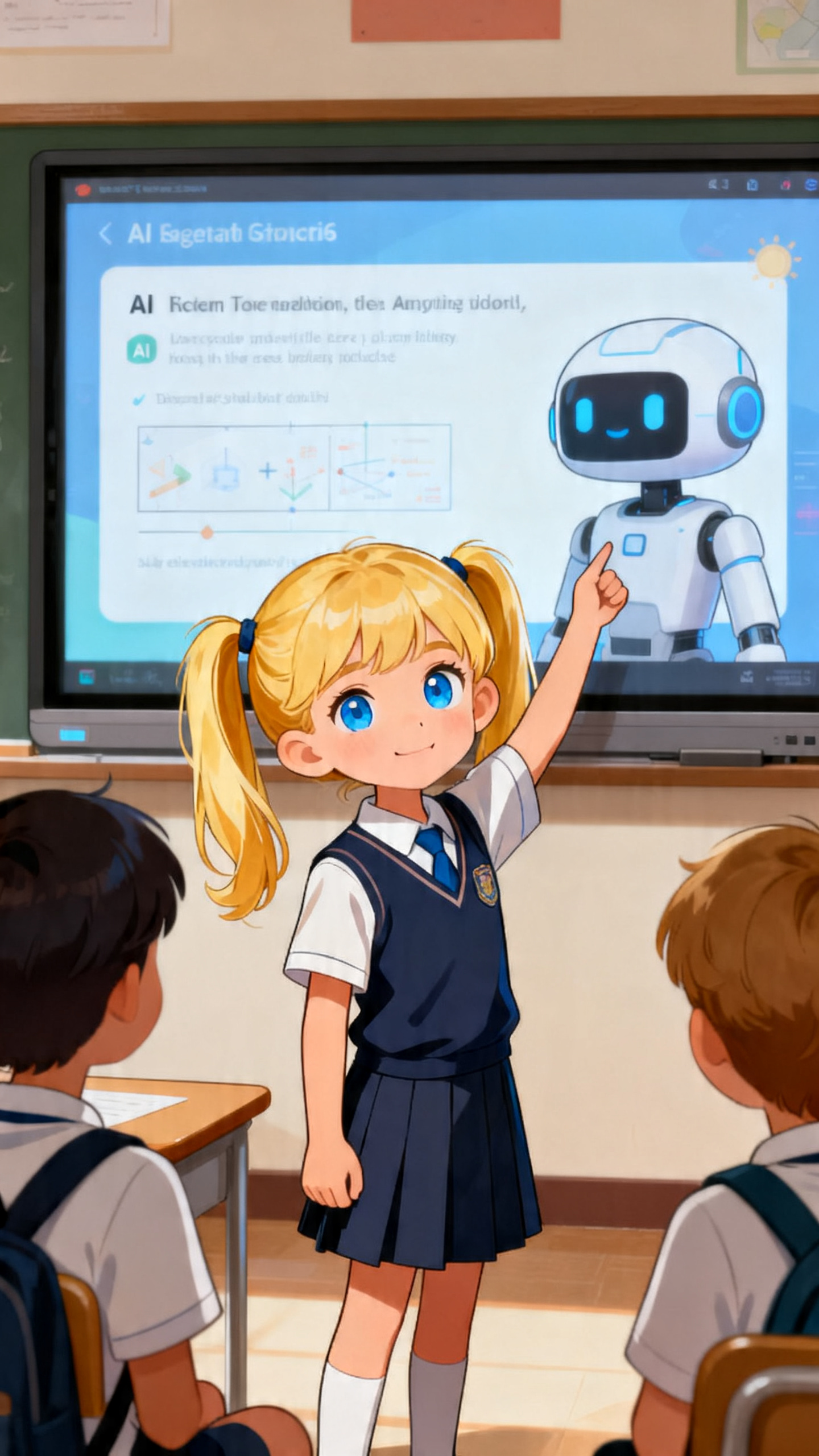
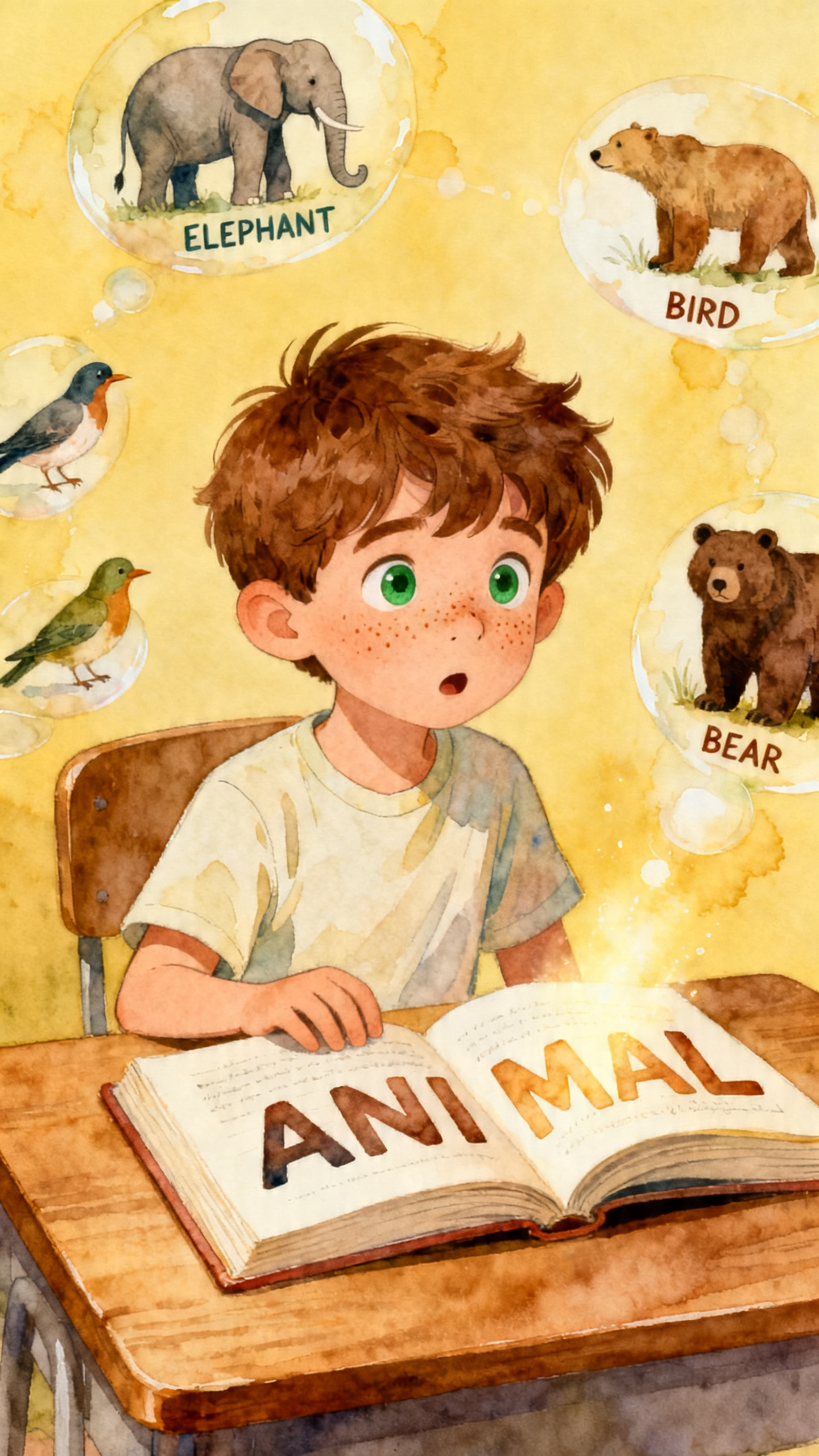

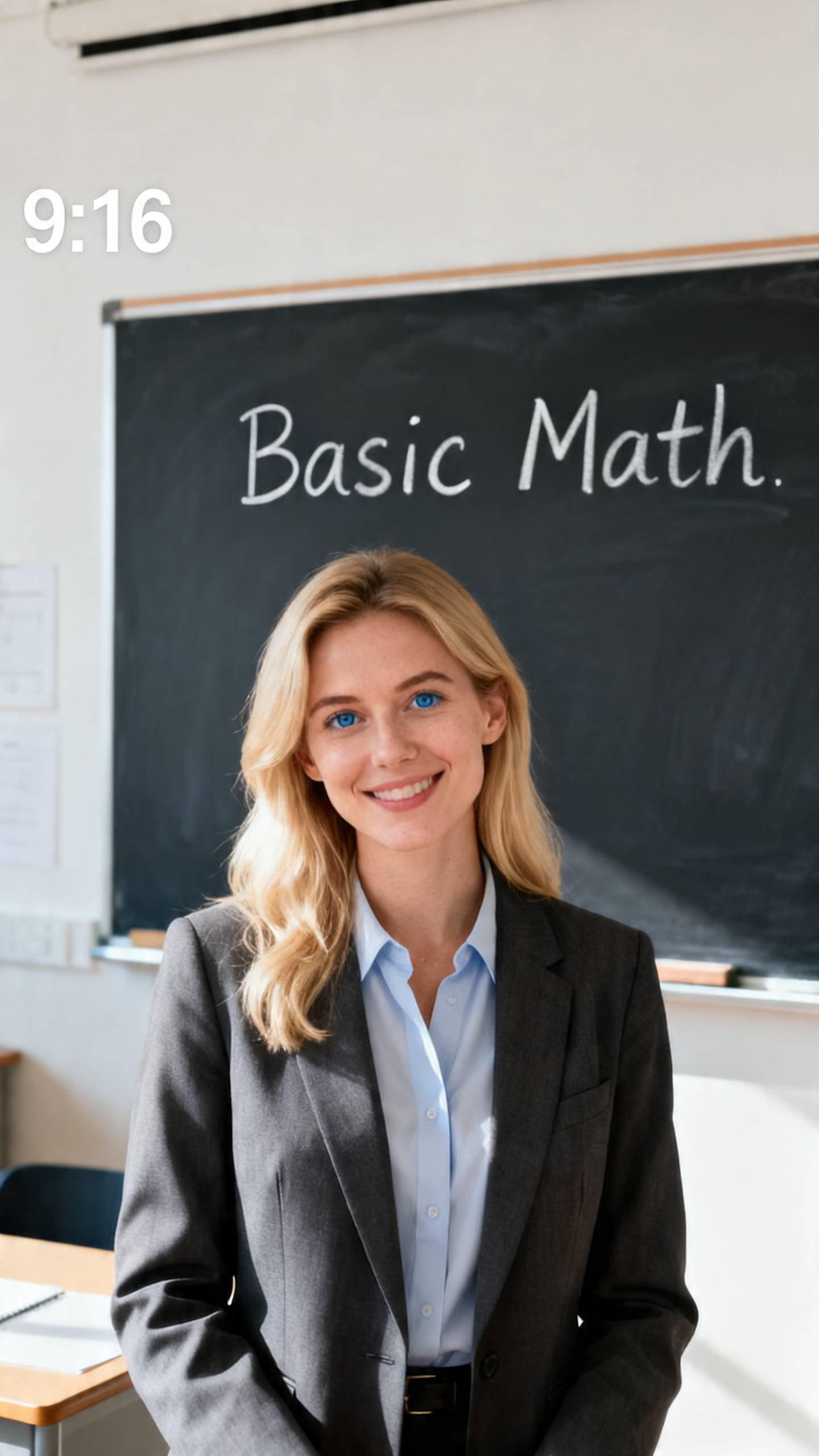
Magiclight AI video generator for education helps shape rough lesson ideas into clear narrations. It helps students stay focused when every explainer feels visual and structured.

Turn full lesson scripts into long-form videos up to 50 minutes. Magiclight AI keeps pace smoothly, so students can follow every concept clearly.
Record once, then share lessons in 11 supported languages for wider reach. With Magiclight AI, voice and text sound local for every audience.
Take lesson storyboards and convert them into animated explainer videos. Magiclight AI offers 16 visual models for every subject's fitting look.
Choose from 37 flexible voice options built for education content. Use filters for accent, tone, and learner age so narration fits your classroom.


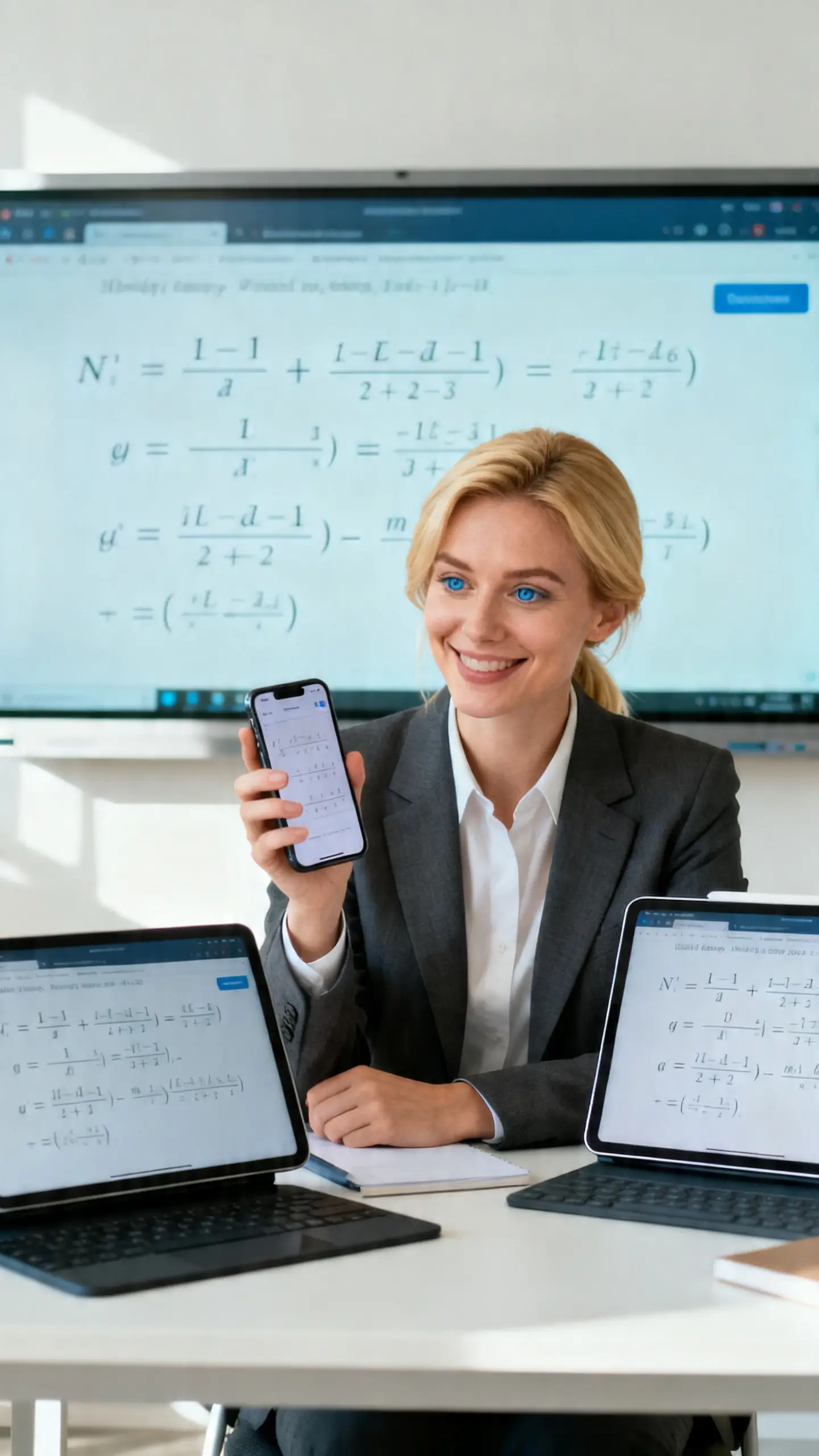

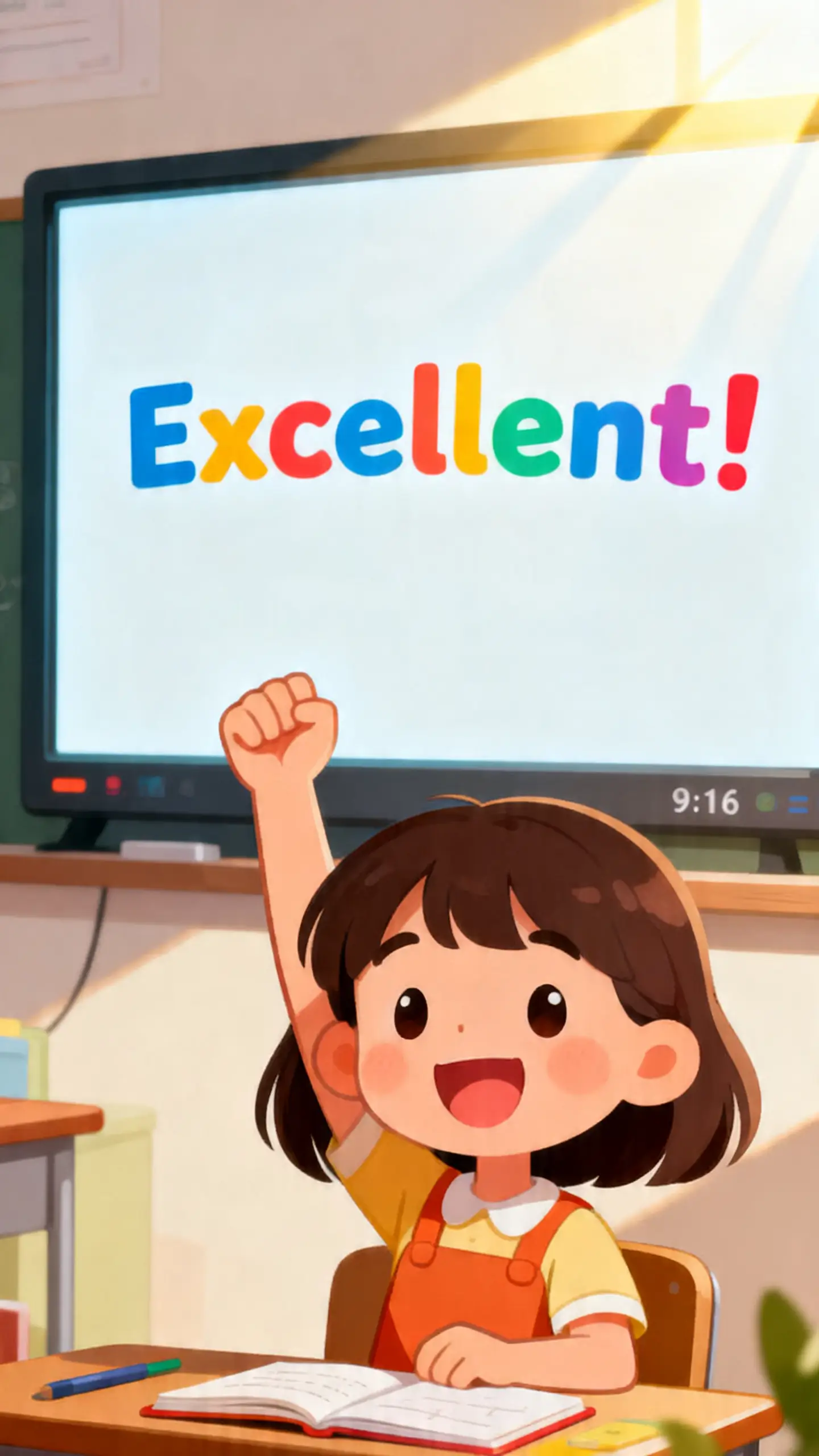
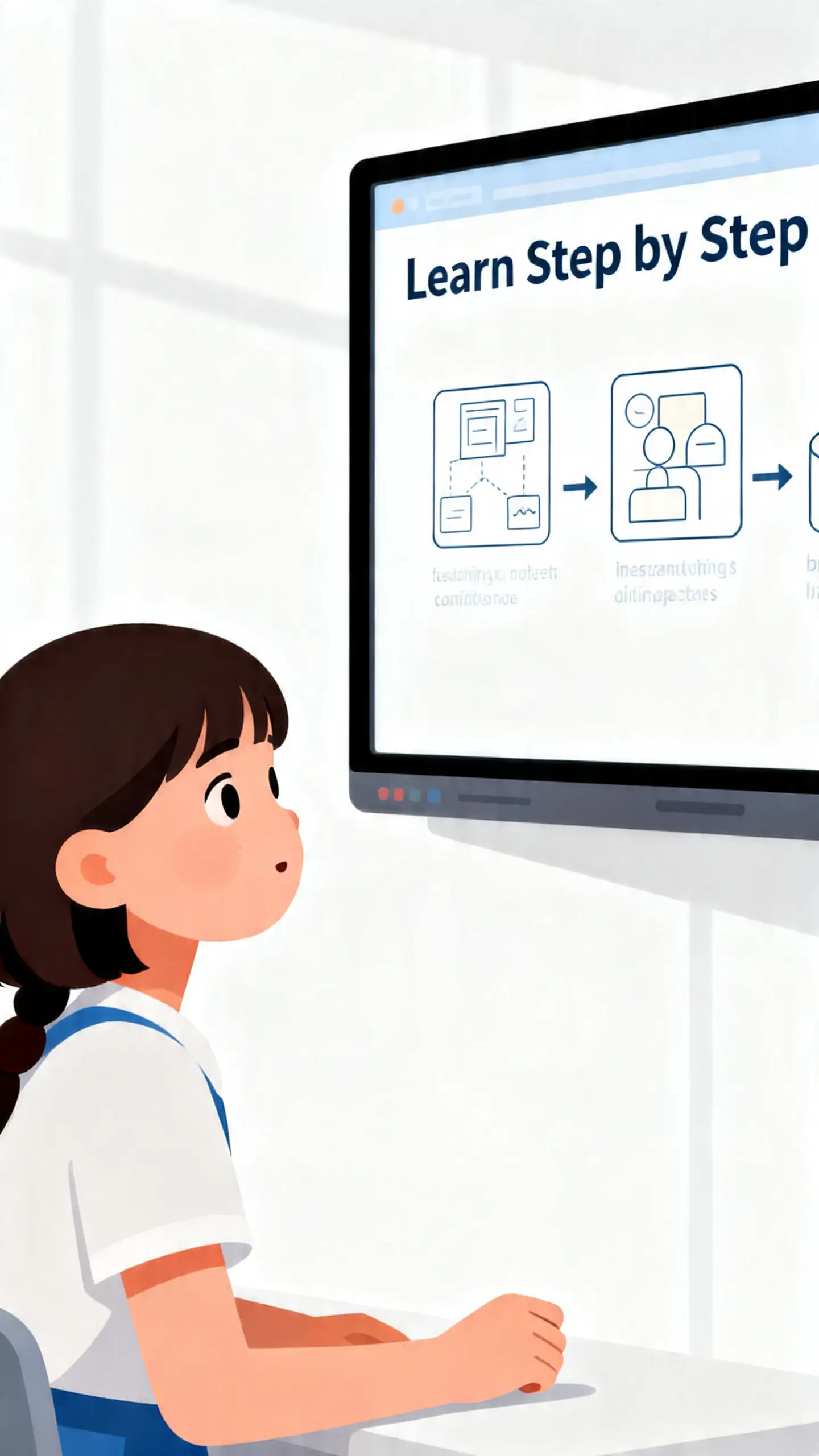
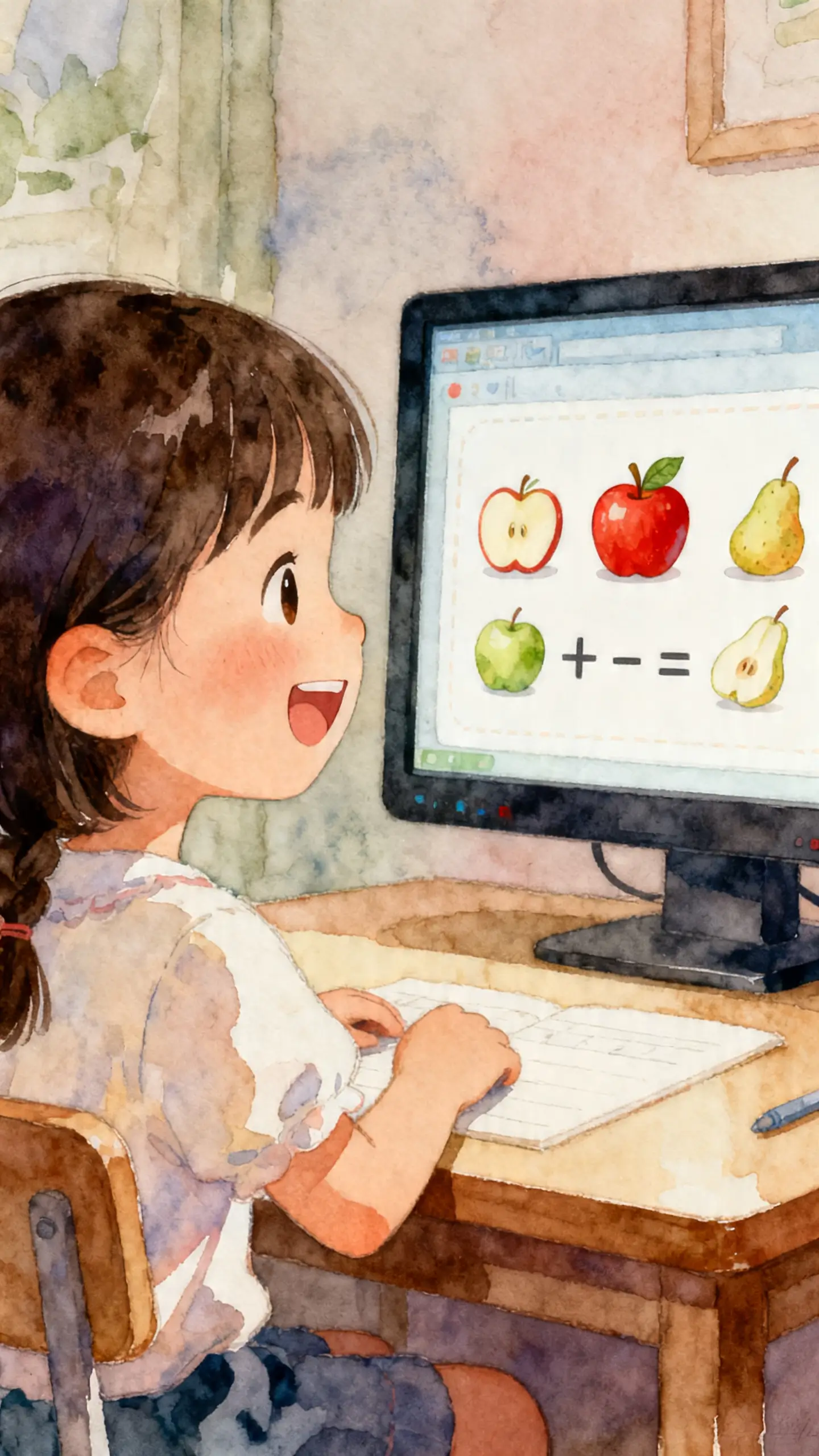

With Magiclight AI's educational AI video generator, you can grow a simple script into a full lesson. These steps guide you from first draft to a classroom-ready teaching video:
Type your lesson topic and key points into the prompt box for guidance. Mention level, examples, and tone, and the AI understands how to teach students.
Pick a visual style that fits your subject and the age group of learners. Select a teaching character and voice so your explainer feels consistent.
Review each generated scene and check how the concepts are being explained visually. Change wording, visuals, or pacing to make every step feel simple for students.
Preview the full lesson video to confirm everything flows from start to end. Download your final file, then share it with classes or study groups.
Magiclight AI helps you turn lesson scripts into clear, structured teaching videos. This AI educational video generator focuses on education, so lessons stay classroom‑ready.
Yes. You can create long lessons of 50 minutes or short recap videos from the same material. Magiclight AI supports extended teaching sessions without breaking your lesson flow.
Magiclight AI lets you paste your notes or script, then choose styles, voices, and characters. Then, it converts that text into scenes with visuals and clear narration.
Yes. You can reuse the same video for multiple classes, semesters, or training groups. Magiclight AI lets you update scripts and regenerate without starting completely over.
Yes. Magiclight AI supports 11 languages to create educational videos for diverse student groups. It helps your lessons feel local, not generic, across supported languages.
You can download videos and upload them to LMS platforms or private channels. Magiclight AI education video generator exports files ready for classrooms and training.



Give students a visual version of each topic they need to revise with Magiclight AI.