
Explore Features of Magiclight AI’s ai invite generator
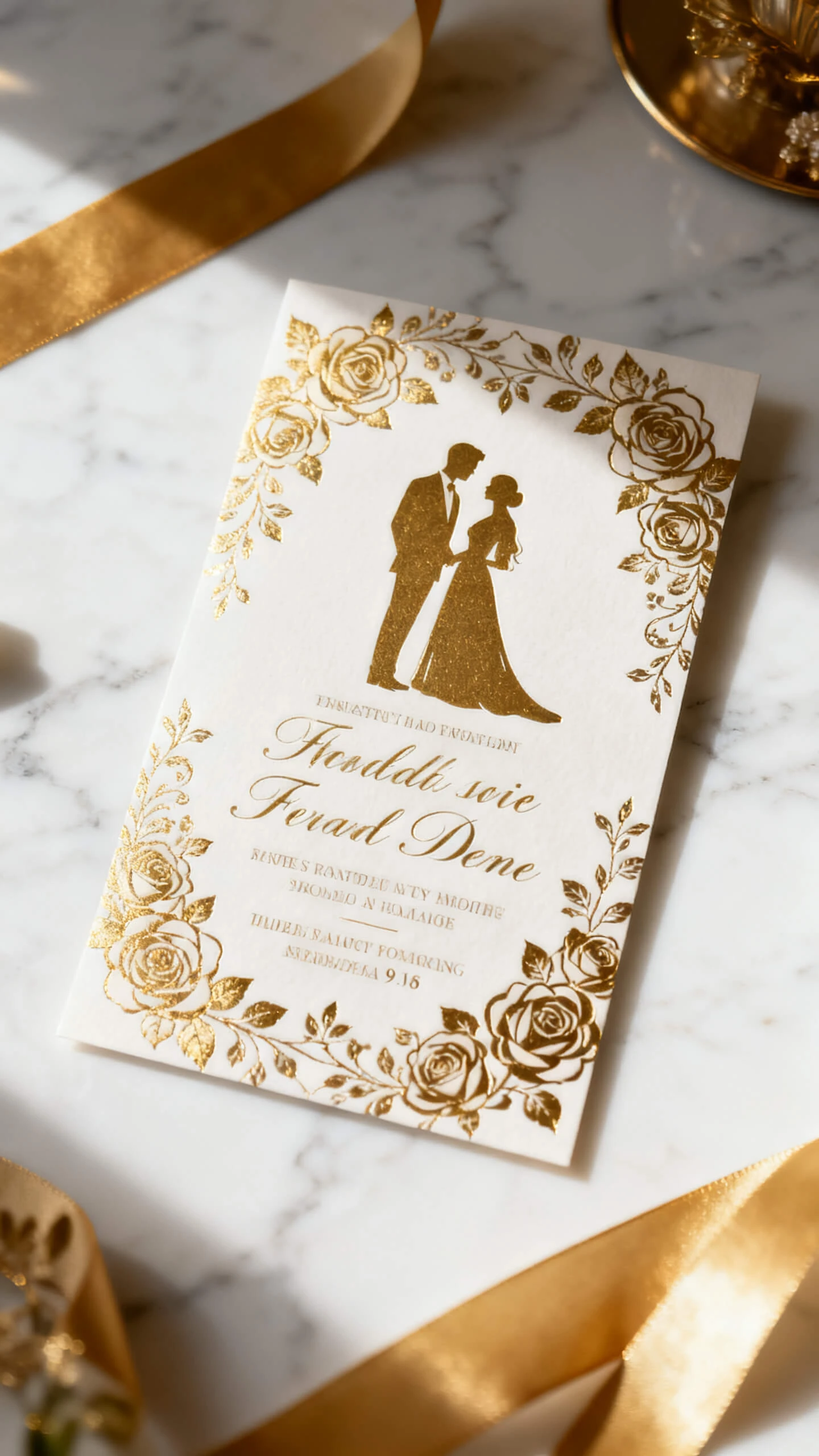
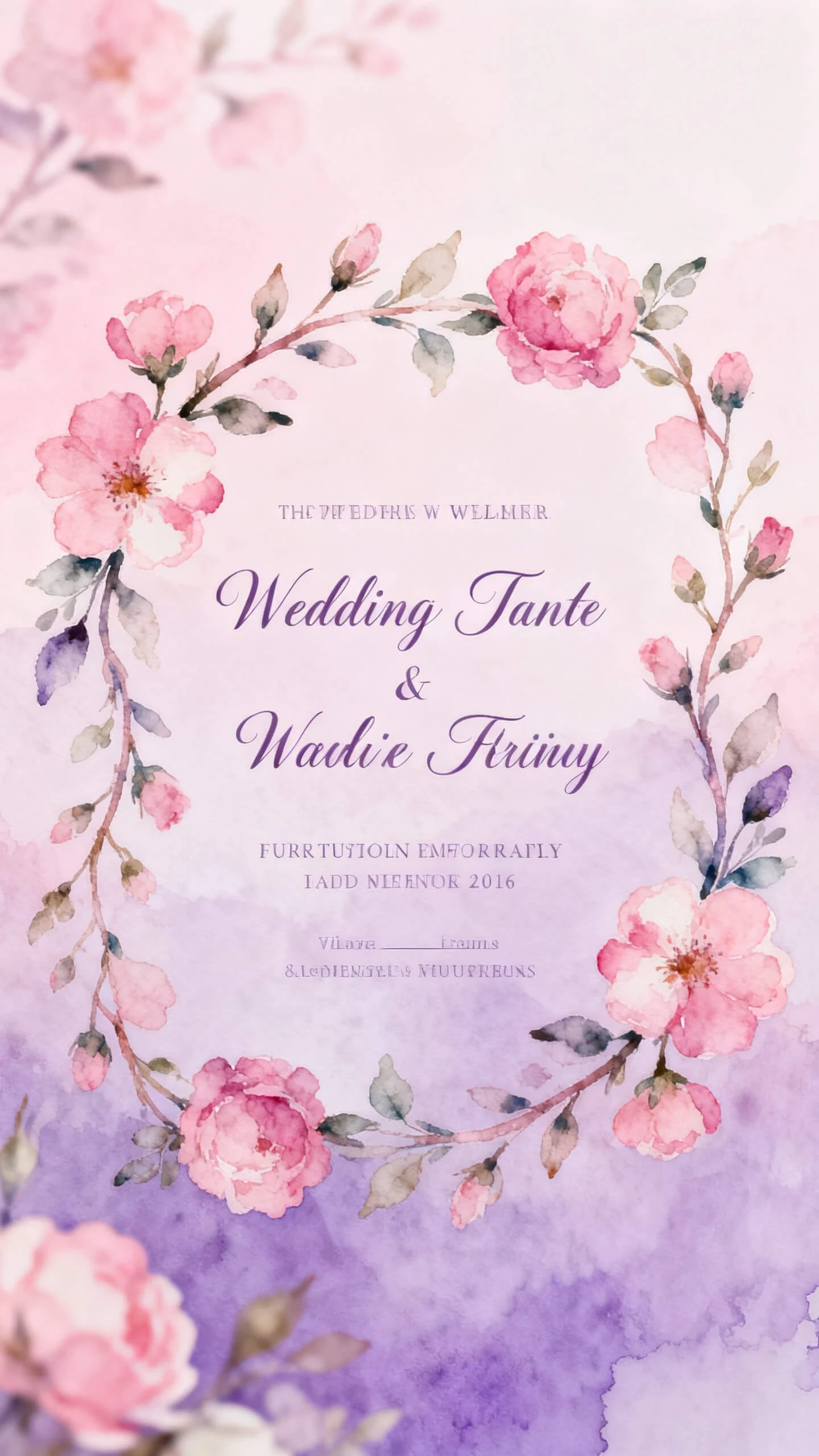
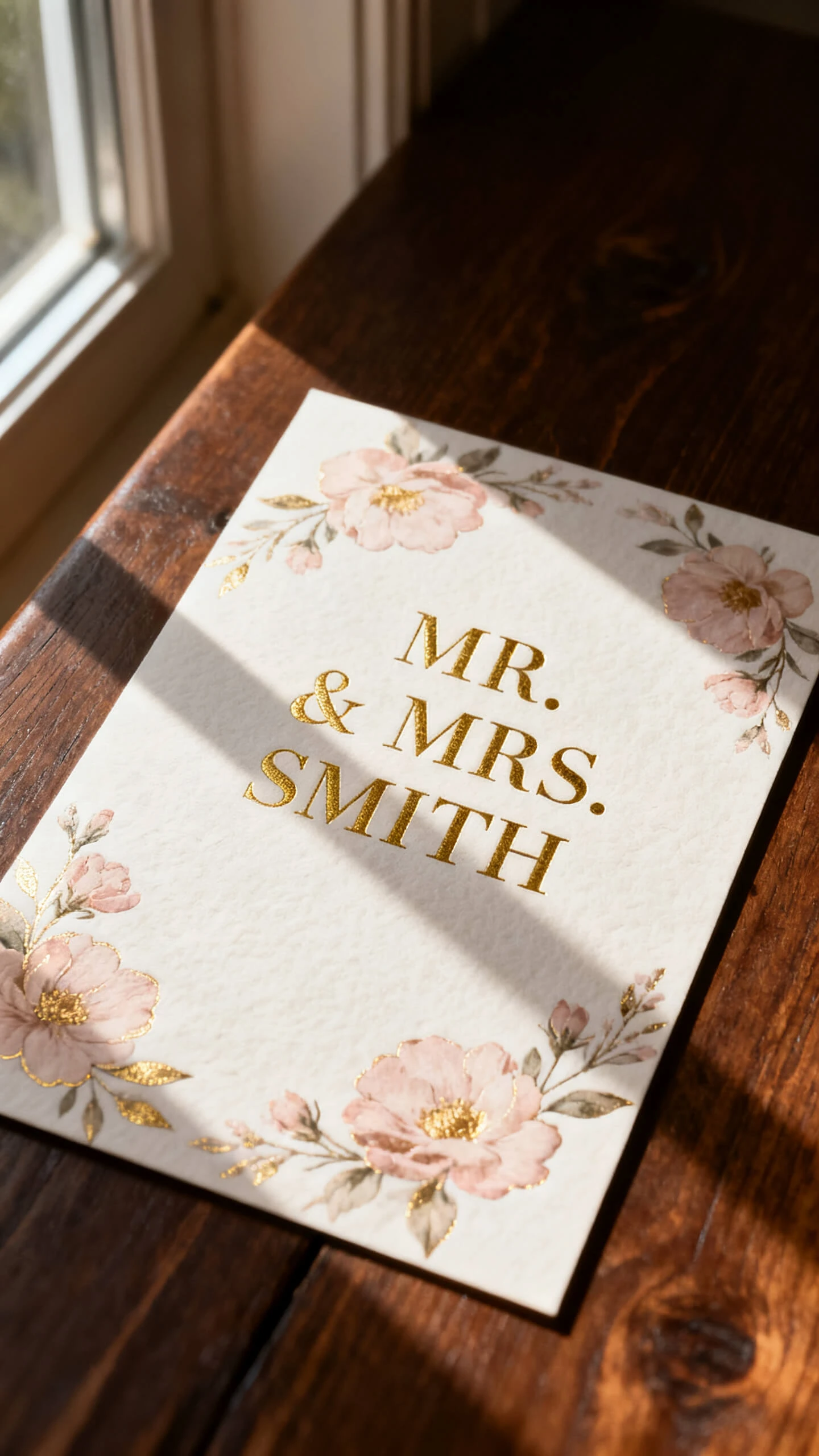
Magiclight AI wedding invitation generator turns event details into a styled invite with clear text, matching visuals, and share-ready output in one guided workflow for every event.

Magiclight AI gives couples, hosts, and brands an AI invitation generator with styled scenes, clear text, and animated reveals. Just describe your event and generate an invite instantly.
Make Your Invitation For Free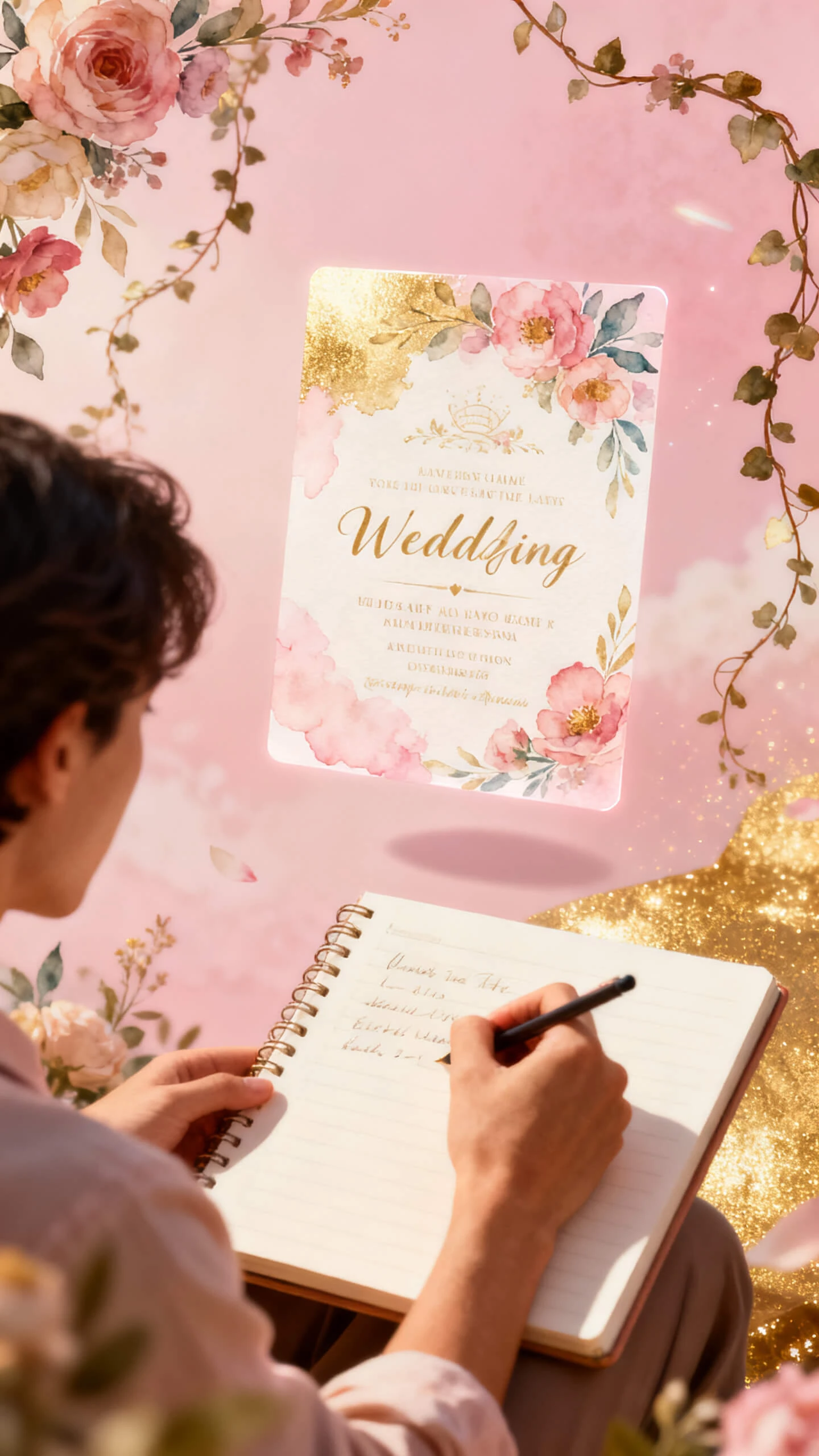

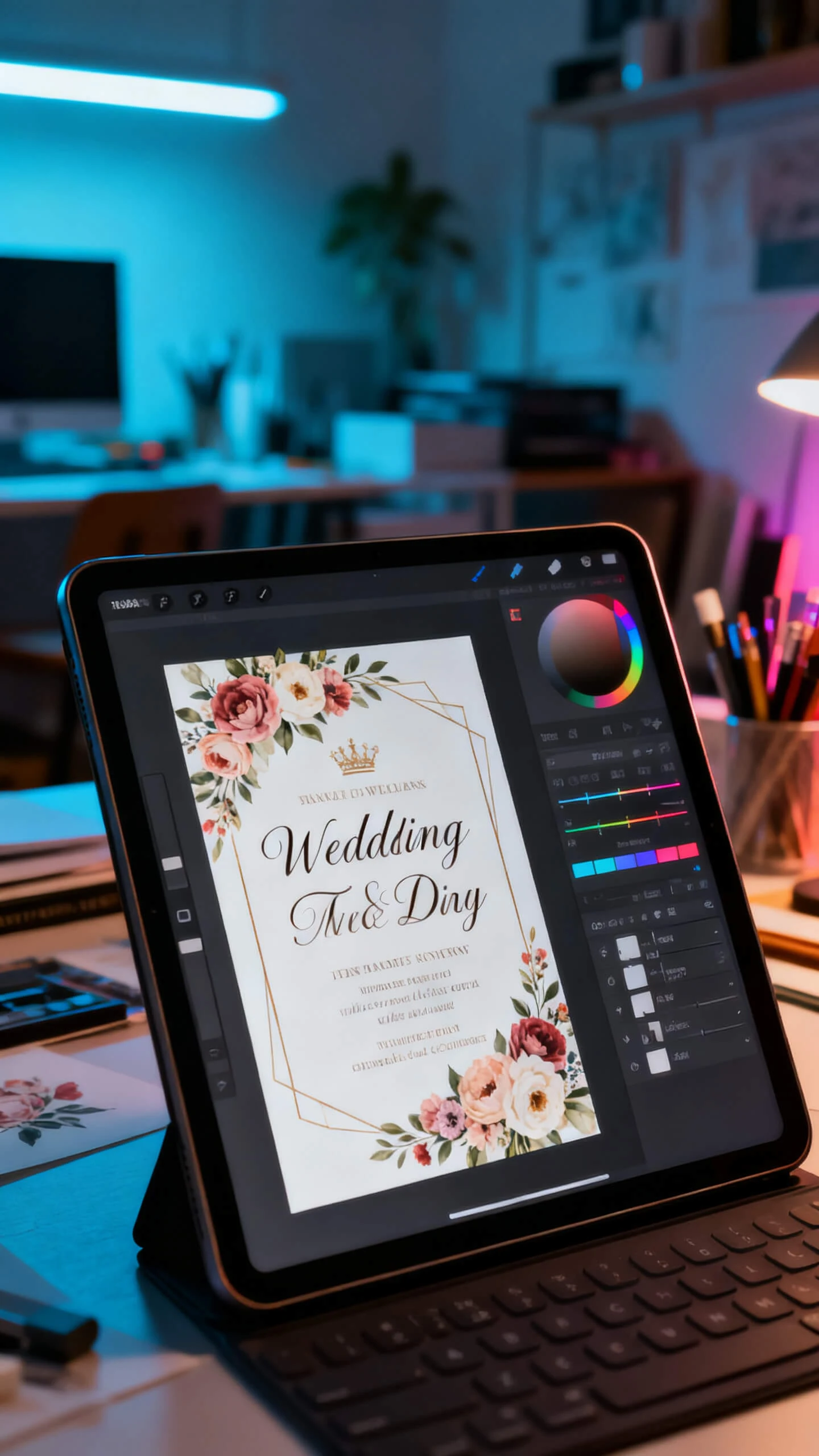
Magiclight AI wedding invitation generator turns event details into a styled invite with clear text, matching visuals, and share-ready output in one guided workflow for every event.

Describe the event, mood, venue, and theme. Magiclight AI builds a custom visual scene around those details instead of using a fixed template.
Choose watercolor, cinematic, illustration, flat art, or polished 3D styles. Each invite keeps the selected look consistent from start to finish.
Add names, dates, venues, RSVP notes, and guest details as readable text. The finished invite stays clear for sending, posting, or printing.
Turn a static invitation into a short reveal video. Add a prompt, choose motion, and create a 10 or 15-second animated invite for sharing.


Magiclight AI invite generator takes event details through scene creation, style choice, text layout, and export in four steps without design software or downloads.
Share the event name, date, venue, guest names, and invitation mood. Magiclight AI uses those details to build a scene that fits the occasion.
Pick watercolor, illustration, cinematic, flat art, or Pixar-style 3D. The selected look applies across the invite scene, text overlays, and reveal design.
Open Nano Storyboard to position text, adjust characters, select poses, and set camera framing. Every key detail can be reviewed before rendering.
Download the finished invite as a static image or animated reveal in the available export quality. Send it to guests, post it, or print it.
An AI invitation generator turns event details into styled invites from prompts online. Magiclight AI adds scene design, text placement, and optional animated reveal outputs fast.
Before choosing a plan, try Magiclight AI’s invitation generator online for free. Review current limits, exports, and features on the plan page before publishing anything.
Yes, Magiclight AI can create wedding scenes with names, dates, and venue details. Add the theme, couple details, and mood so your invitation feels personal online.
Upload your finished invite, then Magiclight AI can animate the reveal beautifully online. Choose motion direction and create a short clip for sharing with guests online.
For multilingual guests, Magiclight AI supports text and voice options across 11 languages. You can prepare regional invitation versions without redesigning the full project again today.
Create save-the-dates, formal invitations, reminders, and updates from one event concept fast online. Inside Magiclight AI, adjust text, style, or scene details between versions easily today.



Magiclight AI’s invitation generator turns your event description into an invite that feels polished.