Hero background

All-in-One AI Transformation Video Generator

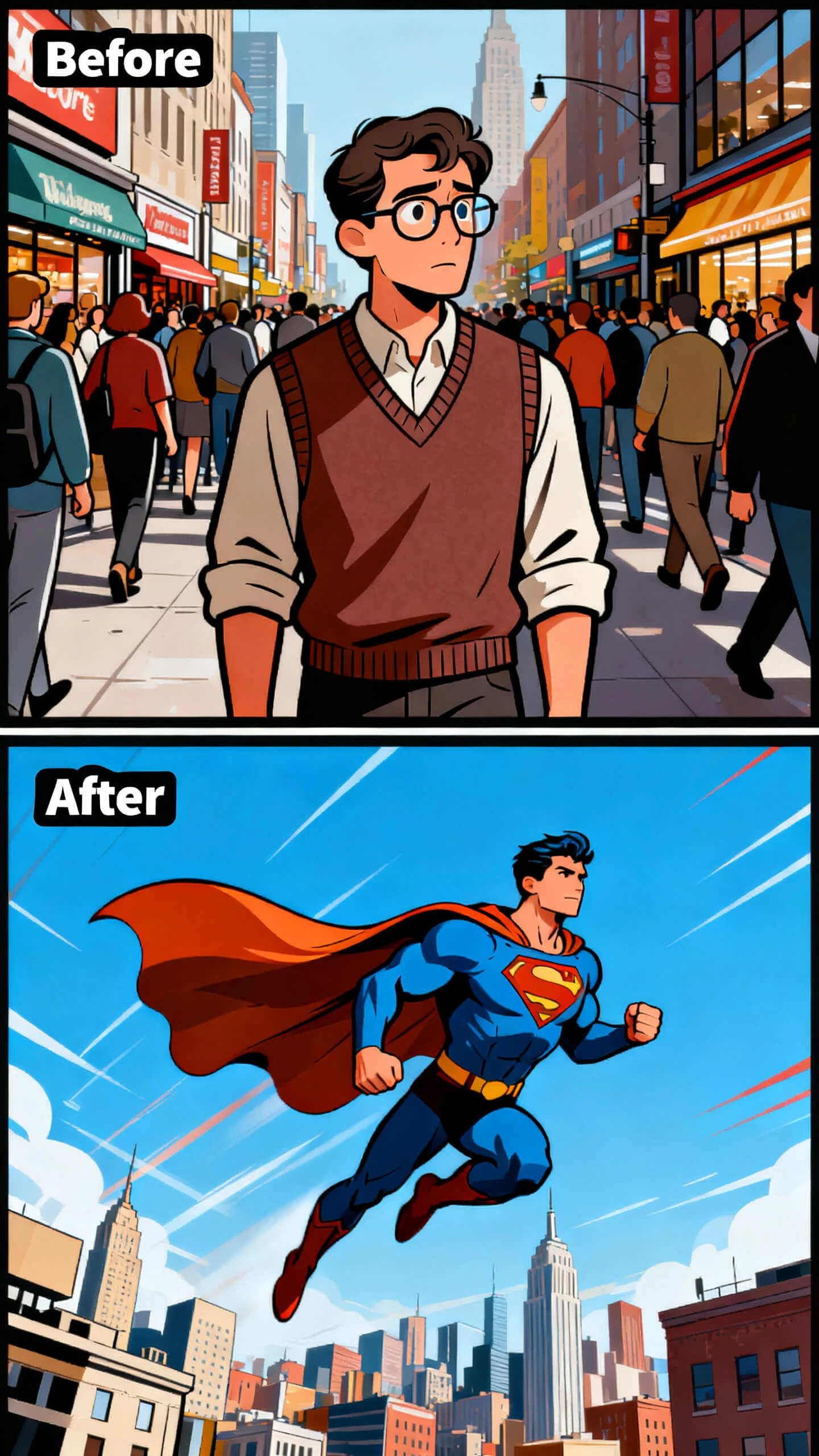
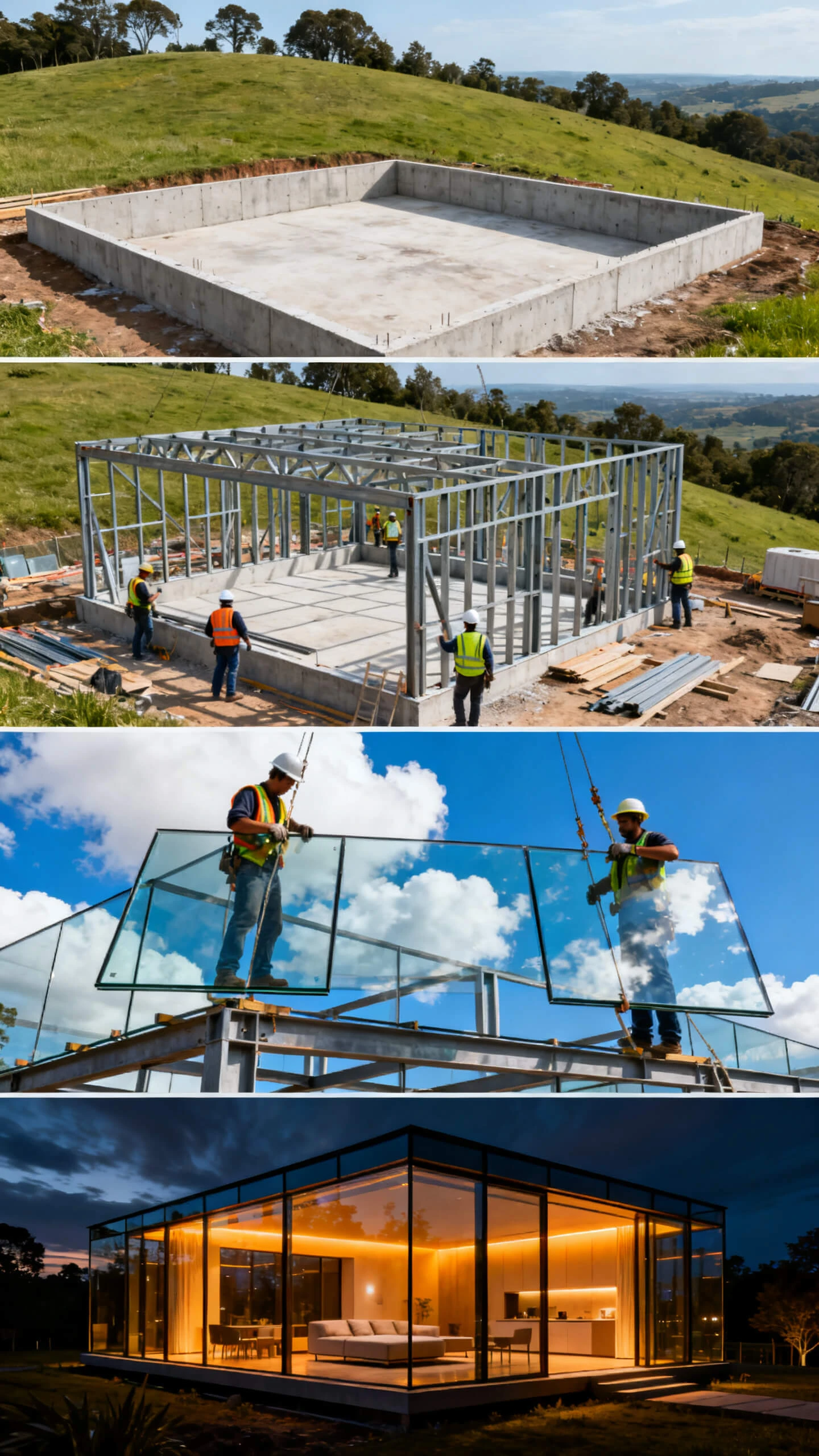
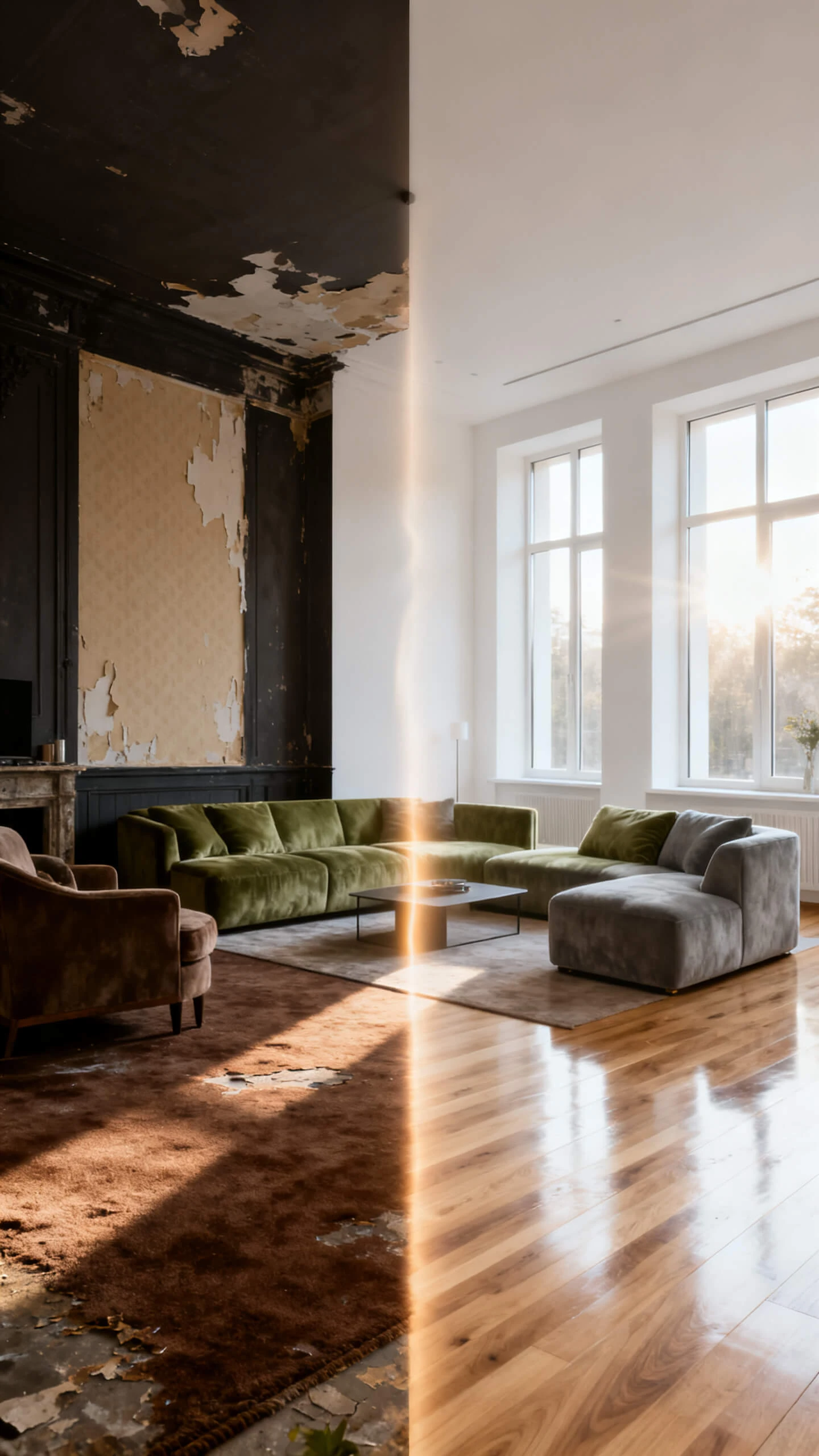
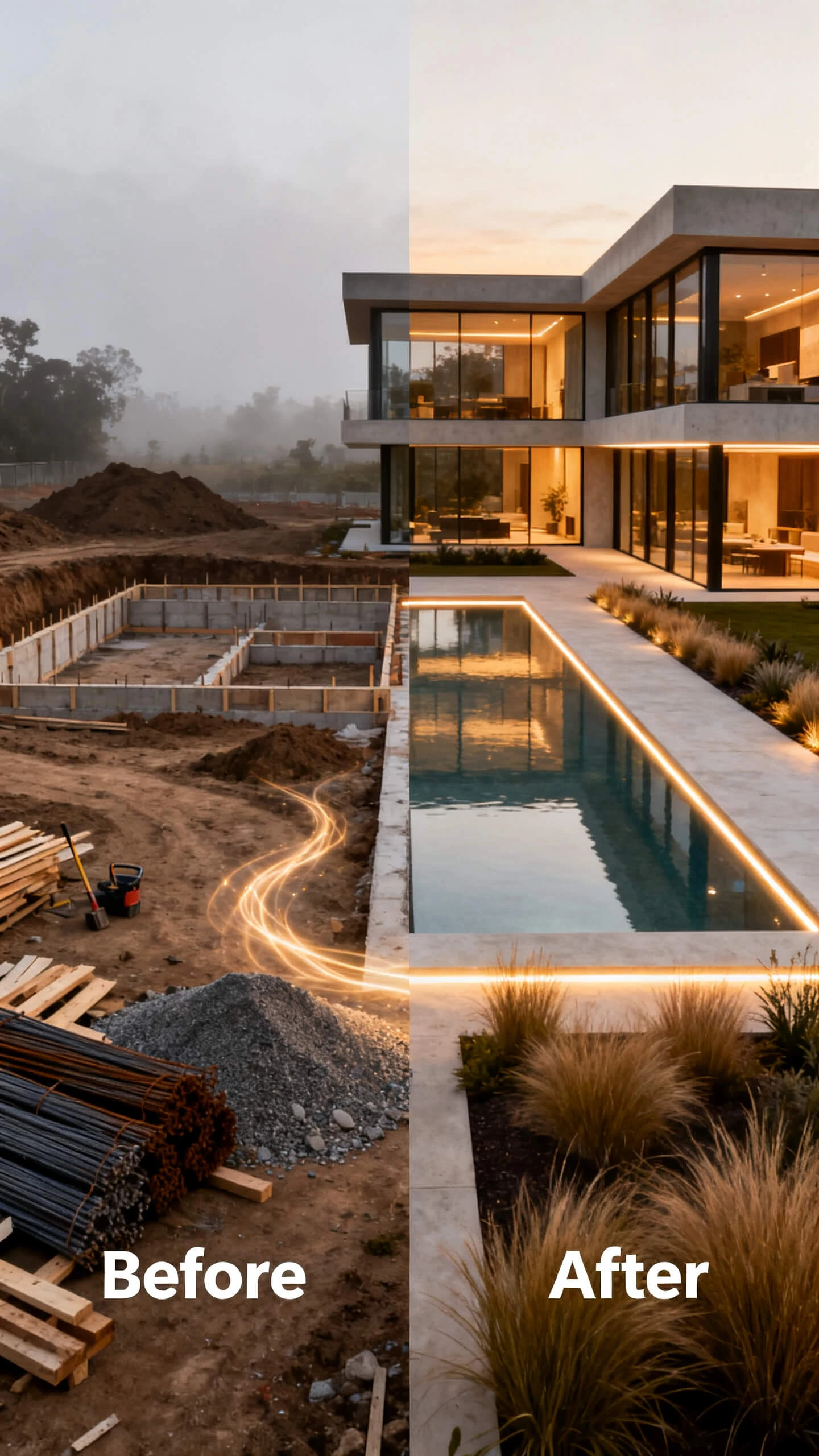
Magiclight AI gives beauty creators and storytellers a free AI transformation video generator with image editing. Describe the change and build the transformation video around it.

Create Transformation Video Now
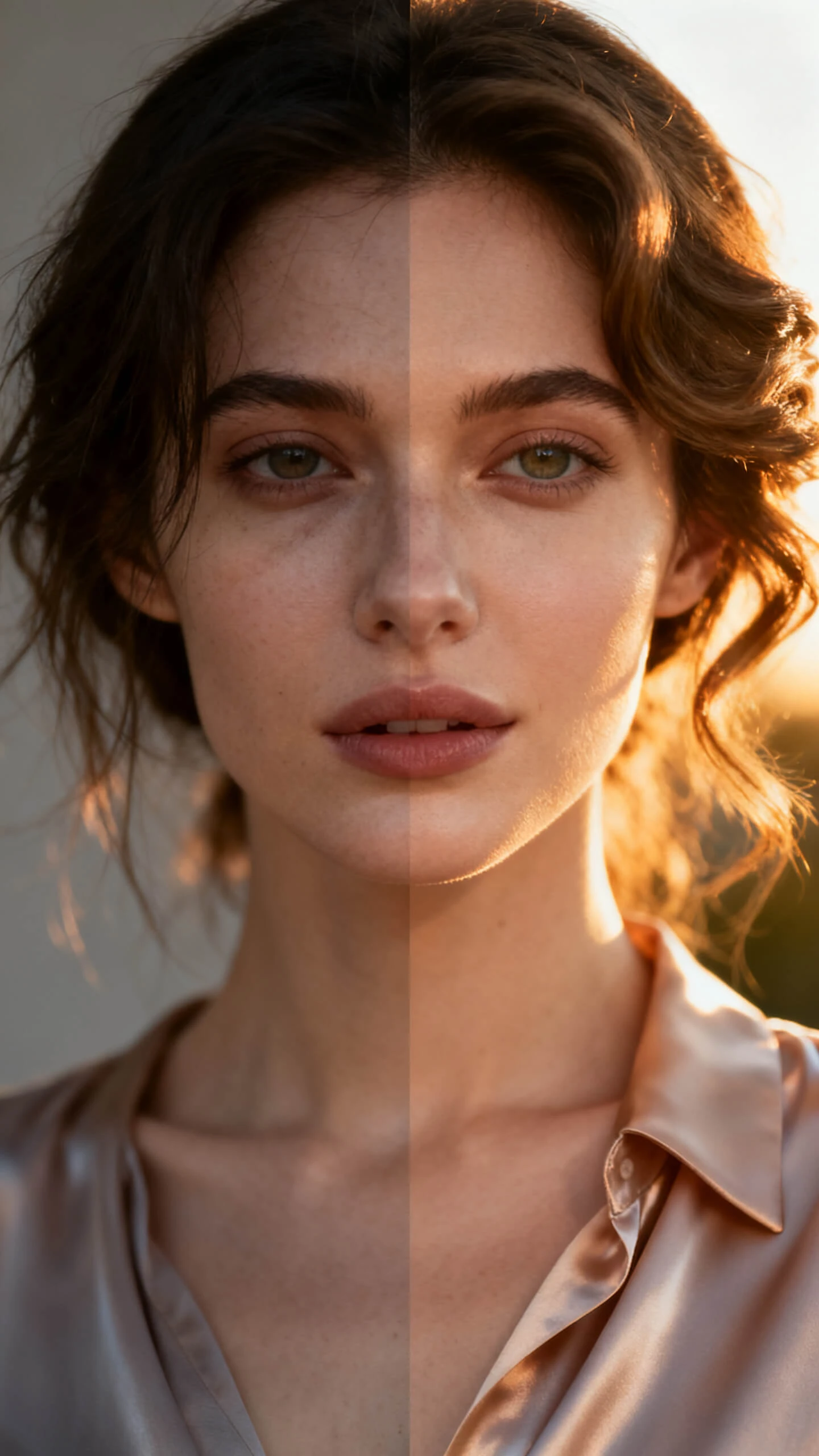
ai transformation video generator makeup
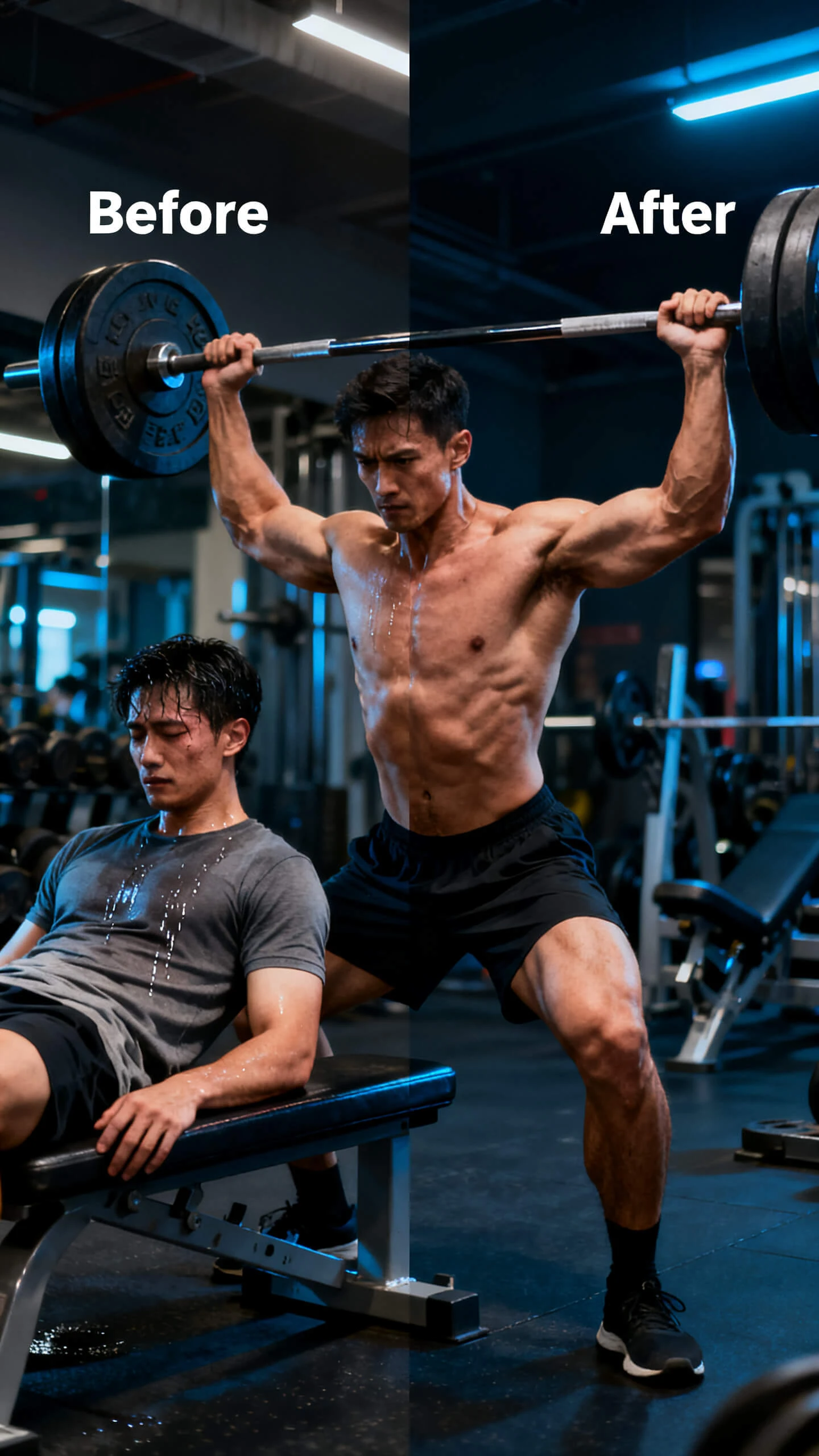
ai transformation video generator free gym
ai transformation video generator
free ai transformation video generator
ai transformation video generator free
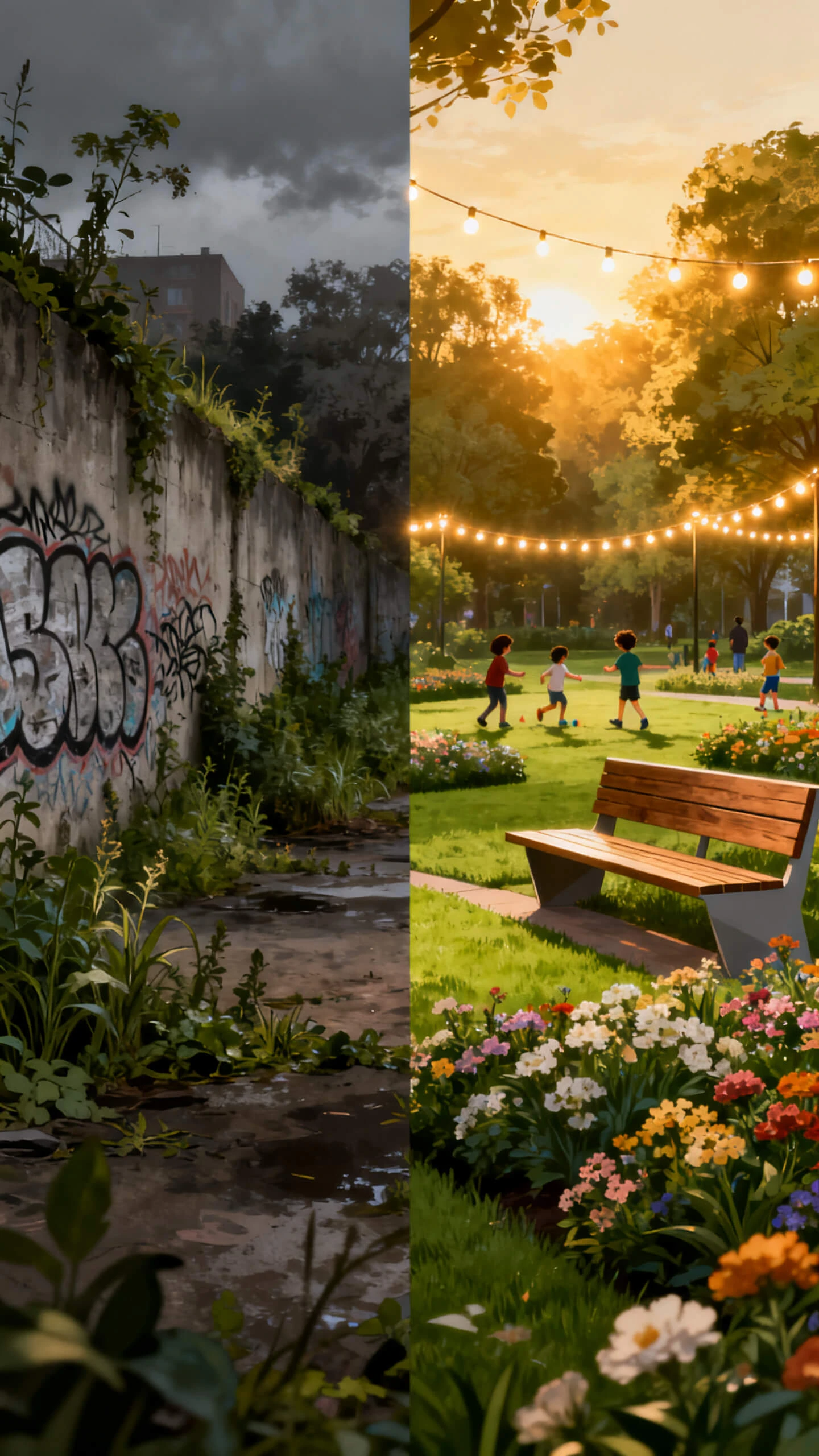
free ai transformation video generator building
ai transformation video generator home
ai transformation video generator
ai transformation video generator makeup
ai transformation video generator free gym
ai transformation video generator
free ai transformation video generator
ai transformation video generator free
free ai transformation video generator building
ai transformation video generator home
ai transformation video generator
ai transformation video generator makeup
ai transformation video generator free gym
ai transformation video generator
free ai transformation video generator
ai transformation video generator free
free ai transformation video generator building
ai transformation video generator home
ai transformation video generator

Explore Features of Magiclight AI's AI Transformation Video Generator

Magiclight AI has changed the transformation video concept with easy-to-operate features. Learn how this AI transformation video generator brings ease in video creation.

Explore the video generator
3D decoration

Edit Before-After Image States

Use a targeted prompt to change appearance, setting, or mood, so Magiclight AI builds the after-state image clearly before animation starts now.

Animate Before-After Video Clips

Upload both images, add a motion prompt, and Magiclight AI creates a 10 or 15-second clip that bridges the visual change smoothly online now.

Apply Transformation Visual Styles

Choose cinematic, fantasy, illustration, or realistic looks, and 3. Magiclight AI keeps the same aesthetic across every reveal sequence today.

Sequence Transformation Story Beats

Arrange before, change, and after moments in Nano Storyboard, then adjust timing, angle, and expression before rendering it online.

Who Is Magiclight Free AI Transformation Video Generator Best For
Magiclight AI's transformation video generator free workflow fits creators, brands, educators, and social teams. Each group uses reveals differently and posts to its platform.
Beauty and Wellness Creators
For Beauty and Wellness Creators
Show makeover and glow-up results with an animated reveal.
Use cinematic styles to elevate before-and-after content.
Export vertical transformation clips for Reels and TikTok.
Brands and Marketing Teams
For Brands and Marketing Teams
Produce product upgrade before-and-after clips for campaigns.
Show environment or design transformations without filming.
Deliver client transformation videos on tight deadlines.
Fitness and Life Coaches
For Fitness and Life Coaches
Visualize transformation journeys without personal footage.
Add motivational music to every before-and-after reveal clip.
Publish transformation content in 11 languages for reach.
Game Developers and Storytellers
For Game Developers and Storytellers
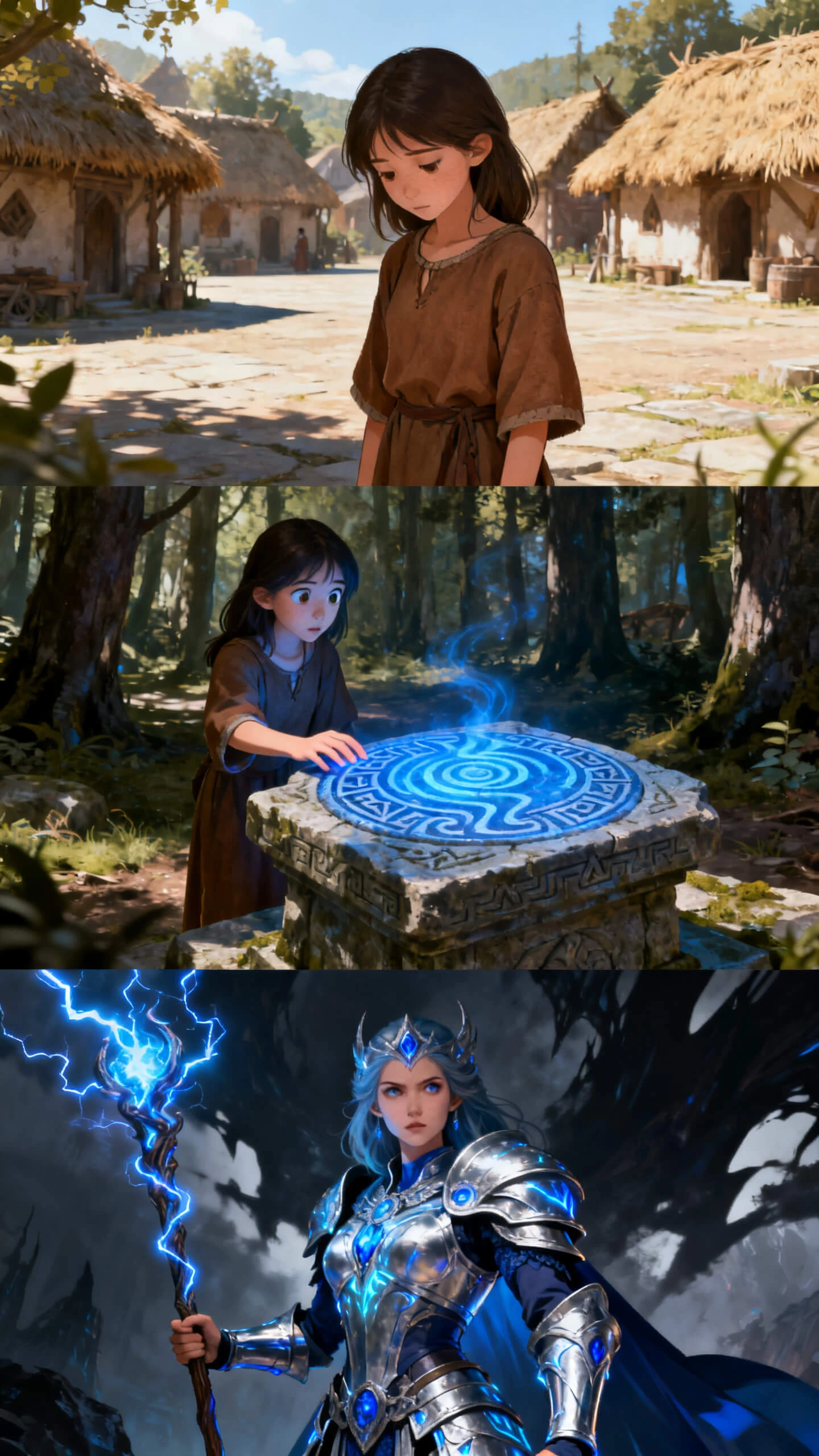
Animate character evolution from base form to powered-up.
Use fantasy and epic styles for dramatic power-up reveals.
Build a full transformation cutscene from a prompt alone.
Why Choose Magiclight AI
for Transformation Videos Generator
Other tools just merge two images. Magiclight AI's transformation video generator free edits the source, animates the reveal, adds music, and exports in one workflow.
The Subject Looks Consistent Through Every Stage
Magiclight AI keeps the same face, body details, and style across before, transition, and after scenes, so your reveal feels like one connected story, not two separate edits now.
Produce Transformation Content for Global Audiences
Magiclight AI supports 11 languages for subtitles and voiceovers. You can prepare regional versions of the same reveal, without rebuilding the entire sequence from scratch today.
Camera and Timing Control Make the Reveal Intentional
Nano Storyboard lets you set angles, poses, and timing before rendering. A slow glow-up or fast power-up reveal follows the exact pace you planned instead of a default cut today.
Batch Transformation Videos Without Resetting
Reuse visual style, audio, and subject settings across several transformation videos. Campaigns, coaching series, or creator batches stay consistent without resetting every time.
Dramatic Audio Elevates the Transformation Moment
Choose from 40 music tracks to match each transformation's emotional peak. Uplifting, dramatic, or energetic audio supports the reveal, without manual timing edits across scenes.
No Camera, Studio, or Editing Software Required
Start with images and prompts instead of cameras, crews, or editing software. Magiclight AI creates before-and-after reveal videos without physical recording or timeline work at all.

How to Make a Transformation Video With Magiclight AI 

Magiclight AI takes your before-state through image editing, animation, and export in four steps. No filming, editing software, or production setup required.

1.

Upload Your Before Image and Describe the Change

Upload the before image and write a prompt describing the transformation. Include the character's new appearance or the setting change.

2.

Choose Your Visual Style and Edit the After State

Select a visual style from 20+ options, including cinematic, fantasy, and illustration. Magiclight AI applies targeted image editing to produce the after state.

3.

Sequence the Reveal With Nano Storyboard

Arrange the before, transition, and after scenes in the Nano editor. Set camera angle, subject pose from 50 options, and scene timing before the full transformation video renders.

4.

Export the Final Video

Select one of 40 background tracks and a subtitle style from 16 options. Export the finished free output at 720p or 1080p and post anywhere immediately.

FAQs on AI Transformation Video Generator

What is an AI transformation video generator?

An AI transformation video generator turns images and prompts into animated before-and-after reveals. With Magiclight AI, editing, animation, and sequencing stay connected until final export online.

Is Magiclight AI's AI transformation video generator free to try?

You can explore Magiclight AI's AI transformation video generator free workflow before upgrading. Check current plans first, since limits, exports, and features may change online regularly.

Can I create multiple transformation videos in one Magiclight AI session?

Several clips can share the same style, audio, and subject settings together easily. Magiclight AI keeps batch production smoother when campaigns need repeated transformation formats quickly.

What visual styles work best for transformation videos in Magiclight AI?

Cinematic or realistic looks suit wellness, products, and everyday glow-up content best online. For fantasy evolutions, Magiclight AI offers dramatic, illustrative, and epic visual styles too.

Can I publish AI transformation videos in multiple languages?

Your transformation video can include localized subtitles and voiceovers for different audiences worldwide. Inside Magiclight AI, 11 language options help adapt one reveal across markets easily.

How long can a transformation video be in Magiclight AI?

Short image-to-video transformations usually run for 10 or 15 seconds per clip online. Longer story workflows in Magiclight AI can reach 50 minutes per session.


Create Before-After Videos With Magiclight AI

Magiclight AI builds an AI transformation video generator free output from a single image and a prompt.