
Explore FIFA World Cup Video Content Types with MagicLight AI
From player intros to match predictions, Magiclight AI FIFA World Cup video generator covers every content type a World Cup channel needs, all in one place.

Magiclight AI turns match scripts and fan angles into finished FIFA World Cup videos with commentary, music, and cinematic visuals. No footage or editing software needed.
Create FIFA World Cup Video For Free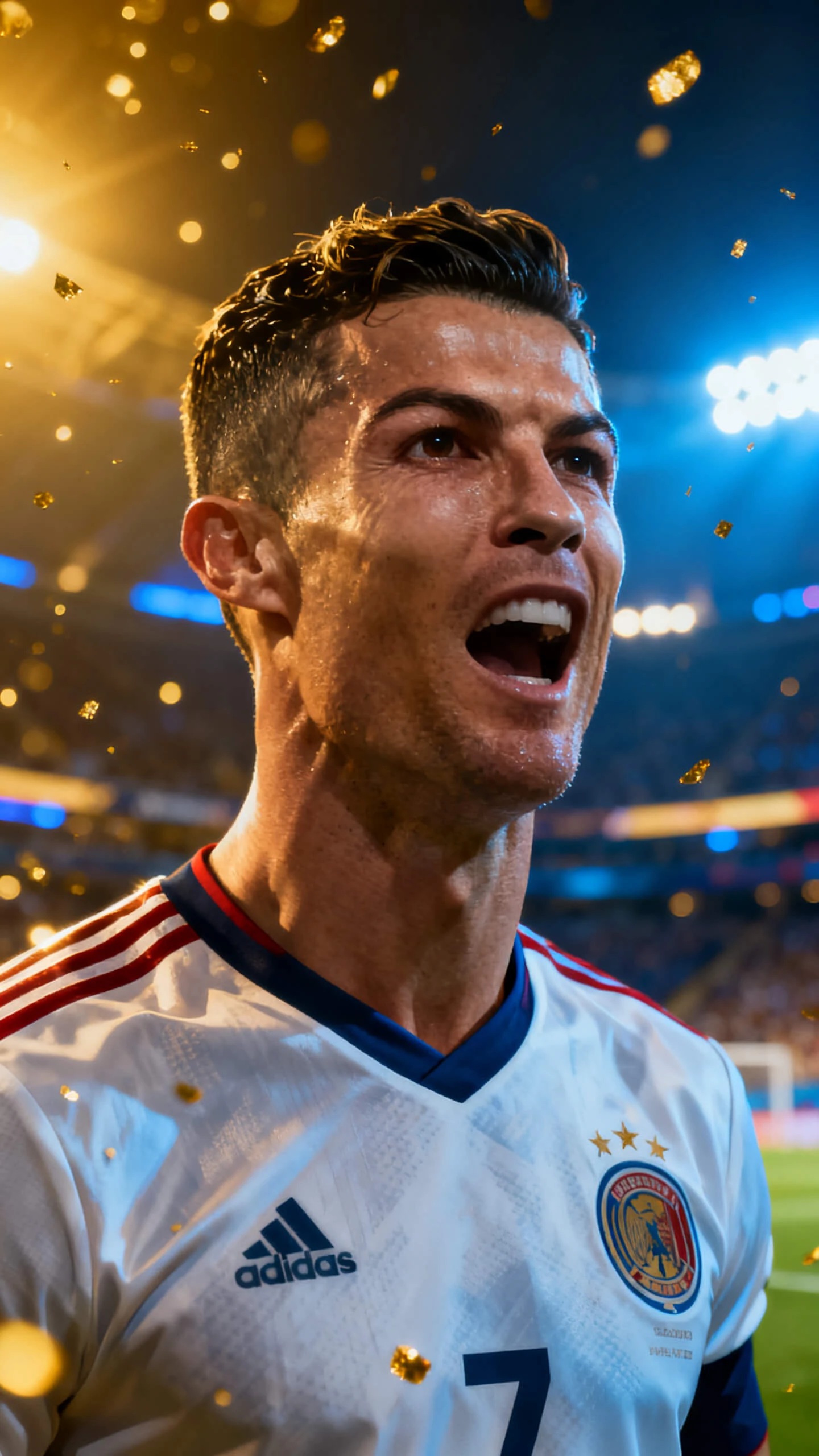

From player intros to match predictions, Magiclight AI FIFA World Cup video generator covers every content type a World Cup channel needs, all in one place.

Generate dynamic player introductions across Magiclight AI. Provide up to 12,000 characters of player profile data and utilize the 19 story AI models to create compelling intros.
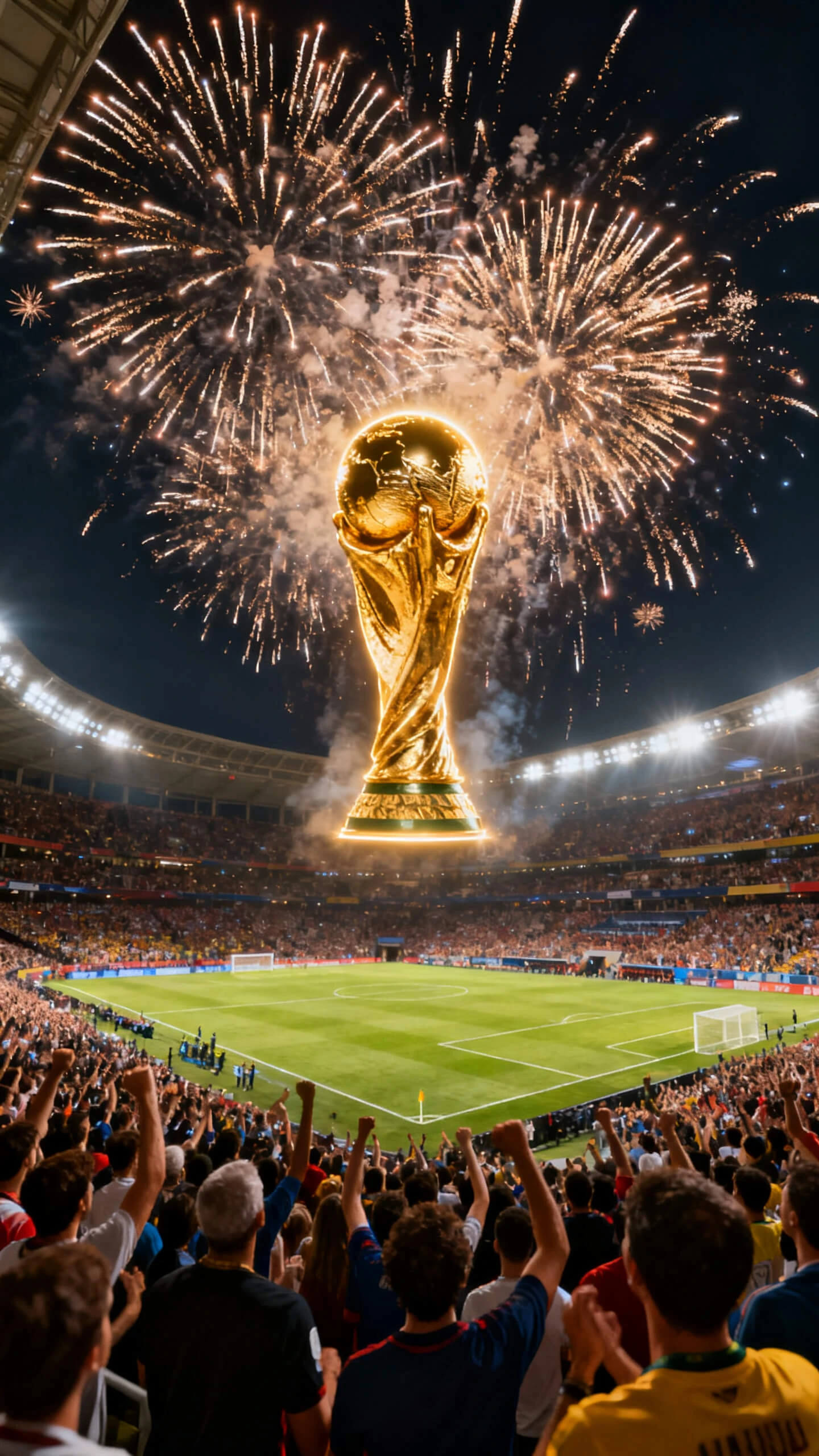
Create championship-style winner reveal videos with Character Vlog in Magiclight AI. Input a 500-word victory summary to generate a scripted celebration video.
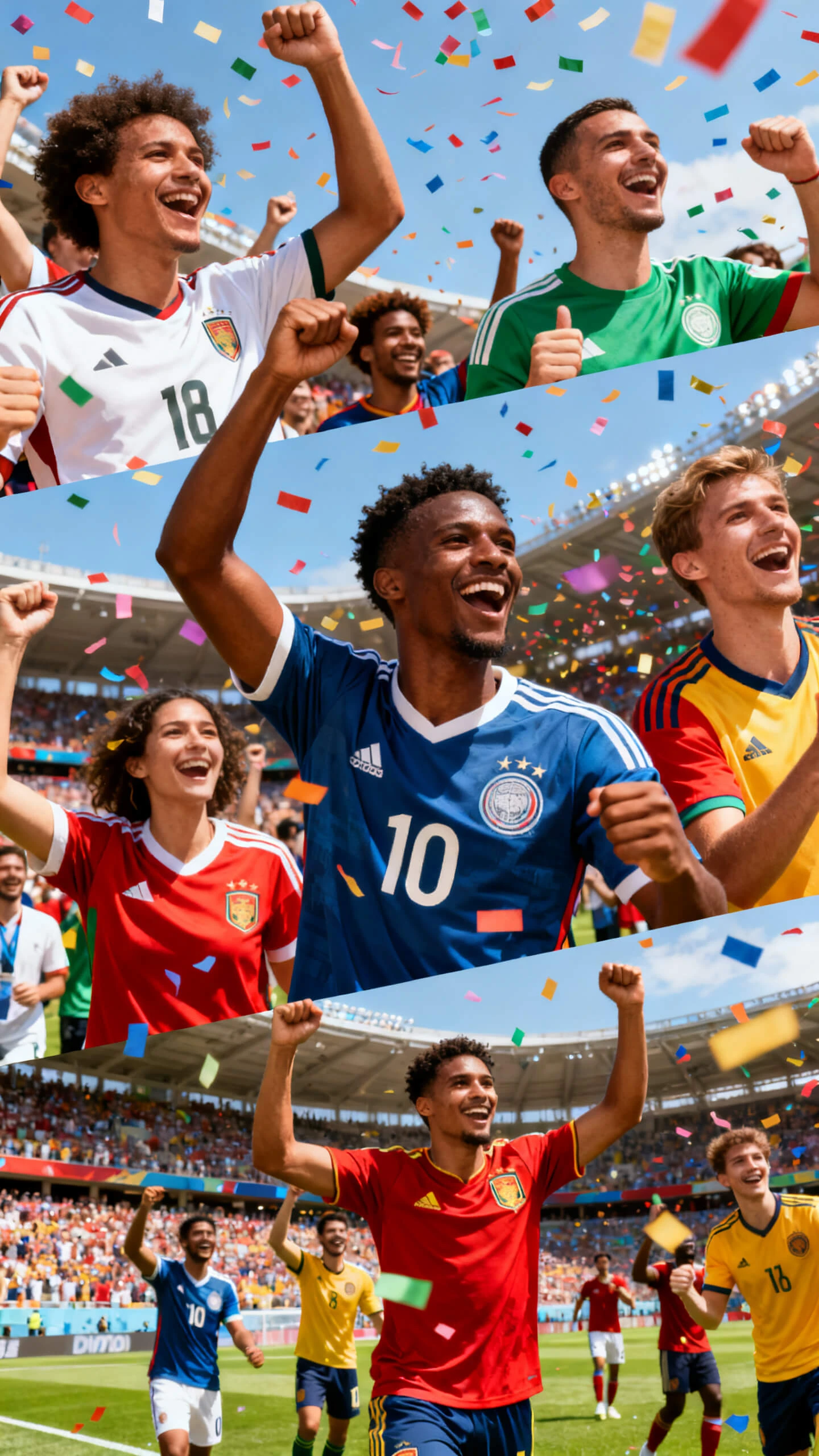
Bring player characters to life with Magiclight AI's interview feature. Raw responses can be converted into polished interview sessions.
Run a full World Cup story series using Magiclight AI's unique AI models and voice cloning. Create consistent series with identical voices for a bigger audience.
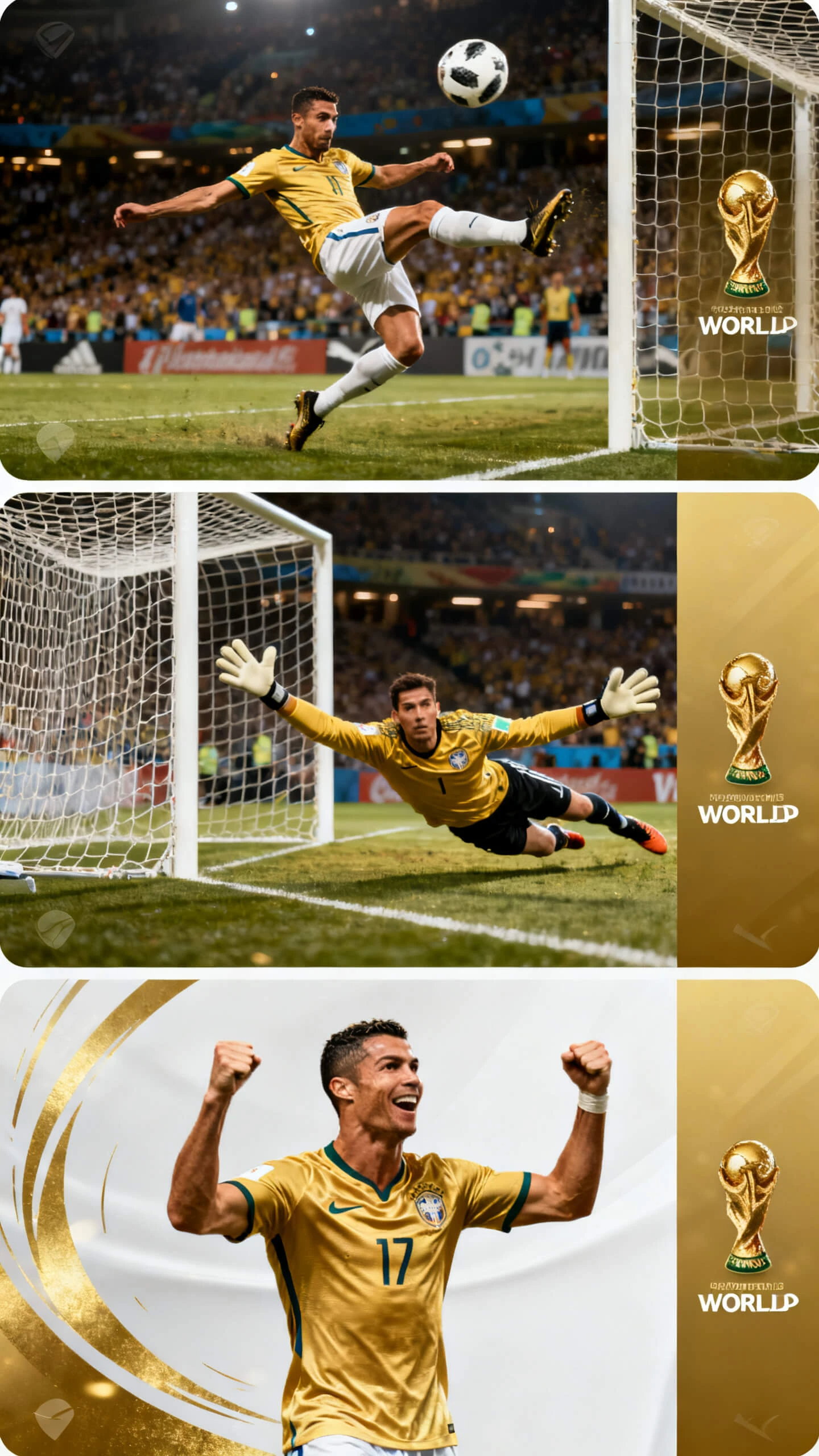
Turn data and stats into unique AI prediction videos with Magiclight AI. Utilize the existing templates to predict the best World Cup matches.


From match brief to finished FIFA World Cup video in 4 steps, Magiclight AI handles scripting, visuals, and audio so creators publish before rival channels do.
Enter your match brief of up to 12,000 characters for full recaps or 3,000 characters for quick clips, and specify the teams, outcome, and angle.
Pick a visual style from cinematic, epic, or realistic options. Assign a commentator voice from 37 options and select the language that matches your target audience.
Open Nano Storyboard to adjust camera angles, expressions, and poses from 50 options per scene. Apply one of 16 subtitles so the match narrative reads clearly across every frame.
Define the thumbnail for your video content, preview the finished video, and select 720p or 1080p to export or publish it across your desired platform.
Magiclight AI uses Story to Video or Image to Video to turn a match brief into a sports video. It generates scenes, adds commentary and music, and exports a finished file without any raw footage.
Yes. Magiclight AI offers a free entry point for the World Cup AI video generator before upgrading. Check the Magiclight AI website for current plan details and export options.
Magiclight AI supports 11 languages, including English, Spanish, French, Arabic, and Portuguese. Sports creators reach global audiences with native-language commentary and subtitles.
No. Magiclight AI builds World Cup videos entirely from a text brief. Creators never need camera footage or editing software to produce an export-ready sports video.
Magiclight AI supports videos up to approximately 50 minutes, covering full match recaps and multi-segment fan series in a single session.
Magiclight AI offers cinematic, epic, realistic, and 3D cartoon styles for sports content. Each applies distinct lighting and atmosphere to give every match video its own visual identity.



Magiclight AI gives every sports creator the tools to cover the tournament from the group stage to the final, with commentary, music, and cinematic visuals in every video.