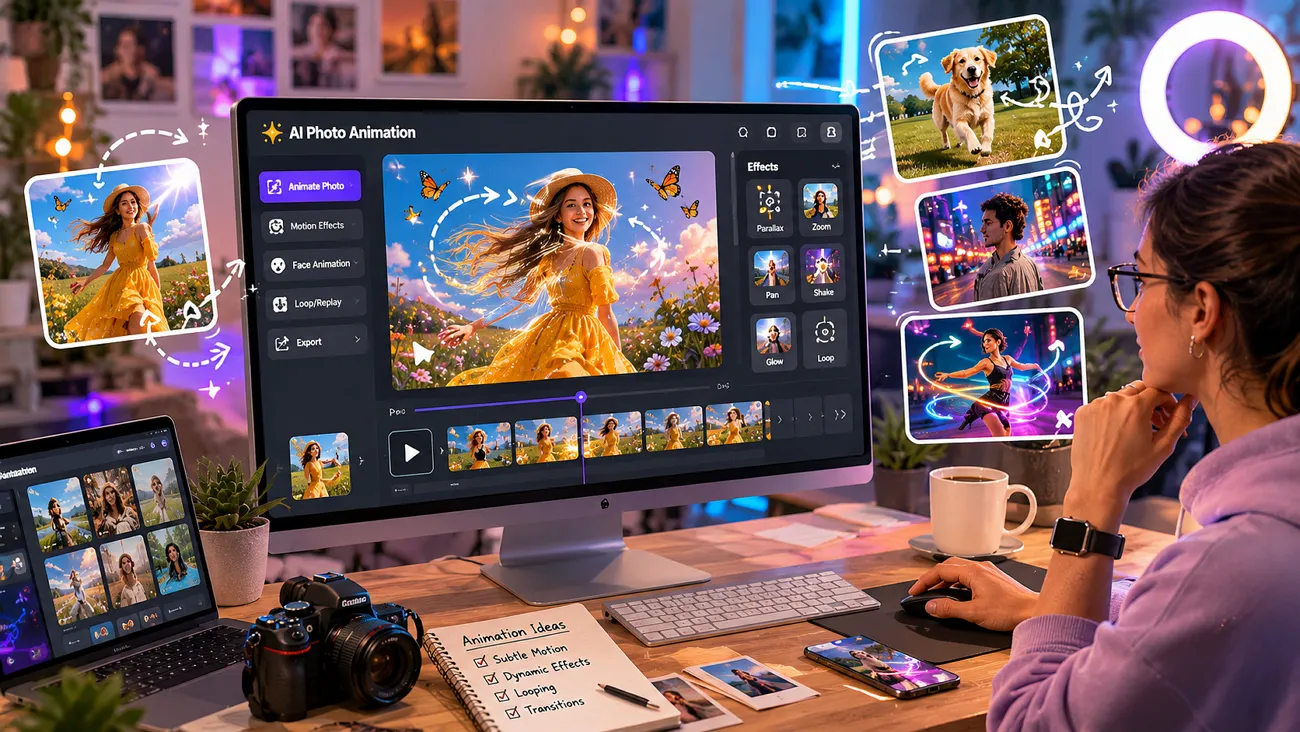
People love sharing photos, but still images online can sometimes feel boring. Because of this, adding motion can make pictures more fun and engaging. That’s why AI photo animation tools are becoming popular every day. They help turn still images into moving videos and also save time for creators. In this guide, you will find the best tools for animating images and how they work.
Part 1. Top 10 AI Photo Animation Tools You Can Try
Nowadays, choosing the best AI tools to animate images is important for beginners. In this section, you will explore the top 10 popular tools that offer easy photo animation for all users:
1. MagicLight AI
MagicLight AI is the best AI photo animation tool, as it creates scene flow automatically based on your image and prompts. To customize styles, it offers 17 AI models to animate images with different styles. While generating videos, it preserves the original image clarity and textures for a smooth motion effect. You can upload JPG, PNG, and JPEG up to 10MB to generate motion-rich content using text prompts.
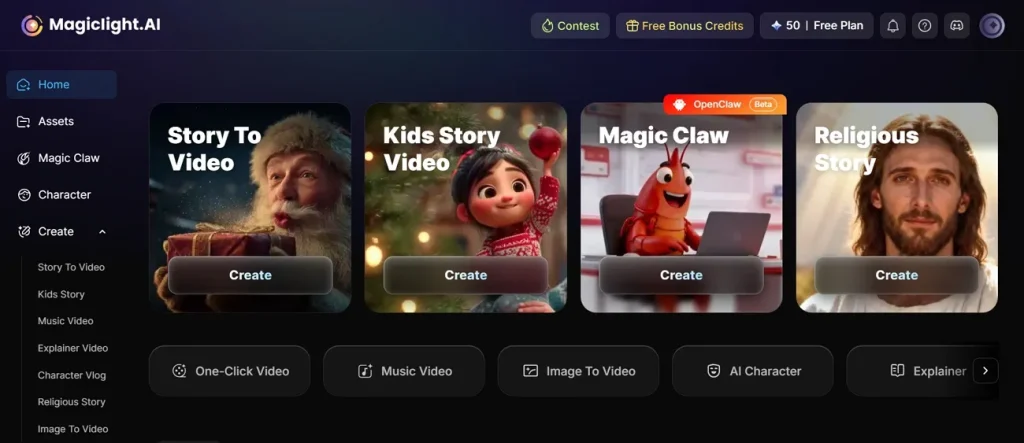
For custom video duration, the tool allows selecting short and long animation durations up to 14 minutes. Before downloading the video, you can preview it to ensure clarity. In addition, it allows adding AI voiceovers in 37 languages within the same workflow after video generation. Along with this, it has story-to-video features that generate long storytelling videos of up to 50 minutes in duration.
Key Features
- Prompt Control: You can add up to 1500-character prompts to guide animation style and motion clearly.
- Character Consistency: It effectively and smoothly maintains the same character look across multiple animated image scenes.
- Aspect Ratios: Creators can choose 16:9 or 9:16 formats for social media animation output easily.
Pros
- Handles complex multi-scene generation while preserving subject composition and visual coherence.
- Produces cinematic transitions between photo frames, enhancing storytelling and visual flow quality.
- Maintains stable visual identity across extended animated storytelling sequences without flickering issues.
Con
- Only offers output resolutions up to 1080p and avoiding resolutions like 4K.
2. Digen AI
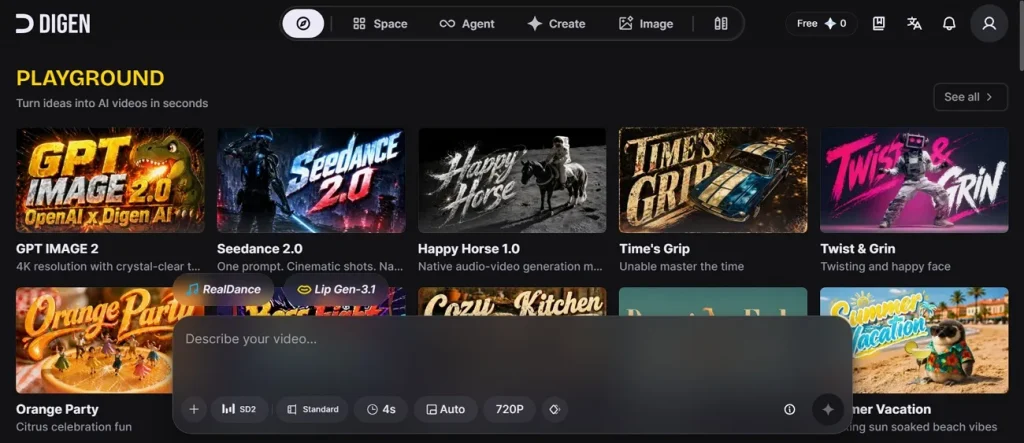
Another AI tool animate photos is Digen AI, which supports 16 AI models for diverse image-to-video animation styles and outputs. Its Real Motion 3.1 engine generates clips with camera-like movement from photos. To make content for various platforms, it offers 5 aspect ratios, including 9:16 and 1:1 formats. Additionally, users can export photo-based videos in 720p resolution for clear playback.
Key Features
- Generates animated videos up to 15 seconds for short-form visual content.
- Supports pan, zoom, and parallax effects across animated image sequences.
- Offers up to 7 reference images for maintaining consistency across animated video scenes.
Pros
- Includes 3+ motion engines for diverse animation style generation needs.
- Supports real-time avatars for live animation and video creation workflows with limits.
Cons
- Longer videos require stitching multiple 5 to 10-second clips manually together.
- Results may vary across different models like Real Motion and Sora.
3. Medeo AI
You can also use this AI image animation tool to convert images into 3 visual styles while maintaining original image clarity. It supports up to a 60-second clip length for extended image animation output. Additionally, Medeo AI allows pasting URLs to extract content and images for video creation automatically. The tool also provides 36 AI styles to transform images into different visual looks.
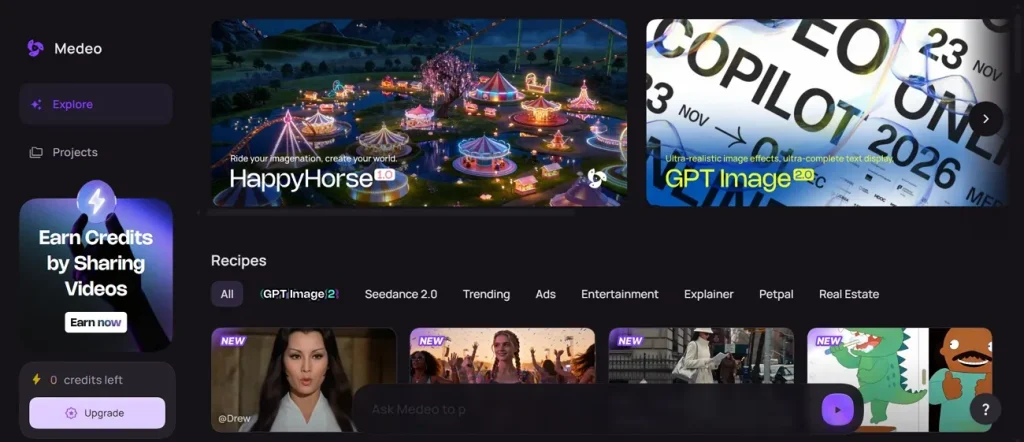
Key Features
- Supports various aspect ratios, including 9:16 and 16:9 for social video formats.
- Sorts uploaded images into sequence within 2 seconds using AI detection.
- Allows users to edit and manage projects within the same workspace.
Pros
- Allows both single photo animation and multi-image slideshow video creation.
- Offers 26 AI models for generating diverse photo-to-video animation styles.
Cons
- Does not support detailed frame-by-frame animation control for professionals.
- Limited control over complex scenes or character-level animation accuracy.
4. A2E AI
This is another free AI tool to animate photos, which offers 6 AI models for generating different animation styles from images. A2E AI supports JPG and PNG image formats for smooth photo-to-video generation. Plus, it allows up to 1000-character prompts to control motion and animation style. The tool supports up to 15 seconds of duration for short animated video outputs.
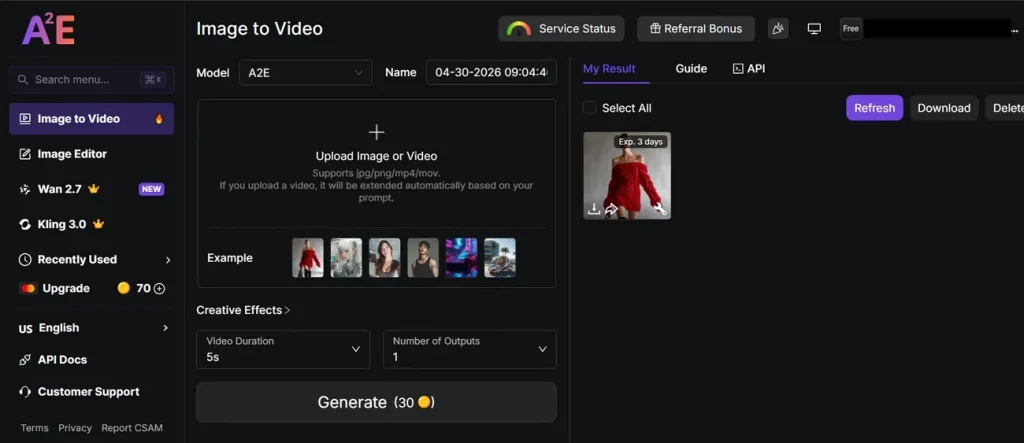
Key Features
- Extends the uploaded video automatically based on the prompt for longer animated output.
- Maintains visual clarity even during motion effects and animation transitions.
- AI improves facial similarity between the input image and the generated video output.
Pros
- Allows defining unwanted effects to prevent distortions and improve the final video quality output.
- Generates up to 8 outputs using the same prompt and image for better variation.
Cons
- Advanced control, like frame-level editing, is not available for professionals.
- Lacks a built-in timeline editor for advanced multi-scene video editing projects.
5. Flora AI
With this tool, you can generate up to 10 different ad variations from a single design input using AI image animation tools. Flora AI creates multiple product visuals from one reference image for marketing content. Furthermore, it converts images into 5-second cinematic video clips with subtle motion effects.
Key Features
- Uses text prompts to control motion and scene generation with precision.
- Utilizes 1 visual node canvas to build structured image-to-video animation workflows efficiently.
- Maintains consistent character appearance across multiple generated scenes and video outputs.
Pros
- Supports multiple image processing for batch animated video generation workflows.
- Allows side-by-side model comparison for selecting the best animation output easily.
Cons
- Motion realism is sometimes less natural compared to cinematic AI tools.
- Short clip length limits long storytelling from single image generation.
6. Kaiber
Kaiber, an AI tool that animates photos, converts static images into flowing animated videos using an AI motion system. It syncs animations with music beats for rhythm-based video creation. The tool also preserves original image colors while adding smooth animated visual movement. You can even generate short video loops up to 10 seconds per generation.
Key Features
- AI generates smooth motion effects such as zoom, warp, and camera transitions.
- Combines text prompts with images for a hybrid animation generation workflow.
- Superstudio combines multiple inputs for an advanced animation creation workflow system.
Pros
- Supports sequential multi-shot editing for structured photo-based storytelling projects.
- Allows creative control over depth, speed, and movement intensity per clip
Cons
- Not suitable for realistic cinematic or professional film-style animation.
- Requires multiple generations to achieve a perfect animation result quality.
7. Viggle AI
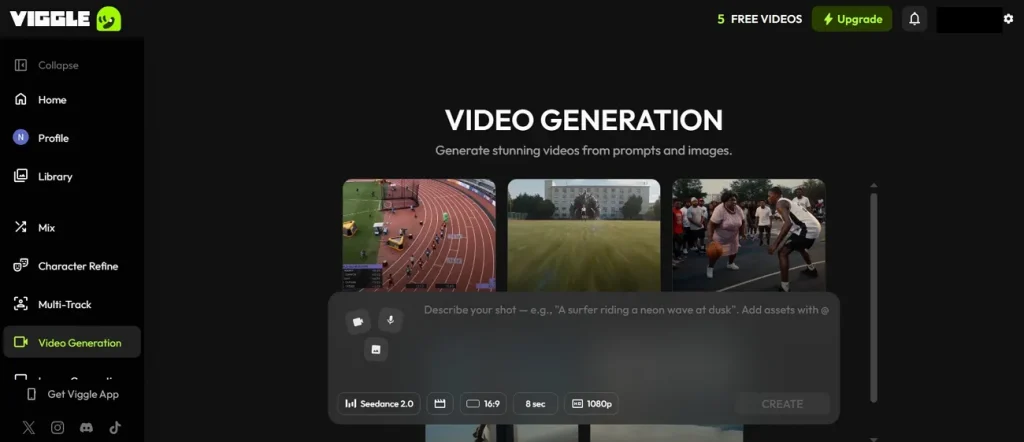
This AI tool animates photos using a reference image to guide consistent motion and maintain visual character accuracy. Additionally, Viggle uses the JST-1 model, transferring motion from videos to images over 15 seconds. The tool even allows start frame selection to control the initial position of the animation sequence. Its batch mode supports 10 images, generating multiple short clips simultaneously.
Key Features
- Supports 1080p exports in 9:16 and 16:9 formats for social videos easily.
- The end frame defines the final motion point for a smooth AI video transition effect.
- Provides 6 AI models for diverse image-to-video animation styles and outputs.
Pros
- Real-time motion transfer improves character animation consistency significantly overall.
- Camera control applies zoom, pan, and tilt effects in animation clip sequences.
Cons
- Motion may vary across templates, causing inconsistent animation results.
- Not suitable for long cinematic multi-minute video production workflow.
8. Vidu AI
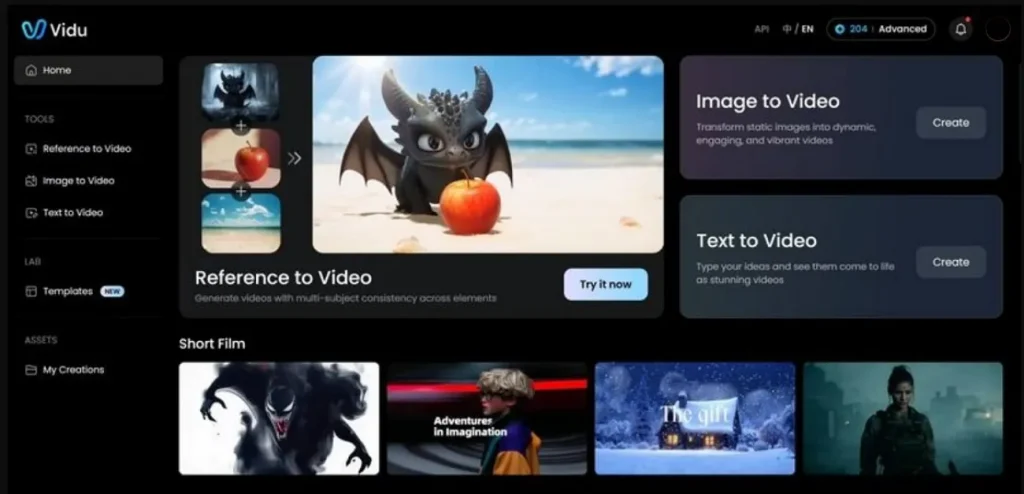
Creators can use this AI photo animation tool to generate short, cinematic videos between 4 and 8 seconds long. To create multi-shots, Vidu AI enables sequences from a single image using camera-movement transitions. The tool keeps characters and objects stable across multiple reference image frames. During video generation, you can adjust movement and amplitude to customize the animation style.
Key Features
- Generates 4 outputs from the same image with H.264 encoding support enabled format.
- Maintains visual stability across seven reference images within a single video.
- Creates cinematic visuals with smooth motion and strong aesthetic quality overall.
Pros
- Reduces manual editing effort through automated image animation workflows.
- Strengthens visual storytelling by adding depth to still photographs.
Cons
- Realism is sometimes inconsistent for complex scenes and human motion accuracy.
- Creative mode can produce unpredictable motion results in some cases.
9. Supawork AI
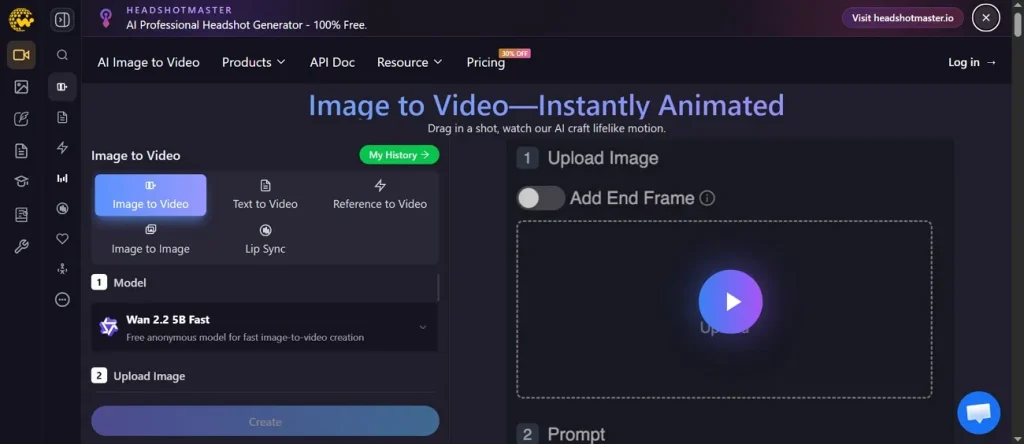
The AI tool animates photos, supports up to 1500-character prompts for detailed AI animation control. You can also create talking videos from photos using lip sync and facial animation. Supawork AI supports various image formats, including PNG, JPG, and WEBP, for a smooth photo-to-video generation workflow.
Key Features
- Allows image uploads up to 20MB for high-resolution animation processing input.
- AI automatically enhances user prompts for better motion and cinematic output.
- Maintains natural character movement using an AI-guided animation prediction system model.
Pros
- Prebuilt cinematic presets like zoom, pan, and shake for easy animation.
- Exports videos in MP4 format, compatible with all major platforms.
Cons
- Complex prompts may generate inconsistent camera movement across video frames.
- Sometimes motion looks unnatural when the image quality is low input.
10. Genmo
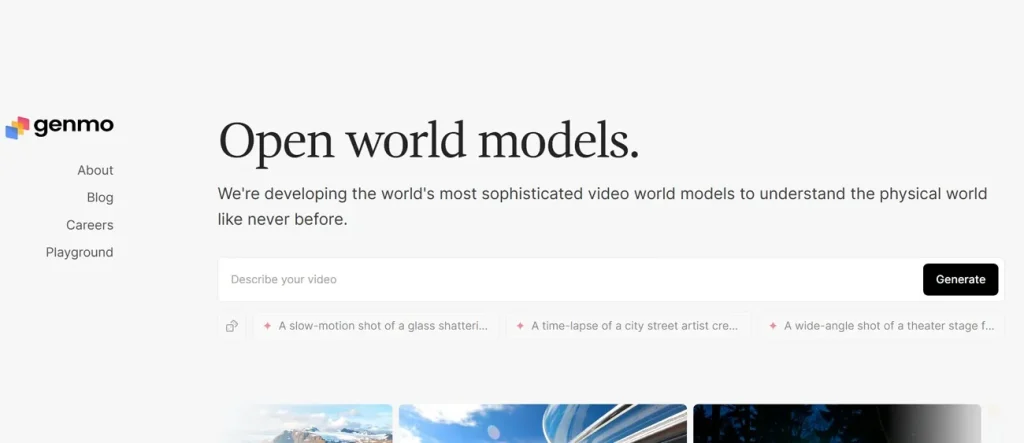
Among AI photo animation tools, Genmo AI generates 5 to 6-second animated videos from single or multiple images. Moreover, it offers 5+ animation styles like cinematic, anime, realistic, and playful visuals. Users can even guide animation style using text prompts with flexible customization. Along with this, it supports background music and audio syncing with animated image video outputs.
Key Features
- Generates 360-degree camera movements from images for dynamic 3D-style animations.
- Allows adding text overlays during animation for engaging social media content.
- Includes trim, crop, and resize tools for refining animated image videos quickly.
Pros
- Maintains temporal consistency across frames, improving overall animation stability and flow
- Delivers physics-inspired motion, reducing unnatural artifacts during image animation generation
Cons
- Lacks advanced timeline editing and frame-level animation control features.
- Produces inconsistent motion results when prompts are unclear or complex sometimes.
In-Depth Comparison of Top AI Photo Animation Tools for Beginners and Creators
The mentioned AI image animation tools provide unique features that affect video quality outcomes. Thus, walk through the comparison table below to find which tool best suits your needs:
| Tools | Models | Duration | Prompt Control | Character Consistency | Voiceover | Motion Quality |
| MagicLight AI | 17 models | Up to 50 minutes | 1500 characters | Strong identity lock | 37 languages | Cinematic realism |
| Digen AI | 16 models | 15 seconds | Medium guidance | Moderate stability | Not included | Camera movement |
| Medeo AI | 26 models | 60 seconds | Basic prompts | Weak coherence | Limited support | Smooth transitions |
| A2E AI | 6 models | 15 seconds | 1000 characters | High facial match | Lip sync | Stable animation |
| Flora AI | 5+ models | 10 min | Node workflow | High continuity | Not included | Experimental motion |
| Kaiber | Few models | 10 seconds | Hybrid input | Medium consistency | Music sync | Beat synchronization |
| Viggle AI | 3+ models | 15 seconds | Template system | Very stable identity | Not included | Motion transfer |
| Vidu AI | Multiple models | 8 seconds | Mid-level prompts | Strong consistency | Not included | Film-like output |
| Supawork AI | Few models | 10 seconds | 1500 characters | A good identity holds | Lip sync | Preset cinematic |
| Genmo | 2 models | 6 seconds | Flexible input | Moderate stability | Audio sync | Physics-based motion |
Part 2. Why MagicLight AI Is the Best AI Photo Animation Tool
Every AI tool that animates photos offers features, but not all perform equally. Therefore, below are clear reasons explaining why MagicLight AI is better than competitors:
- Physics Engine: MagicLight AI uses advanced motion prediction to mimic real laws like wind, water, or flowing fabric movement. This feature moves objects naturally instead of just warping randomly across your animated video frames.
- Stable Identity: The tool preserves face and design details while generating motion across multiple shots. It also ensures your characters remain recognizable throughout long-form projects without any weird distortion.
- Camera Control: Users can apply director-style camera paths like orbits or pushes with simple text. These movements turn static photos into cinematic shots with professional visual depth.
- Frame Fixing: AI automatically repairs distorted frames during the image-to-video generation process. Such corrections enhance the final output quality when animation errors appear unexpectedly.
- Character Memory: Characters maintain visual identity across multiple animated scenes consistently. This reduces variation and keeps recognition stable throughout video generation.
Conclusion
To sum up, using AI photo animation tools has truly changed how we share our favorite digital memories. Moving images capture attention much better than flat photos on social media platforms. Therefore, if you want to stand out, you need a powerful and simple solution. To turn your still pictures into professional and exciting videos instantly, MagicLight AI is highly recommended.
FAQs on Best Photo Animation Tools
1. What is the best AI tool to animate photos?
Among the top options, MagicLight AI is widely used for turning photos into animated video scenes easily. It creates smooth motion, camera movement, and character consistency from static images. Many creators prefer it because this tool also supports long videos up to 50 minutes and storytelling features.
2. Can AI turn a photo into a video?
Yes, AI tools can convert a single photo into moving video animations easily. They even add motion effects like zoom, pan, and realistic object movement automatically. So, this helps users turn still images into engaging short videos for content creation.
3. What is the best AI photo animation app?
MagicLight AI is considered one of the best apps for photo animation work. It supports storytelling, motion control, and realistic scene generation from simple images. Creators use it for both short clips and long animated video projects.
4. How do AI tools animate faces in photos?
AI tools detect facial points like eyes, lips, and head positions accurately first. Then they apply motion models to create natural talking or expression movements. This makes photos look like real people are speaking or moving softly.
5. Are AI photo animation tools realistic?
Yes, modern AI tools like MagicLight AI create realistic motion using physics and deep learning models. It follows real-world laws of motion, so objects do not warp strangely. Everything flows naturally, keeping your images sharp and professional in every frame.

![How to Write a Commercial Script in 2026 [Full Guide]](https://magiclight.ai/wp-2/wp-content/uploads/commercial-script-writing-full-guide-300x169.webp)