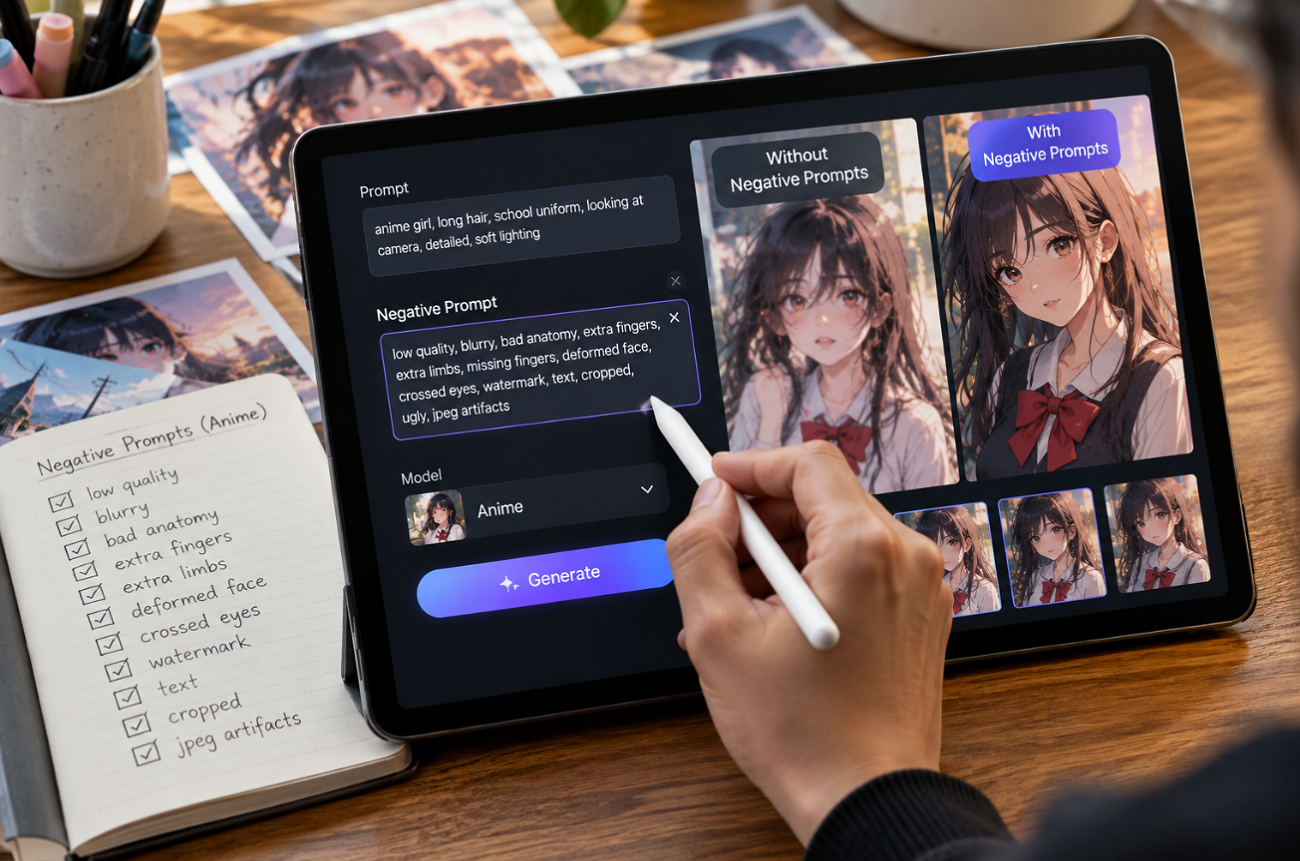
Anime images often go wrong in familiar ways, from extra fingers and blurry eyes to stray text and a sudden photoreal look. The best negative prompts for anime AI art tell the model what to leave out, so the art style and anatomy stay clean.
Stable Diffusion tools read them from a separate field, Midjourney uses the --no parameter, and some newer models work better with positive descriptions. Knowing which format a tool expects matters as much as the words themselves.
Part 1. How to Choose the Best Negative Prompts for Anime AI Art
Effective negative prompts for AI art should target problems the model actually produces instead of listing every possible flaw. Overloaded prompts can weaken the effect of individual terms, so focus on the 5 areas below when writing a negative prompt for anime art:
- Quality Issues: Quality tags such as “worst quality” and “lowres” help most on older anime checkpoints, while SDXL models react less strongly and often need fewer terms.
- Anatomy Errors: Add hand and limb terms only when those errors appear, weight stubborn problems like “(bad hands:1.3),” and reuse the same list for recurring characters.
- Face and Eye Errors: Eyes carry much of an anime character’s expression, so target asymmetry and malformed pupils while avoiding terms that conflict with the intended expression, such as “open mouth.”
- Composition Problems: Negate cropping, duplicate figures, and stray text when the goal is a clean single-subject image, while allowing crowds, signs, or other elements when the scene requires them.
- Unwanted Art Styles: Terms such as “3d,” “photorealistic,” and “render” can steer results toward flatter, cel-shaded artwork. Avoid copying negative prompts from photorealistic workflows that may incorrectly include “anime.”
Part 2. 6 Best Negative Prompt Categories for Anime AI Art
The best negative prompts for anime AI art work better when they target one problem at a time rather than combining unrelated terms. Here are 6 focused prompt categories for common anime AI art problems, with ready-to-use negative prompts you can test and adjust for your image:
1. Quality & Detail Negative Prompts
Best For: Clean linework and sharp detail on any anime model.
Almost every AI art negative prompt opens with quality terms, because they reduce blur, compression noise, and muddy linework in one pass. They matter most on Stable Diffusion anime checkpoints, where the positive prompt alone rarely guarantees clean detail.
Key Prompts: worst quality, low quality, normal quality, lowres, blurry, jpeg artifacts, pixelated, noisy, grainy, oversaturated
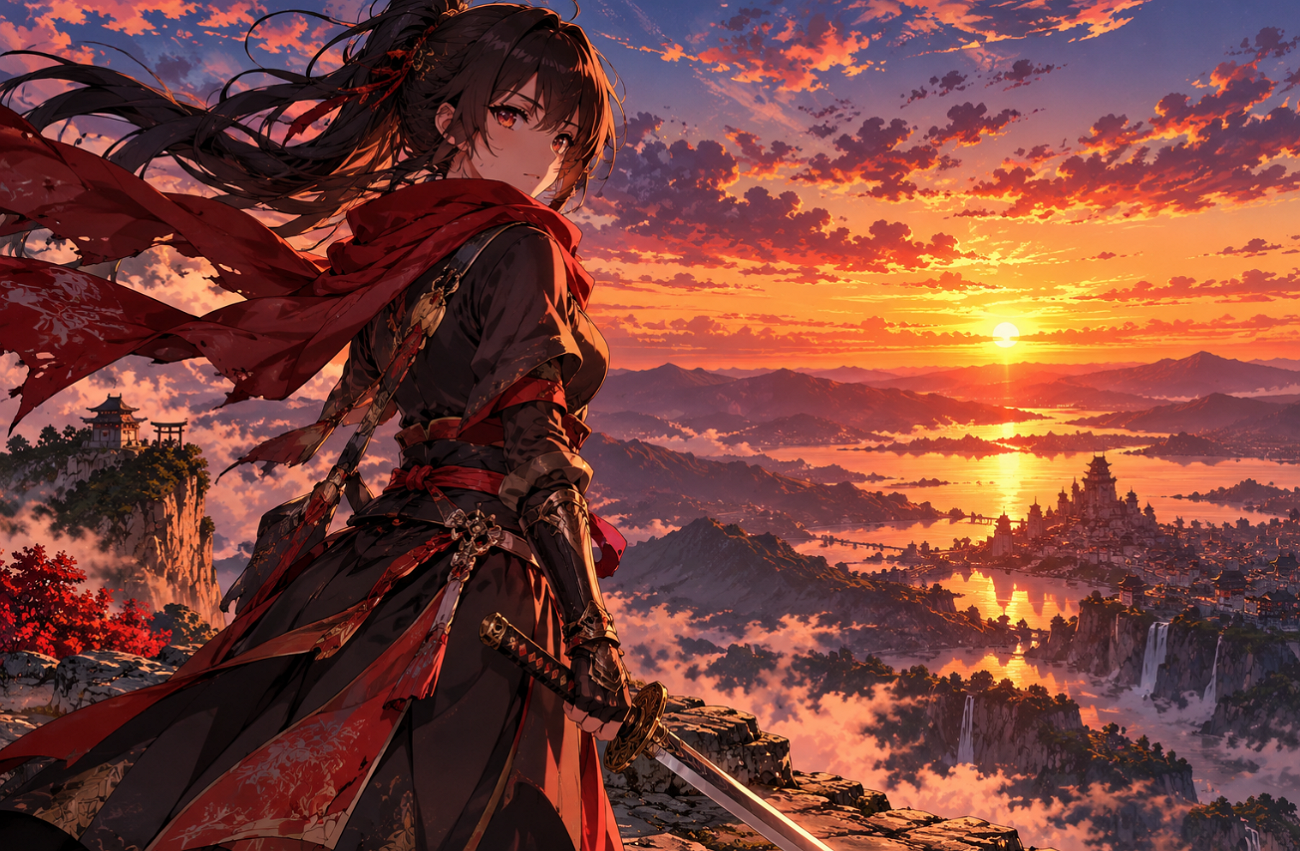
Example Prompt: anime swordswoman on a cliff at sunset, flowing red scarf, detailed eyes, cel shading, vibrant sky
Example Negative Prompt: worst quality, low quality, lowres, blurry, jpeg artifacts, oversaturated
2. Anatomy Negative Prompts
Best For: Action poses, hand gestures, and characters holding weapons or props.
Hands, arms, and legs fail most often in action poses or when characters hold objects. Anatomy terms steer the model away from extra digits, fused fingers, and twisted limbs without changing the art style.
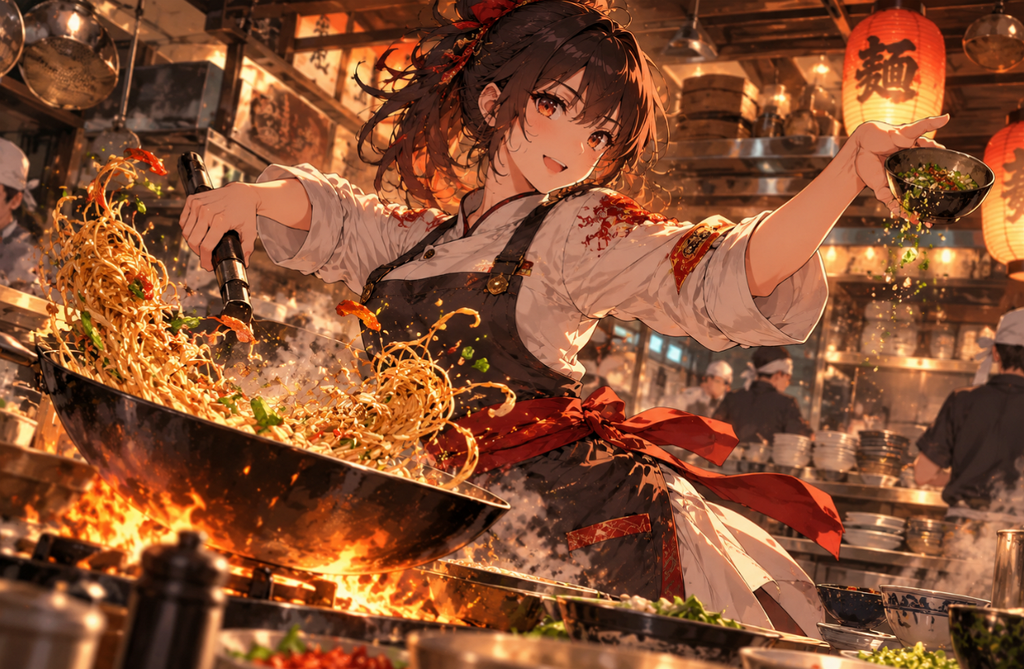
Key Prompts: bad anatomy, bad hands, extra fingers, missing fingers, fused fingers, extra limbs, malformed limbs, long neck, bad proportions
Example Prompt: anime chef tossing noodles in a busy kitchen, dynamic pose, both hands visible, warm lighting
Example Negative Prompt: bad anatomy, (bad hands:1.3), extra fingers, fused fingers, malformed limbs
3. Face & Character Negative Prompts
Best For: Portraits, close-ups, and recurring characters in a series.
Anime faces can look unnatural when small errors appear around the eyes or facial features. Negative prompts for AI art help prevent mismatched eyes, extra features, and distorted expressions. These targeted terms also improve character consistency across portraits, close-ups, and recurring anime designs.
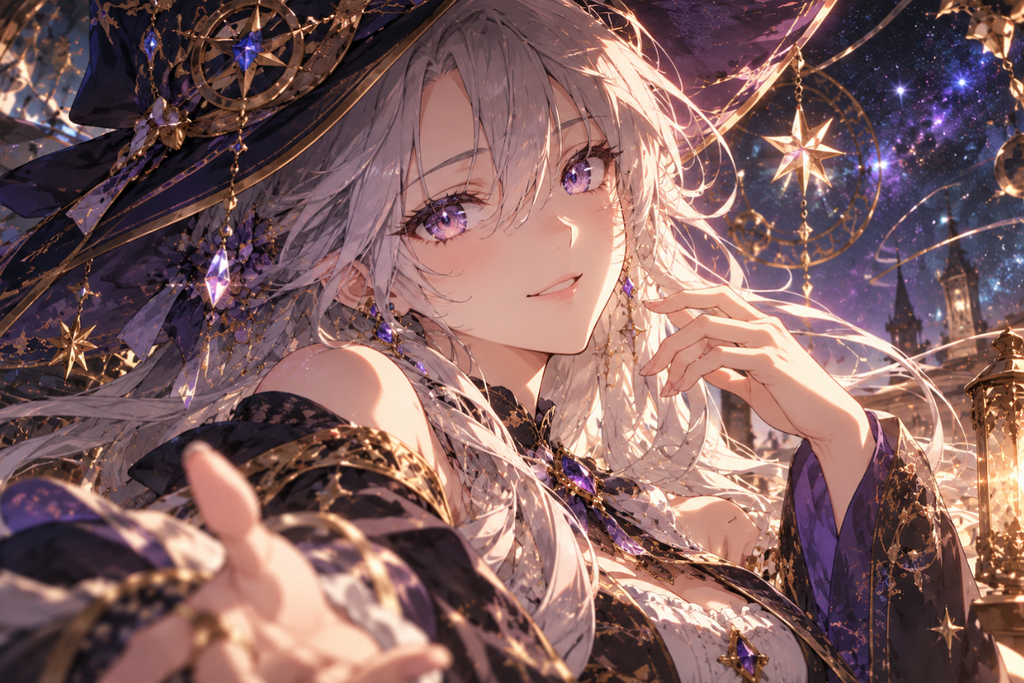
Key Prompts: bad face, asymmetrical eyes, cross-eyed, extra eyes, malformed pupils, distorted face, mismatched eye colors, duplicate character
Example Prompt: close-up of an anime mage with silver hair and violet eyes, gentle smile, soft rim light, starry background
Example Negative Prompt: asymmetrical eyes, cross-eyed, malformed pupils, distorted face, mismatched eye colors
4. Composition & Background Negative Prompts
Best For: Wallpapers, key art, and thumbnails with a single clear subject.
Stray signatures, cropped heads, and cluttered backdrops pull attention from the character. Composition terms keep the subject whole and the frame free of text, logos, and duplicate figures. Signature and watermark terms are important for anime models trained on online art archives, since many training images carry artist marks.
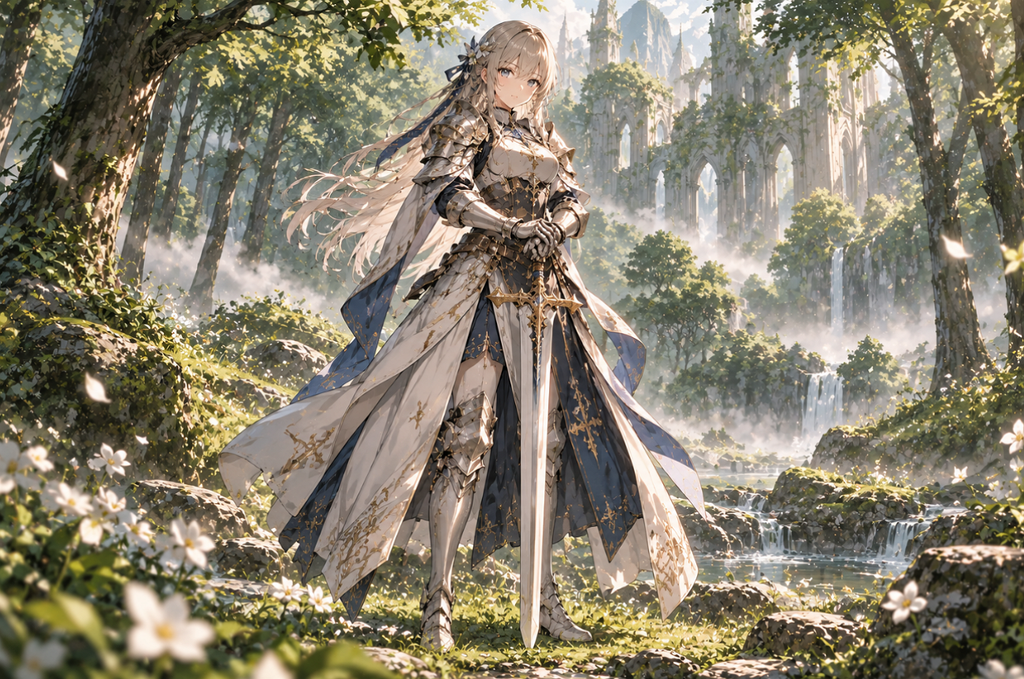
Key Prompts: cropped, out of frame, cut off, text, watermark, signature, username, logo, cluttered background, duplicate, border
Example Prompt: full-body anime knight standing in a quiet forest clearing, centered composition, morning mist, soft green palette
Example Negative Prompt: cropped, out of frame, text, watermark, signature, cluttered background, duplicate
5. Style & Rendering Negative Prompts
Best For: Keeping a flat, cel-shaded anime look on models trained on mixed styles.
Anime checkpoints sometimes drift toward 3D renders or photographic skin when prompts include realism-focused tags. An AI art generator negative prompt can suppress unwanted realism and preserve the intended anime appearance. Style terms encourage flat colors, clean lines, and cel shading instead of photographic textures.
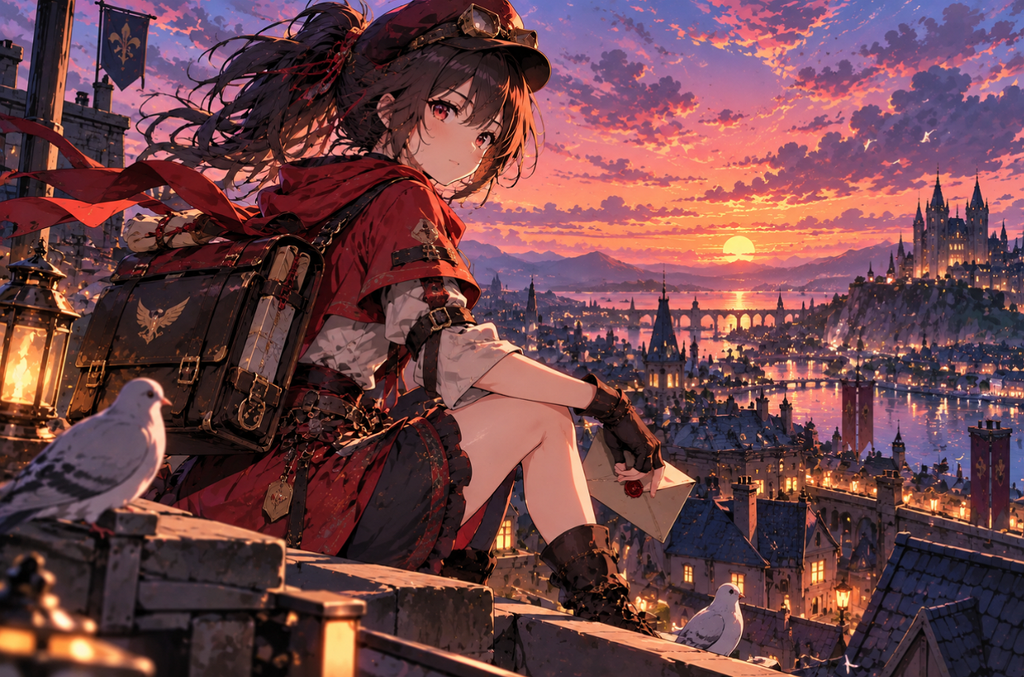
Key Prompts: 3d, realistic, photorealistic, photo, render, cgi, western cartoon, sketch, monochrome, grayscale, harsh shadows
Example Prompt: anime courier on a rooftop at dusk, city lights in the distance, cel shading, bold outlines, pastel sky
Example Negative Prompt: 3d, photorealistic, render, CGI, western cartoon, monochrome
6. Common AI Art Negative Prompt List
Best For: A starting negative prompt for any new anime model or checkpoint.
A general AI art negative prompt list saves time when starting a new anime project, since it covers quality, anatomy, and text errors together. Trim it after the first results rather than keeping every term. Many Stable Diffusion users also add embeddings such as EasyNegative instead of typing long lists.
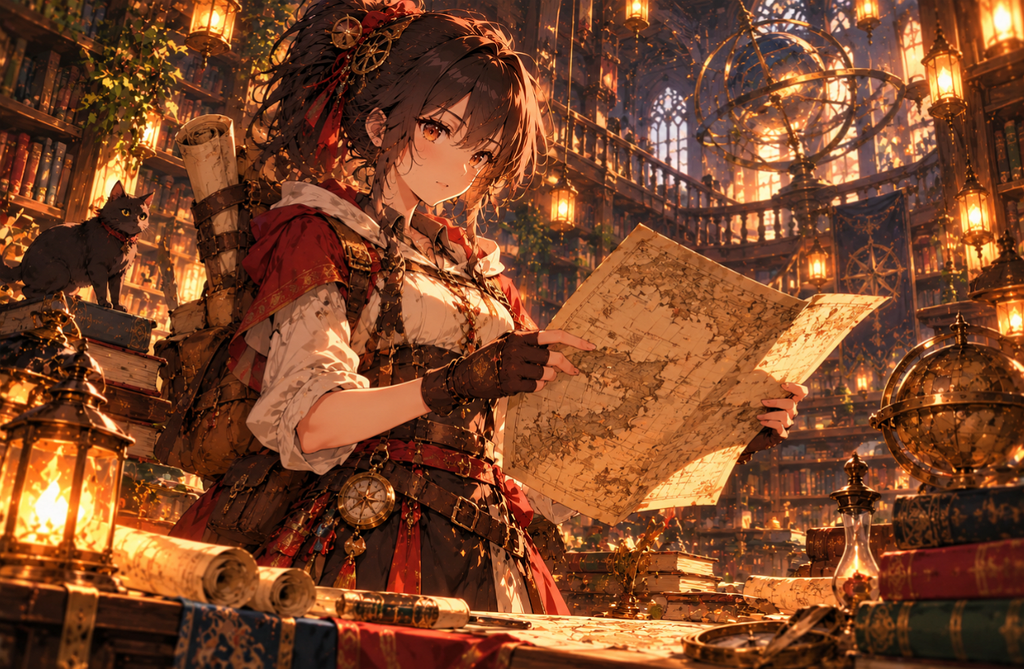
Key Prompts: lowres, bad anatomy, bad hands, text, error, missing fingers, extra digit, fewer digits, cropped, worst quality, low quality, jpeg artifacts, signature, watermark, username, blurry
Midjourney Format: anime explorer reading a map in a lantern-lit library, warm palette --no text, watermark, signature, blurry
Part 3. Why MagicLight AI Is a Strong Choice for Anime AI Art Creation
MagicLight AI suits anime creators who prefer describing what they want over managing long negative lists. Its image models follow plain-language direction, and reference uploads help each character match its design sheet. Finished art can also be animated or turned into anime-style stories with consistent characters. The 5 image models, batch outputs, and free starter credits make side-by-side testing affordable.
How to Create Clean Anime Art With MagicLight AI
MagicLight AI’s Image panel uses a single prompt field instead of a separate negative box. Google recommends positive scene descriptions over “no” phrases for its Nano Banana image model. The steps below show how to adapt an AI art negative prompt list into positive instructions for cleaner anime results:
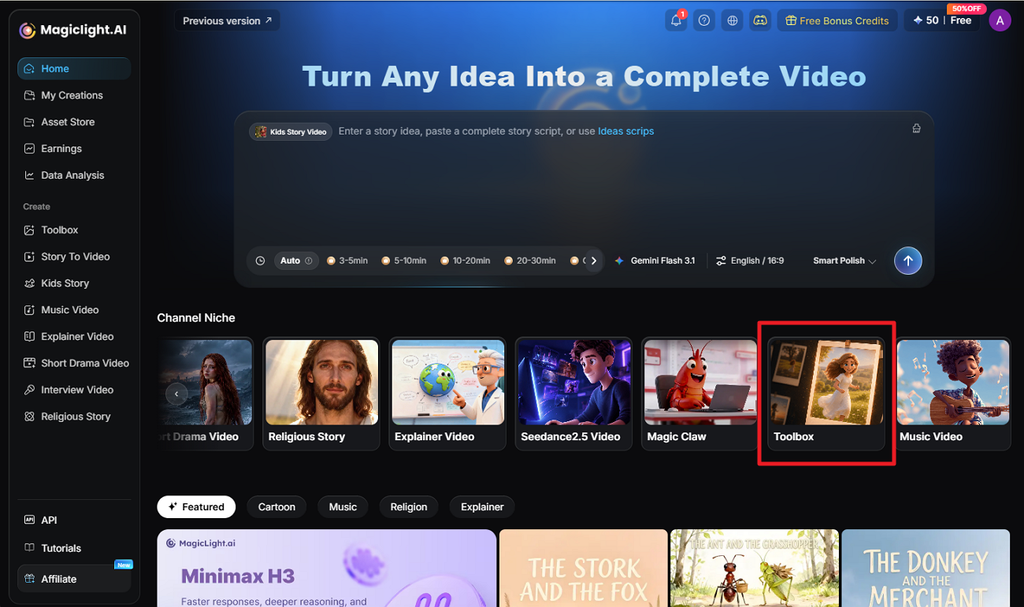
Step 1. Open the Image Tool
Open Toolbox in MagicLight AI and select Image to access the image generation workspace. Upload a character reference if you want to maintain a consistent anime character design.
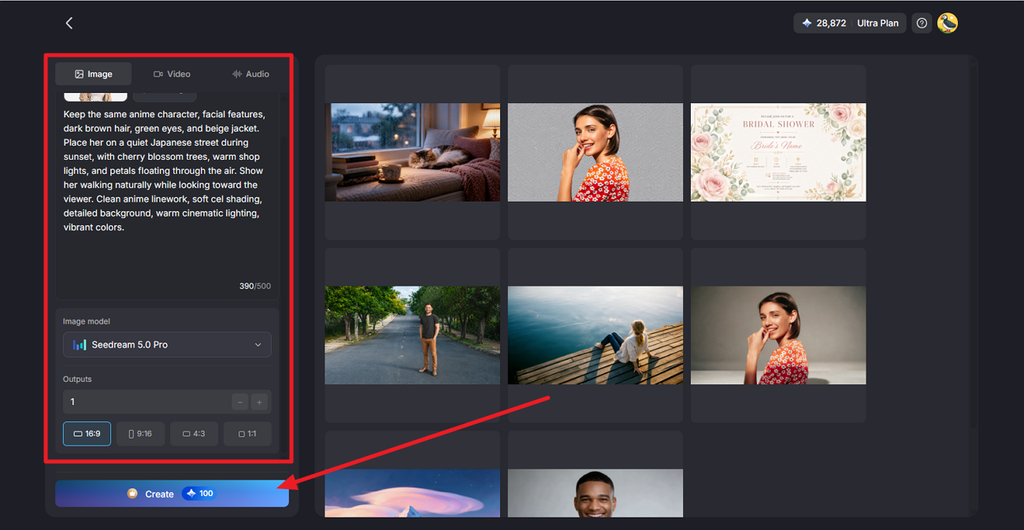
Step 2. Choose a Model and Add Your Prompt
Choose an Image Model, then enter a clear anime prompt with positive descriptions and short exclusions. Set the Resolution, Outputs, and Aspect Ratio, then press Create to generate your images.
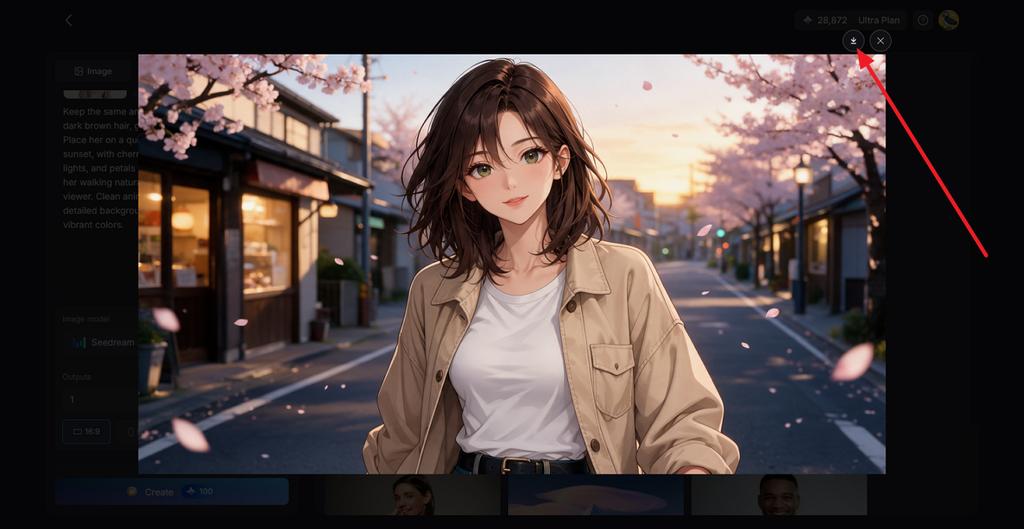
Step 3. Review and Download the Image
Compare the generated images for clean hands, balanced eyes, consistent details, and accurate styling. Choose your preferred result and click the Download icon to save the finished anime artwork, or animate it later with Image to Video.
Conclusion
The best negative prompts for anime AI art focus on specific flaws rather than long lists of unnecessary terms. Quality, anatomy, facial, composition, and style prompts can address most common generation problems. For models that favor positive instructions, these corrections can become clear visual descriptions. MagicLight AI makes this approach simple and can also animate the finished anime artwork.
FAQs About Negative Prompts for Anime AI Art
1. What is a good negative prompt for anime AI art?
A good starting point combines quality and anatomy terms, such as “worst quality, low quality, lowres, bad anatomy, bad hands, text, watermark, blurry.” Add face or style terms only when those problems appear, and keep the list short so each term keeps its weight.
2. How do negative prompts improve AI-generated images?
Negative prompts steer generation away from unwanted traits, reducing blur, extra fingers, and stray text. Some models reach the same result through clear positive descriptions. MagicLight AI makes those fixes easy to test, since one prompt can run on any of its 5 image engines.
3. How do I use negative prompts with an AI art generator?
Most Stable Diffusion interfaces have a separate field for the AI art generator negative prompt, which NovelAI calls Undesired Content. Midjourney reads unwanted terms after --no at the prompt’s end. MagicLight AI is simpler for beginners, with positive descriptions and brief exclusions in one prompt.
![How to Create a TikTok Video for Beginners [2026 Guide]](https://magiclight.ai/wp-2/wp-content/uploads/tiktok-video-creation-guide-300x169.png)
![How to Blur Faces in Photos Like a Pro [2026 Guide]](https://magiclight.ai/wp-2/wp-content/uploads/blur-faces-in-photos-with-ai-300x198.png)