


A written description can now become a product image, poster, illustration, or concept artwork. The best text-to-image AI generator should interpret prompts accurately while supporting different visual styles. Image quality also matters when details, lighting, and composition need to remain consistent.
This guide compares 6 popular tools based on prompt accuracy, available styles, editing features, output quality, and free access. Each option serves different creative needs and workflows.
Part 1. How to Choose the Best Text-to-Image AI Generator
Most text-to-image tools create appealing images, but accuracy, control, and access vary considerably. Below are the 5 factors that show what to compare when choosing a dependable generator:
- Prompt Accuracy: Check whether requested objects, colors, quantities, positions, and other important details appear correctly.
- Complex Prompt Handling: Longer prompts test how well models manage multiple subjects, spatial relationships, and readable text.
- Style and Creative Control: Style references, presets, and customization options help maintain a consistent look across images.
- Resolution and Editing Tools: Resolution, upscaling, inpainting, and outpainting determine how easily generated images can be refined.
- Free Access and Limits: Credits, renewal periods, public-generation rules, and export restrictions determine what free users receive.
Part 2. 6 Best Text-to-Image AI Generators in 2026
From simple prompt-based creation to advanced editing, these 6 tools serve different creative needs. The options below highlight where each platform performs differently and what users should consider before choosing one:
1. MagicLight AI
Best For: Marketers creating campaign visuals from detailed written descriptions.
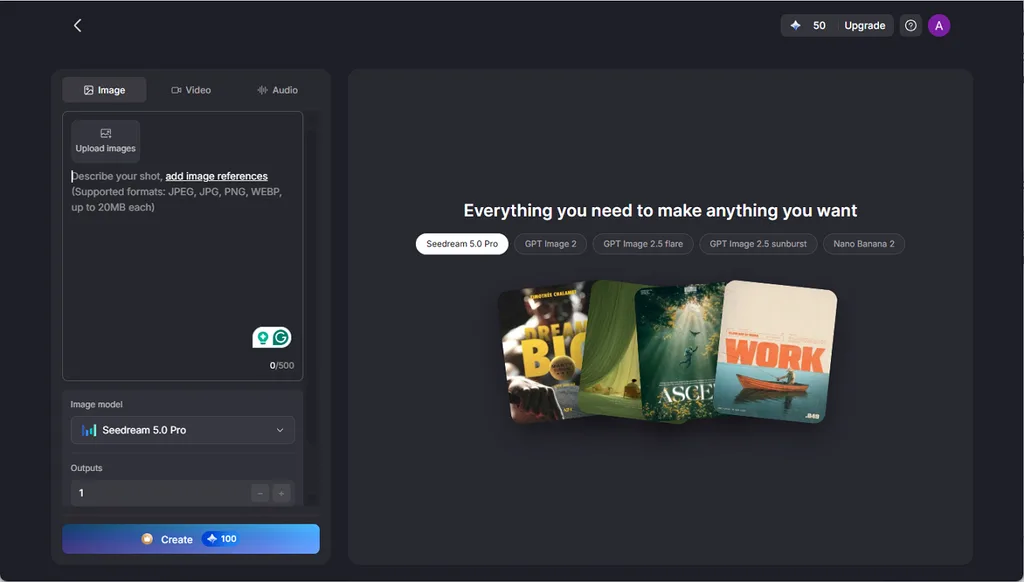
MagicLight AI turns written ideas into images for advertisements, blog graphics, product concepts, and social content. You can describe the subject and surrounding scene directly in 500 characters, making the workflow suitable for projects where the visual direction begins with a clear written concept.
The platform also offers 5 image models within the same workspace. This gives users different approaches to interpreting a prompt without moving between separate image-generation services.
Key Features
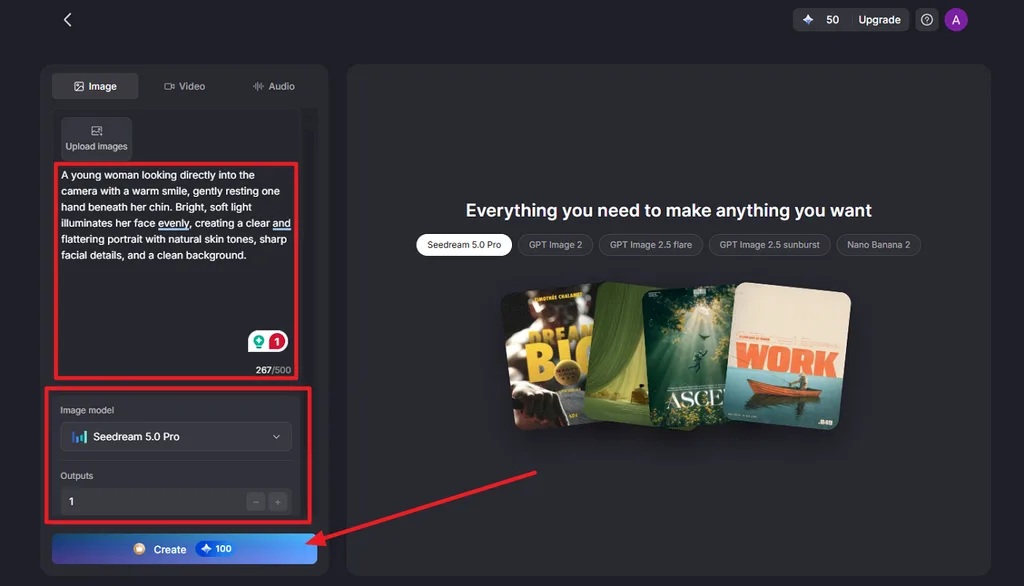
- Descriptive Prompts: A 500-character box holds the subject, setting, style, lighting, and camera angle in one description.
- Reference Matching: Uploaded references in JPEG, JPG, PNG, or WEBP, up to 20MB each, keep a real product, pet, or face recognizable.
- 5 Text-to-Image Models: Choose from Seedream 5.0 Pro, Nano Banana 2, GPT Image 2, GPT Image 2.5 Flare, and GPT Image 2.5 Sunburst to generate different interpretations of the same prompt.
- Side-by-Side Outputs: The Outputs control can generate several alternatives for comparing compositions from one prompt.
- Various Aspect Ratio Options: Available formats include 9:16 vertical, 16:9 widescreen, 1:1 square, and 4:3 standard, covering social posts, thumbnails, banners, presentations, and editorial graphics.
Pros
- Simple controls make the image workspace accessible to first-time users.
- Generated results can continue into Magiclight AI’s video creation workflows.
- One account provides access to additional image, video, and audio tools.
Con
- The Image panel lists no output resolution, so large print sizes need checking.
2. Midjourney
Best For: Art directors and illustrators who judge results by atmosphere.
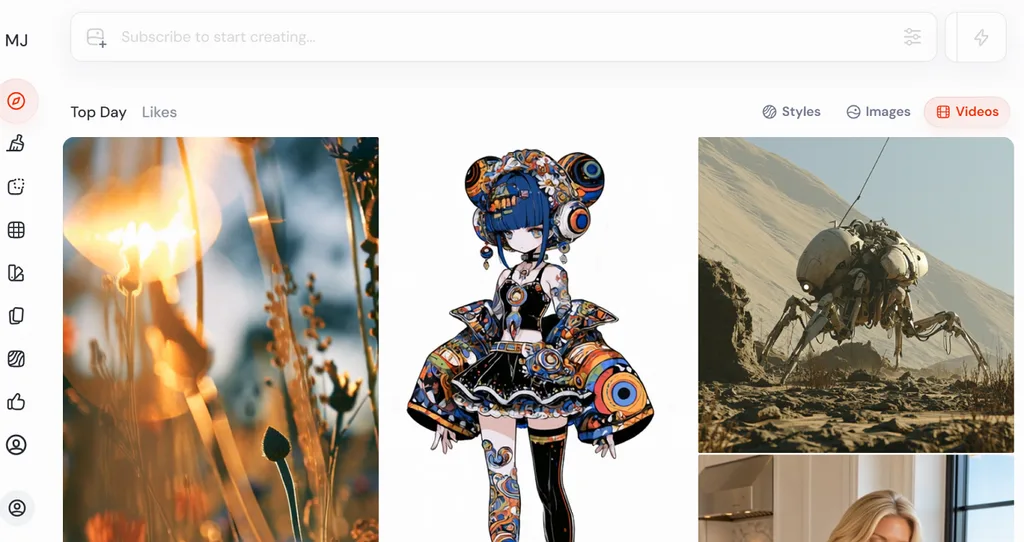
Among current text to image AI tools, Midjourney places strong emphasis on aesthetics, image quality, and personalization. Its V8.2 model became the default on July 24, 2026, with improvements focused on these areas. Plans currently start at $10 monthly, while the Midjourney website does not offer a free trial.
Key Features
- The V1 video model turns a finished image into a 5- to 21-second clip.
- Subtle and Creative upscalers double the size of an image.
- Discord and the web app share one account, so prompts can start in either.
Pros
- Relax mode gives unlimited images on the Standard, Pro, and Mega plans.
- Users own their images to the fullest extent the law allows.
Cons
- Basic includes 3.3 Fast GPU hours and excludes Relax Mode.
- Million-dollar businesses need Pro or Mega for image ownership rights.
3. Ideogram
Best For: Creating text-heavy graphics with clear, readable lettering.
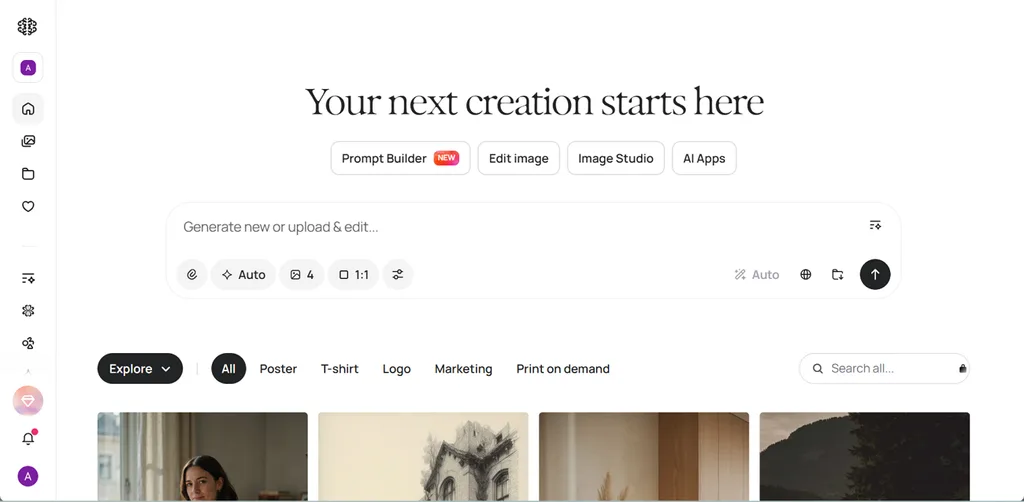
Readable text remains difficult for many image generators, making Ideogram useful for typography-focused designs. Its Ideogram 4.0 model launched across all plans in June 2026, with improvements to prompt adherence, typography, image quality, and editing.
Key Features
- Layout prompts can say where a logo, headline, or callout belongs in the design.
- Magic Prompt expands a short idea into a detailed description before generating.
- Custom Models learn a brand look from 15 to 100 on-brand images.
Pros
- The terms allow commercial use and claim no ownership of outputs.
- Aspect ratios run from 1:3 to 3:1 for tall posters and wide banners.
Cons
- The 10 weekly free credits need a Google, Apple, or Microsoft sign-in.
- Non-Latin scripts can render unpredictably, according to Ideogram’s own guide.
4. Stable Diffusion
Best For: Advanced users seeking local generation and extensive customization options.
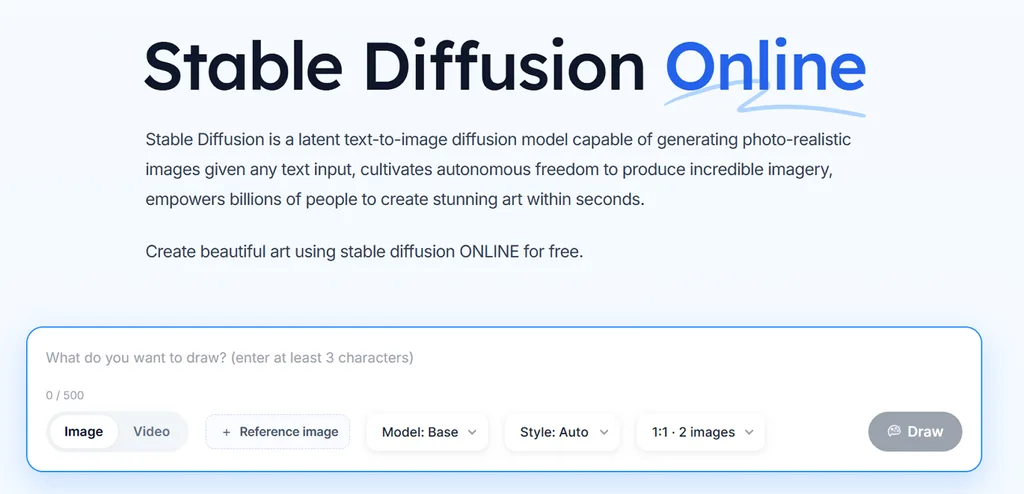
Stable Diffusion stands apart among the best text to image generators because its open models can run on compatible personal hardware. Stability AI provides the SD 3.5 model family for download, while community interfaces such as ComfyUI provide tools for configuring and running image-generation workflows.
Key Features
- SD 3.5 Large uses 8.1 billion parameters and targets 1 MP images.
- Official ControlNets for SD 3.5 Large guide composition with Blur, Canny, and Depth maps.
- Community LoRAs and custom checkpoints add styles and characters the base model lacks.
Pros
- Free commercial use covers individuals and businesses earning under $1 million.
- Local generation keeps prompts and images on your own computer.
Cons
- SD 3.5 Medium still needs about 9.9GB of VRAM, not counting text encoders.
- There is no official one-click desktop app, so setup takes some technical comfort.
5. NightCafe
Best For: Casual creators exploring multiple image models without installing software.
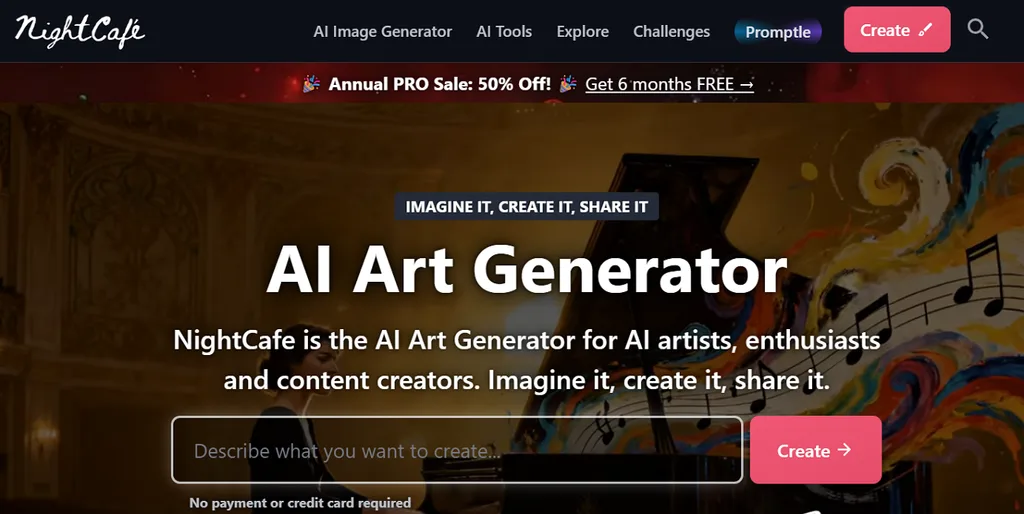
NightCafe is a practical option for anyone seeking the best free AI text to image generator with recurring free credits. The browser-based platform provides daily credits for image creation, while logging in for five consecutive days earns an additional 10-credit bonus.
Key Features
- ControlNet and image prompting guide composition and style from uploaded pictures.
- Inpainting repaints a selected area with Stable Diffusion and Flux models.
- The upscaler enlarges images up to 16 times, or 128 megapixels.
Pros
- PRO plans start at $7.49 a month with 100 fast credits.
- Access Flux, Seedream, Ideogram V3, and GPT Image models together.
Cons
- No paid tier raises the base generation resolution, according to NightCafe’s FAQ.
- Video models are available only on PRO plans.
6. Craiyon
Best For: Casual users creating simple images without paying upfront.
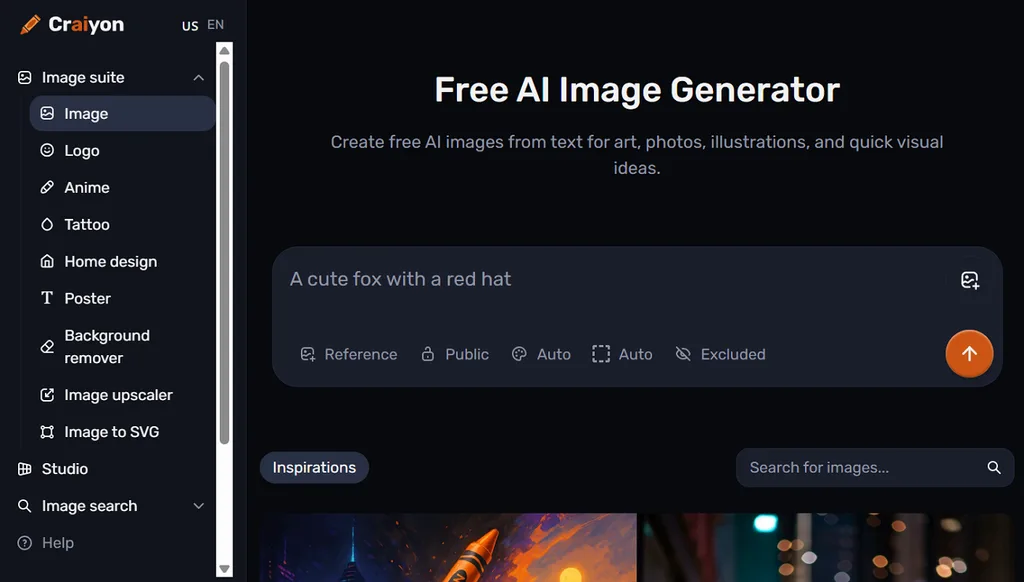
A short written description is enough to create images directly in a web browser. Craiyon provides free text-to-image generation, while paid plans offer faster processing and higher-quality results. Its straightforward controls make it suitable for occasional image creation without requiring advanced editing experience.
Key Features
- Browse a large public gallery to find ideas for image prompts.
- Retouch generated images using available editing credits for targeted improvements.
- Paid plans include tools for creating animations and scalable vector graphics.
Pros
- Every paid tier includes unlimited images and HD downloads.
- The Professional plan adds private generation for personal or client work.
Cons
- Free users may face waits during peak hours.
- There is no mobile app yet, only the website.
Compare the 6 Best Text-to-Image AI Generators
Accuracy, editing depth, and free access narrow down the best text to image AI generator for any project. The table sets the 6 tools side by side on those points:
| Tool | Best Known For | Free Option | Editing Tools |
| MagicLight AI | 5 models in one prompt panel | Free credits, no card | References, batch outputs |
| Midjourney | Painterly, atmospheric art | None on the website | Edit Model, upscalers |
| Ideogram | Legible text in images | 10 slow credits a week | Magic Fill, Extend |
| Stable Diffusion | Local, customizable models | Free to run locally | ControlNet, LoRAs, inpainting |
| NightCafe | Many models, daily credits | Daily free credits | Inpainting, upscaling to 128MP |
| Craiyon | Quick, simple images | Watermarked free tier | Retouch with edit credits |
Part 3. Why MagicLight AI Is a Strong Choice for Text-to-Image Generation
Magiclight AI supports text-to-image creation through 5 image models, giving users several interpretations of one prompt. Reference images provide additional visual direction, while multiple outputs simplify comparison. Finished images can continue into Image to Video or Story to Video.
How to Turn Text Into an Image With MagicLight AI
A detailed prompt gives MagicLight AI clearer direction for the subject, setting, style, and composition. Here are the steps to turn text into an image with MagicLight AI:
Step 1. Open the Image Workspace
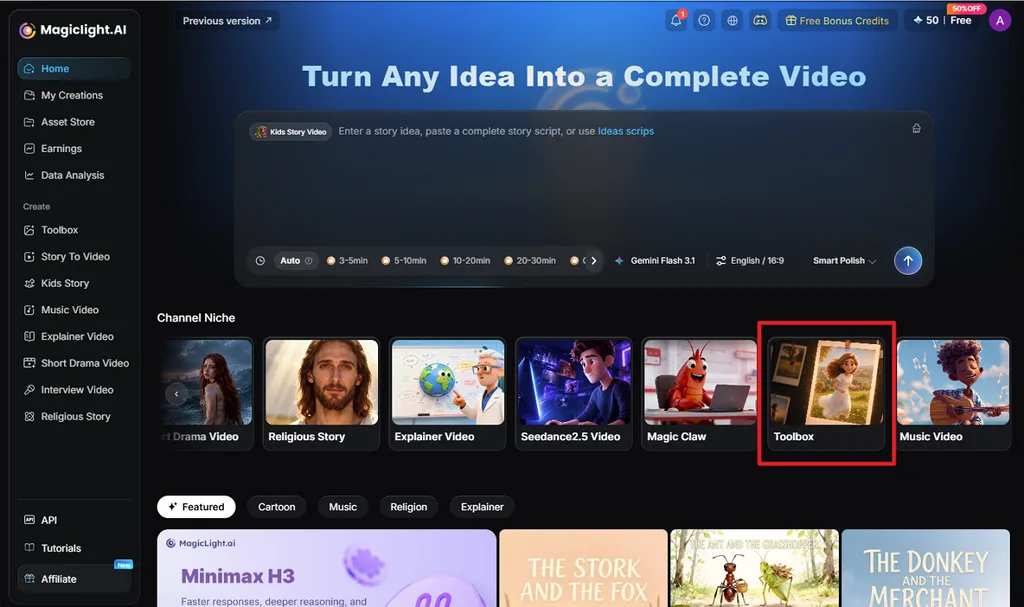
From the MagicLight AI home page, select Toolbox under the Channel Niche section. Open the Image tab to access the text-to-image generation controls.
Step 2. Enter the Prompt and Generate
Write a detailed prompt describing the subject, setting, lighting, style, and composition you want. Choose an Image Model, for example, Seedream 5.0 Pro, set the Outputs and Aspect Ratio, then click Create.
Step 3. Review and Download the Image
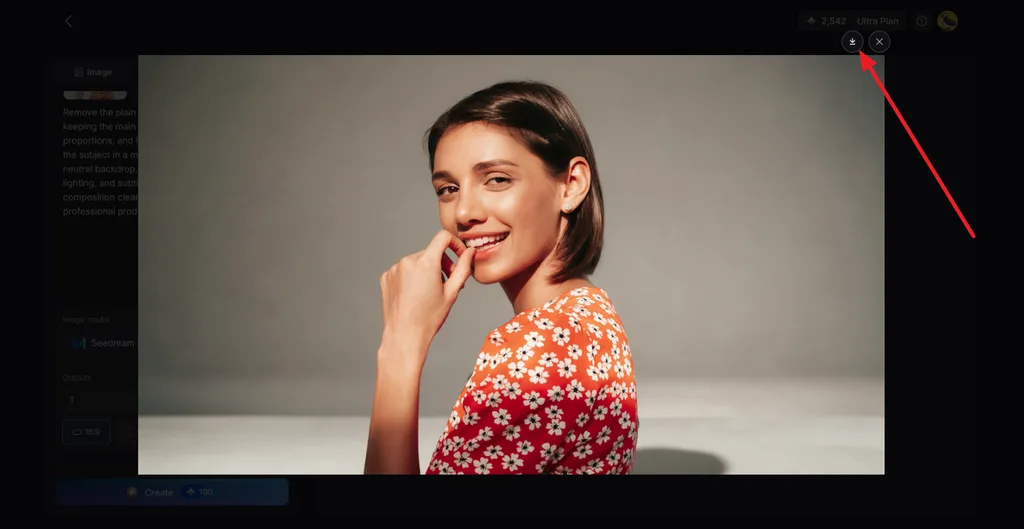
Open the generated results and compare how accurately each image follows your written description. Select your preferred result, then click the Download icon to save the image.
Conclusion
The best text-to-image AI generator depends on the required output and level of control. Ideogram suits text-heavy graphics, while Midjourney emphasizes visual style and Stable Diffusion supports local generation. NightCafe and Craiyon provide accessible options for casual creation. For multiple image models and a workflow that can extend generated images into video, MagicLight AI is worth considering.
FAQs About the Best Text-to-Image AI Generators
1. How do I turn text into an image with AI?
Write a prompt that names the subject, setting, style, and lighting, then run it through a text-to-image tool. In MagicLight AI, that means opening the Image tab under Toolbox, choosing a model and aspect ratio, and clicking Create to generate.
2. What is the best AI tool for turning text into images?
The best text-to-image AI depends on the goal, with Ideogram suiting readable text and Midjourney suiting polished art. Stable Diffusion fits users who want local control, while MagicLight AI fits comparing five models on one prompt before animating the result.
3. Can I create images from text for free with AI?
The best free text to image AI options include NightCafe’s daily credits, Ideogram’s weekly slow credits, and Stable Diffusion running locally at no cost. Craiyon keeps a watermarked free tier, and every new MagicLight AI account includes free starter credits.





