A freelance designer has 3 weeks to create coffee packaging, Instagram posts, and promotional videos. Both Canva and Freepik offer creative tools, yet each platform approaches design from a different direction. Canva focuses on simple editing, while Freepik combines extensive stock resources with advanced AI creation tools.
The Canva vs. Freepik comparison changed in 2026 when Freepik rebranded as Magnific on April 28. Existing accounts, subscriptions, and downloads remained available, allowing users to continue their creative projects without interruption. For creators interested in AI storytelling, MagicLight AI offers another option for producing engaging brand videos.
Part 1. Canva vs. Freepik: Features, AI Tools, and Pricing
Canva and Freepik offer design tools, creative assets, and AI features for different needs. However, their pricing structures, AI usage limits, and available resources differ in several ways. The following comparison explores their features, subscription plans, and licensing terms for commercial projects.
Design and Editing Tools
Canva vs. Freepik reveals different approaches to editing, design flexibility, and creative workflows. Canva supports social posts, videos, and websites through its drag-and-drop design editor online. Magnific Designer focuses on browser-based editing, offering layers and tools for customizing visual assets. The table below compares their capabilities across 5 common design tasks and workflows:
| Editing Task | Canva | Freepik (Magnific) | Workflow Edge |
| Resizing Social Media Posts | Magic Resize for multiple formats | Custom dimensions and manual resizing | Canva |
| Opening Layered Client Files | PSD and Illustrator imports | PSD editing support | Canva |
| Editing Flat JPG Images | Magic Layers for supported JPG designs | AI image editing tools | Canva |
| Preparing Print Files | PDF Print, CMYK, Canva Print | PDF and image exports | Canva |
| Working With Photoshop or Figma | PDF, PNG, and SVG exports | External asset workflows | Depends |
Stock Assets and Resources
Canva provides stock photos, videos, graphics, and templates directly within its design editor workspace. Freepik focuses on downloadable creative assets, including vectors, PSD files, illustrations, photos, and mockups. Look at the table below to compare their resource libraries, template options, and file download flexibility:
| Resource | Canva | Freepik (Magnific) |
| Library Size | 141M+ photos, videos, graphics, and audio assets on Pro | 250M+ stock assets, including photos, vectors, PSDs, and videos |
| Templates | 3.6M+ templates on Pro, editable within Canva | Downloadable PSD templates, mockups, and design resources |
| File Handoff | Finished design exports; standalone stock use restricted | Downloadable source assets; redistribution restricted; 100 daily stock downloads on paid plans |
AI Features
Both platforms offer AI tools for generating images, videos, and other types of content. However, Canva vs Freepik shows significant differences in model selection, editing, and creative flexibility. Below are 3 key areas that highlight their AI capabilities for different creative tasks:
- Image Generation: Canva's Dream Lab generates images from text prompts within its integrated creative design environment. Freepik supports models including Flux, Ideogram, and Seedream, alongside tools for consistent character creation.
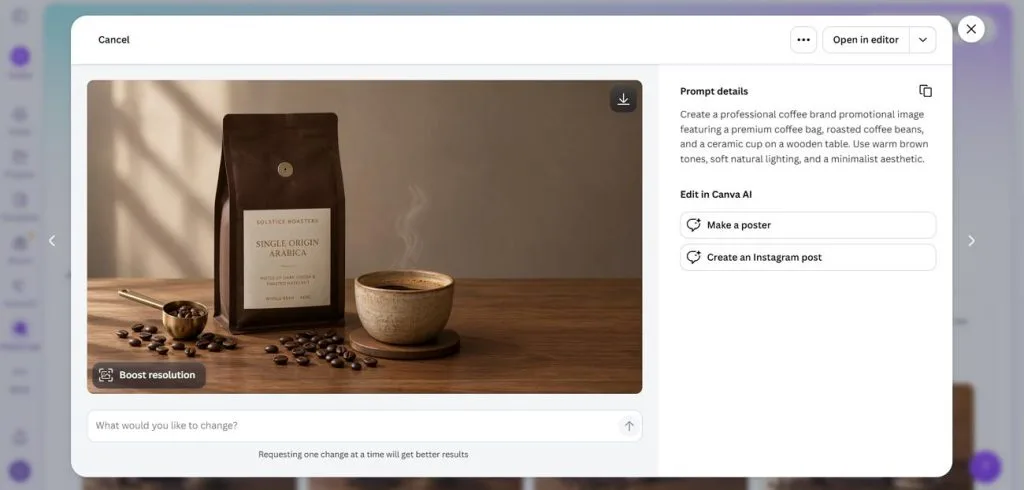
- Video Clips: Freepik supports video generation through AI models including Kling, Veo, Seedance, and MiniMax options. Canva uses Google's Veo technology to generate short video clips with synchronized audio effects.
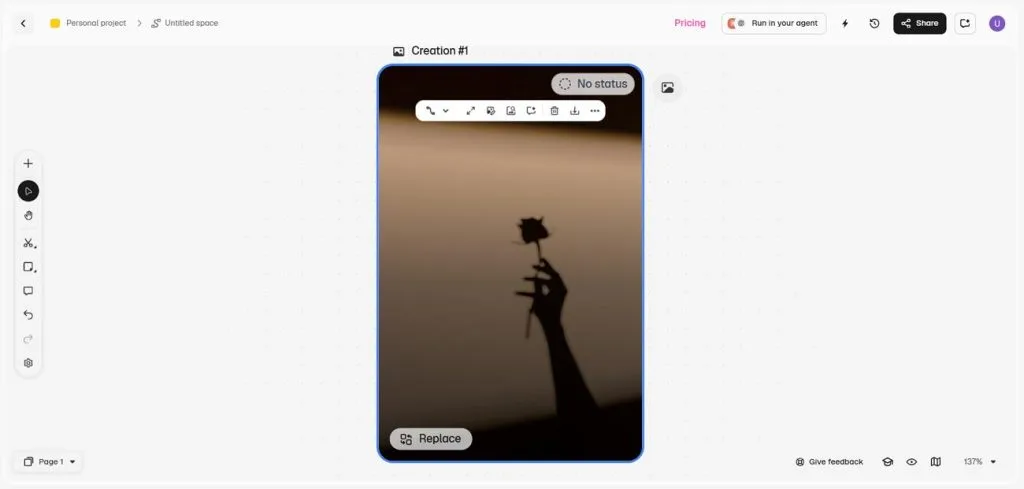
- Conversational Design: Canva supports conversational design creation, allowing users to generate editable layouts through text-based instructions easily. Freepik Spaces connects image, video, and audio generation tools through customizable visual creative workflows.
Pricing and Free Plans
Canva offers free design tools and paid subscriptions for advanced editing, branding, and collaboration. Freepik combines stock downloads with AI credits, making generation limits important when comparing plans. Here's how their subscription costs and usage limits compare across free and paid plans:
| Plan | Price (Billed Yearly) | Included Features | Limitations | Ideal User |
| Canva Free | $0 | 1.6M+ templates, 4.7M+ media assets, 5GB storage | Up to 20 Standard or Premium AI uses; no Ultra AI | Beginners and casual creators |
| Canva Pro | $12/month | 141M+ assets, 3.6M+ templates, 100GB storage, 5 Brand Kits | Single user; up to 200 Premium or 20 Ultra AI uses | Freelancers and solo designers |
| Canva Business | $20.83/user/month | Pro features, 500GB storage, 100 Brand Kits, team approvals | Up to 400 Premium or 40 Ultra AI uses per member | Small businesses and teams |
| Magnific Free (formerly Freepik Free) | $0 | Limited AI generation, free stock assets, 10 daily downloads | No premium stock; restricted AI access | Beginners testing AI tools |
| Magnific Premium (formerly Freepik Premium) | $14.50/month | 240K annual credits, 250M+ assets, Spaces, commercial AI license | Credit-based generation; no included music rights | Stock designers and AI beginners |
| Magnific Plus (formerly Freepik Premium+) | $33.75/month | 600K annual credits, music rights, unlimited generation on eligible models | Some models and video tools consume credits | Frequent AI content creators |
| Magnific Pro (formerly Freepik Pro Starter) | $82.50/month | 1.5M annual credits, Premium+ features, advanced AI access | Credit costs for supported premium operations | Studios and professional creators |
Licensing and Commercial Use
Both platforms support commercial projects, but their licenses place different restrictions on creative assets. Understanding these rules helps businesses avoid problems when selling merchandise, packaging, or branded designs:
- Canva Content: Free and Pro assets can support commercial designs, including merchandise and product packaging. However, selling unmodified stock assets or redistributing them as standalone files is generally prohibited.
- Canva AI Output: Canva generally allows commercial use of AI-generated content, subject to applicable terms and rights. However, outputs involving licensed library assets may carry additional ownership and usage restrictions.
- Freepik Attribution: Free assets generally require attribution when used under Freepik's free license. Eligible paid licenses remove attribution requirements and permit commercial use under their respective conditions.
- Freepik Products and Packaging: Stock resources can support packaging designs, including labels, wrappers, and boxes, under applicable license terms. Merchandise featuring stock artwork as its primary attraction requires Magnific's Pro Merchandise License for eligible non-AI Premium assets.
Part 2. Canva vs Freepik: Which Platform Should You Choose?
Choosing between Canva and Freepik depends on your design experience, creative needs, and workflow. While Canva simplifies everyday design tasks, Freepik offers greater flexibility for sourcing and generating assets. The following Canva vs Freepik recommendations help beginners and designers identify their ideal platform. We'll also explore MagicLight AI for creators seeking more specialized AI video creation tools.
Best for Beginners
Canva is a better starting point for beginners because its ready-made templates simplify everyday design tasks. Users can create Instagram posts, flyers, and presentations without worrying about layouts or font combinations. Its drag-and-drop editor makes changing images, colors, and text easy without professional design skills. Canva AI video generator also helps beginners create short clips without learning complex editing software.
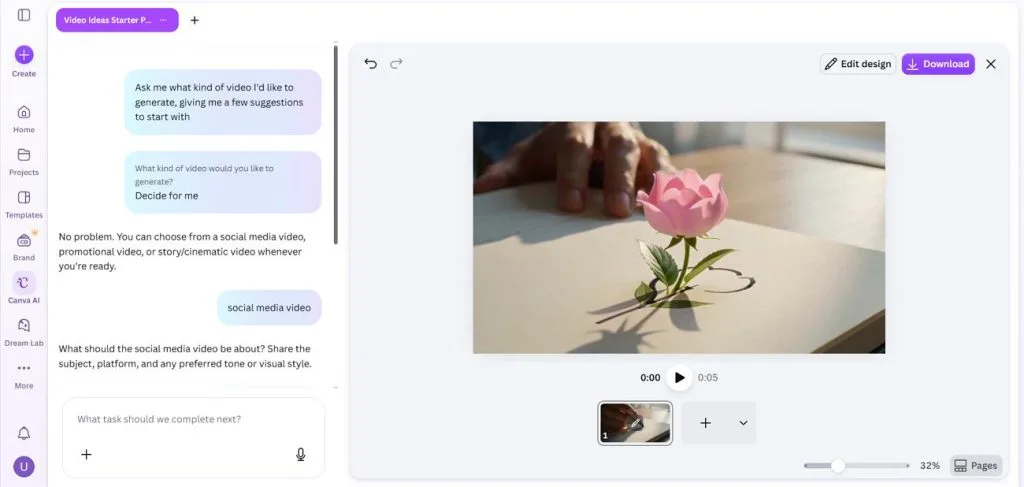
Freepik offers powerful creative tools but requires more familiarity with file formats and AI models. Beginners may need extra time to understand prompts, generation credits, and different download options. Overall, Canva is the more beginner-friendly choice for creating professional-looking content with minimal effort.
Best for Graphic Designers
Freepik is a strong choice for graphic designers who need editable assets and professional design resources. Its vector files, PSD mockups, and AI tools provide greater flexibility for detailed creative projects. Canva also supports professional workflows through Affinity, its free desktop design application.
- Layered Source Files: Freepik offers editable vectors and PSD mockups for use in Photoshop and Illustrator. Designers can modify individual elements, adjust layouts, and prepare artwork for professional printing.
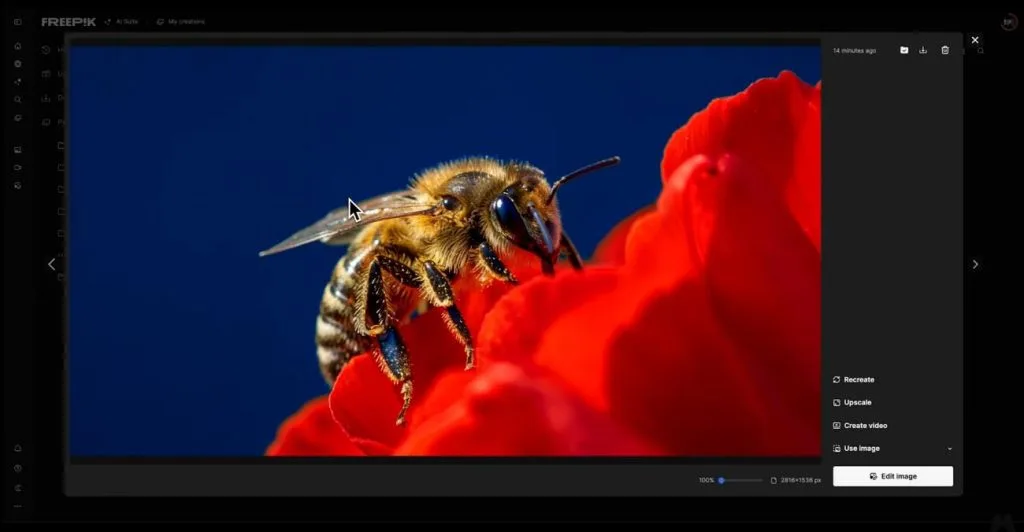
- Upscaling for Print: Magnific's AI upscaling technology enhances image resolution and details for larger print formats. Designers can improve generated artwork for posters, packaging, and other high-resolution projects using credits.
- Affinity by Canva: Affinity combines vector design, photo editing, and page layout tools within one free application. Eligible paid Canva plans also unlock AI features, including Generative Fill and background removal.
Overall, Freepik is better suited to asset-heavy design workflows, while Canva's Affinity offers another professional editing option.
MagicLight AI: An Alternative for AI Video Creation
Canva and Freepik offer AI video generation tools, but producing complete stories often requires additional editing work. MagicLight AI provides a dedicated platform for creating story-driven videos featuring consistent characters across multiple connected scenes and offers enormous story ideas. Users can create characters through descriptions of up to 1,000 characters or upload images for reference. For longer story videos, users can provide descriptions of up to 12,000 characters covering detailed narratives.
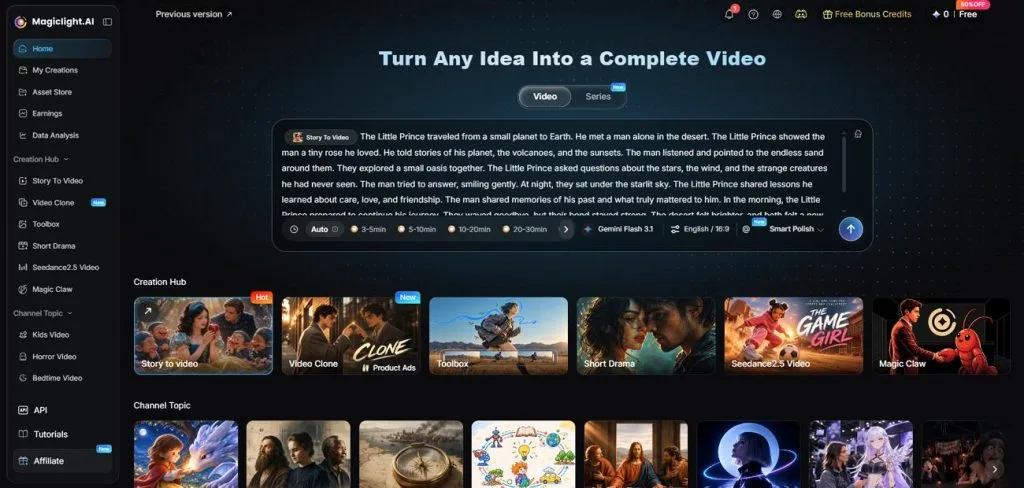
Its MagicLight Agent simplifies production by turning a basic idea into a structured video concept with narration and visual direction. This makes MagicLight AI particularly useful for brand storytelling, animated narratives, and other projects requiring multiple connected scenes. The following comparison highlights how all 3 platforms handle video length, character consistency, narration, and shot control:
| Video Need | Canva | Freepik | MagicLight AI |
| Video Length | Up to 8 seconds per AI clip | Varies by AI model | Story videos up to 50 minutes |
| Character Consistency | Reference-based generation in supported tools | Character references and supported AI models | Reusable characters across scenes |
| Narration and Captions | Audio and captions through editing tools | AI voice and text-to-speech tools | 37 voices and 16 caption styles |
| Shot Control | Timeline editing and clip adjustments | Model-dependent camera and motion controls | Nano Storyboard for planning individual shots |
Conclusion
To conclude, the Canva vs Freepik comparison highlights different strengths for creators managing diverse design projects. Canva simplifies everyday content creation through editable templates, intuitive tools, and affordable individual subscription plans. Freepik offers layered design assets, extensive stock resources, and advanced AI models for professional designers. For story-driven videos, MagicLight AI provides another solution with consistent characters, narration, and longer video production capabilities.
Frequently Asked Questions
- Is Canva better than Freepik?
Canva is better for beginners seeking simple editing, ready-made templates, and easy collaboration features. Freepik provides extensive asset libraries, downloadable source files, and advanced AI generation model options. The better platform ultimately depends on your design experience, project requirements, and creative workflow.
- Which is better for AI image and video generation?
Freepik offers diverse AI image models, while Canva simplifies image generation within its editor. For AI video storytelling, MagicLight AI supports advanced models including Seedance, Kling, and Veo. Its Script to Video tool transforms written scripts into scenes with flexible aspect ratios for publishing.
- What is a good alternative to Canva and Freepik for AI video creation?
MagicLight AI creates complete story videos featuring consistent characters, narration, and connected visual scenes. New users receive starter credits without payment cards, with free watermarked exports at 720p. Its Standard plan costs $12/month when billed annually, offering watermark-free 1080p video exports.