
Fooocus has made AI image creation easier for people who prefer simple tools over complicated settings. After using it for some time, you might start looking for more creative freedom. Limited updates also make it harder to explore newer features available in other image tools.
Several Fooocus alternatives now offer better editing features and more freedom when creating images. Some tools run directly on your computer, giving you more control over your work. MagicLight AI also helps users turn their finished images into videos with moving characters.
Part 1. 5 Best Fooocus Alternatives in 2026
Finding the right Fooocus AI alternative depends on what you want from your image projects. Different tools offer useful features that can make your creative work easier and more enjoyable. Let's explore 5 options to see how they can improve your AI image creation experience.
- MagicLight AI
Best For: Creators making images and narrated videos online.
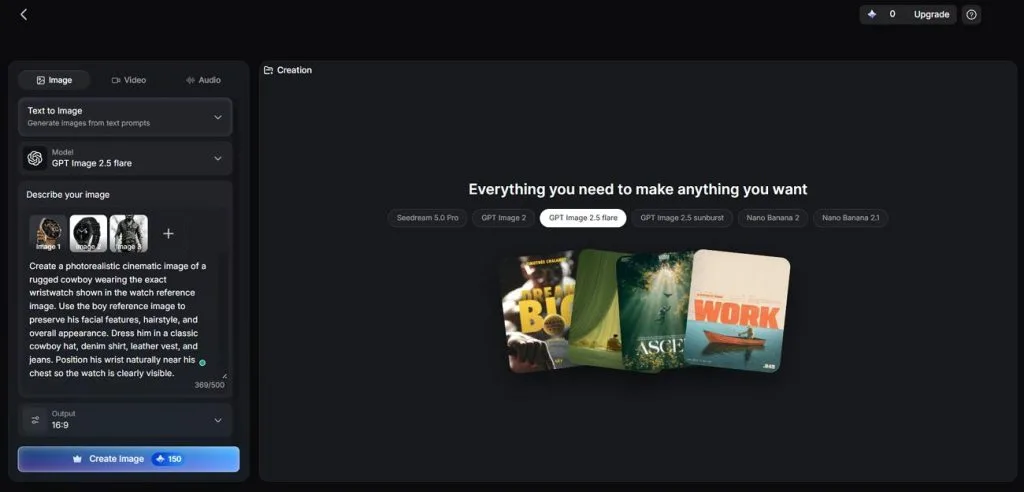
Creating AI images becomes much easier when everything works directly in your browser without downloads. MagicLight AI offers 6 AI image models, including Nano Banana 2 and Seedream 5.0 Pro. You can upload up to 10 reference images to guide your next image creation.
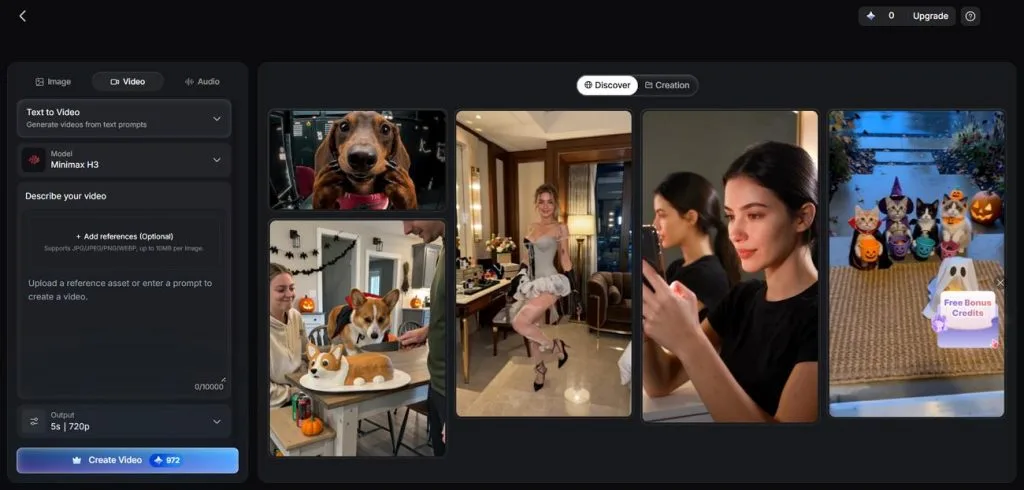
Its Toolbox also brings image generation and video creation together in the same place. Finished images can become animated videos without switching between different tools during your project. The iOS and Android apps also let you create images directly from your phone.
Key Features
- Image Description: You can describe your desired image using up to 500 characters for better results. This gives you enough space to explain important details and guide the image creation process.
- Multi-Reference Input: Upload up to 10 reference images to guide the look of your generated image. Each file supports PNG, JPG, JPEG, and WEBP formats with a maximum size of 20MB.
- Video Creation Modes: MagicLight AI provides 4 video modes to help you create videos from different sources. These modes support text prompts, reference images, starting frames, and existing video clips for editing.
- Image to Video: Turn your generated images into videos lasting up to 30 seconds using MagicLight AI. Choose from 20 video models, including Seedance 2.5, to bring your images to life.
- Characters and Visual Styles: Create consistent characters that maintain their appearance across different scenes in your video projects. You can also explore over 52 visual styles to give each scene a distinct look.
Pros
- No local installation means fewer software updates to manage.
- Add voiceovers and subtitles with music in video projects.
- Generate multiple images together to compare and choose favorites.
Con
- You can only create a single image with a prompt.
- ComfyUI
Best For: Experienced creators wanting detailed control over image generation.
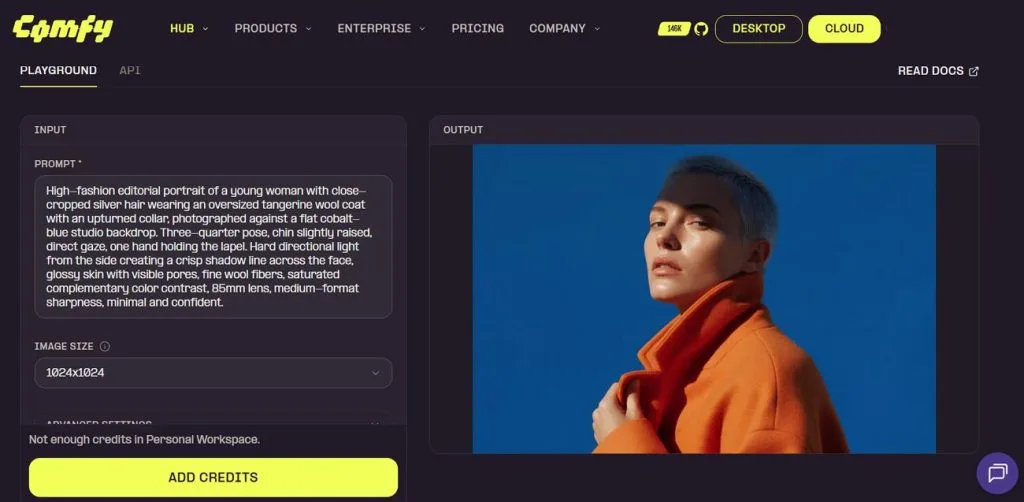
ComfyUI gives users complete control over image creation through workflows they can build and change. Unlike many Fooocus alternatives, it lets you connect different steps using a visual node system. New image models also become available through community support before reaching many other image tools.
Key Features
- Save your workflows as JSON files and reuse them whenever you need consistent results.
- ComfyUI supports image models like GPT Image 2 through API integrations for image creation.
- Comfy Cloud provides powerful online computers for running models beyond your hardware's limits.
Pros
- Supports Wan and LTX video models within image workflows.
- Loads model parts separately to reduce graphics memory usage.
Cons
- Error messages sometimes make workflow problems difficult to identify.
- Community extensions may stop working after major software updates.
- InvokeAI
Best For: Digital artists needing precise control over image editing.
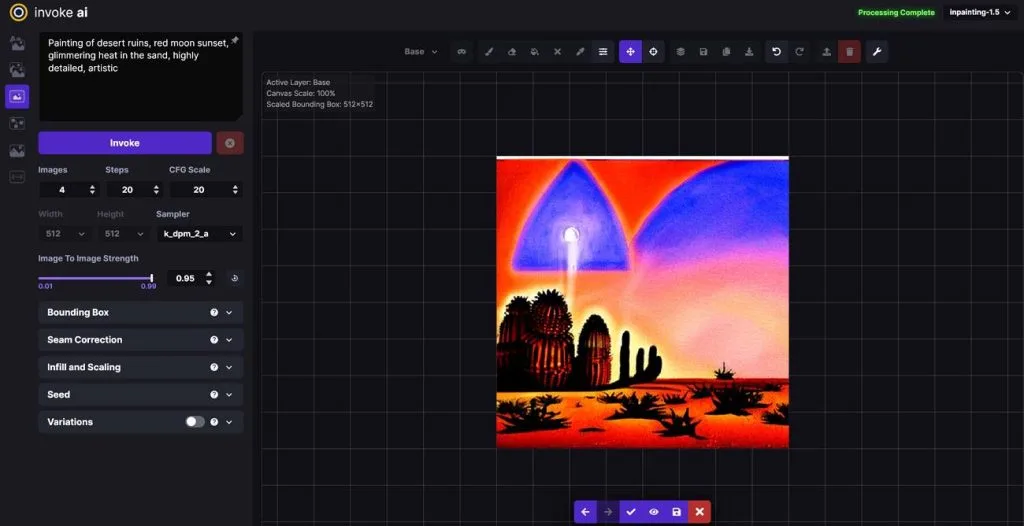
Editing an AI image becomes more flexible when you can work directly with layers. InvokeAI offers a Fooocus AI alternative for artists who prefer hands-on editing through canvas tools. Its open-source workspace runs locally and supports newer image models beyond the original SDXL family.
Key Features
- Paint over unwanted image areas and extend backgrounds using its Unified Canvas tools.
- Regional guidance lets you apply separate text prompts to specific parts of images.
- Build reusable image generation workflows through connected nodes beside the main editing canvas.
Pros
- Opens through a browser page hosted on your computer.
- Supports GPT Image and Nano Banana through external APIs.
Cons
- Local installation requires suitable hardware for running image models.
- Community maintainers handle development without dedicated company support.
- Leonardo AI
Best For: Game artists creating characters and visual designs.
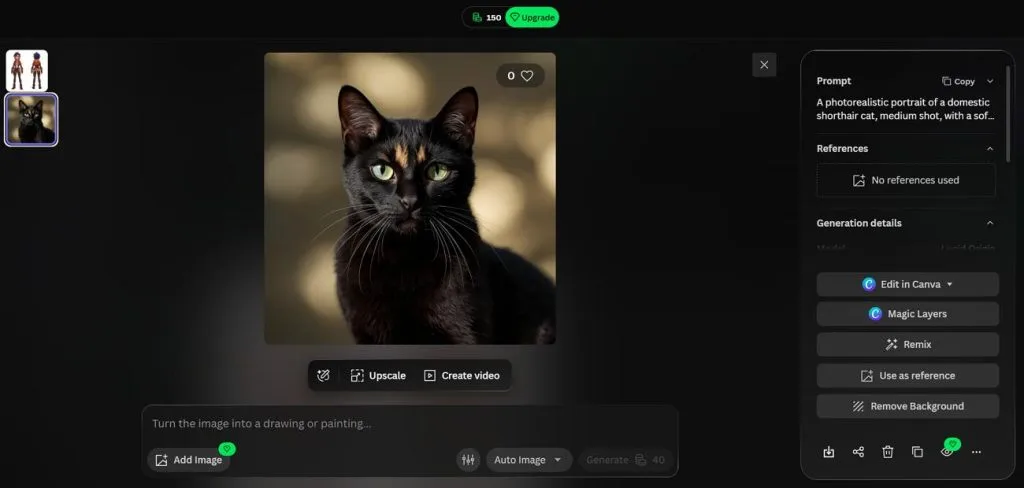
Creating character art becomes easier with Leonardo AI since everything works directly in your browser. Among Fooocus alternatives, it offers creative tools designed for game artists and character designers. Its Lucid models work alongside Seedream and Nano Banana to create different image styles.
Key Features
- Pose and depth controls help maintain character structure during the image generation process.
- Flow State generates endless image variations from your prompt for exploring different ideas.
- Motion turns finished images into videos using models like Kling and Seedance directly.
Pros
- Universal Upscaler enlarges images for printing at bigger sizes.
- Blueprints simplify complex creative tasks through ready-made workflow templates.
Cons
- Painterly artwork may lack the quality some artists expect.
- Mobile experience feels less complete than the desktop version.
- Krea AI
Best For: Artists exploring live image creation and custom styles.
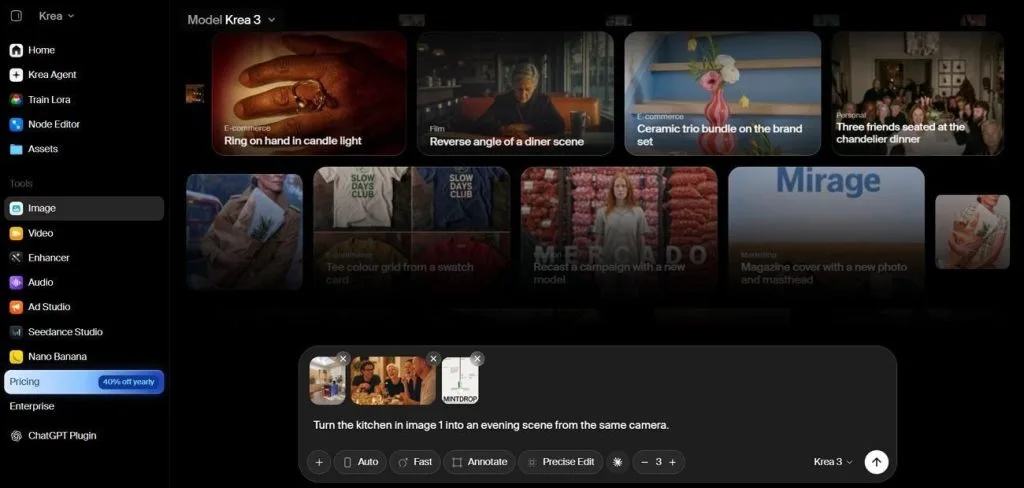
Its live canvas lets artists see their images change as they adjust sketches. Krea AI works as a Fooocus AI alternative with over 150 available models. You can explore different creative ideas without waiting for every image to finish.
Key Features
- Krea Agent plans creative tasks and selects suitable models from your written instructions.
- The Enhancer can upscale finished images to 22K resolution for large printed artwork.
- Train a private LoRA using just 3 uploaded images to recreate your style.
Pros
- Video editing includes Topaz upscaling and built-in lip sync.
- Generate up to 8 images from a single request.
Cons
- Live image editing needs a stable and fast connection.
- Server slowdowns can interrupt creative work during busy hours.
Part 2. Fooocus Alternatives: How to Choose the Right AI Tool?
Choosing the right AI image tool depends on how much control you need over your projects. Your computer's capabilities also matter since different tools have different requirements for creating images.
Image Generation Quality
Fooocus still relies on SDXL, which limits access to newer image generation models. Other tools support newer models that can produce better details and more accurate images. Here are some important differences to consider when comparing their image generation quality:
- Image Models: MagicLight AI offers models like Nano Banana 2 and Seedream 5.0 Pro for image creation. These models give users more choices when creating images with different styles and details.
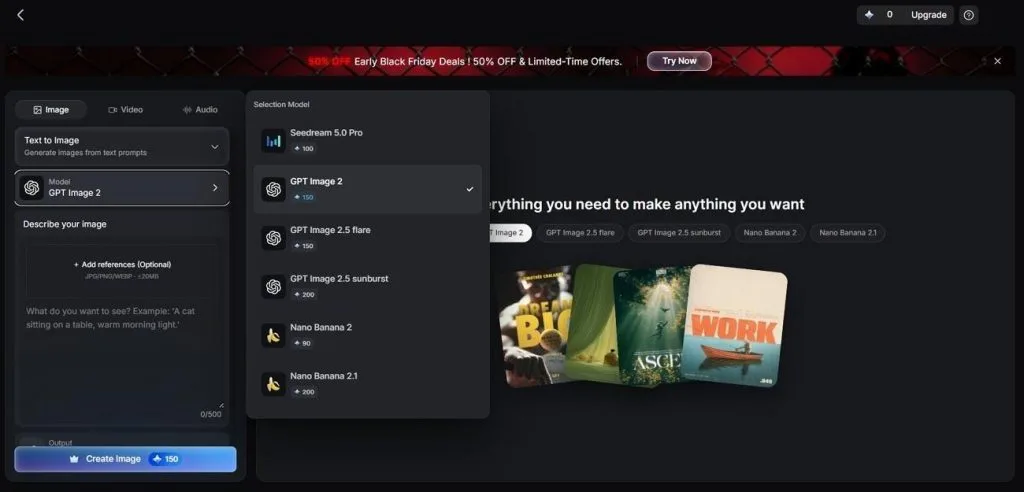
- Online Image Generation: MagicLight AI and Leonardo AI run their image models online without requiring powerful computer hardware. You can create detailed images directly through your browser without installing large model files.
- Hardware Requirements: ComfyUI can run newer models locally, but some require more graphics memory than Fooocus. Check your computer's hardware before choosing a tool that runs image models on your device.
AI Editing and Customization
Fooocus supports basic image editing through inpainting and outpainting but lacks advanced layer controls. Many Fooocus alternatives offer more freedom to change image details and create custom styles. The table below compares their editing features and options for keeping character designs consistent:
| Tool | Precise Edits | Custom Styles and Characters |
| Fooocus | Inpaint, outpaint, and FaceSwap under Input Image | Inline LoRAs from a local folder, with no training |
| MagicLight AI | Nano Storyboard offers 50+ poses plus expression and outfit changes per shot | Asset Store keeps characters, styles, and voice emotions |
| ComfyUI | SAM-based mask nodes isolate regions for inpainting | Any community LoRA or checkpoint, plus training through add-on nodes |
| InvokeAI | Control layers steer pose and depth during canvas edits | Model manager installs LoRAs from Hugging Face links |
| Leonardo AI | Canvas Editor repaints, extends, and redraws from sketches | Elements plus models trained on uploaded images |
| Krea AI | Krea Edit changes chosen regions of a picture | Moodboards and a shared context library for references |
Free and Open-Source Options
Fooocus is free to use, but running it requires suitable computer hardware for image generation. Some alternatives also work locally, giving users more freedom without paying monthly subscription fees. Browser tools provide another option for users who prefer creating images without installing software:
- Fully Open Source: ComfyUI uses the GPL-3.0 license, and InvokeAI follows Apache 2.0 for its software. You can run both tools locally without creating accounts or paying for their software.
- Hosted Without a GPU: Comfy Cloud provides limited free GPU runs for testing image workflows through its online platform. MagicLight AI and other browser tools also offer free allowances without requiring powerful graphics cards.
- Model Licenses: Every image model has its own license, which may differ from the software license. Check these terms before using generated images in paid projects or selling your artwork.
Ease of Use and Workflow
A good Fooocus AI alternative should make image creation easier without adding unnecessary steps. Some tools work directly in your browser, but others need installation before getting started. Look at the table below to compare their setup requirements and daily image creation process:
| Tool | Setup | Daily Workflow |
| Fooocus | Windows download with automatic model installation | Prompt box with preset styles and advanced settings |
| MagicLight AI | Browser account or iOS and Android apps | Model selection, image prompts, output count |
| ComfyUI | Desktop installer or manual Python setup | Node graphs with ready-made workflow templates |
| InvokeAI | Local installation through Invoke Launcher | Canvas editing with optional node workflows |
| Leonardo AI | Browser account with no installation | Model selection, preset styles, Canvas editing |
| Krea AI | Browser sign-up with no downloads | Krea Agent, live canvas, image enhancement |
Best Tool for Different Creative Needs
Your creative goals can help you decide which AI image tool suits your projects. Below are the recommended tools for different creative needs, along with useful backup options:
- Images That Need to Move: MagicLight AI turns finished images into videos, with Leonardo AI offering Motion for shorter animated scenes.
- Total Control: ComfyUI gives you detailed control over image models, with InvokeAI providing an easier workflow option.
- Local Painting and Retouching: InvokeAI supports layered canvas editing, with ComfyUI offering custom workflows for more detailed changes.
- Game Characters: Leonardo AI suits browser-based character design, with Krea AI offering custom trained styles as another option.
- Live Sketching and Large Prints: Krea AI supports live sketching, with Leonardo AI offering image upscaling for larger prints.
Conclusion
Fooocus still creates good SDXL images, but its limited updates leave users wanting more features. Thankfully, several Fooocus alternatives now offer newer models and better ways to improve images. Your choice depends on whether you prefer local software or an online AI image generator. For easier image creation and video projects, MagicLight AI is worth trying for your next project.
Frequently Asked Questions
- What is the best alternative to Fooocus in 2026?
MagicLight AI is a useful Fooocus AI alternative for creating images without local installation. Its online models let you generate images without needing a powerful graphics card. You can also turn finished images into videos without leaving your MagicLight AI account.
- Is there a free alternative to Fooocus?
ComfyUI and InvokeAI are free tools that you can install on your computer. Leonardo AI offers 150 daily tokens, and Krea AI provides 100 daily compute units. MagicLight AI also gives new users starter credits without asking for payment details first.
- What is the best Fooocus alternative for turning images into AI videos?
MagicLight AI lets you turn finished images into videos lasting up to 30 seconds. Its image-to-video tools also support lip sync for characters that need to speak naturally. For longer projects, Story to Video can create narrated scenes lasting up to 50 minutes.