Video content is everywhere in 2026, and the demand for it keeps growing fast. Many creators and developers are now skipping paid tools and switching to free alternatives. A good open-source AI video generator can produce high-quality visuals without any cost. These tools are shared openly so anyone can use and improve them freely. This article brings you the 10 best choices that are worth your time.
Part 1. 10 Top Free Open Source AI Video Generators for Creators and Developers
There are many free tools available, but only a few truly stand out. In this section, you will find the best open source AI video generator for every need:
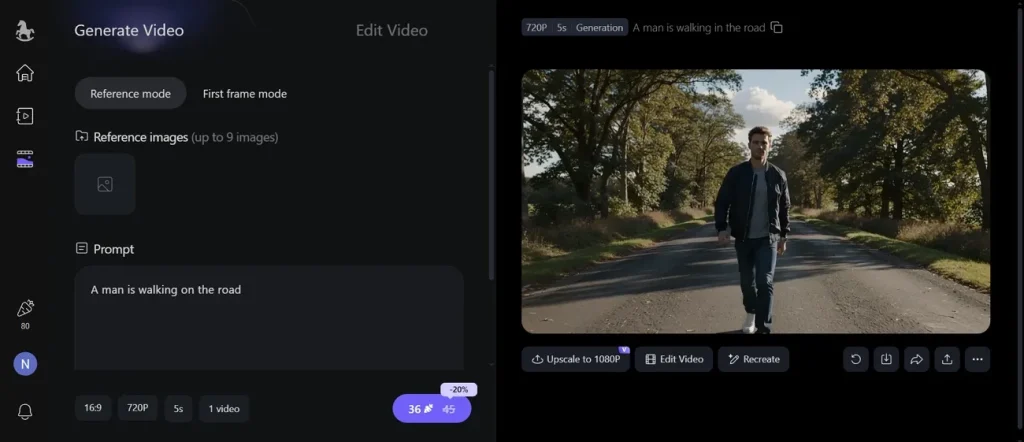
1. HappyHorse AI Video Generator
Best For: Building visually rich promotional clips requiring synchronized audio and video generation.
Using the same prompt, this open-source AI video generator can create up to 4 different videos. Moreover, it maintains smooth movement across frames with fewer visual inconsistencies. Creators can explain their video ideas in prompts up to 2500 characters long. While generating videos, the tool uses 9 image references to keep characters visually recognizable across multiple scenes.
Pros
- Produces dynamic camera paths to enhance storytelling within short video clips.
- Generates synchronized audio and video together using unified processing.
Cons
- Video duration remains capped at a maximum of 15 seconds.
- Character positioning can drift during complex multi-scene video sequences.
2. Wan 2.2/2.6
Best For: Producing character-driven social media videos using multi-shot narrative scene generation.
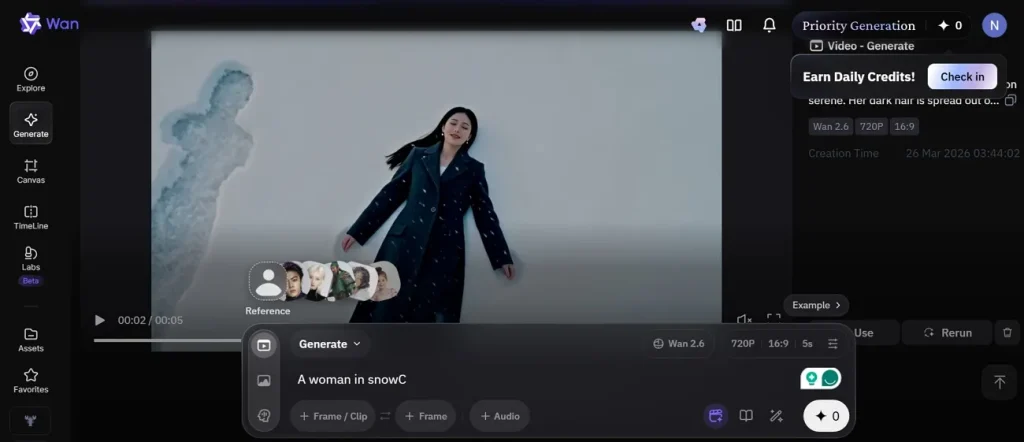
Users can also use this free, open-source AI video generator to turn given ideas into a complete story using AI. The tool automatically organizes multiple shots into coherent short video stories. Additionally, it supports interactions between 2 characters with stable scene consistency. With this, creators can generate videos up to 15 seconds in length.
Pros
- Synchronizes voice, music, and motion with precise timing accuracy.
- Uses reference videos to maintain visual consistency across scenes.
Cons
- Multi-shot workflows require additional setup before generating final videos.
- Reference management can become complicated across larger video projects.
3. Mochi 1 by Genmo
Best For: Researching motion generation techniques using a 10B-parameter video creation framework.
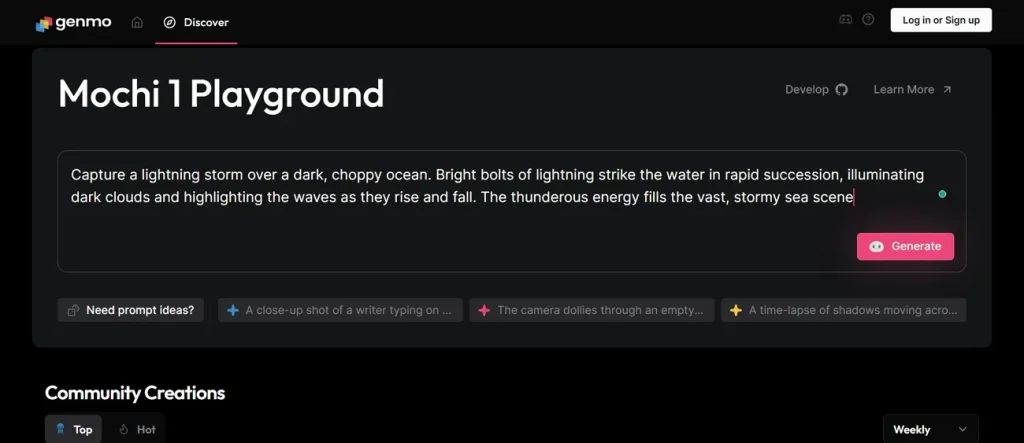
It is another free AI video generator open source that generates videos at 30fps for fluid motion quality. The platform also produces physically accurate movement for characters, objects, and environments. Mochi 1 allows users to customize camera movements, such as zoom, pan, tilt, and roll. Furthermore, the platform supports commercial video projects through Apache 2.0 licensing.
Pros
- Maintains strong temporal consistency with reduced flickering and artifacts.
- Follows detailed prompts accurately for consistent video creation results.
Cons
- Current output resolution remains restricted to 480p video quality.
- Extreme motion scenes can cause distortions within generated videos.
4. LTX Video by Lightricks
Best For: Producing fast turnaround concept videos for game studios and advertising creative teams.
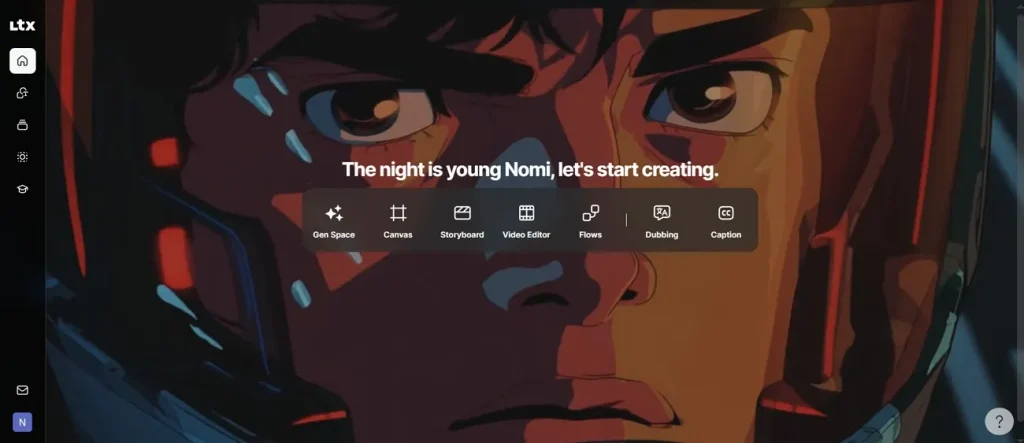
LTX Studio produces synchronized audio with video in a single-generation pipeline efficiently as an open source video generator AI tool. Beyond simple text-to-video generation, it uses keyframe-based inputs to guide structured motion and scene flow. Instead of typing their own script, users can drag or upload a document file. Moreover, it understands detailed English prompts for characters' actions and camera movement.
Pros
- Maintains structured scene composition using a transformer-based video generation architecture.
- Offers 4K video support and delivers sharper and more detailed visuals.
Cons
- Character consistency remains weak in complex multi-scene videos.
- Camera control capabilities are rated moderate for advanced cinematic work.
5. Hunyuan Video by Tencent
Best For: Creating audio-synced cinematic clips with integrated environmental sound and motion alignment.
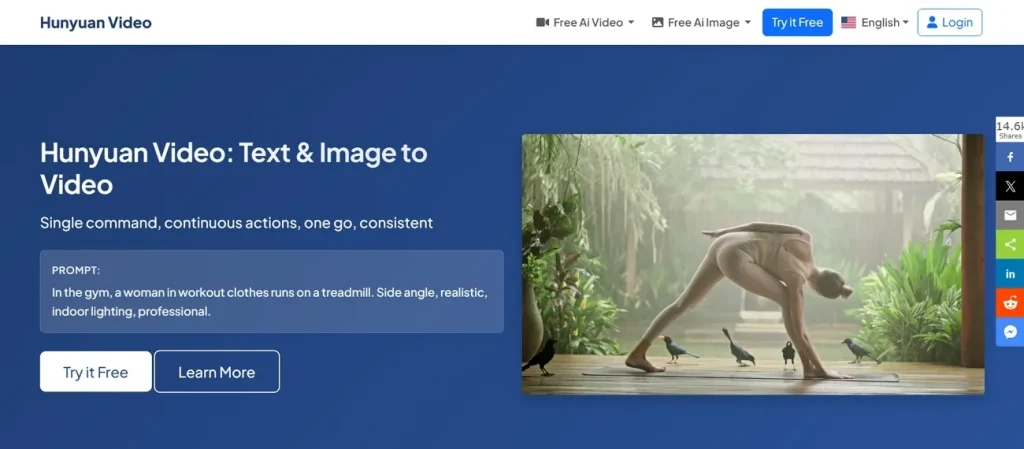
This is an advanced multimodal open-source AI video generator model that supports 6 AI models for advanced video generation. While generating videos, it keeps characters and objects consistent across all frames to ensure a stable visual appearance. The guidance scale feature determines how closely the model follows the prompt, with values supported up to 15.
Pros
- Custom prompts let users create detailed video instructions for more precise control.
- Supports cinematic director-style camera movements that enhance storytelling and improve video quality.
Cons
- Longer narrative videos require stitching multiple short clips manually together.
- Some audio features remain unavailable in the current public demo versions.
6. CogVideoX by Zhipu AI
Best For: Building AI-generated concept visuals for product pitches and creative storytelling presentations.
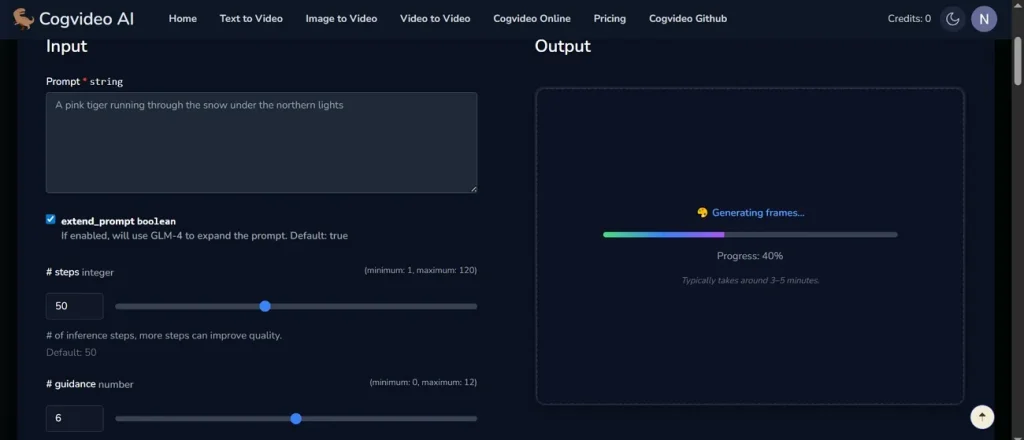
With this open-source video generator AI, users can generate short videos up to 6 seconds from detailed natural language prompts. Moreover, it handles complex multi-action prompts, including camera and environment descriptions. This platform supports different aspect ratios for flexible cinematic video production needs. The model uses adaptive expert layers to improve text-to-video alignment accuracy.
Pros
- Maintains stable temporal consistency and reduces flickering across generated frames.
- Uses diffusion transformer architecture to improve realism and motion quality.
Cons
- Generates only short videos with limited resolution and duration output.
- Struggles to produce realistic human faces and detailed hand movements.
7. Open-Sora 2.0 by HPC-AI
Best For: Developing cinematic advertisements with strong motion coherence and accurate text alignment results.
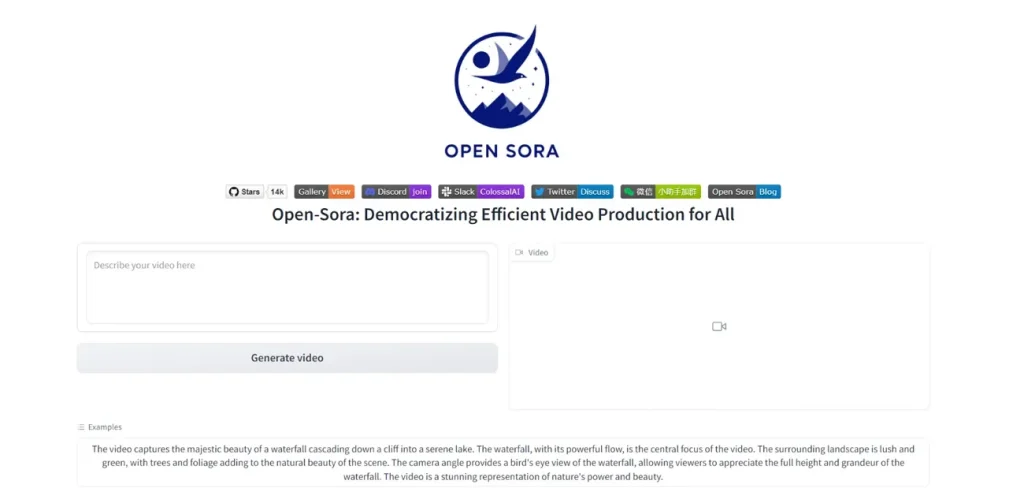
Creators can generate high-quality videos from text prompts using its 11B-parameter model. Users can generate short to medium videos for multi-second storytelling content creation. As an open-source video generation AI model, it maintains a consistent object structure across generated video frame sequences. Along with this, the system supports multiple aspect ratios for flexible cinematic video output formats.
Pros
- Generates detailed environments with accurate lighting and composition control.
- Follows complex prompts with strong semantic understanding of scenes.
Cons
- Limited support for native audio generation within the video output system.
- Scene logic may struggle in very long or complex narratives.
8. SkyReels V1 by Skywork AI
Best For: Making 24fps cinematic portrait animations with strong facial identity consistency across frames.
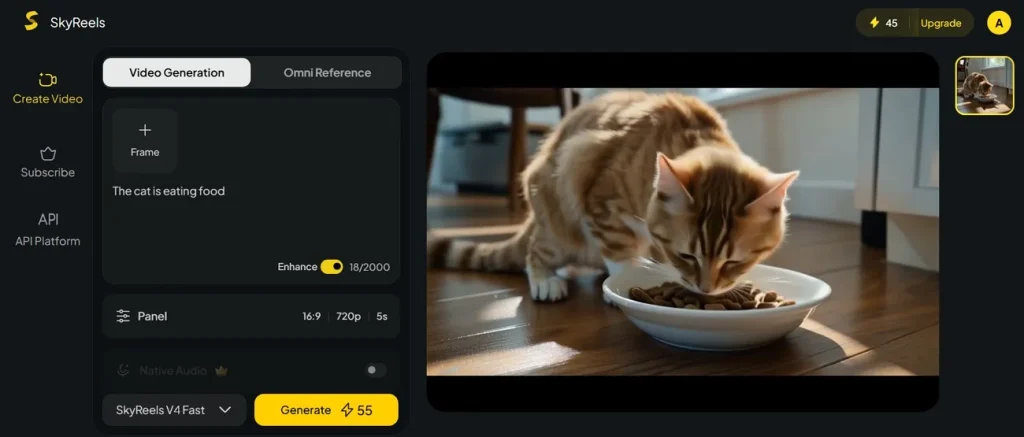
Creators can also try this open-source AI video generator, which accepts a prompt of up to 2,000 characters for storytelling videos. The system specializes in human characters with strong expression-driven video generation output. Furthermore, it supports 33 facial expression types for realistic emotional video storytelling scenes. It has a SkyInfer Engine that optimizes the inference framework for improved video throughput performance.
Pros
- Maintains strong character consistency across short cinematic video sequences reliably.
- Supports professional film-style lighting and composition for realistic visuals.
Cons
- Video generation is restricted to a maximum 15-second duration clips only.
- Motion quality decreases in very complex or crowded scene generation.
9. FramePack
Best For: Continuous cinematic environments with stable characters and scene consistency over time.
Another open-source video generation AI model is FramePack, which supports up to 1080p resolution through hosted platform rendering systems. It also generates videos from text prompts with consistent long-form scene structure. Users can expand videos in segments while maintaining temporal narrative coherence. Along with this, this platform uses a diffusion-based architecture for a stable video synthesis generation pipeline.
Pros
- Maintains strong temporal consistency across long video sequences exceeding 1800 frames.
- Allows progressive video generation with real-time preview capabilities included.
Cons
- Quality depends heavily on the underlying diffusion model performance used.
- Rendering long videos may still require significant processing time overall.
10. Deforum
Best For: Generating experimental short films with manually keyframe-controlled scene transitions and effects.
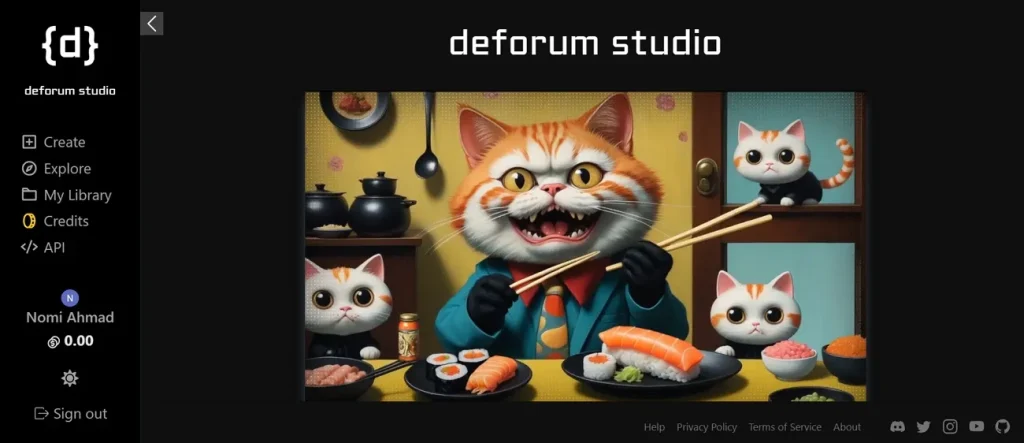
Among open source AI video generators, this platform simulates 3D camera movement using depth-based parallax and orbit effects. Plus, it synchronizes animation changes with audio or timeline-based keyframes precisely. For custom audio, users can add their own audio file to use in a video. With this platform, you can generate videos up to 60 seconds by providing a custom script.
Pros
- Enables complex camera motion paths through frame-level parameter control.
- Restyles existing video footage into new artistic animated outputs easily.
Cons
- Temporal consistency issues can cause flickering and subject distortion effects.
- Not suitable for realistic cinematic video compared to modern video models.
Part 2. Why MagicLight AI Outperforms Open-Source AI Video Generators
MagicLight AI offers an alternative to open-source AI video generators as it provides an end-to-end idea to a final video creation system workflow. Users can generate videos up to 50 minutes for long-form social media and filmmaking content. While generating videos, it auto-generates an editable storyboard preview for scene-level video planning control. Using MagicLight, users can assign an AI voice to the character from a collection of 37 AI speakers.
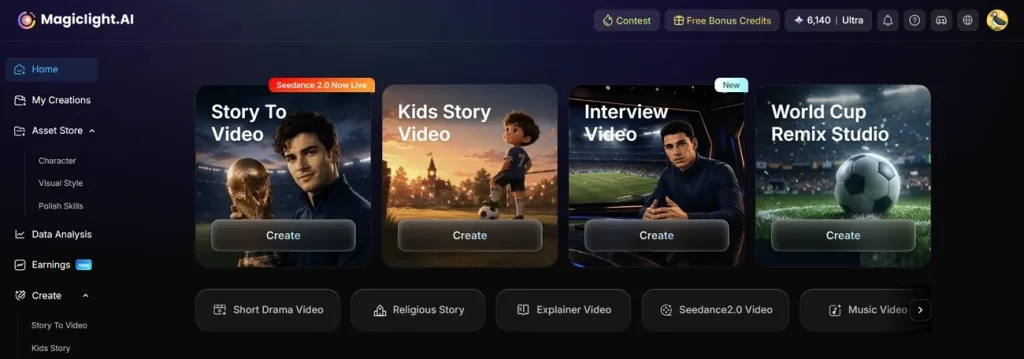
In addition, it maintains consistent characters across multiple scenes with a stable identity tracking system. The platform also offers scripts up to 12,000 characters with Nano scene refinement. Along with the Text to Video feature, users can use Image to Video with 17 AI models to convert images into videos. With its lip sync feature, users get the ability to match the mouth movements with spoken dialogue or voiceovers.
Key Features
- Prompt Expansion: Expands short prompts into detailed cinematic storyboard-level instructions automatically for better structured video generation.
- Language Support: Enables video creation in 11 different languages for global audience reach and improved accessibility across regions.
- Multi Editor: Allows users to re-edit videos during the generation process for better creative control and refined final output.
- Music Library: Offers 40 background music tracks enhancing emotional storytelling quality and improving overall cinematic video experience.
- Style Model: Provides multiple style systems, including Midjourney V7 and MagicLight 3.0, 2.2, and 2.0 for diverse cinematic video styles.
Conclusion
To conclude, each tool in this guide brings something unique to the table for creators. However, every open source AI video generator has its own set of limits. Setup can take time, and results may not always meet professional standards. Still, if you want a faster and easier path, MagicLight AI is worth trying. It handles everything from script to final video in one simple workflow.
FAQs on Open Source AI Video Generator
1. How do open source AI video generators work?
Open source AI video generators use trained AI models to create videos. They convert text or images into moving scenes using AI systems. Users input prompts, and the model generates frames, then combines them into a video.
2. Can I create professional videos using open source AI tools?
Yes, many open source tools can produce high-quality and detailed video content. Some tools offer advanced controls that help you get very polished results. With practice and the right tool, your videos can look truly professional.
3. Are open source AI video generators free to use?
Most open source tools are completely free to download and use locally. You may need a decent computer with a good GPU to run them. Apart from that, MagicLight AI offers a simpler and faster option without any setup needed.
4. Can open-source AI video generators be used for commercial projects?
Yes, many open source AI tools allow commercial project usage rights. You must always check each model’s license before using it. Some platforms like MagicLight AI also support commercial video creation workflows.
5. Are open source AI video generators safe to use?
Most trusted open source tools are safe when downloaded from official sources. Always check the source before downloading to avoid any harmful or fake files. MagicLight AI is a fully managed platform, so there are no safety concerns.