Top Features of Magiclight AI 3D Image Generator
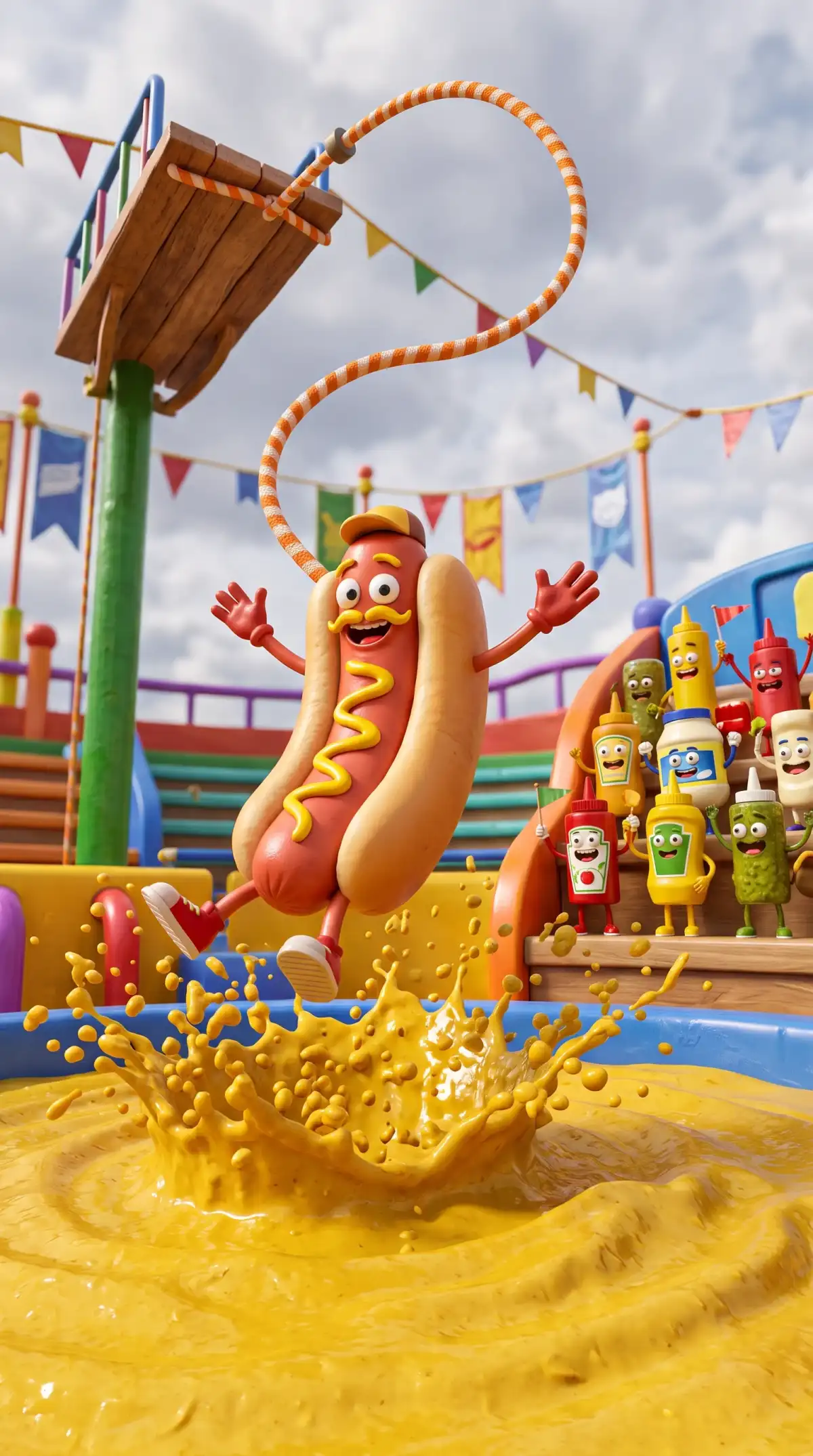
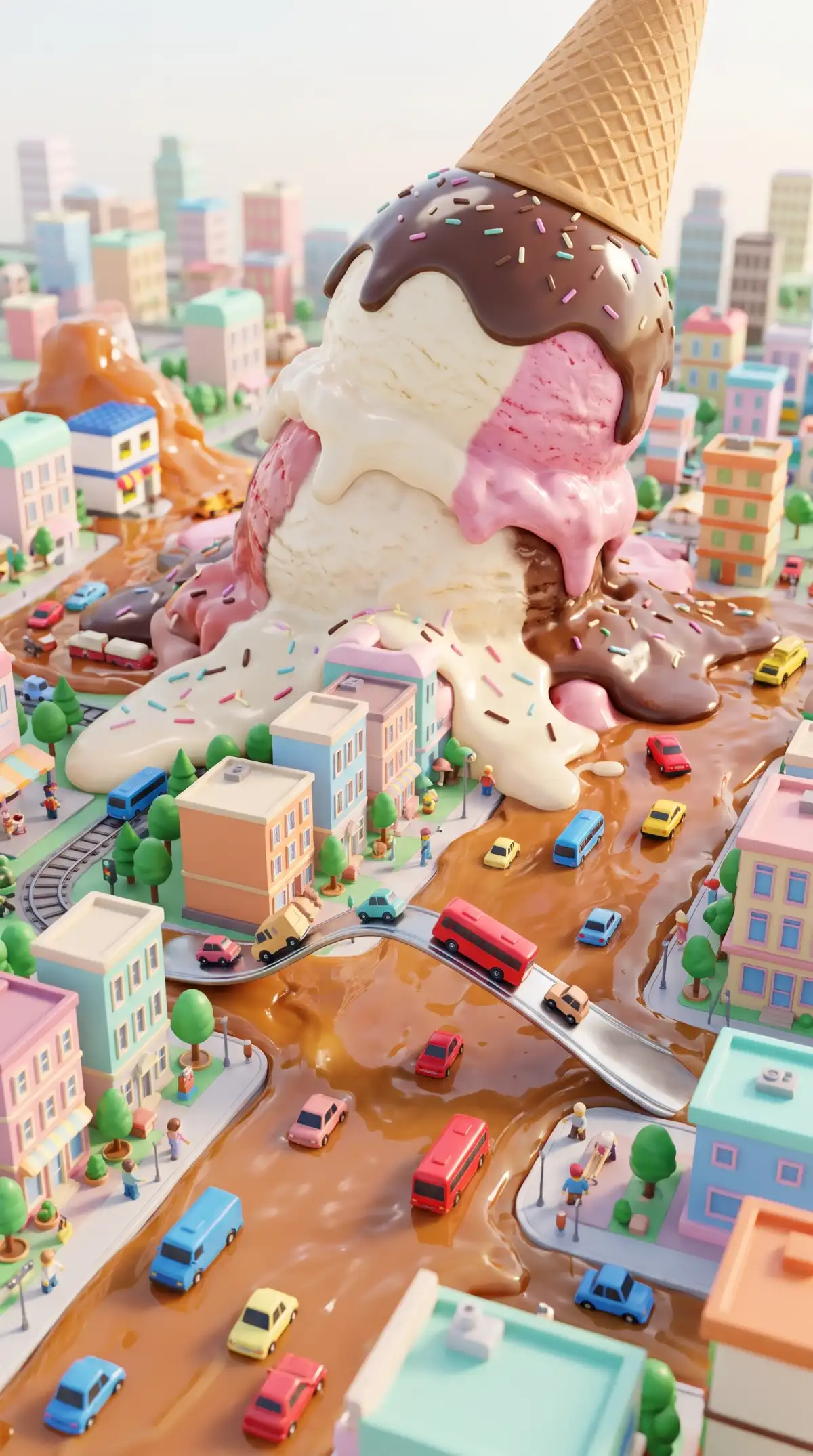
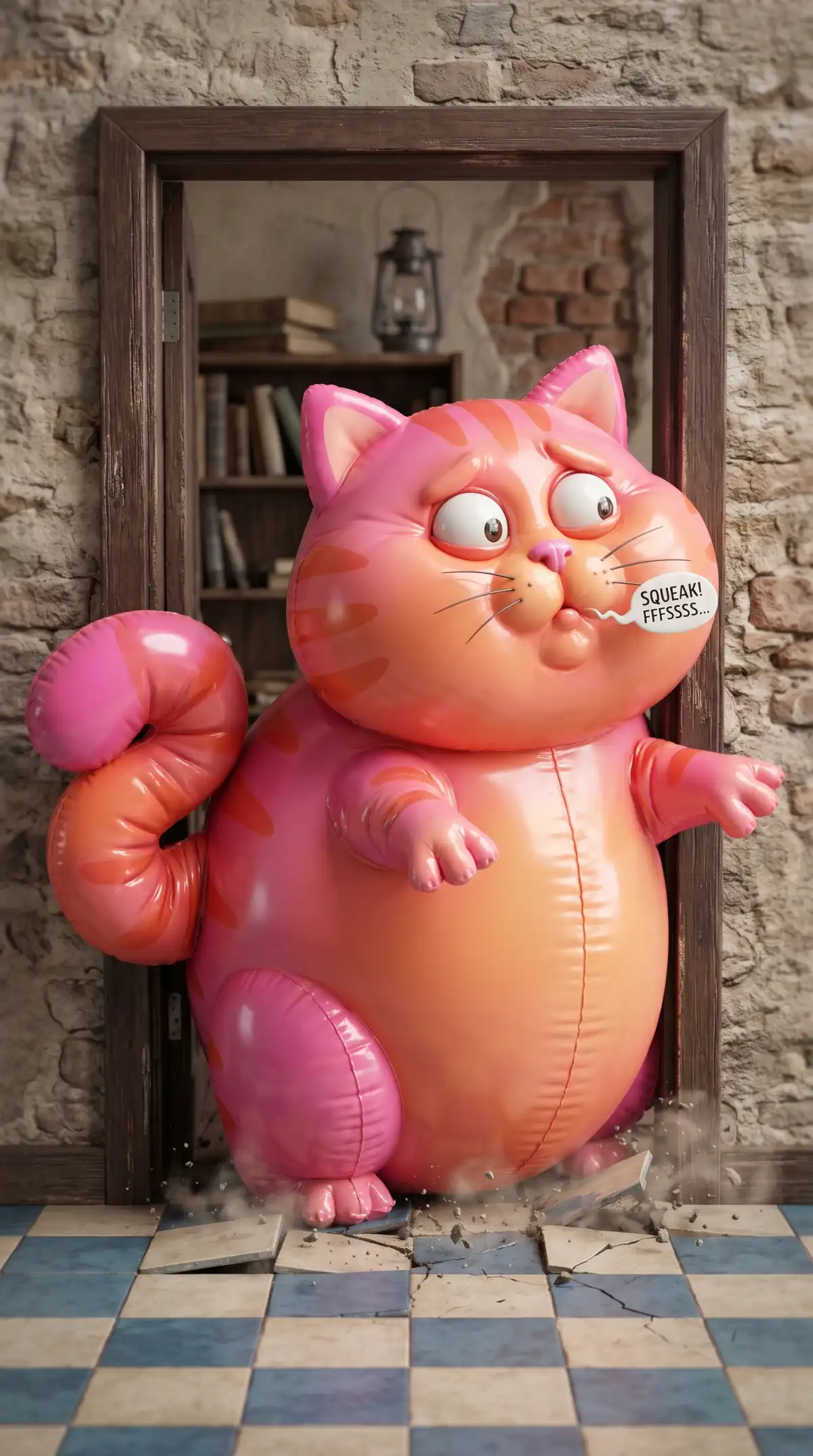
A clay robot looks different from a glossy plastic figurine, even when both share the same shape. Use the Magiclight AI 3D image generator to give a character the feel of a physical toy.

Imagine turning a simple character sketch into a colorful 3D-style illustration. Give Magiclight AI a description and see how it looks in 3D. No sculpting tools needed.
Create AI 3D Image for Free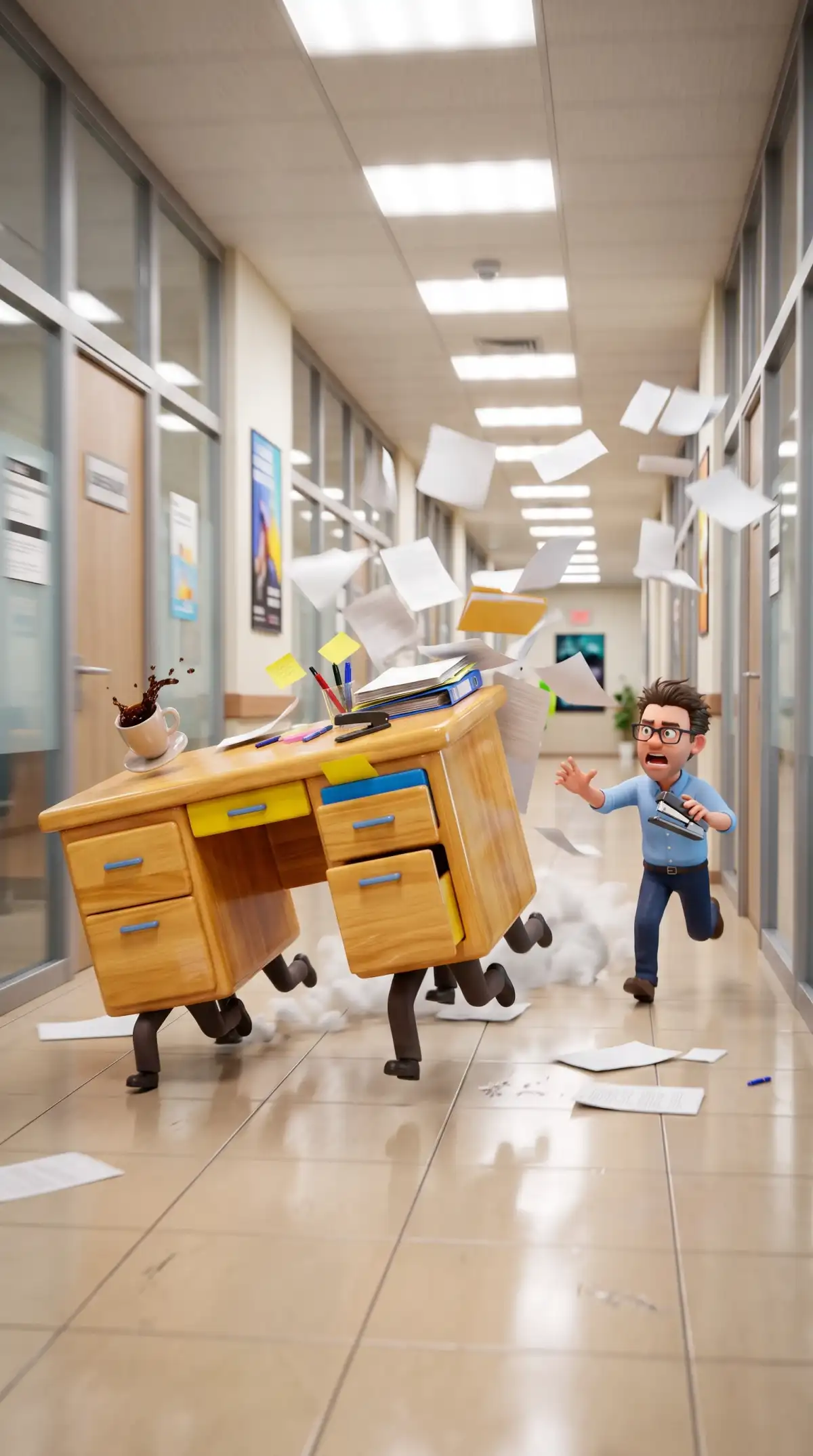
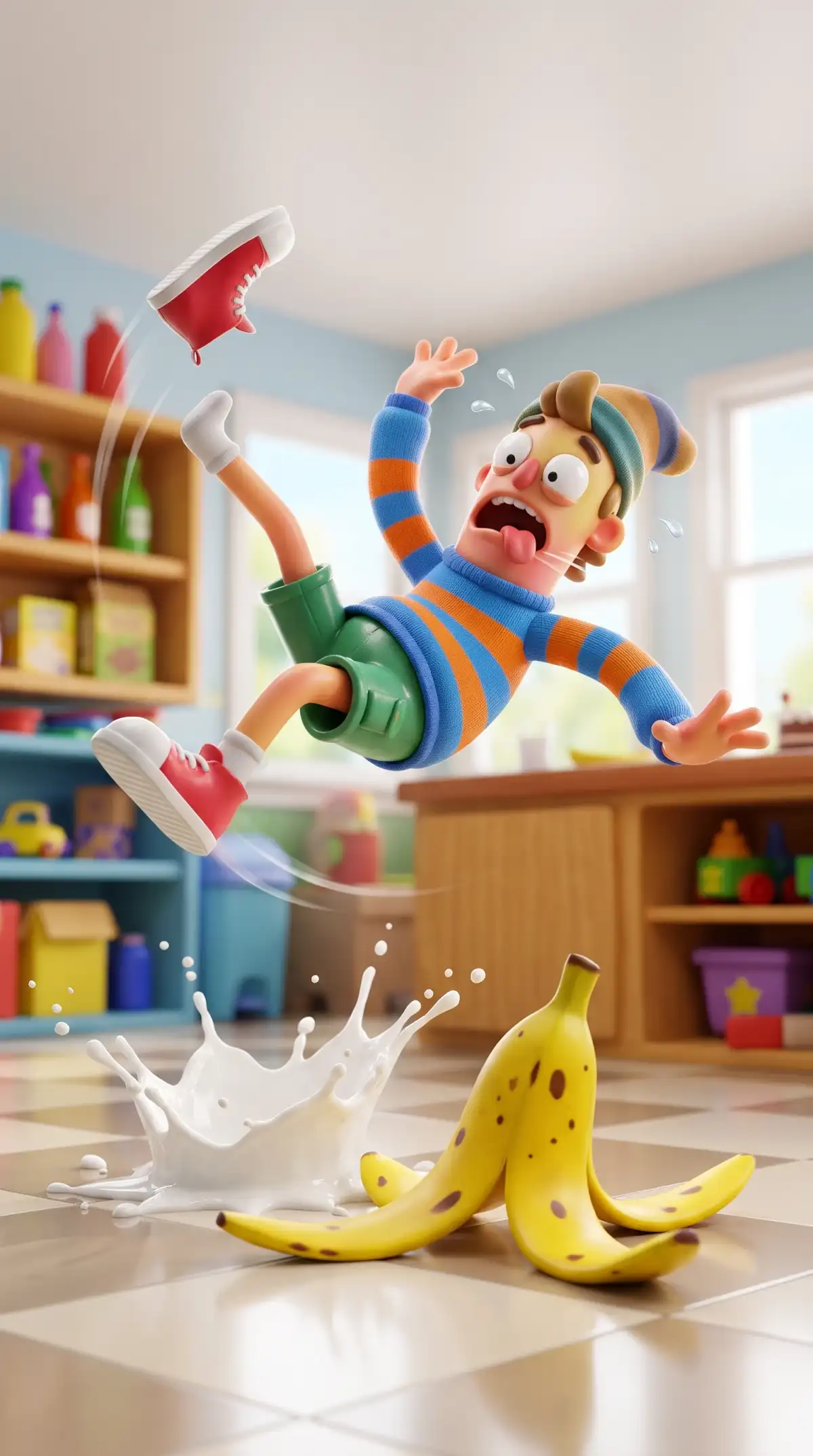
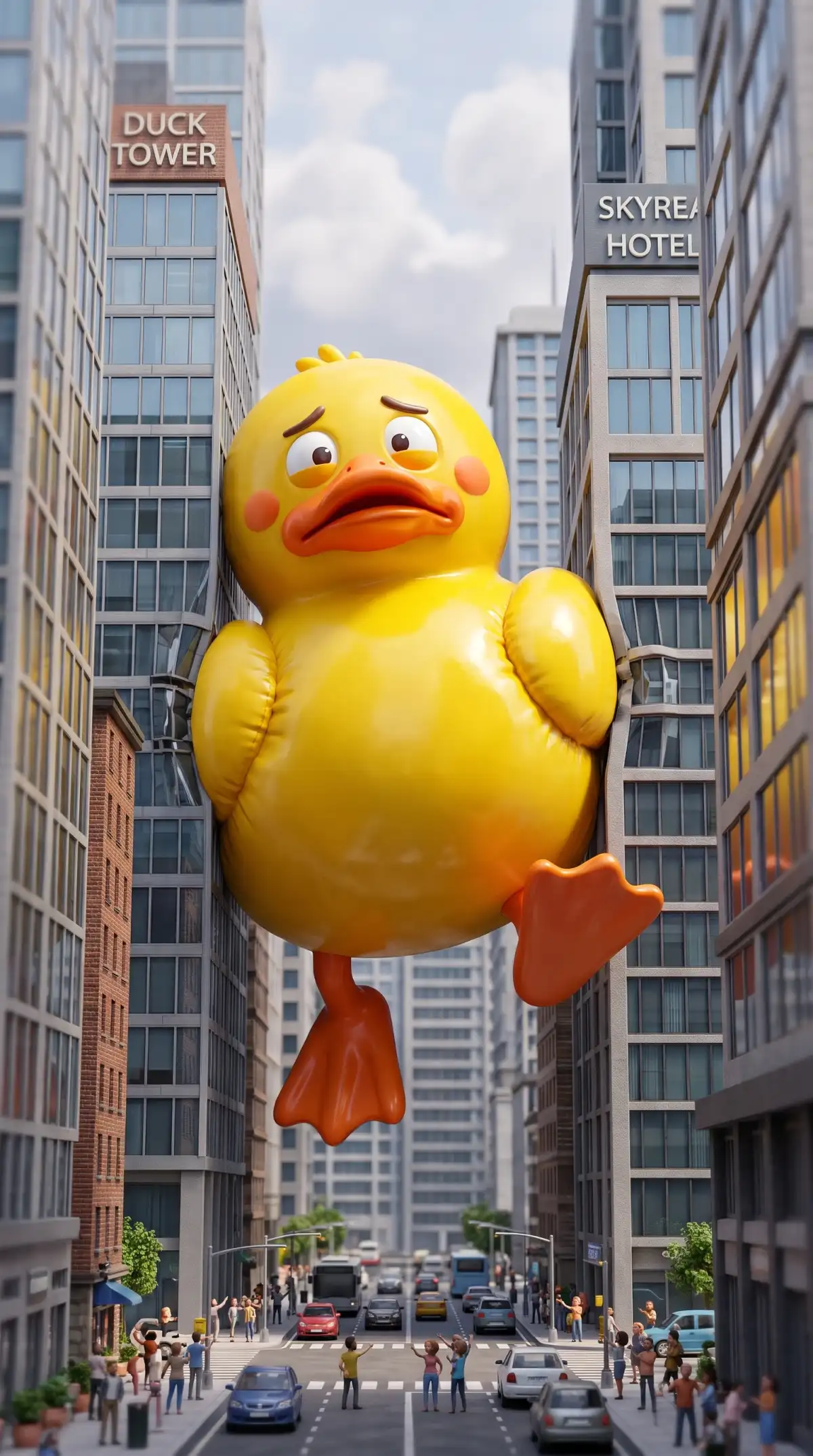
A clay robot looks different from a glossy plastic figurine, even when both share the same shape. Use the Magiclight AI 3D image generator to give a character the feel of a physical toy.

Describe a small robot with clay arms, rounded features, and soft shadows in Magiclight AI. Text to Image creates a 3D-style illustration from your words, helping you visualize the character before making a physical model.
Upload your mascot drawing to Magiclight AI using Reference Image to Image. Request rounded edges, realistic shadows, or a clay-like texture to explore how your original character looks as a 3D-style illustration.
Explain your preferred artwork in a prompt of up to 500 characters. Include details like a transparent glass vase, glossy reflections, soft shadows, or a marble surface to guide the image's depth and texture.
Magiclight AI keeps your generated 3D-style images in the Image tab history. Revisit an earlier character design, compare different materials or colors, and download your favorite version when needed.


Try the Magiclight AI 3D image generator when you need a 3D picture for your next project. These 3 steps take you from a rough idea to an image you can download and use.
Go to the Image tab in the Toolbox. Select Text to Image if you are starting from words. For an existing drawing, choose Reference Image to Image and upload your reference image.
Use the 500-character prompt to explain how your object should appear in 3D. Pick from 10 image models and select a picture ratio that suits your project.
Click Create Image to see the result. Check whether the shape and lighting match your idea. Adjust the description if needed, then download the 3D image you prefer.
No. The AI 3D image generator creates pictures that look like 3D renders, not actual 3D models. You will need separate modeling software to create OBJ, FBX, or STL files.
Not directly. A 3D printer needs a printable model file rather than a picture. You can give the generated image to a 3D artist as a visual guide for making the physical object.
Yes, add your logo through Reference Image to Image and describe the 3D look you want. Magiclight AI can give it depth and shadows, though you should check the final shape.
Famous characters may have copyright protection. For commercial projects, create your own character designs and avoid copying recognizable features from protected artwork.
Magiclight AI offers Image to Video for turning a still 3D picture into a moving scene. Upload your render and describe the camera movement you want to see in the animation.
Magiclight AI accepts reference images within a 20MB file limit. You can upload JPEG, PNG, or WEBP pictures to guide the appearance of your 3D artwork before generating it.



Take an ordinary drawing beyond the page. Use the Magiclight AI 3D image generator to explore a more realistic look.