Explore the Magiclight AI Dress Generator Features
The perfect dress often lives only in your head and nowhere else. The AI dress generator in Magiclight AI turns that picture into a design you can show to a tailor.

Dream up a dress that's uniquely yours with the Magiclight AI Dress Generator. Describe your favorite neckline, fabric, color, and fit to turn your fashion ideas into custom dress designs in seconds. No fashion design skills needed.
Create an AI Dress for Free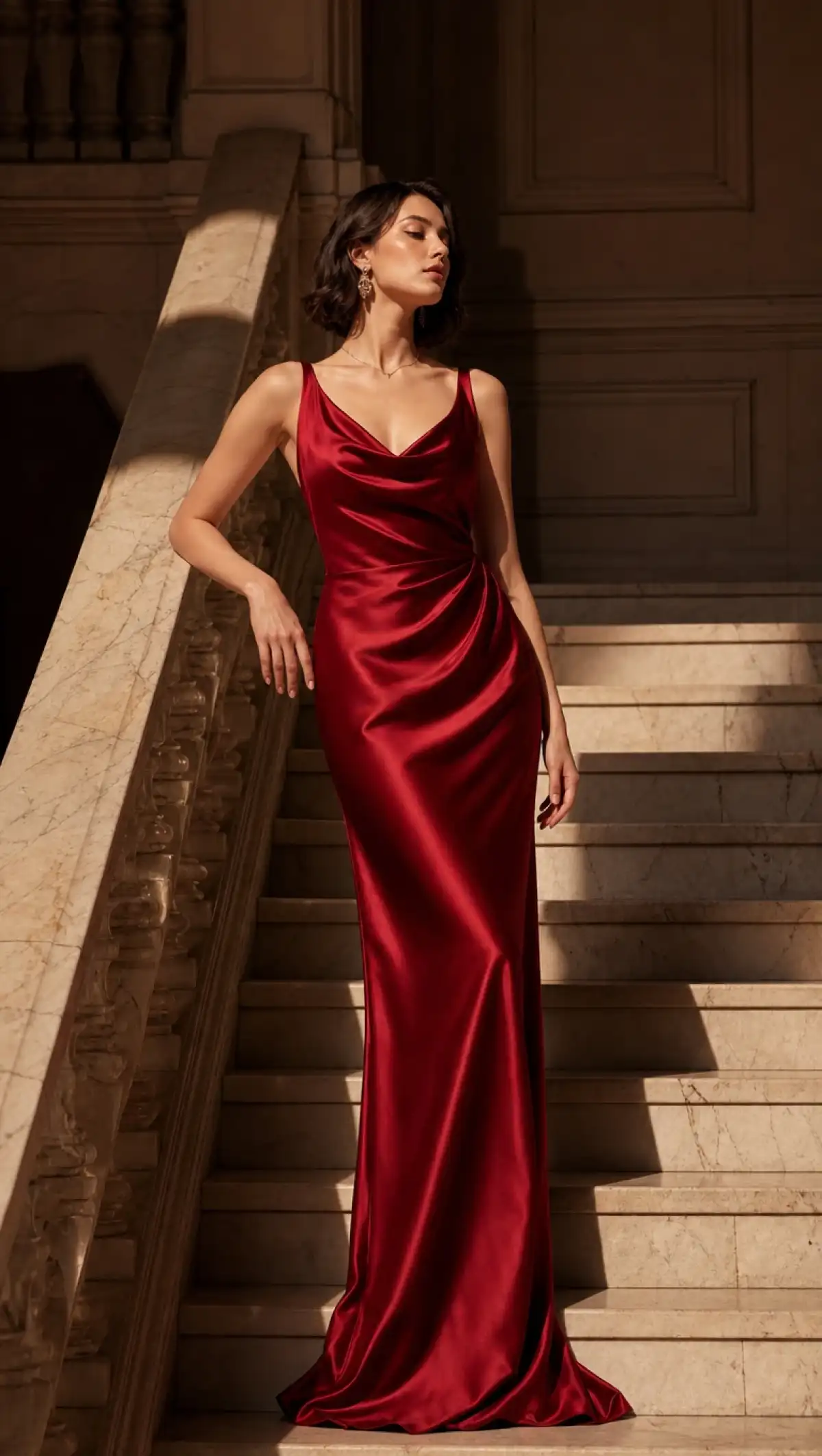
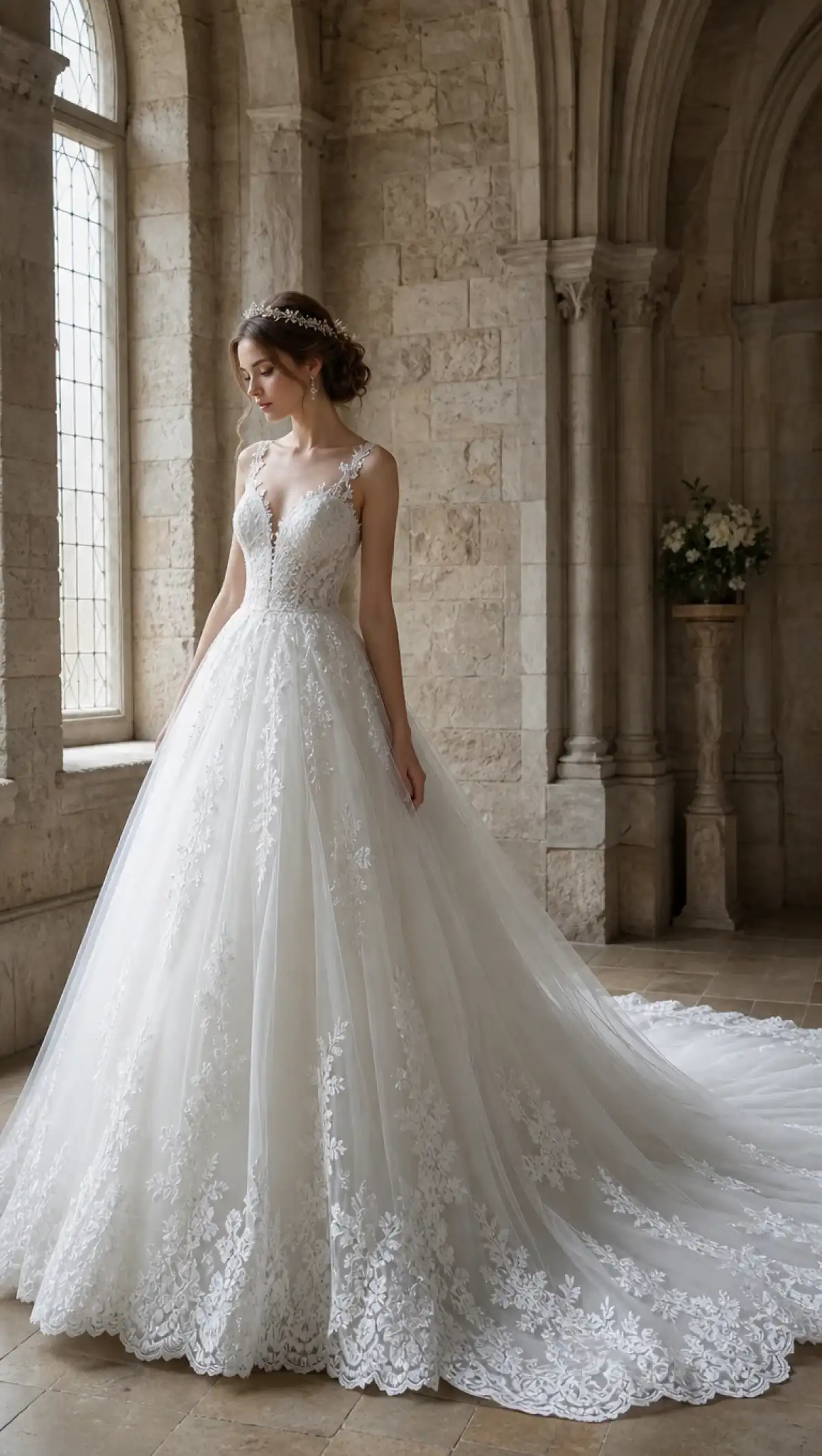
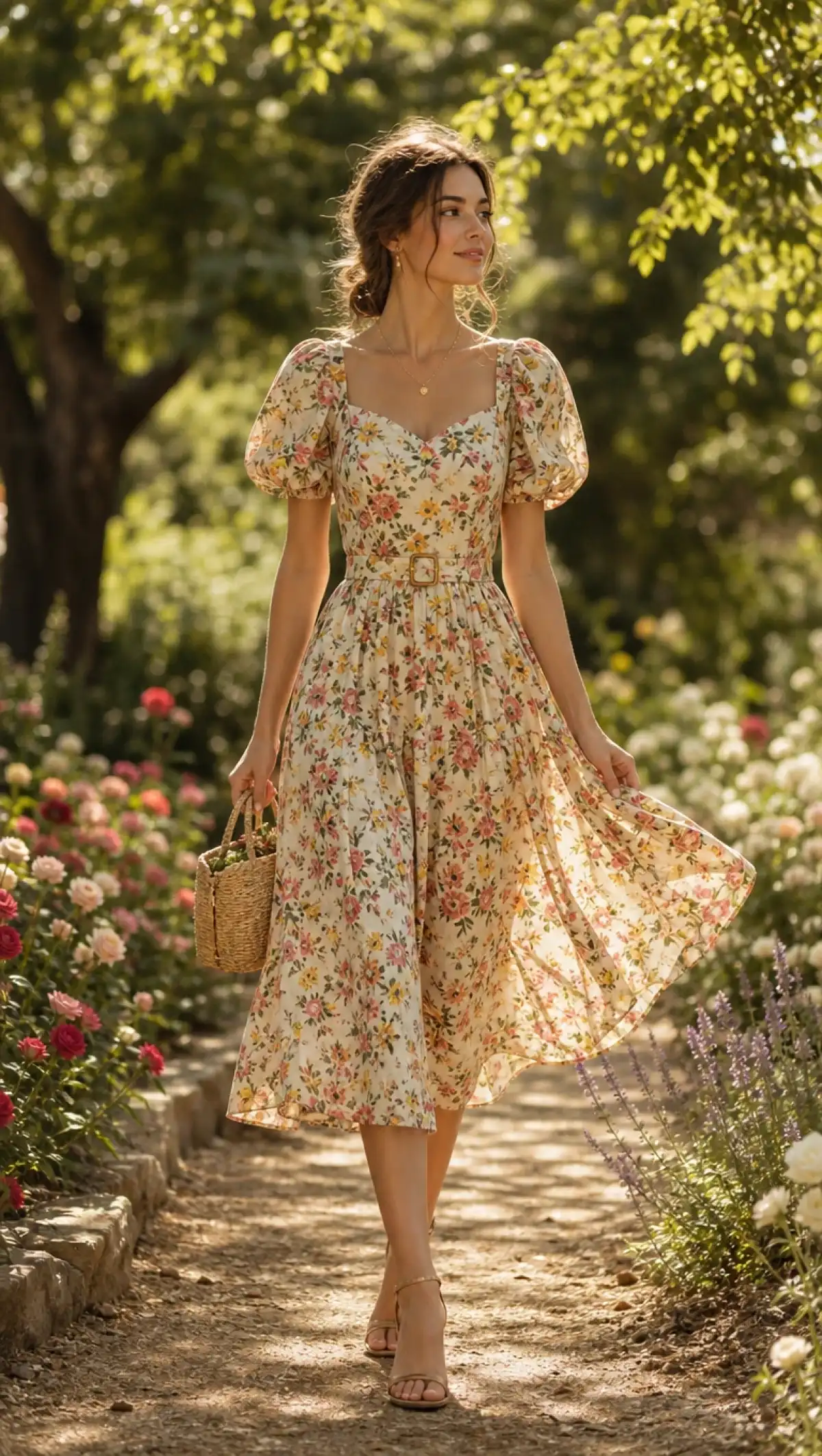
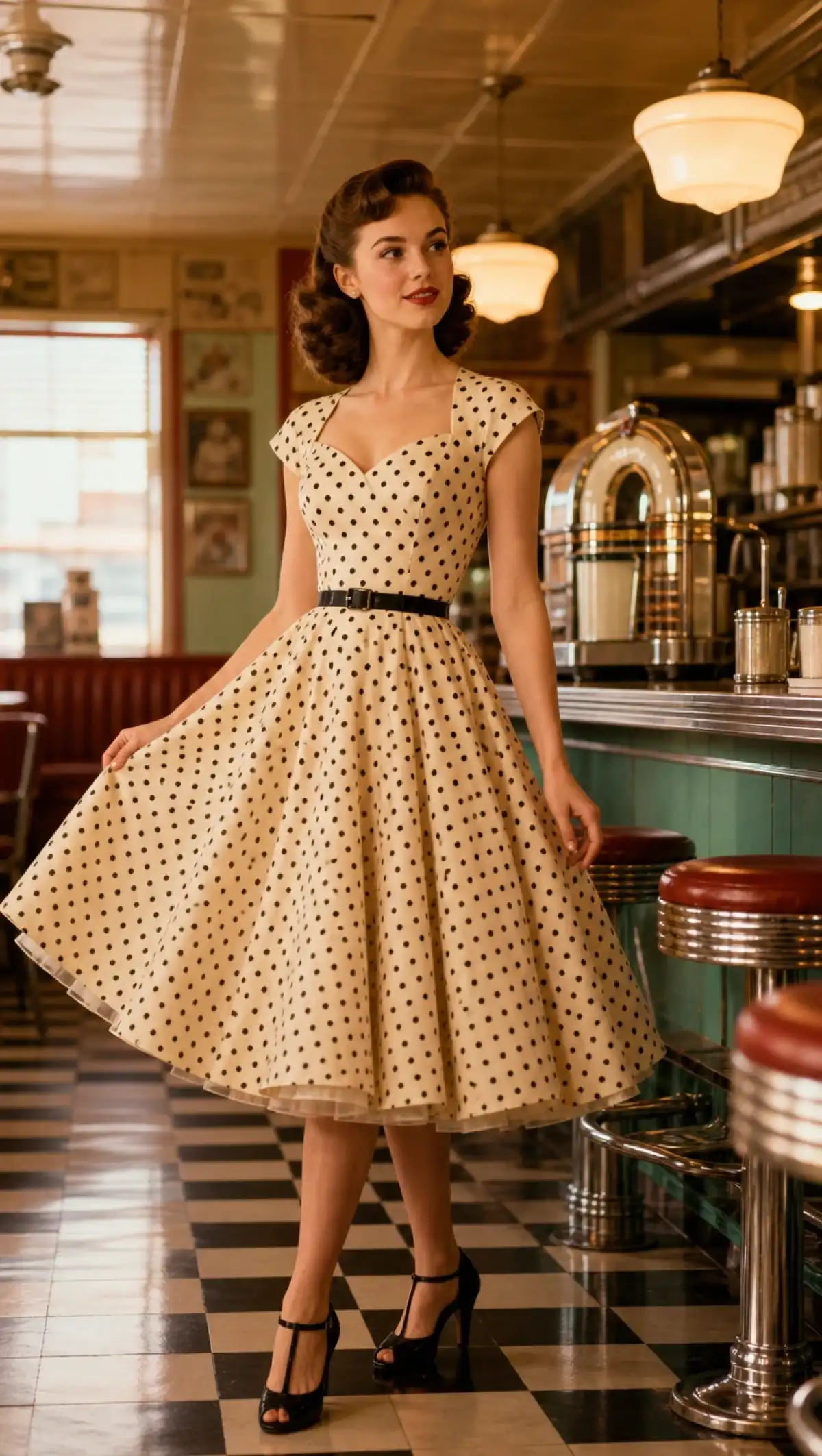
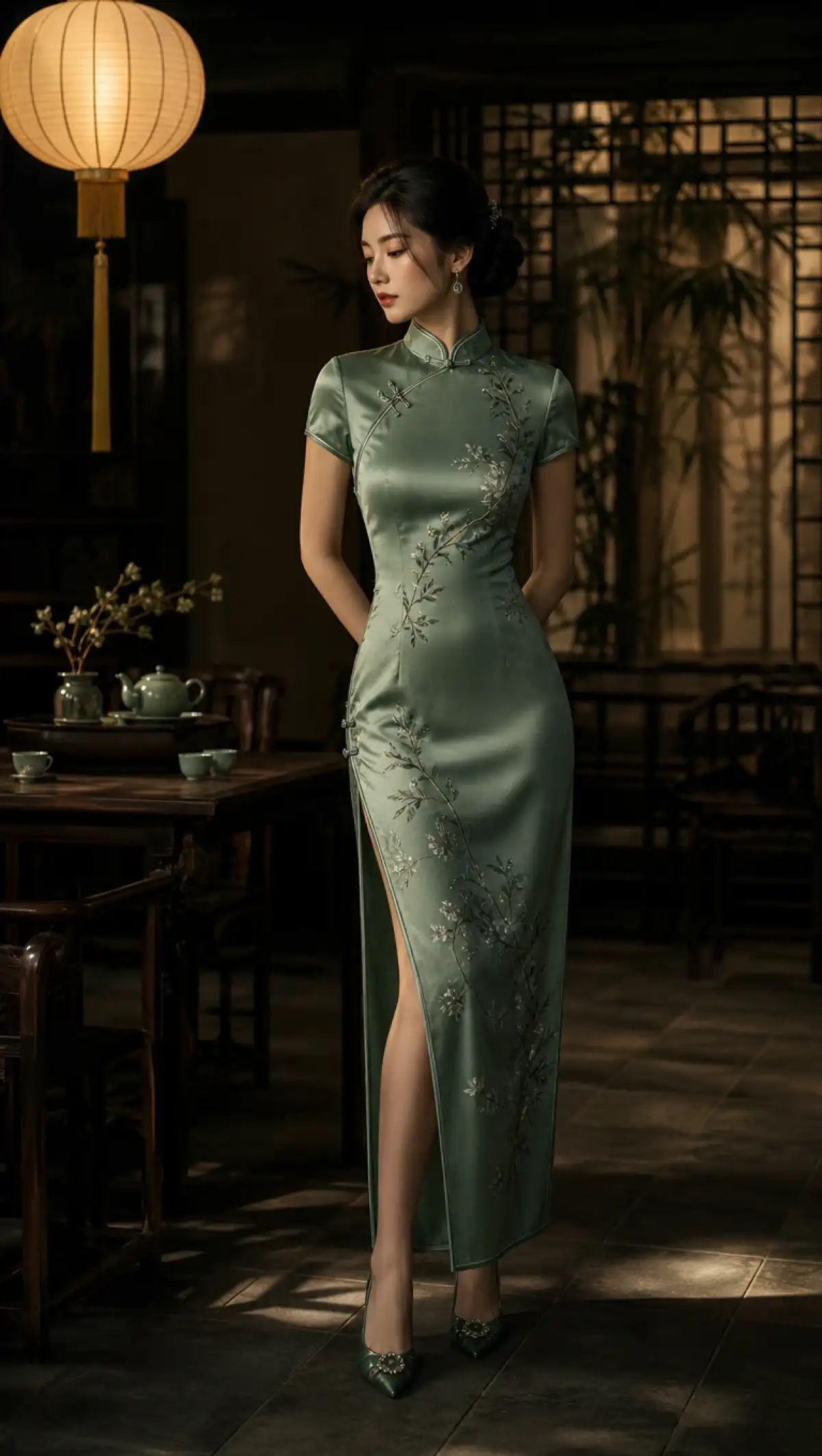
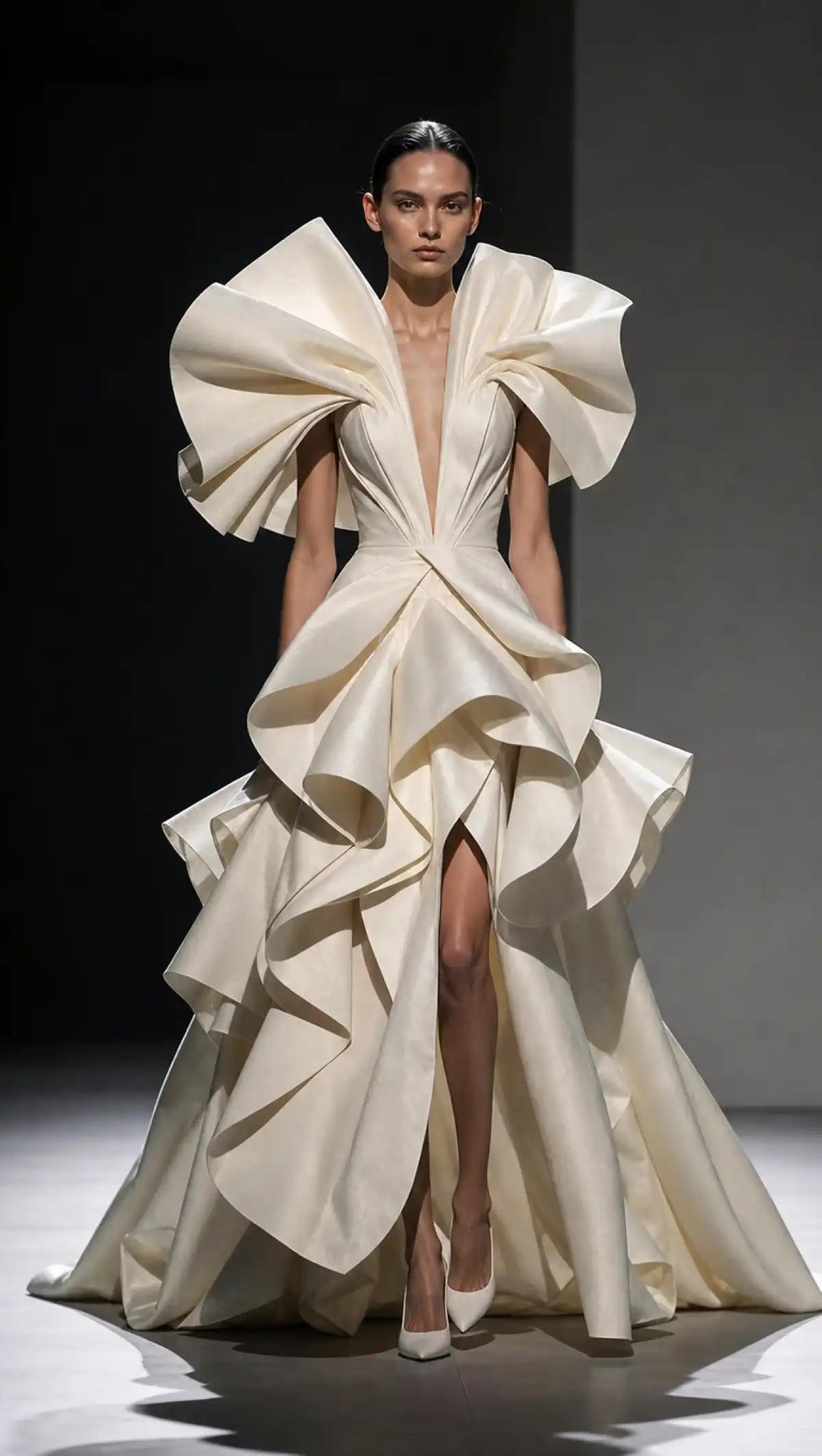
The perfect dress often lives only in your head and nowhere else. The AI dress generator in Magiclight AI turns that picture into a design you can show to a tailor.

Upload up to 10 reference images showing fabric swatches, lace patterns, or neckline styles. Magiclight AI uses these pictures to guide your gown's colors, textures, and overall appearance.
Explore 10 image models in Magiclight AI to create custom dress designs. Compare Nano Banana 2.1 and Seedream 5.0 Pro to see how each handles fabric textures, lighting, and realistic dress details.
Add fabric swatches, gown sketches, or outfit photos in JPG, PNG, or WEBP format, up to 20MB each. Clear images help Magiclight AI follow your preferred fabric patterns, colors, and dress details.
Choose from 4 aspect ratios in Magiclight AI to present your gown ideas. Use 9:16 for full-length dress portraits, 1:1 for square style previews, or 4:3 for wider fashion presentations.


Turn your dress ideas into custom designs with the Magiclight AI dress generator. Describe your preferred style, add reference images, and adjust the design settings. Follow these 4 steps to create your dress.
Open the Toolbox and choose the Image tab, then Text to Image. Create a dress from a description or Reference Image to Image to work with existing photos.
Enter a prompt of up to 500 characters describing the dress's neckline, fabric, color, and length. If using Reference Image to Image, upload your photo and relevant dress references to guide the design.
Choose from 10 image models and select your preferred aspect ratio. Use 9:16 for a full-length dress portrait or 4:3 for a wider fashion presentation. Set the number of images you want to generate.
Click Create Image to generate your dress designs. Compare the results and check the fabric, colors, and styling details. Download your favorite design or refine it with another prompt.
Yes, as a visual guide from the AI dress generator. The tailor will still take measurements and make a pattern. Share the image with notes on fabric and fit.
No, because the try-on shows a likely look and not a real fit. Fabric and sizing can differ in real life. Always try the dress on before buying.
No, because the AI Outfit Generator styles complete outfits. This tool focuses on designing the dress itself down to the neckline and fabric. Use both for full looks.
No, because designer dresses and brand logos can be protected. Describe your own design instead. Mixing your own details creates something new.
Yes, once your Magiclight AI plan includes business use. Make sure the real dress matches the picture. Customers should get what they see.
Yes, a new account can try one dress design at no cost. Describe one dress to see how it works. Upgrade for try-ons and color sets.



Bring the color, fabric, and shape of your picture. The AI dress generator in Magiclight AI draws it and shows it on you with no editing skills.