Hero background

AI Book Cover Generator

Create a book cover that captures the feel of your story with MagicLight AI. Describe your book, choose the visual style you want, and turn your ideas into custom cover artwork. No design skills required.

Create an AI Book Cover for Free
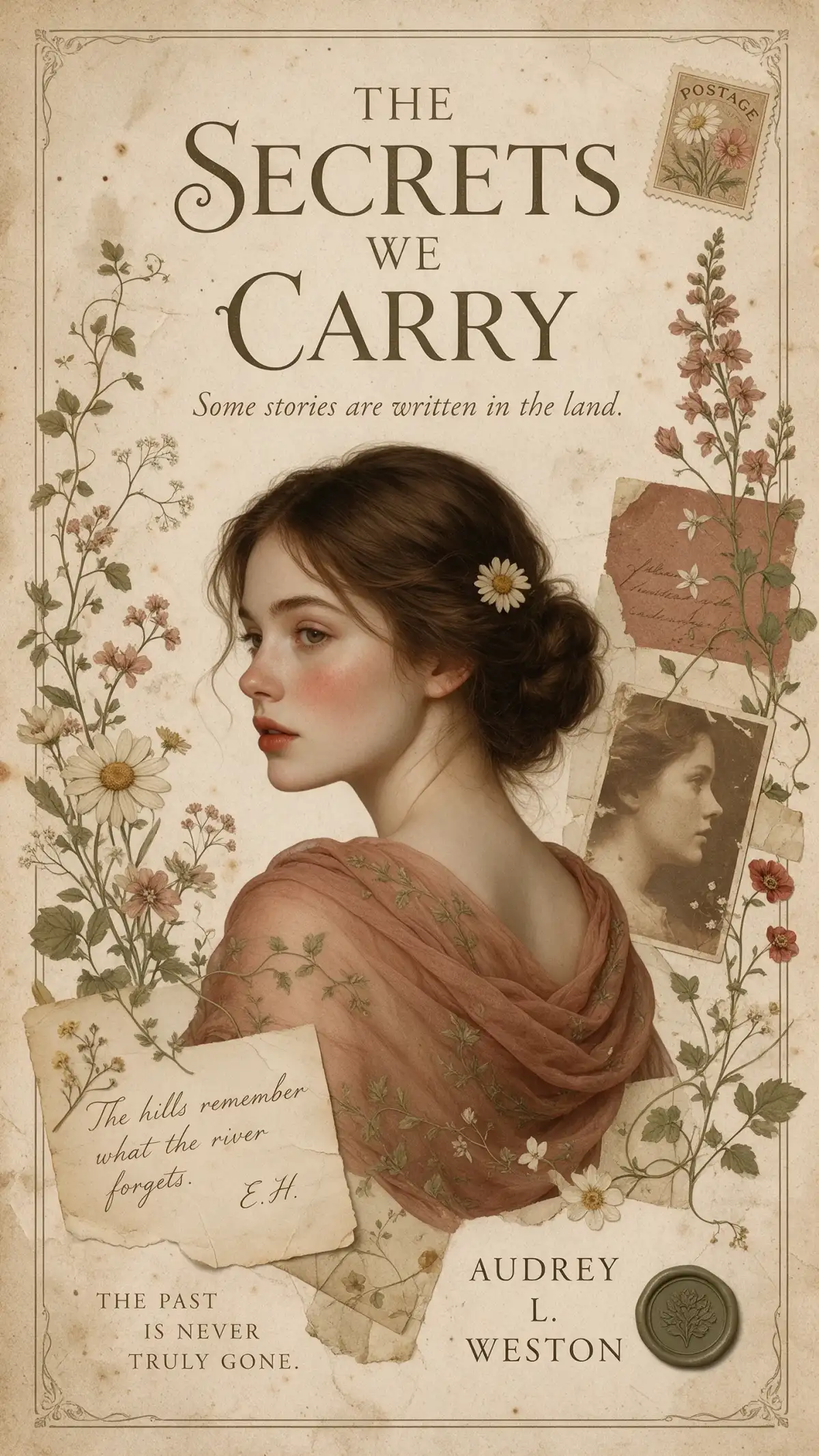
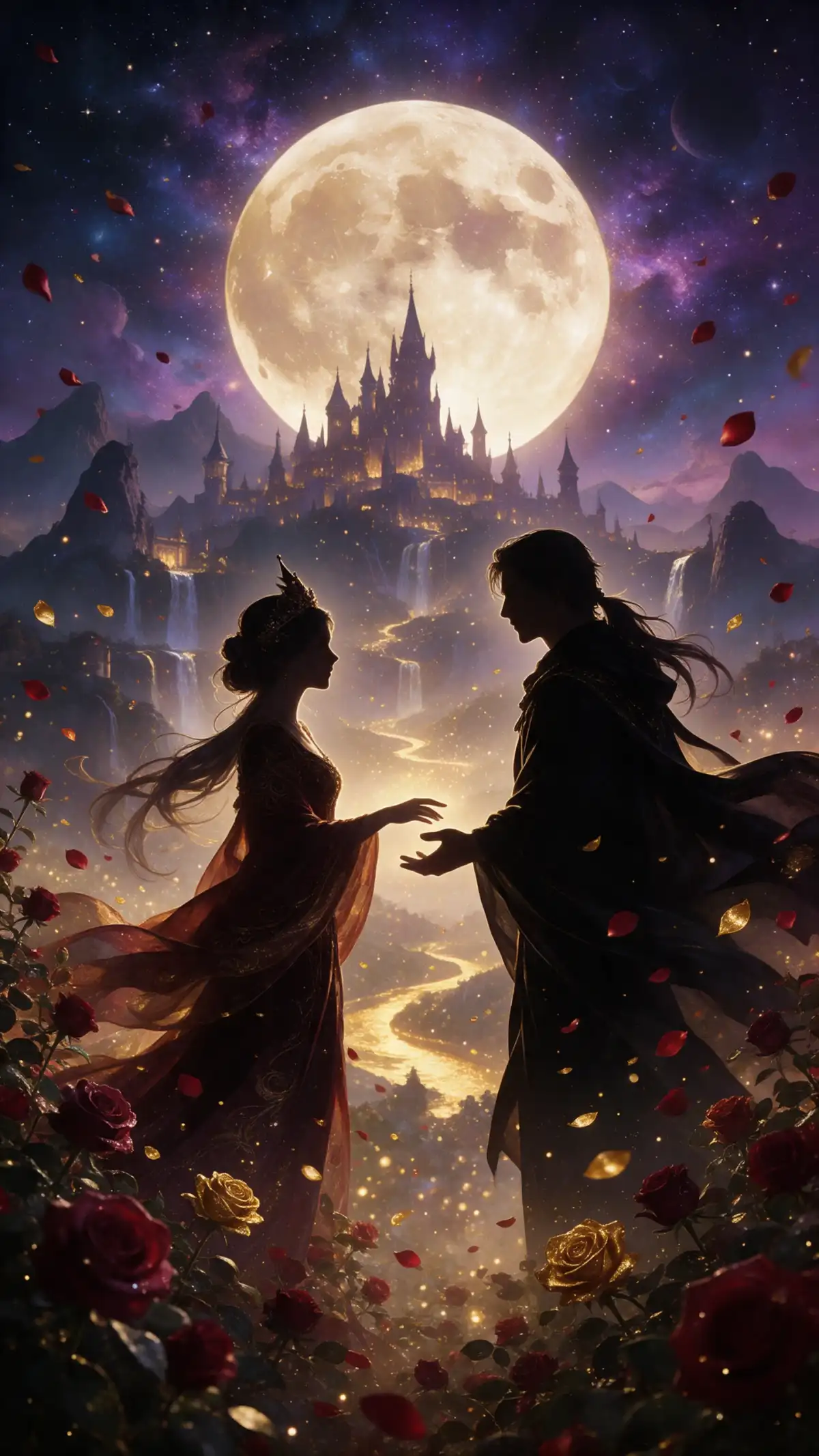
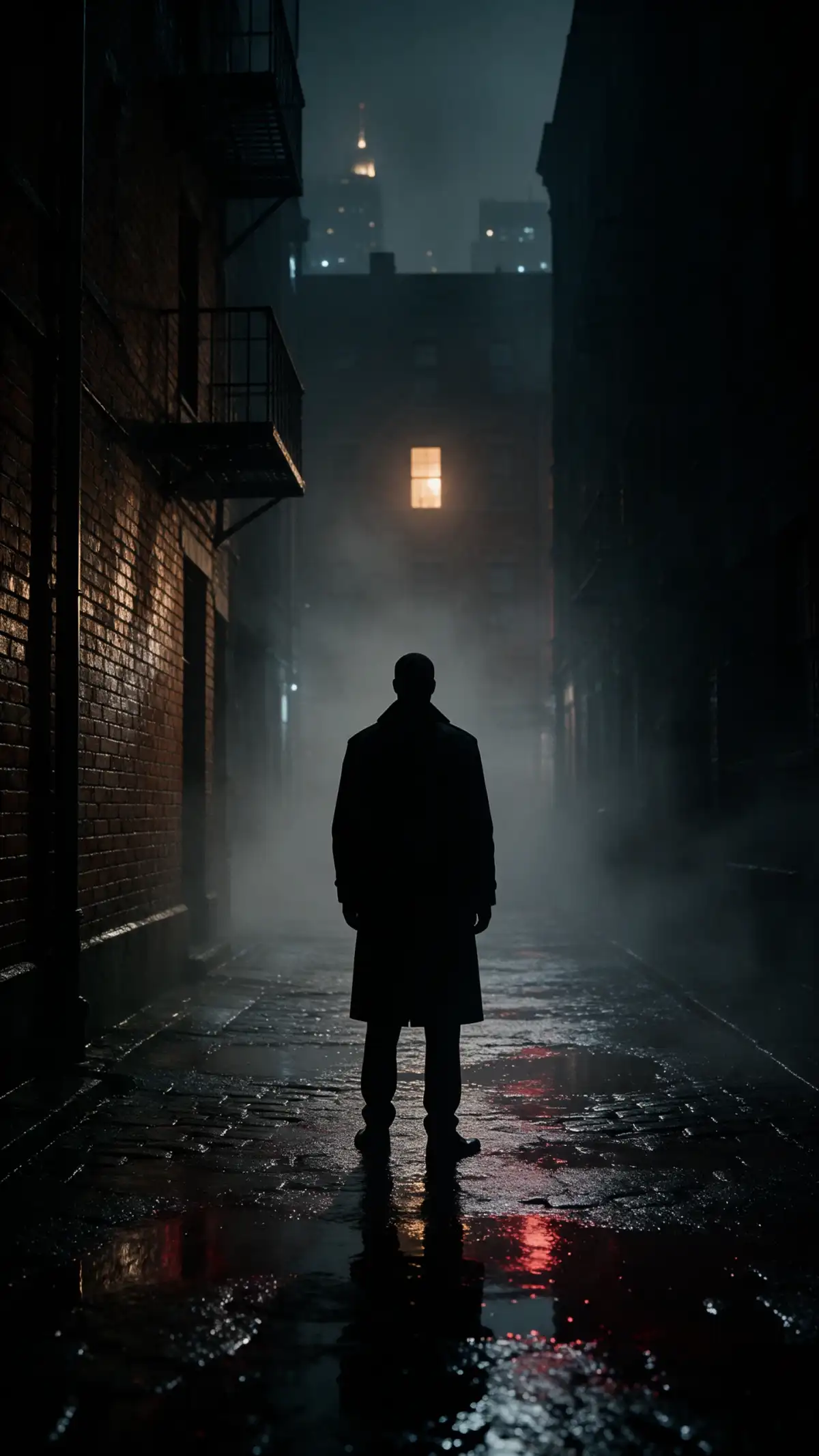
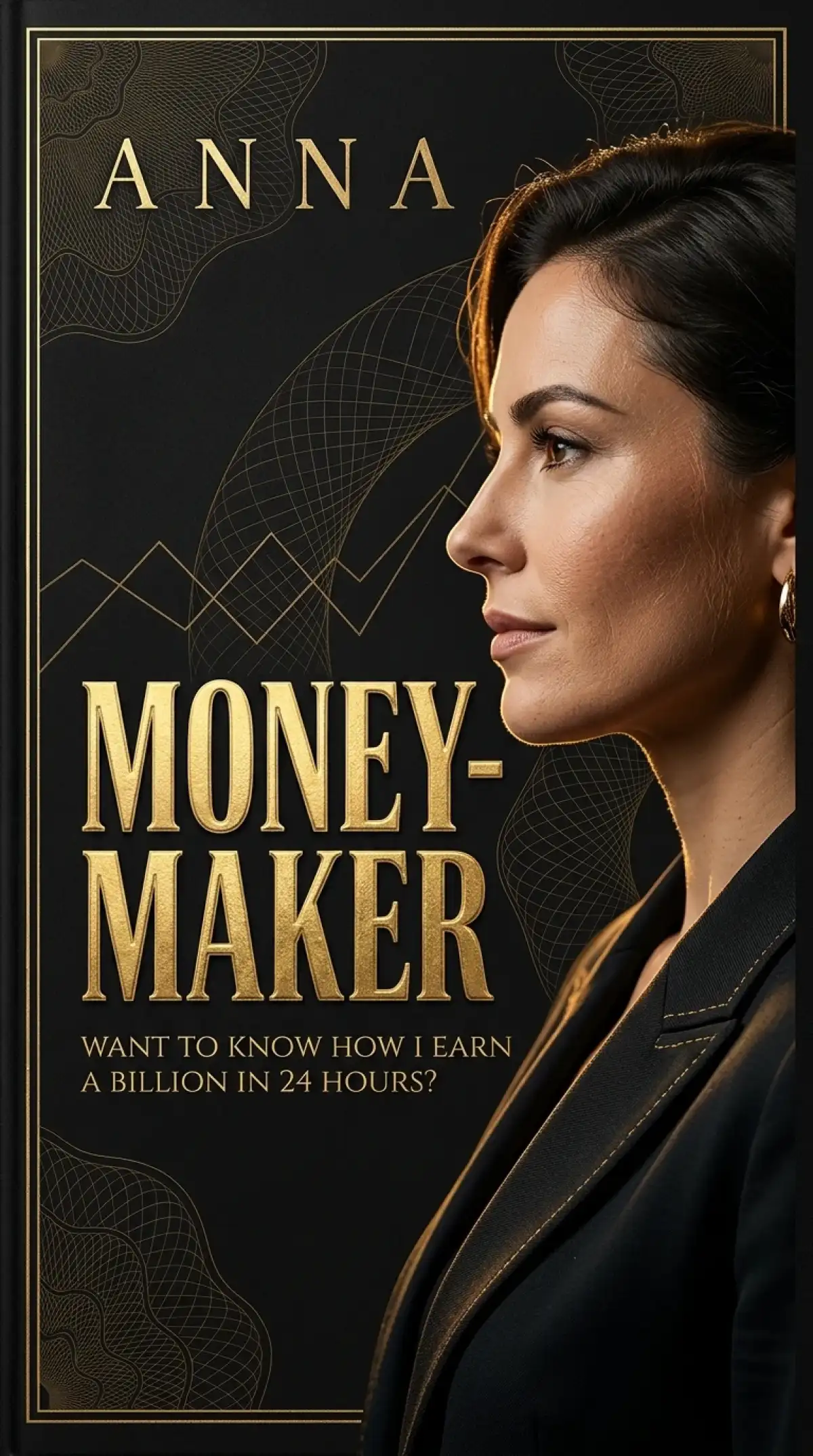
AI generated custom book cover artwork
Creative AI book cover design
AI generated novel cover illustration
Custom AI book cover artwork examples
Custom AI book cover artwork example 5
Custom AI book cover artwork example 6
AI generated custom book cover artwork
Creative AI book cover design
AI generated novel cover illustration
Custom AI book cover artwork examples
Custom AI book cover artwork example 5
Custom AI book cover artwork example 6

Explore the Features of Magiclight AI Book Cover Generator

Describe a scene from your novel and decide what readers should notice first. The AI book cover generator in MagicLight AI helps turn that description into artwork for your cover.
Explore the AI Book Cover Generator
3D book cover decoration

500 Characters to Explain Your Book Cover

Describe your story in a prompt of 500 characters. Mention a scene from your novel and explain how you want it to appear on the cover before generating the artwork.

6 Image Models for Different Book Genres

Magiclight AI gives you 6 AI image models for your cover. Try Seedream 5.0 Pro for a fantasy illustration or GPT Image 2.5 Sunburst for a realistic thriller scene.

20MB Image Files for Cover References

Add JPEG, PNG or WEBP files as references for your book cover. Magiclight AI accepts 20MB per image, letting you use photos or sketches to guide the appearance of your artwork.

10 Reference Images for Your Book Characters

Upload 10 reference images of characters or places from your story. Magiclight AI uses these pictures as guides to create cover artwork that follows the look you have in mind.

Who Can Use the Magiclight AI Book Cover Generator
Magiclight AI book cover generator helps authors picture their stories before publication. Writers can explore cover ideas for their next novel and find artwork that suits the genre.
AI book covers for self-published authors
For Self-Published Authors
Sketch your first cover concept in a tall 9:16 frame for your novel.
Compare your mystery cover across 6 image models before deciding.
Describe your main character in a prompt of 500 characters.
Illustrated book covers for children's book writers
For Children's Book Writers
Upload drawings from your notebook through Reference Image to Image.
Experiment with cheerful illustrations for your picture book cover.
Try a new background without changing your main character's look.
AI book cover designs for small publishers
For Small Presses
Generate multiple outputs for authors to compare before approval.
Upload up to 10 reference images to guide covers for a book series.
Prepare square 1:1 artwork to announce a new title on social media.
Custom AI ebook cover artwork
For eBook Creators
Design an eBook cover that reflects what readers will learn inside.
Prepare a wide 16:9 banner for the top of your course sales page.
Refresh an older guide with cover artwork that feels more current.
Why Choose Magiclight AI Book Cover Generator
Writers need more than a good cover to get their books noticed. Magiclight AI book cover generator brings 6 useful features to help with artwork and book promotion.
4 Aspect Ratios for Book Artwork
Magiclight AI gives you 4 aspect ratios to choose from. Select 9:16 for a tall book cover, 1:1 for square promotions, 16:9 for wide banners, or 4:3 for other artwork.
Create 30-Second Book Teasers
Your book cover can become a short animated scene through Image to Video. Choose from 20 video models and create a teaser lasting 30 seconds to share before your book release.
2 Image Modes for Your Book Cover
Text to Image lets you create a cover from a written description. Reference Image to Image works with your own character sketches when you want the artwork to follow an existing picture.
Turn Your Story Into a Trailer
Story to Video lets you enter a script of up to 12,000 characters and choose between Video or Series mode. You can create a book trailer lasting up to 50 minutes.
Keep Your Book Series Looking Familiar
Use the same reference images when creating covers for the next books in your series. Magiclight AI helps you follow the appearance of your characters across different releases.
16 Story Models for Book Trailers
Magiclight AI gives you 16 story models in Story to Video. Try different storytelling approaches to see which one captures the feeling of your novel before creating the trailer.

How to Make a Book Cover With Magiclight AI

You don't need to be a designer to give your book a fresh look. Magiclight AI book cover generator makes the process simple with 4 steps from your first idea to the final image.

1.

Find the Image Tool

Visit Toolbox and open Image. Select Text to Image for a cover based on your description. If you have an illustration to work from, use Reference Image to Image and upload it.

2.

Describe a Scene From Your Book

You get 500 characters to explain your cover concept. For a thriller, you might describe a lonely figure standing outside a house at midnight, with an unsettling atmosphere.

3.

Explore the 6 Image Models

Check the 6 available image models, including Seedream 5.0 Pro. Select the one you want to use and set your cover to a vertical 9:16 aspect ratio.

4.

Check the Final Artwork

Press Create Image and examine the result. Look at how clearly the scene communicates your book's genre. If it works for your story, save the image using the Download icon.

FAQs on AI Book Cover Generator

Can I add the title and author name to my cover?

Magiclight AI book cover generator lets you request text in your prompt. For clearer lettering, you can add the title and author name later using a separate design tool.

How do I keep characters consistent across a book series?

Upload the same character sketches each time you create a cover. Magiclight AI supports up to 10 reference images, helping you maintain a familiar look across your book series.

Can I use my own drawings for a book cover?

Yes. Upload your sketches through Reference Image to Image and let Magiclight AI use them as a visual guide. Each reference image can be up to 20MB in size.

What should I include in my book cover prompt?

Focus on a scene that represents your story. You get 500 characters to describe the setting and mood. Mention any important objects that should appear in the artwork.

Does Magiclight AI support different book genres?

Yes. You can create artwork for fantasy novels, romance stories, or children's books. Describe the genre in your prompt to guide the colors and overall atmosphere of the cover.

Do I need an existing image to create a book cover?

No. Text to Image creates artwork from your written description. If you already have a sketch or illustration, Reference Image to Image lets you upload it as a visual guide.


Create a Stand-Out Book Cover With Magiclight AI

Turn your story into eye-catching artwork with the Magiclight AI book cover generator. Create a cover that captures your book's mood and draws readers in.