Hero background

AI Product Background Generator

Give your product photos a professional look with the Magiclight AI Product Background Generator. Upload your product and create eye-catching scenes in a variety of styles, from elegant studio setups to cozy lifestyle settings. No studio setup needed.

Generate AI Product Backgrounds for Free
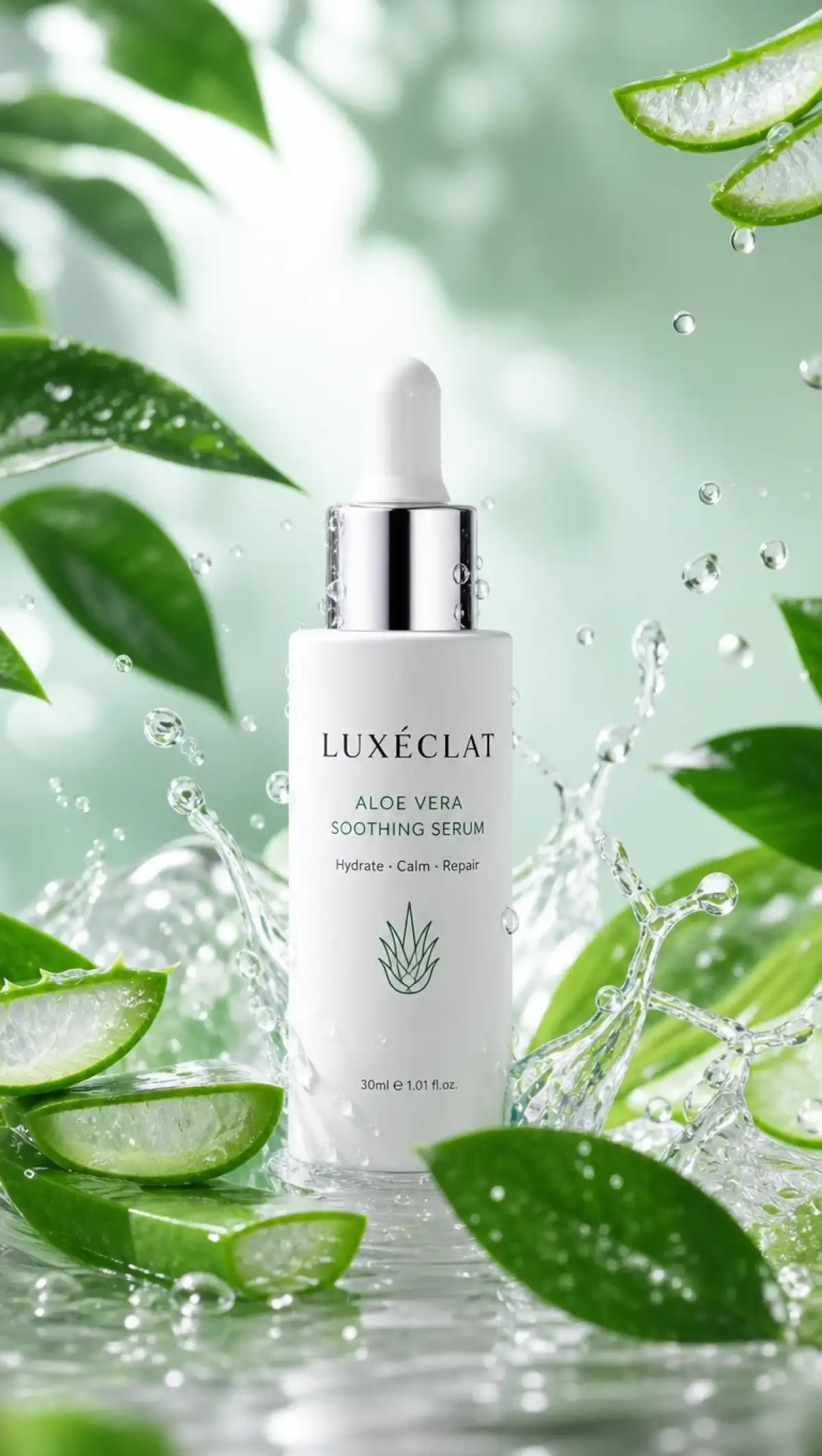
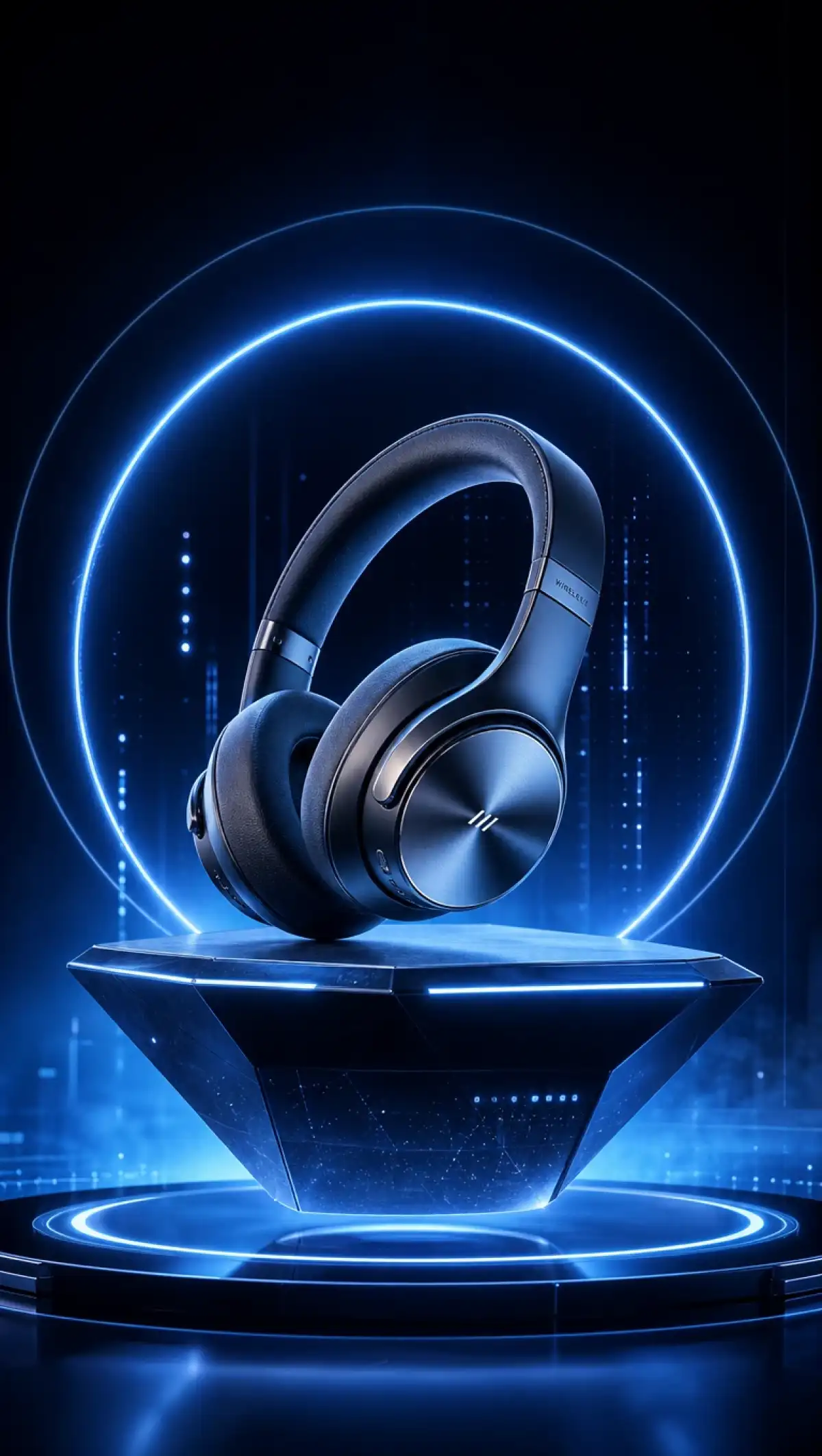
AI Product Background Generator Preview with Professional Product Photography
AI Generated Product Photography with Custom Backgrounds
Creative Product Images with Lifestyle and Studio Backgrounds
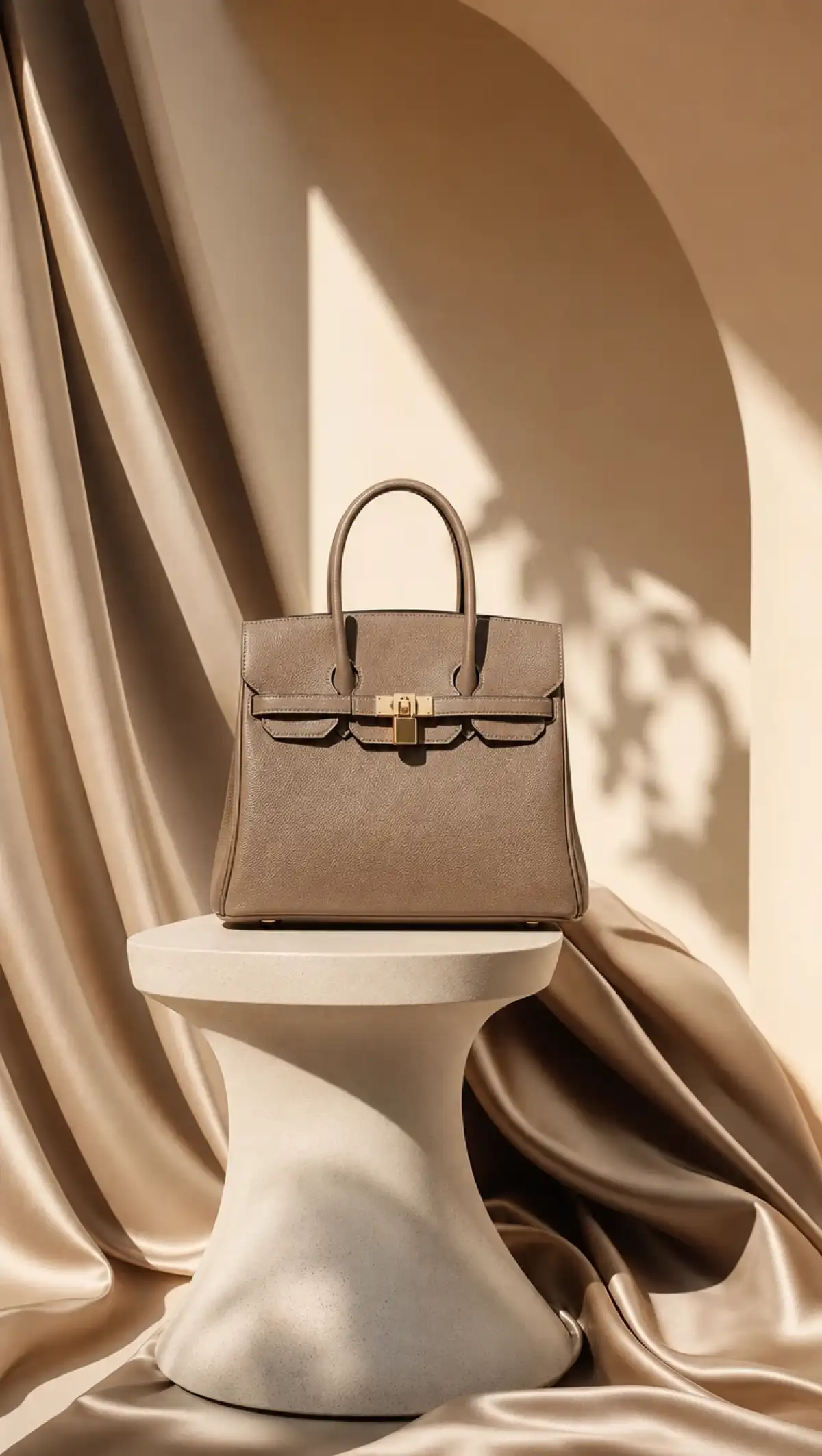
Product Photo Transformed with an AI Generated Background
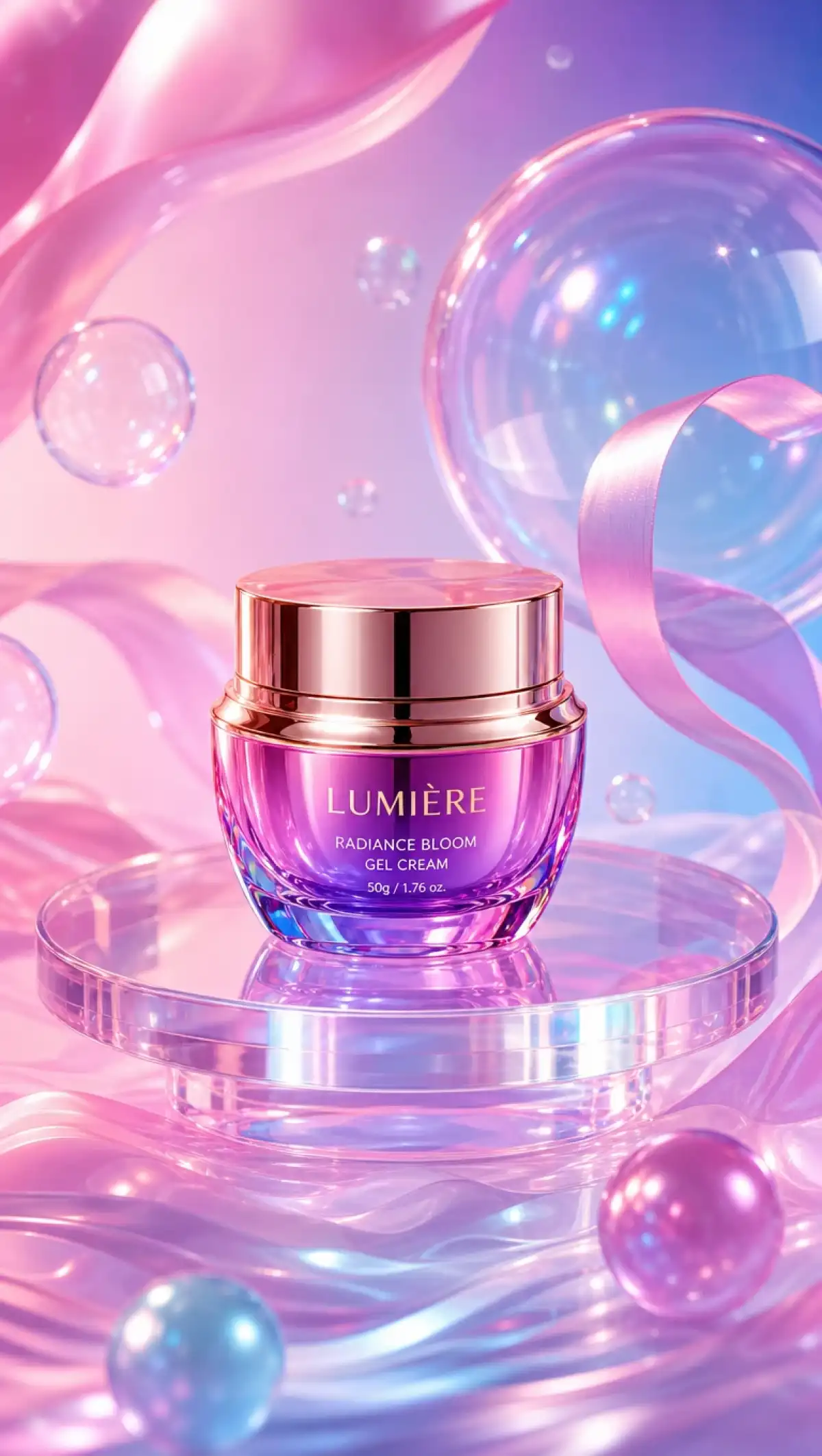
Product Photography Collection with Different Background Styles
Custom Product Scenes and Background Designs Created with AI

Explore the Magiclight AI Product Background Generator Features

A skincare bottle might look better against marble than a busy shelf. Magiclight AI product background generator lets you explore settings that complement your products.

Generate AI Product Backgrounds for Free
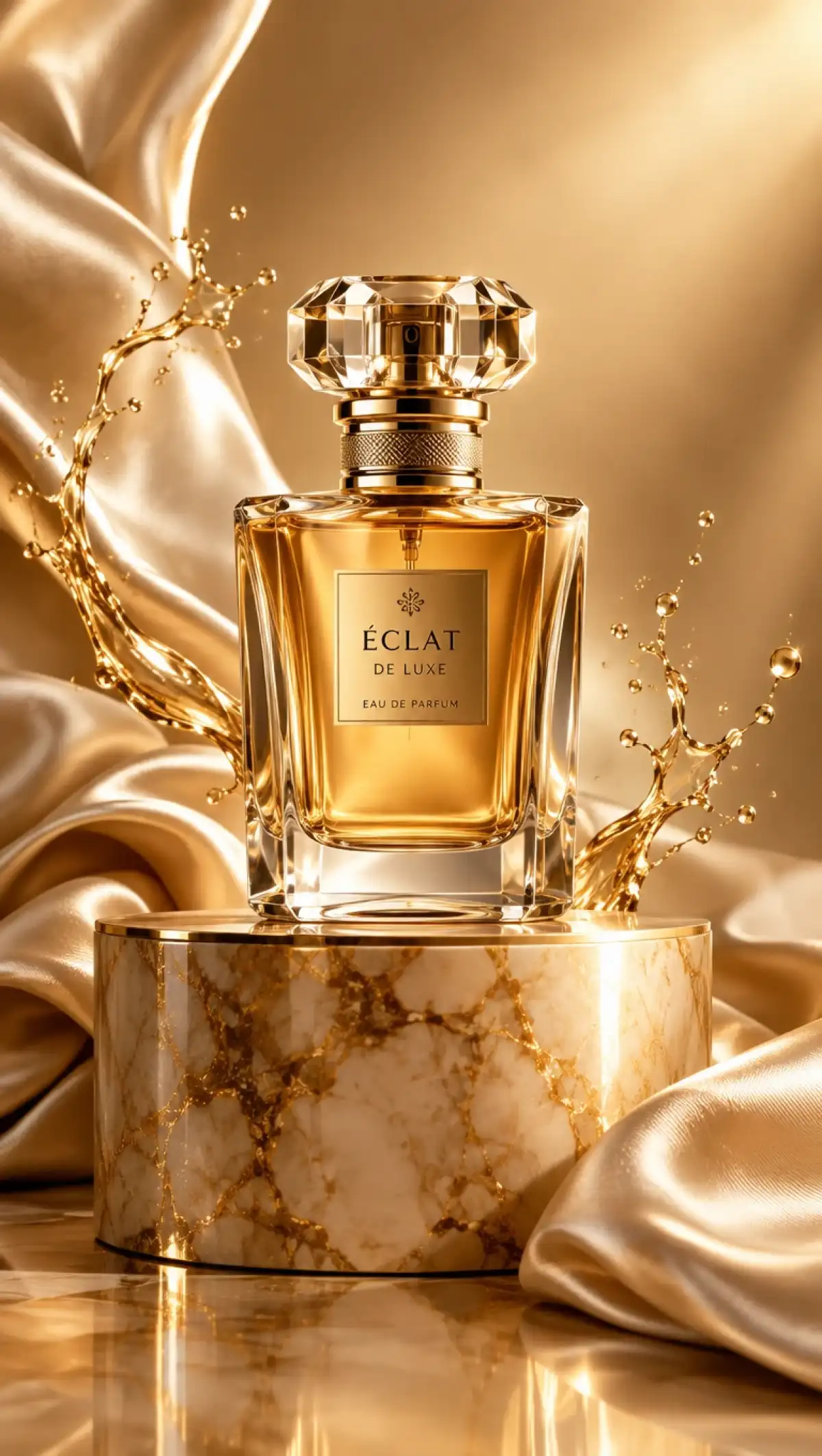
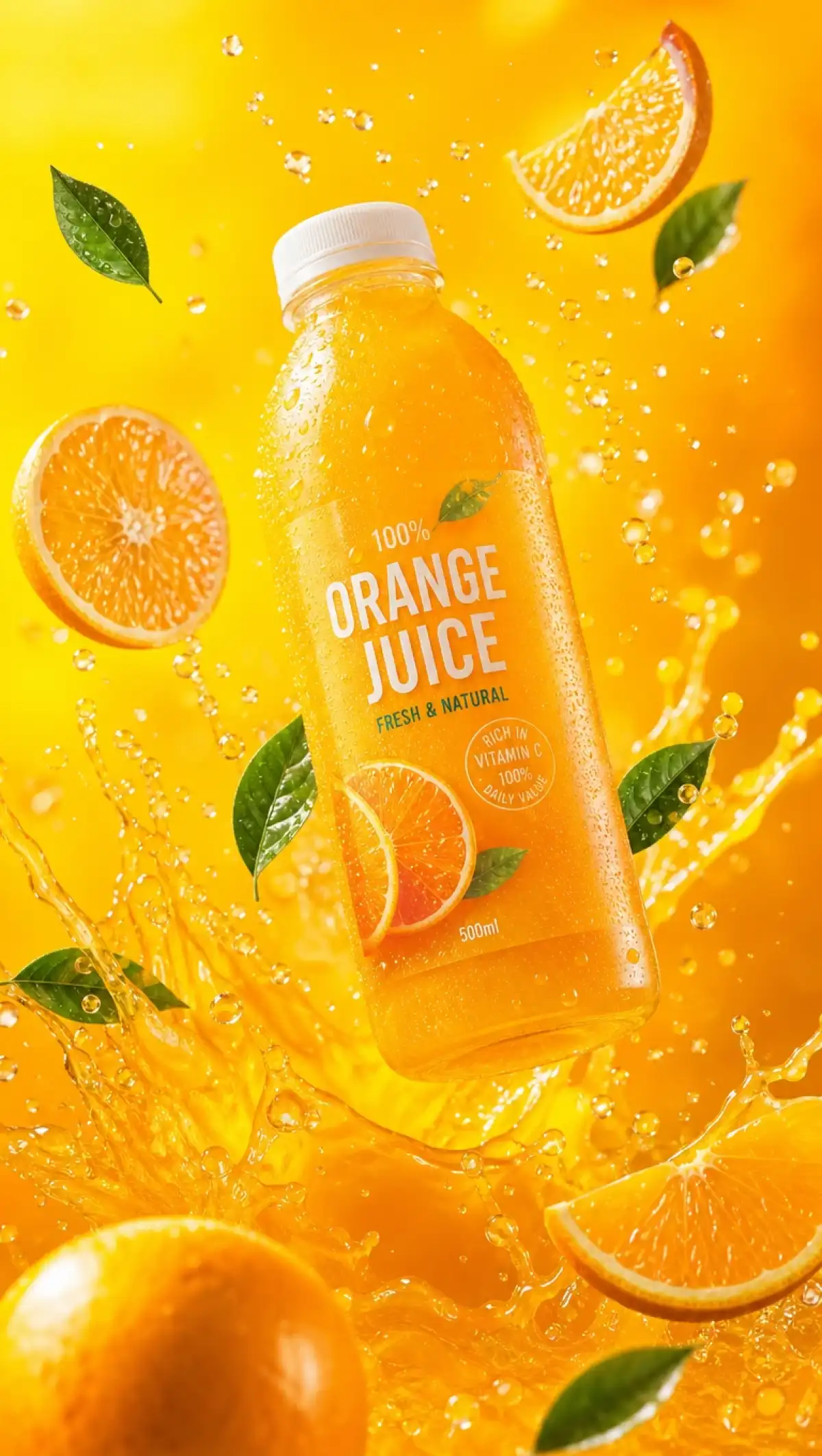
AI Product Background Generator Decoration

Reference Image to Image for Product Photography

Bring an existing product photo into Magiclight AI through Reference Image to Image. Describe a new background while using the original photo to guide the product's shape, colors, and visual details.

500 Characters for Custom Product Settings

Describe the surface, lighting, and decorative elements within a 500-character prompt. Try a wooden countertop for kitchenware or a sandy beach for sunscreen. Give each product a setting that suits its purpose.

Up to 10 Reference Images for Branded Scenes

Gather pictures of brand colors, decorative props, and preferred photography styles. Magiclight AI accepts up to 10 reference images to help guide the visual direction of your product background.

4 Aspect Ratios for Product Displays

A square 1:1 image suits marketplace listings, while 9:16 works for Instagram Stories. Choose 16:9 for website banners or 4:3 when preparing product images for a digital catalog.

Who Can Use the Magiclight AI Product Background Generator
An online shop needs attractive listings, but arranging a photoshoot for every item takes time. Magiclight AI product background generator offers sellers and marketers another way to prepare product visuals.
Marketplace Sellers Creating Professional Product Listing Images
For Marketplace Sellers
Prepare square 1:1 product images with clean backgrounds for listings.
Upload product photos up to 20MB to create alternative display settings.
Use Reference Image to Image for studio-style product photography.
Small Brands Designing Custom Product Photography Scenes
For Small Brands
Describe rustic surfaces and warm lighting within a 500-character prompt.
Add up to 10 reference images to guide your brand's product settings.
Explore 10 image models for seasonal product photography styles.
Store Owners Creating Lifestyle Backgrounds for Product Photos
For Store Owners
Replace plain supplier photo backgrounds with custom lifestyle settings.
Design 16:9 product backgrounds for promotional website banners.
Import JPEG, JPG, PNG, or WEBP product photos for background redesigns.
Social Media Marketers Designing Product Campaign Visuals
For Social Media Marketers
Give seasonal product campaigns a fresh setting through text prompts.
Create vertical 9:16 product visuals for Instagram Stories and ads.
Use Reference Image to Image to incorporate branded props into product shots.
Why Choose Magiclight AI Product Background Generator
Once the background looks right, the rest of the campaign can follow. The Magiclight AI product background generator sits beside the tools that plan, write, and animate the ad.
10 Image Models for Different Photography Styles
Magiclight AI offers 10 image models for product photography. Explore a minimalist studio setting for electronics or a warm lifestyle scene for home accessories. Compare results from different models to find a suitable presentation.
Custom Lighting for Product Photography
Soft morning light can give a skincare product a natural appearance. For luxury accessories, describe dramatic shadows and warm studio lighting in your prompt. Magiclight AI uses these details to guide the generated scene.
Text to Image for Pre-Launch Product Concepts
Still waiting for your first product sample? Use Text to Image in Magiclight AI to visualize an imagined product in a suitable setting. Explore background ideas before arranging the actual product photoshoot.
20MB Uploads for Detailed Product References
Upload product reference images of up to 20MB each in Magiclight AI. A detailed source photograph provides more visual information about fabric textures, packaging designs, and decorative elements for your new product scene.
4 File Formats for Product Photo Uploads
Bring your existing product photographs into Magiclight AI in JPEG, JPG, PNG, or WEBP format. Use a supplier's image or your own studio photograph as the starting point for a new background.
20 Video Models for Product Motion
A candle flame can flicker, fabric can move softly, or light can glide across glass. Compare a few options and keep the one that suits your product best.

How to Create a Product Background With Magiclight AI

Give an existing product photo a fresh setting without arranging another photoshoot. Follow these 3 steps to create a new backdrop with the Magiclight AI product background generator.

1.

Step 1. Add Your Product Photo

Head to Toolbox and select the Image tab in Magiclight AI. Choose Reference Image to Image and upload your product photo. For an imagined product concept, select Text to Image instead.

2.

Step 2. Describe the Product's New Setting

Explain the background, surface, lighting, and decorative props within 500 characters. Include product details you want to retain, such as packaging colors and labels. Select from 10 available image models.

3.

Step 3. Generate and Download Your Product Image

Set an aspect ratio that suits your product listing or promotional campaign, then click Create Image. Review the product details and background before downloading.

FAQs on AI Product Background Generator

Will my product stay exactly the same?

It stays very close, but small details like label text can shift. Compare every result with the real product and use only images that show the item accurately.

Do I need the Magiclight AI Background Generator instead?

No, the AI Background Generator creates backdrops for calls and slides. The AI product background generator places your real products in sales-ready scenes, so each one fits a different job.

Can I use these images on Amazon or other marketplaces?

Yes, store listings need a plan that includes commercial use. Each marketplace has its own image rules, such as white backgrounds for main photos, so check them before you upload.

Can I add a model in Magiclight AI holding my product?

Yes, describe the model and the pose in the prompt, or add a reference. Make sure the product still looks the same, and use AI models or people who have agreed to appear.

Can I add props from other brands?

No, avoid other brands’ logos and products in your scenes. Use generic props or your own items so only your brand appears in each product photo.

Is the AI product background generator free to try?

Yes, a new account can try a first product scene at no cost. Upload one product photo in Reference Image to Image to test it, and upgrade for more scenes and product videos.


Give Every Product the Perfect Scene With Magiclight AI

The product is ready, and the photo is the only thing holding it back. Hand the scene to the Magiclight AI product background generator and list it today.