Hero background

AI FoodGenerator

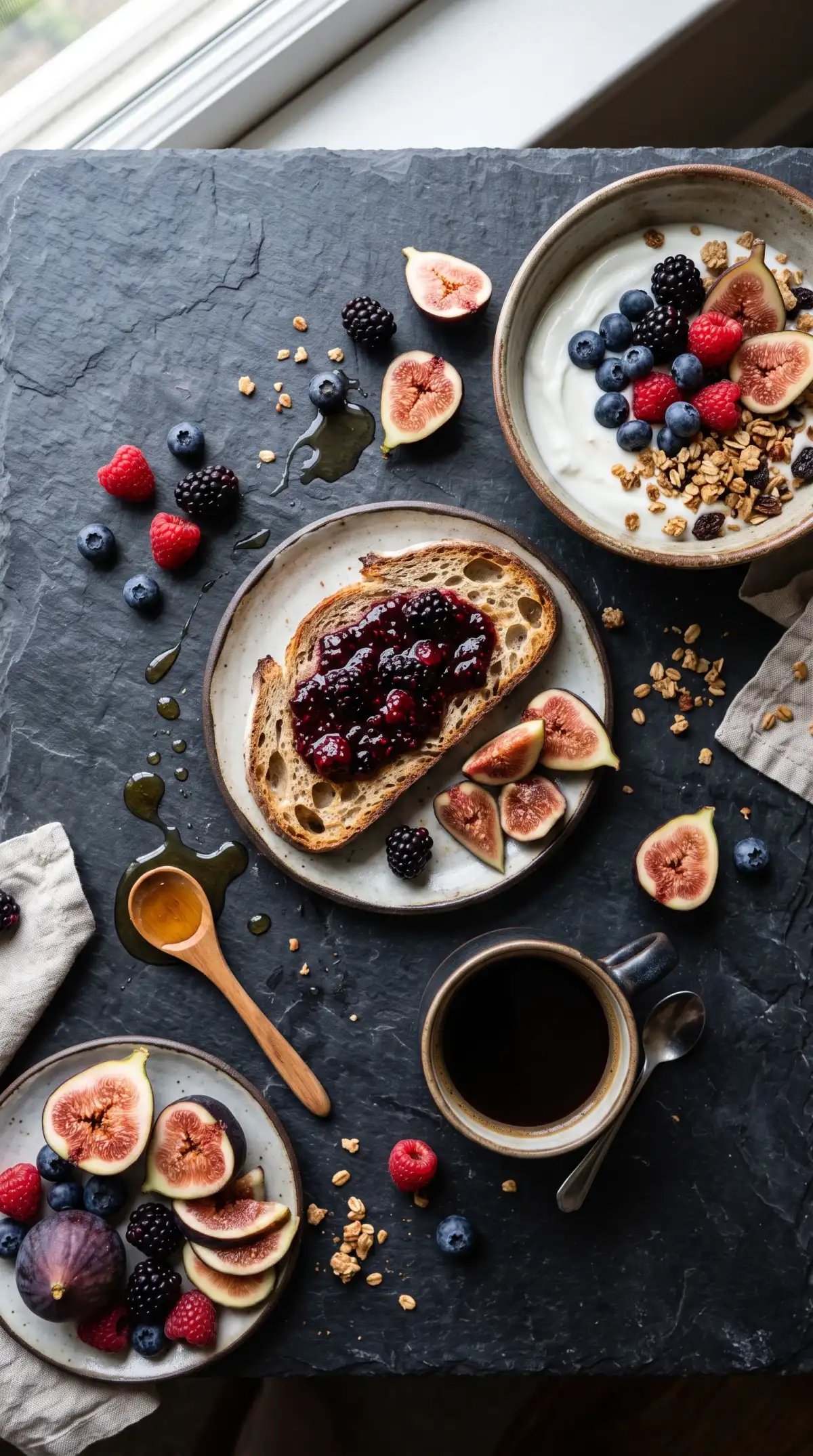
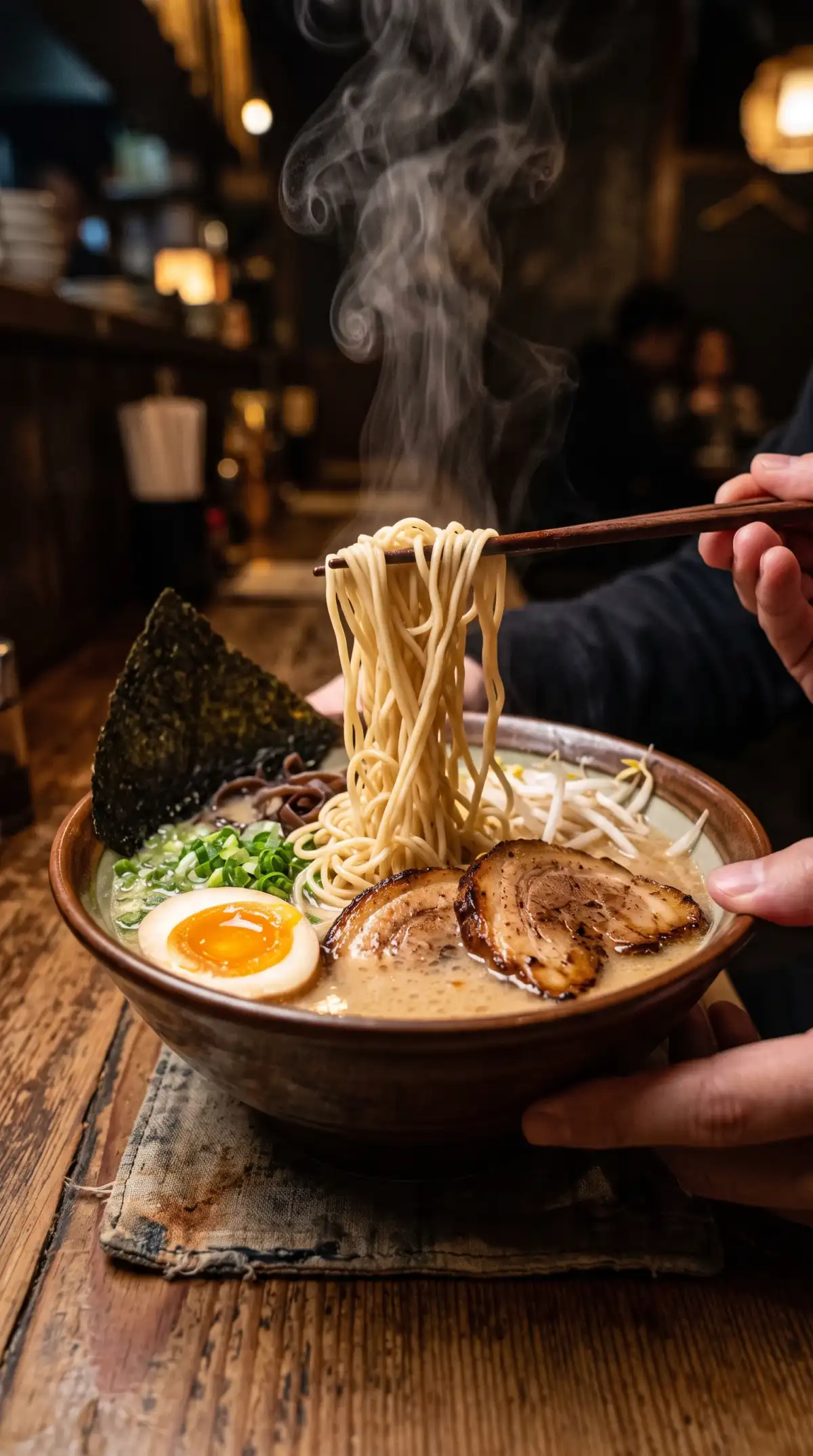
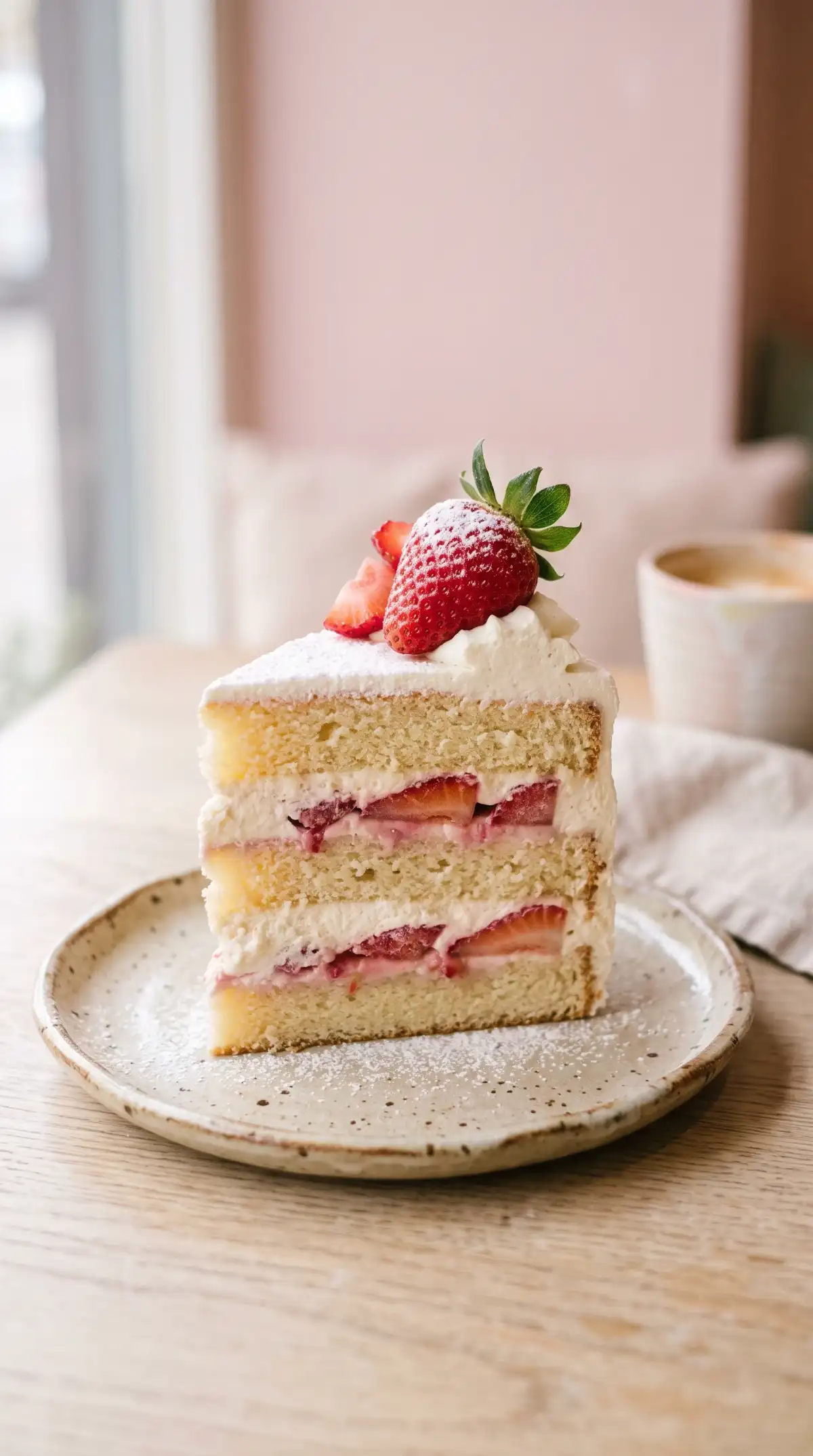
Bring your food ideas to life with the Magiclight AI Food Generator. Describe your favorite dishes, from golden-crust pastries and fresh fruit tarts to beautifully plated meals, and create appetizing, realistic food images in seconds. No food photography skills needed.

Create AI Food for Free
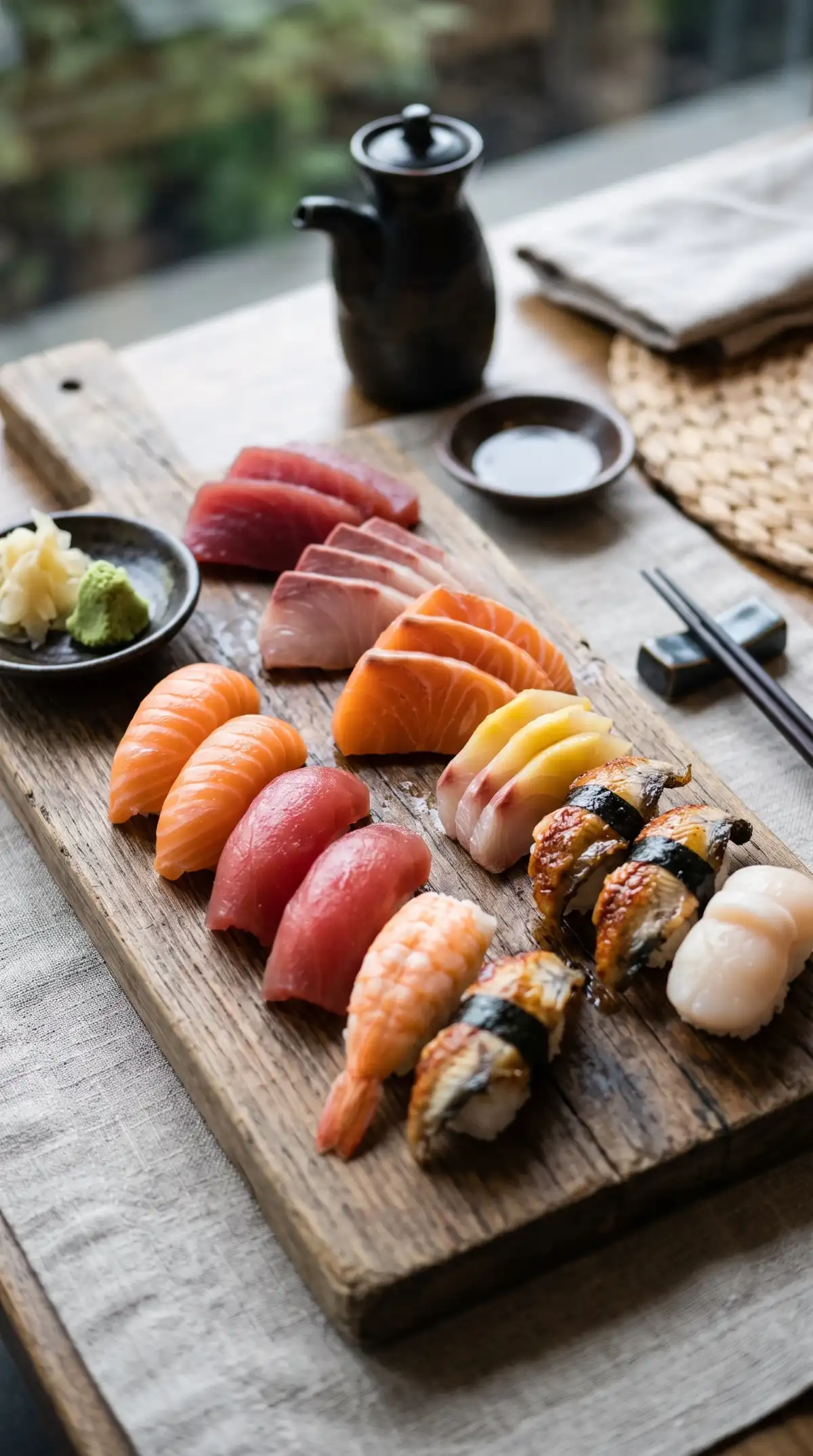
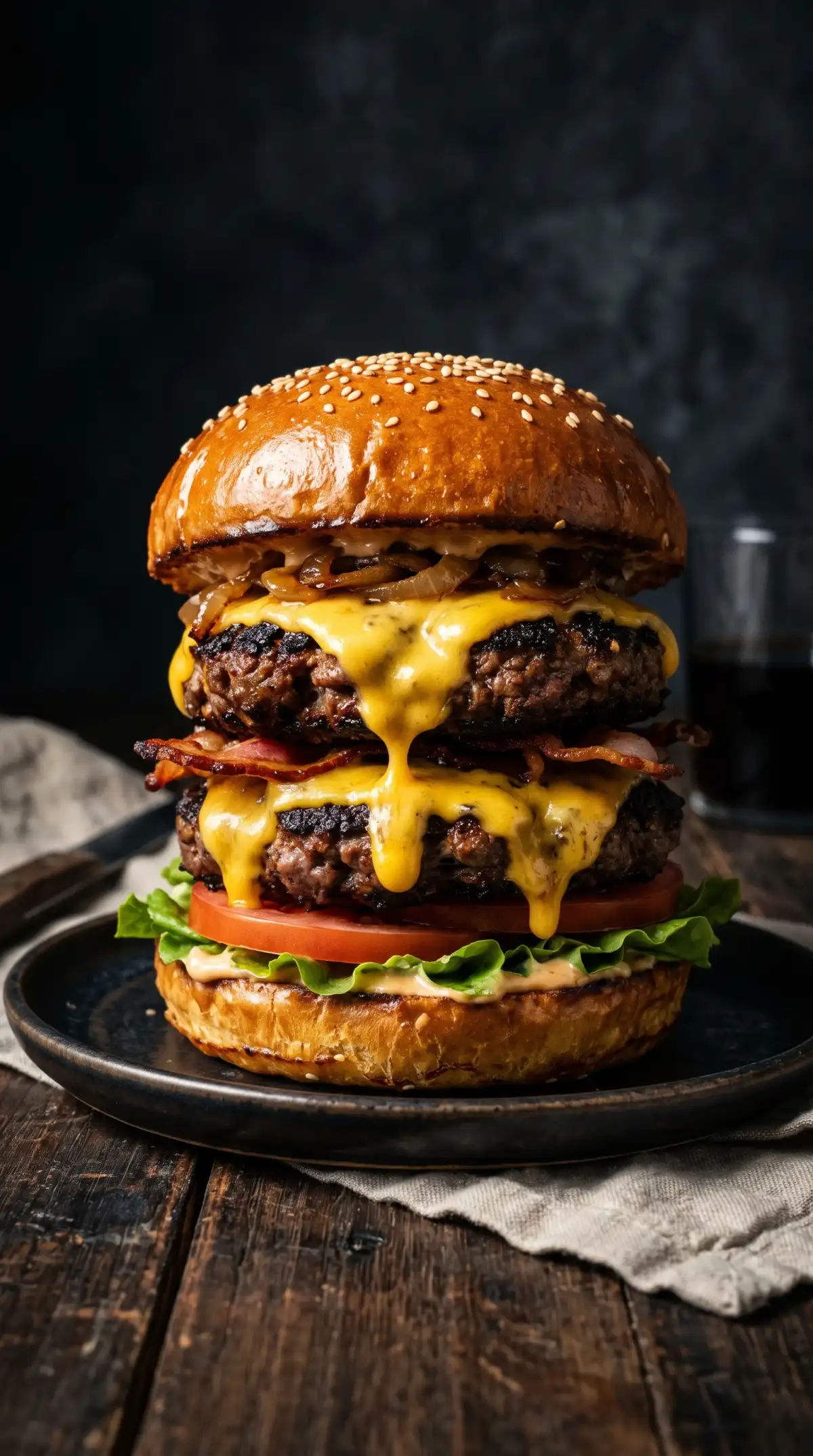
AI Food Generator Preview with Realistic Food Photography
AI Generated Food Photography for Menus and Recipes
Realistic AI Food Image and Dish Presentation
Food Photo Transformation with AI Image Generation
AI Food Image Collection with Different Presentation Styles
Custom AI Food Photography for Restaurant Menus

Food Generator Features

Your cafe's new dessert deserves a picture that shows why it is worth trying. Use the Magiclight AI food generator to give your dish the right setting for your next menu update.

Create AI Food for Free
AI Food Generator Decoration

2 Image Modes for Food Photography

Use Text to Image to create dishes from written descriptions. Choose Reference Image to Image when you have an existing food photo and want to explore a different background, plating style, or presentation.

500 Characters to Describe Your Food

Enter up to 500 characters to explain your preferred dish presentation. Mention steaming noodles, fresh herbs, warm lighting, or a dark wooden table to guide the final food image.

10 Reference Images for Food Styling

Upload up to 10 reference images showing your dishes, table settings, or plating arrangements. Magiclight AI uses these pictures to guide the colors, composition, and presentation style of your food images.

10 Image Models for Different Food Styles

Explore 10 image models in Magiclight AI to create food visuals. Compare GPT Image and Seedream models using the same dish description to see differences in textures, lighting, and presentation.

Who Can Use the Magiclight AI Food Generator
A good food picture can make someone stop scrolling and look at the menu. Magiclight AI food generator gives cafes, home cooks and food brands a fresh way to present their dishes.
Restaurants and Cafes Creating AI Food Menu Images
For Restaurants and Cafes
Refresh a menu photo through Reference Image to Image for a fresh setting.
Arrange a seasonal dish in a 9:16 frame for your cafe's online menu pages.
Bring a soup photo to Image to Video to show steam rising above the bowls.
Food Bloggers Creating AI Recipe and Dish Images
For Food Bloggers
Picture a new recipe with Text to Image before you cook it for your blogs.
Describe the plate and table setting within the 500-character prompt here.
Browse multiple outputs to find a food picture that suits your blog posts.
Delivery Kitchens Designing AI Food Menu Photos
For Delivery Kitchens
Fill an empty delivery menu slot with a square 1:1 food photo for diners.
Gather 10 reference images to guide the look of your delivery menu photos.
Try 10 image models to find a style that makes your dishes look tasty.
Packaged Food Brands Creating AI Food Packaging Visuals
For Packaged Food Brands
Show a serving idea on a package using a fresh food image made with AI art.
Send a product photo under 20MB to guide your new food package image.
Check your plan's commercial rights before printing food art on the boxes.
Why Choose Magiclight AI Food Generator
A restaurant menu needs food pictures, while social media posts call for creative presentations. The Magiclight AI food generator helps you prepare images for different purposes without arranging another shoot.
Picture Sizes That Suit Your Food Menu
Choose the 1:1 aspect ratio for square dish photos on food delivery apps. Select 4:3 for printed menus or restaurant brochures. Check the framing to keep your food presentation clearly visible.
Turn a Food Picture Into a 30 Second Video
Bring your food images to life with Magiclight AI Image to Video. Upload a ramen photo and describe rising steam or gentle camera movement. Supported models can generate clips lasting up to 30 seconds.
Your Previous Food Images Stay in History
Magiclight AI saves your generated food images in the Image tab history. Revisit an earlier menu design, compare it with a new version, or download a favorite food picture for future use.
Video Clone for Your Next Food Promotion
Create a promotional food video with Magiclight AI Video Clone. Add a sample restaurant ad and photos of your dishes to guide the new clip. Include your meal offer to shape the promotional message.
20MB Uploads for Clear Food References
Upload food reference images in JPG, JPEG, PNG, or WEBP format, up to 20MB each. A clear photo showing the dish, garnishes, and plating arrangement helps Magiclight AI follow your preferred presentation style.
Try Food Images With Free Sign-Up Credits
New Magiclight AI accounts can use available starter credits to test food image generation. Try creating a restaurant menu photo or recipe illustration before deciding whether to purchase additional credits.

How to Use Magiclight AI Food Generator

Magiclight AI food generator gives your favorite recipes a picture worth sharing. In 3 steps, you can decide how the meal should look and get an image ready for your food blog.

1.

Step 1. Add Your Food Idea

Visit the Toolbox and enter the Image section. Pick Text to Image for a dish you have in mind. If you already have a food photo, select Reference Image to Image and upload it.

2.

Step 2. Explain How the Meal Should Look

Write a prompt within 500 characters. Mention the serving plate and the camera angle you prefer. For a real dish, ask Magiclight AI to keep the ingredients looking familiar.

3.

Step 3. Create Your Food Picture

Choose an image model and set the picture ratio to suit your menu. Press Create Image, check the food in the result, and save the version you want to use.

FAQs on AI Food Generator

Should I upload a photo of my real dish?

A real dish photo gives Magiclight AI a reference for the ingredients and portion size. Use Reference Image to Image to improve the setting without changing what customers expect.

What about drinks and desserts?

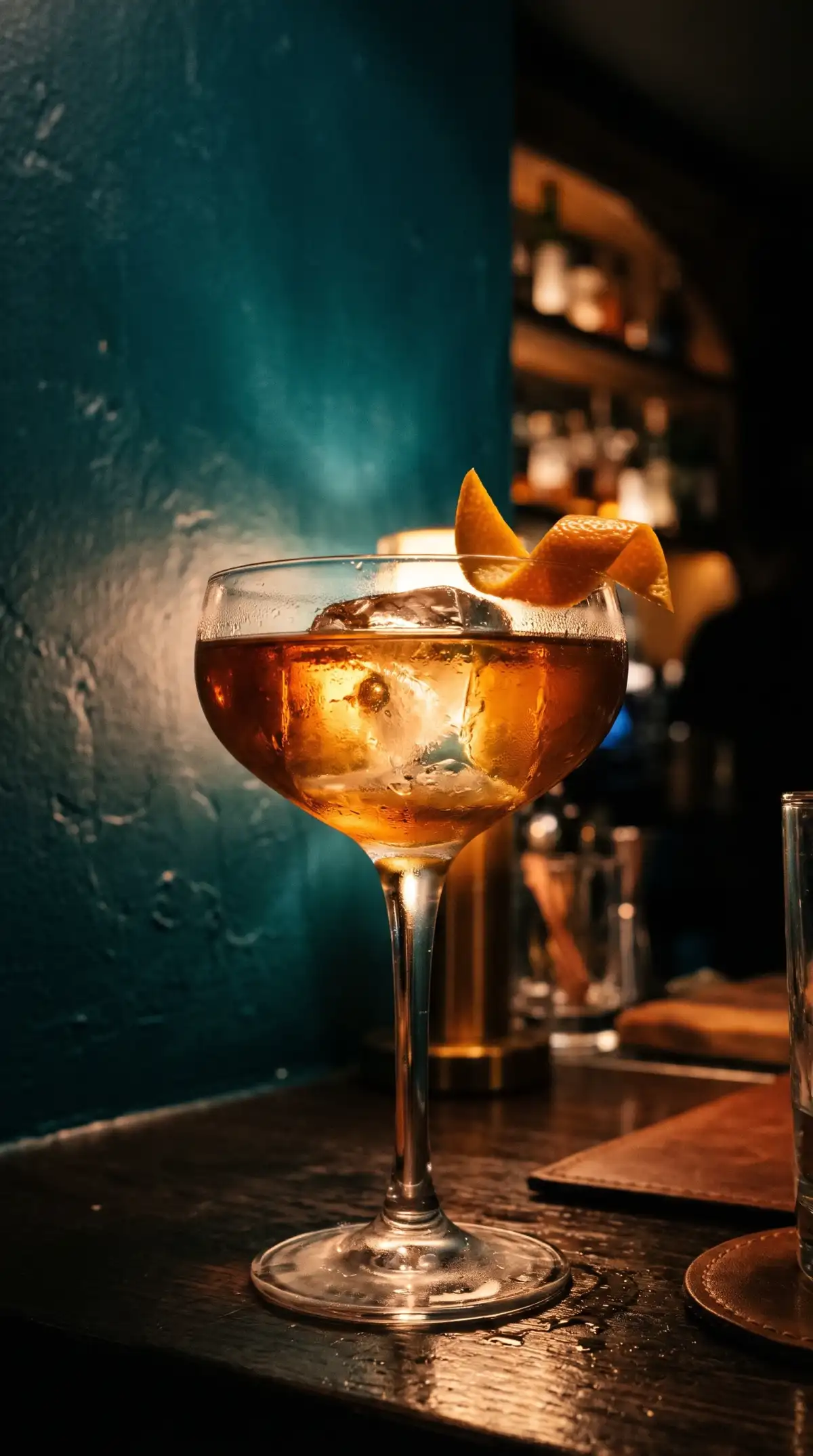
Magiclight AI can create pictures of coffee drinks and desserts too. Describe a cold latte with foam on top, then choose a setting that suits your cafe menu or recipe blog.

How do I add prices or dish names?

You can ask Magiclight AI to include text in a food image, but check the spelling carefully. For accurate prices, add the words later using your usual menu editing software.

Is it possible to animate a food picture?

Yes, use Image to Video to add movement to a food picture. Describe steam rising from a bowl of soup, then create a short scene that gives the dish a more lively appearance.

How much can I write about my food image?

The Magiclight AI food generator lets you write a dish description within 500 characters. Mention the serving style and lighting to guide the appearance of your food picture.

Which photo formats can I upload?

Magiclight AI accepts food reference pictures in JPEG, PNG and WEBP formats with a 20MB limit. A clear photo can help the result stay closer to the dish you actually serve.


Make Your Next Menu Picture Count With Magiclight AI

Give customers a reason to look twice at your dishes. Magiclight AI helps you create food images that suit your menu.