
20 Video Models For Different Motion
Find out 20 different AI video models, ranging from Seedance 2.5 to Kling 3.0, for replicating motion in different ways. MagicLight AI helps you achieve the right style with different video models.
Create Now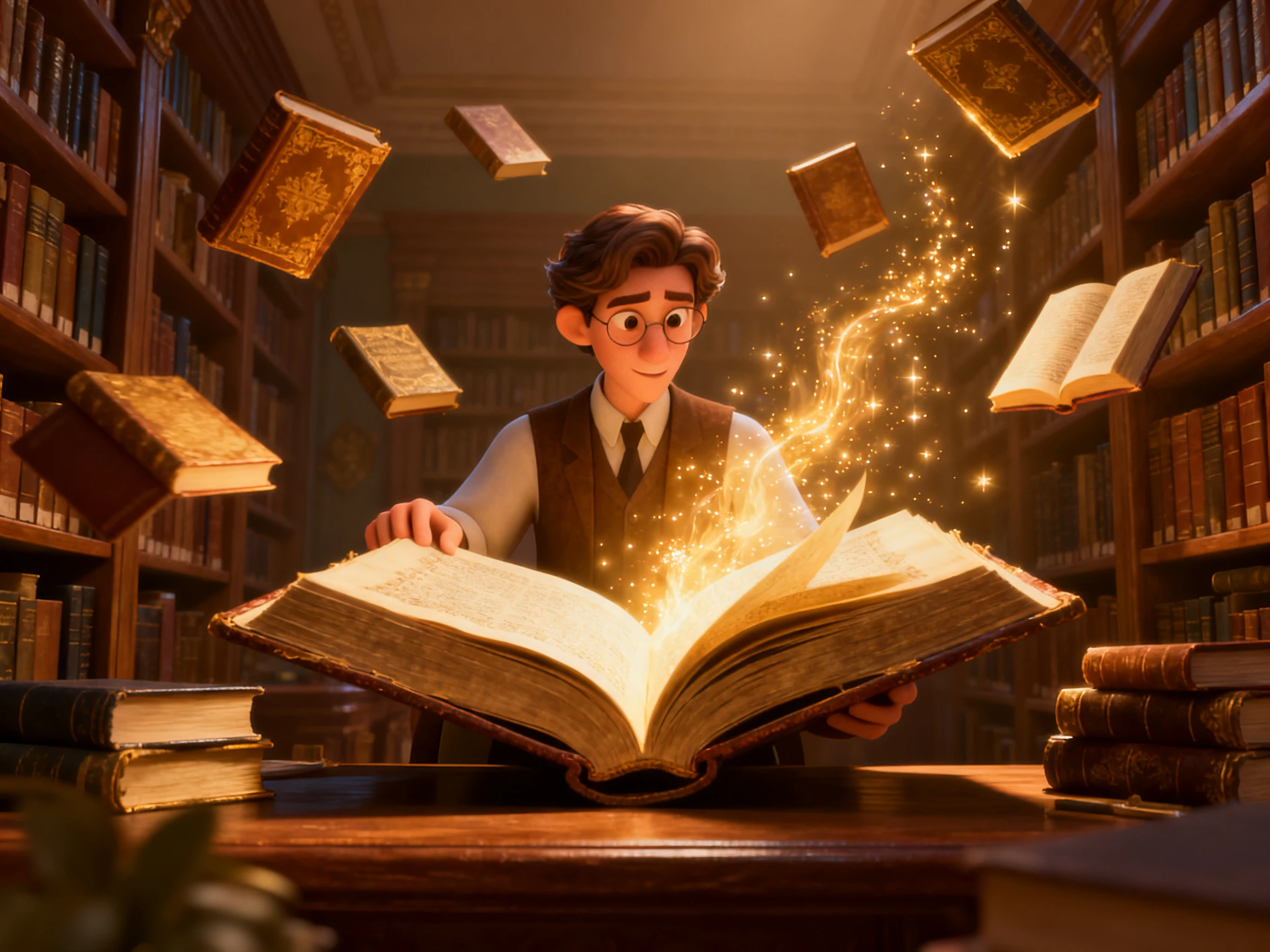

A JPG saved as an MP4 usually just sits still. With Magiclight AI, you type the movement you want, and the photo starts to move that way. No editing experience needed.
Convert JPG to MP4 for Free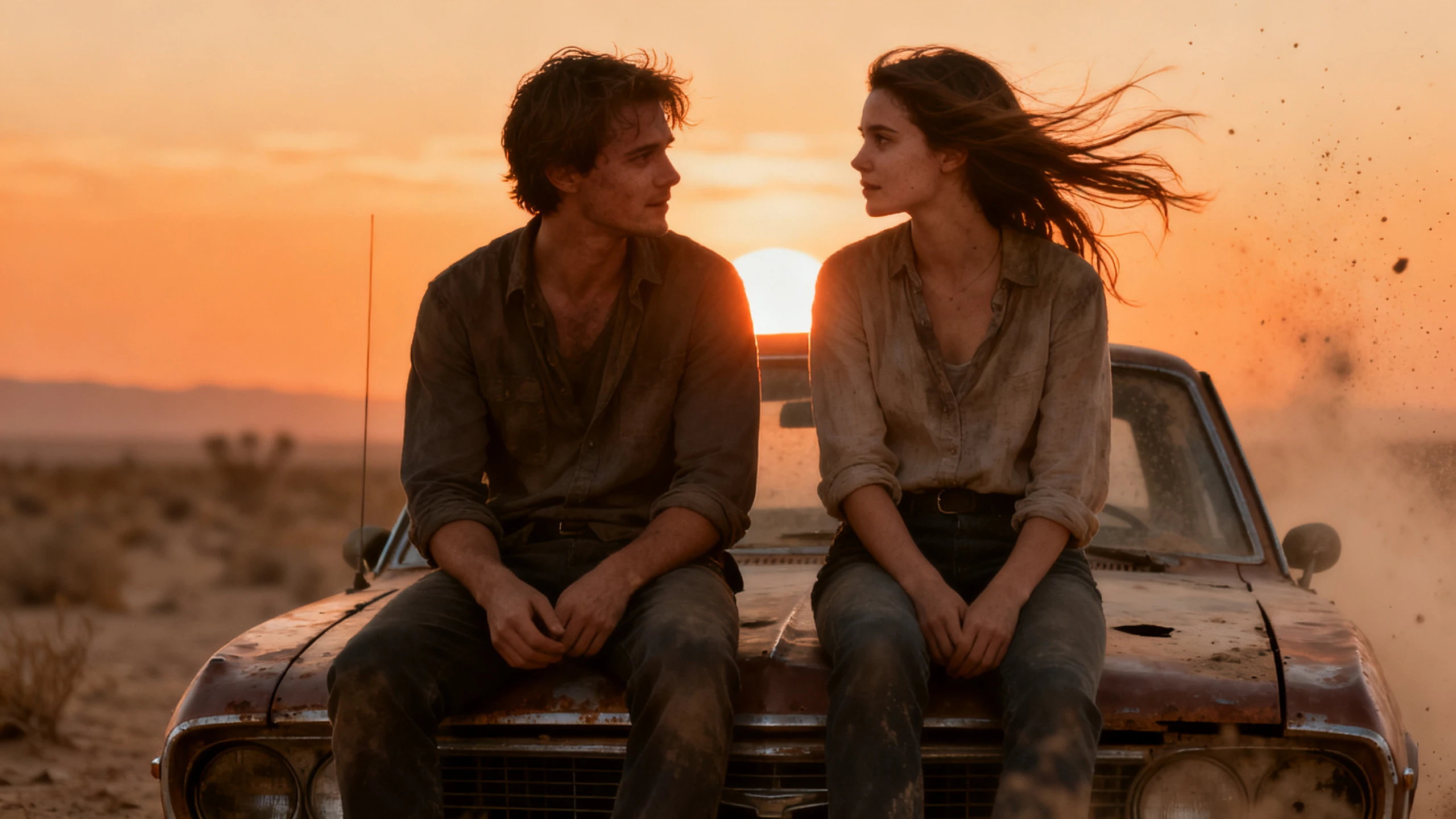










Three settings shape how your JPG moves in the video. Start with the prompt in the Magiclight AI JPG to MP4 converter, then pick the model and the clip length.
Find out 20 different AI video models, ranging from Seedance 2.5 to Kling 3.0, for replicating motion in different ways. MagicLight AI helps you achieve the right style with different video models.
Create NowThe image doesn’t move, yet the prompt shows everything that it can do. A 1500-character prompt is enough to explain things that would actually make the image move like it in MagicLight AI.
Create Character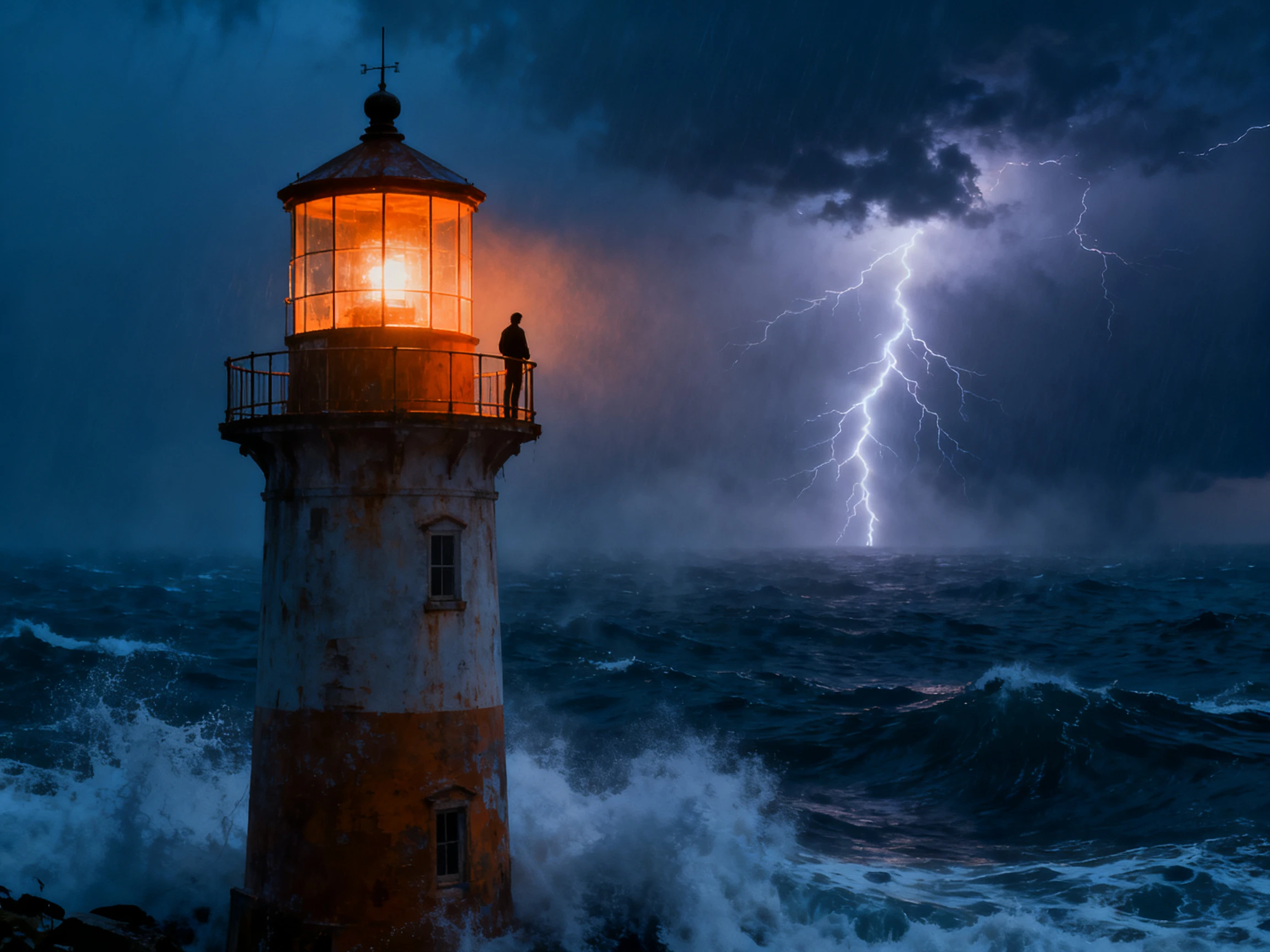
MagicLight AI does not restrict the motion to a second or two. You can create proper videos from a single JPG image with MagicLight AI, lasting up to 30 seconds with no breaks.
Pick Voice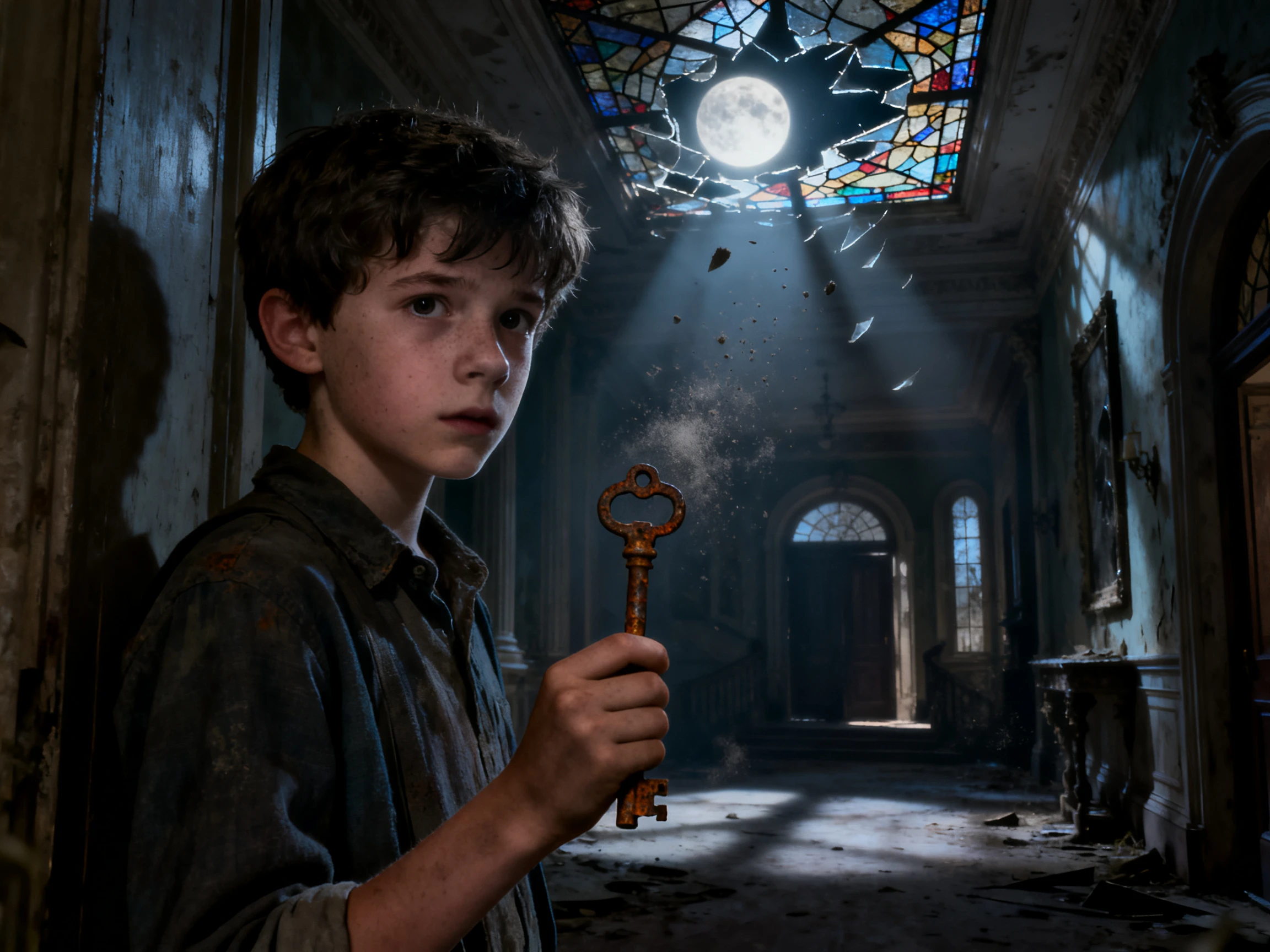
Some video models add sound effects to the clip, such as waves over a beach photo. Get the right and a unique sound effect on your converted video to make your JPG get the motion it deserves.
Start Creating


Magiclight AI works as an online JPG to MP4 converter that takes you from a still photo to a moving video in 4 steps. You control what happens before creating the final clip.
Open the Video tab and upload the JPG you want to animate. Use the original photo, up to 10MB, rather than a screenshot of it.
Provide a complete idea of what should happen with the image using a 1500-character prompt. Keep the wording simple and provide proper names to the subjects to avoid errors.
Pick from 20 video models and select the aspect ratio that fits your video. Set the duration you want and generate the clip to see how the JPG moves.
Watch the result and check whether the movement follows your prompt. Change the instructions or try another model if needed, and export the finished video as an MP4.
Coffee Shop Owner
Every Friday I pick our best coffee photo and turn it into a moving Reel. With Magiclight AI, customers see the steam rising from the cup instead of another still photo.
Graphic Designer
I used Magiclight AI to animate my grandparents' wedding photo for their anniversary dinner. Their faces stayed natural while the veil and the trees in the background gently moved.
Online Store Owner
I used Magiclight AI to animate my grandparents' wedding photo for their anniversary dinner. Their faces stayed natural while the veil and the trees in the background gently moved.
Content Creator
The host of my channel started with just one selfie. I saved her as a character in Magiclight AI, so she can appear in my weekly story videos with the same look.
Upload it in the Video tab of Magiclight AI and type the motion in the prompt box. After you pick a model and a length, the JPG to MP4 result is ready to download.
No. The photo on your phone or computer stays exactly as it was, since Magiclight AI works from the copy you upload. You download the MP4 as a new file and keep both.
You can post it the same way you would post a video from your phone. Ads and client projects are the exception and need a Magiclight AI paid plan for commercial rights.
Yes. Add a line to your prompt that names the part to keep still, within the 1500-character limit. Magiclight AI uses those directions when turning the still image into motion.
Not always. A dark or blurry photo is harder to animate, and you may see smudged edges once it moves. A sharp JPG with one clear subject animates more cleanly in Magiclight AI.
Yes. Changing one word in the prompt, or swapping Kling for Seedance, can give the same photo different motion. If the first clip feels off, try another model in Magiclight AI.



If you have a photo in mind, write how it should move and convert JPG to MP4 for free with Magiclight AI. Download the clip once the motion looks right.