Hero background

Christmas Avatar Maker

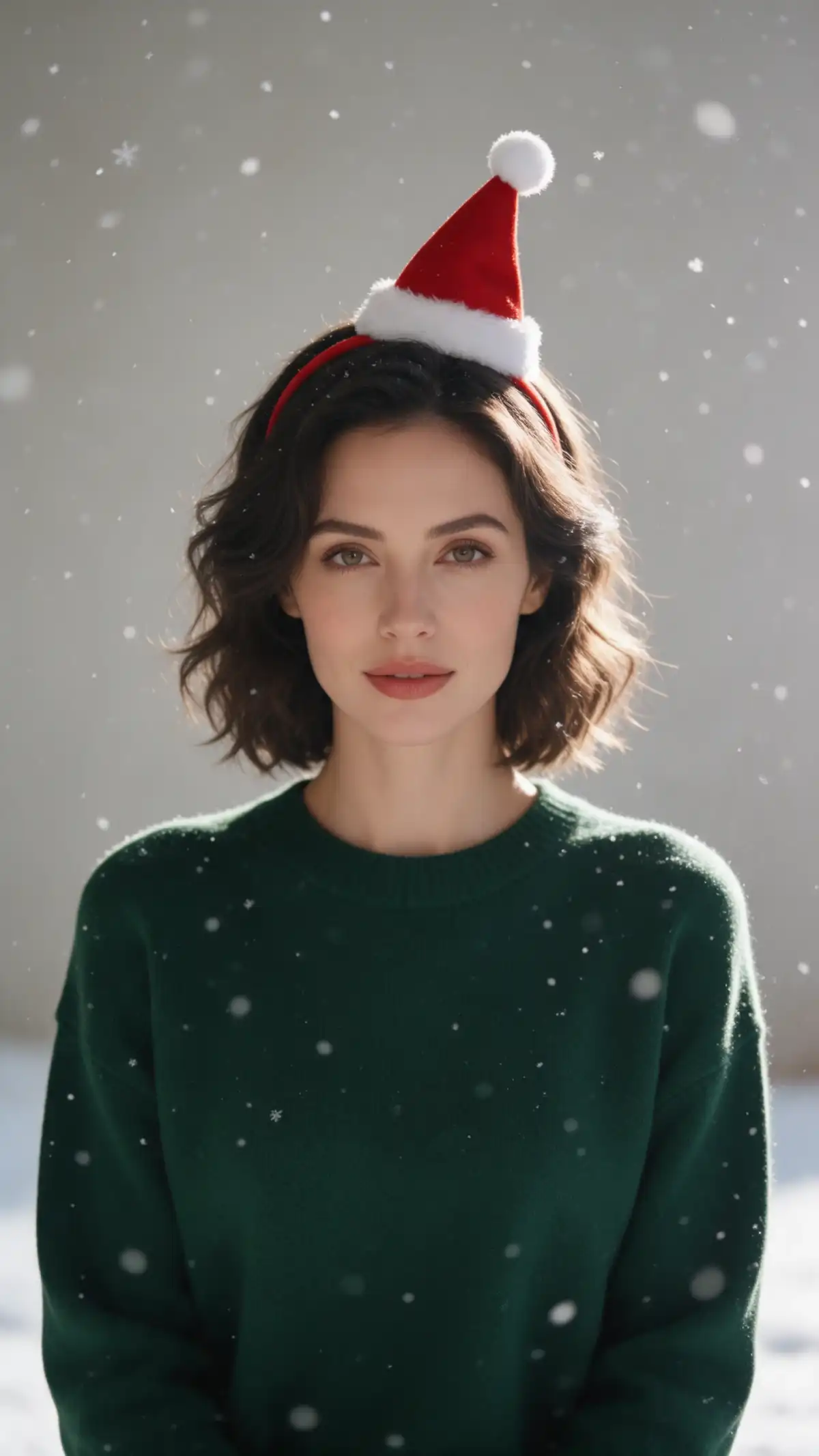
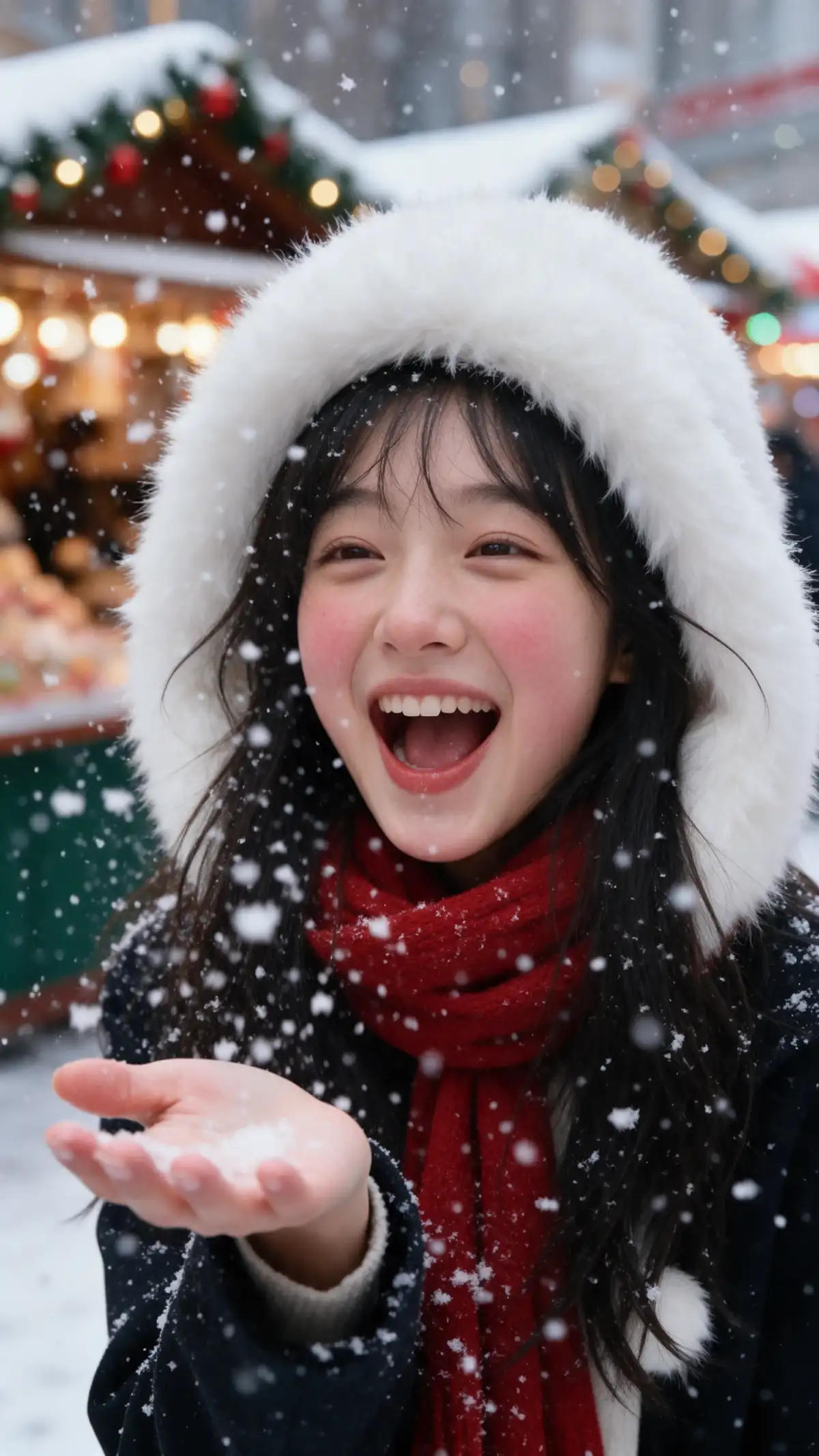
Turn your selfie into a festive Christmas avatar with MagicLight. Upload a photo, describe the look you want, and create a festive Christmas avatar. No design skills needed.

Create a Christmas Avatar for Free
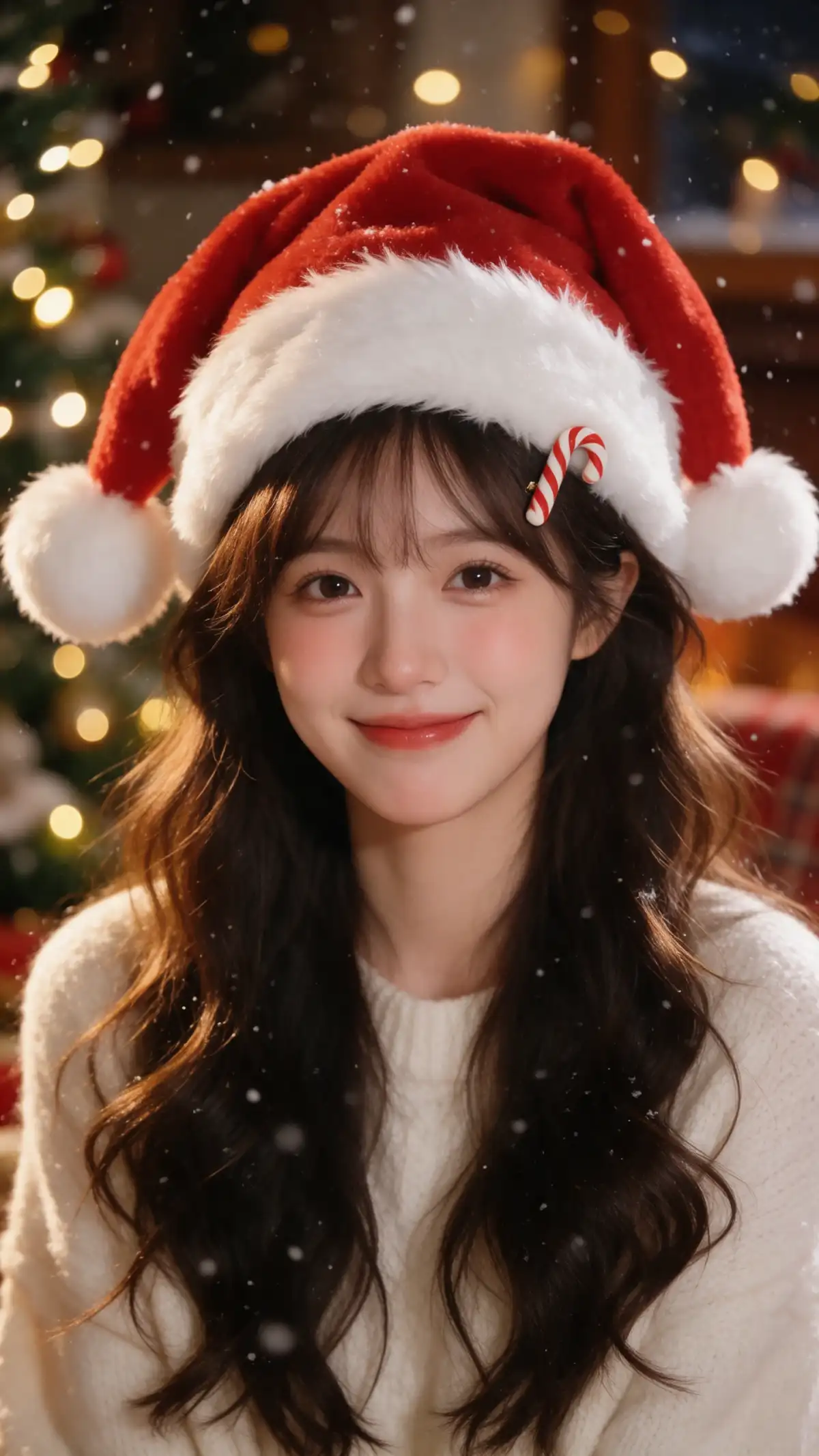
Christmas Avatar Maker preview
Christmas portrait preview
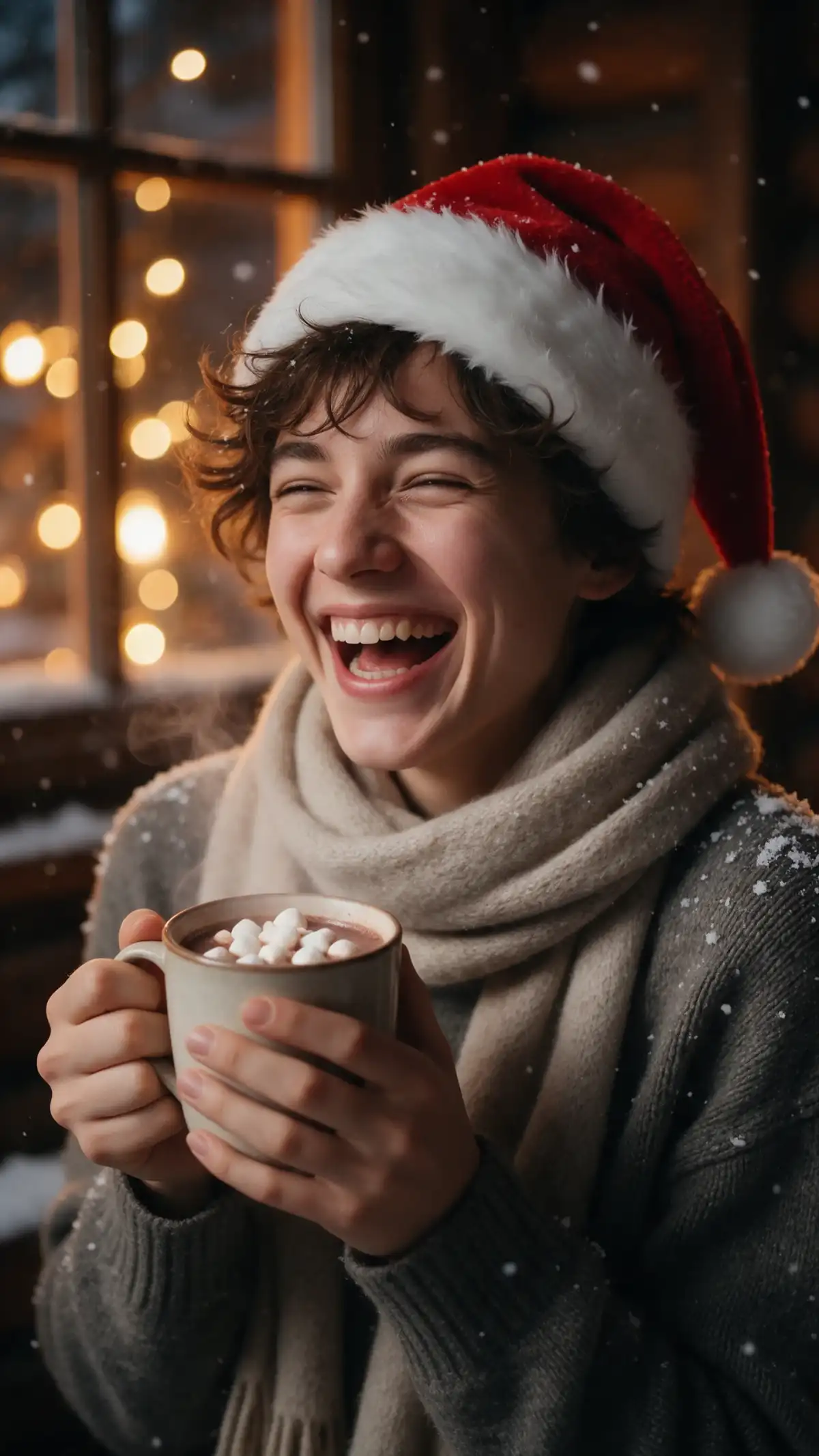
Christmas character preview
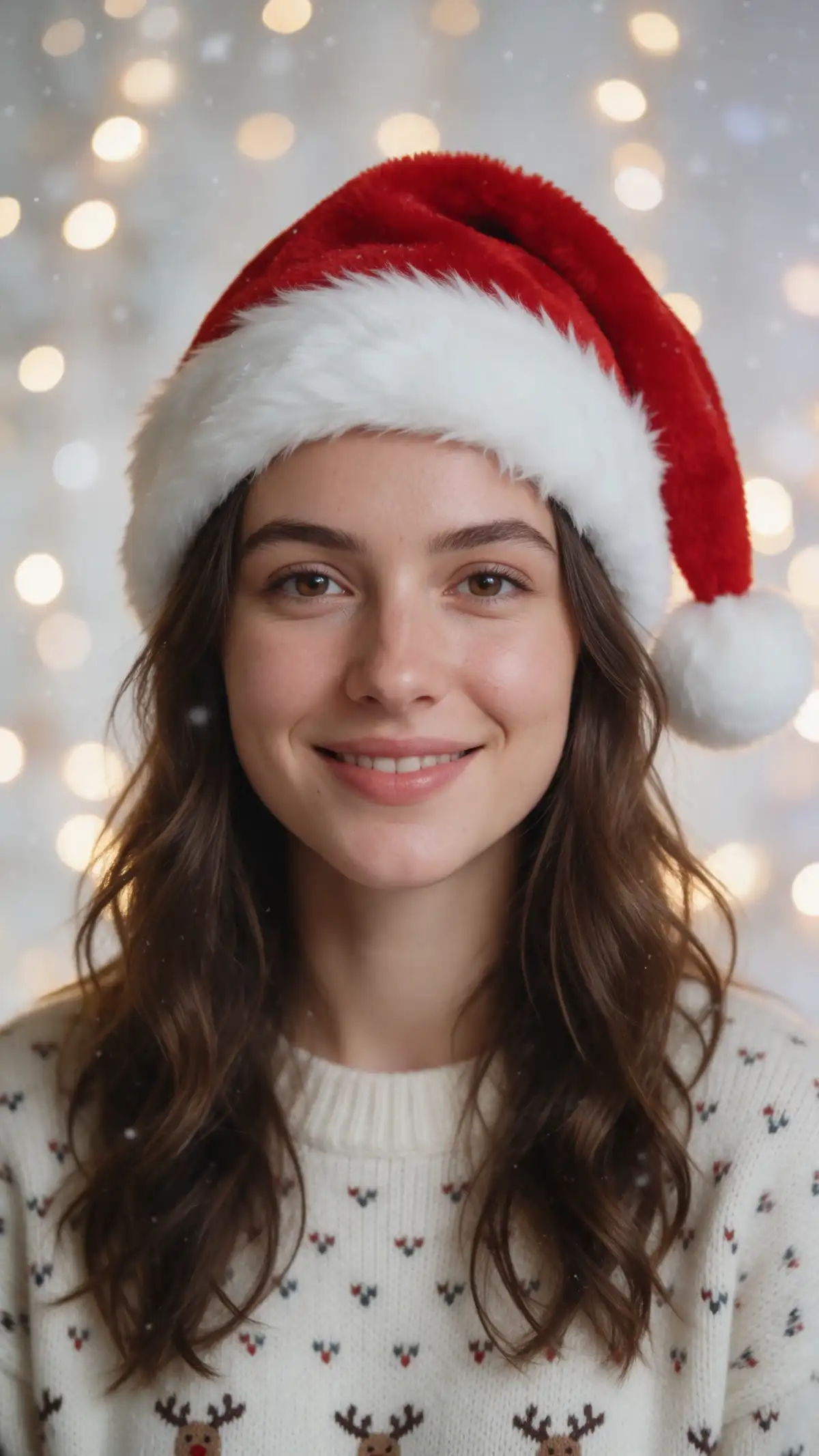
Christmas winter scene preview
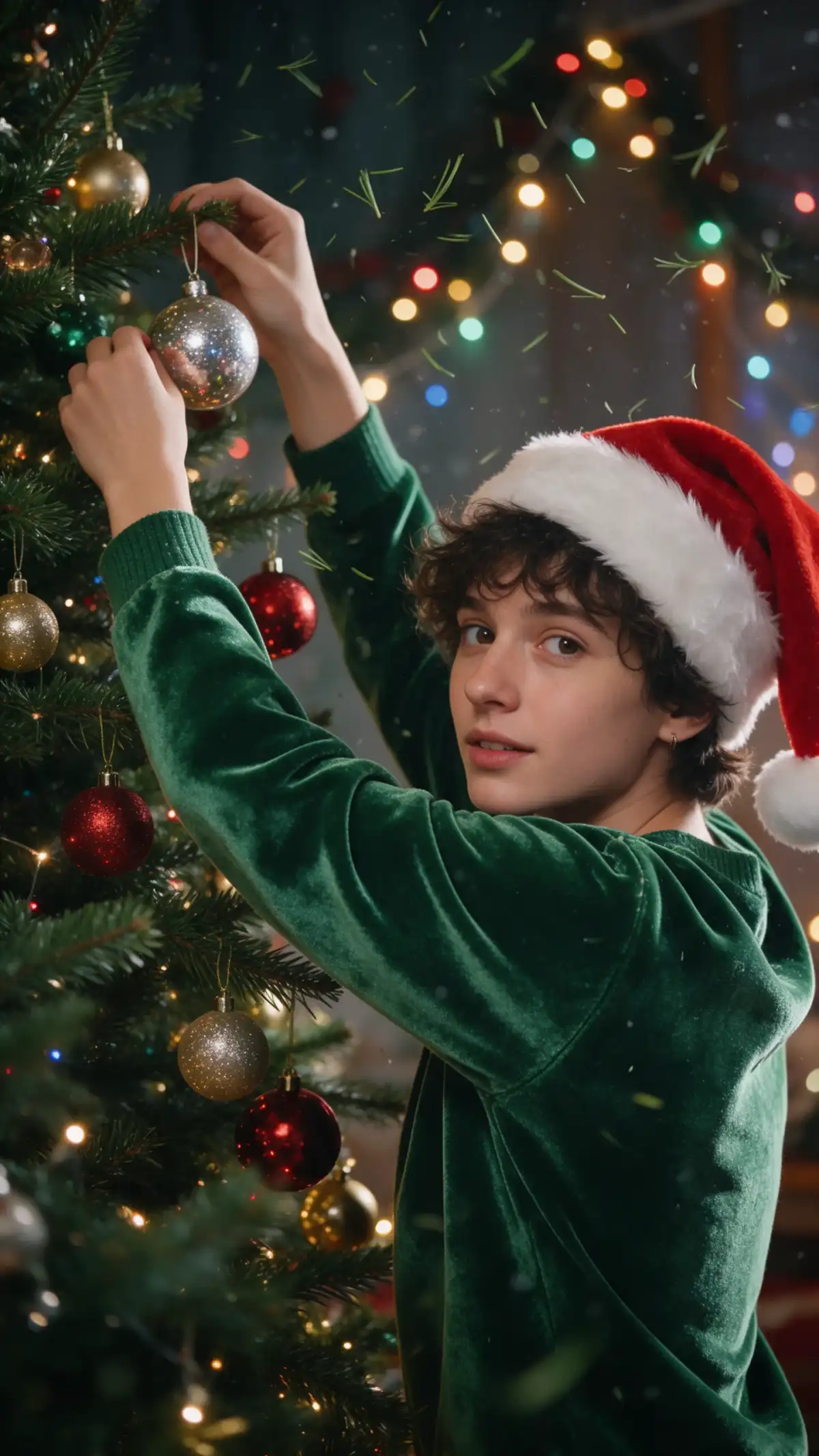
Christmas story scene preview
Christmas avatar animation preview
Christmas Avatar Maker preview
Christmas portrait preview
Christmas character preview
Christmas winter scene preview
Christmas story scene preview
Christmas avatar animation preview

Explore Magiclight AI Christmas Avatar Maker Features

Give your usual profile photo a festive touch this December. The Magiclight AI Christmas avatar maker lets you change your clothes and place yourself in a lovely winter setting.

Generate a Christmas Avatar Now
3D decoration

Christmas Avatars From Your Own Photos

Add a selfie through Reference Image to Image and describe your festive look. You can give yourself a red Santa hat with a snowy village behind you for your new profile.

500 Characters for Your Christmas Look

Magiclight AI gives you 500 characters to describe your festive portrait. Mention the pattern on your Christmas sweater and how you want the lights behind you to look.

Square Pictures for Holiday Profiles

Select the 1:1 aspect ratio to create a Christmas avatar for your WhatsApp profile. Keep your face near the center of the picture to help it fit inside a round profile frame.

Text to Image for Festive Characters

You can create a Christmas avatar without sharing a personal photo through Text to Image. Describe a cheerful elf with rosy cheeks standing beside Santa's Christmas tree.

Who Can Use the Magiclight AI Christmas Avatar Maker
With the Magiclight AI Christmas avatar maker, your office team can join in the holiday fun. Families can also create matching portraits without arranging a Christmas photo shoot.
For Families
For Families
Dress family members in matching Christmas jumpers using their photos.
Design a festive family portrait in 4:3 for a printed Christmas card.
Turn family avatars into a Christmas tale through Story to Video.
For Office Teams
For Office Teams
Give each coworker a different festive costume for the team chat.
Describe a shared Christmas theme within the 500-character field.
Compare 10 image models for a festive look that suits your office.
For Pet Owners
For Pet Owners
Place your cat beside a gingerbread house using its favorite photo.
Fit your dog's festive portrait into a 1:1 frame for your profile.
Animate your pet beside a Christmas tree through Reference to Video.
For Small Shops and Creators
Create new Christmas mascots with a 1,000-character description.
Prepare festive mascot pictures in 9:16 for your holiday Stories.
Bring your shop mascot to life with Image to Video for Christmas ads.
Why Choose Magiclight AI
Christmas Avatar Maker
Your favorite Christmas sweater can become part of your new profile picture. Magiclight AI Christmas avatar maker lets you use photos of the clothes you actually own at home.
Use 10 Photos of Your Christmas Favorites
Include photos of your favorite Christmas decorations and the clothes you wear each December. Magiclight AI accepts 10 reference images to guide the appearance of your festive avatar.
Christmas Pictures for Different Screens
A 9:16 portrait works well for sharing Christmas greetings through Instagram Stories. Choose 16:9 when you want a wider festive picture to display as your social media banner.
Find Your Look With 10 Image Models
Magiclight AI has 10 image models for creating festive portraits. Experiment with Nano Banana 2 and Seedream 5.5 to see which model gives your Christmas avatar the right look.
Make Your Festive Portrait Move
Give your Christmas avatar a cheerful wave through Image to Video. Magiclight AI offers 20 AI video models that can animate your festive portrait in clips of 30 seconds or less.
Give Your Avatar an Artistic Look
Your Christmas portrait could look like an illustration from a children's storybook. Describe a watercolor painting or a 3D cartoon version of yourself wearing a festive outfit.
20MB Photos of Your Festive Clothes
Share a picture of your favorite Christmas jumper in JPEG, PNG or WEBP format within the 20MB limit. Magiclight AI uses the photo as a reference for your avatar's festive clothing.

How to Make a Christmas Avatar With Magiclight AI

Find a favorite selfie and think about how you would like to dress for Christmas. Magiclight AI Christmas avatar maker helps you create your new festive look in 4 steps.

1.

Step 1. Bring in Your Favorite Selfie

Head to Image inside the Toolbox and find Reference Image to Image for your selfie. Text to Image is also available if you want a fictional Christmas character from scratch.

2.

Step 2. Decide on Your Christmas Look

Perhaps you want to wear a green jumper beside a fireplace. You have 500 characters to explain your festive idea and mention which parts of your original appearance should stay.

3.

Step 3. Choose How Your Portrait Looks

There are 10 image models available for your Christmas portrait. Go with a 1:1 picture for your chat profile or select 9:16 if you plan to share the avatar through Instagram Stories.

4.

Step 4. Get Your Festive Profile Picture

Generate your Christmas avatar and take a moment to check how it looks. You can change the outfit description if needed. Download your favorite picture and update your profile.

FAQs on Christmas Avatar Maker

Can I make Christmas avatars for my whole family?

Yes, you can use a separate photo of each family member with their permission. Keep the Christmas theme similar across your pictures to create a matching set for the family chat.

Is it possible to use famous Christmas movie characters?

Magiclight AI Christmas avatar maker can help you create original festive characters. Stick to classic Christmas themes if you lack permission to use protected film characters.

How do I include my pet in a Christmas avatar?

Choose a clear picture of your pet sitting beside you. Describe a festive outfit for both of you in the prompt and mention where you want your pet to appear in the Christmas scene.

Which clothes look best on a Christmas avatar?

A red knitted jumper works nicely against a snowy background. You could also wear a green velvet coat with a Santa hat for a more traditional Christmas look in your profile picture.

Does my Christmas avatar have to look realistic?

No. Magiclight AI offers 10 image models for exploring different artistic looks. Your festive portrait could resemble a watercolor painting or a cheerful cartoon character.

Where can I share my Christmas avatar?

Your festive picture can replace your usual profile photo on WhatsApp during December. It also works nicely as a personal touch on digital Christmas cards sent to friends abroad.


Create a Christmas Avatar With Magiclight AI

Try the Magiclight AI Christmas avatar maker and see yourself in the festive outfit you've always wanted to wear.