Explore the Magiclight AI Fantasy Art Generator Features
A great fantasy scene needs a story, a style, and a source of light. These tools in the Magiclight fantasy AI art generator shape each part of the painting.

Imagine a fearless knight standing before a castle surrounded by dragons. Describe your fantasy world, characters, and magical details to Magiclight AI fantasy AI art generator. No painting skills needed.
Create a Fantasy AI Art for Free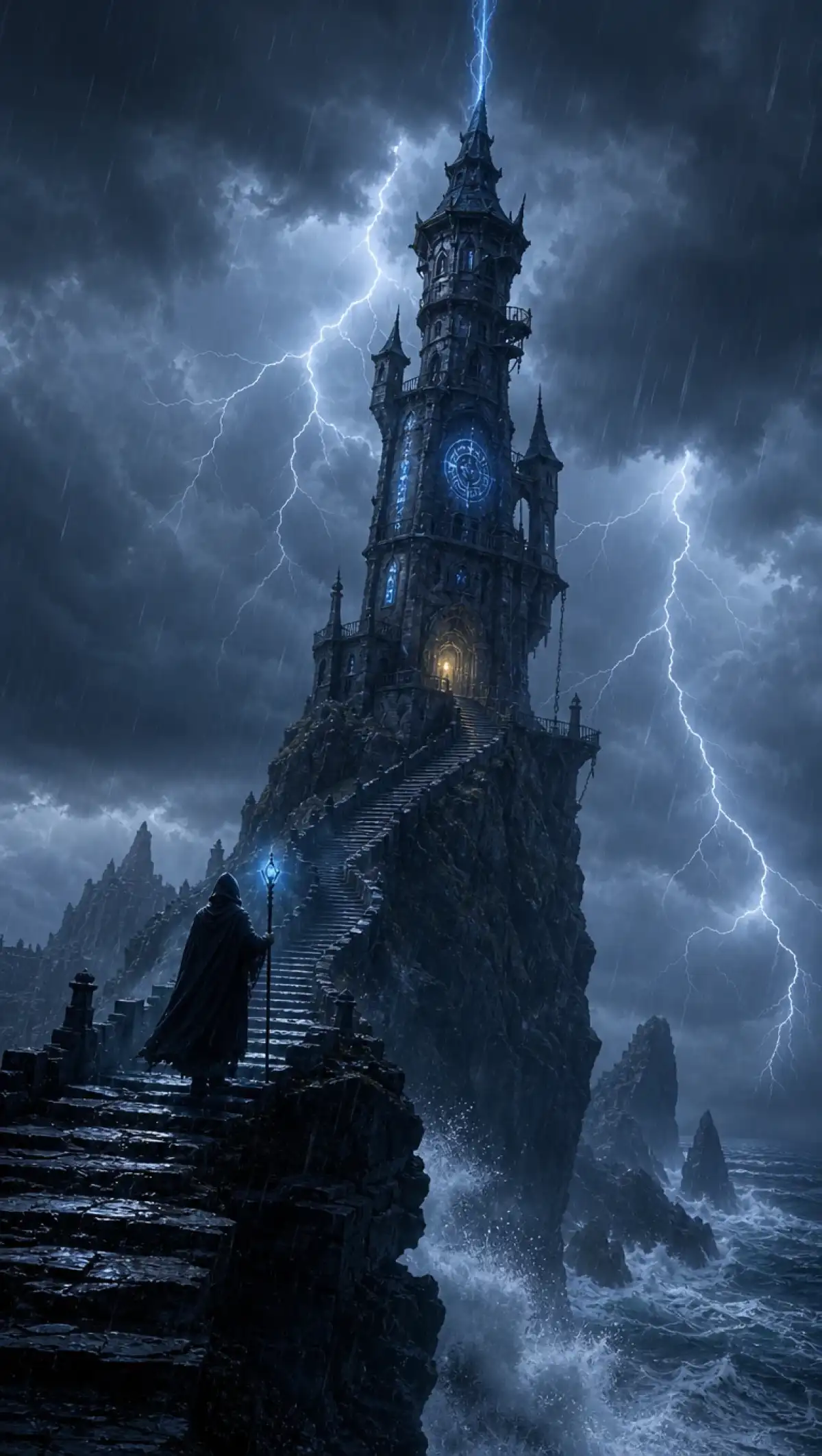
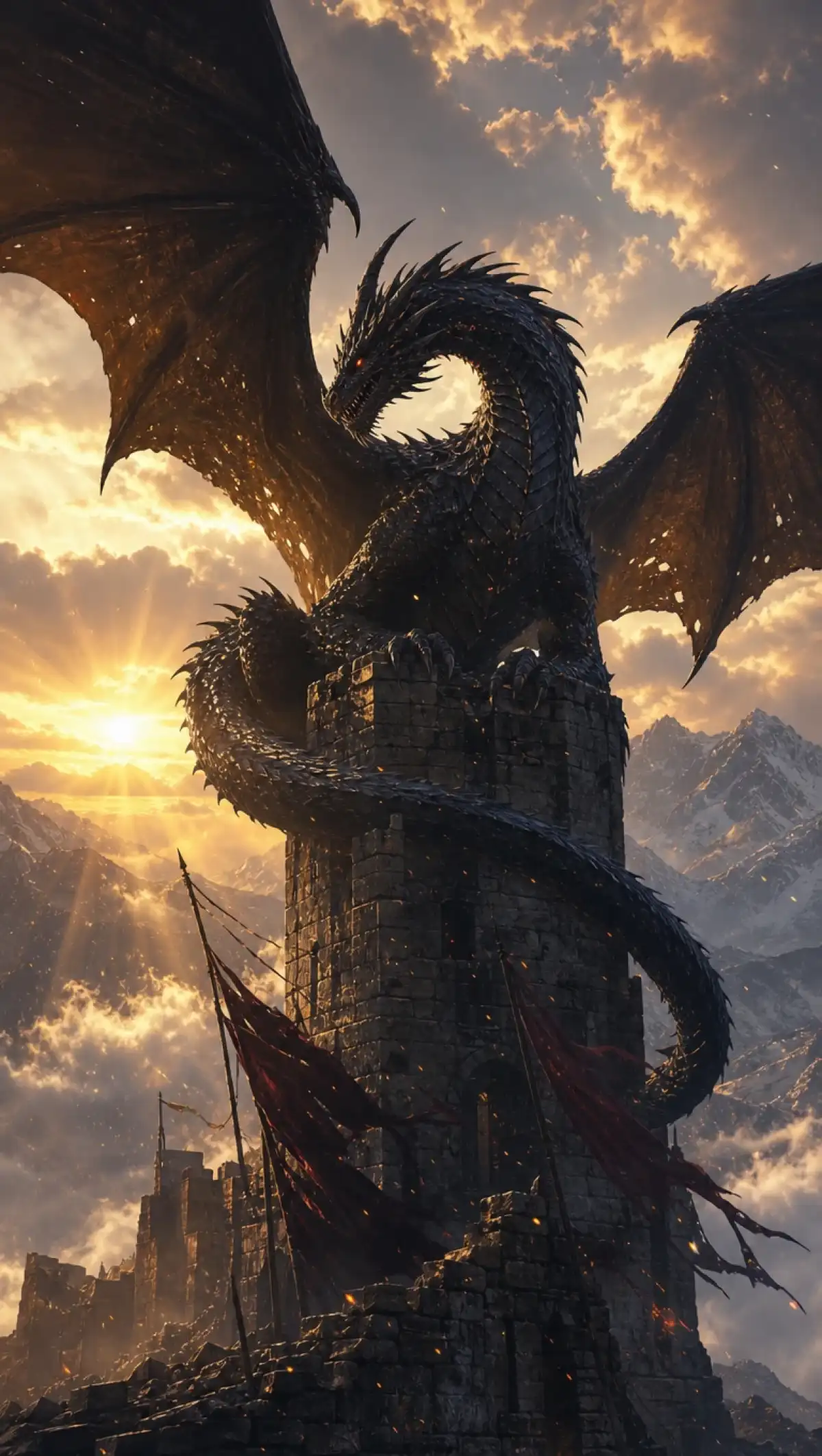
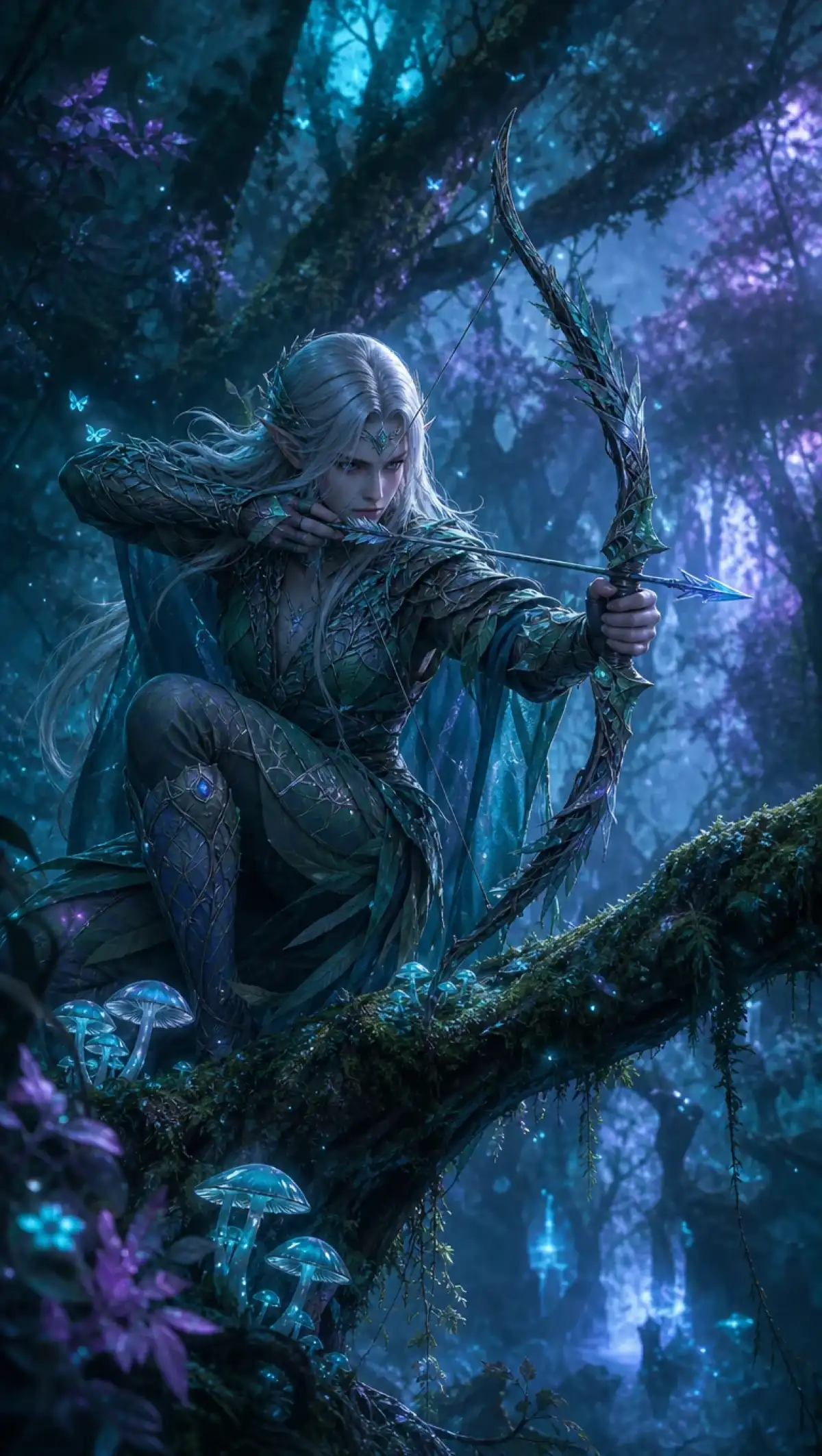
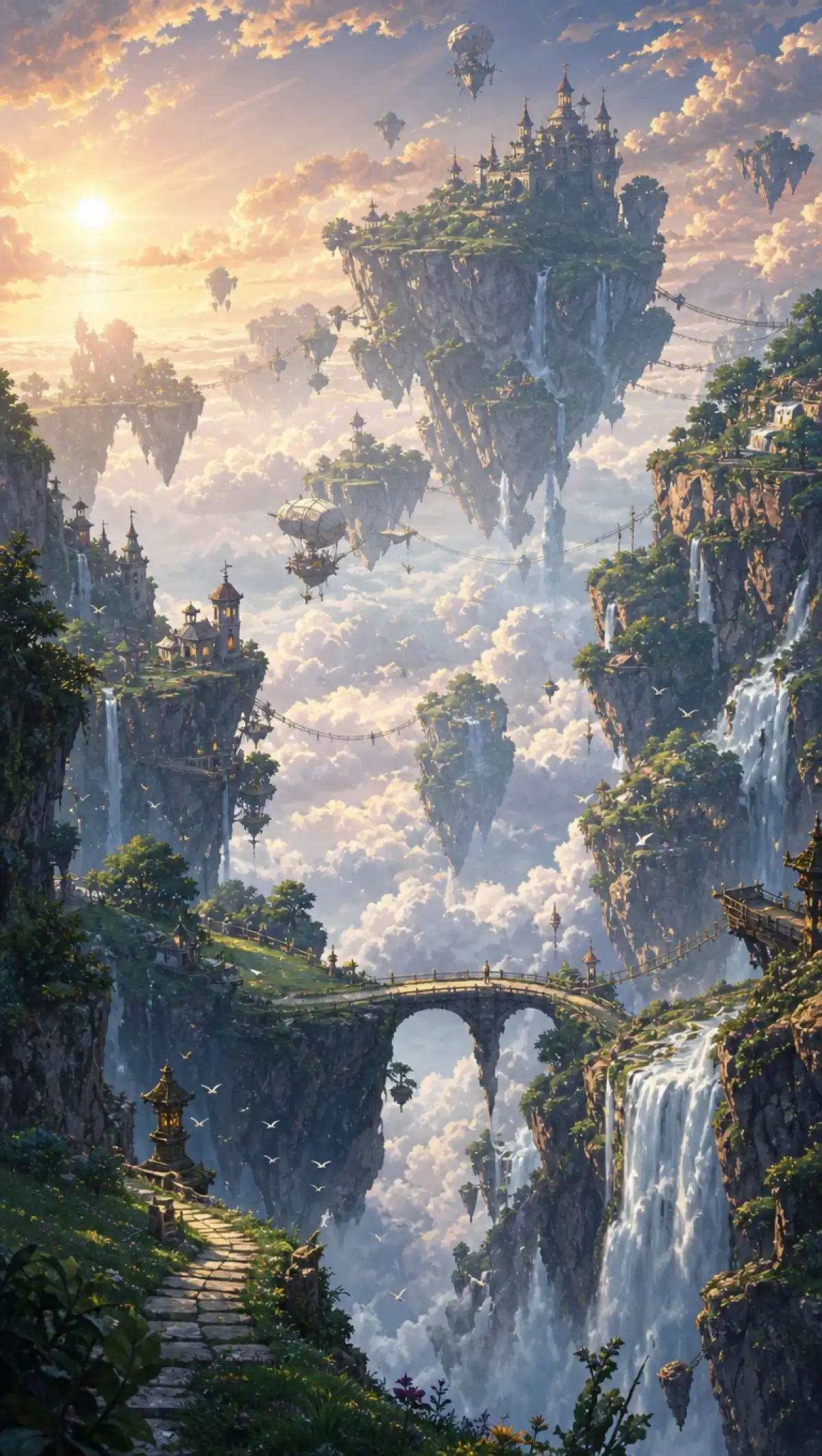
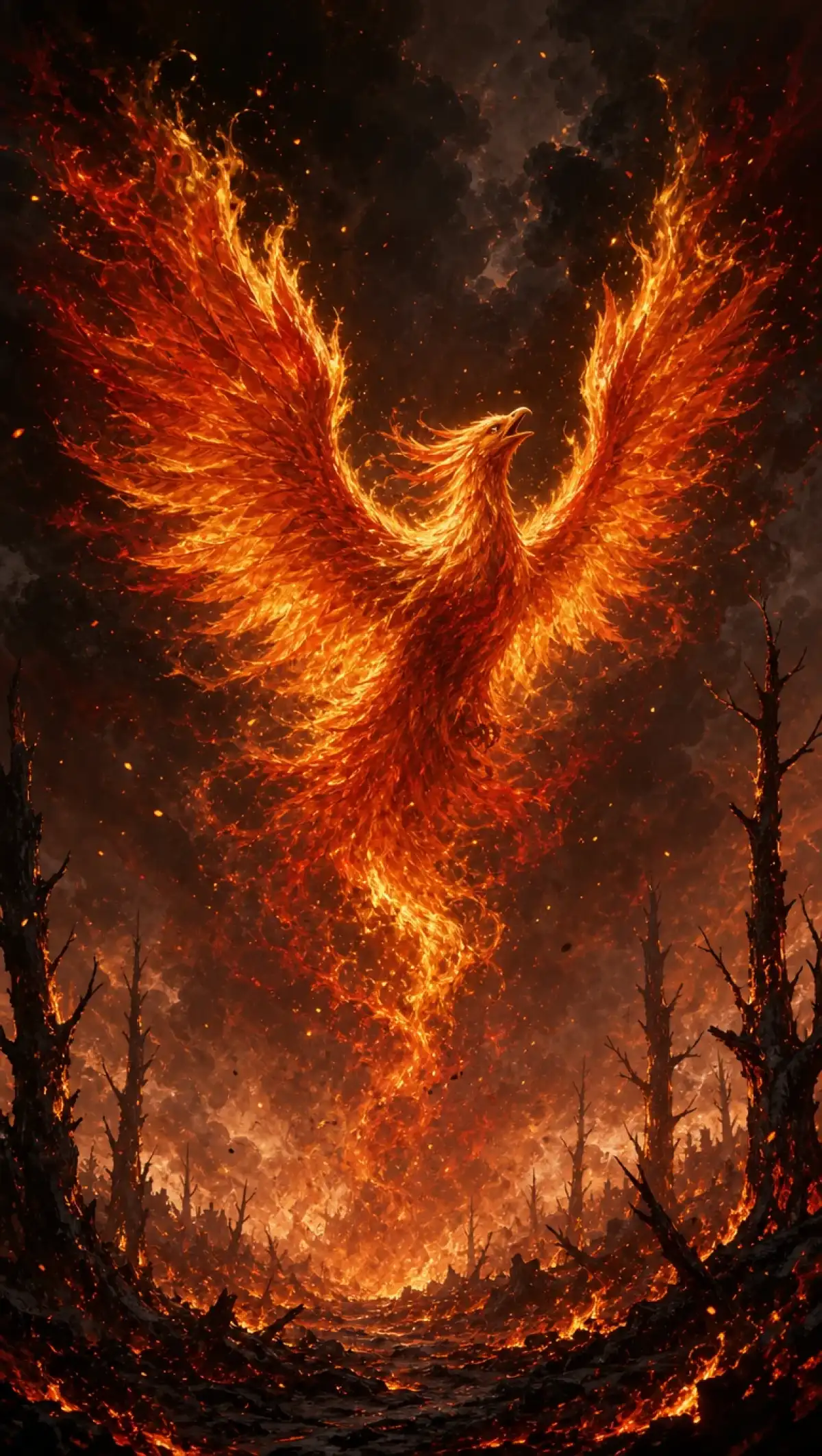
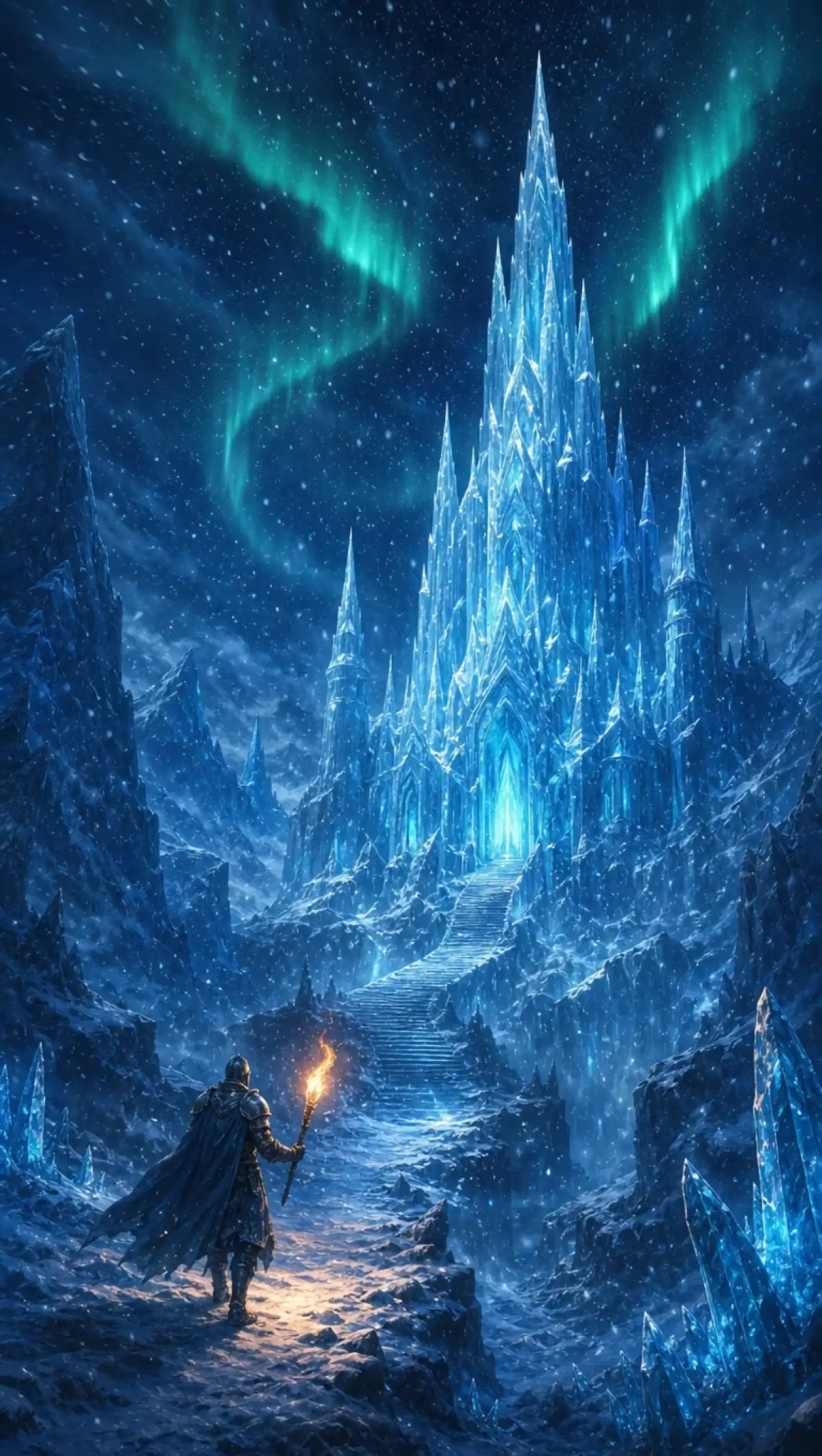
A great fantasy scene needs a story, a style, and a source of light. These tools in the Magiclight fantasy AI art generator shape each part of the painting.

Enter up to 500 characters to explain your fantasy scene in Magiclight AI. Mention glowing armor, ancient ruins, mythical creatures, or magical lighting to guide the artwork's atmosphere and details.
Upload up to 10 reference images showing character sketches, kingdom maps, or magical costumes. Magiclight AI uses these pictures to guide the appearance of your fantasy world and its characters.
Explore 10 image models in Magiclight AI to create fantasy artwork. Compare Seedream 5.5 and GPT Image 2.6 Flare using the same prompt to see differences in magical lighting, character details, and painting styles.
Add character drawings, fantasy maps, or costume sketches in JPG, PNG, or WEBP format, up to 20MB each. Clear reference images help Magiclight AI follow the shapes, colors, and details of your original artwork.


Bring your imaginary worlds to life with Magiclight AI fantasy AI art generator. Describe your characters, choose an art style, and customize the settings. Follow these 3 steps to create your fantasy artwork.
From the Toolbox, choose the Image tab and then Text to Image mode. Select Text to Image to create original fantasy artwork or Reference Image to Image to work with existing sketches and photos.
Enter a prompt of up to 500 characters describing your fantasy setting, characters, and lighting. If using Reference Image to Image, upload your sketches or fantasy maps to guide the artwork.
Choose from 10 image models and select your preferred aspect ratio. Click Create Image and review the result. Use Re-edit to refine details if needed, then download your fantasy artwork.
Dragons, castles, wizards, elves, monsters, maps, and magical landscapes all work in the Magiclight fantasy AI art generator. Describe the scene in your own words. Mix fantasy with sci-fi or horror if you like.
No, because characters and worlds from existing franchises are protected. Create your own kingdoms and heroes. Original worlds are also safer to publish.
Yes, upload the map in Reference Image to Image mode and ask for a painted fantasy version. Keep the place names in quotes. Check the spelling in the result.
Yes, once your Magiclight AI plan includes commercial use. Check your publisher’s rules on AI art. Keep the original files.
Yes, use Story to Video for long quests or Short Drama for quick tales. Save your heroes so they stay the same. Add narration and music for the full effect.
Yes, a new account can try one fantasy painting at no cost. Try it with a single dragon or castle. Upgrade for full sagas and videos.



Tonight’s session does not have to wait for an artist. Describe the next lair to the Magiclight fantasy AI art generator and show your players in seconds.