
9 JPEGsAdded Into One Clip
Lets you upload 9 JPEG photos at the same time for proper motion-like video. Magiclight AI blends them properly, without adding something from itself.
Convert JPEG to MP4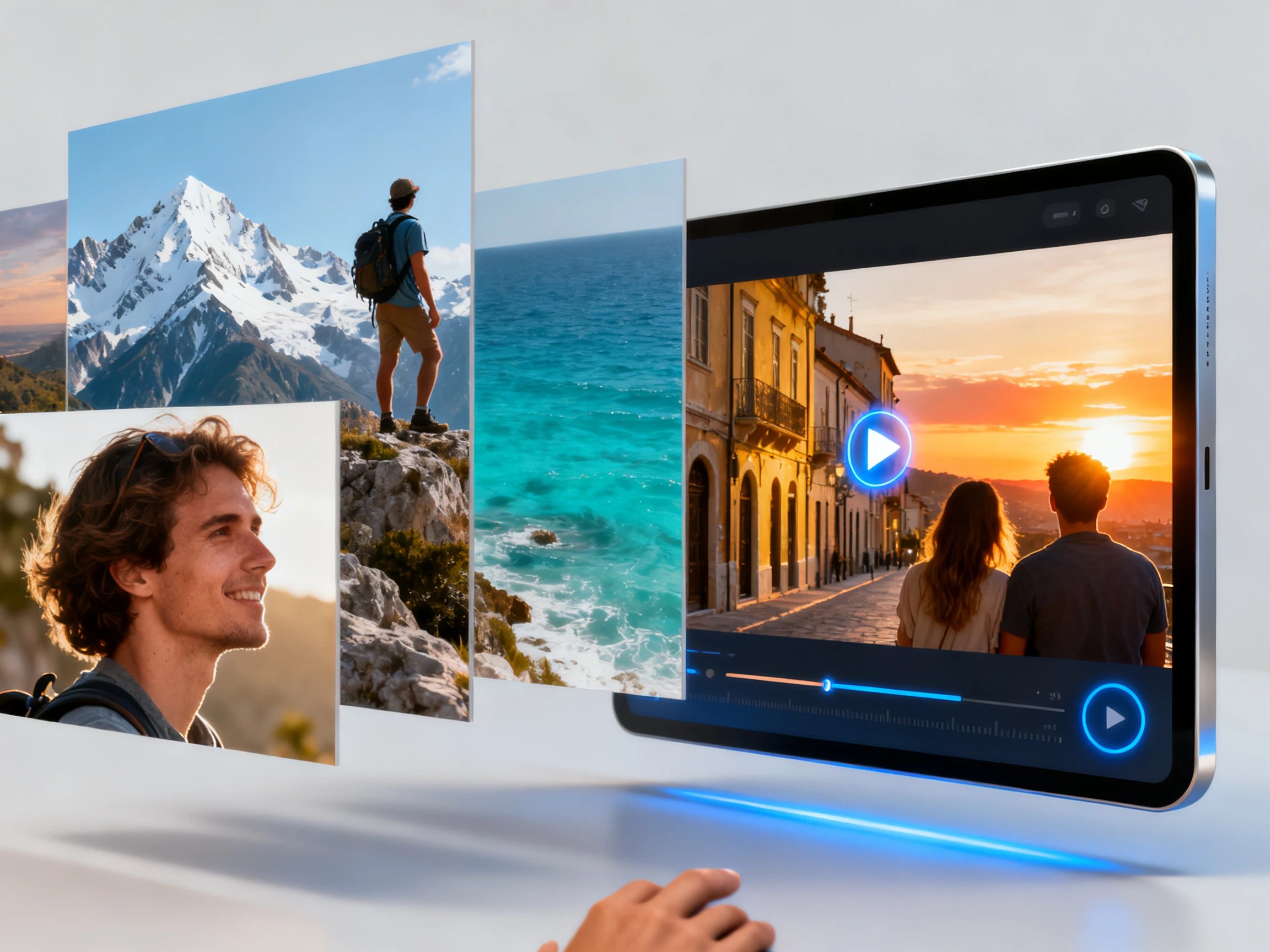

Turn your JPEG photos into a video with MagicLight AI. Upload your images and let AI bring them together into a video with smooth transitions. No editing skills needed.
Convert JPEG to MP4 for Free










Give the JPEG photos a smooth path to motion with Magiclight AI. It easily turns JPEGs into video within a single workflow, adding natural movement.
Lets you upload 9 JPEG photos at the same time for proper motion-like video. Magiclight AI blends them properly, without adding something from itself.
Convert JPEG to MP4Easily explain the motion, camera movement, and other visuals for the video within a 1500-character prompt. Describe all details properly, from adding a slow pan from one point to another for steady results.
Describe Your Motion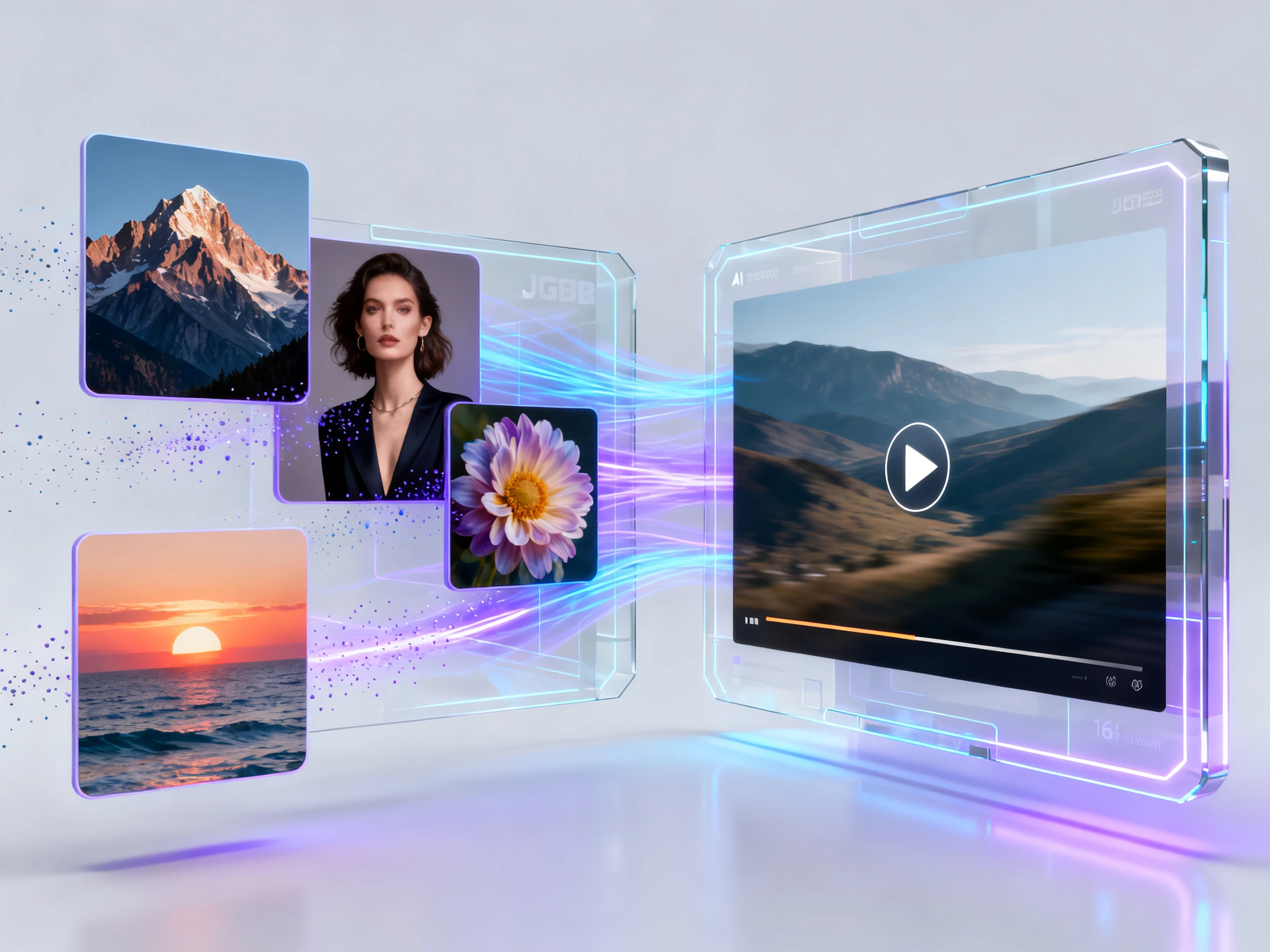
Make clips as long as 30 seconds with Magiclight AI, with multiple JPEG upload options. Adding one image still allows you to make such long videos, and a collection of JPEGs would give more insight.
Generate a Video
Most phone JPEGs fit well under the 10MB limit, so you can upload straight from the camera roll. If your iPhone saves HEIC, switch it to JPEG in camera settings first.
Start Creating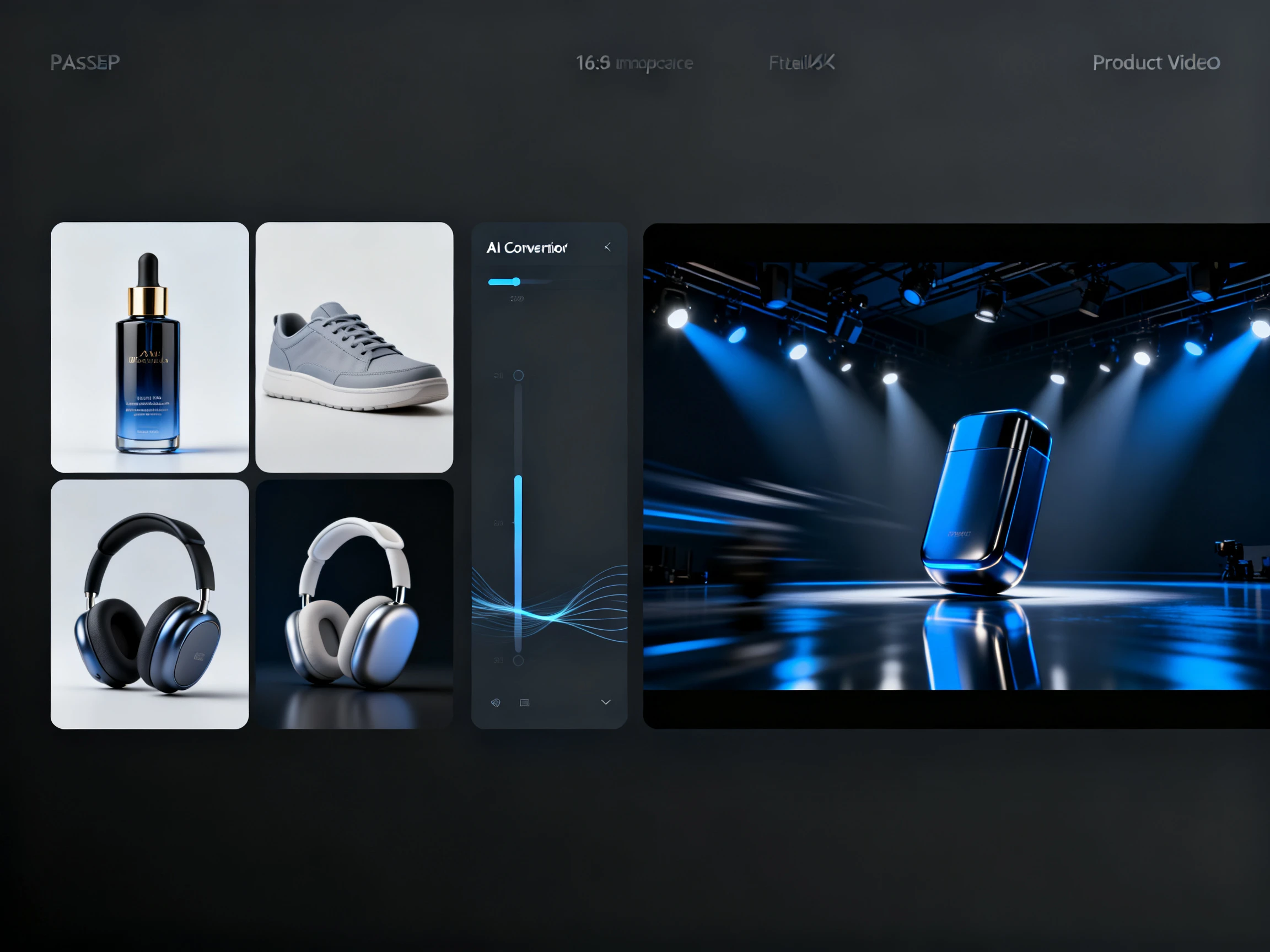


Choose your JPEG photos and let this JPEG to MP4 converter turn them into one complete clip. Upload all your JPEGs and define the idea for their motion.
Start with uploading all JPEG photos, each up to 10MB, in the order you want the motion to occur.
Write how they should move, with the motion explained properly in up to 1500 characters. Choose your required video model, define the length, and resolution.
Successfully generate the MP4 clip, preview and re-edit if needed, and download it in your selected resolution.
Home Renovator
I wanted more than two photos sitting side by side. With Magiclight AI, my before-and-after pictures became a moving reveal that clearly showed how much the room had changed.
Shop Owner
My product photos showed different angles, but they felt disconnected. Magiclight AI brought them together in one video, giving customers a much better look at the item.
Parent
I picked my favorite birthday photos and used Magiclight AI to make them feel like one memory. The finished video was simple to share with our family after the party.
Traveler
Magiclight AI turned my favorite trip photos into one smooth video. The moments flowed naturally from our morning drive to sunset, making the whole day much more fun to share.
Not directly, since Magiclight AI takes JPG, JPEG, or PNG files. On an iPhone, open Settings, then Camera, then Formats, and choose Most Compatible, or convert them to JPEG first.
A few work best. Magiclight AI blends the photos into a single clip capped at 30 seconds, so three to five images give each moment room. For a slideshow of dozens of photos, ezgif fits better.
Magiclight AI lets you convert JPEG to MP4 in 720p, 1080p, or 4 K. Select the quality that best fits where you plan to share the finished video.
Neither, exactly. A converter or a slideshow tool shows each JPEG as a still, with transitions in between. Magiclight AI animates the photos, so motion carries through the whole clip.
Yes, for a first try. Test a clip at no cost using the credits Magiclight AI gives new users. Ads or client work call for a paid plan, which adds commercial rights.
Heavy compression, often from chat apps, leaves blocky patches that motion makes easier to see. Upload the original instead of a forwarded copy, and Magiclight AI has cleaner detail to work with.



Put your JPEGs together from one day or project. This JPEG to video tool turns them into one moving clip you can download and share as an MP4.