Upload Songs Up to 5 Minutes Long
Magiclight AI accepts songs in MP3, WAV and M4A formats for music videos. Choose a recording that lasts between 10 seconds and 5 minutes with a file size of less than 20MB.
Create a Music Video Online for Free

Turn your songs into music videos with MagicLight. Upload a track, and AI analyzes the lyrics to create scenes that match the song's meaning and mood. No video editing software needed.
Create a Music Video Online for Free










Choose a song that has a story worth telling through visuals. Magiclight AI gives you ways to make music video online with your own recording or a song created from scratch.
Magiclight AI accepts songs in MP3, WAV and M4A formats for music videos. Choose a recording that lasts between 10 seconds and 5 minutes with a file size of less than 20MB.
Create a Music Video Online for FreeDescribe the song you want for your music video within 200 characters and choose from 11 music genres. Your new song includes commercial rights and appears in My Songs.
Create a Music Video Online for Free
You can pick from 15 music tracks in Magiclight AI if you haven't recorded a song yet. Choose one that suits the story you want your music video to tell from beginning to end.
Create a Music Video Online for Free
Give your lyrics a look that suits the mood of your music video with 16 caption styles. A simple caption design works nicely when the scenes already have a lot of movement.
Create a Music Video Online for Free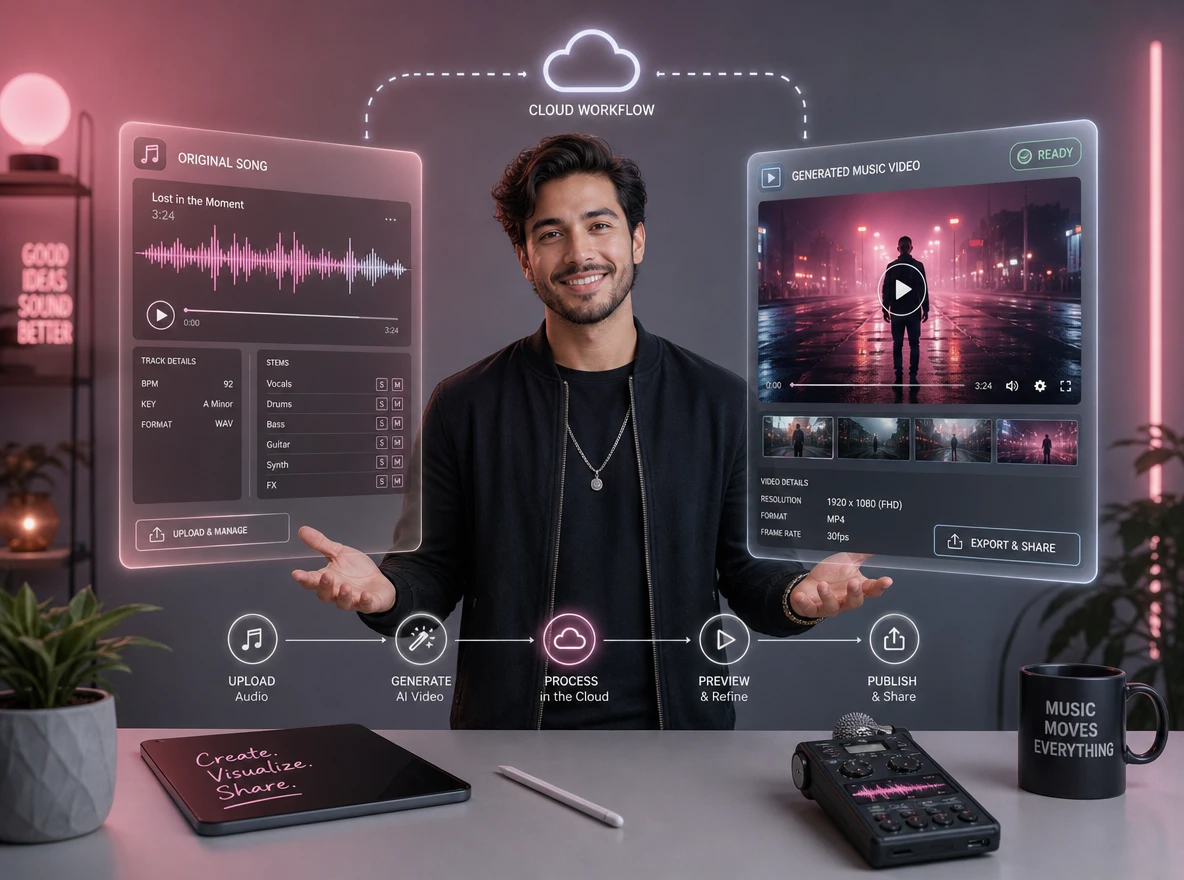


A song about summer memories could become a video set beside the ocean. Learn how to make music video online with Magiclight AI in 4 steps using a recording you've already made.
Access Music Video from the dashboard and import your recording in MP3, WAV or M4A format. Set the frame to 16:9 for a wider screen or 9:16 for viewers watching on their phones.
A gentle love song might suit a watercolor style better than realistic scenes. Browse the visual styles and select from 16 story models to guide how your song appears on screen.
Design new characters with descriptions of 1,000 characters or select existing ones. Check their appearance in Nano Storyboard and revise any scenes that don't suit your song.
Include the song lyrics on screen and check whether the singer's mouth movements match the vocals. Once everything looks right, save the finished music video for your audience.
Independent Singer
I recorded a song in my bedroom last summer but never had the money for a music video. Magiclight AI gave me a chance to finally share it with visuals.
Music Teacher
My students wrote their own songs for an end-of-term assignment. We turned their recordings into music videos during class with Magiclight AI, and everyone enjoyed seeing how their songs turned out.
Songwriter
Most of my songs are about places I've lived. I particularly liked being able to review the scenes and change anything that didn't feel right for the story behind my lyrics with Magiclight AI.
Student
I needed a music video for a college assignment and had never made one before. The ready-to-use songs in Magiclight AI saved me quite a bit of time that week.
Magiclight AI needs vocals to plan scenes around song lyrics. If your track contains only instruments, try Story to Video and include your recording as the background music.
Once you submit the lyrics in Magiclight AI, they can no longer be edited. Listen to the original recording during the review stage and correct any words the AI has misheard.
Yes. You can share your AI-generated songs on social media, add them to music videos, or publish them on your favorite platforms.
To make music video online with Magiclight AI, your recording must last between 10 seconds and 5 minutes. The audio file should also be smaller than 20MB for a successful upload.
The right visual style depends on the feeling behind your song. Watercolor might suit a gentle acoustic track better than realistic scenes that work well for personal stories.
Lyrics are useful when listeners want to sing along or understand unfamiliar words. For a video that tells a visual story, you might prefer captions during the chorus alone.



Make music video online with Magiclight AI and give your listeners something memorable to watch as your song plays.