
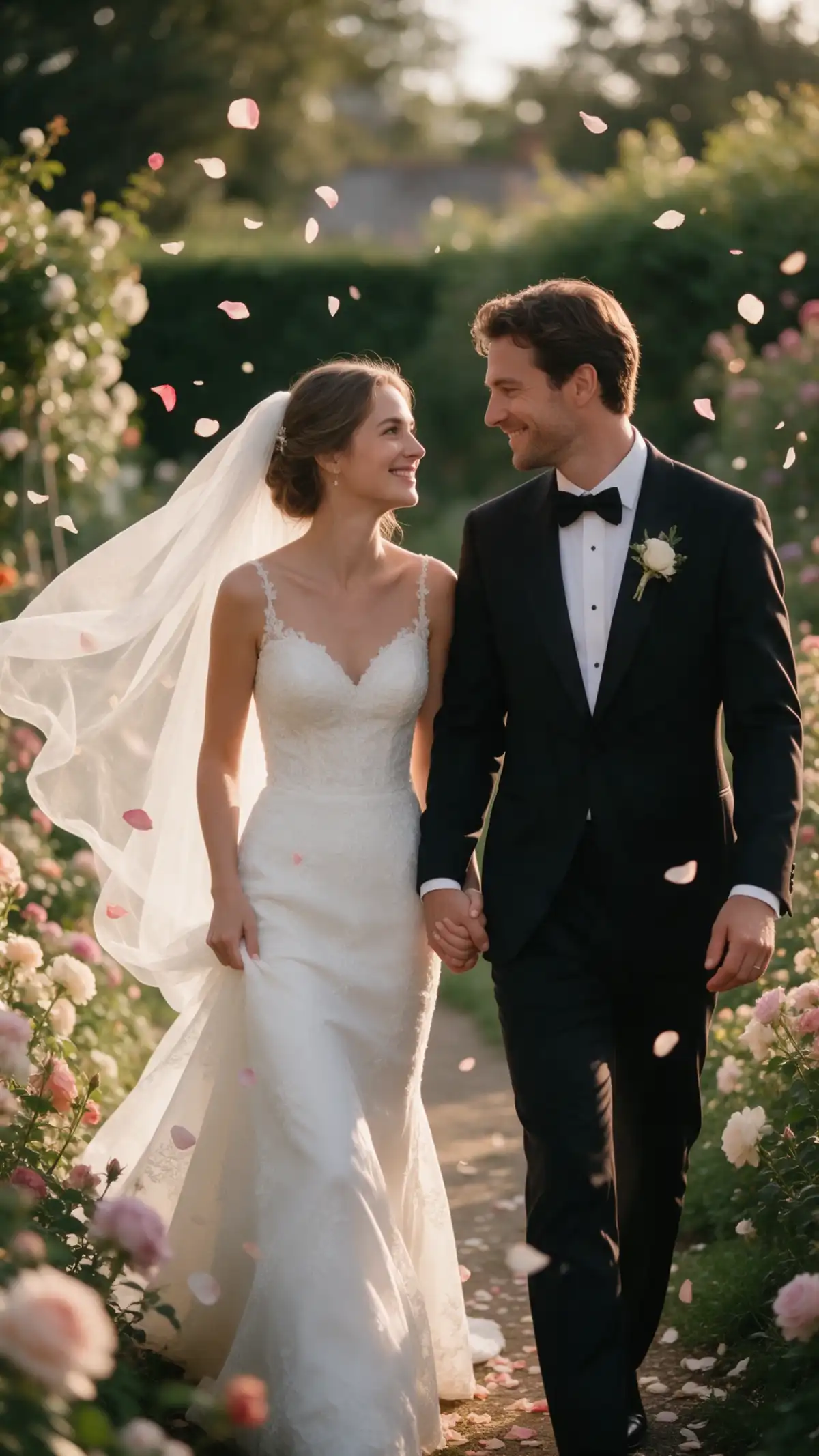
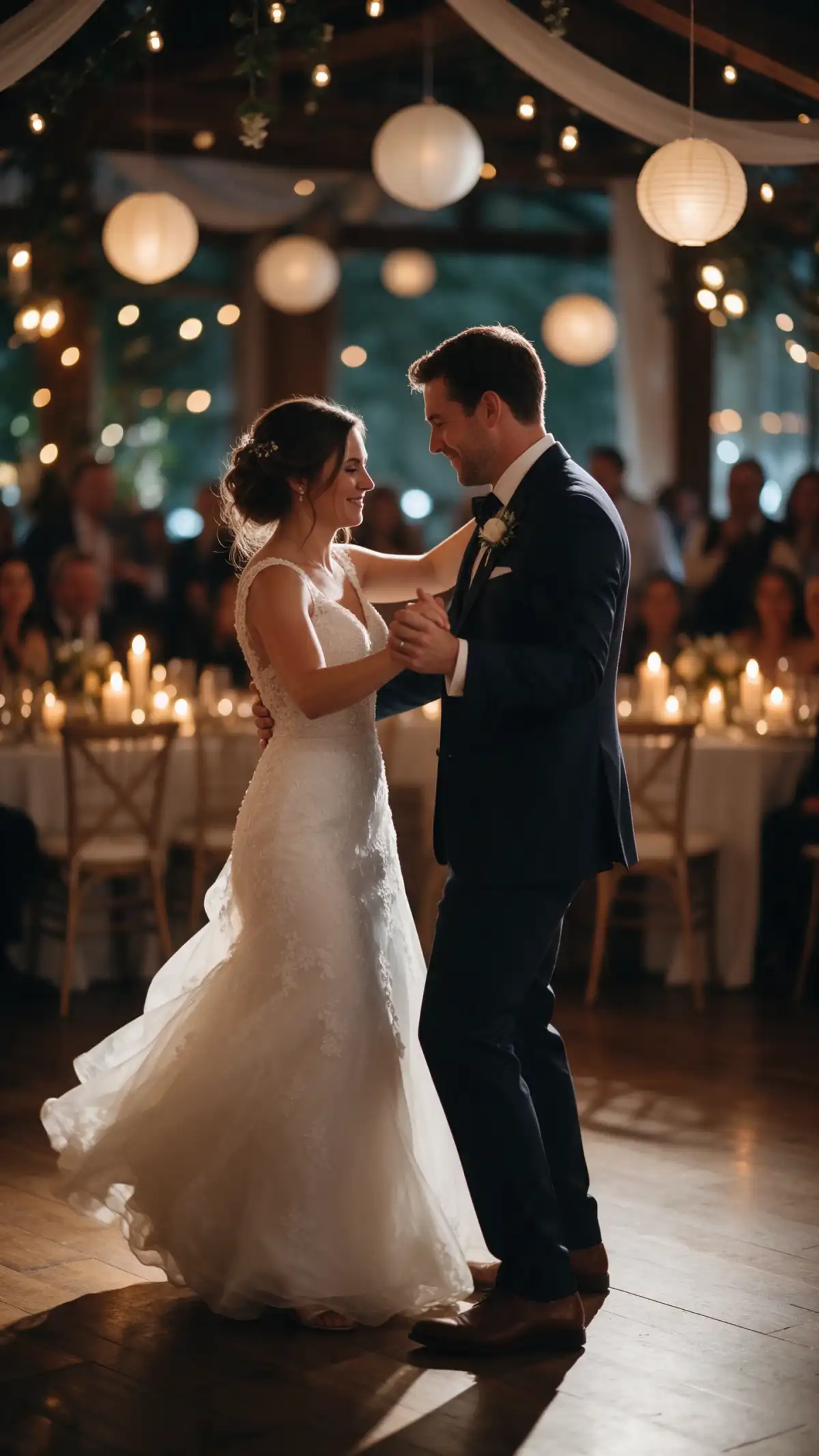
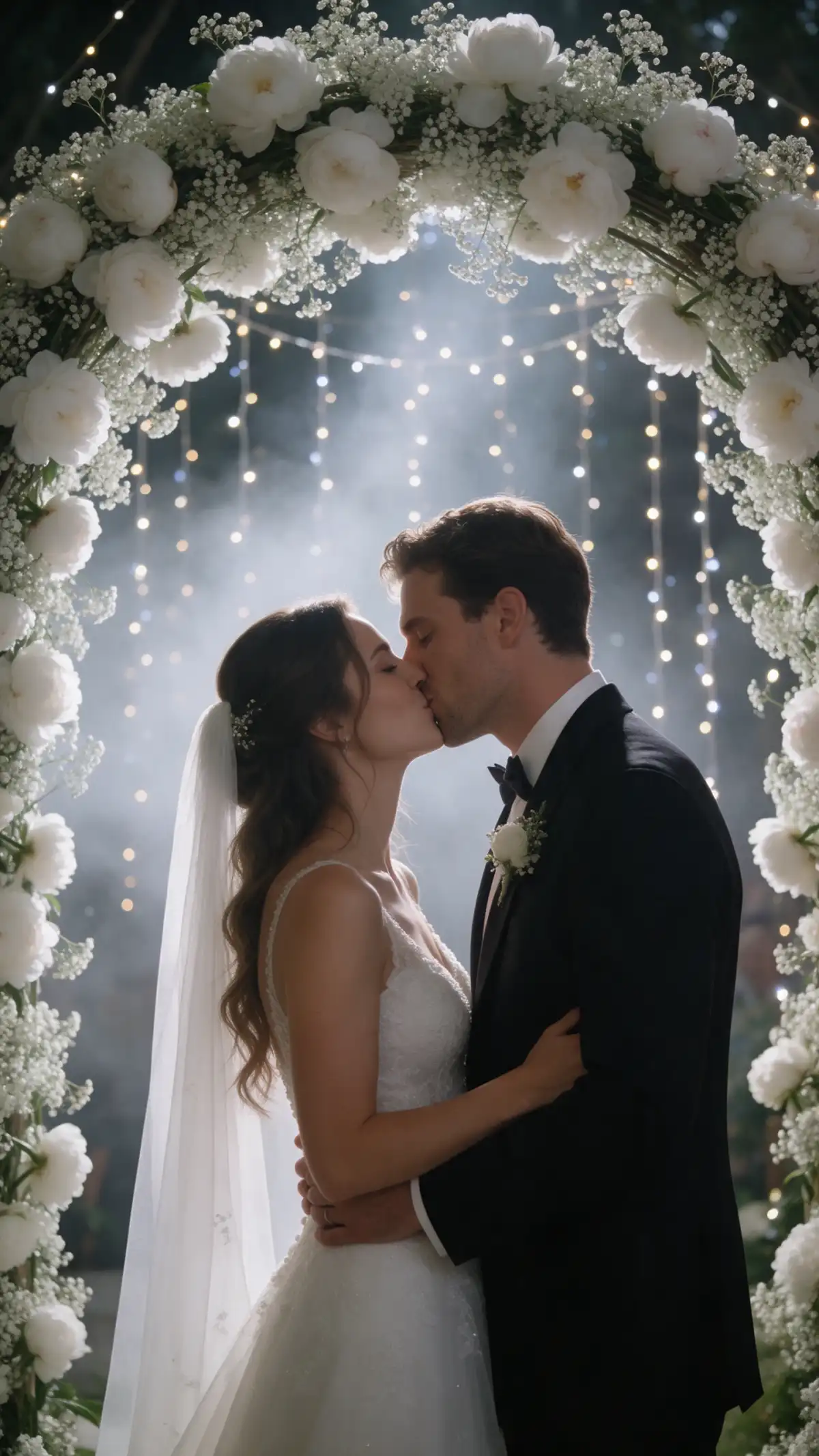
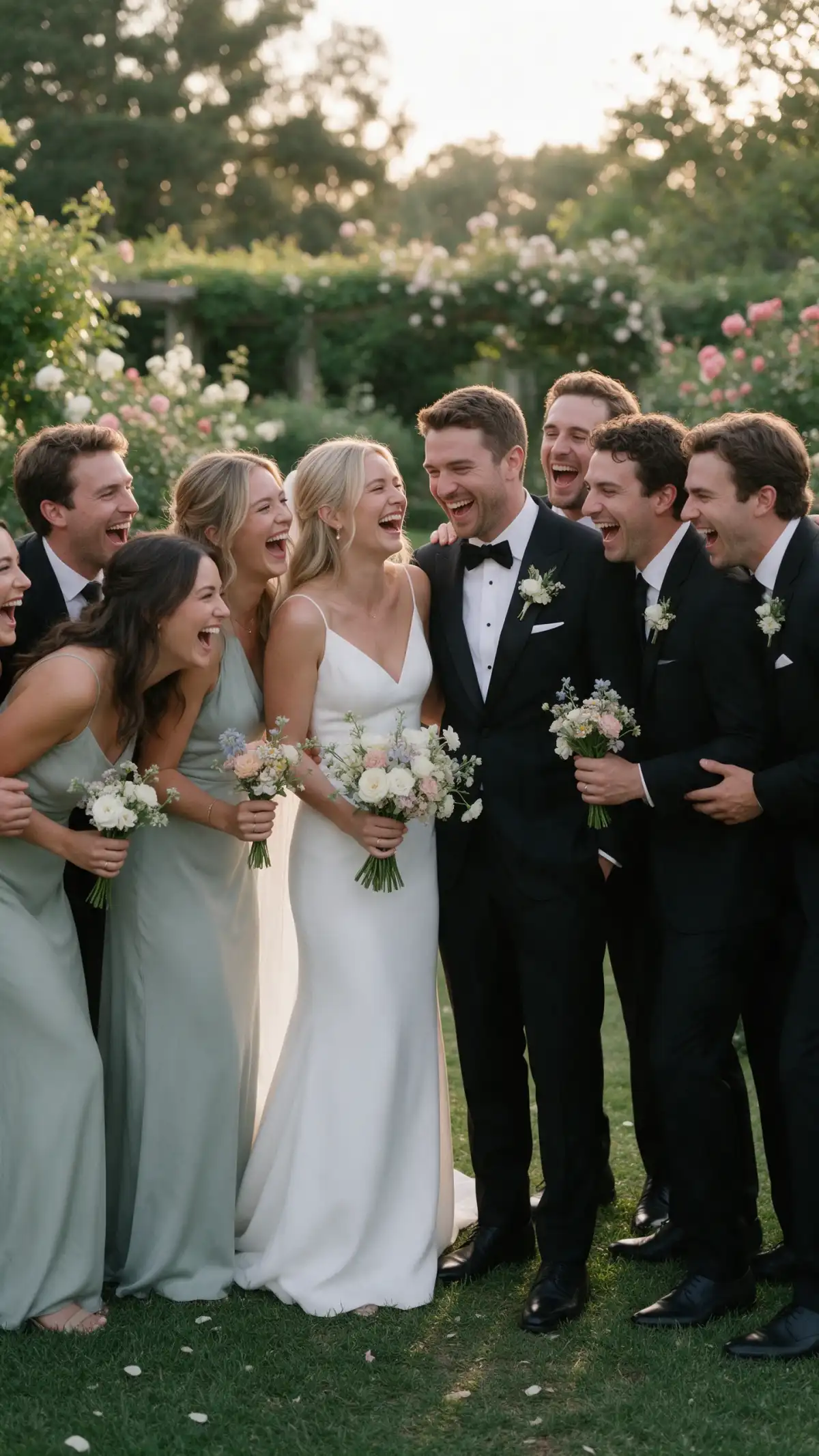
Hero background

Wedding AI Video Generator

Turn your wedding ideas and memories into beautiful videos with MagicLight AI. Create a video that captures the love, joy, and special moments of your wedding. No filming or editing skills needed.

Create a Wedding Video for Free
Wedding AI Video Generator preview
Wedding preview
Wedding character preview
Wedding scene preview
Wedding story scene preview
Wedding animation preview
Wedding AI Video Generator preview
Wedding preview
Wedding character preview
Wedding scene preview
Wedding story scene preview
Wedding animation preview

Explore Magiclight AI Top Features of Magiclight AI Wedding Video Generator

Write down the moment you knew they were the one. Magiclight AI’s wedding AI video generator lets you turn that part of your story into a scene worth showing at your reception.

Generate a Wedding AI Video Now
3D decoration

Story to Video for Your Love Story

Tell Magiclight AI how you met and what led to the proposal. Story to Video turns those memories into animated scenes you can play for family and friends during your wedding reception.

Frame to Video for Wedding Memories

Choose a photo from your first date as the opening frame and an engagement photo as the last. Frame to Video adds movement between them to show how far your story has come.

50+ Visual Styles for Wedding Films

Your wedding video could look like a classic romance or a charming cartoon. Magiclight AI offers 52 visual styles to explore until you find one that feels right for your story.

1,000 Characters for Each Wedding Character

Give the couple in your wedding film a familiar look. Magiclight AI lets you describe each character in 1,000 characters, from their hairstyle to the clothes they wear in your scenes.

Who Can Use the Magiclight AI Wedding Video Generator
Wedding AI video generator gives couples a fresh way to share their story. Wedding planners can use it for client projects too, with options for different parts of the celebration.
For New Couples
For New Couples
Recount your relationship through Story to Video with 12,000 characters.
Personalize your wedding film with a choice of 37 voice options.
Turn your love story into a wedding film lasting as long as 50 minutes.
For Wedding Planners
Present wedding film concepts using 16 different story models.
Deliver wedding reception videos in 1080p for large venue screens.
Customize wedding invitations using 21 different cover templates.
For Families and Friends
Surprise the newlyweds with an animated story of their first meeting.
Recreate the couple as new characters with 1,000 character descriptions.
Narrate a special wedding memory using one of 37 available voices.
For Event Teams
For Event Teams
Demonstrate wedding themes through 52 available visual styles.
Experiment with 16 animation models for wedding venue previews.
Display animated wedding scenes on screens during venue tours.
Why Choose Magiclight AI
Wedding Video Generator
A reception video can be funny one minute and touching the next. With the wedding AI video generator, you can shape those moments into something your guests will enjoy watching.
Two Voice Engines for Wedding Narration
Give your wedding story a voice that feels right for the occasion. Magiclight AI offers 2 voice engines, including ElevenLabs, to help you narrate a touching memory or a funny moment.
Image to Video for Romantic Moments
A favorite wedding photo can become a short moving scene. Image to Video lets you animate the picture with gentle movement and create a romantic clip lasting 30 seconds or less.
11 Languages for Wedding Stories
Magiclight AI supports 11 narration languages, letting you share your love story in a language your family understands. Your wedding guests may speak different languages at home.
21 Cover Templates for Wedding Videos
Magiclight AI offers 21 cover templates to choose from before sharing your video with guests or posting it on social media. Give your wedding film a cover that suits the occasion.
16 Caption Styles for Wedding Films
Guests should be able to follow your wedding story even from the back of the room. Magiclight AI has 16 caption styles to help everyone read the dialogue during your reception.
1080p Video Quality for Wedding Screens
Your wedding film deserves a clear picture on the reception screen. Magiclight AI supports 1080p and 720p exports, with 16:9 for wider displays and 9:16 for vertical viewing.

How to Make a Wedding Video With Magiclight AI

Your wedding film can begin with the day you first met. Magiclight AI’s wedding AI video generator takes you through 4 steps to turn those memories into a video.

1.

Step 1. Tell the Story Behind Your Wedding

Begin a Video project with the story of how you met. You have 12,000 characters for your script and 16 story models to help shape the wedding film for your guests.

2.

Step 2. Give the Couple a Familiar Look

Give your wedding film a visual style that suits your story. Create characters based on the couple using 1,000 character descriptions, or select suggested characters for each scene.

3.

Step 3. Make the Wedding Scenes Your Own

Look through the scenes in Nano Storyboard before animation begins. Adjust anything that feels wrong for your wedding story, then ask Magiclight Agent to animate the scenes.

4.

Step 4. Finish the Film for Your Guests

Choose a narration language and a voice that suits the occasion. Add background music if you wish, then generate your wedding film and save the finished video for your reception screen.

FAQs on Wedding AI Video Generator

Can AI replace a wedding videographer?

Not entirely. AI can create romantic story films for your reception, but it cannot record your actual ceremony. A videographer is still needed to capture real moments as they happen.

How long can a wedding story film be?

Wedding story films can last 50 minutes on eligible Magiclight AI plans. For a reception, a shorter film of 3 to 10 minutes may be easier for guests to enjoy between other events.

Is it possible to make a wedding video invitation?

Yes, the wedding AI video generator lets you create a personal invitation video. Include your names and wedding date, then choose a vertical format that guests can watch on phones.

Can the couple narrate their wedding film?

With permission from both partners, AI Voice Cloning can recreate their voices for narration. Use clear recordings and review the final audio before playing it at the reception.

What should I include in a wedding story video?

Focus on moments that mean something to you both, such as your first meeting or proposal. A few personal memories often make a stronger film than a long account of every event.

Which video format works best for wedding receptions?

A 16:9 video usually fits reception TVs and projectors better than a vertical clip. Check the venue's screen requirements and test your finished film before the wedding day.

Create Unforgettable Wedding AI Clips With Magiclight AI

Turn your favorite memories into a wedding film with Magiclight AI. Give your guests a lovely way to experience your journey together.


