Explore Perchance AI Image Generator Features
Some pictures take several tries before they feel right. With the Perchance AI image generator, you can change your description and see what comes back without buying credits.
Explore your image ideas with Perchance AI. Describe a scene, adjust the style, and generate new images until you get the result you want. No credits required.
Try Perchance AI Image Generator For Free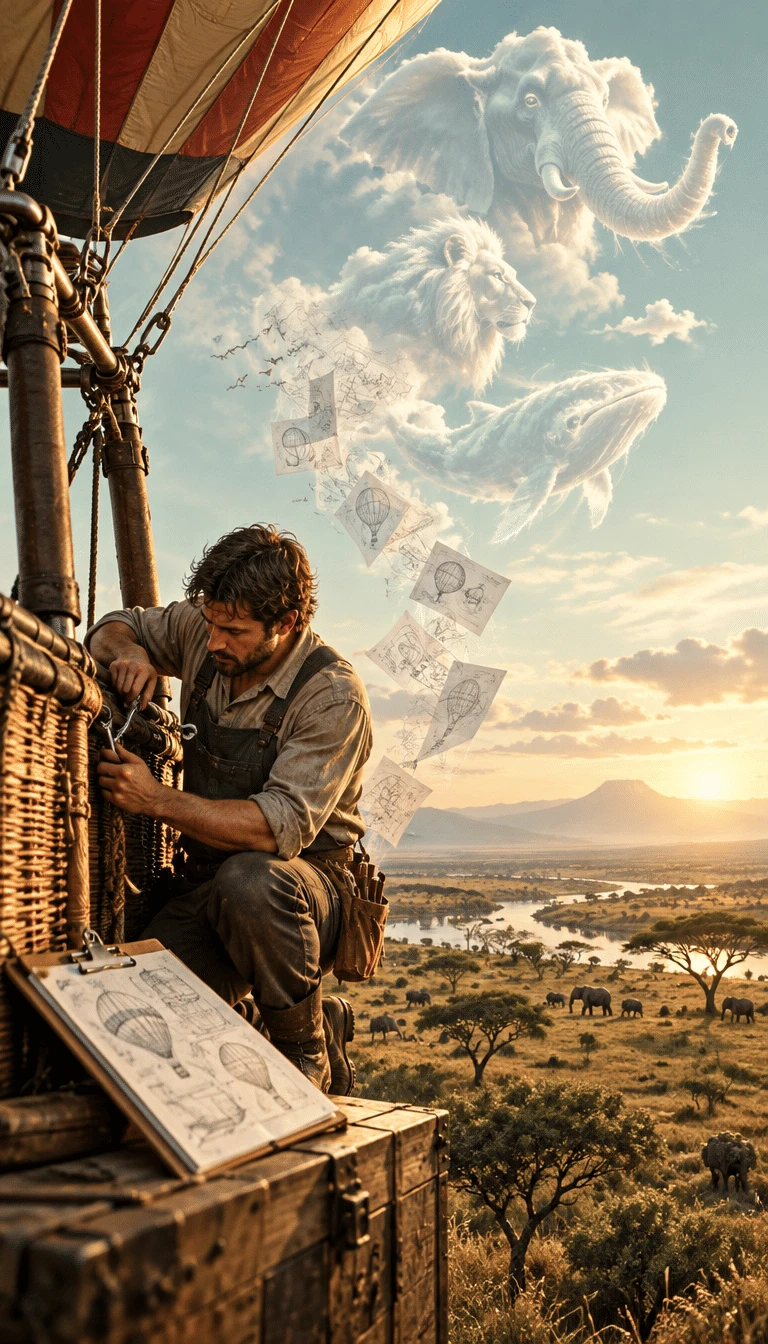
Some pictures take several tries before they feel right. With the Perchance AI image generator, you can change your description and see what comes back without buying credits.

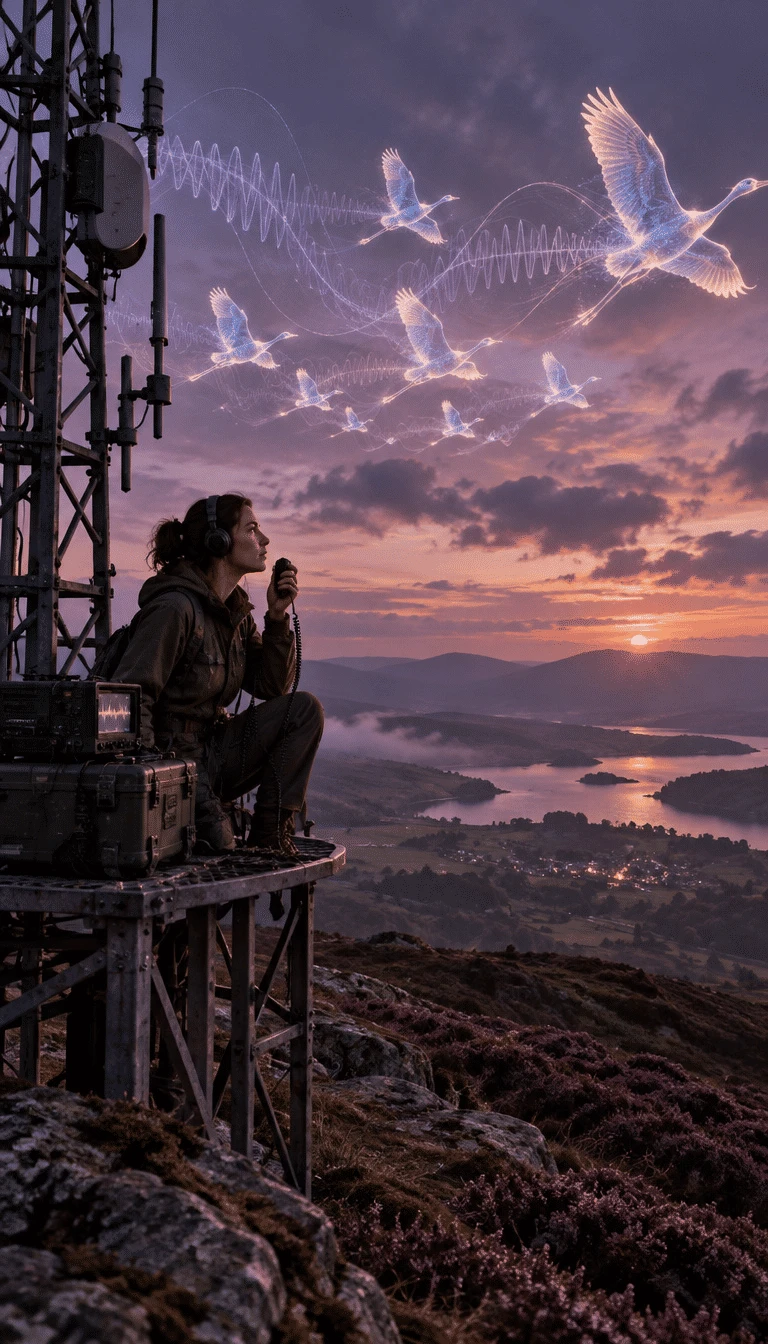
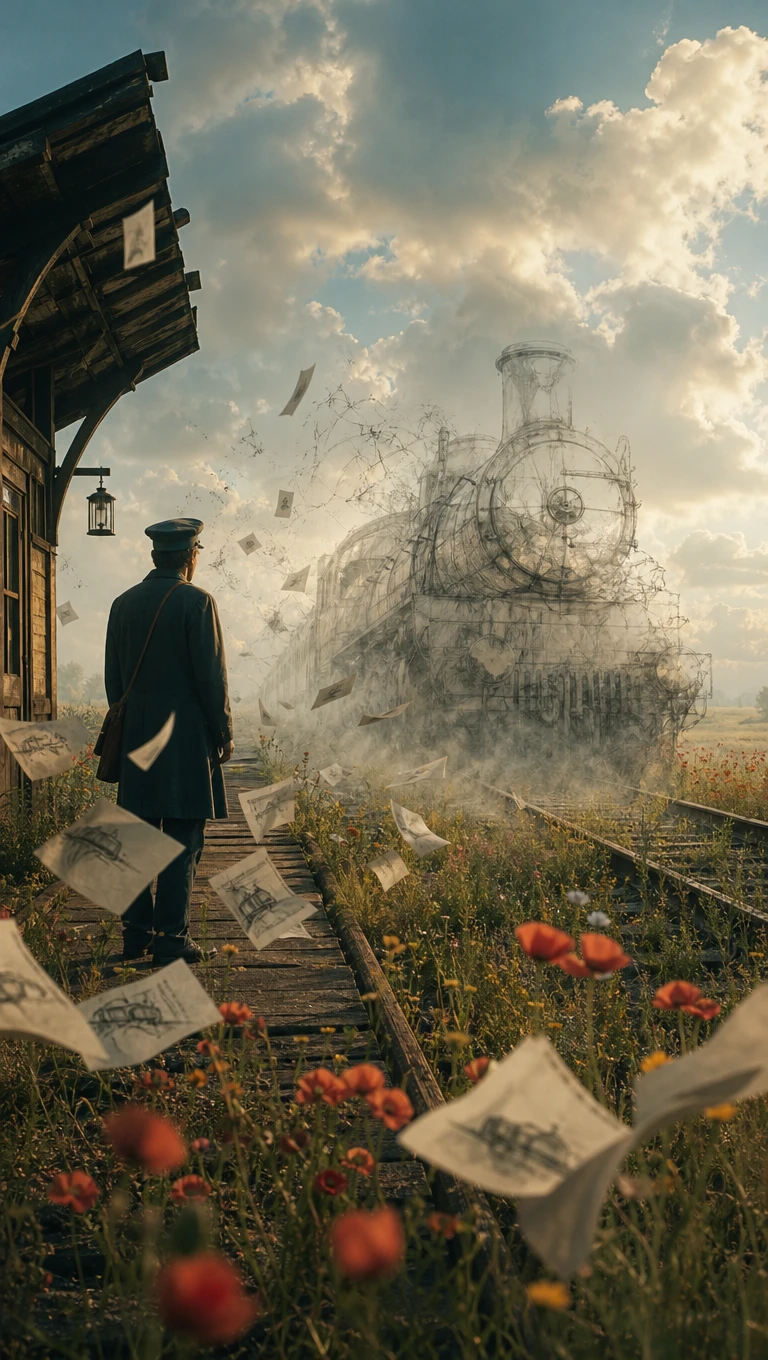
Write your image idea in the Description box, using whatever details matter most. The Art Style menu starts on Painted Anime when you first open it. Choose square, portrait or landscape dimensions before pressing Generate to see your pictures.
The Art Style menu offers plenty of looks beyond its default anime setting. Try realistic photos, cinematic scenes, fantasy artwork or illustrations for something completely different. Some generators also offer 3D renders and vintage looks through their own presets.
One prompt can produce several pictures, giving you alternatives without rewriting everything again. The standard page commonly returns 4 images, though you can adjust batch size. Some community versions support thirty to one hundred images, depending on their settings.
Perchance lets you create a generator by editing code from an existing page. Sign in first, then copy the source and change its prompts or styles. Publish your version at a new address for other people to try themselves.
What makes Perchance appealing goes beyond free image generation. Perchance AI image generator gives hobbyists more freedom over their artwork without the usual restrictions.
Open Perchance and start generating pictures without creating an account or entering payment details. There is no published daily credit limit, with advertising helping support free image generation. Signing in becomes useful when saving your own generators or sharing them publicly.
Try Perchance AI Image Generator For Free
Sometimes an otherwise good image contains objects you never wanted there at all. The negative prompt box lets you specify details the generator should try avoiding. Mention unwanted objects or distorted hands to help guide the next image generation.
Try Perchance AI Image Generator For Free
Painted Anime appears as the default style when opening the official image generator. Anime and cinematic styles offer distinct looks, though results still vary between generations. FirmCritics rated Painted Anime style consistency 8 out of 10 during its testing.
Try Perchance AI Image Generator For Free
Perchance is not the only place to make AI images for free. Let’s see how Perchance AI image generator compares with 4 alternatives before deciding which one suits your needs:
| Platform | Image Models | Image Editing Features | Reference Image Support | Best For |
|---|---|---|---|---|
| Perchance | Built-in image generator | Prompt and style adjustments | Generator-dependent | Free AI images and creative experiments |
| MagicLight AI | 6 image models | AI editing and image enhancement | Multiple images, 20MB each | AI image creation and animated storytelling |
| Raphael AI | Seedream, GPT Image, and others | Prompt-based image editing | Image uploads | Testing different AI image models |
| Bing Image Creator | 2 MAI Image models | Upload and prompt-based editing | Image uploads | Quick AI images and social graphics |
| Gemini | Nano Banana models | Prompt-based editing and image blending | Multiple reference images | Infographics and creative image editing |
Getting your first image is fairly simple. The Perchance AI image generator works directly in your browser, and these 4 steps take you from an idea to a picture worth saving.
Visit perchance.org/ai-text-to-image-generator on your phone or computer. The tool works in a browser without an account, so there is no need to install an app to get started
Describe the picture in the Description box. Mention the main subject and setting first, then add a detail such as the lighting or camera angle to guide the result next time.
Open the Art Style menu, which starts on Painted Anime, and select the look you prefer. Choose square, portrait or landscape, then press Generate to see your images at once.
Look through the results and download any image worth keeping. The heart button can add a picture to the public gallery, so use it only when you want to share it with others.

Fantasy Writer
Perchance helped me create portraits for 6 characters in my fantasy novel. I had several versions to compare before choosing their final appearances, without signing up.

Digital Illustrator
I spent an evening exploring the Art Style menu in Perchance. Painted Anime gave my character sketches a softer look, while Cinematic worked better for darker scenes.

Hobby Developer
I copied an existing Perchance generator and changed the prompts to suit my fantasy project. It was satisfying to publish a version that other people could actually use.

Concept Artist
Perchance is where I test rough ideas before opening my paid art software. Seeing a few quick variations helps me decide which concepts deserve more time and attention.
Perchance says generated images can be used freely, but its terms also mention personal use. Review the current rules before using artwork for paid client projects.
The Perchance AI image generator runs in a browser at perchance.org. Apps using its name in app stores are separate, so check the website address before you open it.
Perchance uses its text to image plugin, but the official generator does not identify a specific model. Community versions may use different page settings or plugins.
Yes, you can enter unwanted details in the negative prompt box. It may help exclude specific objects or flaws, though the generator cannot guarantee perfect results.
Perchance offers an Art Style menu with options such as Painted Anime and Cinematic. Try any other preset when the first result does not suit the scene you imagined.
Yes. Perchance lets users copy generator code, change prompts or styles, and publish their own version. You need to sign in to save the generator and share its link.



A strange dream or a character from your story could make an interesting picture. Give Perchance a try and save whatever catches your eye.