
Explore Features of Magiclight AI Fashion Video Generator
With Magiclight AI fashion video generator, you can handle model creation, outfit styling, motion, and export in one session. Each clip gains editorial polish without a studio or team.

Magiclight AI fashion video generator helps brands, shops, and creators turn outfit ideas into styled model videos. Describe the look, choose motion, and build a clip today.
Create Fashion Video For Free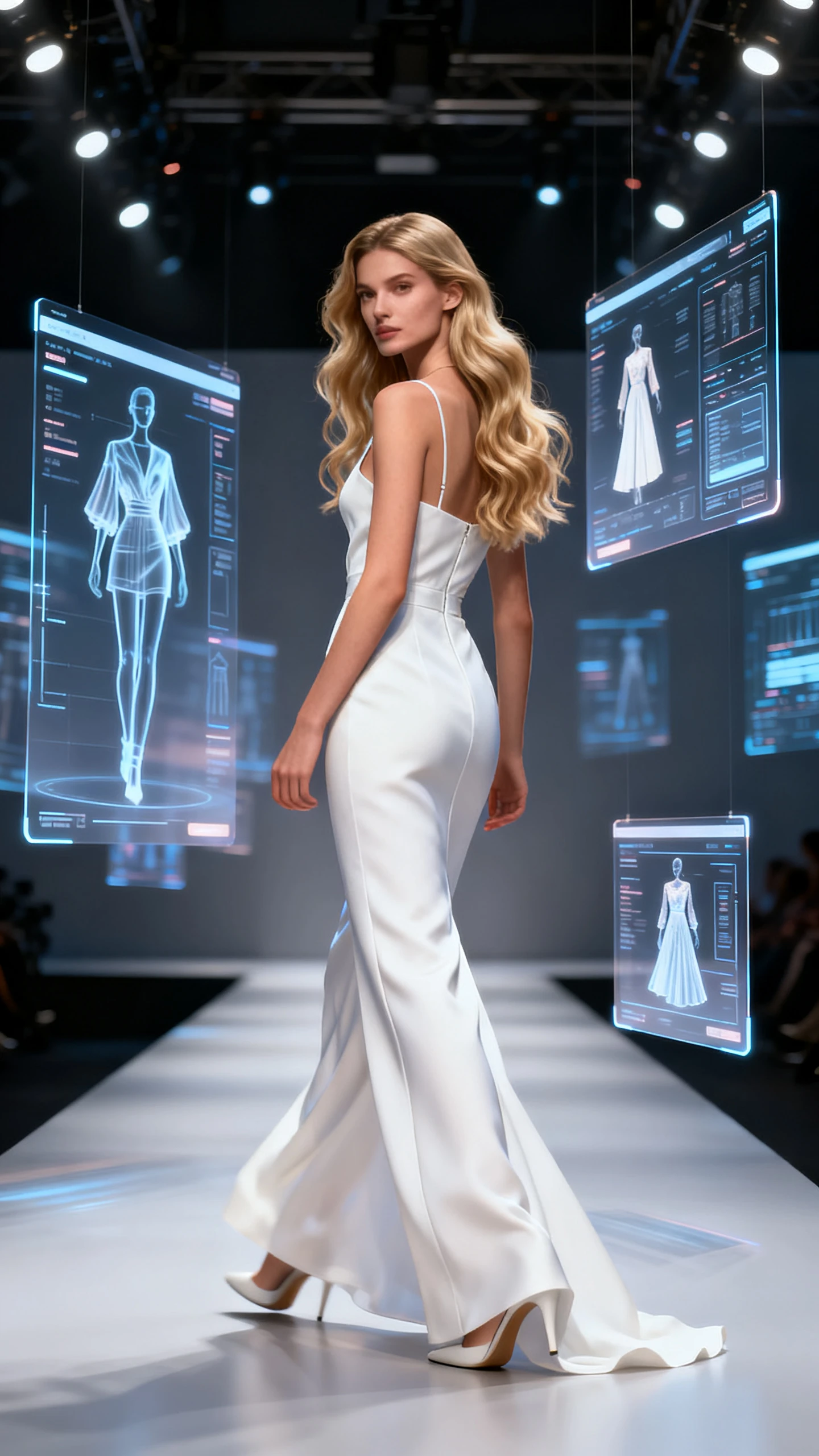
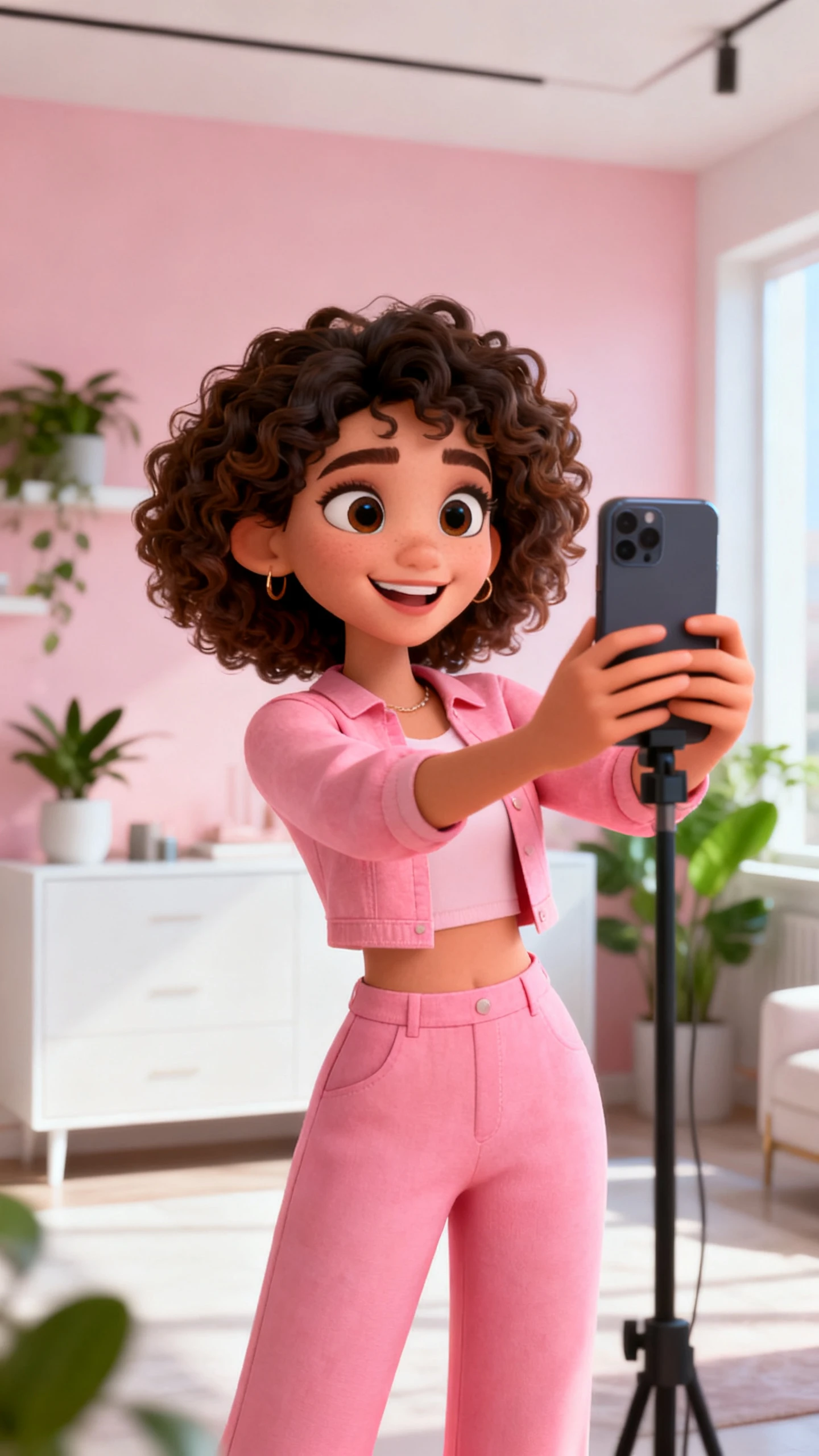
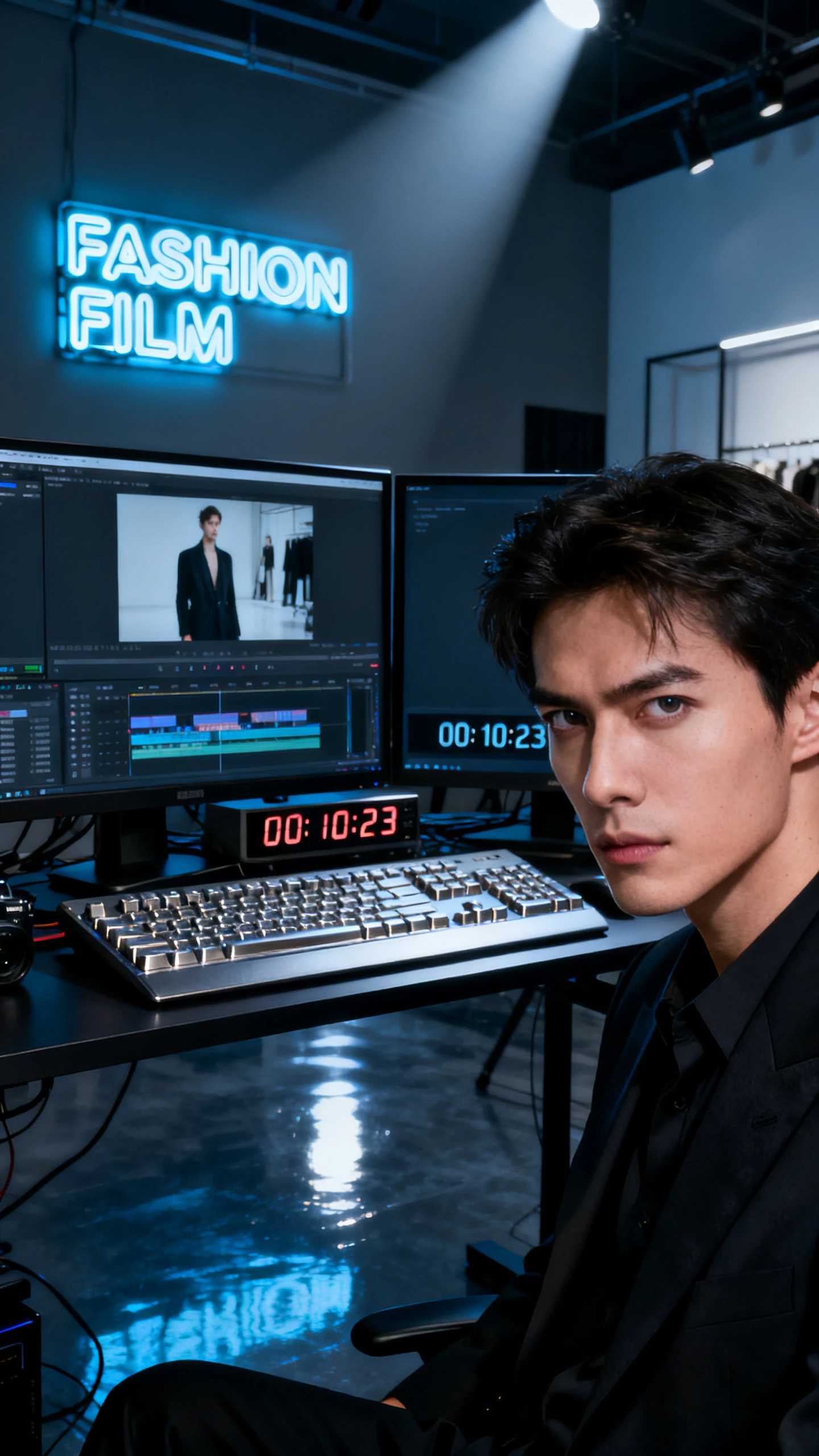
With Magiclight AI fashion video generator, you can handle model creation, outfit styling, motion, and export in one session. Each clip gains editorial polish without a studio or team.

Describe outfit, pose direction, model look, and mood. Magiclight AI turns those details into a styled fashion model ready for video.
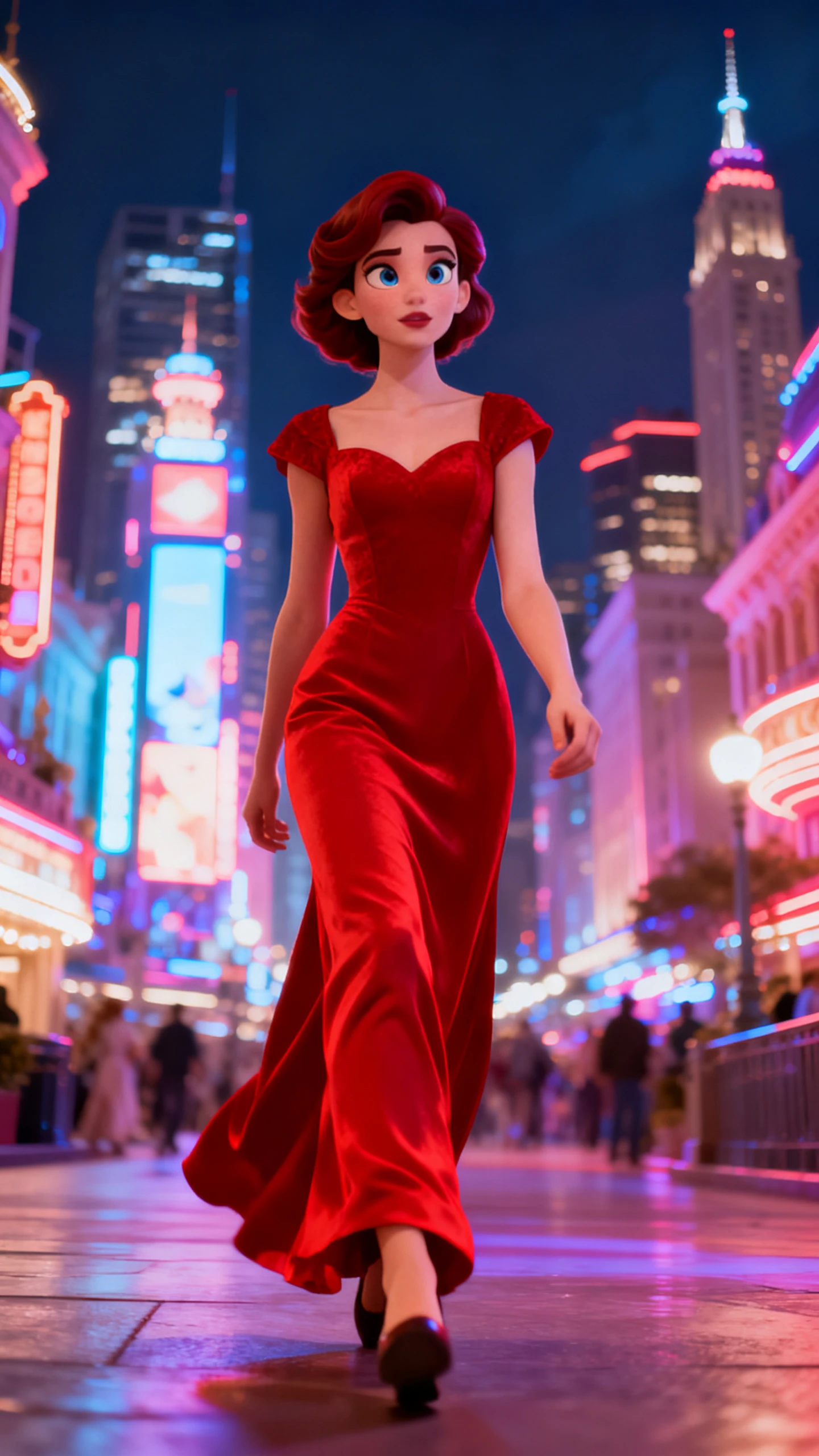
Choose cinematic, runway, streetwear, illustration, or flat art. The selected style stays consistent across the full fashion video.
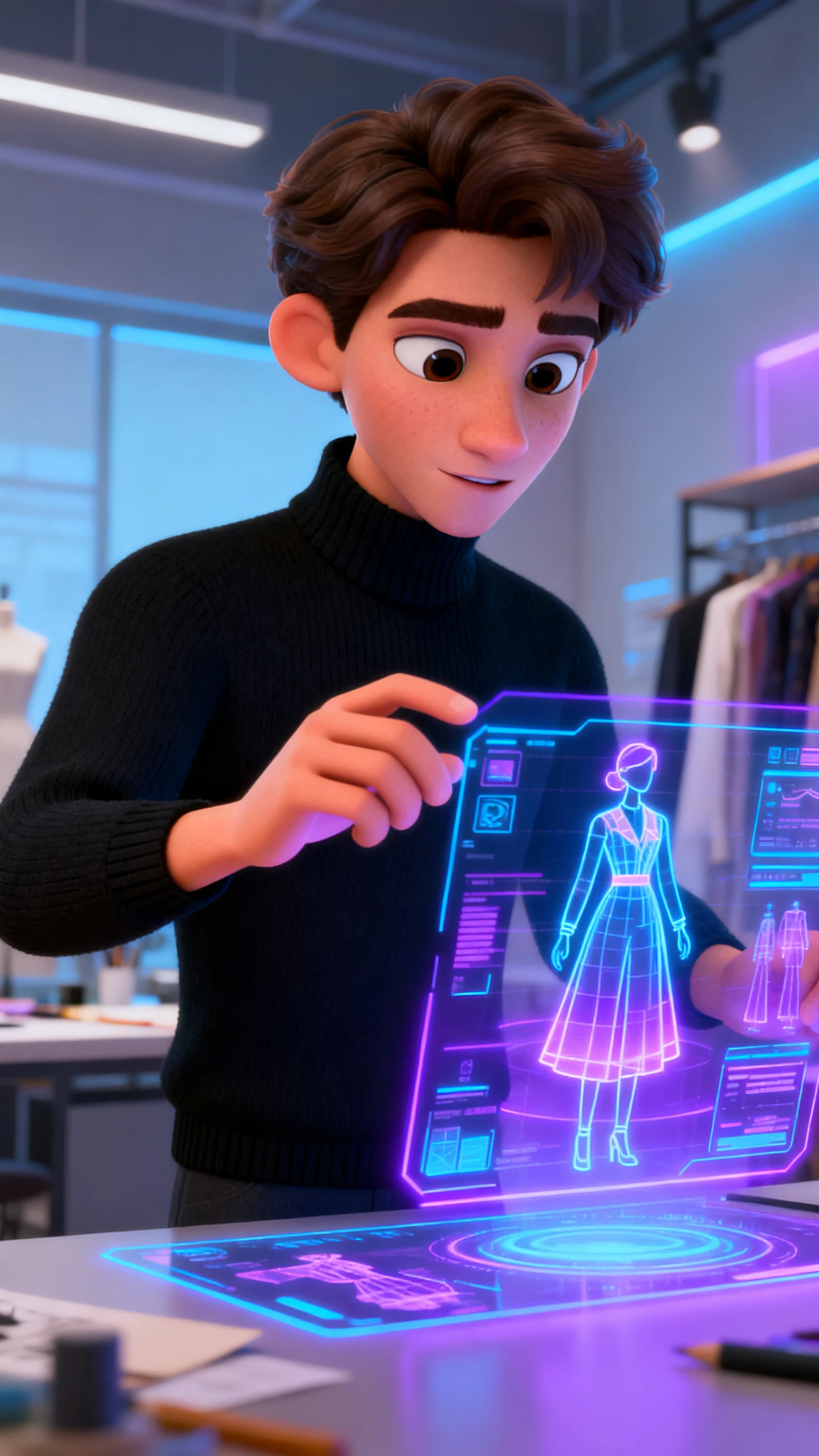
Upload an outfit photo, add a prompt up to 1,500 characters, and turn the image into a 10 or 15-second animated fashion clip.
Pick from 19 video models, including Seedance 2.0, Kling 3.0, and Gemini Omni, to match slow pans, runway walks, or fast edits.


Move your concept through model setup, motion, scene control, and export in 4 steps with Magiclight AI’s fashion video generator. Learn how it works!
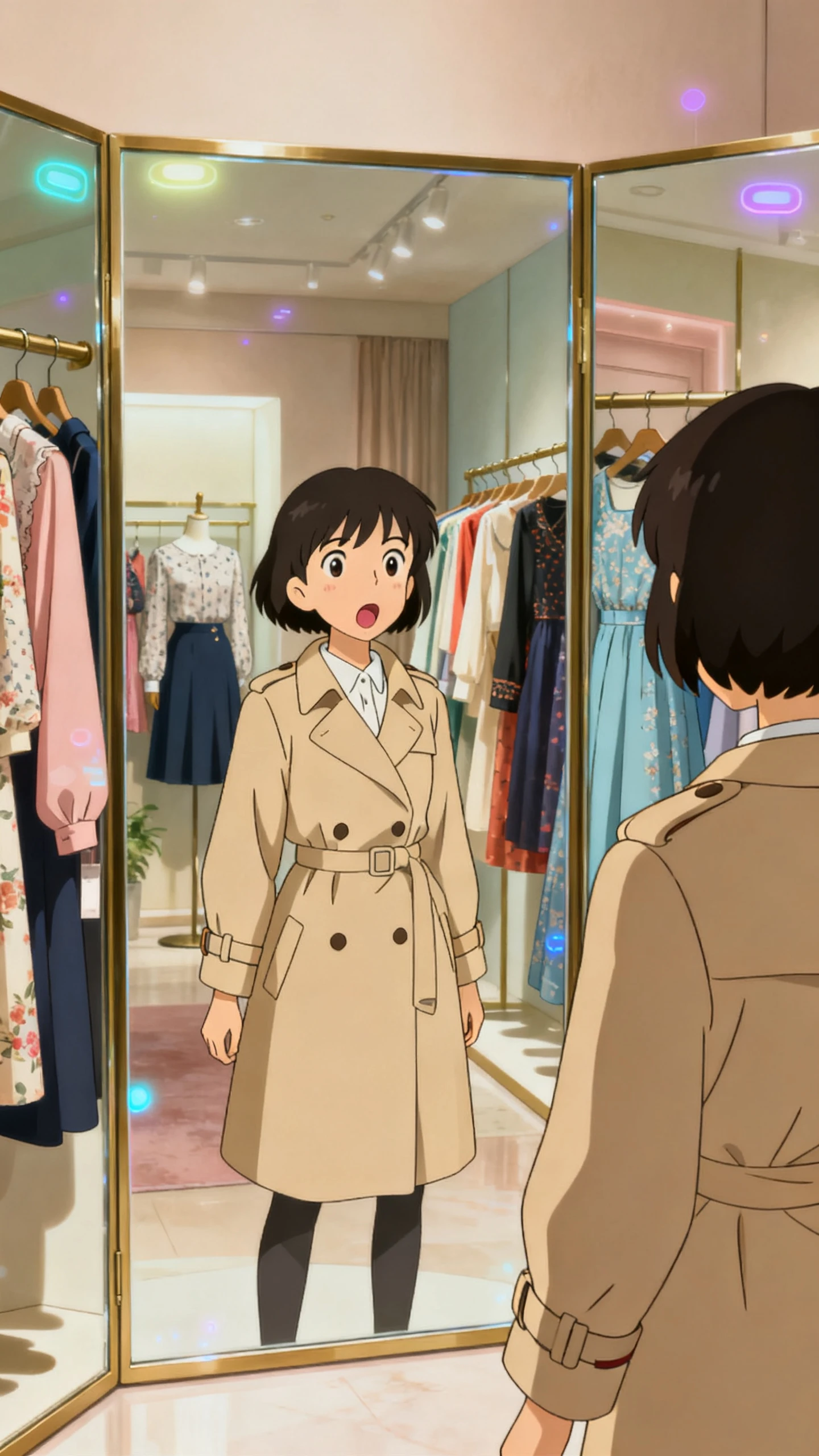
Share outfit details, model direction, mood, and campaign purpose. Magiclight AI builds a styled model and scene around the fashion concept instead of a generic placeholder.
Pick an editorial style such as cinematic, runway, streetwear, or illustration. Then choose from 19 video models to define how the fashion clip moves.
Use Nano Storyboard to adjust model pose, camera angle, and expression before rendering. Each detail locks in before the final fashion video is generated.
Select one of 40 background tracks and apply a subtitle style from 16 options. Export in 720p or 1080p, then publish the fashion video anywhere.
An AI fashion video generator turns outfit concepts into styled model videos online. Magiclight AI adds models, motion, music, and export inside one workflow online today.
You can explore the ai fashion video generator workflow before choosing paid features. Check Magiclight AI’s current plan page for limits, exports, and available tools today.
Upload an outfit photo, then add movement notes and styling direction clearly first. Inside Magiclight AI, image-to-video turns it into 10 or 15-second fashion clips online.
Cinematic, editorial, streetwear, illustration, and runway-inspired looks suit different fashion campaigns well online. Magiclight AI keeps the chosen aesthetic consistent across every generated scene smoothly, too.
Your AI model can keep the same face, outfit, and proportions throughout campaigns. With Magiclight AI, repeated lookbook clips avoid character drift between scenes and videos.
Short outfit animations usually run 10 or 15 seconds per image-to-video generation online. For longer fashion campaigns, Magiclight AI supports videos up to 50 minutes total.



Magiclight AI fashion video generator turns outfit ideas into styled model videos with motion and music.