Hero background

Grok AI VideoGenerator

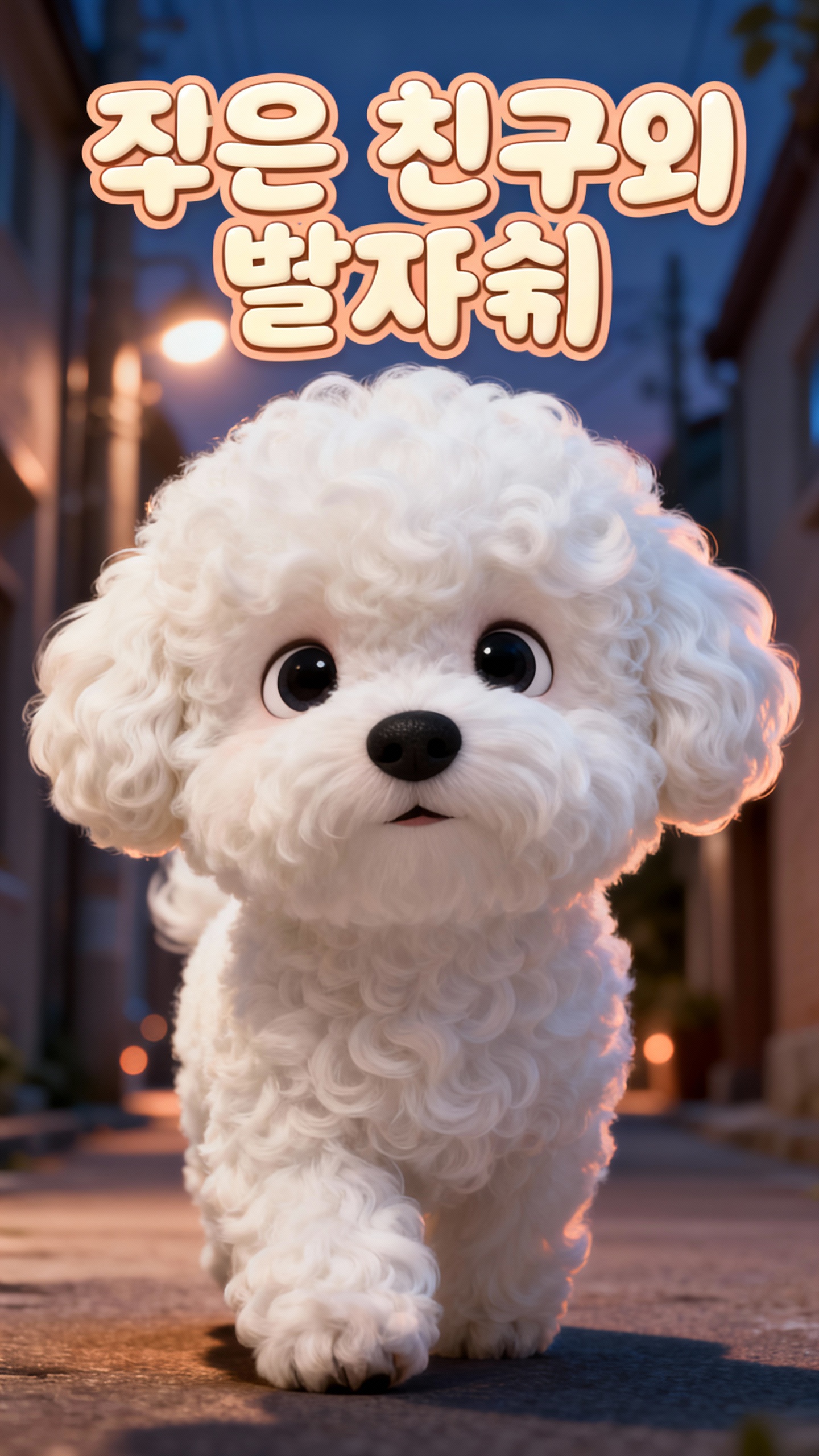
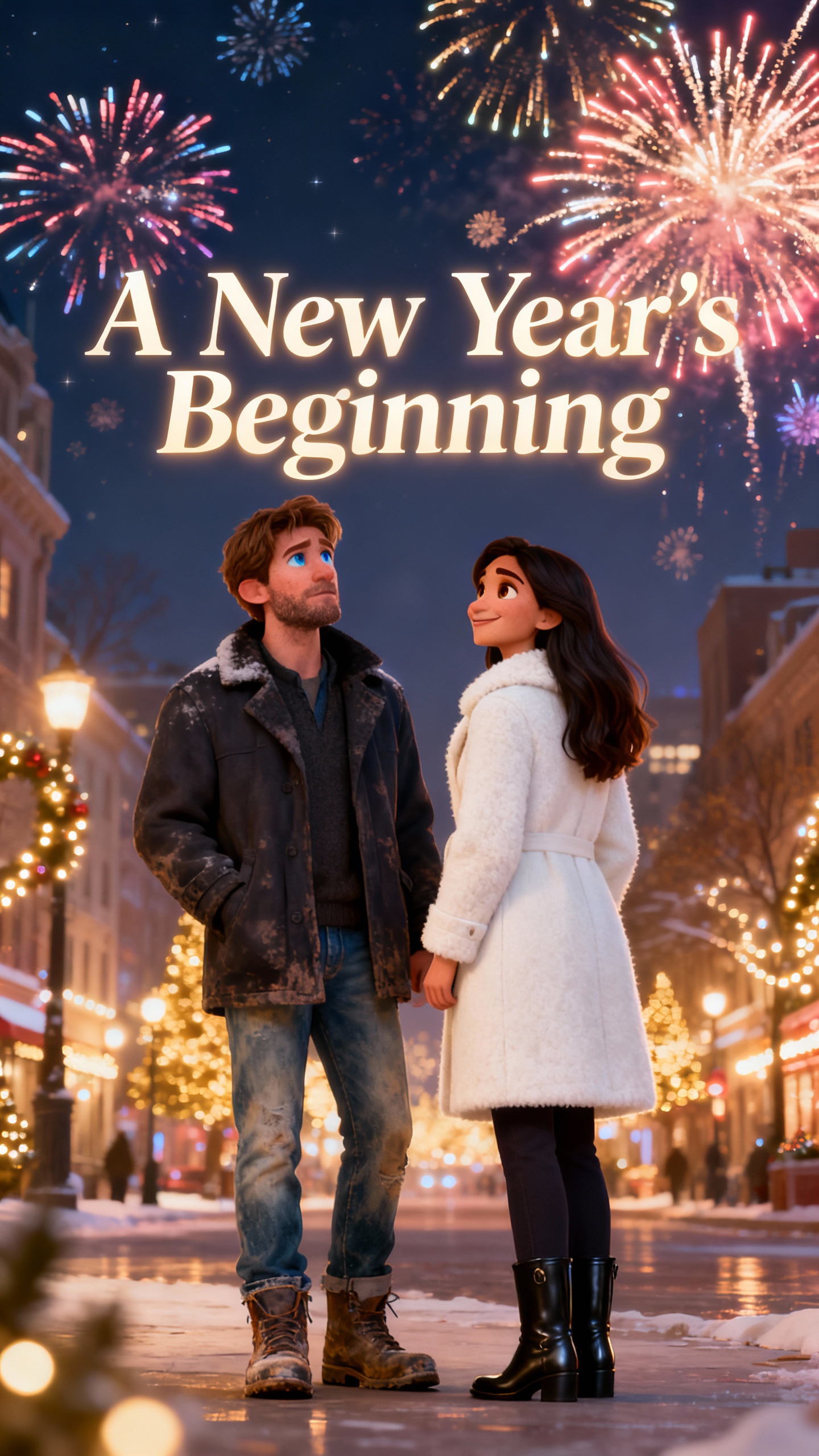
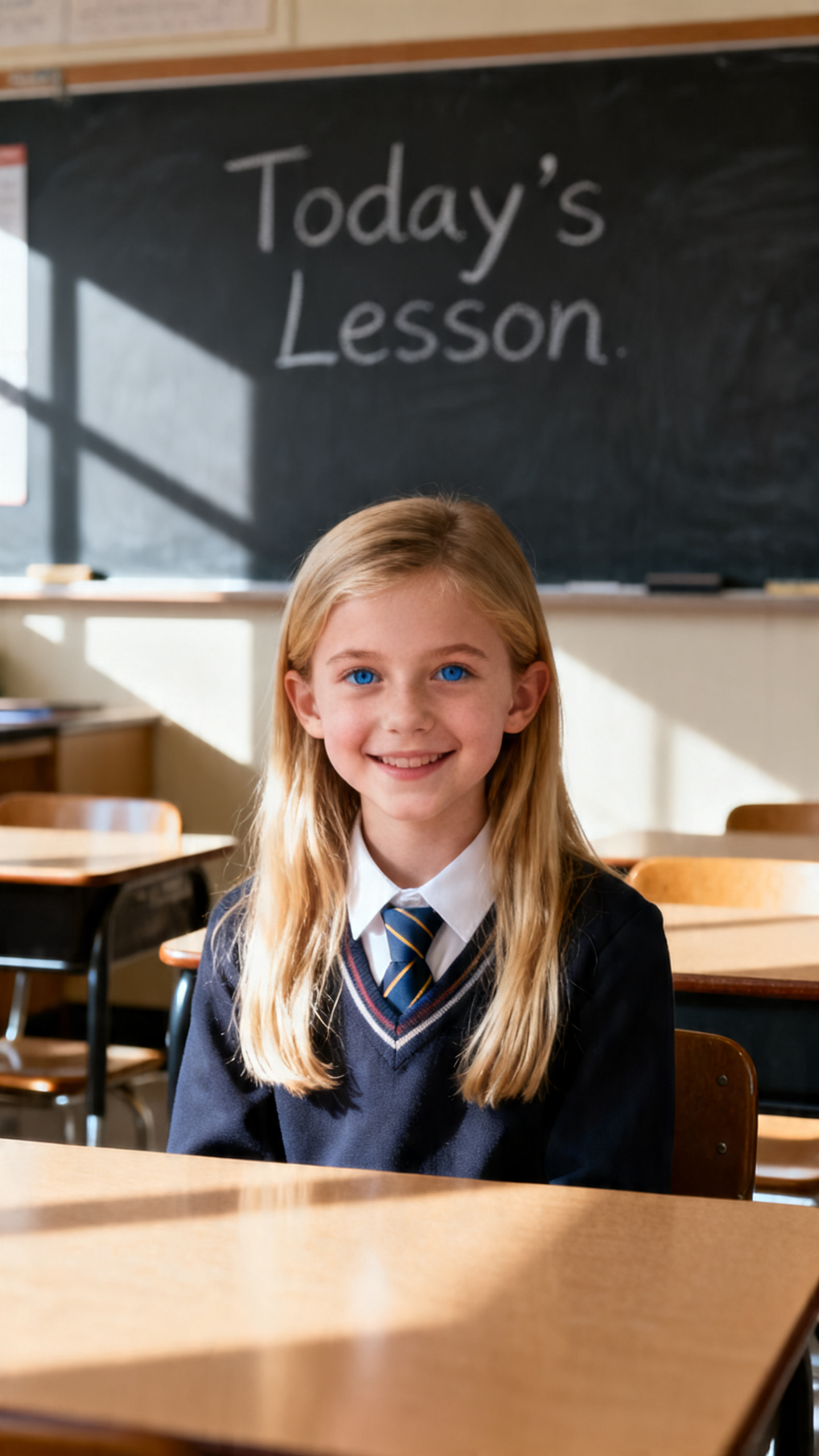
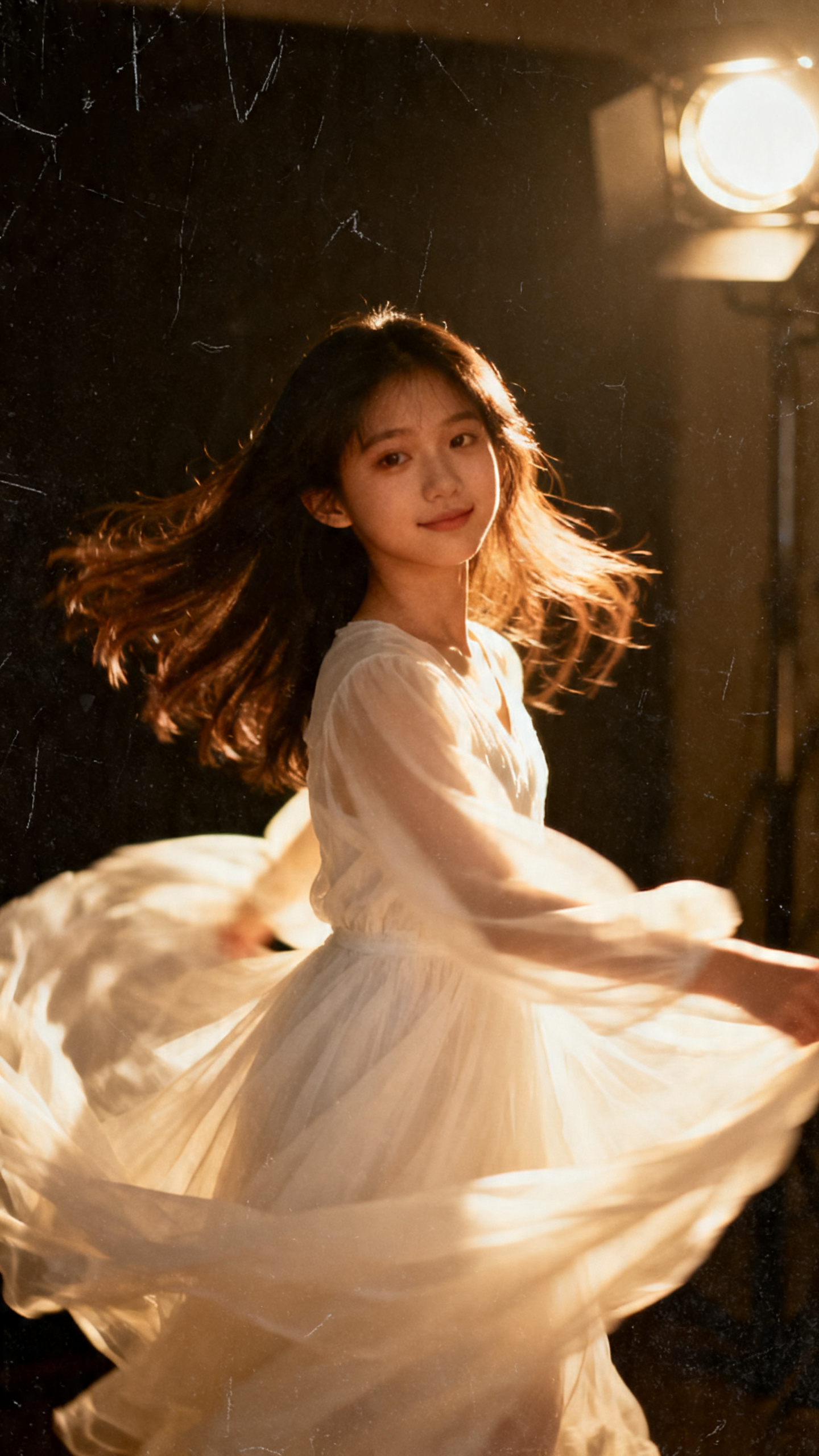
Let others see your imagination with visuals generated by Grok, one of the fastest video generators available. Free to try. No expensive cameras or salaried crew required.

Try Grok AI Video Generator For Free
Story Grid 1
Story Grid 2
Story Grid 3
Story Grid 4
Story Grid 5
Story Grid 6
Story Grid 7
Story Grid 8
Story Grid 1
Story Grid 2
Story Grid 3
Story Grid 4
Story Grid 5
Story Grid 6
Story Grid 7
Story Grid 8
Story Grid 1
Story Grid 2
Story Grid 3
Story Grid 4
Story Grid 5
Story Grid 6
Story Grid 7
Story Grid 8

Everything You Require to Generate Grok AI Videos

Grok comprises all the options and features required to produce realistic videos, making it the coolest AI tool today. Clips generated through Grok are monetizable.

Explore the video generator
3D decoration

1. Controlled Video Generation

Configure whether Grok should automatically start generating videos upon image uploads, or wait for your prompts to produce tailored outputs for your next hit.

2. Diverse AI Model Support

Grok offers a range of AI models to choose from. Pick the one that best suits your needs and generates perfect results.

3. Controlled Video Lengths

Produce videos up to 10 seconds long, and extend them further up to 30 seconds. Create short movies or series for YouTube and social media accounts in a day.

4. Upscaling

Use the built-in upscale option to upscale generated videos to 720p. Better resolution means clear visibility, which attracts a larger audience.

Who Is Grok AI Video Generator for?
Many indie creators and professionals are using Grok to generate short clips for their stories or to add VFX in their sci-fi movies.
Clips generated through Grok are monetizable.

Ad Agencies
Ad Agencies
Create UGC (User-Generated Content) ads to promote services and products
Generate promotional posters and flyers for social media campaigns
Upscale or extend clips to produce long-form HD videos
Social Media Enthusiasts
Create animated AI influencers
Produce memes that attract a large number of viewers
Generate explainer videos to convey social messages
Working Professionals
Create presentations to propose new ideas
Generate diagrams to explain strategies and concepts
Produce short clips to demonstrate existing stuff and required upgrades
YouTubers
YouTubers
Run faceless channels
Produce and publish short stories for kids and adults
Generate memes and fictitious clips for awareness or fun
Why Grok Is One of the Coolest
AI Video Generators
Grok comes with multiple integrated options. Although they might be available in alternatives, they may fall under the above-premium subscription plans.
Extended Videos
Extended Videos
Videos generated with Grok can be extended up to 30 seconds, making them ideal for creating short movies and series.
Multi-Dialect Voices
Create regional UGC ads by instructing Grok to use specific dialects when integrating voices into the videos it generates.
No Last Frame Compulsion
Grok AI doesn't require the final image, allowing the animation to flow freely. This comes in handy when producing movies and series.
Prompt Generation
Prompt Generation
Use Grok to write engineered prompts that can be used to generate images and videos with utmost precision.
Image Generation and Editing
Generate endless images, and edit those you shortlist for your videos using simple prompts written in layman's language.
Mature Content Creation
Generate mature content for adults. This could be useful when adding destructive or intimate scenes in your videos to give a realistic look.

How to Use Grok AI to Generate Videos In 4 Simple Steps

You don't need decades of production experience or expensive devices and crew members to create videos with Grok.

1.

1. Get the Image

Generate or upload the image you want to use as the starting frame for your video. No image is needed if you plan to produce a solo and unimagined short clip.

2.

2. Write a Prompt

Type or copy and paste the prompt in the text input box. The more details you add, the more precise the output will be.

3.

3. Set the Orientation

Choose an aspect ratio from the list. Pick the one that fits the target platforms and device screens.

4.

4. Generate and Upscale the Video

Click the "Generate" button, and upscale the video once generated. Download and use the clip as needed.

FAQs on Grok AI Video Generator

1. Is Grok AI video generator free?

Not anymore. Earlier, it was free with limited usage, and upgrading to a premium plan offered more freedom and an increased video generation limit. However, now, Grok requires a paid subscription to generate images and videos. No free plan anymore.

2. Can Grok generate videos from images?

Yes, Grok can generate videos from images, and the images can be generated within Grok or uploaded from your device.

3. Can Grok generate unlimited videos?

Not exactly. Grok subscriptions are capped with daily limits for video generations. However, numbers may vary depending on the plan you choose.

4. Does Grok AI have modded APK files?

It may or may not have. Nevertheless, using such apps could expose your device to potential risks. This might also include forwarding personal and sensitive information to hackers.

5. How do I write good prompts to generate AI videos with Grok?

You can type your prompt in layman's language in Grok and tell it to generate an engineered prompt out of it. You can then use it to produce images or videos.

6. What is the free limit for generating Grok AI videos?

While Grok is no longer free, even paid subscriptions don't disclose the number of videos Grok can generate per day. Nonetheless, rumors suggest that it's somewhere between 20 and 40 clips.


Make Realistic Videos in Minutes with Grok AI

Start free now. No expensive devices and crew needed. Just upload an image, write a good prompt, and Grok does its job. Use the clips produced by Grok AI video generator for monetization.