
Key Features of Magiclight Nano Banana Pro Video Generator
With Magiclight AI, the Nano Banana Pro video generator works as a single connected process. Every finished export looks like a cinematic video instead of a draft clip.

Magiclight AI connects Nano Banana Pro to a complete video generation process. Give your story idea or detailed prompt and get a high-quality video without any editing skills.
Try Nano Banana Pro Video Generator Now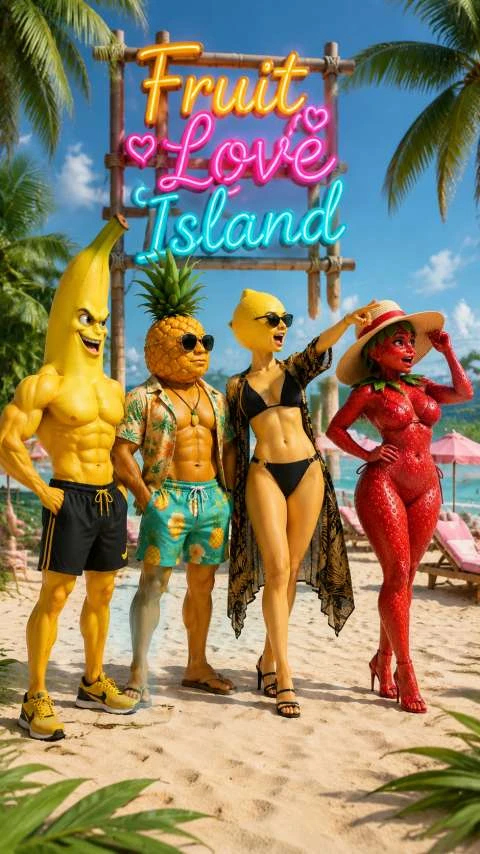

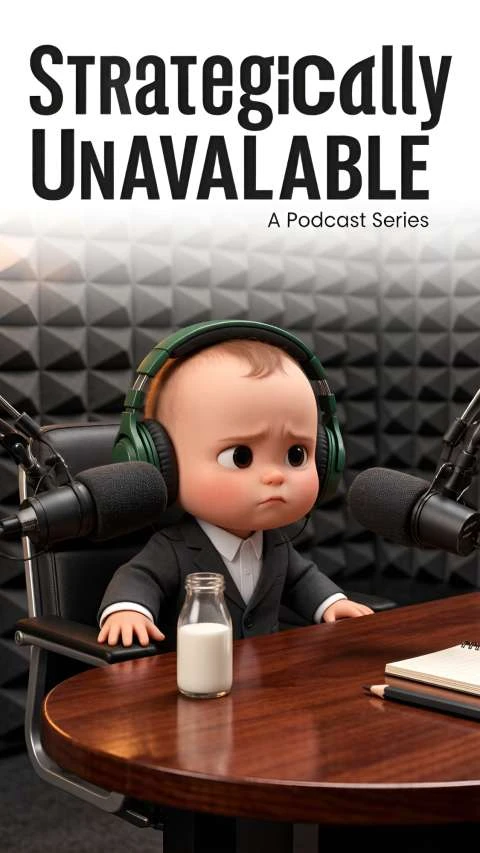
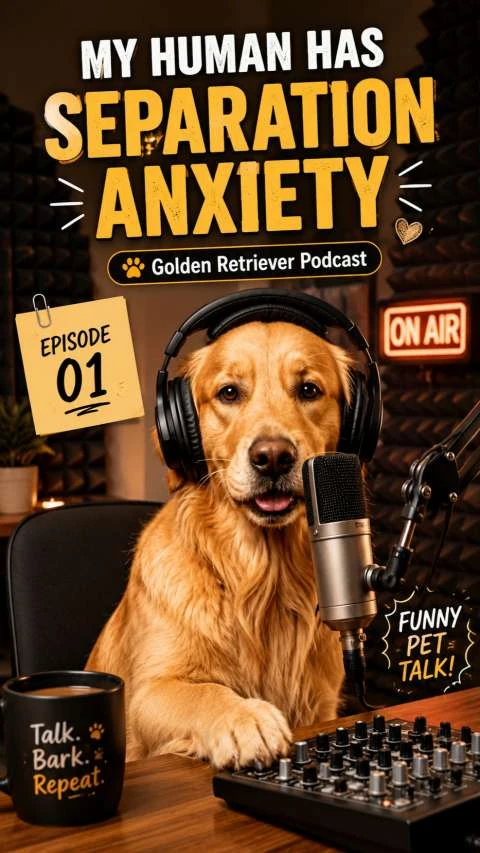
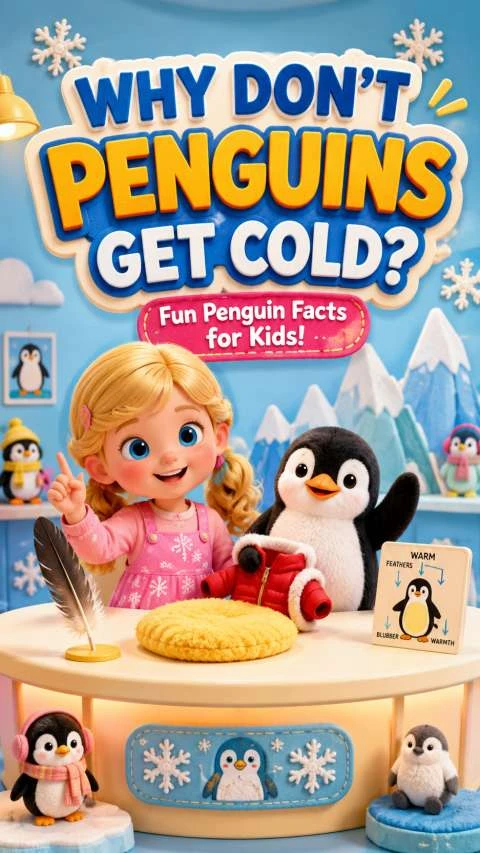
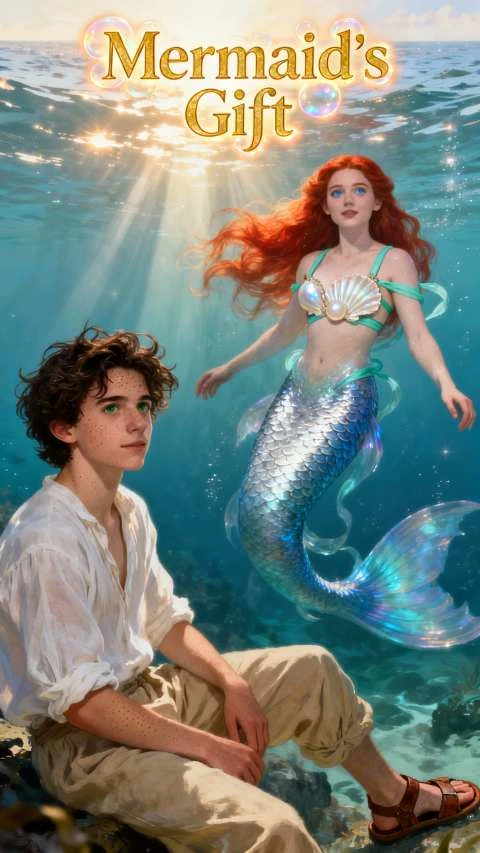
With Magiclight AI, the Nano Banana Pro video generator works as a single connected process. Every finished export looks like a cinematic video instead of a draft clip.

Turn a simple Nano Banana image into a dynamic video. Upload your image, describe it within 1500 characters, and Magiclight AI creates it for you.
Enter a prompt of up to 12,000 characters, and Magiclight AI turns it into a high-quality video with full scenes, voiceover, and music included.
Magiclight AI can save a character's face and outfit once and reuse them to keep the look the same every time.
Adjust expressions, poses, and camera angles before the clip renders. In MagicLight, every detail stays exactly as in the primary photo.


Magiclight AI turns your idea into a finished nano banana pro video generator clip in four steps. Your video can be generated in just a few minutes.
Type your concept, short story, or script into Magiclight AI. The nano banana pro video generator turns that input into a basic video plan automatically.
Choose the visual style, voice, language, and video format that you prefer. Set the look and tone of the clip to reflect your content and target audience.
Magiclight AI will create the scenes, visuals, and narration for you. Watch the video and then make any changes that are necessary.
Download the nano banana final video in high quality. You can share it on social media, a website, or any other marketing platform you want to.
The Nano Banana video generator is a tool in Magiclight AI that takes a text prompt and then turns it into an AI-generated video without you needing to make scenes by hand.
No. There is no need for any editing experience to use the tool. You have to just enter the detailed prompt and Magiclight AI handles motion, voice, and export for you.
You can export your video in high definition at 720p or 1080p in Magiclight AI. These resolutions work well for social media channels, websites, and many content platforms.
Yes. New users can begin with a nano banana pro free video generator option. You can explore the workflow first, then choose a paid plan later if you need more features.
Yes. You can save and reuse the same character inside Magiclight AI. The tool keeps the same face and core look when you generate more videos from new prompts.
Magiclight AI offered you a video ranging from 10 seconds to 50 minutes per export. This duration gives you enough room to create for those who want longer videos.



Turn your image or prompt into a ready-to-publish cinematic video in minutes.